
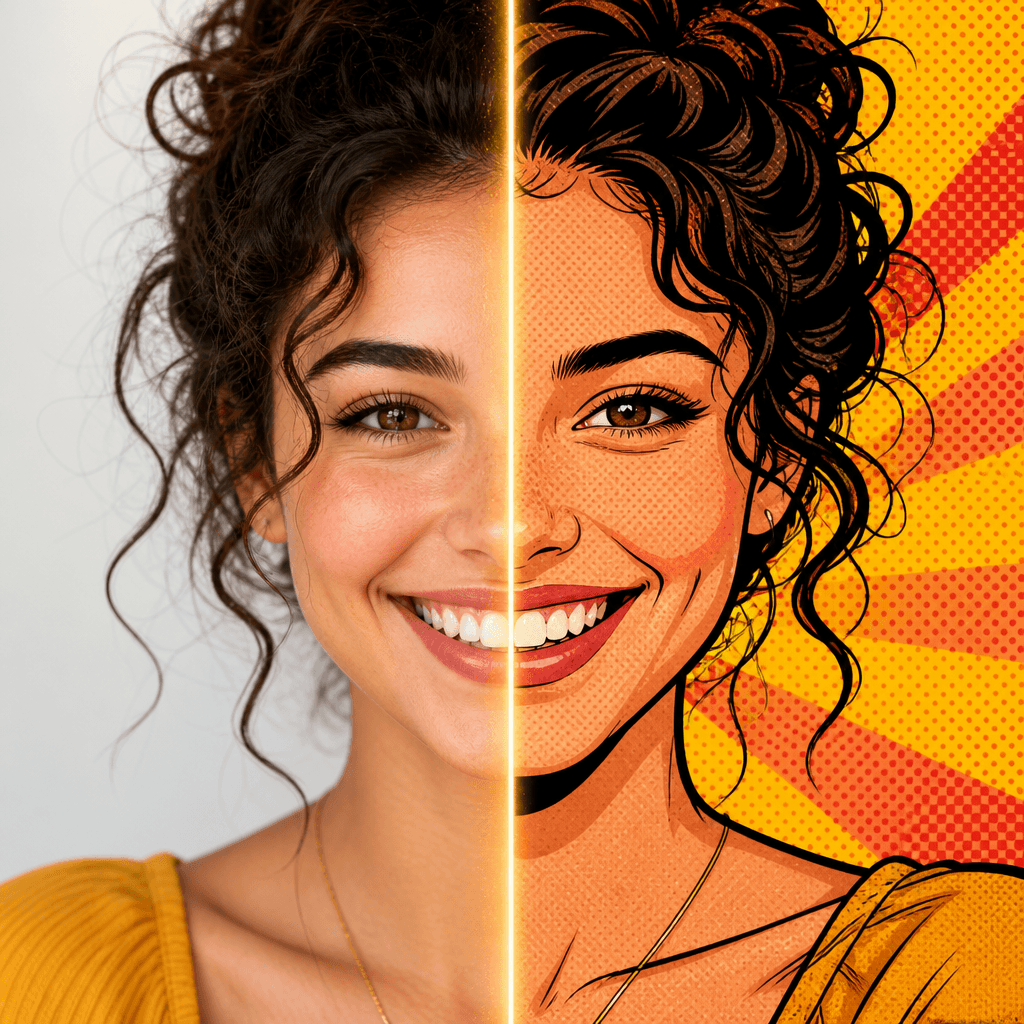
6 Best BeFunky Alternatives for Photo Effects and Toon Filters (2026)
BeFunky has been the default answer for quick online photo fun since 2007 — that's the year its Cartoonizer shipped, back when turning a photo into a cartoon online felt like magic. Almost twenty years later, its best effects sit behind paid tiers, and a lot of people searching for something similar to BeFunky are really asking one of three questions: which tool makes better cartoon and comic photos, which one has a bigger effects library, and which one handles batch editing without a fight.
This guide compares six BeFunky alternatives on exactly those dimensions — cartoon/comic filters, photo effects, and batch editing/ease of use — using each vendor's own product and pricing pages (checked October 2026). One disclosure up front: SketchTo is our product, so treat its section with extra skepticism and use the comparison table to keep us honest.
Quick picks
- Best all-round substitute: Fotor — the closest match to BeFunky's editor + effects + collage combo, with batch AI tools on paid plans.
- Best for cartoon and character filters: SketchTo — a large catalog of one-photo AI style generators (comic, cartoon, anime) with costs shown before you generate.
- Best for touch-up plus design: PicMonkey — BeFunky's most direct design-leaning rival, strong on templates and portraits, but you pay to download.
- Best budget AI editor: Pixlr — cheap entry tier and generous generative AI tools in the browser.
- Best mobile effects library: Picsart — cartoonify styles, filters, and collage with a mobile-first workflow.
- Best free manual control: Photopea — a Photoshop-grade editor that runs locally in your browser. No one-click cartoon, but nothing is locked away either.
Why look for a BeFunky alternative in the first place
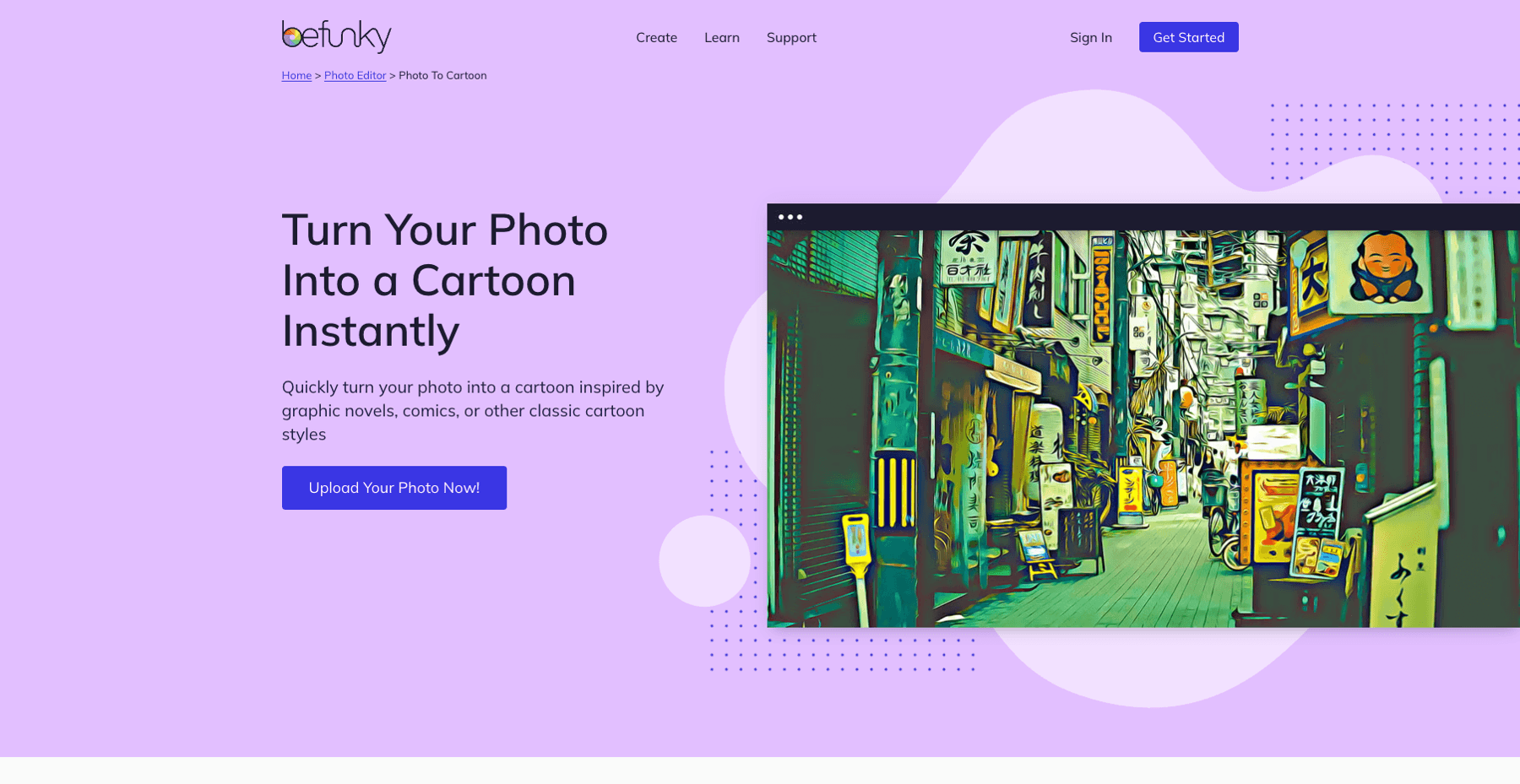
Source: befunky.com/features/photo-to-cartoon, accessed October 22, 2026
BeFunky still bundles three products — a Photo Editor, a Collage Maker, and a Graphic Designer — and its cartoon pedigree is real: the company launched with the Cartoonizer in 2007, and today's lineup includes AI styles like Cartoonizer GFX, Graphic Novel, Pop Comic, Vintage Comic, Comic Noir, and Pixel Art.
The catch is where those effects live. BeFunky's own Photo-to-Cartoon page states that its Artsy cartoon effects are available exclusively to BeFunky Plus subscribers — $6.99/month, billed annually at $83.88. Batch editing splits further: basic bulk editing is a Plus feature, while the AI batch tools (batch AI editor, batch background remover) require Pro at $12.49/month, billed annually at $149.88. A free tier exists, but it covers basic adjustments and a limited template selection.
So if cartoon filters, deep effects, or batch workflows are your main job, comparing what each alternative gates and what it leaves free is the whole game.
The six alternatives at a glance
| Tool | Cartoon / comic filters | Effects library | Batch editing | Entry paid price | Free tier reality |
|---|---|---|---|---|---|
| Fotor | GoArt styles incl. comics & caricature; many PRO | Large, genre-wide | Yes — AI batch tools on paid tiers | ~$47.99/yr (Pro) | Editing free; AI limits apply |
| SketchTo | 10+ named cartoon generators (GTA, Disney-style, chibi...) | Cartoon, anime, photo-effect categories | No bulk mode | $95.88/yr (Basic, 2,400 credits) | Trial credits on signup |
| PicMonkey | Artsy effects (Edge Sketch, Posterize), not cartoon-AI | Touch Up + design assets | Smart Resize, not photo batches | $72/yr (Basic) | Create free; download paid |
| Pixlr | Generative fill/edit (prompt-driven, not preset toon) | 20+ tools + AI suite | Not a batch editor | $2.49/mo (Plus) | Ad-supported free use |
| Picsart | Cartoonify trends, 60+ cartoon styles | Very large, trend-driven | Bulk edit 50–100 images (paid) | $10.50/mo billed yearly (Pro) | Limited free use |
| Photopea | None one-click — manual workflow | Full pro adjustments/filters | No (per-image) | $0 | Fully free, runs locally |
Fotor — the closest all-round substitute
Fotor mirrors BeFunky's bundle: an online photo editor with classic adjustments, portrait retouching, a collage maker, and a design side. Its AI extras — one-click enhancer, background remover, object remover, text-to-image — cover the same "make it look better fast" ground, and Fotor's home page explicitly promotes its batch photo editor for editing many photos at once.
For effects, Fotor's GoArt library is the draw: hundreds of looks spanning American Comics, watercolors, painter styles (Van Gogh, Picasso, Matisse), pixel art, and avatar/caricature transformations. The trade-off is the same one BeFunky has — many effects are marked PRO, and the AI Batch Edit background tools are listed as paid-tier features on the pricing page. Paid plans start at US$47.99/year for Pro (100 credits/month), with Pro+ and Max tiers at $69.99 and $167.92 per year for more credits.
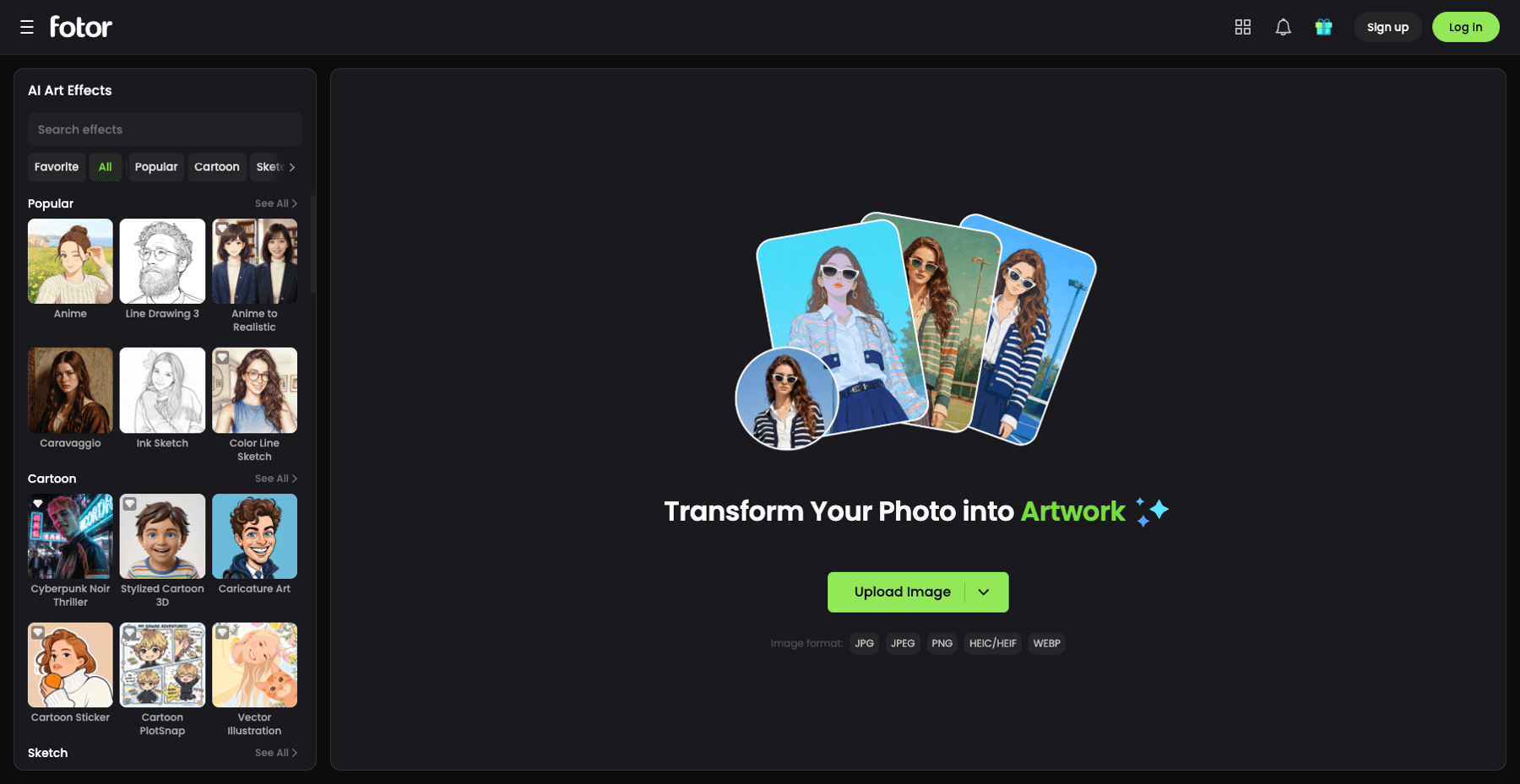
Source: fotor.com/goart, accessed October 22, 2026
Best for: BeFunky users who want a familiar editor plus a bigger effects shelf, and will pay yearly for batch AI conveniences. Trade-off: the free tier's AI limits and PRO effect locks mean the most attractive styles sit behind the subscription.
SketchTo — a cartoon-filter catalog instead of one Cartoonizer
SketchTo takes a different shape: instead of one cartoon effect, it's a web studio with 100+ focused AI tools across cartoon, anime, and photo-effect categories, anchored by a bidirectional sketch-to-image and image-to-sketch converter.
The cartoon category reads like a menu of viral styles — AI GTA Filter, AI Comic Pop Art, AI Disney Filter, AI Rubber Hose Cartoon, South Park Character Generator, AI Caricature Maker, Chibi Character Maker, and more, most offering around nine style variants per tool. You upload one photo, pick a style, and the credit cost (e.g., 2 credits on the Nano Banana model) is shown before you generate. New accounts get trial credits, and the Basic plan runs $95.88/year with 2,400 credits.
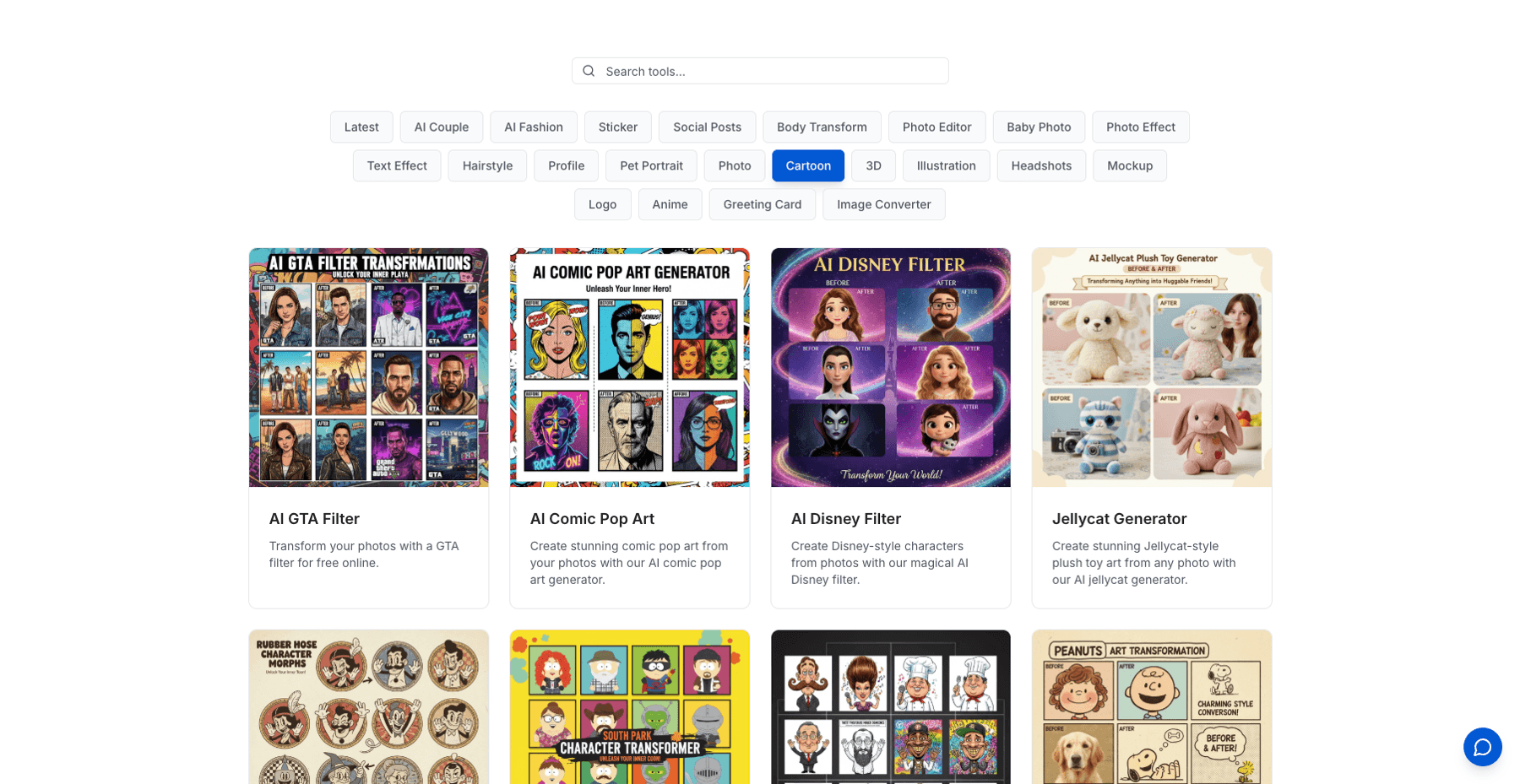
Since this is our product, the honest limits: SketchTo has no batch mode, no collage or template designer, and it won't replace a general editor for exposure or retouching work. It is built for one-photo style transformations — browse the cartoon filter catalog to see whether the specific styles match what you'd have used the Cartoonizer for.
Best for: cartoon avatars, character-style portraits, and comic/anime conversions. Trade-off: credit-based generation, single-image workflow, and a narrower editing toolset than a full editor.
PicMonkey — the design-leaning rival
PicMonkey competes with BeFunky on nearly identical turf: browser photo editing, touch-up tools (Touch Up, Color Changer, background remover), collage, and a large template library for social posts, logos, and branding. Its artsy effects — Edge Sketch and Posterize are the named examples — lean graphic rather than cartoon-AI, so it suits poster-like or print-flavored looks more than character conversion.
Pricing is straightforward: Basic at $72/year (or $7.99 monthly), Pro at $120/year ($12.99 monthly), and a Business tier at $228/year per user with brand kits and collaboration. The key catch is on the free side: PicMonkey's own FAQ says you can create and save projects free, but downloading or sharing an image requires a subscription.
Best for: creators who split time between photo touch-up and design output (thumbnails, flyers, brand kits). Trade-off: a hard download paywall and no real AI cartoon filters.
Pixlr — the budget AI workhorse
Pixlr has rebuilt itself around AI: a browser editor plus image/video/audio generators, face swap, collage maker, generative fill and expand, object removal, and AI upscaling to 25 megapixels. If your BeFunky use was "throw a filter on it and fix the lighting," Pixlr's free editor covers the basics, and its paid tiers are among the cheapest ways into serious generative tools: Plus at $2.49/month (80 AI credits), Premium at $9.99/month (1,000 credits), and Ultra from $24.99/month with up to 10,000 credits.
Note what it is not: a preset-effects gallery. Pixlr's transformations are prompt-driven (you describe the change), which is more flexible and less guided than BeFunky's one-click Artsy list. There's also no photo-batch mode.
Best for: tinkerers who want maximum AI capability per dollar in a browser. Trade-off: you trade preset simplicity for prompt work, and credits expire monthly on cheaper tiers.
Picsart — the mobile effects machine
Picsart grew up on mobile and still has the deepest trend-driven effects culture of this list: cartoonify styles, seasonal filter drops, stickers, and a collage maker, now wrapped in a web platform that claims 180+ AI models and a "Create cartoons" style set with 60+ styles. For social-first creators who edit on a phone, it's the most natural BeFunky alternative.
Bulk capability is a paid feature: the Pro plan ($15/month, or $10.50/month billed yearly, with 500 credits) includes bulk editing up to 50 images, and Ultra ($60/month per seat, billed yearly) raises that to 100 and adds far more generation credits. Free use is limited.
Best for: phone-first editors chasing trends, Reels covers, and cartoon-style posts. Trade-off: the modern Picsart pivots hard into AI generation; if you just want a simple filter editor, it can feel heavy.
Photopea — when you want control, not presets
Photopea is the odd one out: a free, Photoshop-compatible editor that runs entirely in your browser — files never leave your device, the site says — with full PSD support, layers, masks, adjustment layers, RAW opening, and AI background removal. There is no one-click Cartoonizer here; a comic look means working the filters and adjustments yourself.
That's exactly why it earns a slot in a BeFunky alternatives list: it's the escape hatch for people whose main complaint is subscriptions and gated effects. Everything is free and local, and skills transfer directly to Photoshop.
Best for: manual editors, PSD users, and anyone allergic to credit systems. Trade-off: the steepest learning curve of the six, and no batch or preset effects.
How to choose
Match the tool to the job instead of hunting a perfect clone:
- Cartoon yourself for avatars and profiles → SketchTo or Picsart. SketchTo for named web-based style generators with upfront credit costs; Picsart if you live on your phone.
- A big effects shelf with light editing → Fotor's GoArt library, accepting that many effects are PRO.
- Touch-up plus social/design templates → PicMonkey, budgeting for the download paywall.
- Cheapest serious AI editing → Pixlr's $2.49 Plus tier, upgrading only when credits run dry.
- Zero cost, maximum control → Photopea.
- Batch editing specifically → be honest about pricing: BeFunky gates basic batch behind Plus and AI batch behind Pro, Fotor reserves AI batch tools for paid plans, and Picsart includes bulk edits from Pro upward. There is no strong free batch editor in this set.
The bottom line
BeFunky's Cartoonizer heritage is real, but in 2026 its cartoon effects are Plus-only and its batch AI is a Pro feature — so the right alternative depends on which wall you hit. Fotor is the nearest full substitute, SketchTo covers cartoon and character conversions with a per-tool credit price and free trial credits, PicMonkey and Picsart split the design and mobile jobs, Pixlr buys the most AI per dollar, and Photopea stays free for hands-on editors. Pick by the job you actually do most, not by the longest feature list.
Verwandele deine Bilder mit KI
Verwandle Skizzen in beeindruckende Bilder, entferne Hintergründe, tausche Gesichter und mehr — alles KI-gestützt.
Sketch To kostenlos testenTeilen
SketchTo Team
Tech-Autor mit Schwerpunkt auf KI-Tools, Bildverarbeitung und kreativen Workflows.
Ähnliche Artikel
Best Art Craft Apps: AI Tools for Craft and Design Ideas
A task-by-task guide to art and craft apps: what the trending ArtCraft open-source suite actually is, plus the AI converters — bead patterns, stencils, coloring pages, sketch-to-render — that help real craft projects.
PhotoCraft vs Photoshop: Is the Open-Source Photoshop Alternative Worth Downloading?
PhotoCraft is a free, open-source Photoshop alternative built in Rust. See what v0.7.0 can and can't do against Photoshop, whether it's safe to download, and how to install it.
Google Pics vs Independent AI Image Tools: Which One Fits Your Work?
Google Pics brings Nano Banana image editing into Slides, Docs, and Drive. See how it compares with independent AI image platforms — and which one fits your workflow.