
From Sketch to Image: A Reasoning-first AI Workflow
On this page
Share
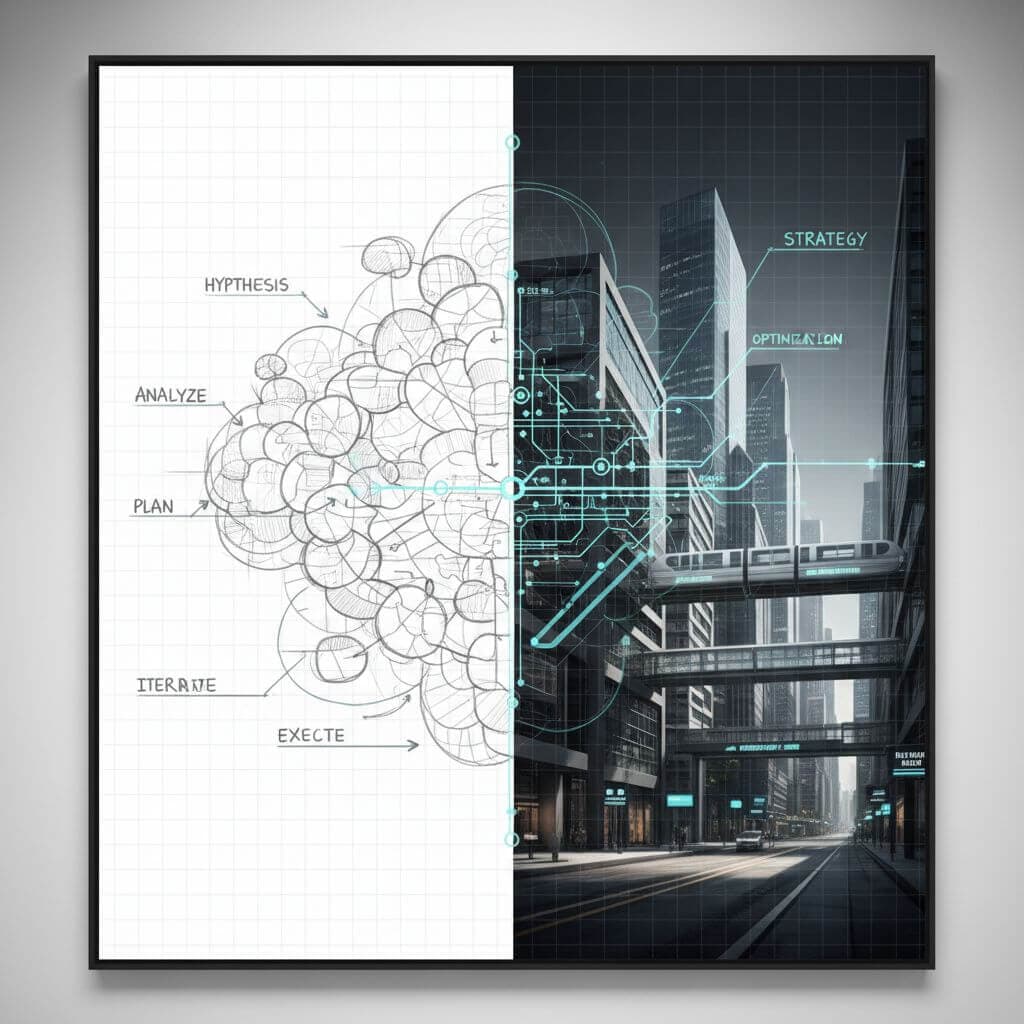
Modern AI imaging is moving from style filters to systems that plan, reason, and then render. If you’ve tried stress-testing models with dense grids, complex subway maps, or Chinese calligraphy, you’ve probably felt the gap between mere texture synthesis and genuine global understanding. This article distills a reasoning-first approach to image-to-sketch and sketch-to-image workflows, inspired by hands-on observations with Nano Banana Pro and peers.
Table of contents
- Why reasoning-first matters in visual generation
- A practical workflow: image to sketch and back
- Model notes: Nano Banana Pro vs others
- Case snippets you can try
- Risks, ethics, and production integration
- FAQ
- Conclusion
Why reasoning-first matters in visual generation
Reasoning-first imaging treats the model as a planner, not just a painter. Reports and experiments around Nano Banana Pro suggest it leverages large-model world knowledge and multi-step planning before rendering. That manifests in:
Topology, text, and global constraints
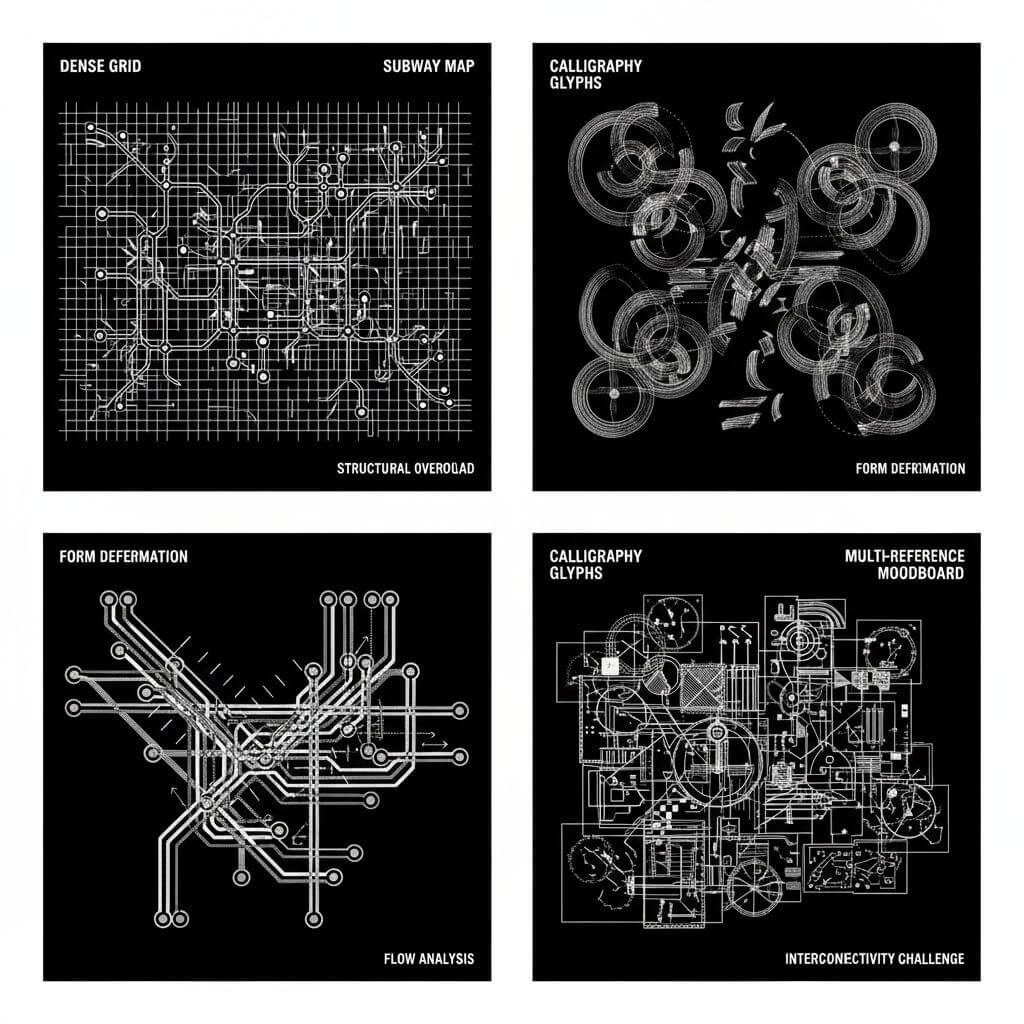
- Topology stress: Maps with many lines, grids with strict counts (e.g., 100×100), and isometric city blocks test whether the model honors global constraints. Reasoning-first systems typically keep line continuity, prevent overlaps, and maintain alignment.
- Typography control: Rendering small, sharp text and non-Latin scripts (like Chinese calligraphy) exposes whether the model tracks glyph structure across the whole canvas. Observations show Nano Banana Pro can render a large proportion of rare characters correctly, indicating persistent, global attention.
- Aspect-ratio and layout discipline: Multi-panel storyboards and instruction sheets reveal whether the model respects composition rules over several frames.
Multi-reference fusion and persistent context
- Multi-image fusion: Combining over a dozen references into a coherent output is not only an attention problem; it requires selecting, weighting, and resolving conflicts across sources.
- Context persistence: Consistent characters or assets across multiple generations hint at internal planning—extracting a subject ("context block"), then reusing it.
A practical workflow: image to sketch and back
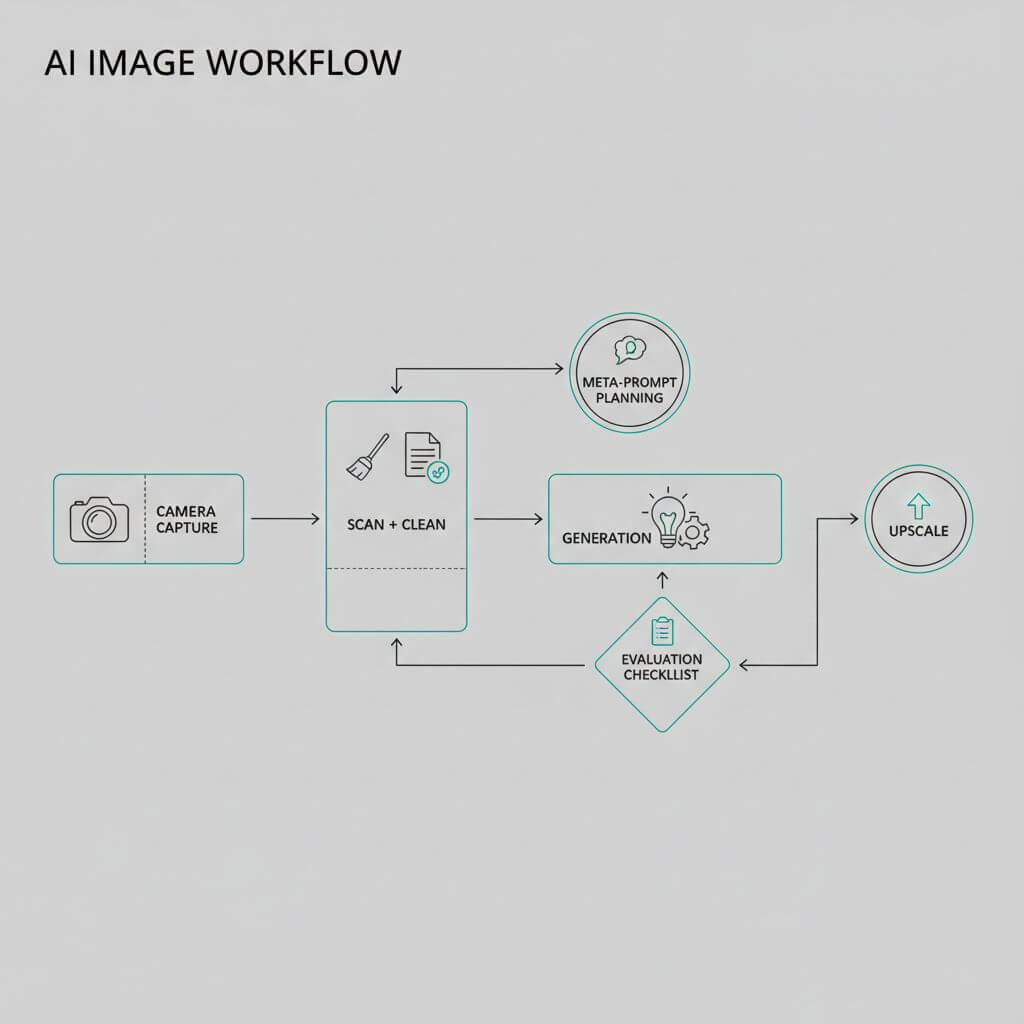
This workflow emphasizes input discipline, prompt structure, and evaluation so you can reproduce quality.
Input prep: capture, scan, clean
- Photos to sketch: Prefer well-lit, high-contrast, high-resolution inputs. Avoid over-compressed images; de-noise gently without smearing edges.
- Sketches to image: Scan at 300–600 dpi, straighten and crop; apply thresholding to isolate lines. Keep a clean background (white or neutral) and remove stray marks to avoid unintended artifacts.
- Reference bundles: If you’ll fuse multiple references (style board, pose sheet, material swatches), label each image’s intent so your prompt can assign roles.
Prompting patterns: structure, constraints, negative
Use a meta-prompt skeleton that encodes roles, constraints, and evaluation targets.
- Role: "You are a visual planner."
- Context: Describe subject, environment, era cues, materials, lenses, lighting.
- Task: State global constraints (counts, alignment, topology), typography needs, and panel structure if multi-frame.
- Format: Ask for high-res, aspect ratio, and a preview checklist.
- Negative guidance: Explicitly forbid blurring, overlaps, distorted text, broken lines.
Example (condensed):
"Plan the composition first. Subject: elderly fisherman in heavy rain at night. Capture: Sony A7R IV, 85mm, f/1.8, cinematic lighting. Constraints: sharp pores, visible raindrops refracting dim street lights; no lens artifacts, no text. Output: 8k, 3:4, preview checklist: skin texture, droplets, hair strands, nose tip drip."
Quality knobs: style, aspect, resolution
- Style: Pencil-sketch vs ink outlines vs cross-hatching—state the specific sketch vocabulary you want (e.g., contour lines, stippling).
- Aspect ratio: Match intended use (poster, social, print). Reasoning-first models handle 1:1 to ultra-wide well; set it upfront.
- Resolution: For print, request high-res; for iteration speed, start lower then upscale.
Evaluation checklist: geometry, typography, detail
- Geometry: Count grid cells; check symmetry and continuity (no broken lines on maps). Zoom into junctions and corners.
- Typography: Inspect small text; verify character accuracy (especially for Chinese or stylized fonts).
- Detail realism: Look for micro-details (pores, droplets, fabric weave). Note any over-sharpening halos.
- Consistency across frames: If storyboarding, confirm subject identity and styling remain stable.
Model notes: Nano Banana Pro vs others
Observations from side-by-side experiments:
Landscape realism, portrait micro-details
- Landscapes: It reproduces complex geology and mineral textures with sharp global color discipline.
- Portraits: Macro realism (pores, facial fuzz, wet hair, rain droplets) often stands out, especially when lighting and lens cues are specified.
Weak spots and mitigation (macro, fine dust)
- Extreme macro of mechanical parts and floating dust can be challenging. Mitigate by: adding focus-stacking cues, specifying lens (macro), lighting reflections on curved glass, and reducing clutter in references.
When to pick Pro vs Standard
- Standard: Fast iterations for social posts or drafts; good for clean pencil conversions.
- Pro: Typography-heavy compositions, rigid topology tasks, multi-reference fusion, and commercial outputs where consistent realism matters.
Case snippets you can try
- Subway topology test: "Minimal overhead subway map, exactly 20 lines, unique high-contrast colors, 45°/90° turns, stations as white circles with black outlines, no overlaps, 4k, vector style."
- Chinese calligraphy: "Kaishu excerpt from '滕王阁序', clear vertical layout, even stroke thickness, high-res monochrome, 9:16, no decorative flourishes."
- Pixel spritesheet: "8-bit pixel art spritesheet of a character with actions: idle, walk, sword swing with water effects, jump; transparent background; organized grid."
- Menu translation plate: "Straighten and sharpen a French bistro menu image; layout preserved; overlay bilingual Chinese translation; consistent typographic hierarchy."
Note: For discovering tools or references, directories like the SeekTool.ai Tools Directory can help you compare options quickly.
Risks, ethics, and production integration
Copyright, style copying, data provenance
- Style mimicry: Avoid imitating living artists without permission. Favor generic aesthetic descriptors.
- Data provenance: Track references and licenses; retain consent for commercial use.
Versioning, reproducibility, governance
- Version pinning: Log model version, prompt, reference hash, aspect ratio, resolution.
- Governance: Maintain an approval workflow (design leads, legal checks) before release, especially for commercial visuals.
FAQ
How do I keep characters consistent across a storyboard?
Extract the subject with a neutral pose as a reference frame, reuse it in subsequent prompts, and ask the model to "retain subject identity and outfit across panels." Consider a small reference bundle for pose and facial structure.
Why does text still warp at small sizes?
Downscaling can break glyph fidelity. Render text blocks at higher resolution, then place them into the final composition. Use crisp sans-serif fonts if the model struggles with decorative scripts.
How many references are too many?
Empirically, beyond a dozen images, reference conflicts rise. Curate references by intent (pose, palette, material) and remove redundant ones.
Is upscaling always safe?
Use high-quality upscalers; avoid aggressive sharpening. Check edges, text areas, and micro-textures for halos and ringing.
Conclusion
Reasoning-first imaging reframes AI from a painter to a visual planner: it decomposes tasks, enforces topology and text discipline, then renders. With tight input prep, structured prompts, and rigorous evaluation, you can turn sketches into production-ready images—and back—reliably. If you need a quick, browser-based image-to-sketch or sketch-to-image utility, you can try Sketch To; pair it with a planning mindset and the results will scale beyond simple filters.
Transform Your Images with AI
Turn sketches into stunning images, remove backgrounds, swap faces, and more — all powered by AI.
Try Sketch To FreeShare
Sketch to Art
Tech writer covering AI tools, image processing, and creative workflows.
Related Articles

Knitted Doll AI Prompt: 7 Templates That Work
Use this knitted doll AI prompt guide to turn photos or sketches into cozy yarn dolls. Includes 7 templates, material words, and fixes.

AI Visual Reference for Landing Page Design
Use an AI visual reference for landing page design to turn rough sketches into clearer prompts, fewer retries, and stronger drafts.

Local AI Image Generator vs Online Sketch Tools
A local AI image generator gives you privacy and offline use; online sketch to image AI tools win on speed and polish. Full 2026 comparison.