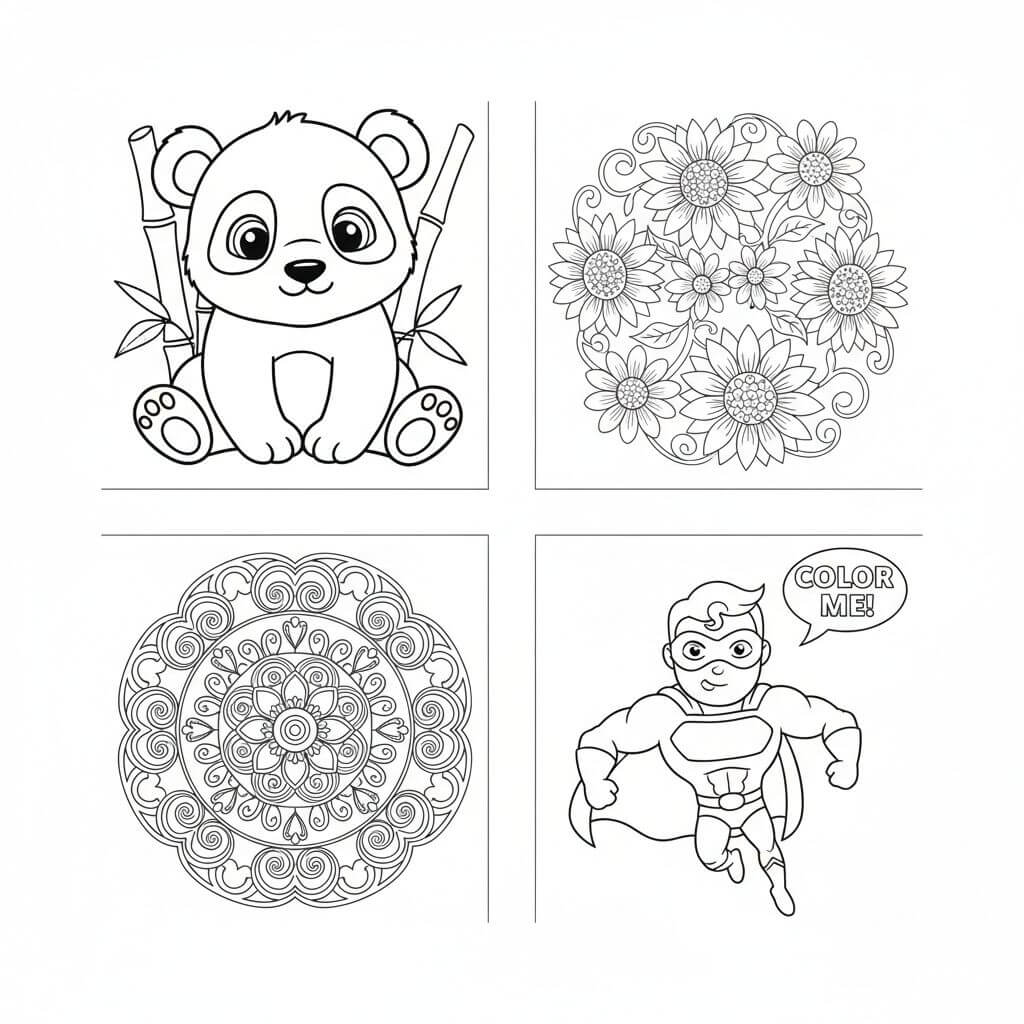
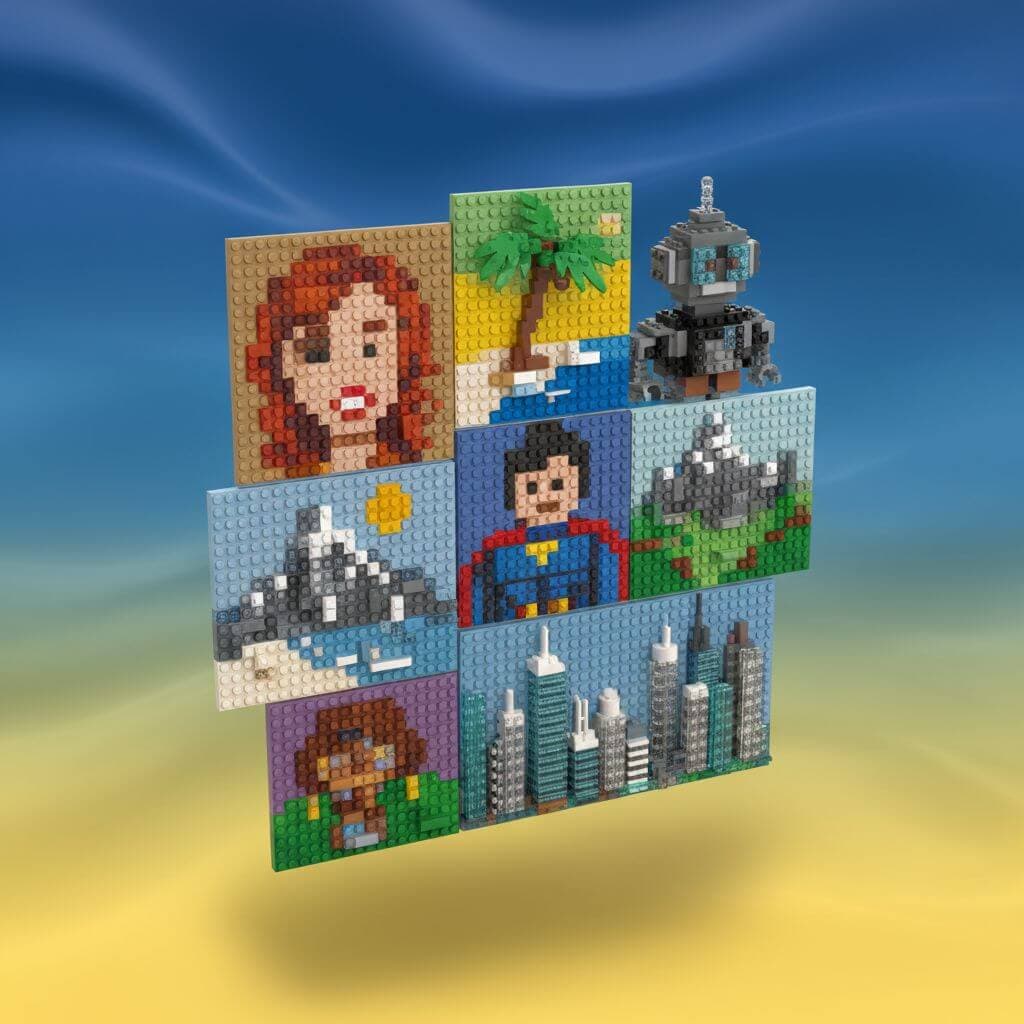
AI Layout Control Image Generator for Design-Ready Images
Use our AI layout control image generator to turn sketches, wireframes, and rough compositions into polished images while keeping your structure intact. Upload a layout guide, choose a visual direction, and generate campaign-ready visuals with reliable composition control.
Upload Image
Upload an image file to get started with your AI conversion
Click or drop your image here
Max 5MB
Maximum quality with the best detail and accuracy
Preview
View your AI-transformed result and compare with the original
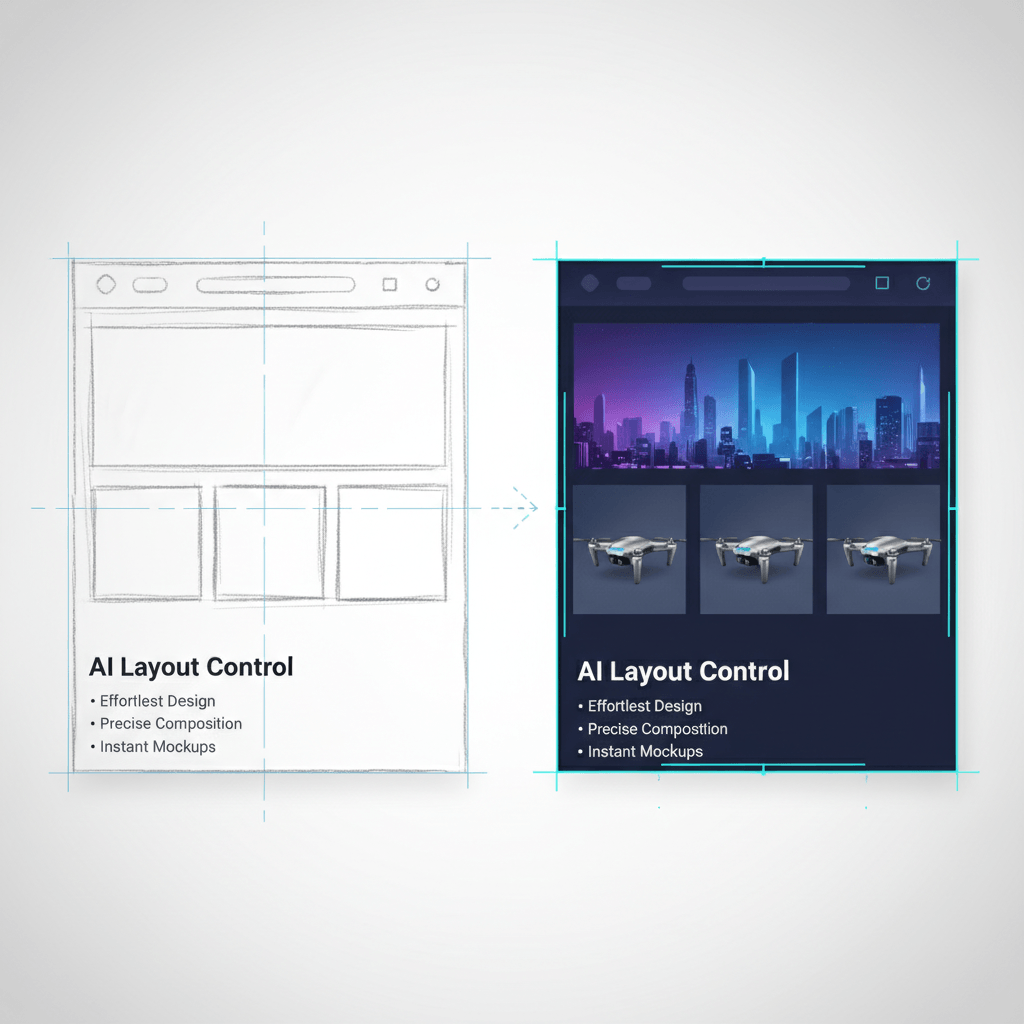
↑ Example result. Try it yourself!
Why Use Our AI Layout Control Image Generator
Move from rough composition to finished visual without losing the structure you planned. Our AI layout control image generator helps designers, marketers, and creators keep placement, spacing, and focal points under control.
Sketch-Based Layout Control
Upload a rough sketch, wireframe, storyboard frame, or composition reference and let the AI layout control image generator preserve the main placement decisions. Keep your focal point, crop, perspective, and negative space while upgrading the image quality.
Design-Ready Image Generation
The AI layout control image generator creates polished visuals that are easier to use in ads, landing pages, pitch decks, and creative briefs. Generate images with cleaner lighting, refined detail, and a stronger production finish from simple visual planning.
Composition Control for Teams
Creative teams can share a quick layout guide and use the AI layout control image generator to produce visuals that match the approved structure. This keeps campaigns consistent while still allowing fast style exploration.
Multiple Layout Intent Presets
Choose presets for product layouts, editorial compositions, social ads, interiors, app screens, packaging mockups, and cinematic frames. Each preset tells the AI layout control image generator what to preserve and what to refine.
Reliable Negative Space
When your sketch leaves space for headlines, UI, packaging labels, or callouts, the AI layout control image generator keeps those areas cleaner. This makes the final image easier to combine with typography and brand systems.
Fast Creative Iteration
Generate several layout-following variations from the same guide and compare directions quickly. The AI layout control image generator helps you test style, lighting, subject treatment, and visual hierarchy without redrawing the composition.
Best Uses for AI Layout Control Image Generator
Turn rough visual planning into finished images for marketing, product design, and creative production.

Campaign Visuals and Social Ads
Marketers use the AI layout control image generator to preserve product placement, crop-safe spacing, and headline zones while creating polished social ads, launch visuals, and campaign variations.

Product and Packaging Mockups
Designers upload rough product arrangements or packaging label guides, then generate refined mockups with realistic materials, lighting, shadows, and brand-ready visual hierarchy.

Storyboards and Concept Frames
Creative teams turn thumbnails, scene sketches, and composition boards into more finished concept images while preserving camera angle, subject positions, and depth layers.
How to Use the AI Layout Control Image Generator
Create controlled, design-ready images from a sketch or layout reference in three steps.
- 1
Upload a Layout Guide
Start with a sketch, wireframe, storyboard, collage, or rough composition. The clearer the shapes and placement, the better the AI layout control image generator can follow your intended structure.
- 2
Choose a Visual Direction
Select a preset such as product layout, editorial composition, social ad layout, or cinematic frame. You can also write a custom prompt to tell the AI layout control image generator which details to refine.
- 3
Generate and Refine
Review the generated image, download the result, or run another variation with a more specific prompt. Keep the same composition while exploring different lighting, materials, styles, and use cases.
Pro Tips for Better Layout Control
Use Clear Blocks:
Simple shapes, arrows, and rough subject zones help the AI layout control image generator understand what belongs where.
Name the Preserved Areas:
Mention important zones such as headline space, product center, background area, or face position in your prompt for stronger composition control.
Iterate by Constraint:
Change the style, materials, or lighting first, then adjust layout only when needed. This keeps visual exploration focused and efficient.
Pricing
Transform your images with AI. Choose the plan that fits your needs.
Basic
Perfect for personal use and casual creators.
Includes
- Own your creations
- Access to Standard Generation
- Image history saved
- Standard Quality Download
Billed annually · Save $24/year
Cancel anytime. No lock-in contract.
Pro
Best Value · 4x MoreFor power users and professionals.
Everything in Basic, plus
- Commercial License Included
- Priority Support
- 4x More Credits
- Priority email support
Billed annually · 75% cheaper per image
Cancel anytime. No lock-in contract.
Used by Creators Who Need Layout Control
"I use the AI layout control image generator to turn quick campaign thumbnails into polished ad visuals. It keeps my headline area and product placement exactly where I planned."
"Our team sketches concepts in meetings, then runs them through this layout control image generator to explore finished directions before booking production."
"The composition control is what makes it useful. I can upload a packaging layout and get a realistic mockup without losing the label positions."
"For storyboard frames, the AI layout control image generator helps me keep the camera angle and depth layers while testing different cinematic moods."
AI Layout Control Image Generator FAQ
Answers about generating images from sketches, wireframes, and composition guides
An AI layout control image generator turns a sketch, wireframe, storyboard, or composition reference into a finished image while preserving the intended layout. It helps keep subject placement, framing, perspective, and negative space closer to your guide.
You can upload rough sketches, block layouts, thumbnails, moodboard collages, wireframes, storyboard frames, or simple annotated compositions. Clear shape placement usually gives the AI layout control image generator better structure to follow.
Yes. The tool is especially useful for product layouts, social ad compositions, campaign thumbnails, landing page hero images, and brand mockups where placement and text-safe space matter.
The AI layout control image generator is designed to follow your composition closely, but results can vary by prompt and image clarity. Use clear blocks, strong silhouettes, and explicit instructions for the areas that must remain fixed.
Yes. Use the custom tab to describe the finished image, the areas to preserve, and the details to refine. Presets are a fast starting point, while custom prompts give more control over subject, style, materials, and lighting.
You can start with free credits after signing up. This lets you test layout-guided image generation, compare presets, and refine prompts before moving to larger production workflows.