
Kling v2.6: Professional AI Video Generator
Experience Kuaishou's latest Kling v2.6 AI video model. Generate stunning cinematic videos from text prompts or images with industry-leading motion quality, natural physics simulation, and professional-grade output. Try Kling v2.6 free with instant credits.
Settings
Upload an image file to get started with your AI conversion
Optionally accepts up to 1 reference image.
Preview
View your AI-transformed result and compare with the original
Sign in to get started
Create an account to transform your images with AI
Why Choose Kling v2.6 for AI Video Generation?
Kling v2.6 by Kuaishou delivers industry-leading video generation with exceptional motion quality, cinematic aesthetics, and versatile creative options for both text-to-video and image-to-video workflows.
Cinematic Motion Quality
Kling v2.6 produces videos with remarkably smooth and natural motion. Advanced physics simulation ensures realistic movement, fluid camera transitions, and lifelike character animations that rival professional video production.
Text-to-Video Generation
Transform your text descriptions into stunning videos with Kling v2.6. Simply describe your scene, characters, and desired mood — the AI generates high-quality video content that matches your creative vision with impressive accuracy.
Image-to-Video Animation
Bring still images to life with Kling v2.6's image-to-video capability. Upload a starting frame and describe the desired motion — watch as your static image transforms into a dynamic, cinematic video sequence.
Flexible Duration & Aspect Ratio
Generate videos in 5 or 10 second durations with multiple aspect ratio options including 16:9, 9:16, and 1:1. Kling v2.6 adapts to your needs whether you're creating landscape, portrait, or square content.
AI Audio Generation
Enhance your videos with automatically generated audio that matches the visual content. Kling v2.6's optional audio generation creates synchronized sound effects and ambient audio for a complete multimedia experience.
Professional-Grade Output
Every video generated by Kling v2.6 features professional lighting, natural color grading, and cinematic composition. The model understands artistic principles to deliver results that look polished and production-ready.
Creative Applications of Kling v2.6
Discover how creators and professionals use Kling v2.6 to bring their ideas to life with AI-generated video content.
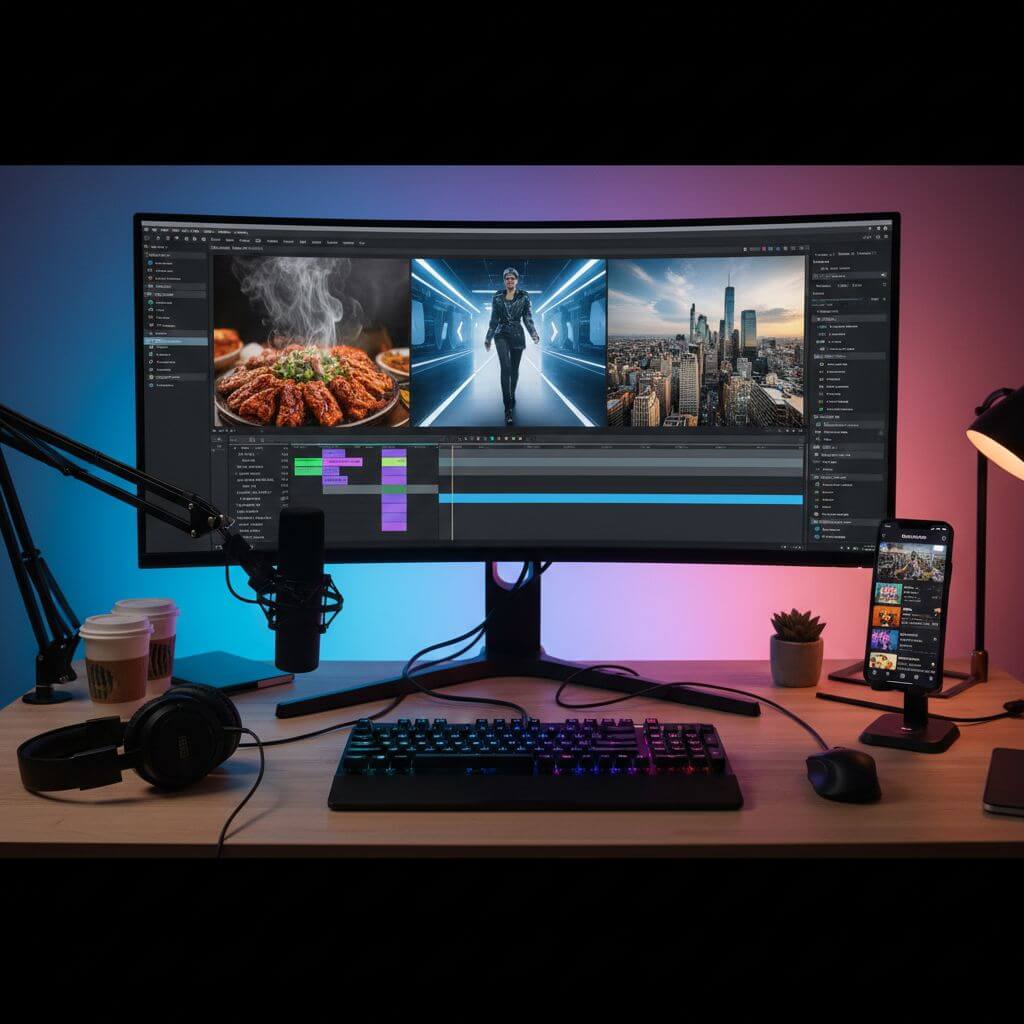
Social Media: Engaging Short Videos
Content creators use Kling v2.6 to produce eye-catching short-form video content for TikTok, Instagram Reels, and YouTube Shorts. The model's cinematic quality and flexible aspect ratios make it perfect for creating viral-worthy content quickly.

Marketing: Product Showcases & Ads
Marketing teams leverage Kling v2.6 to create professional product videos and promotional content without expensive production crews. The AI generates polished, visually stunning videos that effectively showcase products and services.

Creative: Artistic Video Experiments
Artists and filmmakers use Kling v2.6 for rapid creative experimentation. From surreal dreamscapes to cinematic concept art, the model enables artistic exploration that would be impossible or extremely costly with traditional video production.
How to Use Kling v2.6: 3 Simple Steps
Start generating AI videos with Kling v2.6 in under a minute. Our streamlined workflow makes professional video creation accessible to everyone.
Register for Free Kling v2.6 Credits
Create your Sketchto account to instantly receive free credits for Kling v2.6. No payment required to start — experience the power of AI video generation with our generous free trial.
Write Your Video Prompt
Describe the video scene you want to create. Be specific about the subject, motion, lighting, and mood. Optionally upload a starting image for image-to-video generation with Kling v2.6.
Generate & Download Your Video
Click generate and let Kling v2.6 create your video. Download the high-quality MP4 result or refine your prompt for additional variations. Each video showcases Kling v2.6's exceptional quality.
Pro Tips for Best Results with Kling v2.6
Describe Motion Clearly:
Kling v2.6 performs best when you describe the desired motion in detail. Specify camera movements, character actions, and environmental effects for optimal results.
Set the Scene & Mood:
Include details about lighting (golden hour, neon glow), atmosphere (foggy, clear), and style (cinematic, documentary) to help Kling v2.6 capture your creative vision.
Use Reference Images:
For more controlled results, upload a starting image. Kling v2.6's image-to-video mode preserves your visual elements while adding natural, dynamic motion.
What Users Say About Kling v2.6
“Kling v2.6 has completely changed how I create content. The motion quality is incredible — my followers can't believe these videos are AI-generated. It's like having a professional video production team at my fingertips.”

Sarah Chen
Social Media Creator
“We've been using Kling v2.6 for product showcase videos and the results are stunning. The image-to-video feature lets us animate product photos into cinematic clips. It saves us thousands in production costs.”

Michael Torres
E-commerce Director
“As a filmmaker, I use Kling v2.6 for concept visualization and storyboarding. The cinematic quality and natural physics make it perfect for previewing scenes before actual production. An essential tool in my creative workflow.”

Emma Wilson
Independent Filmmaker
“The audio generation feature in Kling v2.6 is a game-changer! I can create complete video content with matching sound effects in minutes. The quality keeps improving and it's become my go-to AI video tool.”

James Park
Digital Marketing Manager
Frequently Asked Questions About Kling v2.6
Everything you need to know about using Kuaishou's Kling v2.6 AI video generator on our platform