
VEO 3.1: Google's Advanced AI Video Generator
Experience Google's VEO 3.1 AI video model. Generate stunning cinematic videos from text prompts or images with end frame interpolation, reference image support, 1080p resolution, and AI audio generation. Try VEO 3.1 free with instant credits.
Settings
Upload an image file to get started with your AI conversion
Optionally accepts up to 4 reference images.
End frame and reference images are mutually exclusive.
Preview
View your AI-transformed result and compare with the original
Sign in to get started
Create an account to transform your images with AI
Why Choose VEO 3.1 for AI Video Generation?
Google's VEO 3.1 delivers cutting-edge video generation with unique features like end frame interpolation, reference image consistency, and AI audio — all in up to 1080p resolution.
End Frame Interpolation
VEO 3.1 supports end frame uploads, creating smooth transitions between your start and end images. Perfect for controlled video sequences where you define both the beginning and ending of your scene.
AI Audio Generation
Enhance your videos with automatically generated audio that matches the visual content. VEO 3.1 creates synchronized sound effects and ambient audio for a complete multimedia experience.
1080p High Resolution
Generate videos in up to 1080p resolution for crisp, detailed output. VEO 3.1 supports both 720p and 1080p, giving you control over quality and generation speed to match your project needs.
Reference Image Consistency (R2V)
Upload 1-3 reference images to maintain subject consistency across your generated video. VEO 3.1's R2V feature ensures characters and objects stay true to your reference throughout the entire clip.
Text-to-Video Generation
Transform text descriptions into stunning videos with VEO 3.1. Describe your scene, characters, and desired mood — the AI generates high-quality video content that brings your creative vision to life.
Negative Prompt Control
Fine-tune your results with negative prompts to exclude unwanted elements. Tell VEO 3.1 what to avoid — blurriness, distortion, or specific visual elements — for more precise creative control over your output.
Creative Applications of VEO 3.1
Discover how creators and professionals use Google's VEO 3.1 to bring their ideas to life with AI-generated video content.
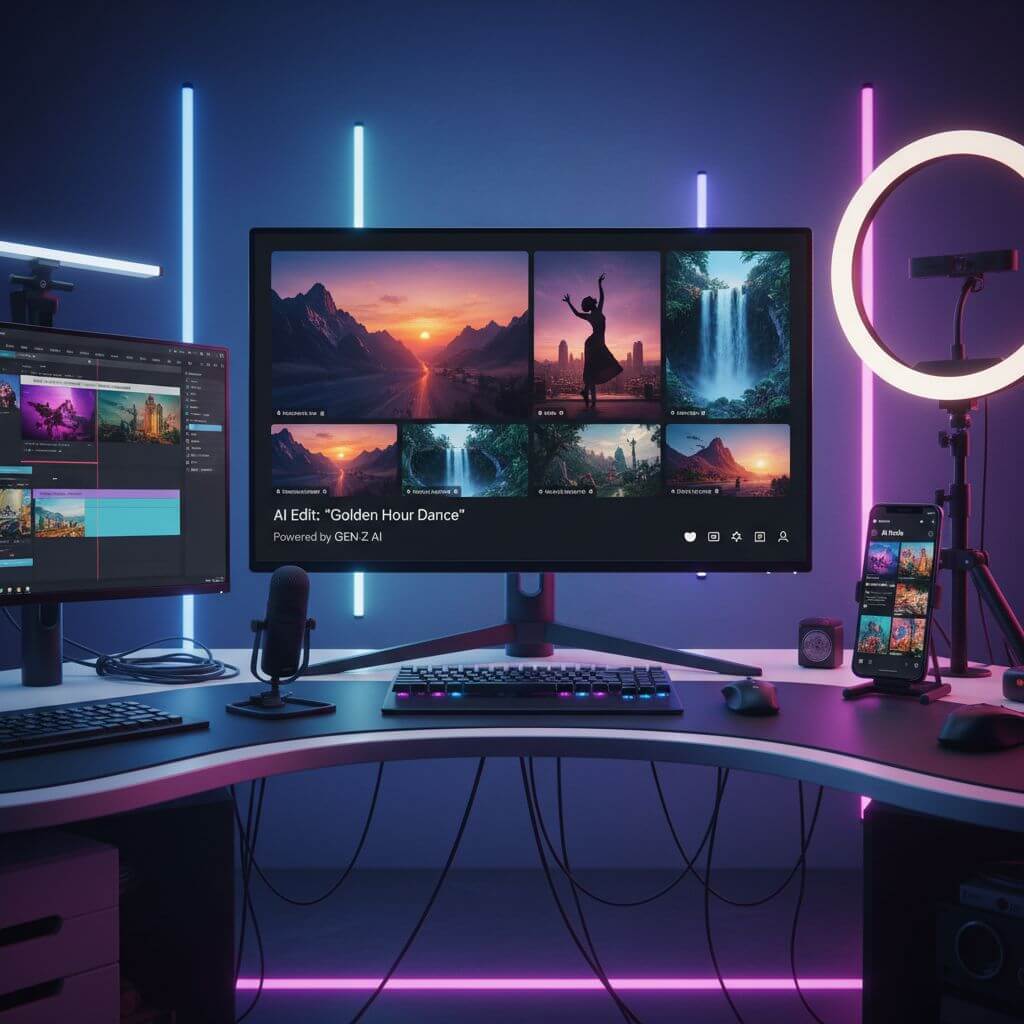
Social Media: Engaging Short Videos
Content creators use VEO 3.1 to produce eye-catching short-form video content for TikTok, Instagram Reels, and YouTube Shorts. With 1080p output and AI audio, videos look and sound professional right out of the box.
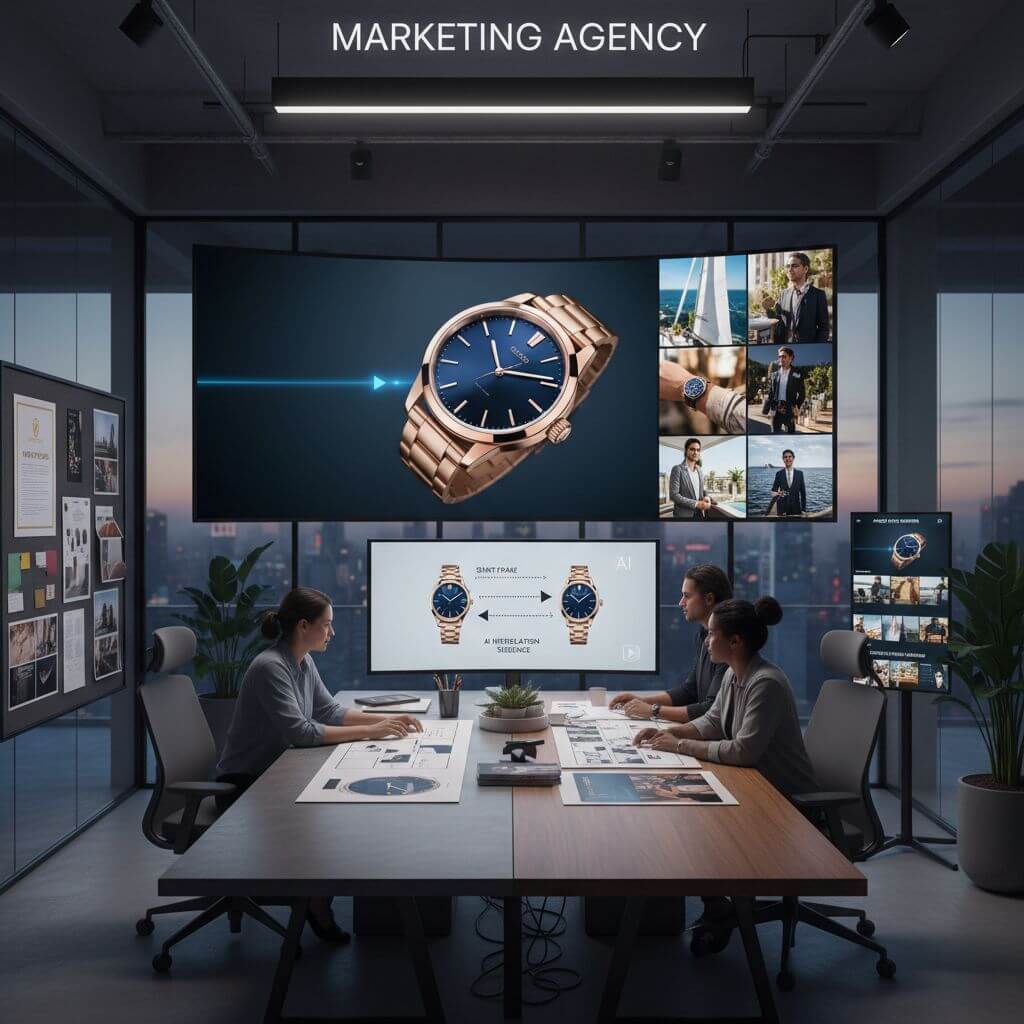
Marketing: Product Showcases & Ads
Marketing teams leverage VEO 3.1's reference image feature to maintain brand consistency across video campaigns. Create professional product videos with controlled transitions using end frame interpolation.
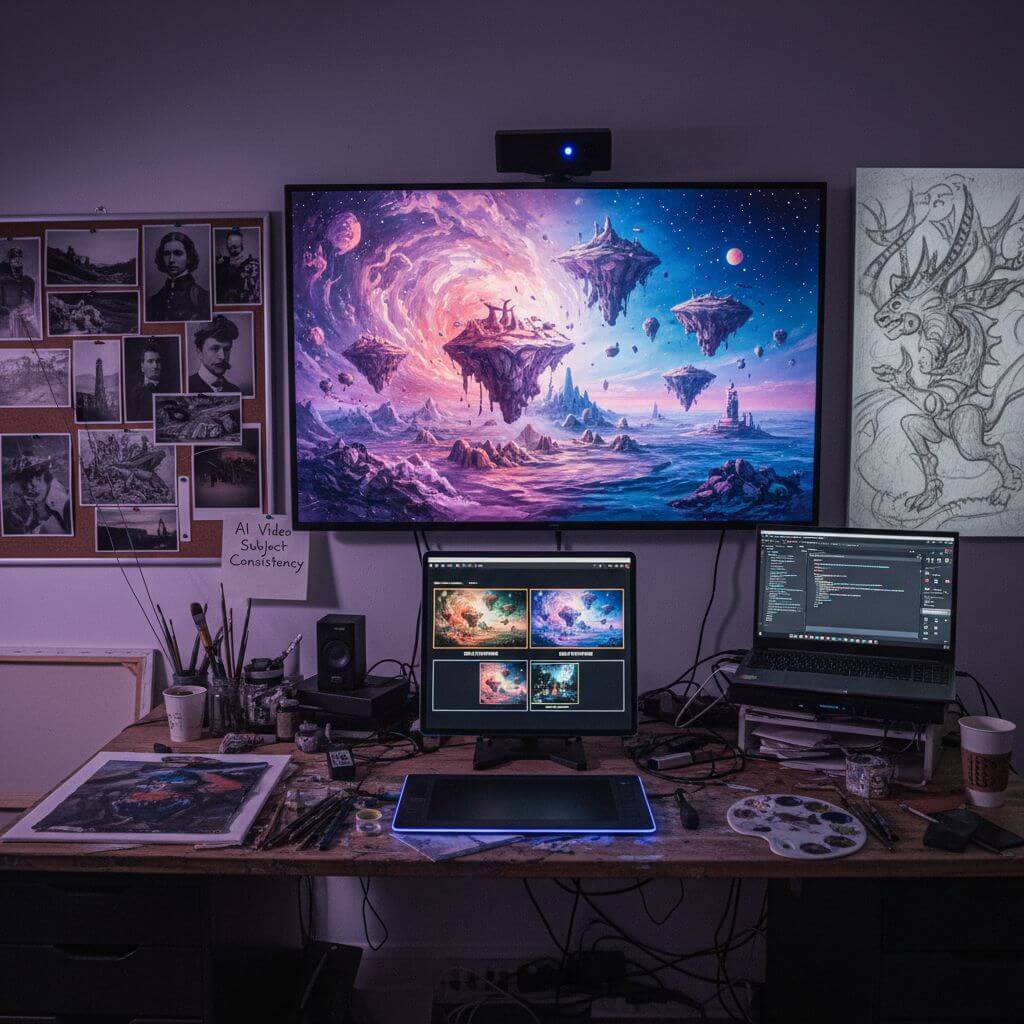
Creative: Artistic Video Experiments
Artists and filmmakers use VEO 3.1 for rapid creative experimentation. The end frame interpolation feature enables unique artistic transitions, while reference images ensure character consistency across scenes.
How to Use VEO 3.1: 3 Simple Steps
Start generating AI videos with VEO 3.1 in under a minute. Our streamlined workflow makes professional video creation accessible to everyone.
Register for Free VEO 3.1 Credits
Create your Sketchto account to instantly receive free credits for VEO 3.1. No payment required to start — experience the power of Google's AI video generation with our generous free trial.
Write Your Video Prompt
Describe the video scene you want to create. Be specific about the subject, motion, lighting, and mood. Optionally upload start/end frames or reference images for more controlled results with VEO 3.1.
Generate & Download Your Video
Click generate and let VEO 3.1 create your video. Download the high-quality MP4 result in up to 1080p resolution or refine your prompt for additional variations.
Pro Tips for Best Results with VEO 3.1
Use End Frames:
Upload both a start and end frame to create controlled transitions. VEO 3.1 excels at interpolating natural motion between two images for seamless video sequences.
Leverage Reference Images:
For subject-consistent generation, upload 1-3 reference images. This works best with 16:9 aspect ratio and 8s duration for optimal R2V results.
Write for motion and sound:
VEO 3.1 can generate matching audio for your video. Include motion, ambience, and sound cues in the prompt when the scene depends on them.
What Users Say About VEO 3.1
“VEO 3.1's end frame interpolation is a game-changer. I can define exactly how I want my video to start and end, and Google's AI creates a beautiful transition between them. Nothing else on the market does this so well.”

Alex Rivera
Motion Graphics Designer
“The reference image feature in VEO 3.1 is incredible for maintaining brand consistency. I upload our product photos and the generated videos keep everything looking exactly right. It's revolutionized our video ad production.”

Lisa Chen
Brand Marketing Director
“I've tested every AI video generator out there, and VEO 3.1's 1080p output quality is outstanding. Combined with the AI audio generation, I get complete, professional-looking videos in minutes instead of hours.”

David Kim
YouTube Content Creator
“As a filmmaker, VEO 3.1 has become essential for pre-visualization. The ability to set start and end frames gives me precise control over scene transitions that other AI tools simply can't match.”

Maria Santos
Independent Filmmaker
Frequently Asked Questions About VEO 3.1
Everything you need to know about using Google's VEO 3.1 AI video generator on our platform