
GPT Image 2.5: OpenAI's Sharpest Image Generator
GPT Image 2.5 delivers sharper visual quality, stronger reference fidelity, and more precise refinement. Pick the Fast engine (Flare) for low-latency generation or the Ultra engine (Sunburst) for premium, tightly controlled output — with 12 aspect ratios, up to 4K resolution, and up to 8 reference images.
Settings
Upload an image file to get started with your AI conversion
Fast runs the low-latency Flare engine; Ultra runs the premium Sunburst engine.
Optionally accepts up to 8 reference images.
Preview
View your AI-transformed result and compare with the original
↑ Example result. Try it yourself!
Why GPT Image 2.5 Is Built for Production Workflows
One model page, two engines: flip between Fast and Ultra, watch the credit cost update live, and keep full control over ratio, resolution, and references.
Two Engines: Fast and Ultra
The Fast engine (GPT Image 2.5 Flare) is tuned for lower latency and higher-volume generation. The Ultra engine (GPT Image 2.5 Sunburst) is built for premium creative work that needs tighter control and more polished output. Switch anytime — the price updates before you run.
Stronger Reference Fidelity
Upload up to 8 reference images and GPT Image 2.5 preserves faces, products, and recognizable subjects more consistently across edits, while introducing new environments, styles, and compositions.
12 Aspect Ratios + 4K Output
From 1:1 and 16:9 to cinematic 21:9, 27:16, and 16:27 — pick the exact ratio for your placement, then scale from 1K up to 4K resolution for print-ready assets.
Precise, Targeted Editing
GPT Image 2.5 follows focused edit instructions more reliably across complex scenes: change lighting, swap backgrounds, or restyle a product while everything else stays untouched.
Predictable, Transparent Pricing
Fast costs 3 credits at 1K, 4 at 2K, and 7 at 4K. Ultra costs 4, 6, and 9. The Generate button always shows the exact cost before you run — no batch-size surprises.
Durable Delivery
Sketchto stores every result in R2 and serves it from a stable asset URL, so downloads keep working long after the provider link expires.
Real-World Applications of GPT Image 2.5
Discover how designers, marketers, and product teams use GPT Image 2.5's dual engines and precise editing to ship faster and iterate smarter.
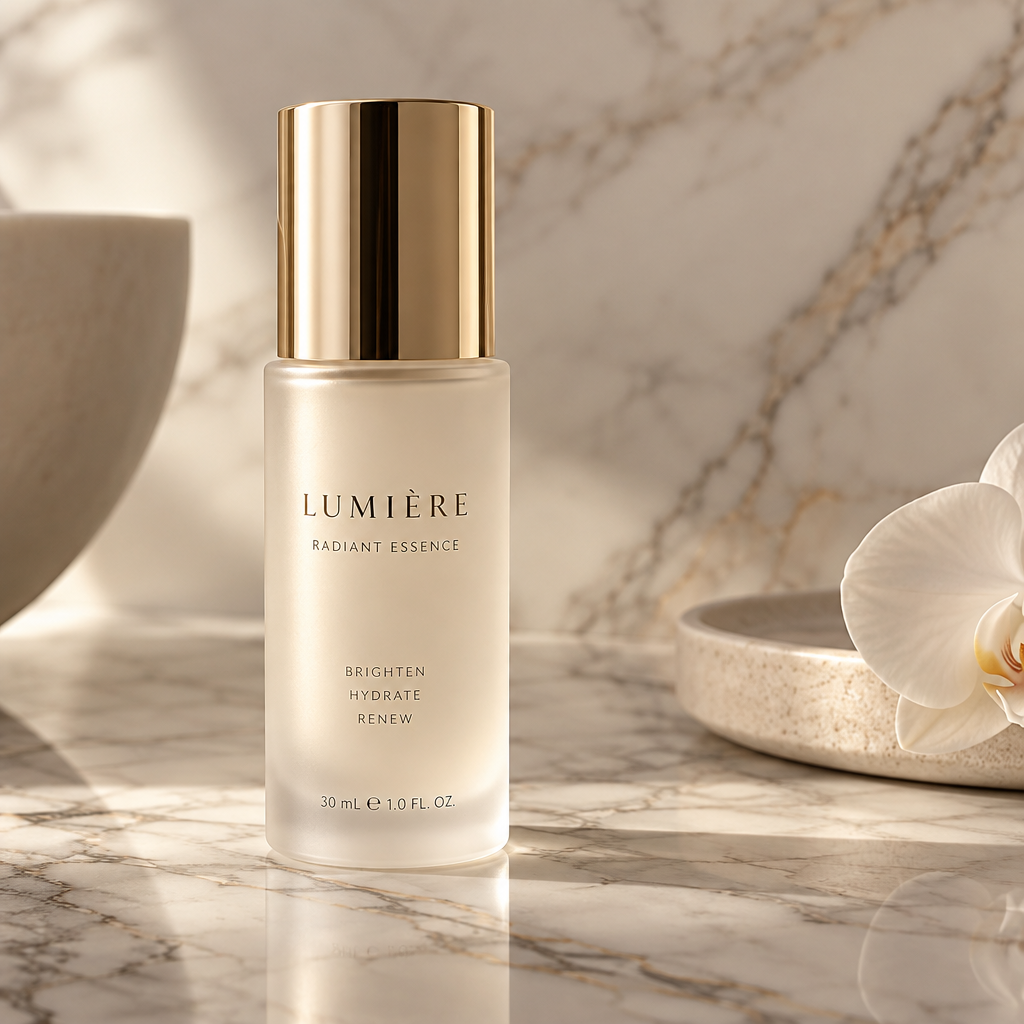
Brand & Campaign Assets
Creative teams draft with the Fast engine, then re-run the winning prompt on Ultra for polished campaign visuals — consistent brand elements, print-ready 4K, and exact placement ratios.
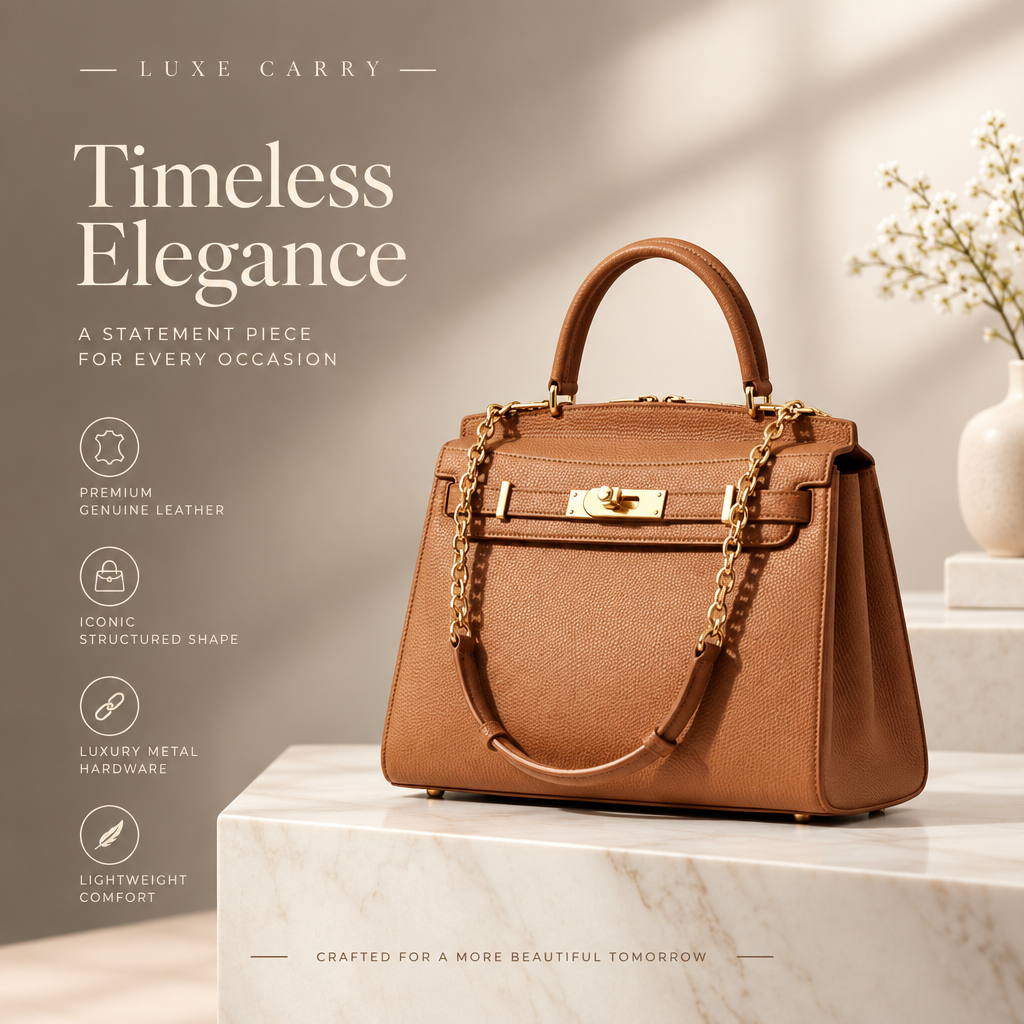
E-commerce & Product Imagery
Upload product references and generate lifestyle mockups, catalog shots, and market-specific variants that keep shape, color, and styling close to the source across every edit.
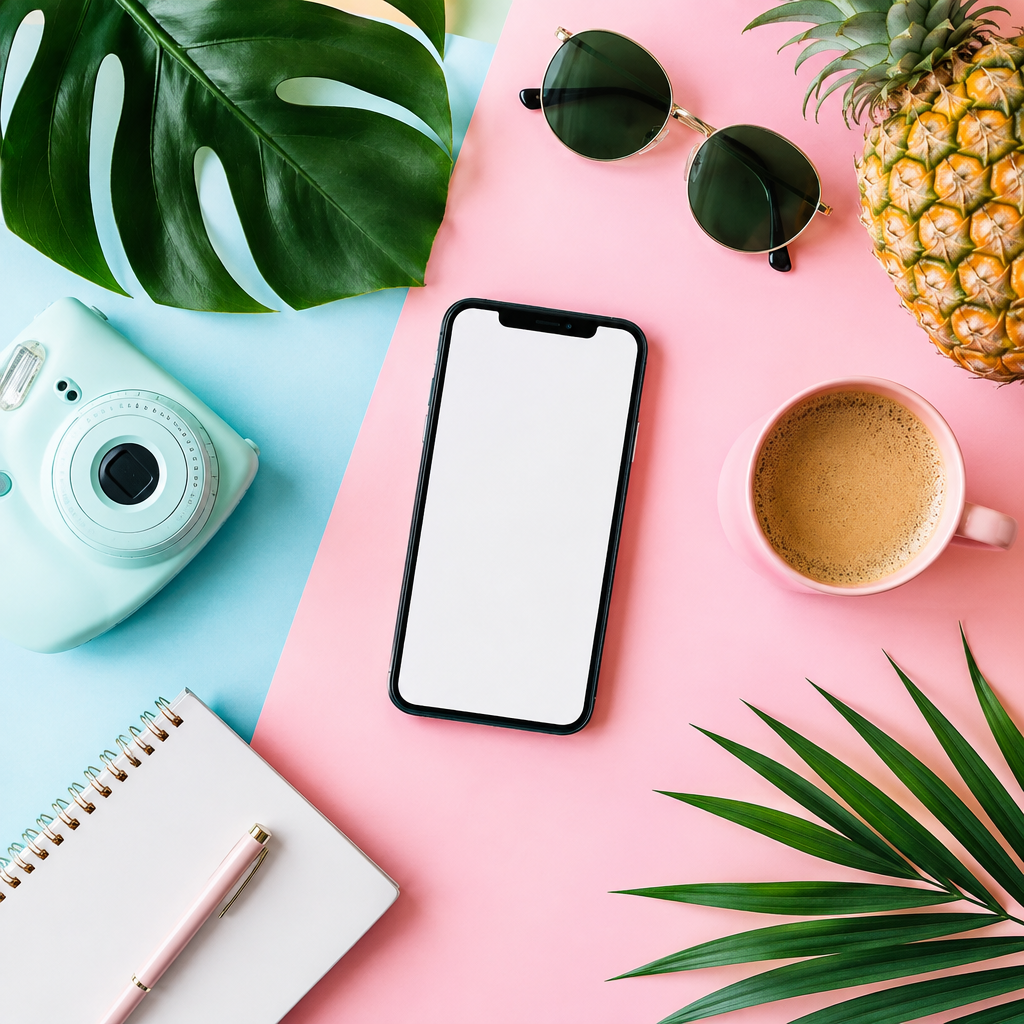
Social & Content Production
High-volume creators use the Fast engine for daily posts — 12 aspect ratios cover every placement, and Match input keeps reference-based edits in the original format.
How to Use GPT Image 2.5: Simple 3-Step Process
Start generating with GPT Image 2.5 in under a minute. Pick an engine, set your ratio and resolution, and generate.
Sign Up for Free GPT Image 2.5 Credits
Create your Sketchto account to receive free credits. No payment required — test both engines and see the quality difference before deciding to upgrade.
Pick Fast or Ultra, Ratio, and References
Choose the Fast engine for speed or Ultra for premium output, set one of 12 aspect ratios, optionally upload up to 8 reference images, and select 1K, 2K, or 4K. The button shows the exact credit cost.
Generate & Download from GPT Image 2.5
Click generate and GPT Image 2.5 produces your image. Download the stored result, refine the prompt, or swap references and run again.
Pro Tips for Mastering GPT Image 2.5
Match the engine to the job:
Use Fast for exploration, drafts, and high-volume social content. Switch to Ultra for final campaign assets, brand visuals, and polished product imagery where refinement matters.
Use references for identity:
When a product, person, or brand object must stay recognizable, upload reference images and state exactly which traits should remain unchanged — GPT Image 2.5 keeps subjects consistent across repeated edits.
Compose for the placement:
Pick the aspect ratio that matches your target medium before generating — 16:9 for banners, 9:16 for stories, 21:9 for cinematic headers — then upscale to 4K only for the final winner.
What Professionals Say About GPT Image 2.5
“Fast for drafts, Ultra for finals — that's the whole workflow now. The credit switch is honest: you see exactly what the upgrade costs before you run it.”

Alex Parker
Senior UX Designer
“Reference fidelity is the reason we switched our product mockups to 2.5. It keeps the product recognizable while completely changing the scene around it.”

Priya Sharma
Brand Designer
“12 aspect ratios and 4K in one model page covers every placement our campaigns need. No more pre-cropping, no more upscaling.”

David Kim
Growth Marketing Lead
“Targeted edits finally feel targeted. I can relight a scene or swap a background and the rest of the frame stays exactly as it was.”

Maya Thompson
E-commerce Creative Director
Frequently Asked Questions About GPT Image 2.5
Everything you need to know about using OpenAI's GPT Image 2.5 on our platform