Turn Any Photo into a Perler Bead Pattern — Free Trial
Upload a photo and get a printable bead pattern in seconds. Our AI perler bead pattern maker handles color matching, grid sizing, and bead count automatically. Works with Perler, Hama, Artkal, and Nabbi fuse beads.
Upload Image
Upload an image file to get started with your AI conversion
Click or drop your image here
Max 5MB
Maximum quality with the best detail and accuracy
Preview
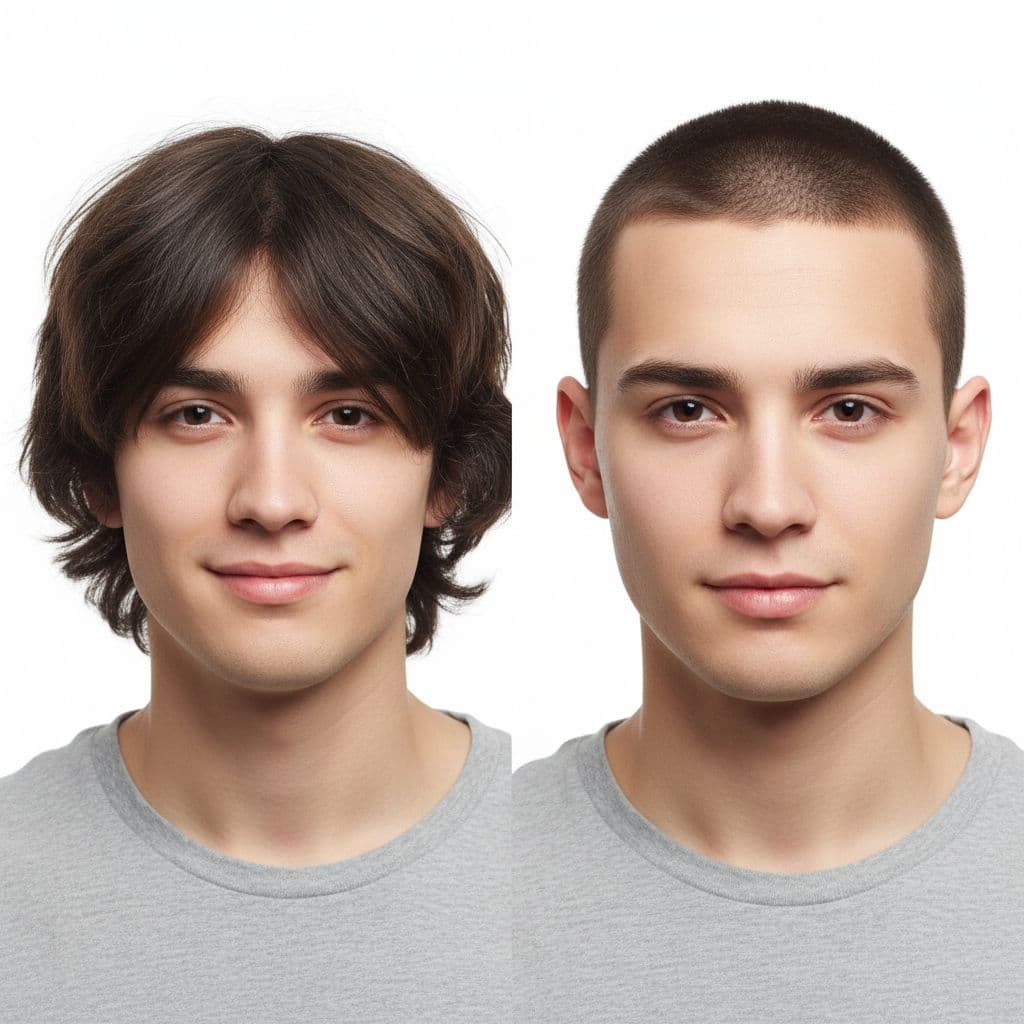
View your AI-transformed result and compare with the original
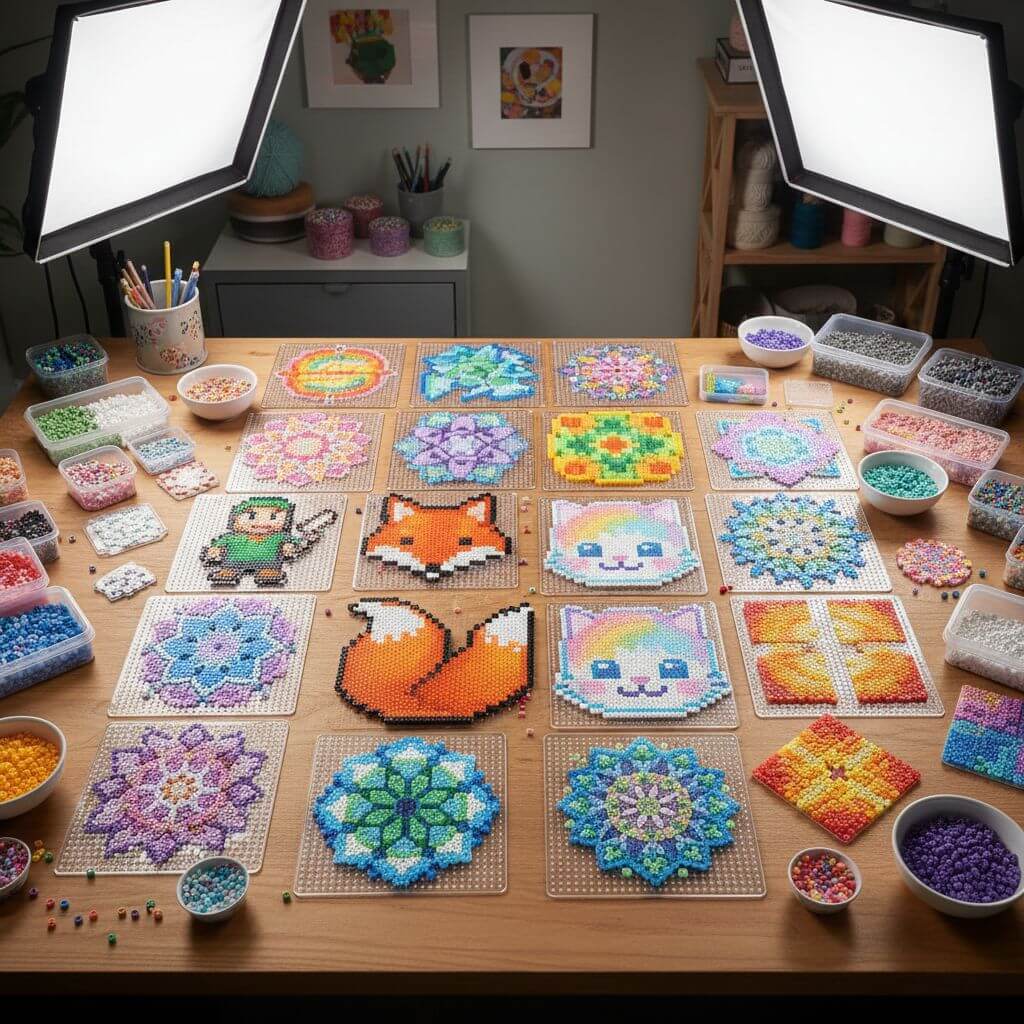
↑ Example result. Try it yourself!
What Makes This Bead Pattern Maker Different
Built for real crafters — not just pixel conversion. From accurate color matching to print-ready templates, every feature is designed to save you time at the pegboard.
AI Color Matching to Real Bead Colors
The AI doesn't just pixelate your image — it maps each pixel to actual bead colors available from Perler, Hama, and Artkal. The result is a pattern you can follow without guessing which bead to use.
Pattern Ready in Under 15 Seconds
Upload your photo, pick a style, and the pattern generates in 10–15 seconds. No manual grid drawing, no color-by-number math — just a clean template ready to print or follow on screen.
Mini, Standard & Jumbo Bead Sizes
Choose the bead size that fits your project. Mini beads (2.6mm) capture fine details for portraits. Standard beads (5mm) are the classic choice. Jumbo beads (10mm) are great for kids and quick projects.
9 Color Palettes for Every Style
Pick from Rainbow Vibrant, Pastel Soft, Monochrome, Neon Glow, and 5 more palette options. Each palette is tuned to produce patterns that look great as finished bead art — not just on screen.
Print-Ready PDF with Bead Guide
Download your pattern as a high-resolution image with clear grid lines and color labels. Print it out and place it next to your pegboard — each bead position is easy to identify at a glance.
Works with All Fuse Bead Brands
Compatible with Perler, Hama, Artkal, Nabbi, and generic melty beads. The universal grid layout means your pattern works regardless of which brand you have on hand.
What Crafters Are Making
From personalized gifts to classroom activities — see how people use bead patterns in real projects.
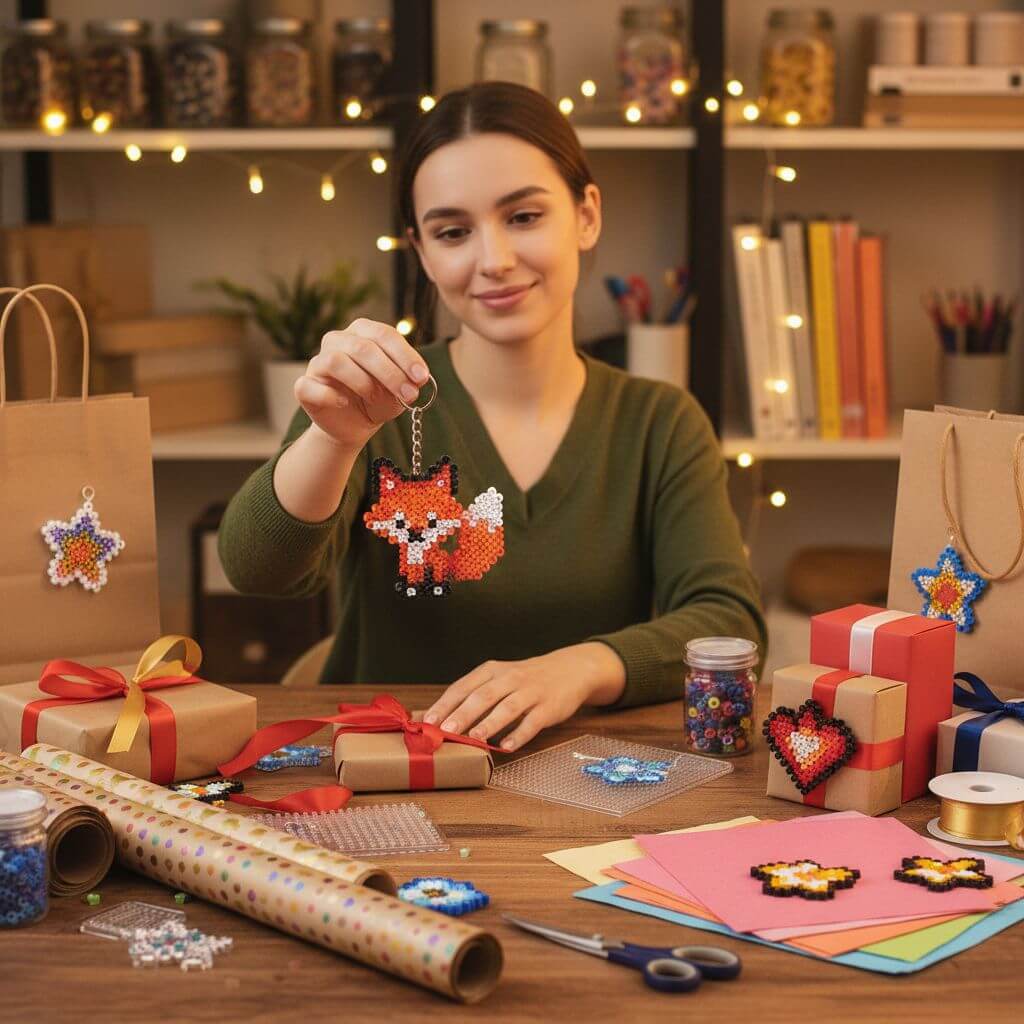
Personalized Gifts & Keychains
Turn a photo of a pet, a friend's face, or a favorite game character into a one-of-a-kind bead keychain or ornament. Great for birthdays, holidays, and handmade gifts that actually mean something.
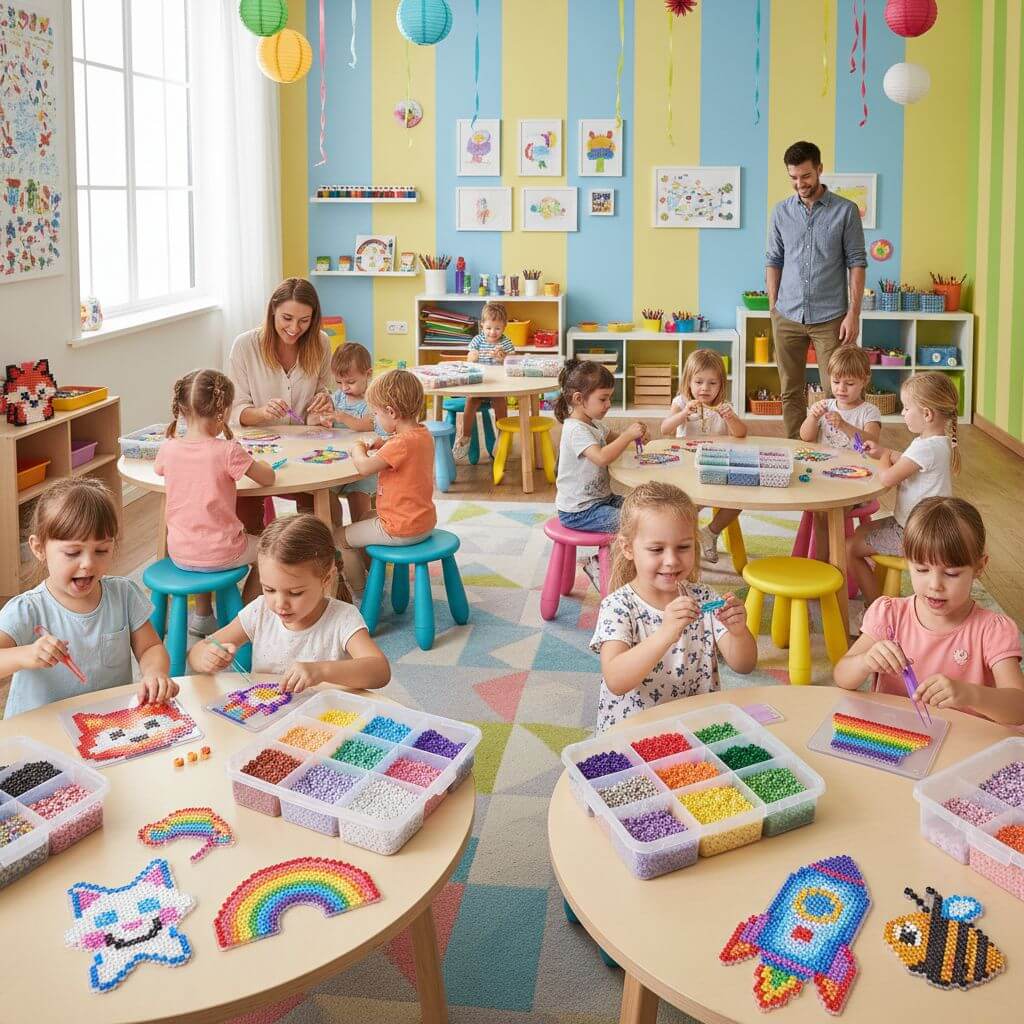
Kids Craft Activities & Classroom Projects
Teachers and parents use generated patterns as structured craft activities. Kids develop fine motor skills while following the color grid — no freehand drawing required. Works for ages 5 and up with jumbo beads.
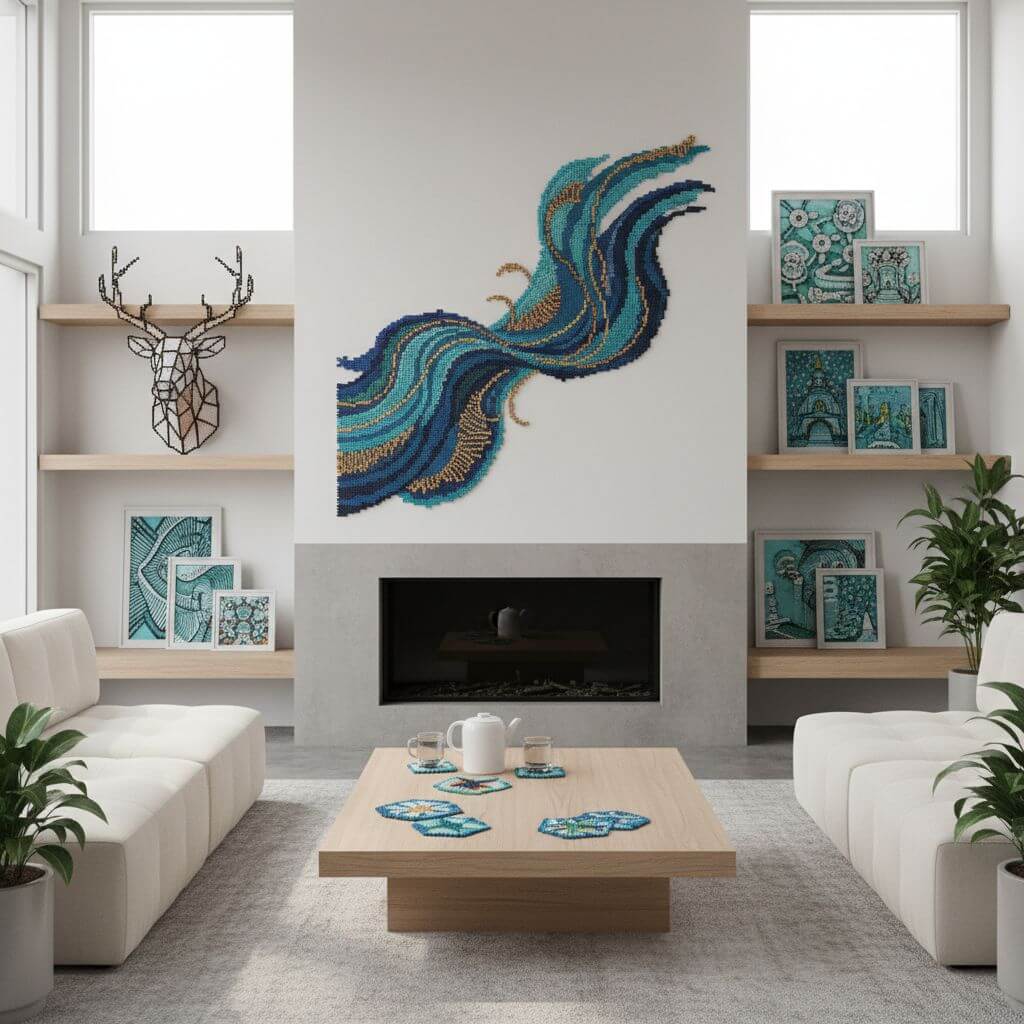
Home Decor: Coasters, Wall Art & More
Design matching coaster sets, pixel art wall decorations, or themed holiday ornaments. The consistent grid output makes it easy to create a series with a unified look.
How to Create a Bead Pattern in 3 Steps
No design skills needed. Upload, customize, and download — your pattern is ready to craft in under a minute.
- 1
Upload Your Photo
Drag and drop any image — pet photos, cartoon characters, logos, or portraits all work well. Sign up to get free trial credits for generating multiple patterns.
- 2
Pick Bead Size & Color Palette
Select mini, standard, or jumbo beads, then choose a color palette. The AI optimizes your pattern based on these settings, adjusting detail level and color mapping automatically.
- 3
Download & Start Crafting
Preview the generated pattern, then download in high resolution. The output includes clear grid lines and color references — ready to print and follow at your pegboard.
Pro Tips for Better Patterns
Use Simple Images:
Photos with a clear subject and minimal background clutter produce the cleanest patterns. Crop tightly around your subject before uploading.
Start Small If You're New:
A 29×29 pegboard pattern uses about 841 beads — manageable for beginners. Larger patterns (58×58) need 3,000+ beads and multiple boards.
Check Your Bead Inventory:
Before starting a project, count your beads by color. The pattern shows which colors are needed most, so you can stock up before you're halfway through.
Pricing
Transform your images with AI. Choose the plan that fits your needs.
Basic
Perfect for personal use and casual creators.
Includes
- Own your creations
- Access to Standard Generation
- Image history saved
- Standard Quality Download
Billed annually · Save $24/year
Cancel anytime. No lock-in contract.
Pro
Best Value · 4x MoreFor power users and professionals.
Everything in Basic, plus
- Commercial License Included
- Priority Support
- 4x More Credits
- Priority email support
Billed annually · 75% cheaper per image
Cancel anytime. No lock-in contract.
Loved by Crafters Worldwide
"I've tried pixel-beads.net and beadographer before, but this is the first tool where the colors actually match my Perler bead collection. Saves so much guesswork."
"I use this for my after-school craft class. The kids pick a character, I generate the pattern, and they follow along. Clean grids, easy colors — no confusion."
"I sell custom bead art on Etsy. This tool cut my pattern creation time from 30 minutes to under 1 minute. The print-ready output is a huge plus."
"The jumbo bead option is perfect for my 5-year-old. Big beads, simple patterns, and she can follow the grid by herself. We make one every weekend now."
Frequently Asked Questions
Common questions about creating bead patterns with our tool
Upload any image and the AI analyzes it, converts it to a pixel grid at your chosen bead size, and maps each pixel to the closest real bead color from brands like Perler, Hama, or Artkal. The output is a printable pattern with clear grid lines and color labels.
Most patterns are ready in 10–15 seconds. Upload, pick your settings, and the pattern appears almost instantly. No waiting, no queues.
The tool supports all major brands: Perler, Hama, Artkal, Nabbi, and generic melty beads. The grid layout is universal — your pattern works with whichever brand you prefer.
New users get free trial credits to generate multiple patterns. This gives you full access to all features — bead sizes, color palettes, and high-res downloads. You can purchase more credits anytime if you need additional patterns.
Simple, high-contrast images produce the best results: cartoon characters, logos, pet photos with plain backgrounds, and pixel art. Avoid busy scenes with lots of small details — they don't translate well to bead grids.
Yes. Every pattern is generated in high resolution with clear grid lines, designed specifically for printing. Place the printout next to your pegboard and follow along bead by bead.