Free Retro 80s Style Generator Online
Step back into 1984 and relive the decade of Kodak Portra 400 film, Olan Mills studio sessions, and neon-drenched nights. Our AI retro 80s style generator recreates authentic vintage aesthetics — from soft-focus department store portraits shot on Mamiya RB67 medium format cameras to synthwave scenes inspired by Miami Vice and Top Gun.
Upload Image
Upload an image file to get started with your AI conversion
Click or drop your image here
Max 5MB
Maximum quality with the best detail and accuracy
Preview
View your AI-transformed result and compare with the original
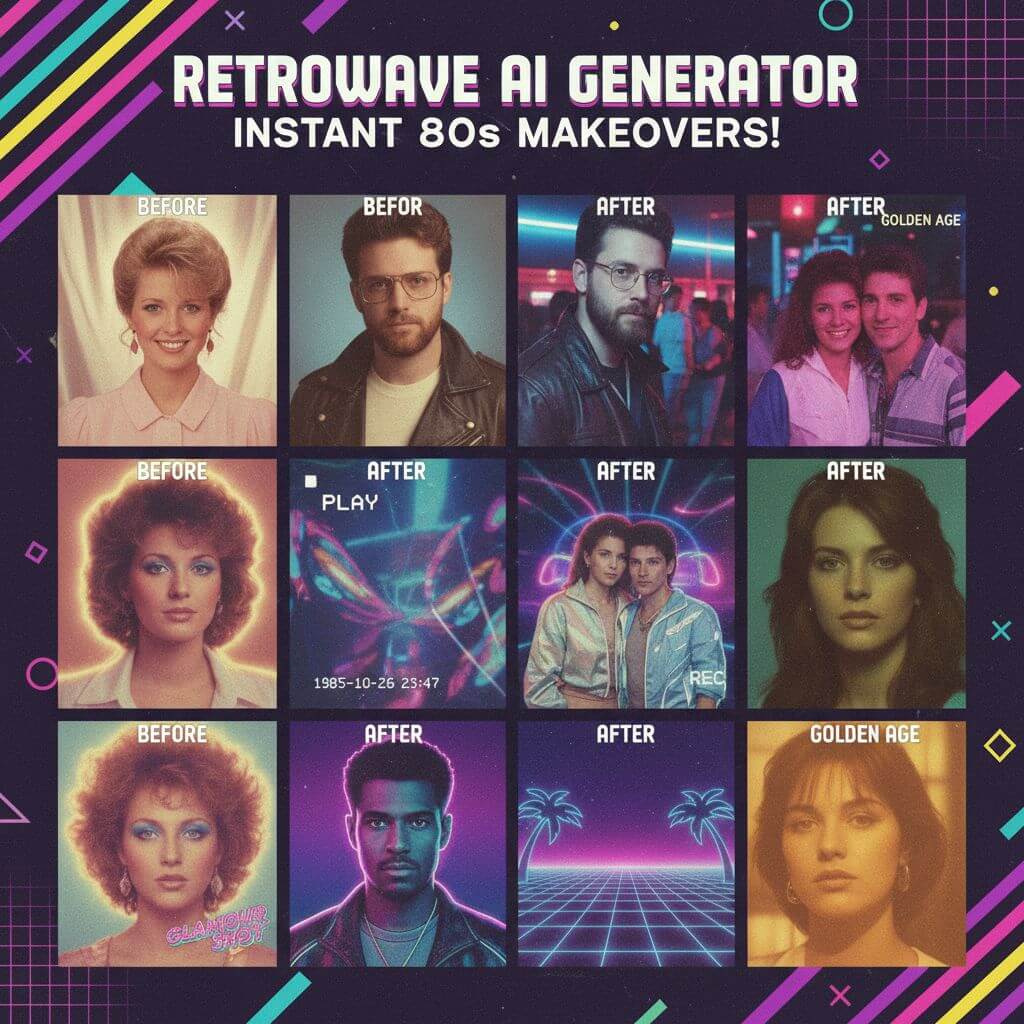
↑ Example result. Try it yourself!
What Makes This 80s Filter Different
Trained on thousands of real 1980s photographs, our AI understands the subtle details that separate an authentic vintage look from a generic sepia overlay — the specific way Olan Mills studios lit their backdrops, the warm color shifts of expired Kodak film, and the soft halation of period flash units.
Real Film Emulation, Not Just a Filter
The AI replicates the optical characteristics of 1980s photography: the grain structure of Kodak Portra 400, soft halation from period flash units, and the warm color cast of tungsten-balanced film shot under fluorescent studio lights. The result feels like it was pulled from a JCPenney portrait envelope.
Era-Accurate Fashion Styling
Every generated portrait features period-correct wardrobe: oversized cable-knit sweaters, Members Only jackets, acid-washed denim, and popped collars. Hair is styled with volume and texture — think perms, feathered bangs, and mullets that defined the decade from 1980 to 1989.
Olan Mills Studio Lighting
The tool faithfully reproduces the flat, frontal lighting setup used by portrait studios like Olan Mills and Sears Portrait Studio. Expect gentle chin shadows, mild flash glare on foreheads, and that signature soft-focus glow achieved with diffusion filters on medium format lenses.
Your Face, Their Decade
While everything around you transforms — the clothes, the hair, the lighting — the AI preserves your facial structure, expression, and identity. You will look like yourself sitting in a 1987 portrait studio, not like a different person wearing a costume.
9 Iconic Themes Spanning the Decade
Each theme captures a distinct 80s subculture: the pastel formality of Department Store Portraits, the 240-line VHS aesthetic of home video recordings, the neon glow inspired by Miami Vice (premiered 1984), and the chrome-and-sunset palette of synthwave art.
High-Resolution Downloads
Every generated portrait is output at high resolution, suitable for printing, framing, or sharing on social media. The vintage film effects are baked into the image at full quality — not destructively compressed like screenshots from actual VHS tapes.
Creative Ways People Use Retro 80s Portraits
From social media content to personalized gifts, here is how creators, event planners, and nostalgia fans put their AI-generated 80s portraits to work.
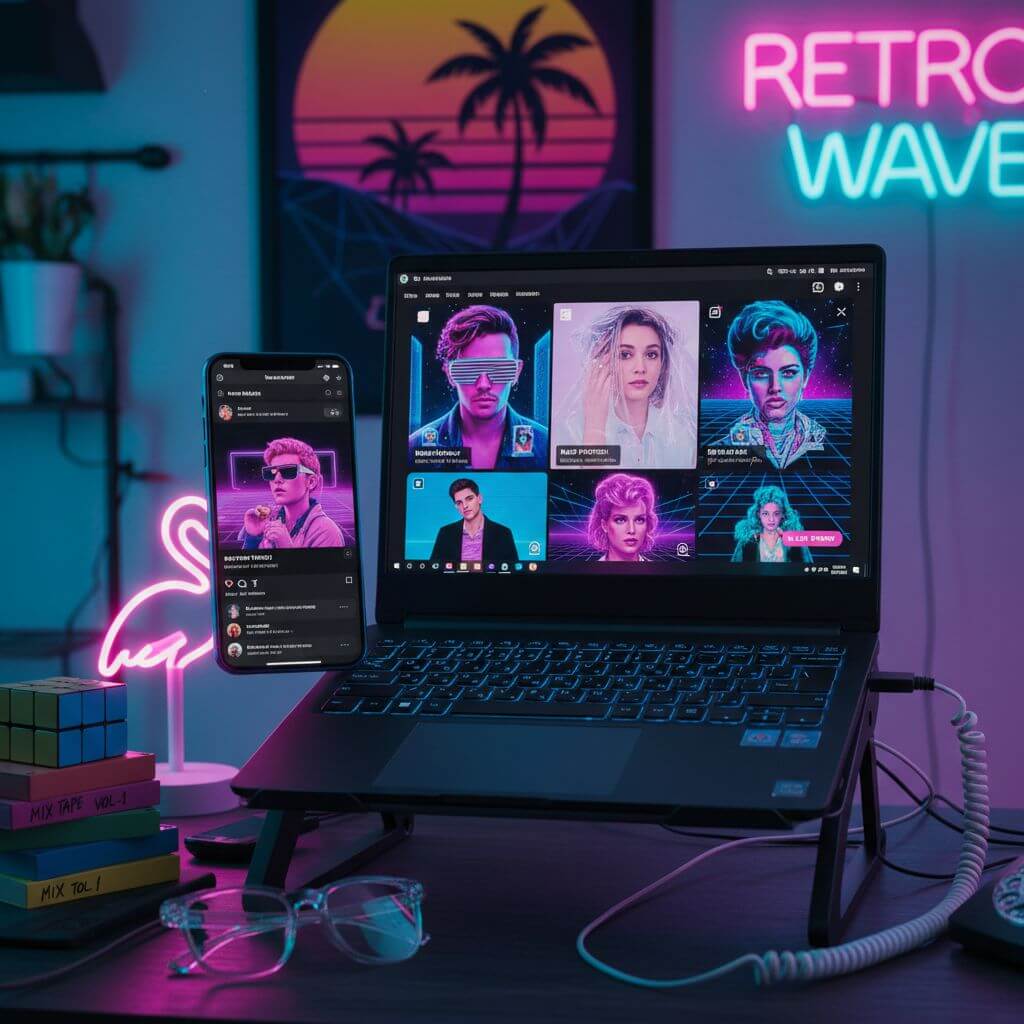
Social Media and Throwback Posts
Generate scroll-stopping content for Instagram, TikTok, and Twitter. The Stranger Things aesthetic is still trending, and AI-generated 80s portraits consistently outperform standard photo posts in engagement. Perfect for Throwback Thursday, nostalgia-themed reels, and "guess which decade" challenges.
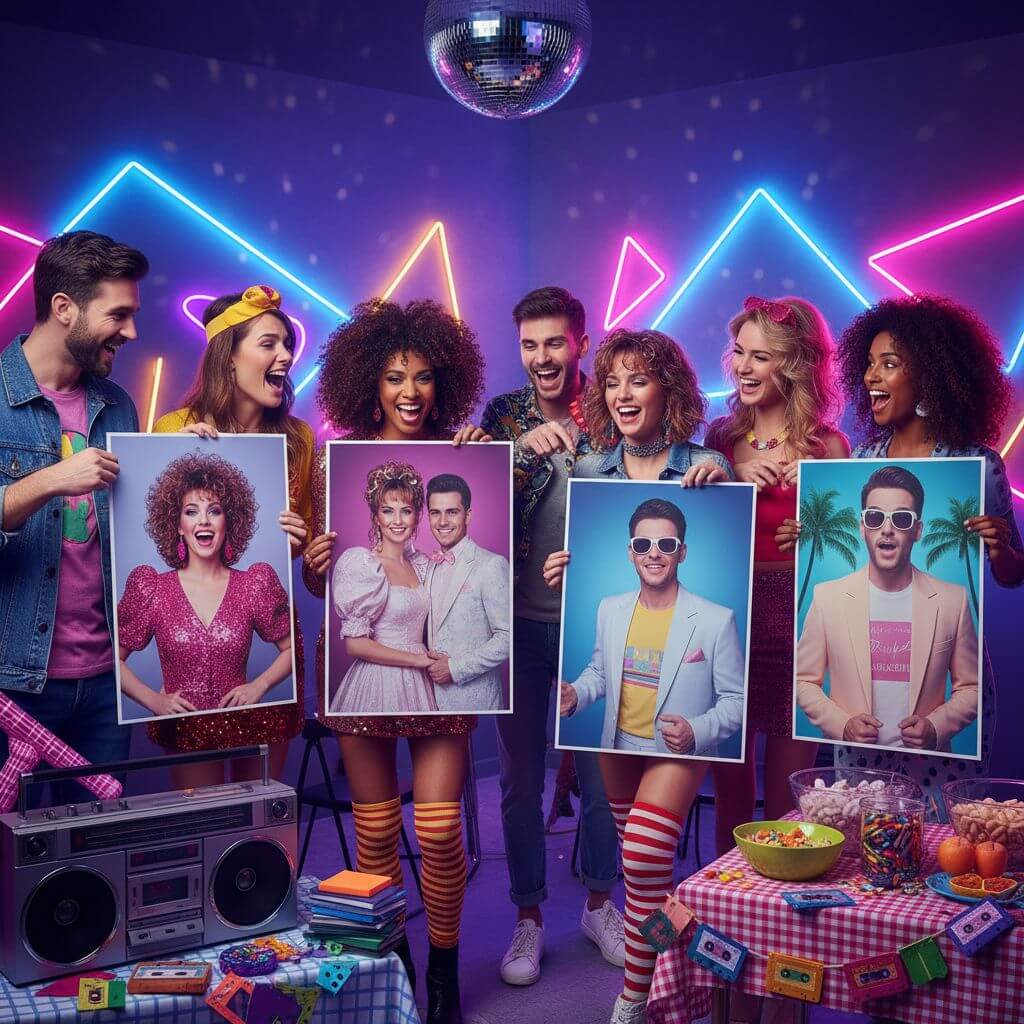
Themed Parties and Events
Create personalized invitations, table cards, and photo wall displays for 80s-themed events. Print portraits on card stock for a DIY photo booth experience — guests get to take home their own Olan Mills-style portrait as a party favor.
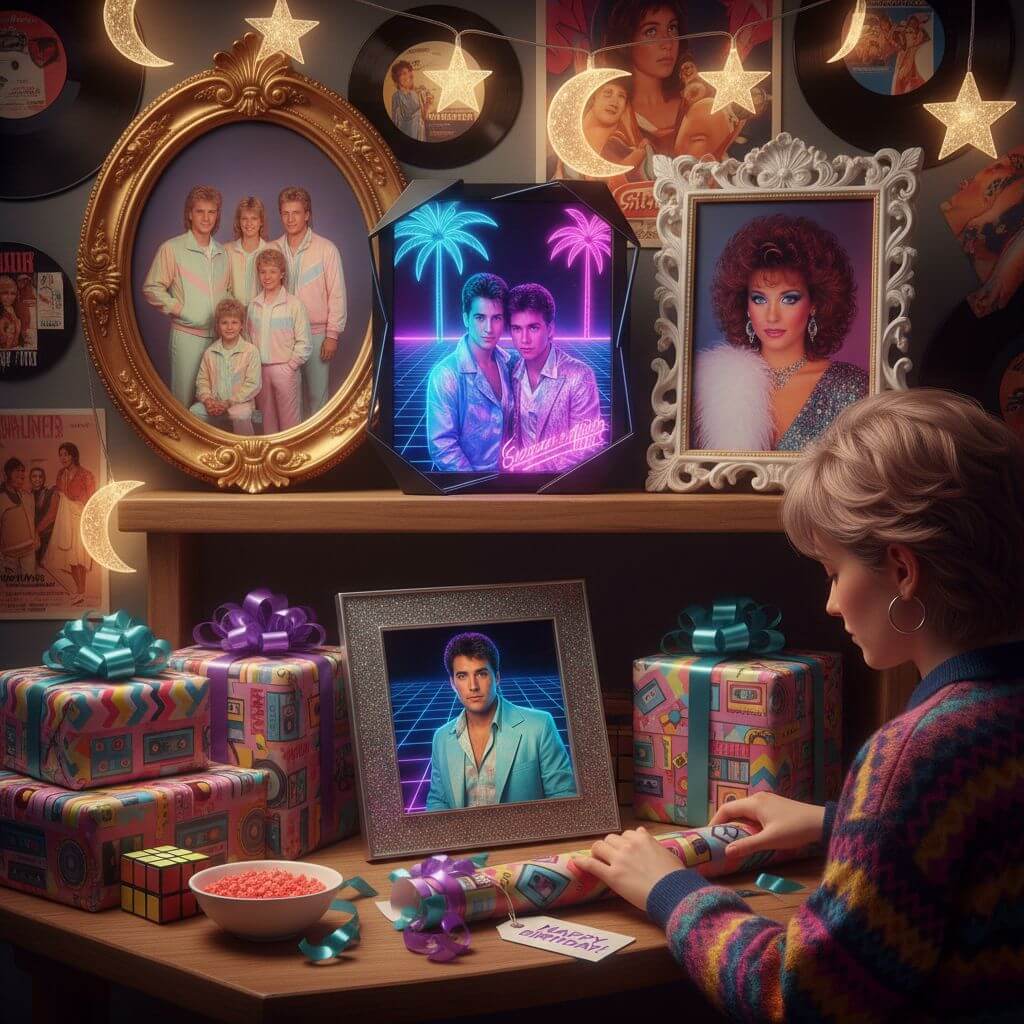
Gifts and Personalized Art
Turn a modern photo into a frameable 1980s portrait — an unexpectedly funny and sentimental vintage portrait gift for birthdays, anniversaries, or Father's Day. Print it on canvas or slip it into a retro-style frame for an authentic 80s aesthetic presentation.
How to Use the Retro 80s Style Generator
Go from a modern selfie to a convincing 1980s portrait in under 30 seconds. Here is how it works.
- 1
Upload Your Photo
Upload a clear, well-lit portrait. Front-facing photos with visible facial features produce the most convincing results. The AI needs to see your face clearly to preserve your identity while transforming everything else.
- 2
Pick a Theme
Choose from 9 themes, each inspired by a real 80s cultural moment: the Olan Mills-style Department Store Portrait, the VHS Retro look with its characteristic 240-line resolution and tracking artifacts, the Neon Nights club scene, or the pastel-and-taffeta Prom Night aesthetic.
- 3
Download and Share
Preview the result and download your portrait in high resolution. The images are perfect for Throwback Thursday posts, 80s-themed party invitations, or printing and framing as a novelty gift.
Pro Tips for Better Results
Lighting Matters:
Photos taken in even, diffused lighting (like near a window) give the AI the most detail to work with. Harsh shadows or backlit selfies can cause the transformation to lose facial detail.
Try All 9 Themes:
Each theme produces a dramatically different result. The Department Store Portrait is warm and wholesome; Neon Nights is moody and club-lit; Glamour Shot adds soft-focus drama with feathered hair and airbrushed skin.
Use Custom Prompts:
Switch to the custom tab to request specific details: a particular hairstyle (like a mullet or perm), a wardrobe choice (like a Members Only jacket), or a background setting (like a laser-beam photo backdrop).
Pricing
Transform your images with AI. Choose the plan that fits your needs.
Basic
Perfect for personal use and casual creators.
Includes
- Own your creations
- Access to Standard Generation
- Image history saved
- Standard Quality Download
Billed annually · Save $24/year
Cancel anytime. No lock-in contract.
Pro
Best Value · 4x MoreFor power users and professionals.
Everything in Basic, plus
- Commercial License Included
- Priority Support
- 4x More Credits
- Priority email support
Billed annually · 75% cheaper per image
Cancel anytime. No lock-in contract.
What Users Are Saying
"The Department Store Portrait looks exactly like my mom's old Olan Mills photos from 1986. I showed it to her and she genuinely thought it was a picture she had forgotten about. The soft focus and muslin backdrop are so accurate."
"We used this for our "Stranger Things" themed birthday party — printed everyone's portraits and pinned them up as decorations. Way better than the generic vintage filters on Instagram. The VHS theme even has the tracking lines!"
"The Glamour Shot theme is hilarious. It nailed the soft-focus, airbrushed, feathered-hair look from those mall portrait studios. I posted mine on TikTok and it got 40K views — people kept asking which app I used."
"I tried three other retro filter apps before finding this one. The difference is night and day — those apps just slap a color grade on your photo. This actually changes your clothes, hair, and the entire lighting setup. It understands the era."
Frequently Asked Questions
Everything you need to know about creating 80s style portraits with our retro filter
It is an AI tool that transforms modern photos into authentic-looking 1980s portraits. Unlike simple color filters, it restyls your clothing, hair, background, and lighting to match the specific visual language of the decade — think Olan Mills studio sessions, VHS home recordings, and neon-lit nightlife.
Yes. The AI preserves your facial structure, bone shape, and expression while transforming everything else — wardrobe, hairstyle, lighting, and film texture. You will look like yourself transported to 1986, not like a different person.
Nine themes spanning different facets of 80s culture: Department Store Portrait, Neon Nights, VHS Retro, Prom Night, Aerobics Fitness, Synthwave Portrait, Family Portrait, Glamour Shot, and Miami Vice. Each uses distinct lighting, color grading, and wardrobe appropriate to its subculture.
New users receive free credits upon signup. These credits let you generate several portraits and explore different themes before deciding whether to purchase additional credits for more transformations.
Yes. The custom prompt tab lets you describe exactly what you want: specific hairstyles (mullet, perm, feathered bangs), wardrobe (acid-washed denim, neon windbreaker), backgrounds (laser beams, sunset gradient), or film characteristics (heavy grain, VHS tracking lines).
A clear, well-lit, front-facing portrait with visible facial features. Avoid heavy shadows, sunglasses, or extreme angles. Natural or even artificial lighting both work well — the AI handles the rest of the transformation.