Turn Any Photo into WPAP Pop Art — Free Trial
Upload a portrait and the AI breaks it into bold geometric color blocks in the signature WPAP style created by Indonesian artist Wedha Abdul Rasyid. Choose from 9 color palettes, get your result in under 15 seconds, and download a print-ready pop art portrait.
Upload Image
Upload an image file to get started with your AI conversion
Click or drop your image here
Max 5MB
Maximum quality with the best detail and accuracy
Preview
View your AI-transformed result and compare with the original
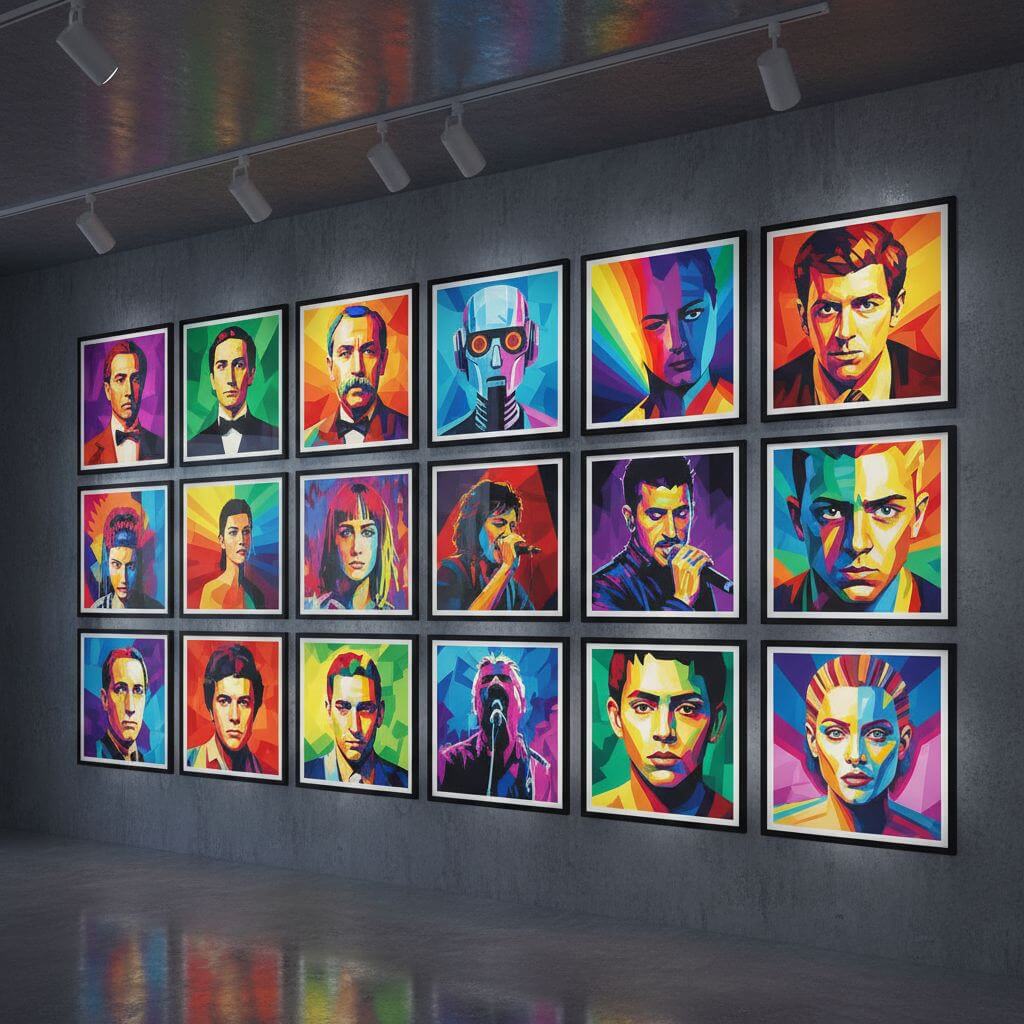
↑ Example result. Try it yourself!
What Makes This WPAP Art Generator Different
WPAP isn't generic pop art — it's a specific geometric style with angular facets and flat color planes. This tool understands the difference and produces authentic results, not blurry filters.
True Geometric WPAP Style
The AI applies angular color blocks with sharp edges between facets — the defining characteristic of Wedha's Pop Art Portrait technique. Each face is broken into distinct geometric planes, not blurred or smoothed like generic art filters.
Your Face Stays Recognizable
The AI preserves your facial structure, expression, and proportions while applying the geometric transformation. People should look at the result and immediately recognize who it is — that's the point of a portrait.
9 Color Palettes
Classic rainbow for the traditional WPAP look. Neon for electric vibrancy. Warm tones for sunset-inspired portraits. Cool blues for a calm aesthetic. Each palette changes the mood without losing the geometric structure.
Ready in 10–15 Seconds
Upload a photo, pick a color palette, and the portrait generates in seconds. Creating WPAP art by hand takes hours of tracing geometric shapes — this tool does it automatically with consistent quality.
Print-Ready High Resolution
Download your WPAP portrait in high resolution with clean geometric edges. The output looks sharp on canvas prints, posters, t-shirts, phone cases, and social media at any size.
Free Trial to Get Started
Sign up and get free credits to generate multiple WPAP portraits. Test different color palettes, try various photos, and see the results before committing. All styles and high-res downloads included in the trial.
What People Make with WPAP Art
From canvas wall art to custom merchandise — see how geometric pop art portraits are used in real projects.
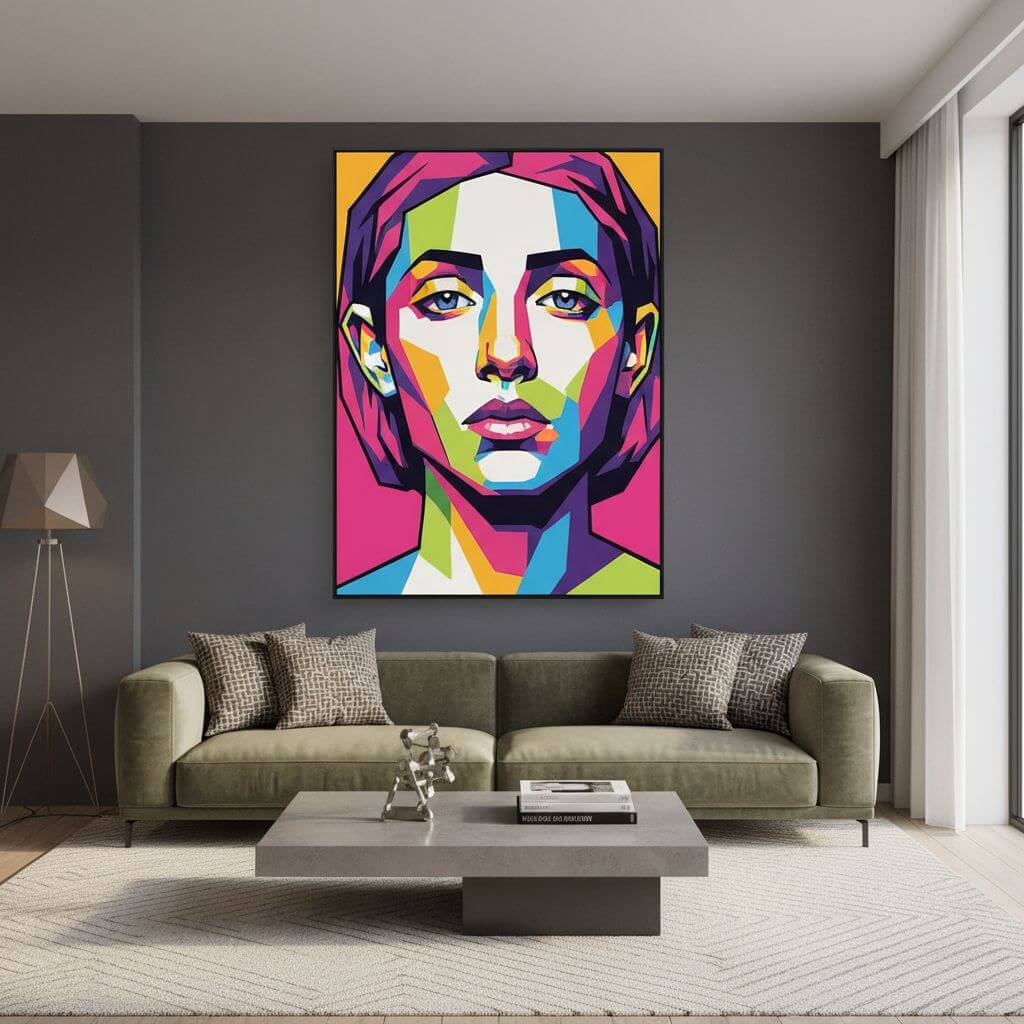
Canvas Prints & Wall Art
WPAP portraits make striking wall art because of the bold colors and geometric structure. Print on canvas, frame it, and you have a modern art piece that's also personal. Popular sizes are 16×20" for single portraits and 24×36" for statement pieces.
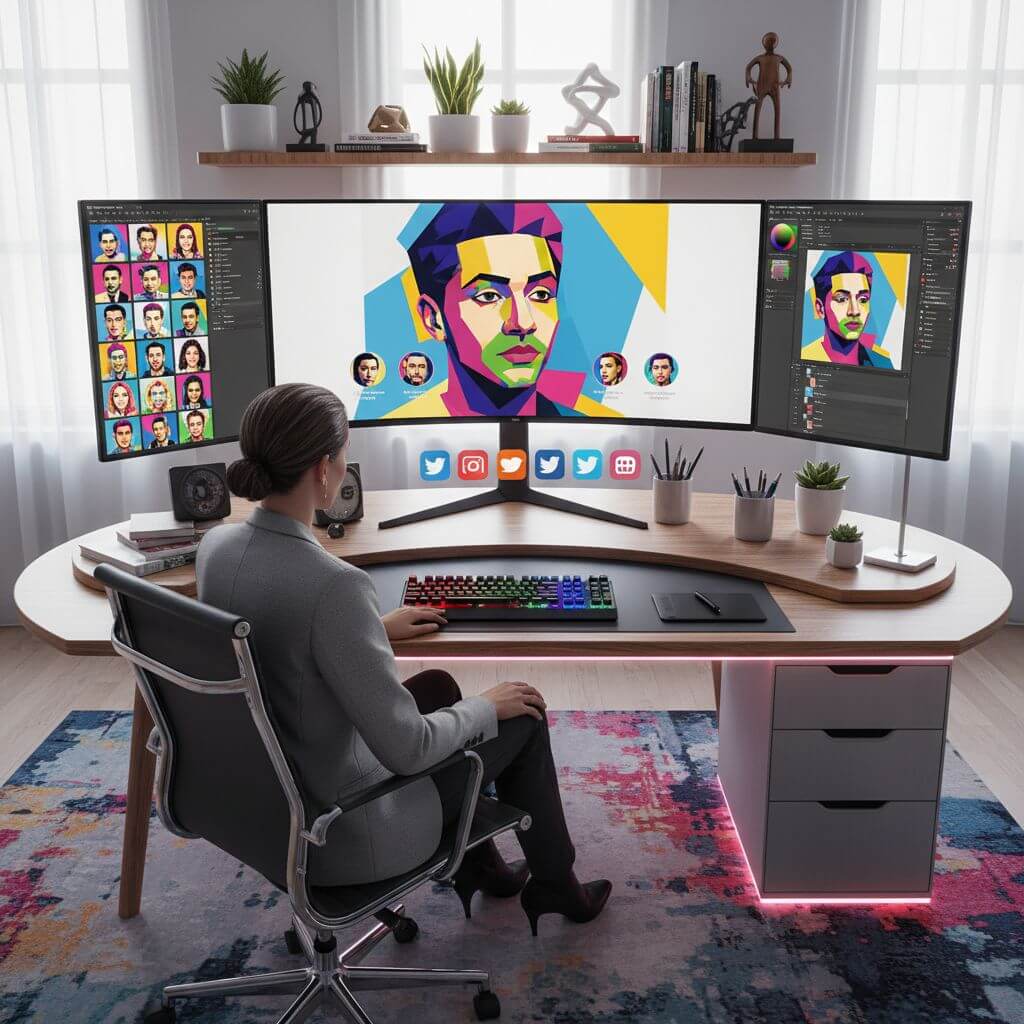
Social Media Profile Pictures
A WPAP portrait stands out instantly in any feed. The geometric colors grab attention while keeping your face recognizable. Works across Instagram, LinkedIn, Twitter, Discord — anywhere you need a profile picture that's memorable.
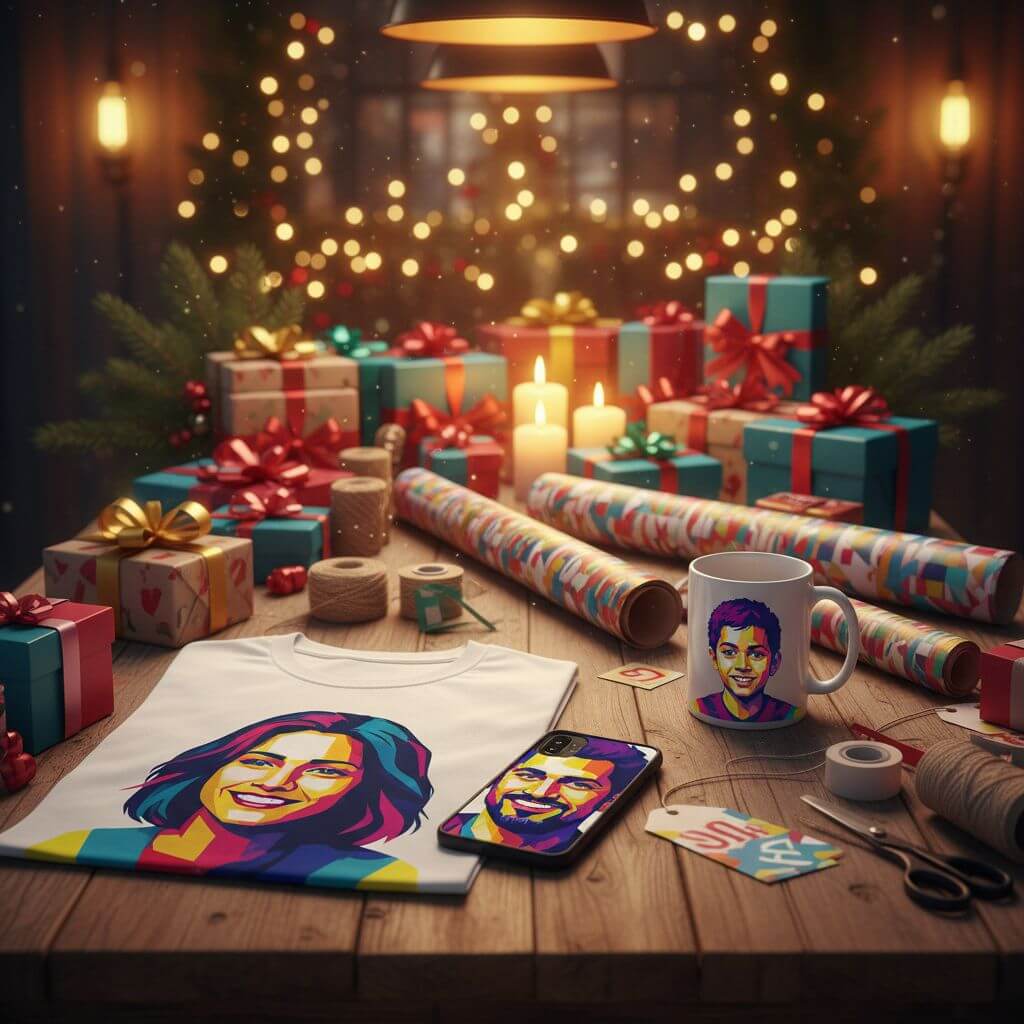
Custom Gifts & Merchandise
Turn someone's photo into a WPAP portrait for a unique gift — printed on mugs, t-shirts, phone cases, tote bags, or pillows. The high-resolution output with clean geometric edges prints well on any surface. Great for birthdays, anniversaries, and holidays.
How to Create WPAP Art in 3 Steps
No drawing skills, no tracing, no hours of manual work. Upload a photo and get a geometric pop art portrait in under a minute.
- 1
Upload a Portrait Photo
Drag and drop a clear photo with good lighting. Front-facing portraits with visible facial features work best. The AI needs to see the face clearly to create accurate geometric planes.
- 2
Choose a Color Palette
Pick from 9 WPAP color styles: Classic, Neon, Warm, Cool, Monochrome, Rainbow, Pastel, Retro, or High Contrast. Each produces a different vibe — try 2-3 to find the one that fits.
- 3
Download Your WPAP Portrait
Preview the result, then download in high resolution. The geometric pop art output is ready for canvas prints, social media profiles, merchandise, or framed wall art.
Tips for Better WPAP Portraits
Use Clear Front-Facing Photos:
WPAP works best with well-lit portraits where the face is clearly visible. Side profiles and group photos don't produce good results — the AI needs distinct facial features to create clean geometric planes.
Try Multiple Color Palettes:
The same photo looks completely different across palettes. Classic WPAP uses bold primaries, Neon adds electric vibrancy, and Pastel creates a softer look. Test a few before choosing your final version.
Crop Tight Around the Face:
WPAP is a portrait style — the more face in the frame, the better the result. Crop out busy backgrounds and extra body before uploading. The geometric effect is most impressive on facial details.
Pricing
Transform your images with AI. Choose the plan that fits your needs.
Basic
Perfect for personal use and casual creators.
Includes
- Own your creations
- Access to Standard Generation
- Image history saved
- Standard Quality Download
Billed annually · Save $24/year
Cancel anytime. No lock-in contract.
Pro
Best Value · 4x MoreFor power users and professionals.
Everything in Basic, plus
- Commercial License Included
- Priority Support
- 4x More Credits
- Priority email support
Billed annually · 75% cheaper per image
Cancel anytime. No lock-in contract.
What Users Are Making
"I wanted a WPAP portrait of my dog for a canvas print. Tried doing it in Illustrator — gave up after an hour of tracing geometric shapes. Uploaded the same photo here, picked 'Classic WPAP', and the result was better than what I was attempting. Now it's on my living room wall."
"I design custom merchandise — phone cases, t-shirts, tote bags. WPAP portraits are one of my best sellers. This tool lets me generate the base art in seconds, and the geometric edges are clean enough for direct printing."
"Made WPAP portraits of my parents as an anniversary gift. Printed both on canvas, framed them as a pair. They had no idea what WPAP was but said it was the best gift they've received. The neon palette made them look incredible."
"I change my social media profile picture to a new WPAP version every month. It's become my thing — people recognize my account by the geometric style. The cool blue palette is my signature look."
Frequently Asked Questions
Common questions about WPAP art and how the generator works
WPAP stands for Wedha's Pop Art Portrait, a geometric art style created by Indonesian artist Wedha Abdul Rasyid. It transforms photographs into portraits made of angular, flat-colored geometric blocks — like a cubist take on pop art. Each face is broken into distinct color planes with sharp edges between them.
Upload a portrait photo and the AI analyzes your facial features, then breaks them into geometric color blocks following the WPAP technique. You choose a color palette, and the tool renders a high-resolution pop art portrait in 10–15 seconds. No drawing or design skills needed.
Yes. The AI preserves your facial structure, proportions, and expression while applying the geometric transformation. The result is recognizably you — just rendered in angular color blocks instead of realistic detail.
9 palettes: Classic (bold rainbow primaries), Neon (electric fluorescent), Warm (sunset-inspired), Cool (ocean blues), Monochrome (single-color elegance), Rainbow (full spectrum), Pastel (soft tones), Retro (vintage vibes), and High Contrast (stark primaries). Each changes the mood while keeping the same geometric structure.
New users get free trial credits to generate multiple WPAP portraits. The trial includes all 9 color palettes and high-resolution downloads. You can purchase more credits if you want to create additional portraits.
Yes. The output is high-resolution with clean geometric edges, designed for printing on canvas, posters, t-shirts, phone cases, mugs, and other merchandise. You can use your WPAP portraits for both personal and commercial purposes.