
FLUX 2 Pro: Pro-Tier Image Generation from Black Forest Labs
FLUX 2 Pro is the premium tier of Black Forest Labs' FLUX 2 family — built for photorealism, strong prompt adherence, and reference image conditioning. Generate up to 2K outputs with up to 8 reference inputs and choose from Kie-supported aspect ratios. Try FLUX 2 Pro online today.
Settings
Upload an image file to get started with your AI conversion
Optionally accepts up to 8 reference images.
Preview
View your AI-transformed result and compare with the original
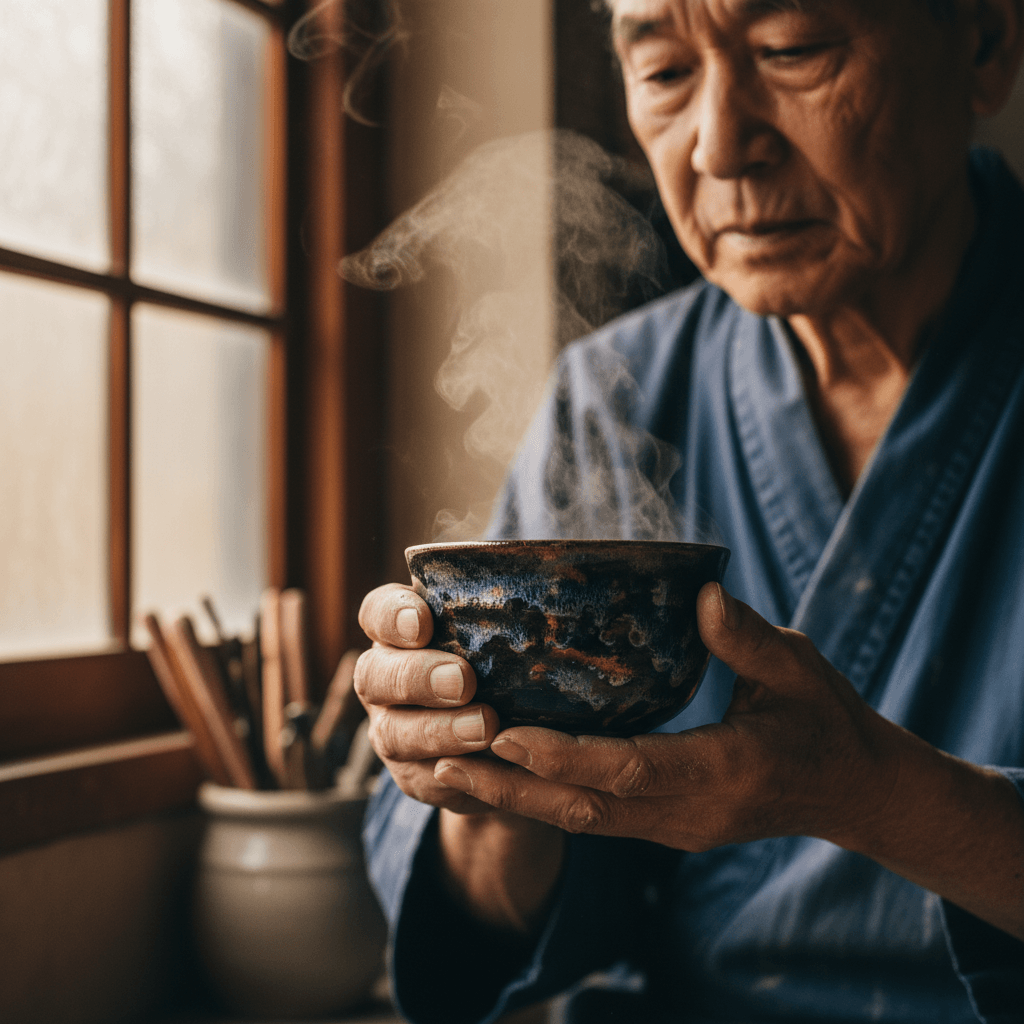
↑ Example result. Try it yourself!
Why FLUX 2 Pro Is Worth Using
FLUX 2 Pro brings Black Forest Labs' Pro-tier image quality to a single, easy-to-use editor. Photorealistic output, multi-reference conditioning, and 1K or 2K output — without managing provider docs or your own GPU.
Photorealistic Output Out of the Box
FLUX 2 Pro is tuned for natural skin tones, believable lighting, and clean texture detail. It is a strong default for portraits, product shots, and editorial-style imagery where you do not want a glossy AI look.
Strong Prompt Adherence
Detailed prompts land closer to what you described. FLUX 2 Pro respects subject, scene, and styling instructions — so iterating with longer, structured prompts actually pays off instead of fighting the model.
Up to 8 Reference Images
Combine up to 8 reference images in a single FLUX 2 Pro generation to lock in characters, products, or visual style. Useful for keeping a consistent face, brand object, or color treatment across a series.
1K or 2K Resolution
Pick the right size for the job. FLUX 2 Pro renders at 1K for drafts and everyday web output, or 2K when you need a larger final asset — all from the same prompt.
Full Aspect Ratio Coverage
Shoot 1:1 for social, 16:9 for hero banners, 9:16 for vertical video posts, or 3:2 / 4:5 for editorial layouts. FLUX 2 Pro covers the aspect ratios real production work actually needs.
Predictable Pricing
FLUX 2 Pro charges by output resolution: 2 credits at 1K and 3 credits at 2K — even when you use multiple reference inputs. That makes it easy to budget and to compare against the rest of the FLUX 2 family.
What FLUX 2 Pro Is Good At
FLUX 2 Pro is built for production work where photorealism and prompt adherence matter more than stylized AI looks.
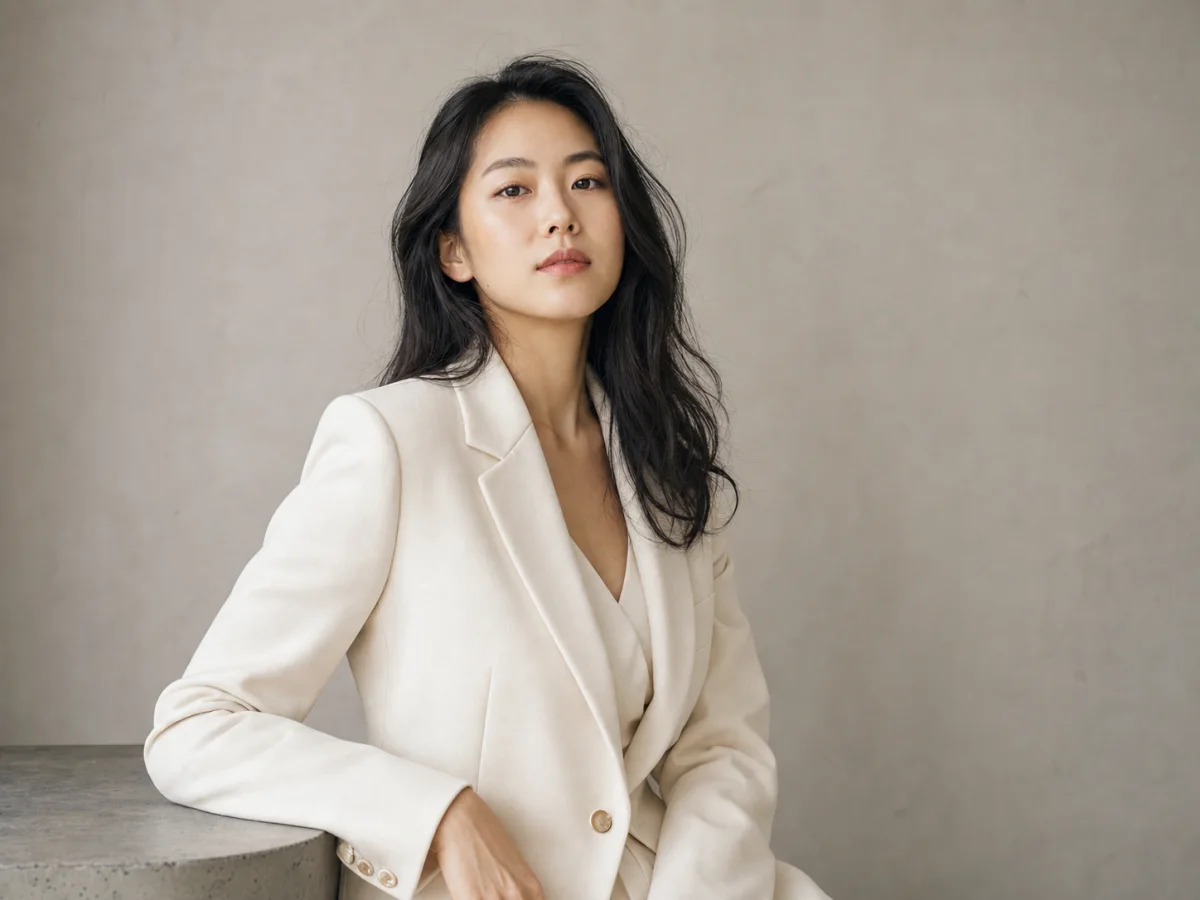
Portrait and Editorial Photography
Photographers and concept artists use FLUX 2 Pro for realistic portrait studies, editorial-style scenes, and look development. Reference images keep faces and wardrobe consistent across a shoot.
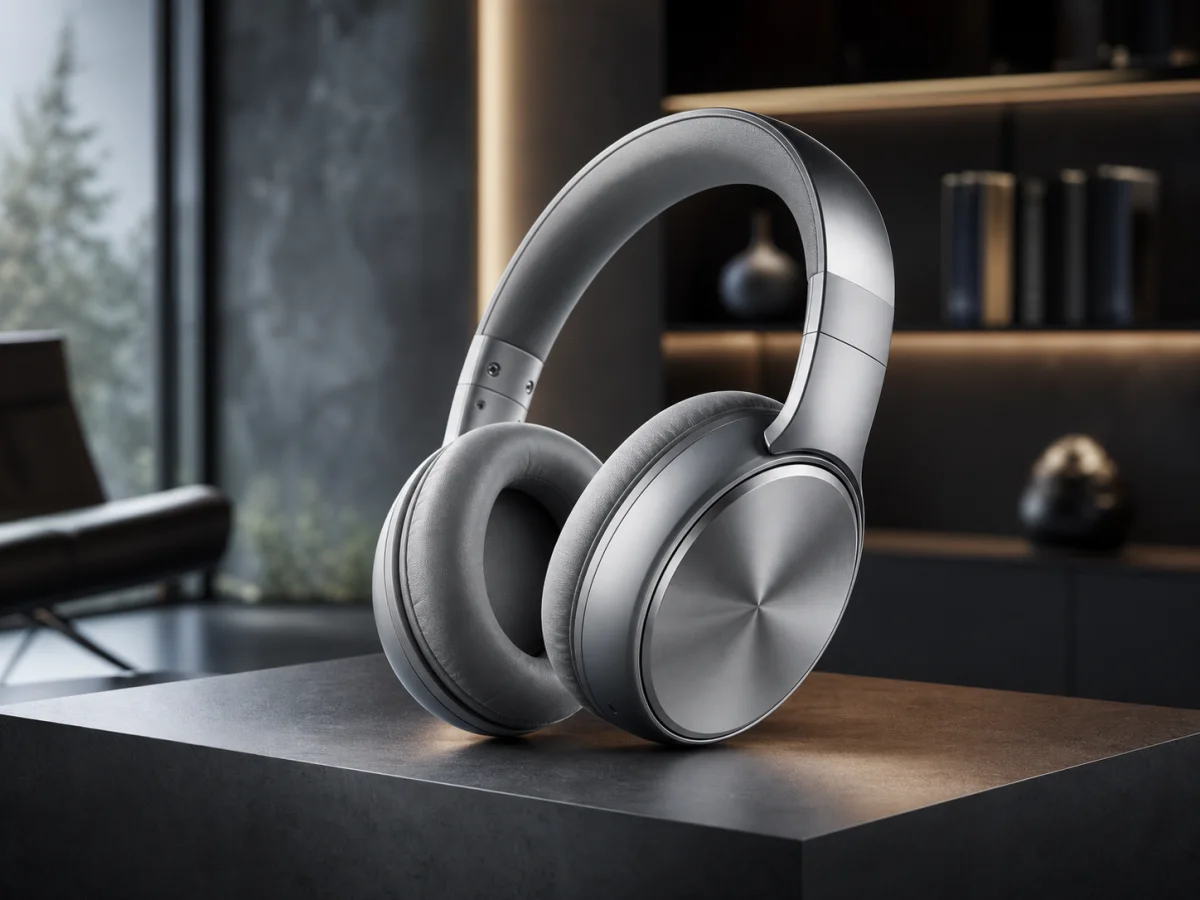
Product and Lifestyle Shots
Brand teams generate hero product shots and lifestyle compositions with FLUX 2 Pro. Reference inputs lock the actual product, and 2K output is large enough for landing pages and ad creative.
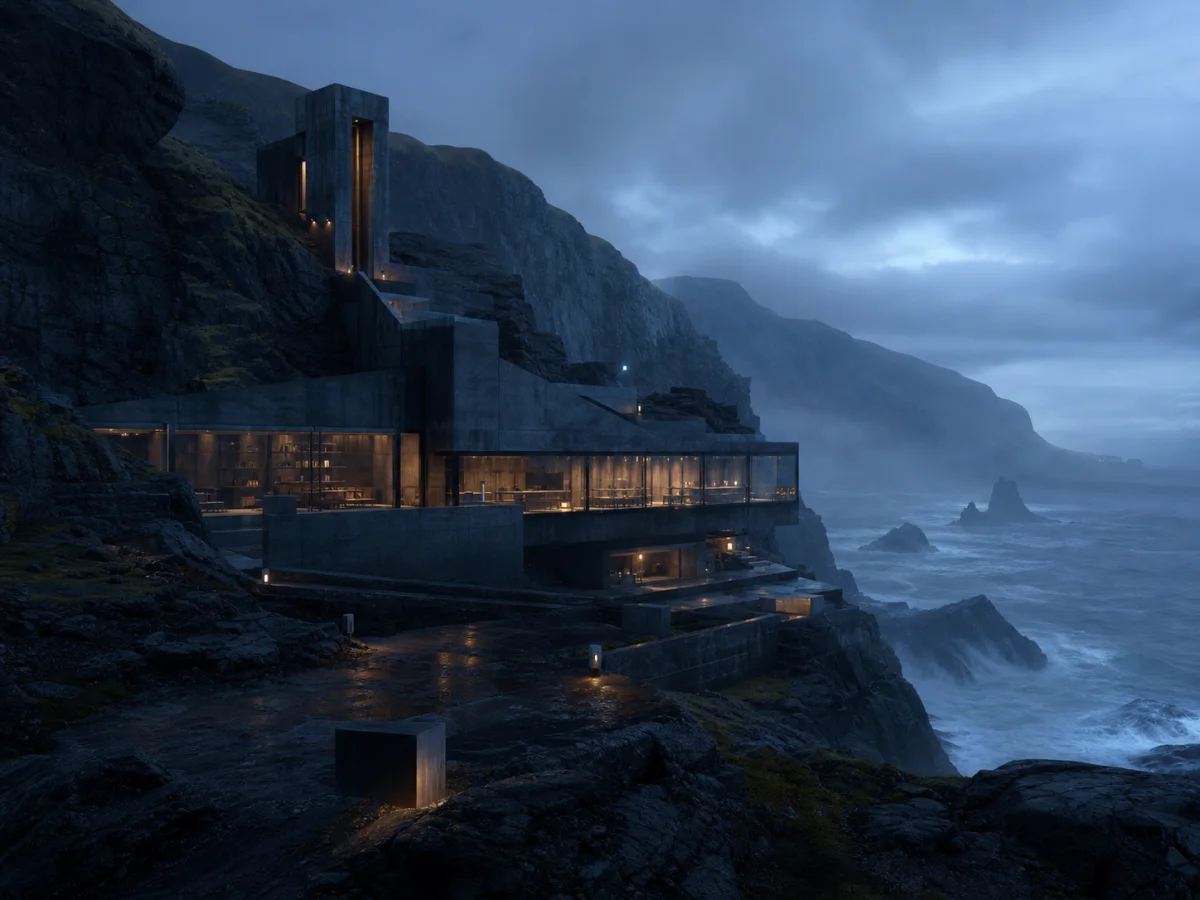
Concept Art and Look Development
Studios use FLUX 2 Pro for environment concepts, mood boards, and look-dev frames. Strong prompt adherence means structured prompts about lens, lighting, and composition translate into the final image.
How to Use FLUX 2 Pro in Three Steps
Generating with FLUX 2 Pro on Sketchto takes under a minute. No provider setup, no API keys — just sign in and run.
Sign In and Claim Free Credits
Create a Sketchto account to receive free trial credits. Free credits work on FLUX 2 Pro the same way they work on every other model — no separate plan, no upgrade required.
Write a Prompt and Add References
Describe the image you want, then optionally upload up to 8 reference images for character, product, or style consistency. Choose aspect ratio and resolution from the FLUX 2 Pro config panel.
Generate and Download
Hit Generate. FLUX 2 Pro returns a photorealistic image in seconds. Download the result, tweak the prompt, or swap references and run again — each generation costs 2 credits at 1K or 3 credits at 2K.
Tips for Better FLUX 2 Pro Results
Be specific about lighting:
FLUX 2 Pro reads light direction, time of day, and source type well. Try phrases like 'golden hour, side-lit from camera left' instead of just 'good lighting'.
Use reference images for identity:
If you need a recurring face or product, upload it as a reference. FLUX 2 Pro is more consistent with reference inputs than with text-only descriptions of identity.
Match resolution to use case:
Stay at 1K while iterating. Switch to 2K for the final pick when you need a larger asset.
What Users Say About FLUX 2 Pro
“FLUX 2 Pro is the first model where I stopped fighting the prompt. I describe the lens, the lighting, and the wardrobe, and it actually shows up in the image. It's now my default for portrait look-dev.”

Daniel Park
Concept Photographer
“We swapped a stock-photo budget for FLUX 2 Pro and a few reference shots of the actual product. Hero images on the site are sharper, on-brand, and we ship campaigns in days instead of weeks.”

Mei Lin
E-commerce Lead
“I keep FLUX 2 Pro at 1K for ideation and only push to 2K on the keeper. At 2 credits for 1K and 3 credits for 2K with no reference-count surprises, it is easy to budget for a production team.”

Jordan Reyes
Art Director
“FLUX 2 Pro feels like the sensible default in the FLUX 2 family. Max is sharper but most jobs do not need it, and Flex is for reference-heavy work. Pro covers the boring 80% really well.”

Aiko Tanaka
Product Designer
FLUX 2 Pro — Frequently Asked Questions
What you need to know before using FLUX 2 Pro on Sketchto