
Seedream 5 Lite: ByteDance's Latest Lightweight Image Model
Seedream 5 Lite is ByteDance's lightweight Seedream 5 model in Sketchto's editor. It is built for fast, high-quality image generation and editing with reference image support and simple quality controls. Use Seedream 5 Lite online today.
Settings
Upload an image file to get started with your AI conversion
Optionally accepts up to 14 reference images.
Preview
View your AI-transformed result and compare with the original

↑ Example result. Try it yourself!
Why Seedream 5 Lite Is Worth Trying
Seedream 5 Lite gives you the new ByteDance generation in a model that runs fast and stays predictable on cost. Reference image support and native handling of mixed prompts in English and Chinese.
First Public 5-Series Seedream Model
Seedream 5 Lite is an accessible entry point to the next generation of ByteDance image models inside Sketchto's editor — without waiting for a private beta or a separate platform.
Up to 14 Reference Images
Seedream 5 Lite accepts up to 14 reference images per generation. Useful for keeping a recurring character on-model, locking a product across variants, or carrying a visual style across a series — all in a single run.
Single-Image Output for Predictable Runs
Sketchto keeps Seedream 5 Lite generation simple after the Kie migration: one result per run, clear credit usage, and fewer hidden provider parameters.
Basic or High Quality
Choose a simple quality level while iterating. The editor avoids unsupported resolution controls unless Kie documents and smoke tests prove them.
Strong Bilingual Prompt Handling
Seedream 5 Lite is from ByteDance — so it handles Chinese prompts natively, alongside English. Useful for bilingual teams and content aimed at Chinese audiences (think 豆包图像模型 / 字节跳动 AI 图像 use cases).
Predictable 2-Credit Pricing
Seedream 5 Lite is 2 credits per output image on Sketchto, so it stays easy to budget compared to per-megapixel pricing.
What Seedream 5 Lite Is Good At
Seedream 5 Lite is a strong default when you want the new ByteDance generation, multi-reference support, and predictable pricing — especially for bilingual or China-facing content.
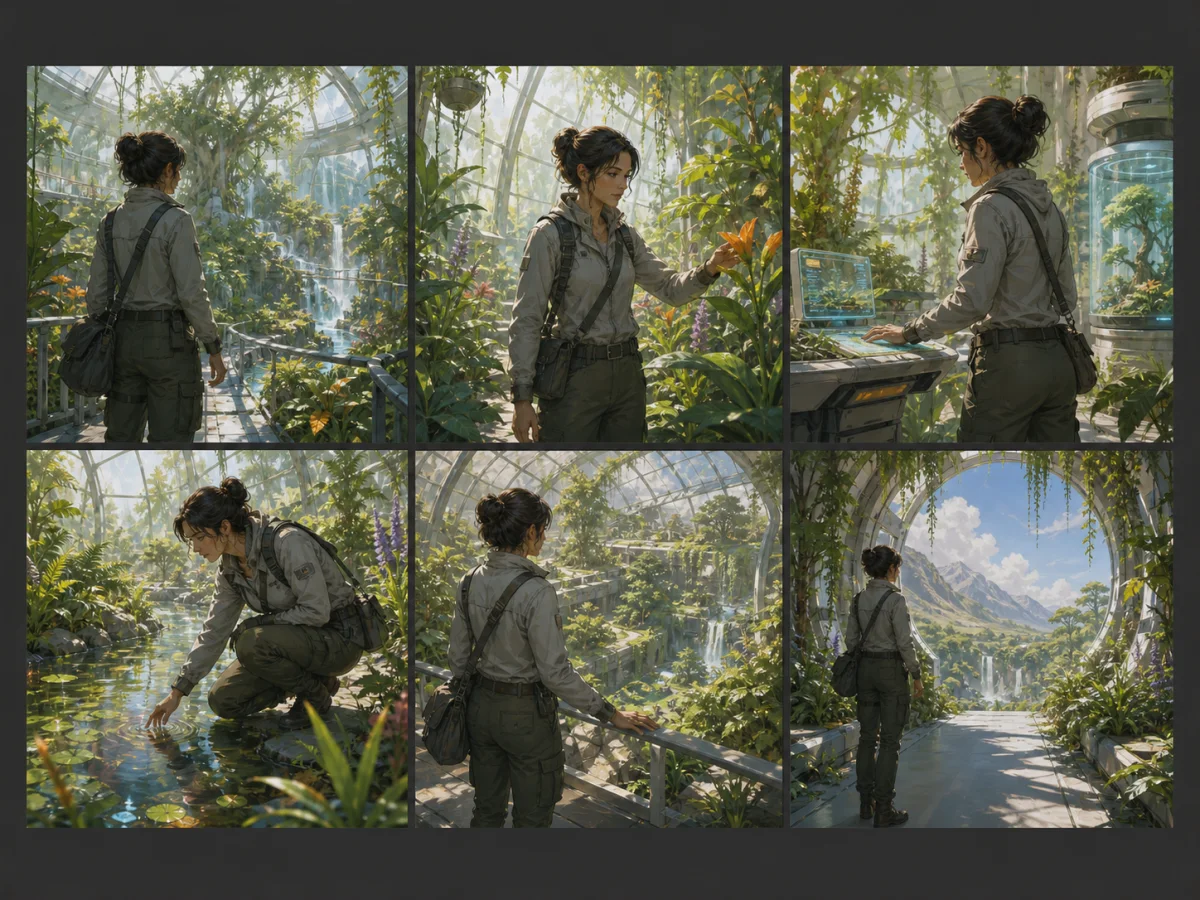
Storyboarding & Ideation Batches
Creators use Seedream 5 Lite for storyboard frames, character pose studies, and ideation passes with one focused output per run and predictable 2-credit pricing.

Bilingual & China-Facing Content
Marketing teams targeting Chinese audiences use Seedream 5 Lite to prompt directly in Chinese. Cultural details and in-image Chinese text land more reliably than translating from English first.
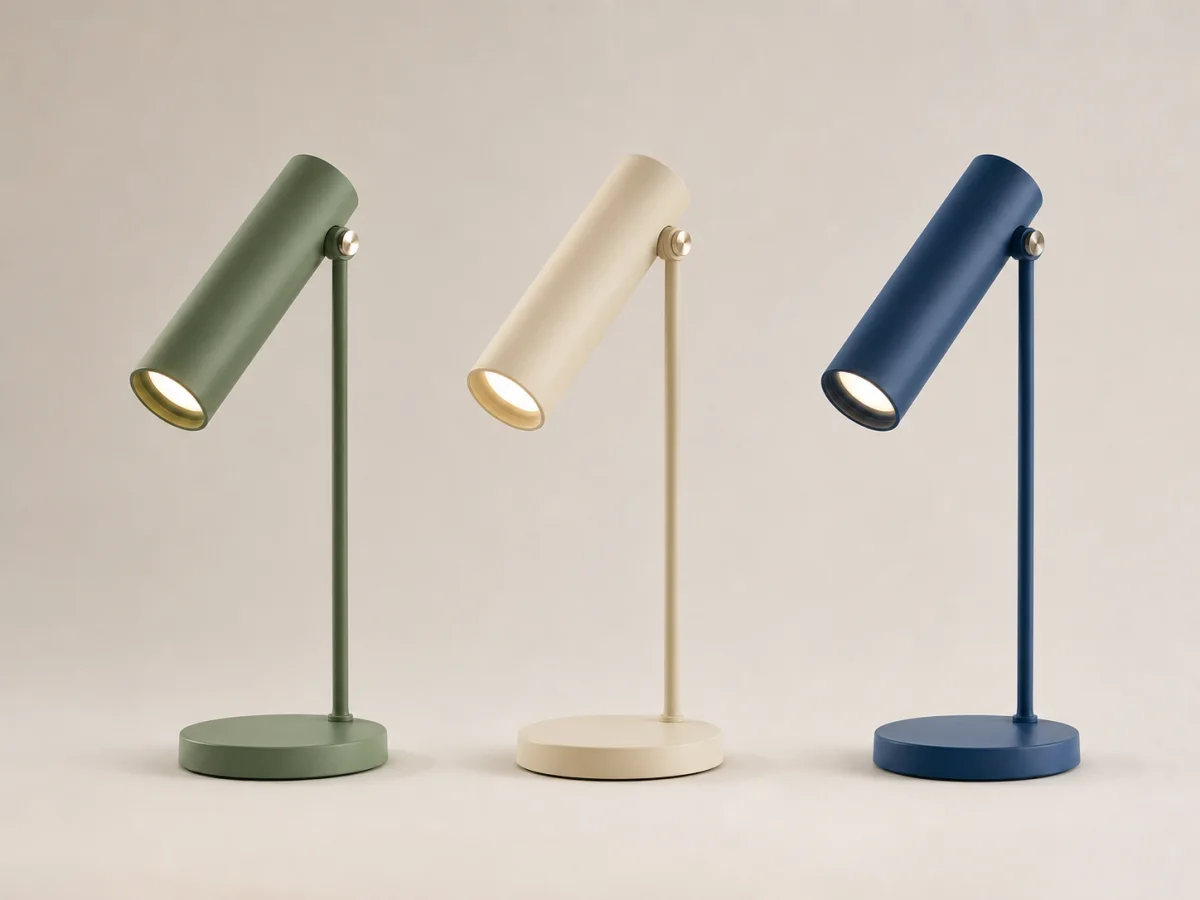
Product Variants & Catalog Work
Brand teams use Seedream 5 Lite to produce product variants — same product, different settings, lighting, or color treatments — using reference images and focused prompts.
How to Use Seedream 5 Lite in Three Steps
Seedream 5 Lite is one model away in the same Sketchto editor. No waitlist, no separate platform.
Sign In and Claim Free Credits
Create a Sketchto account to receive free trial credits. Free credits work on Seedream 5 Lite — at 2 credits per output, the trial covers a meaningful number of test generations.
Write a Prompt and Add References
Describe the image you want, in English or Chinese, then optionally upload reference images. Pick aspect ratio and quality from the Seedream 5 Lite config panel.
Generate a Single Predictable Output
Hit Generate. Seedream 5 Lite returns one image per run after the Kie migration, billed at 2 credits per output.
Tips for Better Seedream 5 Lite Results
Try Chinese prompts directly:
Seedream 5 Lite handles Chinese natively. For content aimed at Chinese audiences, prompt in Chinese — text in the image and cultural details often land more accurately than translating from English.
Run separate prompts for batches:
When you need a series — storyboard frames, product variants, or character poses — run focused prompts one by one so each output stays reviewable.
Stay at basic quality while iterating:
Use the lighter quality setting for drafts, then switch to high only on the keeper.
What Users Say About Seedream 5 Lite
“Seedream 5 Lite was the easiest way for our team to try the new Seedream generation without setting up a private beta. We dropped it into our existing flow and it just worked.”

Wei Chen
Creative Lead
“Seedream 5 Lite is fast enough for iterative storyboards. I run focused prompts one by one and keep only the frames that match the direction.”

Renata Cruz
Storyboard Artist
“For our China-facing campaigns we now default to Seedream 5 Lite. Prompting in Chinese gets us better in-image text and more accurate cultural details than translating from English first.”

Lin Hao
Marketing Director
“Seedream 5 Lite at 2 credits per image is a sweet spot. It is the new ByteDance generation, fast enough for iteration, and predictable enough to plan a project around. We use it daily for catalog work.”

Olivia Brooks
Studio Producer
Seedream 5 Lite — Frequently Asked Questions
What you need to know before using Seedream 5 Lite on Sketchto