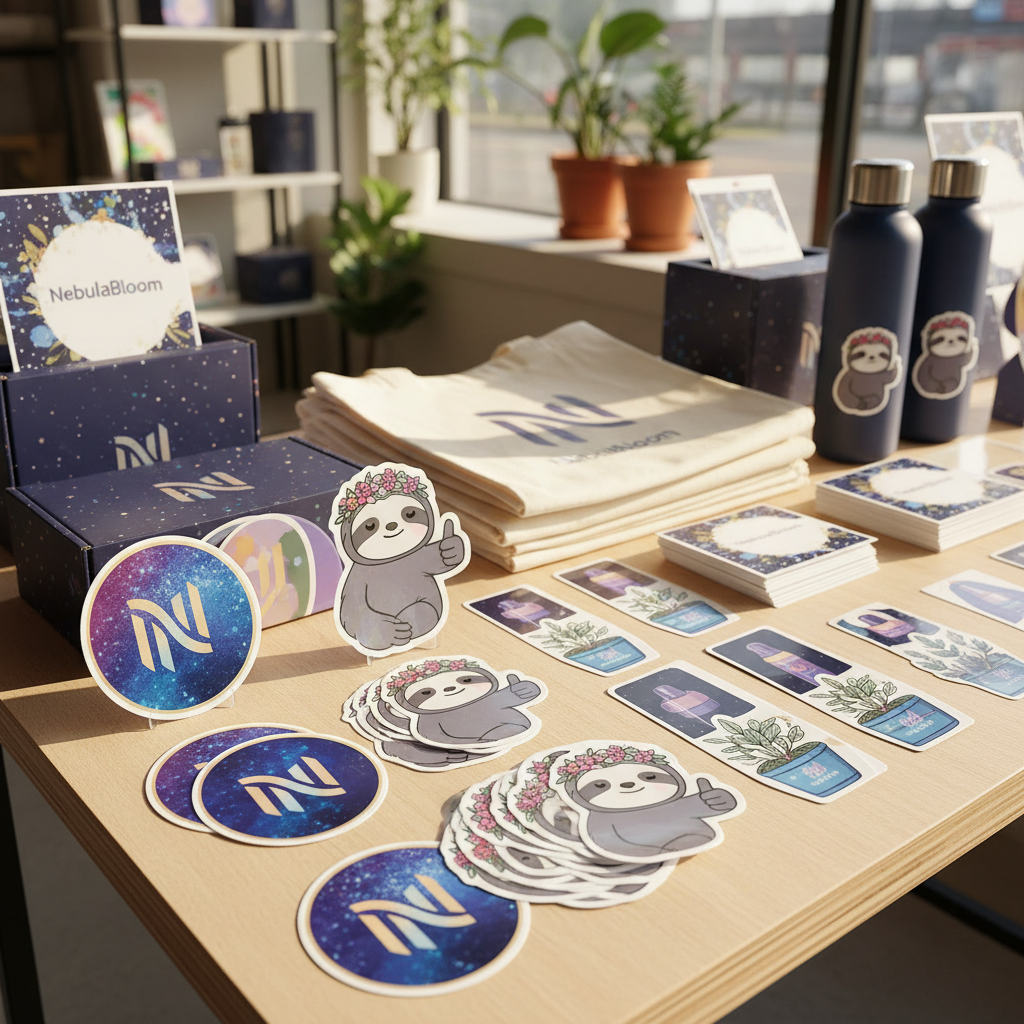
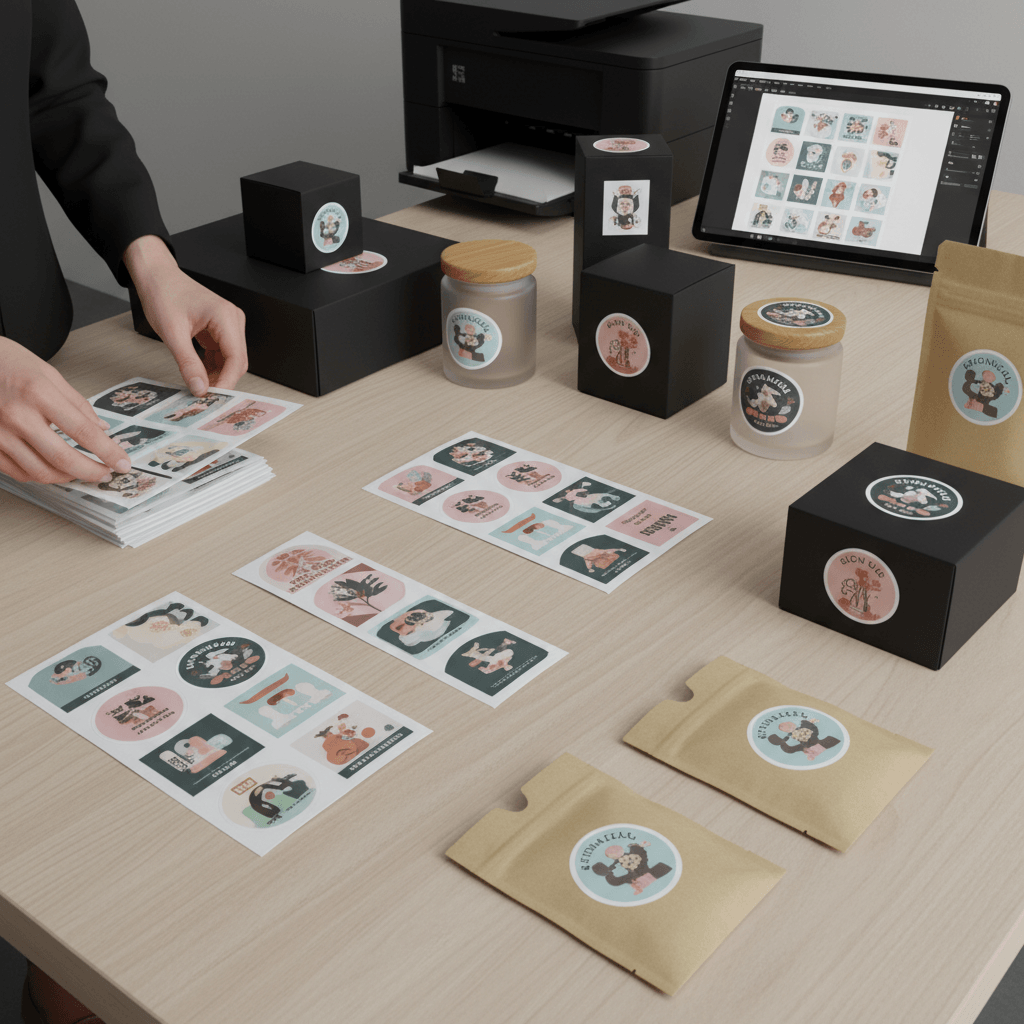
AI Die-Cut Sticker Generator: Create Custom Stickers Instantly

Turn any image into a polished die-cut sticker with our AI Die-Cut Sticker Generator. Upload a photo, logo, pet portrait, or artwork, then create a clean sticker with a white contour border, vinyl texture, and print-ready detail in seconds.

Upload Image

Upload an image file to get started with your AI conversion

Click or drop your image here

Max 5MB

Maximum quality with the best detail and accuracy

Preview

View your AI-transformed result and compare with the original

Example result

↑ Example result. Try it yourself!

Why Use Our AI Die-Cut Sticker Generator

Create custom die-cut stickers without manual tracing, masking, or design software. Our AI Die-Cut Sticker Generator handles the cutline look, border, and sticker finish so your image is ready for sharing, mockups, or print inspiration.

  • Instant Die-Cut Sticker AI

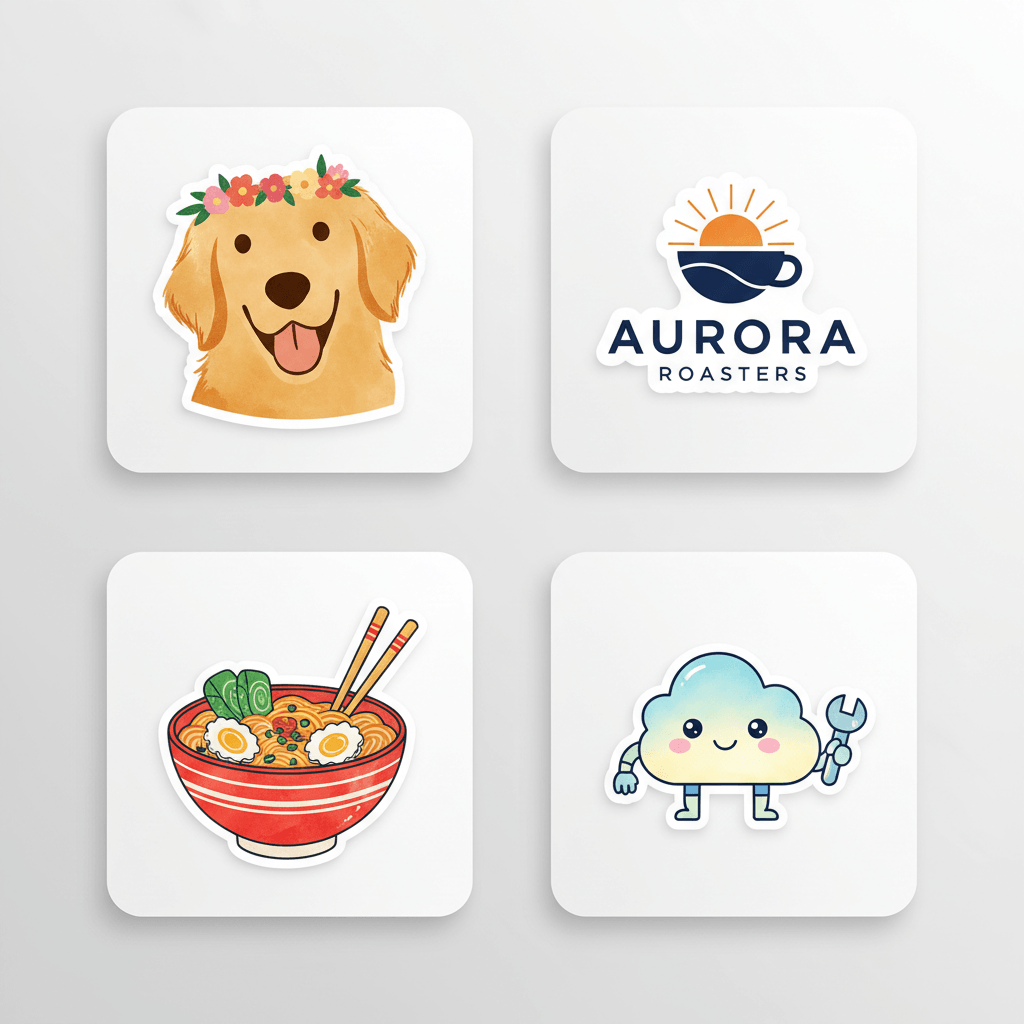
    Our AI Die-Cut Sticker Generator identifies the main subject and turns it into a sticker-style design with a clean contour edge. The result looks like a real die-cut sticker instead of a flat crop.

  • Clean White Sticker Borders

    A strong border is essential for sticker design. The die-cut sticker generator adds a crisp white outline around the subject so portraits, logos, pets, and products feel ready for vinyl sticker mockups.

  • Preserve Subject Details

    The AI sticker maker keeps recognizable features, key colors, and the original subject shape while simplifying details into a polished sticker style. Your custom sticker stays clear, personal, and easy to recognize.

  • 9 Sticker Design Styles

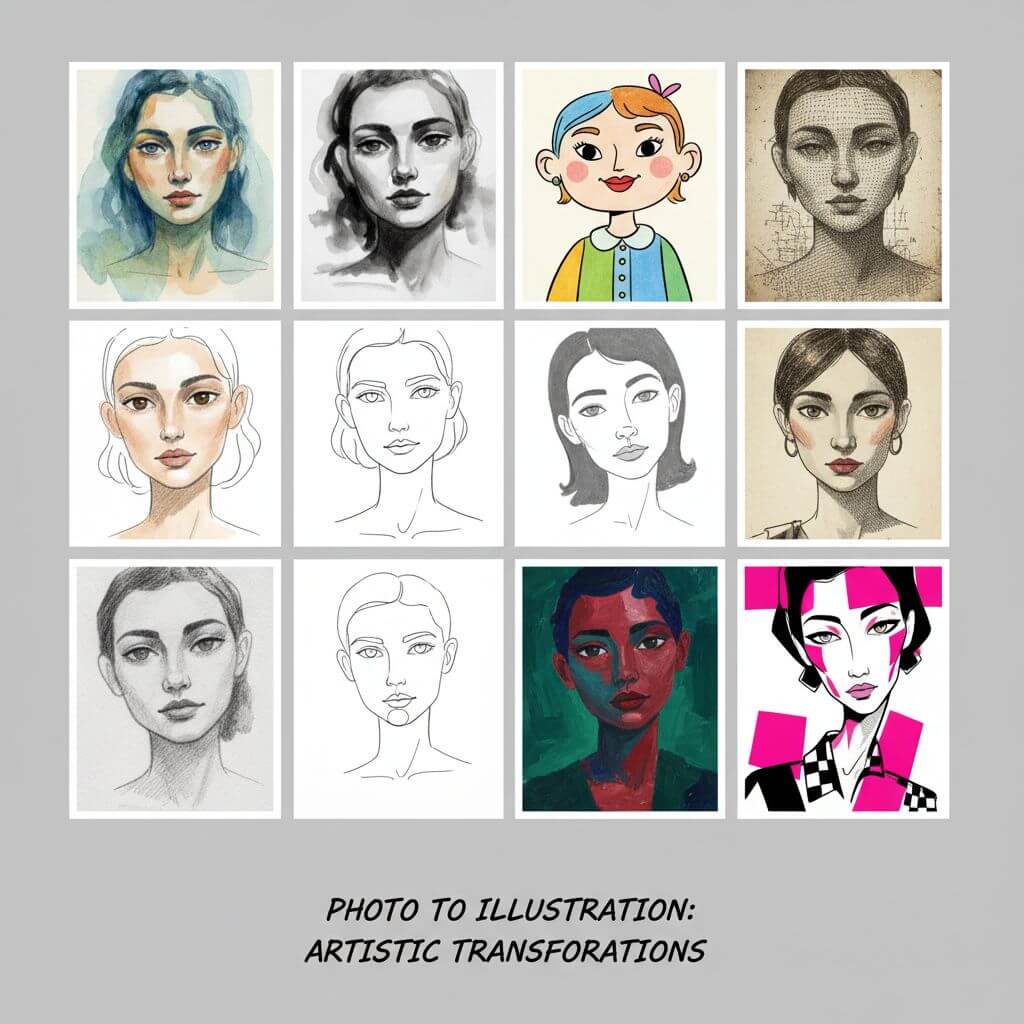
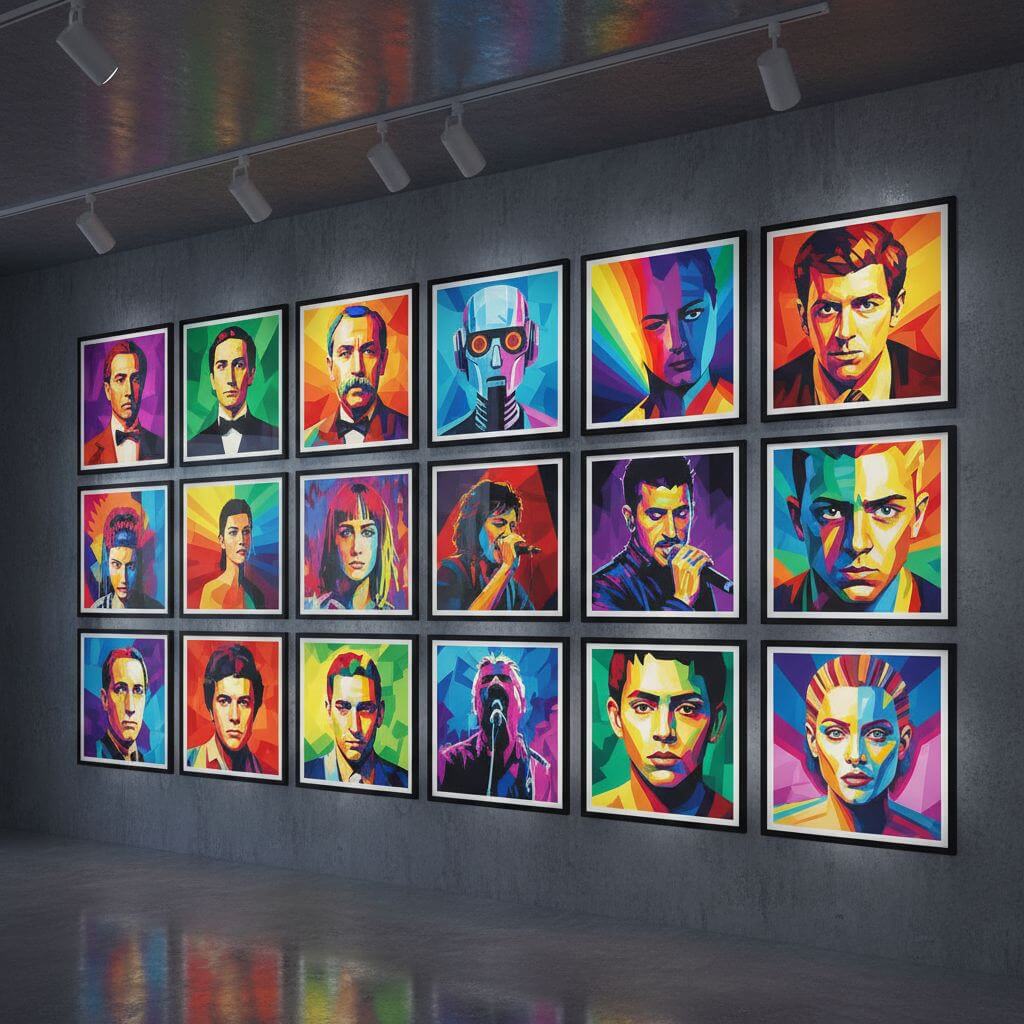
    Choose from clean white border, kawaii mascot, bold cartoon, holographic vinyl, retro label, minimal line, pop art, pet sticker, and streetwear decal styles. Each preset gives the die-cut sticker generator a different creative direction.

  • Great for Brands and Creators

    Use the AI Die-Cut Sticker Generator for product stickers, creator merch, social giveaways, event badges, laptop decals, and sticker pack concepts. It turns everyday visuals into polished promotional artwork.

  • Print-Ready Visual Finish

    The generator adds sticker cues like vinyl sheen, centered composition, clean edges, and strong contrast. Your AI die-cut sticker looks polished enough for product mockups, storefront previews, and creative briefs.

Creative Uses for AI Die-Cut Sticker Generator

See how creators, shops, and teams use our die-cut sticker generator to make custom sticker visuals for digital and physical projects.

Social Media Sticker Packs
Content Creators

Social Media Sticker Packs

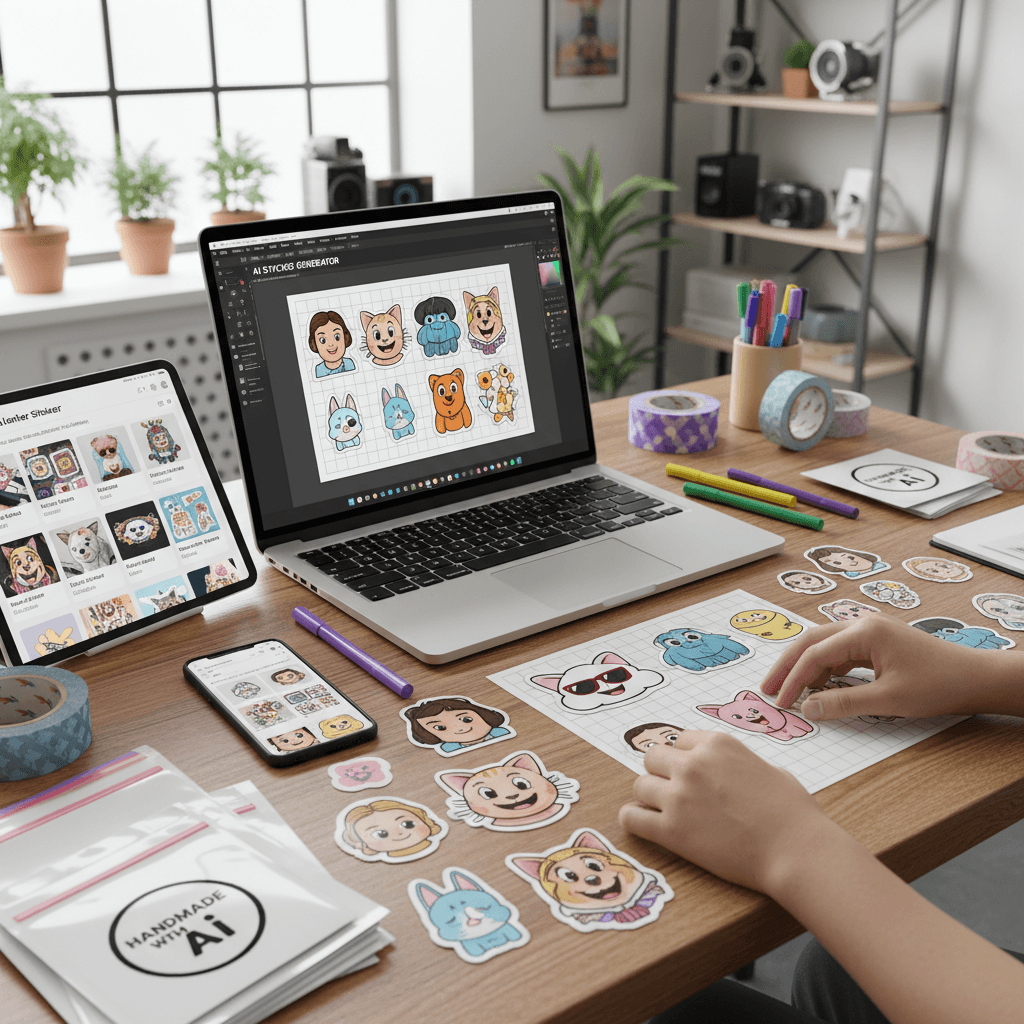
Create custom die-cut stickers from selfies, pets, memes, mascots, and artwork for Instagram posts, TikTok edits, Discord graphics, and creator sticker packs. The AI sticker maker gives each image a shareable sticker look.

Brand Merch and Giveaways
Brands and Shops

Brand Merch and Giveaways

Turn logos, product photos, and campaign graphics into sticker mockups for launches, pop-up shops, creator merch, and event giveaways. The AI Die-Cut Sticker Generator helps teams test sticker concepts quickly.

Packaging and Product Labels
Product Teams

Packaging and Product Labels

Use the die-cut sticker generator to create label-style sticker visuals for packaging inserts, thank-you cards, product samples, and storefront previews. Add a polished sticker finish before committing to print production.

How to Create a Die-Cut Sticker with AI

Use our AI Die-Cut Sticker Generator to transform your image into a custom sticker in three simple steps.

  • 1

    Upload Your Image

    Add a photo, logo, pet portrait, product shot, illustration, or artwork. Clear images with one main subject help the die-cut sticker generator create a cleaner contour border.

  • 2

    Choose a Sticker Style

    Pick one of 9 styles or write a custom prompt. The AI Die-Cut Sticker Generator can create clean vinyl stickers, cute mascot stickers, bold cartoon decals, retro labels, and more.

  • 3

    Generate and Download

    Preview your custom die-cut sticker, adjust the prompt if needed, and download the final result. Use it for mockups, social posts, merchandise concepts, or sticker pack planning.

Pro Tips for Better Die-Cut Stickers

Use a Clear Subject:

A single subject with strong contrast works best. The AI Die-Cut Sticker Generator can create cleaner borders when the subject is easy to separate from the background.

Pick the Right Preset:

Use Clean White Border for classic vinyl stickers, Kawaii Mascot for cute characters, Retro Label for packaging, and Streetwear Decal for bolder sticker pack concepts.

Customize the Finish:

In the custom prompt, specify details like thick white border, transparent background, glossy vinyl, holographic foil, rounded shape, or bold black outline to guide the sticker design.

Pricing

Transform your images with AI. Choose the plan that fits your needs.

MonthlyAnnuallyCredit Packs

Basic

$7.99$9.99/mo

Perfect for personal use and casual creators.

2400 credits (≈ 1200 images / year)

Includes

  • Own your creations
  • Access to Standard Generation
  • Image history saved
  • Standard Quality Download

Billed annually · Save $24/year

Cancel anytime. No lock-in contract.
Pro

Best Value · 4x More
Most Popular
$15.99$19.99/mo

For power users and professionals.

9600 credits (≈ 4800 images / year)

Everything in Basic, plus

  • Commercial License Included
  • Priority Support
  • 4x More Credits
  • Priority email support

Billed annually · 75% cheaper per image

Cancel anytime. No lock-in contract.
Loved by Creators Making Custom Stickers

"The AI Die-Cut Sticker Generator made my product photos look like real vinyl stickers. The white border and clean cutline saved me a lot of manual design time."
Maya P.
Small Business Owner
"I used it to create sticker pack concepts for my art shop. The die-cut sticker generator kept my characters recognizable and gave each one a polished merch look."
Leo R.
Illustrator
"This AI sticker maker is perfect for quick campaign mockups. I can turn logos and event graphics into sticker previews before sending ideas to the design team."
Nina S.
Marketing Manager
"I made pet stickers in minutes. The AI Die-Cut Sticker Generator preserved the expression and added a clean border that looks ready for a sticker sheet."
Chris W.
Pet Creator

AI Die-Cut Sticker Generator: Frequently Asked Questions

Everything you need to know about creating custom die-cut stickers with AI

An AI Die-Cut Sticker Generator is a tool that transforms an uploaded image into a sticker-style design. It isolates the main subject, adds a clean contour border, applies a vinyl sticker finish, and creates artwork that looks like a custom die-cut sticker.

Yes. The die-cut sticker generator works with portraits, pets, logos, products, illustrations, and other images. Clear images with one main subject usually produce the cleanest sticker border and the most readable design.

Yes. The AI Die-Cut Sticker Generator is designed to create a visible white border and cutline-inspired edge around the subject. You can also request a thicker border, holographic finish, black outline, or transparent background in the custom prompt.

The tool creates print-ready visual concepts and polished sticker mockups. For final commercial printing, always check your printer's required file format, resolution, bleed, and cutline specifications before ordering.

The AI sticker maker includes 9 presets: Clean White Border, Kawaii Mascot, Bold Cartoon, Holographic Vinyl, Retro Label, Minimal Line, Pop Art, Pet Sticker, and Streetwear Decal. You can also write a custom prompt for a specific style.

Yes. Use the custom prompt to describe the border thickness, finish, colors, background, mood, and use case. The die-cut sticker generator will use your instructions to create a more specific custom sticker design.