Use Clear Front-Facing Photos:
WPAP works best with well-lit portraits where the face is clearly visible. Side profiles and group photos don't produce good results — the AI needs distinct facial features to create clean geometric planes.
Try Multiple Color Palettes:
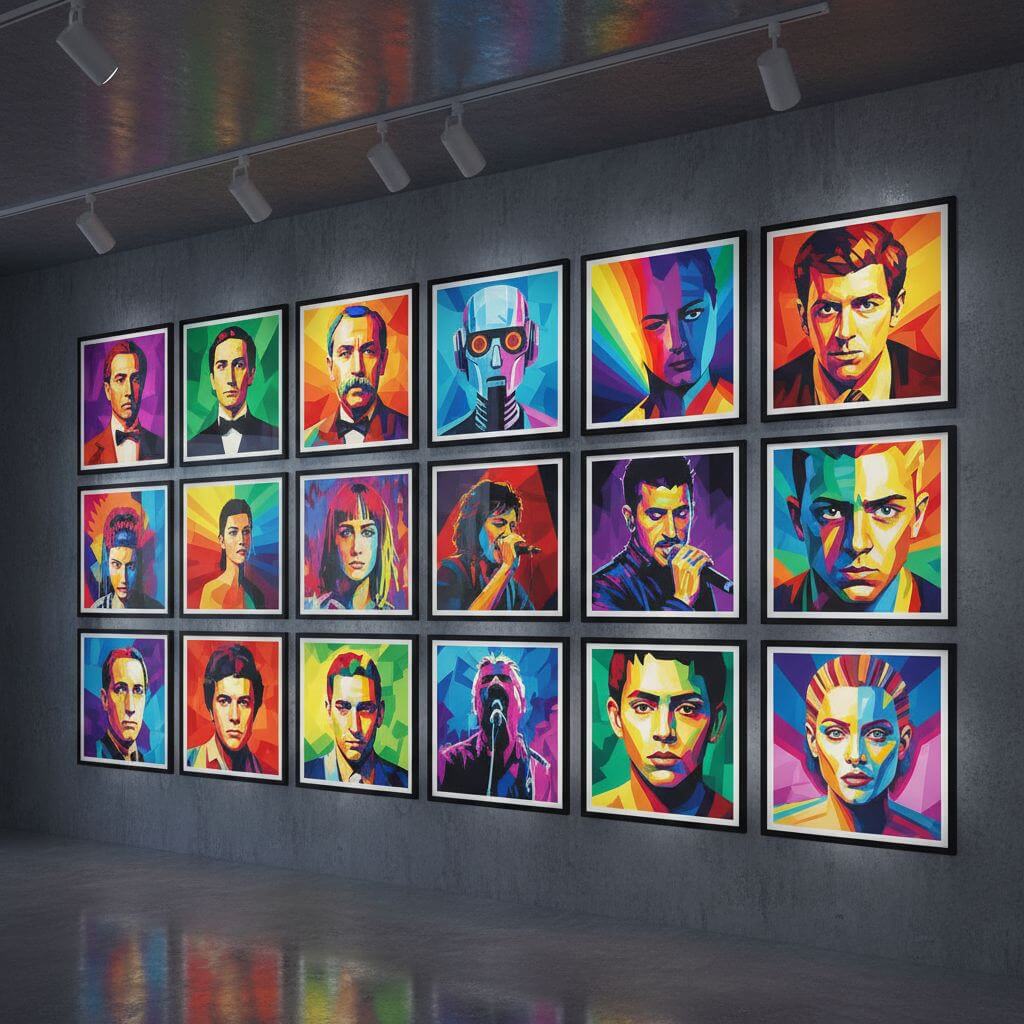
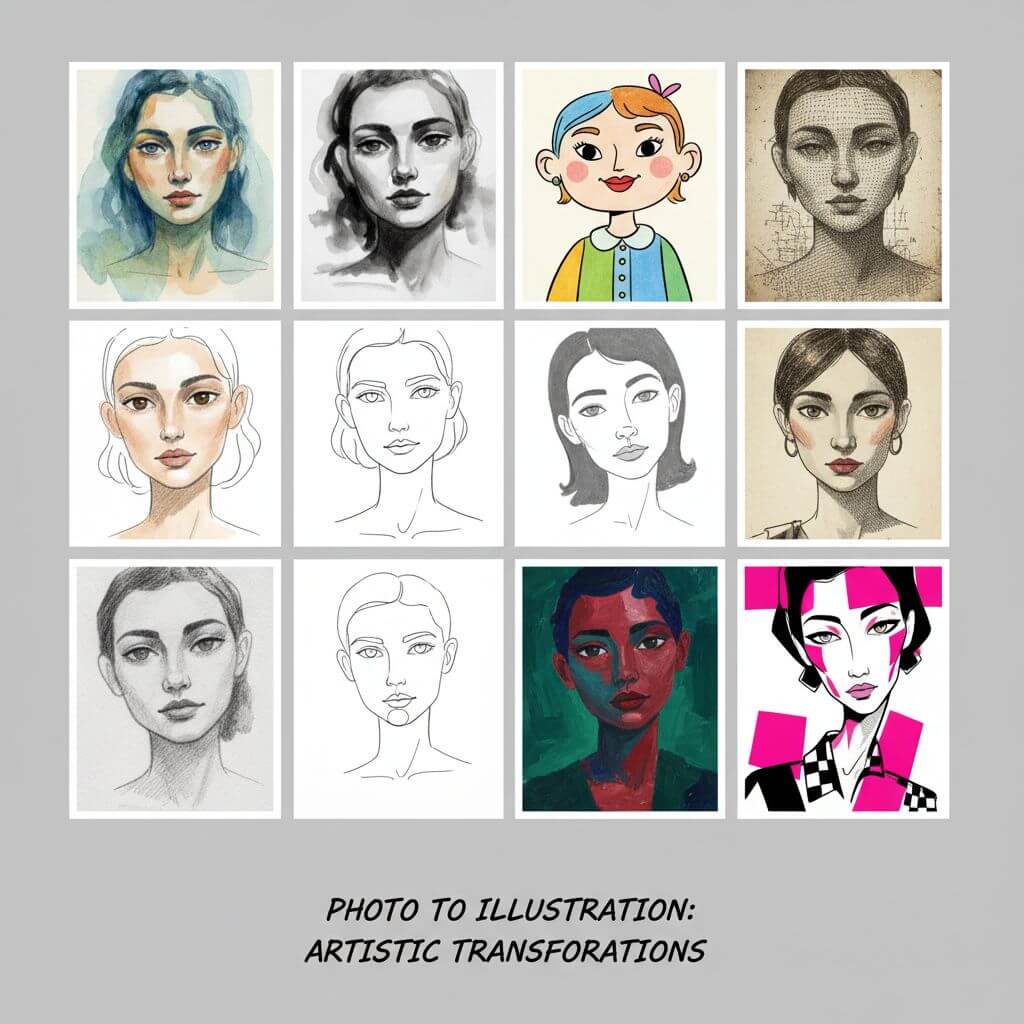
The same photo looks completely different across palettes. Classic WPAP uses bold primaries, Neon adds electric vibrancy, and Pastel creates a softer look. Test a few before choosing your final version.
Crop Tight Around the Face:
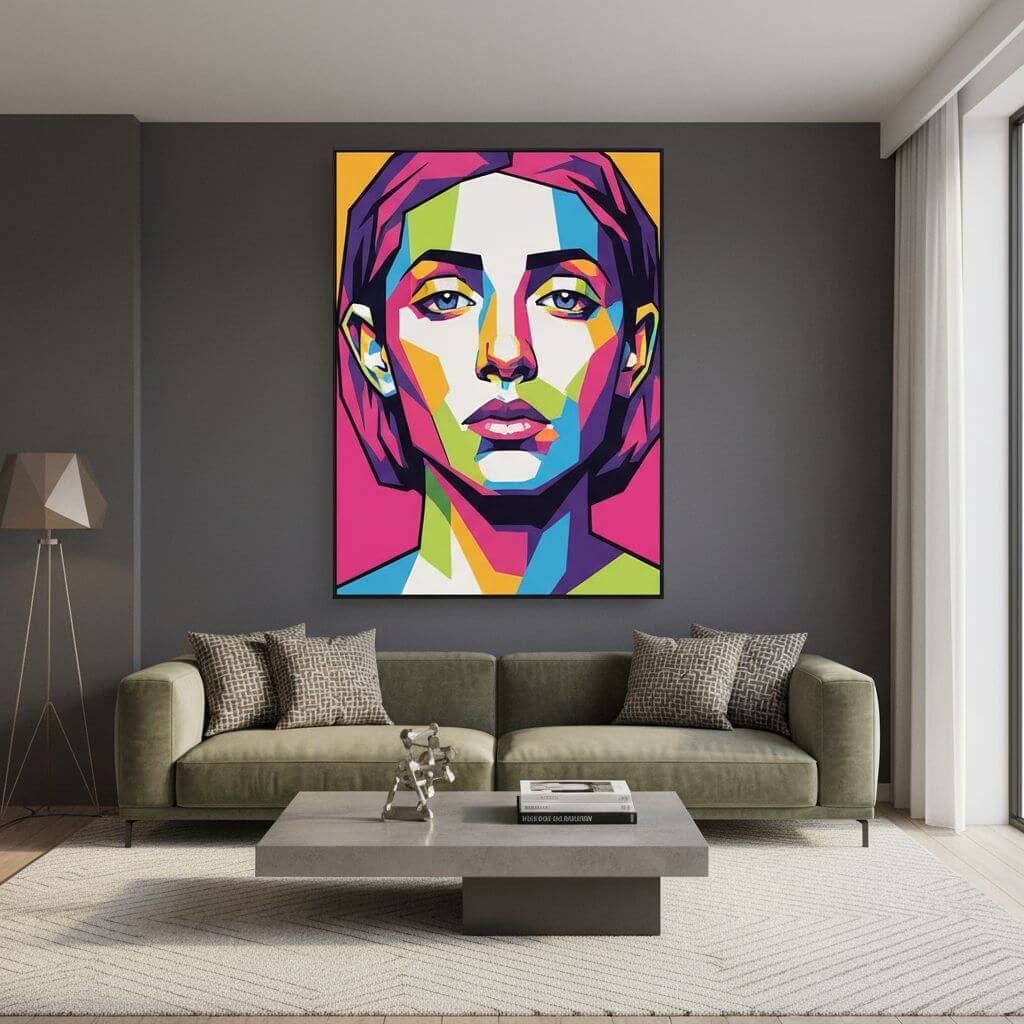
WPAP is a portrait style — the more face in the frame, the better the result. Crop out busy backgrounds and extra body before uploading. The geometric effect is most impressive on facial details.