AI Drawing to Photo: Convert Your Drawings into Realistic Photos

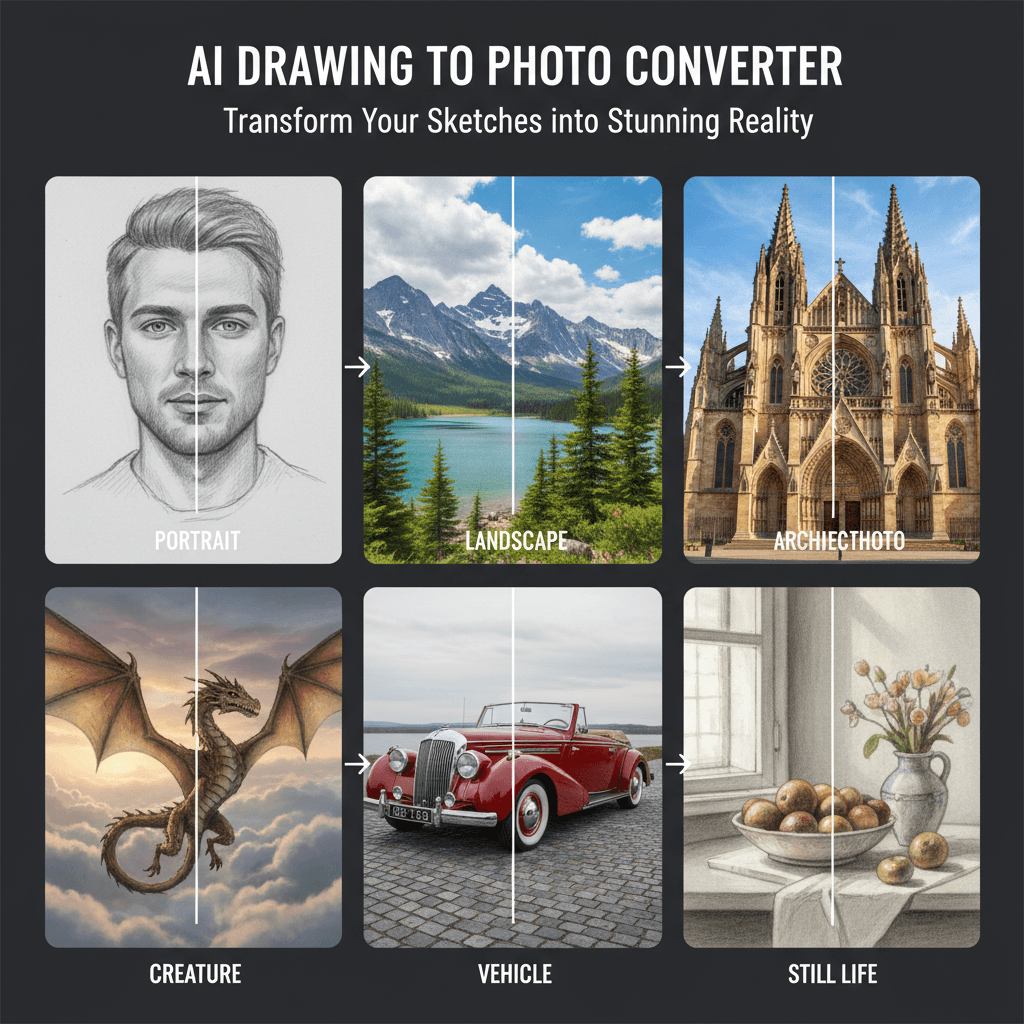
Transform any sketch or drawing into a stunning realistic photo with our AI drawing to photo converter. Whether you have pencil sketches, doodles, or digital drawings, our AI drawing to photo tool converts them into lifelike photographs with incredible detail and accuracy.

Upload Image

Upload an image file to get started with your AI conversion

Click or drop your image here

Max 5MB

Maximum quality with the best detail and accuracy

Preview

View your AI-transformed result and compare with the original

Example result

↑ Example result. Try it yourself!

Why Choose Our AI Drawing to Photo Converter

Discover how our AI drawing to photo technology bridges the gap between art and photography. Convert any drawing to a realistic photo with professional-quality results using our advanced drawing to image converter.

  • Advanced AI Drawing to Photo Technology

    Our AI drawing to photo converter uses cutting-edge deep learning to understand your drawings and generate photorealistic results. The drawing to photo AI analyzes lines, shapes, and shading to produce photographs with natural textures and lighting.

  • Preserve Drawing Details Accurately

    When you convert a drawing to a realistic photo, every detail matters. Our AI drawing to photo tool faithfully preserves the composition, proportions, and subject of your original artwork while adding photorealistic quality.

  • Instant Drawing to Photo Conversion

    Convert your drawing to a photo in seconds, not hours. Our sketch to photo AI processes your artwork instantly, delivering stunning photorealistic results without the wait. Upload any drawing and see it transformed immediately.

  • Multiple Photo Styles Available

    Our AI drawing to photo converter offers diverse photography styles including cinematic, portrait, vintage film, and HDR. Choose the perfect style when you convert your drawing to a realistic photo that matches your creative vision.

  • Safe and Private Processing

    Your drawings are processed securely with our AI drawing to photo converter. We respect your creative work and ensure all uploaded drawings are handled with complete privacy during the drawing to image conversion process.

  • Professional Quality Output

    Our AI drawing to photo tool produces high-resolution photographs suitable for print and digital use. Every drawing to photo conversion delivers crisp details, natural colors, and professional-grade quality that exceeds expectations.

Real-World Uses for AI Drawing to Photo Conversion

See how artists, designers, and creators use our AI drawing to photo converter to bring their sketches to life as stunning photographs.

Art & Concept Visualization
Artists & Illustrators

Art & Concept Visualization

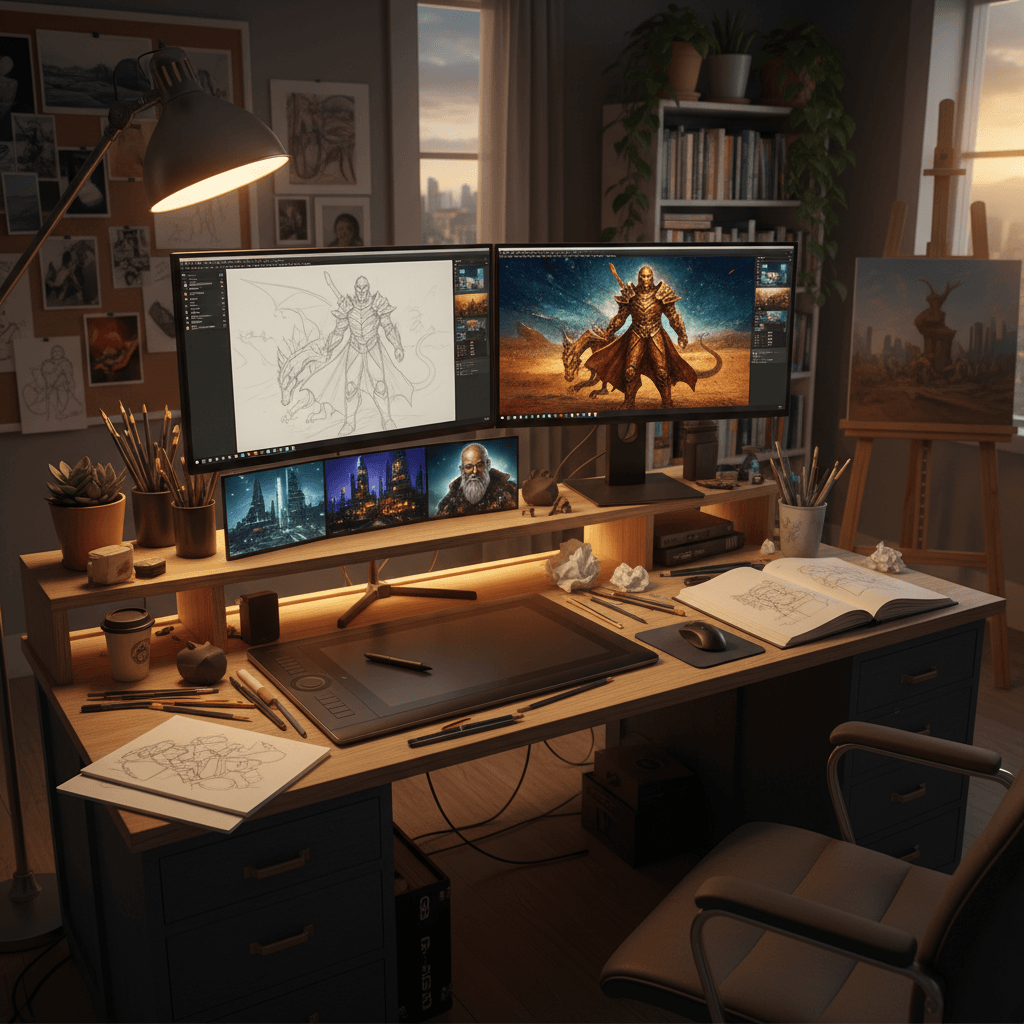
Artists and illustrators use our AI drawing to photo converter to visualize their concepts as realistic photographs. Convert sketches to photos to see how your creative ideas would look in real life, from character designs to landscape compositions.

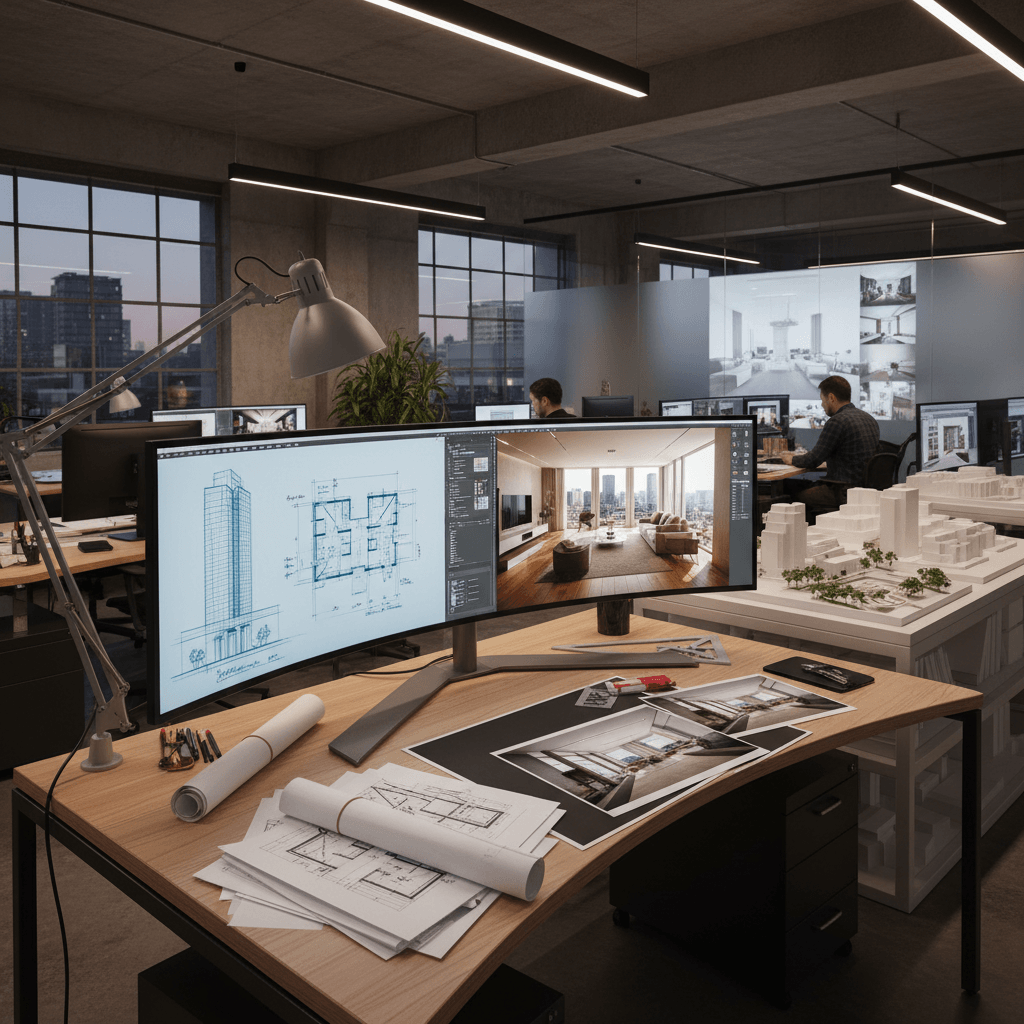
Architecture & Interior Design
Designers & Architects

Architecture & Interior Design

Architects and interior designers rely on our drawing to image converter to transform hand-drawn floor plans and sketches into photorealistic visualizations. Our AI drawing to photo tool helps communicate design intent clearly to clients and stakeholders.

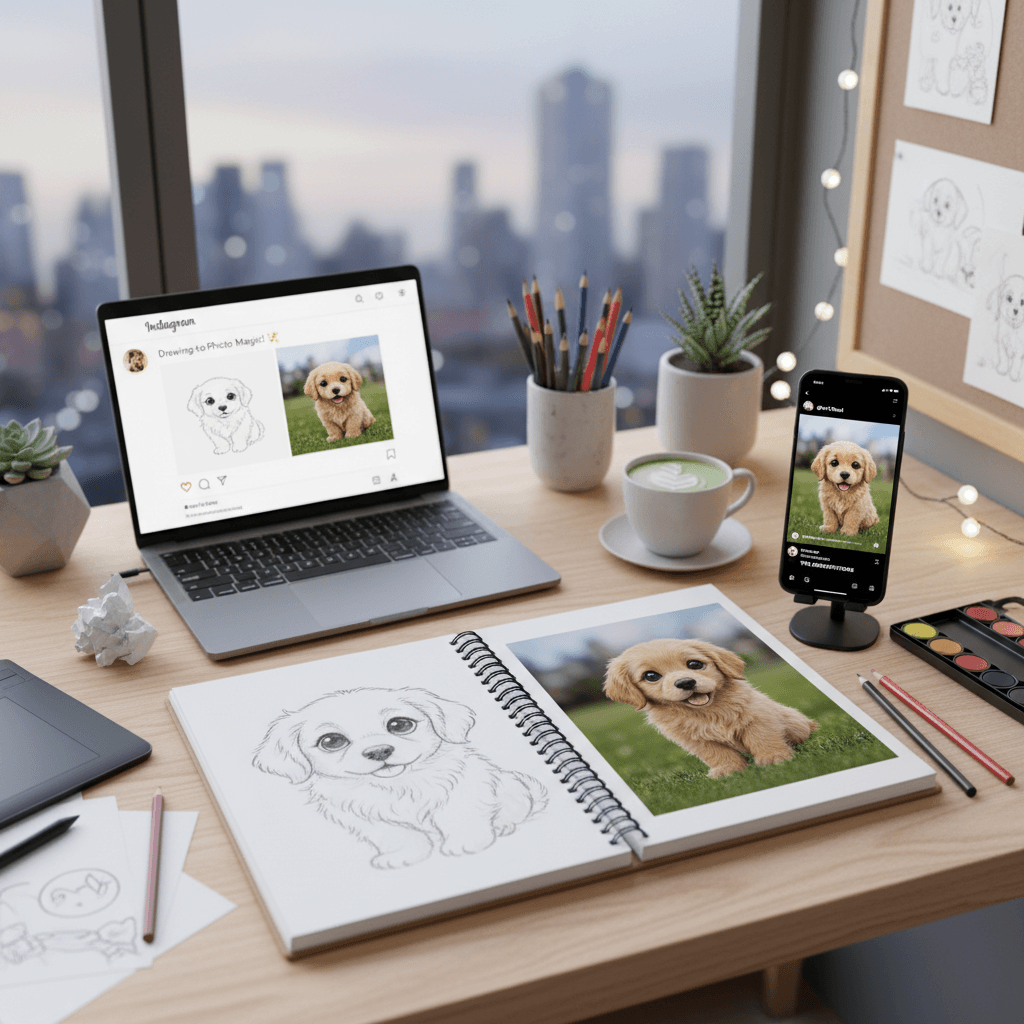
Social Media & Content Creation
Content Creators

Social Media & Content Creation

Content creators use our sketch to photo AI to generate unique, eye-catching visuals from their drawings. Convert any drawing to a realistic photo for social media posts, blog illustrations, and creative storytelling that stands out from the crowd.

How to Convert Drawing to Photo with AI

Transform your drawings into realistic photographs in three simple steps using our intuitive AI drawing to photo converter. Start converting drawings to photos now!

  • 1

    Upload Your Drawing

    Upload any sketch, doodle, or drawing you want to convert to a realistic photo. Our AI drawing to photo converter accepts pencil sketches, ink drawings, digital art, and more. Sign up to get free credits for multiple conversions.

  • 2

    Choose Photo Style

    Select your preferred photo style from ultra-realistic to cinematic or vintage. Our drawing to photo AI will intelligently transform your artwork while preserving the original composition and details of your drawing.

  • 3

    Download Your Photo

    Preview your converted photo and download in high resolution. Our AI drawing to photo converter delivers professional-quality photographs ready for sharing, printing, or further editing.

Pro Tips for AI Drawing to Photo Conversion

Clear Lines:

For the best AI drawing to photo results, use drawings with clear, well-defined lines and shapes. Cleaner sketches help the drawing to image converter produce more accurate and detailed photorealistic outputs.

Add Shading:

Drawings with shading and depth cues convert better to realistic photos. Our AI drawing to photo tool uses shadows and highlights in your sketch to create more natural lighting in the final photograph.

Try Different Styles:

Experiment with multiple photo styles to find the best match for your drawing. Our sketch to photo AI offers various looks from cinematic to vintage, so try several options to see which style brings your drawing to life most effectively.

Pricing

Transform your images with AI. Choose the plan that fits your needs.

MonthlyAnnuallyCredit Packs

Basic

$7.99$9.99/mo

Perfect for personal use and casual creators.

2400 credits (≈ 1200 images / year)

Includes

  • Own your creations
  • Access to Standard Generation
  • Image history saved
  • Standard Quality Download

Billed annually · Save $24/year

Cancel anytime. No lock-in contract.
Pro

Best Value · 4x More
Most Popular
$15.99$19.99/mo

For power users and professionals.

9600 credits (≈ 4800 images / year)

Everything in Basic, plus

  • Commercial License Included
  • Priority Support
  • 4x More Credits
  • Priority email support

Billed annually · 75% cheaper per image

Cancel anytime. No lock-in contract.
Trusted by 100,000+ Artists and Creators Worldwide

"This AI drawing to photo converter is incredible! I upload my pencil sketches and get back stunning realistic photos. It perfectly captures the essence of my drawings. Best drawing to photo tool I've ever used!"
Michael T.
Concept Artist
"As an architect, I use this AI drawing to photo tool to convert my hand-drawn sketches into photorealistic renders for client presentations. The quality of the drawing to image conversion is outstanding."
Lisa W.
Architect
"I love how easy it is to convert drawing to realistic photo with this tool. My children's doodles turned into amazing photographs. The sketch to photo AI is truly magical!"
James C.
Parent & Hobbyist
"Our design team relies on this AI drawing to photo converter for rapid prototyping. Converting sketches to realistic photos saves us countless hours compared to traditional rendering methods."
Anna P.
Design Lead

AI Drawing to Photo: Frequently Asked Questions

Everything you need to know about converting drawings to realistic photos with our AI tool

AI drawing to photo is a technology that uses artificial intelligence to transform hand-drawn sketches, doodles, and drawings into realistic photographs. Our drawing to photo AI analyzes the lines, shapes, shading, and composition of your drawing, then generates a photorealistic version that preserves the original subject and layout while adding natural textures, lighting, and depth.

Our AI drawing to photo converter works with virtually any type of drawing including pencil sketches, ink drawings, charcoal art, digital illustrations, doodles, and even children's drawings. The drawing to image converter handles various levels of detail, from simple line art to complex shaded compositions.

Our sketch to photo AI is highly accurate at preserving the composition, proportions, and key features of your original drawing. The AI drawing to photo tool maintains the spatial layout while intelligently adding photorealistic details like textures, lighting, and color. More detailed drawings typically produce more accurate photographic conversions.

We offer a free trial of our AI drawing to photo converter with complimentary credits to convert multiple drawings. This lets you experience the full capabilities of our drawing to photo AI before upgrading. Sign up today to start converting your drawings to realistic photos for free!

Our AI drawing to photo converter processes most drawings in 10-20 seconds. Simply upload your sketch, choose a photo style, and the drawing to image converter will generate your realistic photo almost instantly. No lengthy rendering or manual editing required.

Absolutely! Our AI drawing to photo tool offers 9 distinct photography styles including ultra-realistic, cinematic, vintage film, portrait, HDR vivid, and more. Each style gives your drawing a unique photographic look, so you can experiment with different aesthetics when you convert your drawing to a realistic photo.