
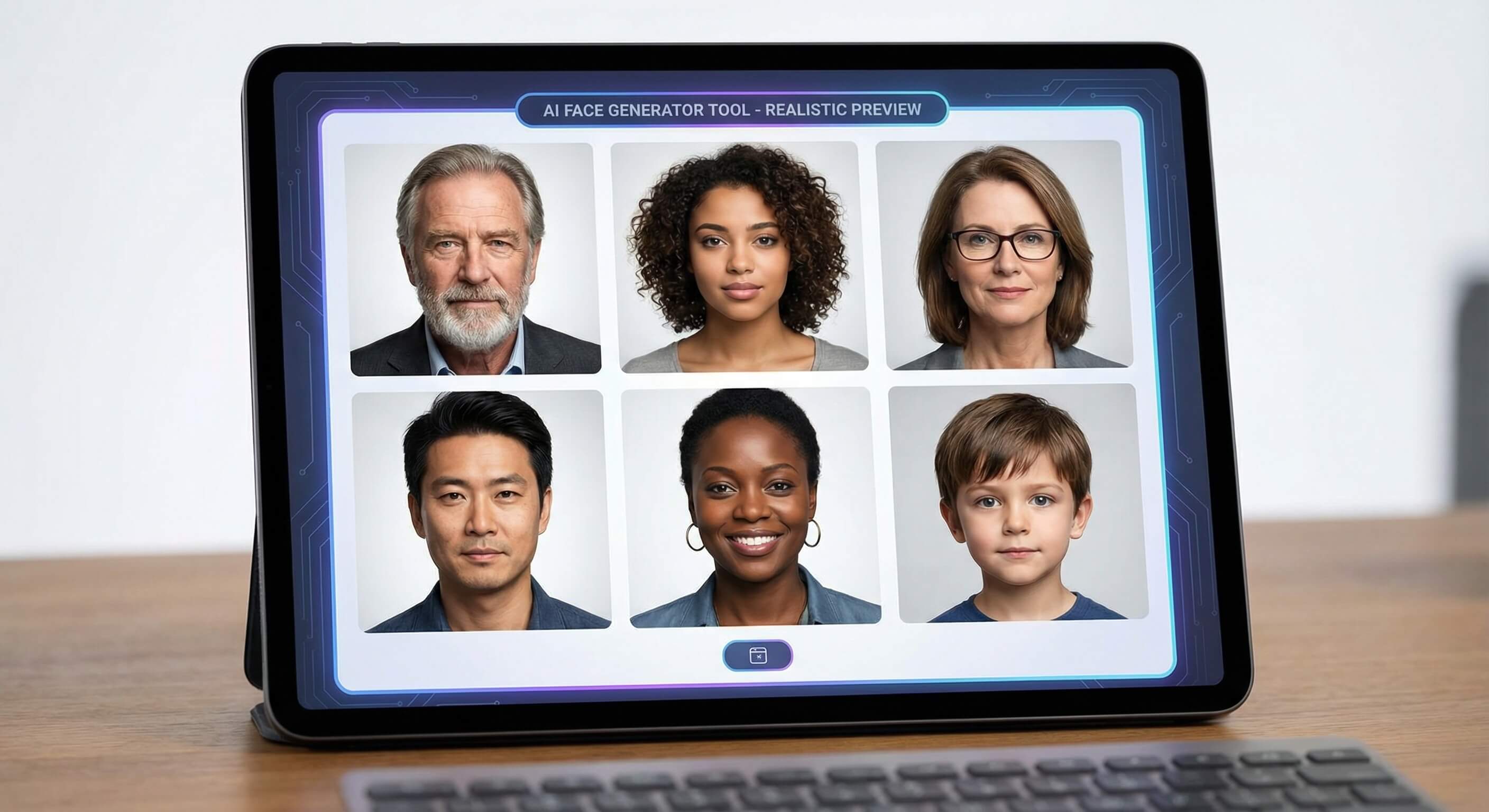
AI Face Generator for Custom Portrait Concepts

Use this AI face generator to create a portrait from a text prompt and optional references, then preview and download the generated image.

AI Face Generator

Upload an image file to get started with your AI conversion

Upload Image (Optional)0/3

Nano Banana is ready for this Tool input mode.

Preview

View your AI-transformed result and compare with the original

Example result

↑ Example result. Try it yourself!

What You Can Do with This AI Face Generator

Use the page's available prompt, image, model, preview, and download controls to move from an idea to a generated result.

  • Portrait Generator Inputs

    Describe the visual result you need and use the controls shown in the editor. Output depends on the selected model, input quality, and prompt.

  • Prompt and Reference Controls

    Start with a clear prompt and add a source or reference image when the workflow offers that option. Review the first preview before refining the input.

  • Style and Composition Iteration

    Adjust the prompt, style, or available settings when the first result misses the intended subject, palette, or composition.

  • Model-Based Variations

    Try another available model or prompt variation to compare different interpretations instead of treating the first generation as final.

  • Preview Before Download

    Inspect the generated preview for subject fidelity, artifacts, text errors, cropping, and other details before downloading.

  • Responsible Final Review

    Download the selected image for any final crop, resize, typography, brand, rights, or publishing checks required by your project.

AI Face Generator Use Cases

Explore practical ways to adapt the generated result for personal, creative, or professional projects.

Professional Portraits & Business Profiles
Designers & Businesses

Professional Portraits & Business Profiles

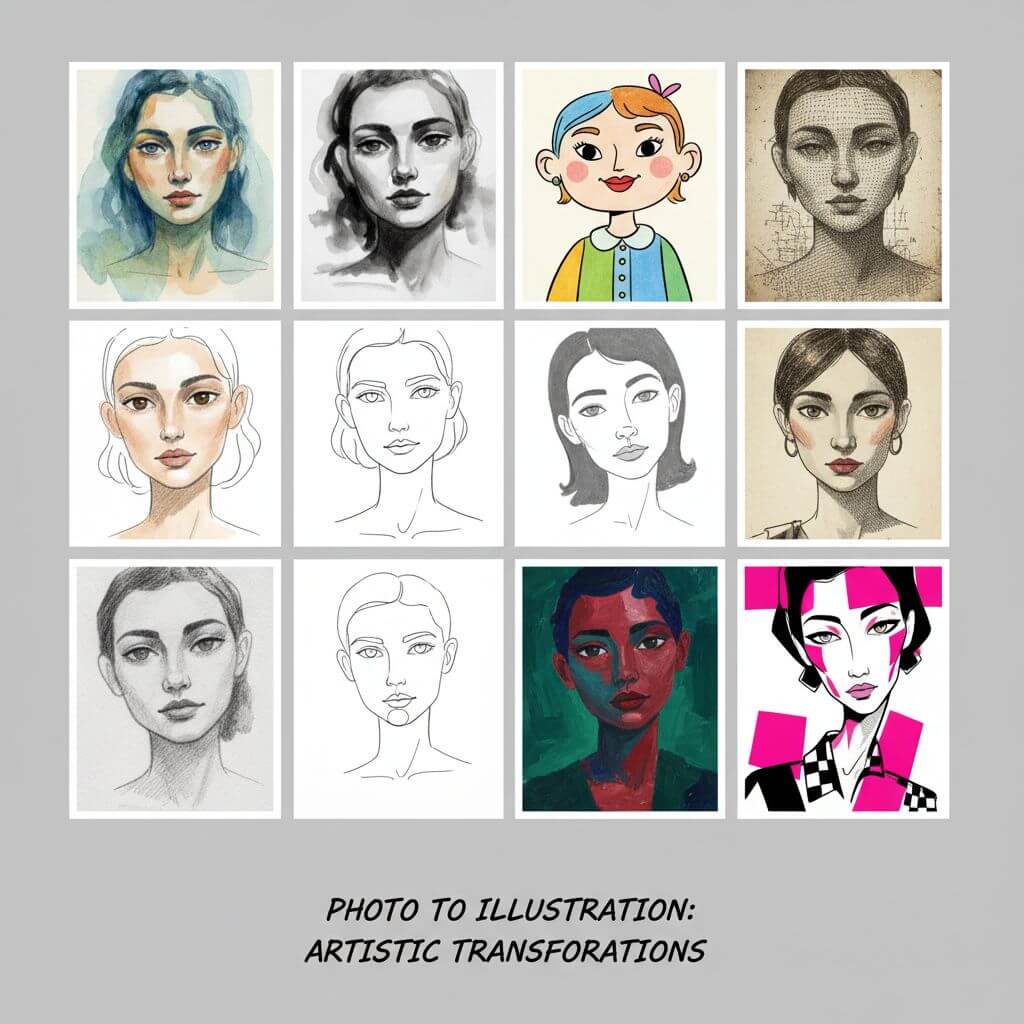
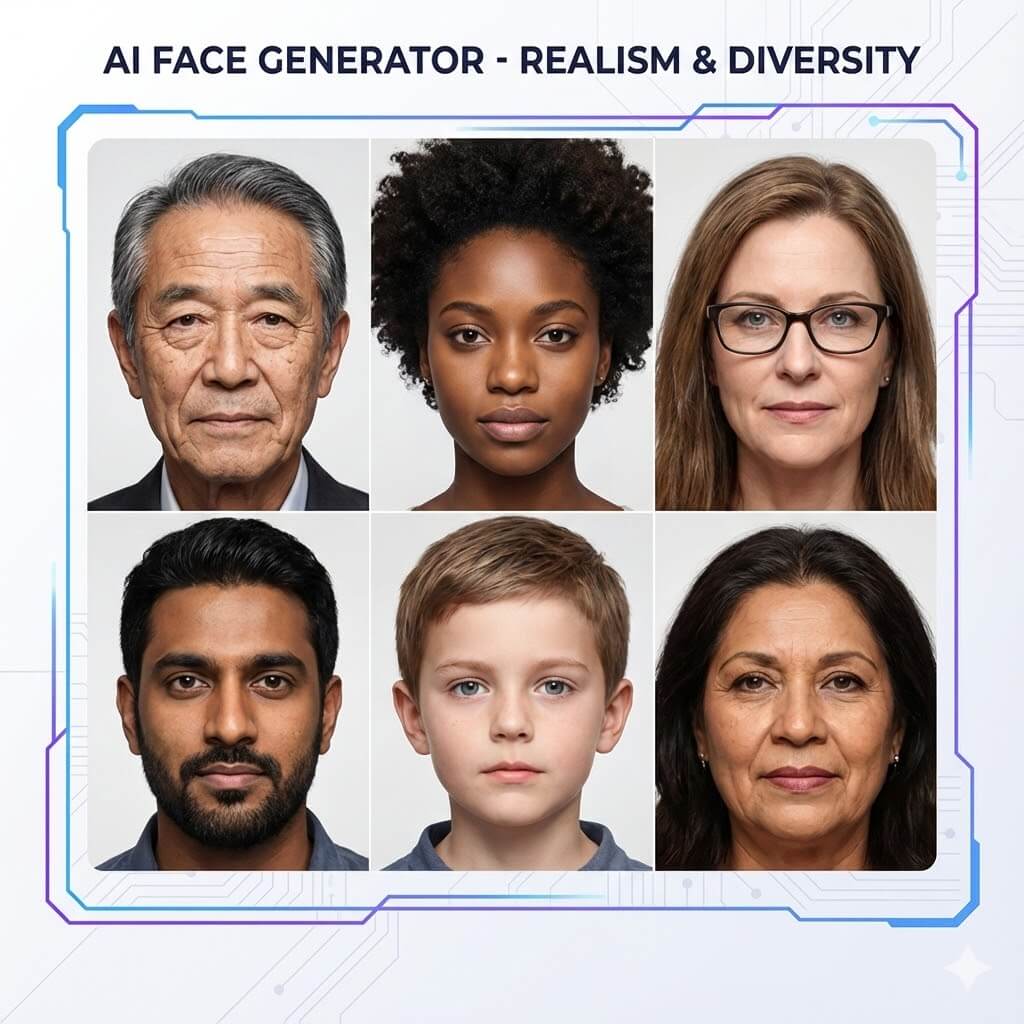
Use the portrait generator to explore a visual direction for professional portraits & business profiles. Treat generated images as drafts, and complete any sizing, text, brand, rights, or publishing checks before use.

Game Development & Character Design
Game Developers

Game Development & Character Design

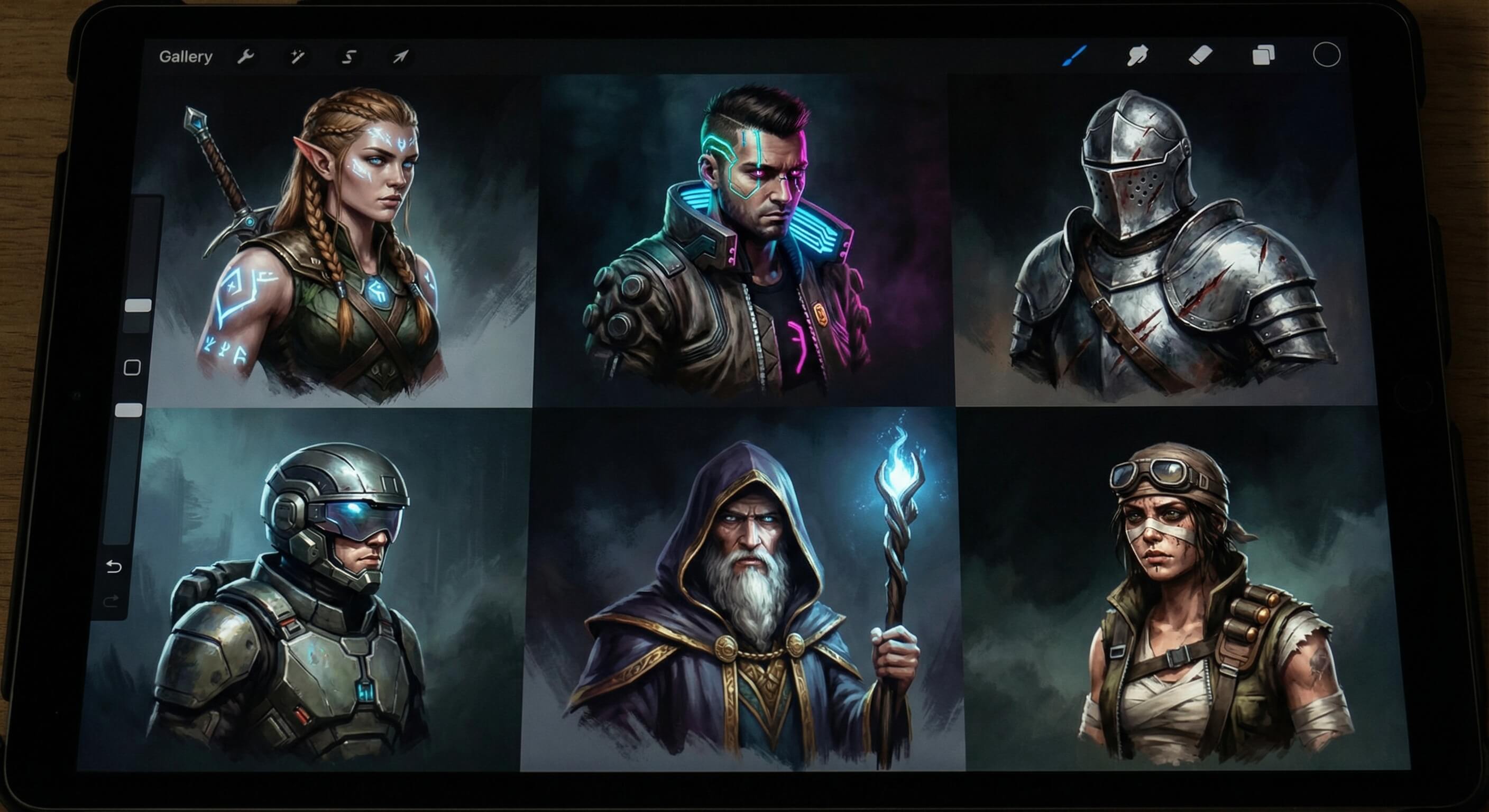
Use the portrait generator to explore a visual direction for game development & character design. Treat generated images as drafts, and complete any sizing, text, brand, rights, or publishing checks before use.

Social Media Avatars & Creative Content
Creators & Influencers

Social Media Avatars & Creative Content

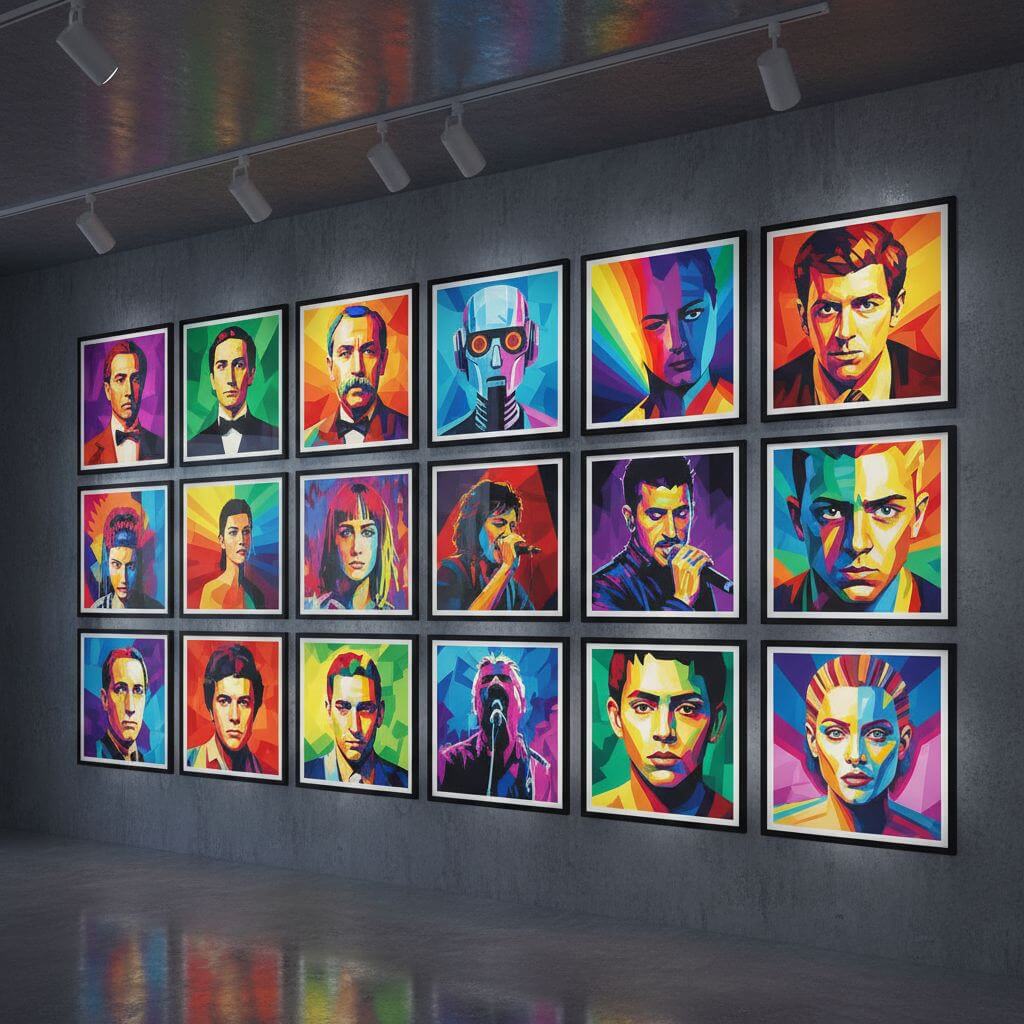
Use the portrait generator to explore a visual direction for social media avatars & creative content. Treat generated images as drafts, and complete any sizing, text, brand, rights, or publishing checks before use.

How to Use the AI Face Generator

Follow the page workflow from input to preview and download, and review the generated result before using it.

  • 1

    Add Your Input

    Upload a source or reference image when the editor requests one, and describe the visual result you want. Use only material you are allowed to process.

  • 2

    Choose Settings and Generate

    Review the available model, style, and other controls, adjust the prompt, then start a generation. Processing time varies by model and provider load.

  • 3

    Review and Download

    Inspect the preview for subject fidelity, composition, artifacts, and text errors. Download the result you want to keep or revise the input and try again.

Practical Tips for Better Results

Describe the Goal:

Name the subject, composition, palette, lighting, and intended mood instead of relying on a generic one-line prompt.

Use a Suitable Image:

When an image is required, choose a clear source with the subject visible and enough detail for the selected transformation.

Check Every Result:

Generated images can contain artifacts or inaccurate details. Review the full preview and iterate before publishing or sharing.

Pricing

Transform your images with AI. Choose the plan that fits your needs.

Basic

$95.88/year

Perfect for personal use and casual creators.

2400 credits (≈ 1200 images / year)

Includes

  • Own your creations
  • Access to Standard Generation
  • Image history saved
  • Standard Quality Download

Equivalent to $7.99/month · Save $24/year

Cancel anytime. No lock-in contract.
Best Value · 4x MoreMost Popular

Pro

$191.88/year

For power users and professionals.

9600 credits (≈ 4800 images / year)

Everything in Basic, plus

  • Commercial License Included
  • Priority Support
  • 4x More Credits
  • Priority email support

Equivalent to $15.99/month · 75% cheaper per image

Cancel anytime. No lock-in contract.
Frequently Asked Questions

Everything you need to know about our pricing plans

Do unused credits roll over?+

To ensure we can offer the most competitive pricing and generous credit allowances each month, your credits reset at the start of each billing cycle. This model allows us to provide you with the best possible value in every billing period.

Can I use the generated images commercially?+

Yes, commercial use is a key feature of our Pro plan. Pro subscribers own the rights to their creations and can use them for any commercial purpose, including marketing, advertising, and resale. Images generated under the Basic plan are licensed for personal use only.

What happens if I run out of credits?+

Don't let your creativity stop! You can purchase a Credit Pack for an instant one-time top-up, or wait for your next billing cycle when subscription credits refresh. To switch subscription plans, cancel the current plan and select a new one after the paid period ends.

What are Credit Packs?+

Credit Packs are one-time purchases that give you credits instantly without a subscription. They do not auto-renew, so you only pay when you need more. Purchased credits are valid for 1 year from the date of purchase. You can buy multiple packs at any time to top up your balance.

How do I cancel my subscription?+

We believe in flexibility. You can cancel your subscription at any time with just a few clicks in your account settings. No questions asked. After canceling, you'll continue to have access to your plan's features and credits until the end of your current billing period.

What payment methods do you accept?+

We accept major credit cards through Stripe and PayPal. All transactions are handled securely by the selected payment provider.

What counts as one credit?+

Typically, generating one image uses 2 credits. However, certain advanced features or higher resolutions might consume more. You will always see the credit cost before you generate an image, so there are no surprises.

Do you offer a free trial?+

Yes! Every new user gets 4 free credits upon signing up to experience the power of our AI. No credit card required. If you love it and need more, you can subscribe to one of our plans anytime.

What's the difference between Basic and Pro plans?+

Basic plan is perfect for personal use and casual creators, offering 200 credits (~100 images) per month. Pro plan is designed for power users and professionals, with commercial license, priority support, and 800 credits (~400 images) — that's 4x more images for just $10 more!

AI Face Generator: Frequently Asked Questions

Answers about inputs, generation, previews, downloads, and responsible use.

Add the inputs shown in the editor, choose an available model or style, generate a result, review the preview, and download the image you want to keep.

Use the controls displayed on the page. Some workflows require a source image, while others also accept a text prompt or optional references. Upload only material you are allowed to process.

Processing time varies by model, provider load, and input complexity. Keep the page open while the task runs and use the displayed task status as the source of truth.

Clarify the subject, composition, style, and constraints in the prompt. When available, try a more suitable reference image, adjust the controls, or compare another model.

Check the current site terms, the selected model terms, and the rights attached to your inputs before commercial use. Generated output is not a guarantee of copyright, trademark, or platform-policy clearance.

Avoid confidential or highly sensitive material. Review the current privacy policy and provider terms before uploading personal images, and keep a local copy only of results you intend to retain.