Add a GTA Filter to Your Photos

Transform your photos with a GTA filter for free online. Our AI GTA filter applies the iconic Grand Theft Auto art style to your portraits — bold outlines, cel-shaded coloring, and vibrant game-inspired aesthetics. Experience the legendary GTA look in your images effortlessly.

Upload Image

Upload an image file to get started with your AI conversion

Click or drop your image here

Max 5MB

Maximum quality with the best detail and accuracy

Preview

View your AI-transformed result and compare with the original

Example result

↑ Example result. Try it yourself!

Why Choose Our AI GTA Filter

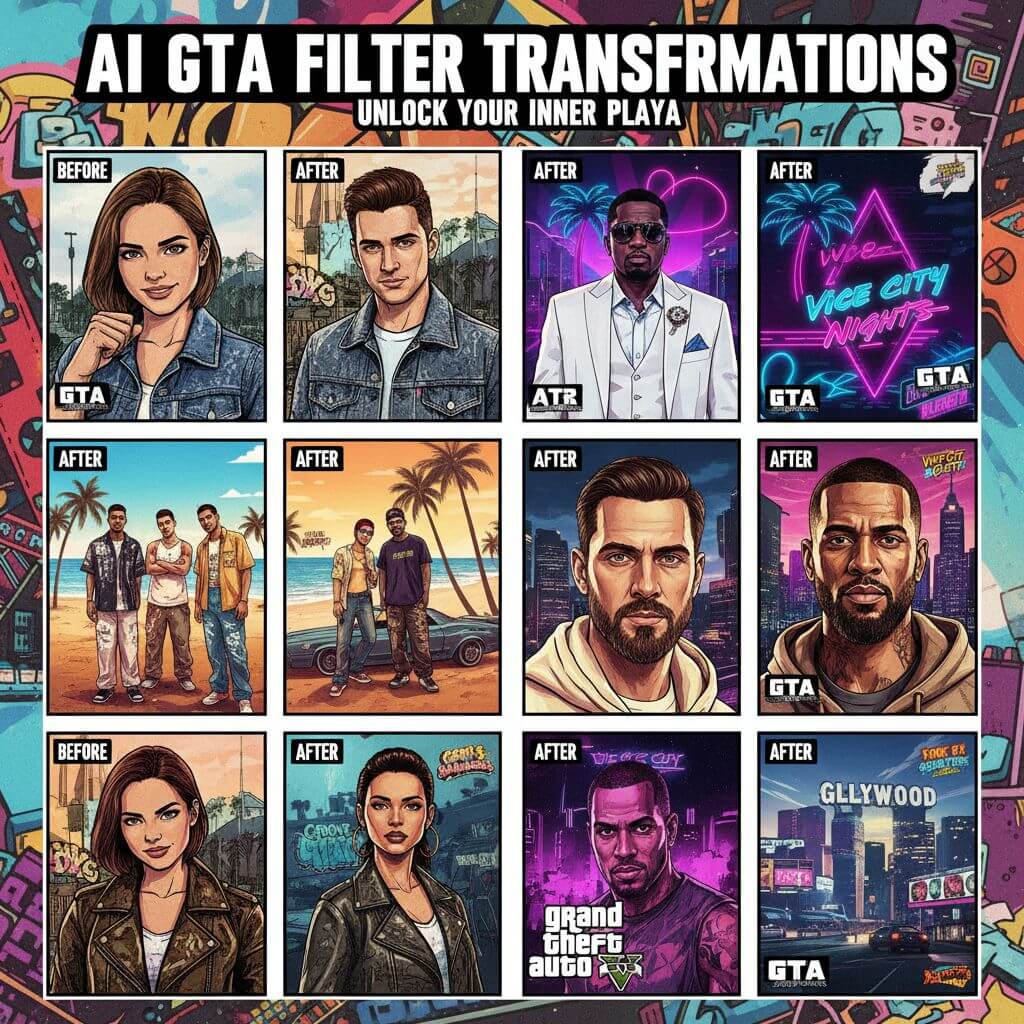
Our AI GTA filter delivers authentic Grand Theft Auto art style transformations. Turn any portrait into a stunning GTA-style character illustration with bold outlines, vivid colors, and iconic game aesthetics in seconds.

  • Authentic GTA Art Style

    Our AI GTA filter replicates the iconic Grand Theft Auto illustration style. From bold outlines and cel-shaded coloring to the signature saturated color palette, every detail captures the distinctive GTA game art aesthetic.

  • Instant GTA Transformation

    Upload your photo and apply the GTA filter in seconds. No design skills needed — our AI GTA filter automatically converts your portrait into GTA-style artwork with proper outlines, shading, and color grading.

  • Preserves Your Facial Identity

    Our AI GTA filter keeps your recognizable features intact while applying the game art style. Your face shape, expressions, and unique characteristics are preserved — you'll look like a real GTA character version of yourself.

  • Multiple GTA Style Presets

    Choose from Vice City neon, San Andreas, GTA V, loading screen, and more iconic styles. Each preset in our AI GTA filter is crafted to deliver a distinct Grand Theft Auto visual aesthetic from different game eras.

  • Safe and Private Processing

    Your photos are processed securely with our AI GTA filter. We prioritize your privacy — images are not stored permanently and are only used to generate your GTA-style portrait results.

  • High-Resolution GTA Artwork

    Our AI GTA filter produces crisp, detailed artwork suitable for social media profiles, gaming avatars, and printing. Every portrait maintains sharp outlines and vibrant colors at high resolution.

Popular Uses for AI GTA Filter

See how people around the world use our AI GTA filter to create iconic game-style portraits and artwork.

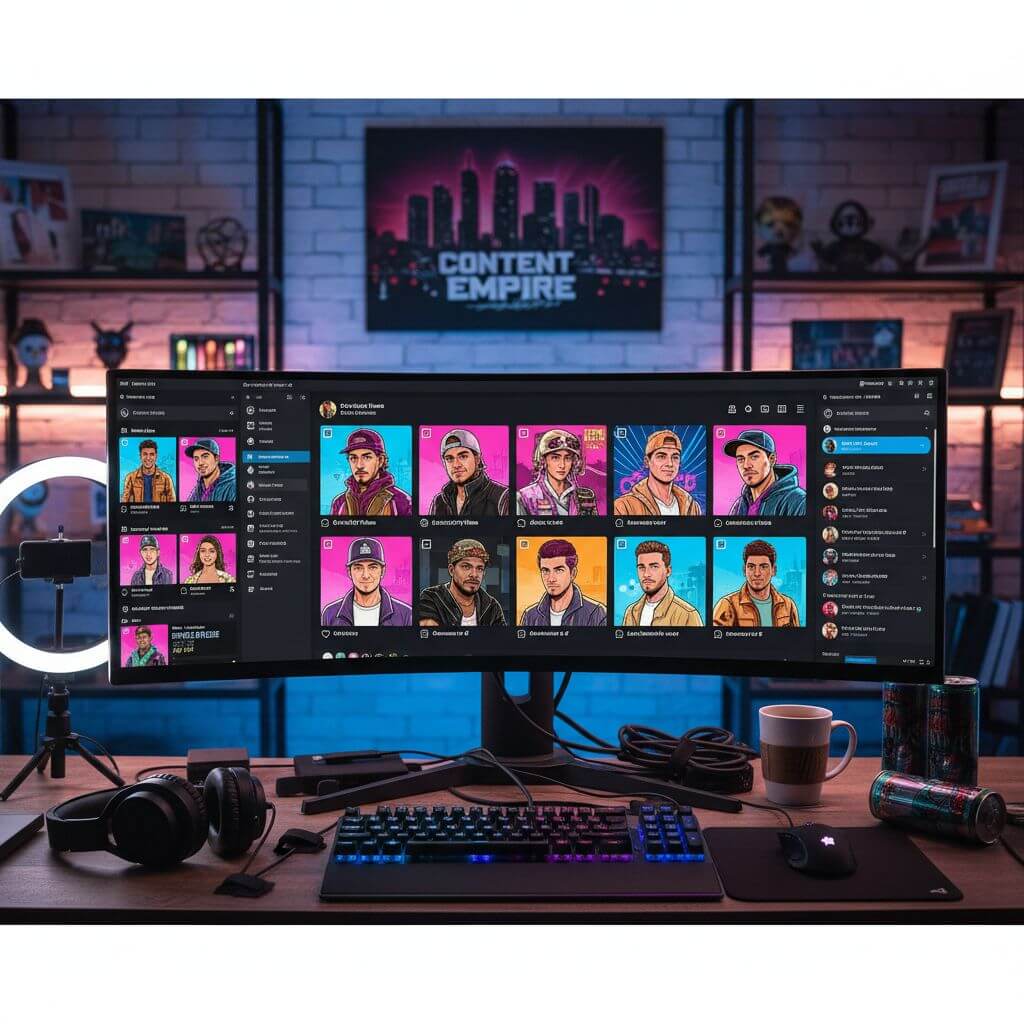
Gaming Profiles & Avatars
Gamers & Streamers

Gaming Profiles & Avatars

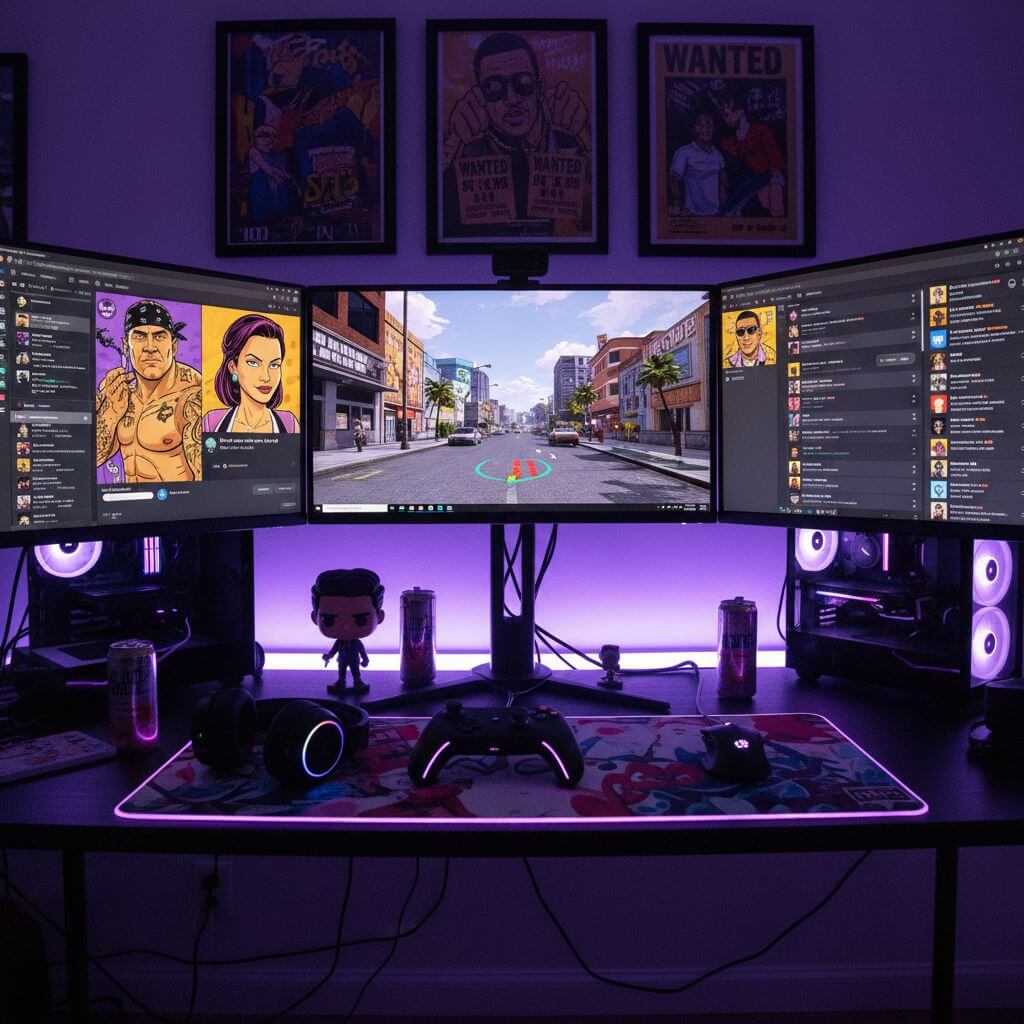
Create stunning GTA-style avatars for your gaming profiles, Discord servers, and streaming channels. Our AI GTA filter transforms your photo into authentic game art that stands out among other profile pictures with its bold, iconic style.

Social Media Content
Social Media Users

Social Media Content

Make your social media posts go viral with GTA-style portraits. Our AI GTA filter creates eye-catching game art from your photos — perfect for Instagram, TikTok, and Twitter posts that get likes, shares, and comments.

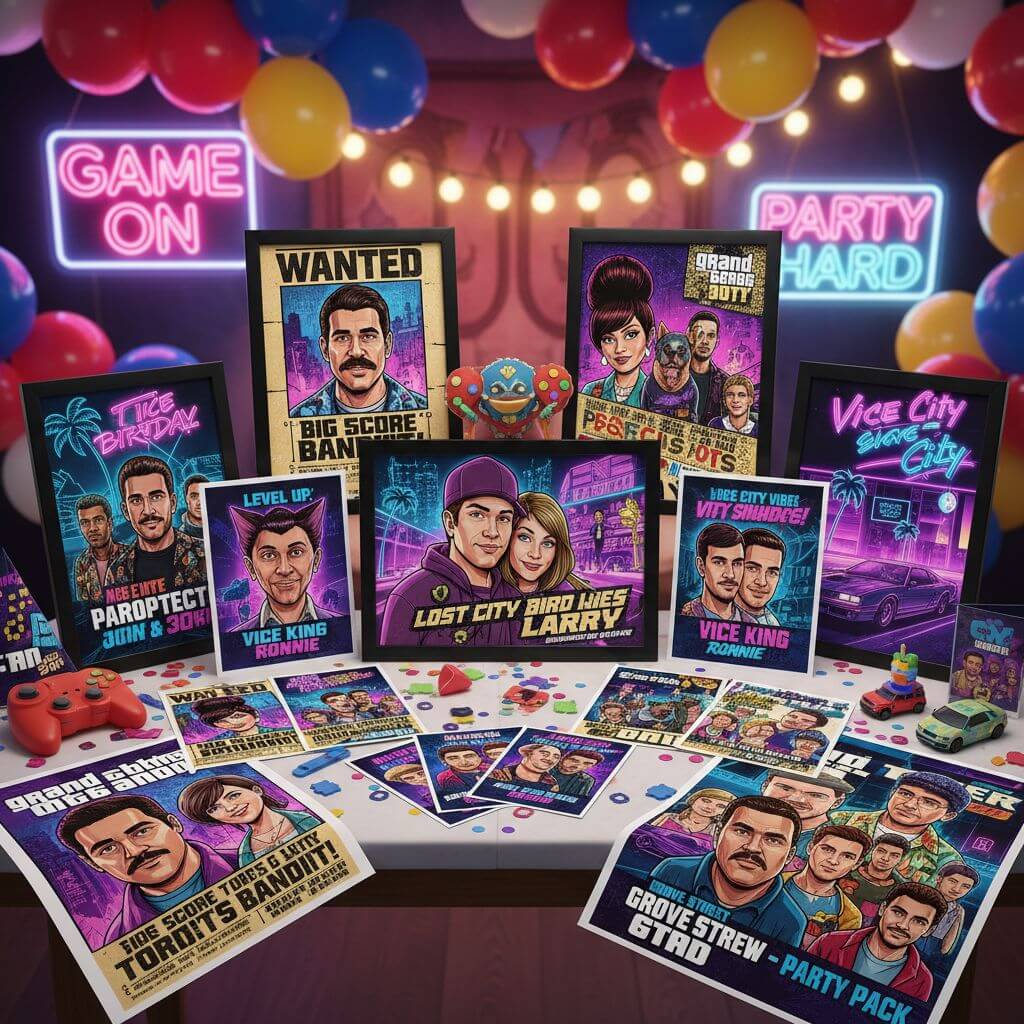
Fun Gifts & Party Themes
Gift Givers & Party Planners

Fun Gifts & Party Themes

Turn photos of friends and family into personalized GTA-style character art. Our AI GTA filter creates unique gifts for gamers — from birthday cards to framed GTA portraits and themed party decorations.

How to Use AI GTA Filter

Transform your photos into GTA game art style in three easy steps. Start using our AI GTA filter to create iconic game-style portraits now!

  • 1

    Upload Your Photo

    Upload a portrait or selfie to get started. Our AI GTA filter works best with clear face photos. Sign up to receive free credits for applying the GTA filter to multiple photos.

  • 2

    Choose Your GTA Style

    Select from preset styles like Classic GTA, Vice City Neon, or GTA V. You can also customize the prompt to fine-tune how our AI GTA filter transforms your portrait into game-style artwork.

  • 3

    Download Your GTA Portrait

    Preview the result and download your GTA-style artwork. Our AI GTA filter produces high-resolution images ready for social media, gaming profiles, or sharing with friends.

Pro Tips for Best Results

Clear Face Photos:

For best results with our AI GTA filter, use well-lit photos with your face clearly visible. Good lighting helps the filter apply bold outlines and cel-shading accurately to your features.

Try Different Eras:

Each GTA style captures a different game era. Try Vice City for 80s neon vibes, San Andreas for 90s West Coast, or GTA V for the modern look — each creates a unique GTA art experience.

Experiment with Angles:

Side profiles and three-quarter angles can create dramatic GTA loading screen effects. Our AI GTA filter adapts to different poses, so try various angles for the most striking game art results.

Pricing

Transform your images with AI. Choose the plan that fits your needs.

MonthlyAnnuallyCredit Packs

Basic

$7.99$9.99/mo

Perfect for personal use and casual creators.

2400 credits (≈ 1200 images / year)

Includes

  • Own your creations
  • Access to Standard Generation
  • Image history saved
  • Standard Quality Download

Billed annually · Save $24/year

Cancel anytime. No lock-in contract.
Pro

Best Value · 4x More
Most Popular
$15.99$19.99/mo

For power users and professionals.

9600 credits (≈ 4800 images / year)

Everything in Basic, plus

  • Commercial License Included
  • Priority Support
  • 4x More Credits
  • Priority email support

Billed annually · 75% cheaper per image

Cancel anytime. No lock-in contract.
Loved by 80,000+ Users Worldwide

"This AI GTA filter is amazing! My profile photo looks like it belongs on a GTA loading screen. The bold outlines and cel-shading are spot-on. Best GTA filter I've found online!"
Marcus T.
Gamer & Streamer
"I turned all my friend group's photos into GTA characters. The Vice City neon style is absolutely incredible — the 80s aesthetic with neon colors is perfect for our retro gaming nights."
Alex R.
Content Creator
"As a gaming content creator, I use this GTA filter for thumbnails and social posts. The art quality is seriously impressive. It captures the real GTA artwork feel perfectly."
James K.
YouTuber
"The wanted poster style is hilarious and so well done! I made GTA-style portraits for everyone in my office. This GTA filter is the most fun photo tool I've ever used."
Sarah M.
Graphic Designer

AI GTA Filter: Frequently Asked Questions

Everything you need to know about using our AI GTA filter to create game-style artwork

An AI GTA filter is a photo transformation tool that converts your portraits into the iconic Grand Theft Auto game art style using artificial intelligence. Our filter analyzes your photo and applies bold outlines, cel-shaded coloring, vibrant saturated colors, and the distinctive GTA aesthetic while preserving your facial identity and expressions.

Yes. Our AI GTA filter is designed to preserve your facial structure and identity. It applies the GTA art style — outlines, shading, and color grading — while keeping your face shape, features, and expressions intact. You'll clearly recognize yourself as a GTA-style character.

Our AI GTA filter offers multiple styles including Classic GTA, GTA V Style, Vice City Neon, San Andreas, Liberty City, Loading Screen, Wanted Poster, Street Art, and Comic Panel. Each preset captures a different Grand Theft Auto visual era and aesthetic.

We offer free trial credits so you can experience our AI GTA filter before upgrading. Sign up to receive complimentary credits and start transforming your photos into GTA-style artwork. Premium plans are available for users who want to create more GTA portraits regularly.

Our AI GTA filter works best with clear, well-lit portrait photos where facial features are visible. Front-facing selfies and headshots produce the most authentic GTA character results. Photos with good contrast and clean backgrounds help the filter create sharper outlines and bolder game art effects.

The GTA art style generated by our AI filter is your original artwork created from your own photos. However, please note that 'Grand Theft Auto' and 'GTA' are trademarks of Rockstar Games. The generated images are artistic style transformations inspired by the game art aesthetic and are suitable for personal use, social media, and creative projects.