AI Landscape Design from a Yard Photo

AI landscape design from a yard photo starts with one upload and one downloaded image. Choose one of nine outdoor styles, or open Custom and name the plants, colors, and materials. Nano Banana, the default, costs 2 credits per image. Sign in to generate. New accounts receive free starter credits.

AI Landscape Design

Upload an image file to get started with your AI conversion

Upload Image

Scroll for more

Nano Banana is ready for this Tool input mode.

Preview

View your AI-transformed result and compare with the original

Example result

↑ Example result. Try it yourself!

What this yard photo becomes

An AI yard design here is one photo and one image you can download, not a build document.

  • One photo, one landscape image

    Upload one photo of the outdoor area you want to change. The redesigned image is saved in History for download.

  • Nine outdoor looks, or your own words

    Styles runs one of nine outdoor directions. Custom uses only the text you write, up to 3000 characters.

  • Name plants, colors, and materials

    On Custom, name a gravel path, clay pots, white flowers, or a wood deck. A style preset does not read that box.

  • Outdoor yards, not indoor rooms

    A yard, patio, or front walk belongs here. A room with walls belongs on the AI interior design tool.

  • The credit cost is on the button

    Other models are selectable. After you sign in, the generate button shows that image's credit cost before it runs.

  • A picture, not a plan set

    You do not get a plant list, climate-zone advice, measurements, or a construction cost.

Front yard, backyard, and a picture to talk from

One upload can cover a front walk, a backyard, or a patio.

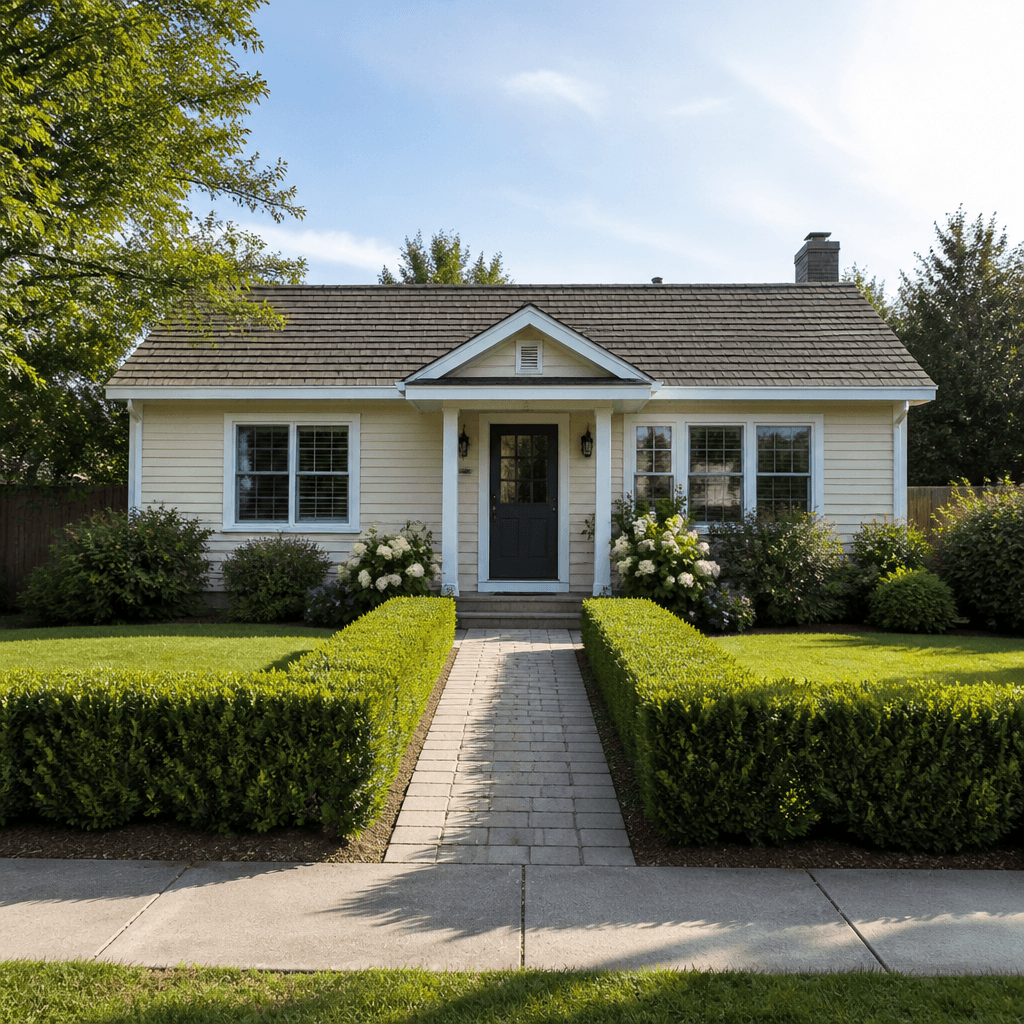
A front yard design from the street view
Front yards

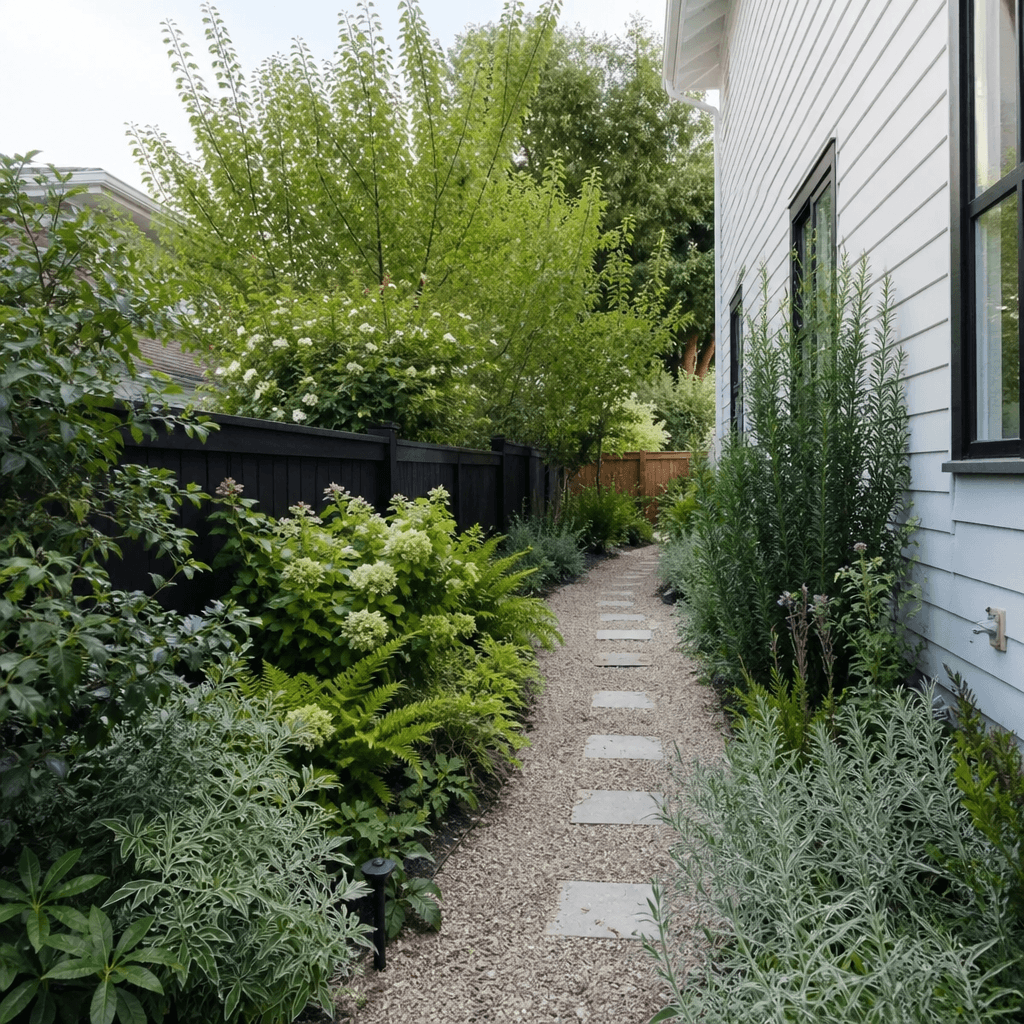
A front yard design from the street view

Upload the street or drive view and try Front Walk, Formal Hedges, or Cottage Garden. You get an image of the approach, not a permit drawing.

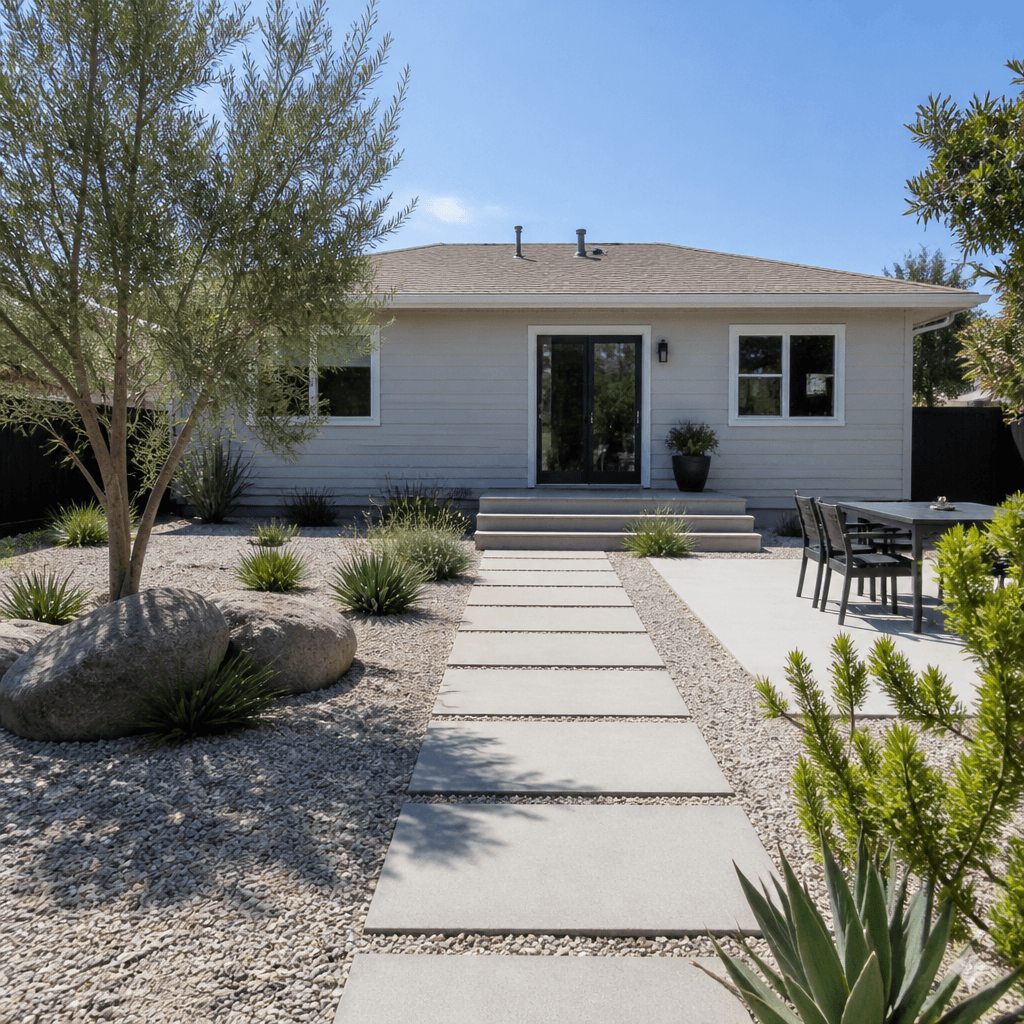
An AI backyard design, including the patio
Backyards

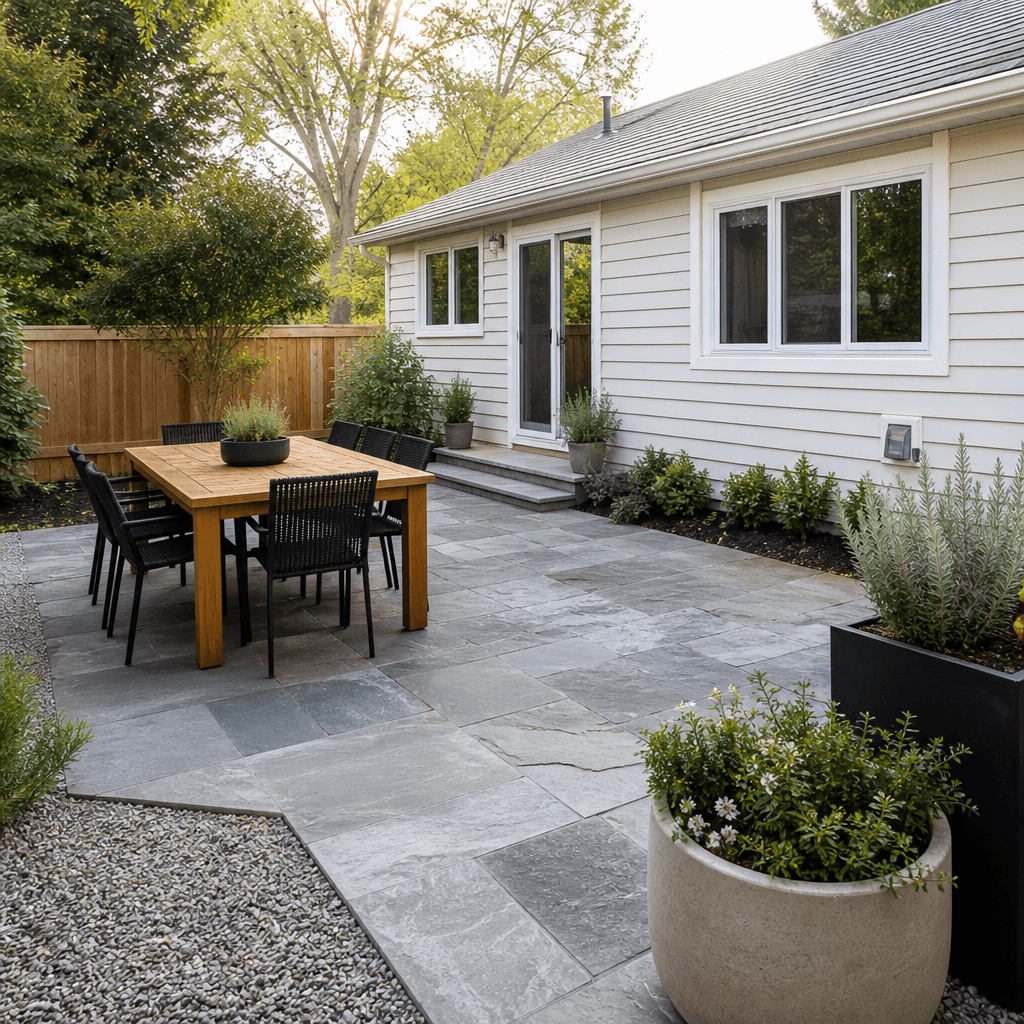
An AI backyard design, including the patio

Start from one photo behind the house. Patio Lounge, Meadow Planting, and Gravel and Stone are outdoor directions. For an AI patio design, name the paving and furniture on Custom.

A picture to show before anyone prices the work
Conversations

A picture to show before anyone prices the work

Download the image and use it to talk about the look. It does not estimate construction cost or list plants to buy.

How to make an AI landscape design from a photo

Sign in, upload the yard, pick a look or write one, then download.

  • 1

    Sign in and upload one yard photo

    Sign in, then upload one photo of the yard, patio, or front walk you want to change.

  • 2

    Pick Styles, or write on Custom

    Styles applies one fixed outdoor direction. Custom is where you name plants, colors, and materials. The two tabs do not combine: Custom ignores the selected style.

  • 3

    Check the model and the credits

    Switch models if you want a different one. After sign-in, the generate button shows the credit cost for the current choice.

  • 4

    Generate and download

    The image is saved in History for download. SketchTo does not print it or install the landscape.

Three things that keep the result useful

Photograph the area you want changed

Use daylight and include the house, fence, or lot edge. The model can still move plants, paths, and the house.

Put colors and materials in Custom

On Custom, write pale gravel, black pots, a wood deck, or white flowers. Style names are looks, not climate advice.

Send rooms to the interior tool

Send enclosed rooms to the interior tool. This page is for the outdoor photo.

Pricing

Transform your images with AI. Choose the plan that fits your needs.

Basic

$95.88/year

Perfect for personal use and casual creators.

2400 credits (≈ 1200 images / year)

Includes

  • Own your creations
  • Access to Standard Generation
  • Image history saved
  • Standard Quality Download

Equivalent to $7.99/monthSave $24/year

Cancel anytime. No lock-in contract.
Best Value4x MoreMost Popular

Pro

$191.88/year

For power users and professionals.

9600 credits (≈ 4800 images / year)

Everything in Basic, plus

  • Commercial License Included
  • Priority Support
  • 4x More Credits
  • Priority email support

Equivalent to $15.99/month75% cheaper per image

Cancel anytime. No lock-in contract.
Frequently Asked Questions

Everything you need to know about our pricing plans

Do unused credits roll over?+

To ensure we can offer the most competitive pricing and generous credit allowances each month, your credits reset at the start of each billing cycle. This model allows us to provide you with the best possible value in every billing period.

Can I use the generated images commercially?+

Yes, commercial use is a key feature of our Pro plan. Pro subscribers own the rights to their creations and can use them for any commercial purpose, including marketing, advertising, and resale. Images generated under the Basic plan are licensed for personal use only.

What happens if I run out of credits?+

Don't let your creativity stop! You can purchase a Credit Pack for an instant one-time top-up, or wait for your next billing cycle when subscription credits refresh. To switch subscription plans, cancel the current plan and select a new one after the paid period ends.

What are Credit Packs?+

Credit Packs are one-time purchases that give you credits instantly without a subscription. They do not auto-renew, so you only pay when you need more. Purchased credits are valid for 1 year from the date of purchase. You can buy multiple packs at any time to top up your balance.

How do I cancel my subscription?+

We believe in flexibility. You can cancel your subscription at any time with just a few clicks in your account settings. No questions asked. After canceling, you'll continue to have access to your plan's features and credits until the end of your current billing period.

What payment methods do you accept?+

We accept major credit cards through Stripe and PayPal. All transactions are handled securely by the selected payment provider.

What counts as one credit?+

Credit usage depends on the model and settings. However, certain advanced features or higher resolutions might consume more. You will always see the credit cost before you generate an image, so there are no surprises.

Do you offer a free trial?+

Yes! Every new user gets free starter credits upon signing up to experience the power of our AI. No credit card required. If you love it and need more, you can subscribe to one of our plans anytime.

What's the difference between Basic and Pro plans?+

Basic plan is perfect for personal use and casual creators, offering 200 credits (~100 images) per month. Pro plan is designed for power users and professionals, with commercial license, priority support, and 800 credits (~400 images) — that's 4x more images for just $10 more!

Questions about this AI landscape design tool

What the image is, what it costs, and what it will not tell you.

One redesigned image of the outdoor area in your photo, which you download from History.

This page is for a yard, a patio, or a front walk. AI interior design is for indoor rooms, and that page says open-air spaces are less consistent there.

AI interior design

Yes, on Custom, up to 3000 characters. A Styles preset uses its own direction and does not add your text.

No. The output is an image. It does not name plants to buy, tell you what suits your climate, measure the lot, or estimate construction cost.

Generation requires sign-in. New accounts receive free starter credits. The generate button shows the cost before you run it.

Nano Banana, the default, costs 2 credits per image. Other models are selectable, and the editor shows each cost. The catalog has monthly and annual plans plus one-time credit packs. There is no weekly plan.

Pricing

The direction asks the model to start from the house, viewpoint, and lot edges. The image can still move planting, paths, and the house. It is not a likeness guarantee.

No. A garden planner would schedule tasks or list plants. This tool returns one landscape image from one photo.