AI Motion Blur: Transform Static Photos into Dynamic Action
Unleash the power of AI motion blur to add stunning motion effects to any image. Whether you need speed blur for automotive photography or cinematic motion blur for dramatic scenes, the platform delivers professional results instantly.
Upload Image
Upload an image file to get started with your AI conversion
Click or drop your image here
Max 5MB
Maximum quality with the best detail and accuracy
Preview
View your AI-transformed result and compare with the original

↑ Example result. Try it yourself!
Why Choose Our AI Motion Blur Tool
Discover how our AI motion blur technology transforms ordinary photos into dynamic action shots. Create professional motion blur effects without complex editing software.
Advanced Motion Blur Technology
Our AI motion blur tool uses intelligent algorithms to analyze your image and apply realistic motion blur effects. The system understands depth, direction, and subject matter to create natural-looking speed effects.
Multiple Motion Blur Styles
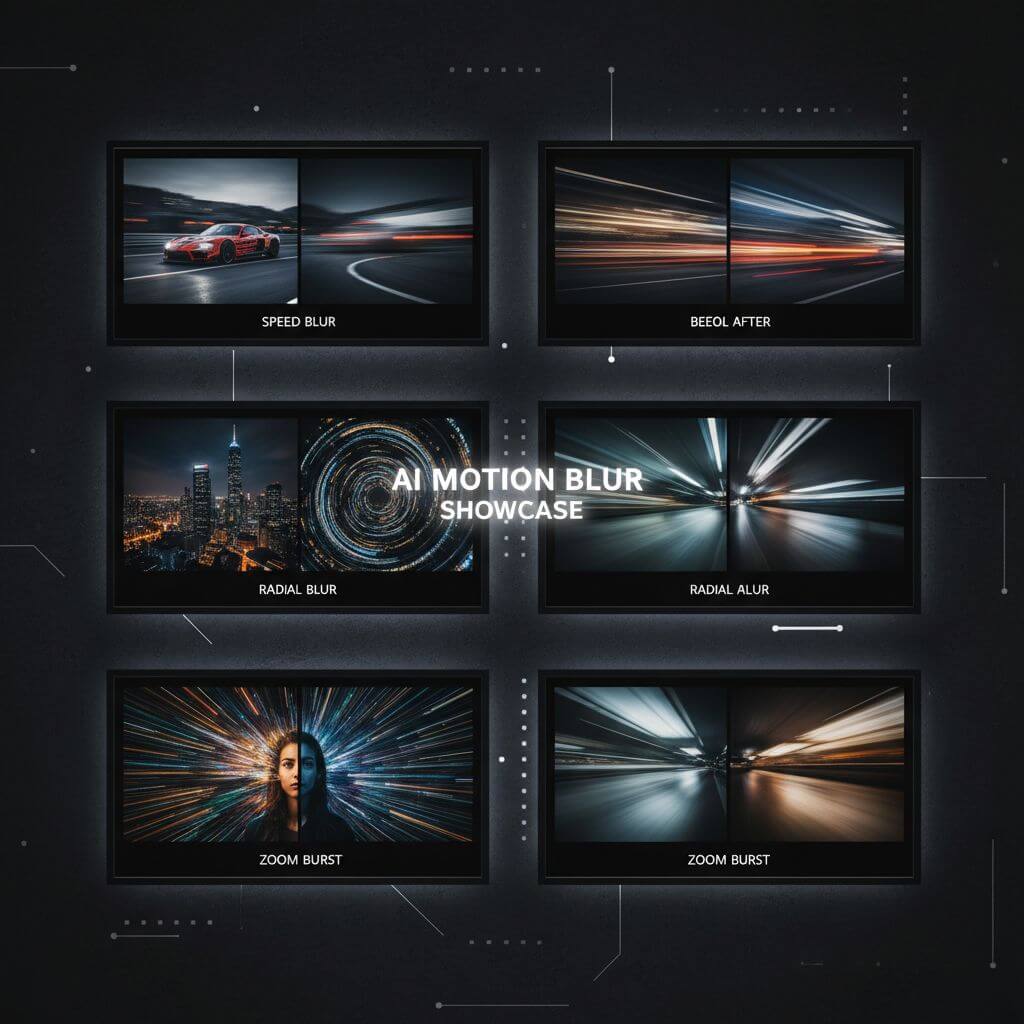
Choose from 9 unique presets including linear motion blur, radial blur, zoom burst, and cinematic motion blur. Each style is optimized for different creative scenarios and photography genres.
Instant Motion Blur Generation
Transform your photos with AI motion blur in seconds. Upload your image, select your preferred motion blur style, and let the tool create stunning results instantly without any technical expertise required.
Professional Quality Output
Our platform produces high-resolution results suitable for professional use. The motion blur effects maintain image quality while adding dramatic dynamic elements to your photographs.
Preserve Subject Clarity
Unlike basic blur tools, our AI motion blur technology intelligently preserves key subjects while applying motion effects to appropriate areas. Get the perfect balance between blur and sharp focus points.
Creative Motion Effects
Beyond standard motion blur, explore artistic and cinematic motion blur effects. Our AI motion blur tool offers unique options like speed lines, panning shots, and artistic motion trails for creative projects.
Real-World Applications for AI Motion Blur
See how professionals across industries use our AI motion blur tool to create dynamic, attention-grabbing visuals.

Automotive & Motorsport Photography
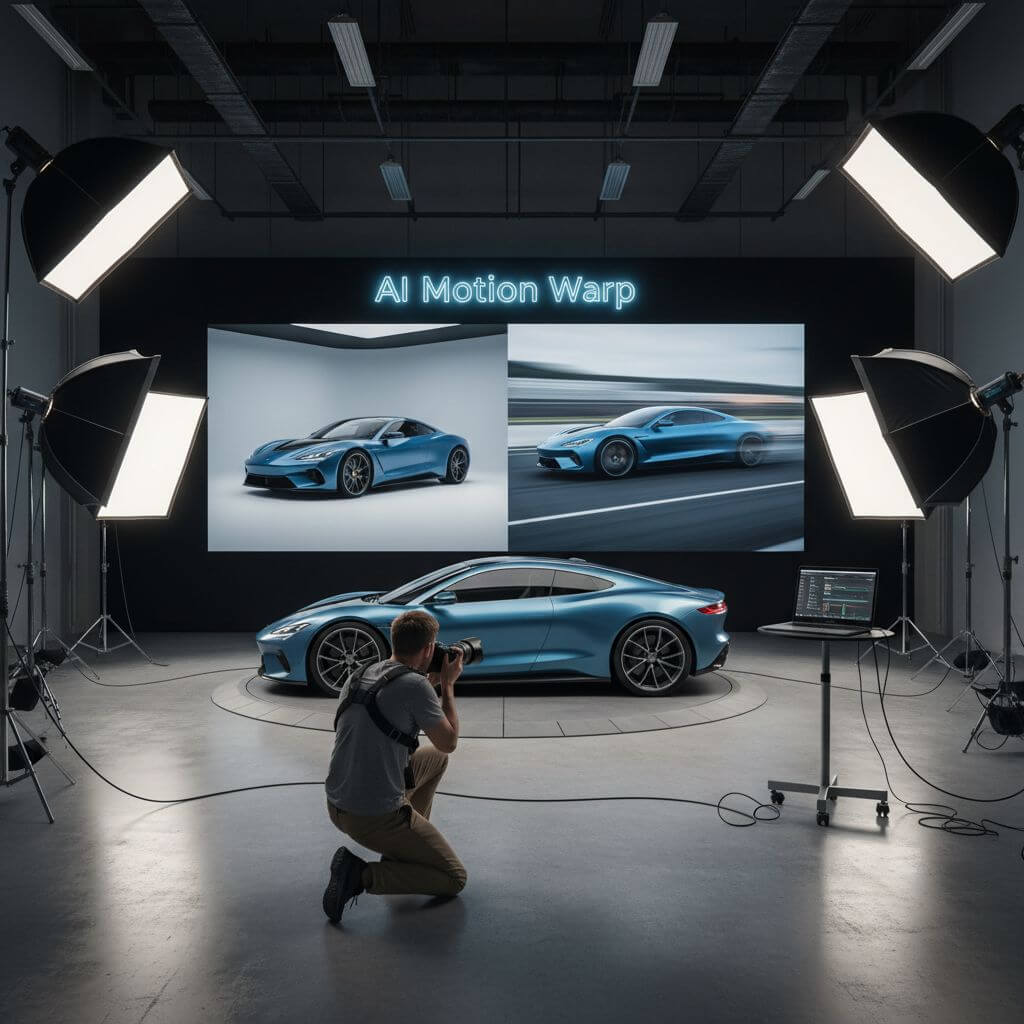
Professional photographers use our AI motion blur tool to add speed and dynamism to vehicle photography. Transform static car shots into high-speed action images with realistic linear motion blur and panning effects that convey power and velocity.

Sports & Action Photography
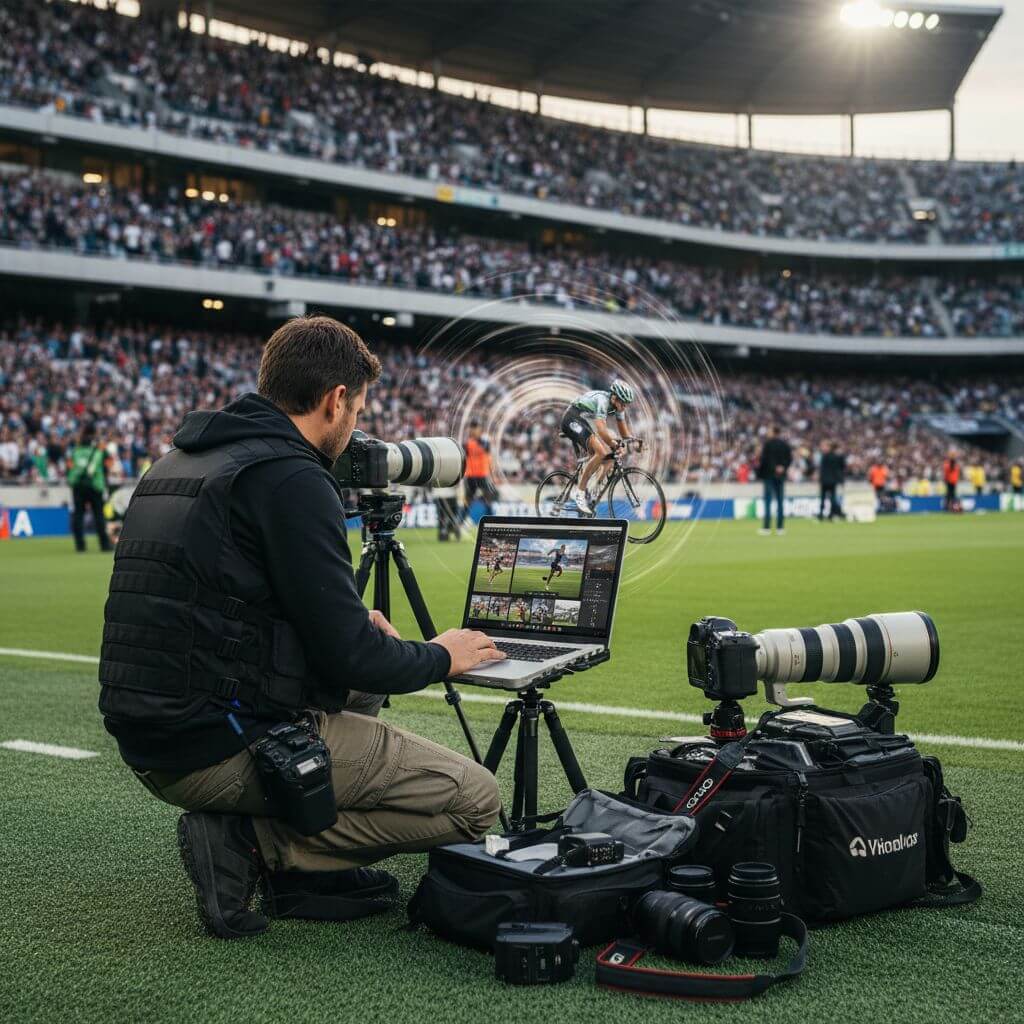
Sports photographers leverage AI motion blur to enhance action shots and capture the intensity of athletic movement. Add radial blur to sprinters, speed lines to cyclists, or cinematic motion blur to create dramatic sports imagery.

Marketing & Creative Design
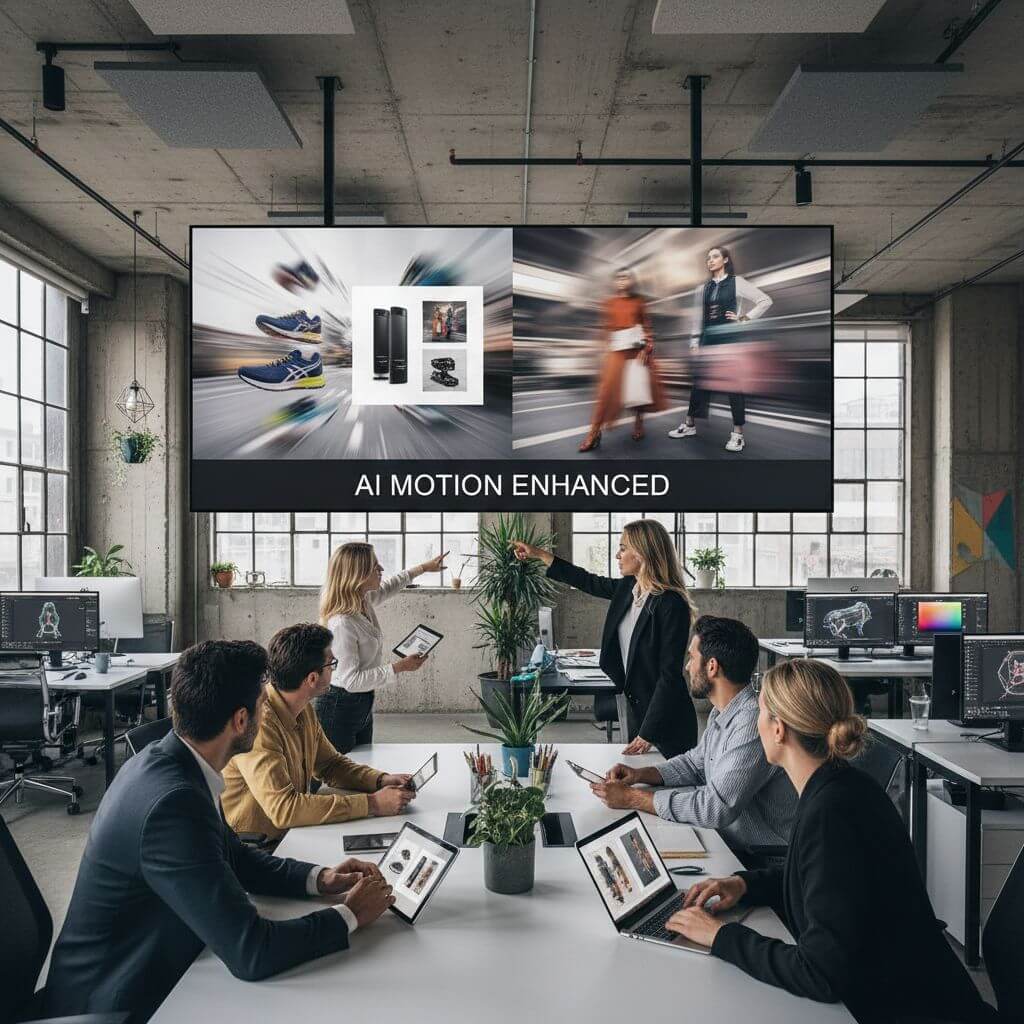
Marketing teams and designers use AI motion blur effects to create eye-catching promotional materials. Add dynamic motion blur to product images, advertisements, and social media content to convey energy, speed, and excitement.
How to Add Motion Blur with AI
Create stunning motion blur effects in three simple steps using our intuitive platform. Transform static images into dynamic action shots!
- 1
Upload Your Image
Upload any photo you want to transform with AI motion blur. The tool works with portraits, vehicles, sports photography, landscapes, and more. Sign up for free credits to start creating motion effects.
- 2
Choose Motion Blur Style
Select from 9 professional presets or customize your own. Options include linear motion blur for speed effects, radial blur for action shots, zoom burst for dramatic impact, and cinematic motion blur for film-quality results.
- 3
Download Your Dynamic Image
Preview your AI motion blur result and download in high resolution. The platform delivers professional-quality motion effects perfect for social media, marketing materials, or creative projects.
Pro Tips for AI Motion Blur
Direction Matters:
For best AI motion blur results, consider the natural direction of movement in your image. Linear motion blur works great for vehicles, while radial blur suits action sports. Match the style to your subject's implied movement.
Start with Quality Images:
High-resolution source images produce the best AI motion blur effects. Clear, well-lit photos allow the tool to create more realistic and professional-looking motion effects.
Experiment with Styles:
Try different AI motion blur presets on the same image. Sometimes unexpected combinations like artistic motion blur on portraits or zoom burst on landscapes create stunning unique effects.

Pricing
Transform your images with AI. Choose the plan that fits your needs.
Basic
Perfect for personal use and casual creators.
Includes
- Own your creations
- Access to Standard Generation
- Image history saved
- Standard Quality Download
Billed annually · Save $24/year
Cancel anytime. No lock-in contract.
Pro
Best Value · 4x MoreFor power users and professionals.
Everything in Basic, plus
- Commercial License Included
- Priority Support
- 4x More Credits
- Priority email support
Billed annually · 75% cheaper per image
Cancel anytime. No lock-in contract.
Trusted by 50,000+ Photographers and Creators
"This AI motion blur tool is incredible for my automotive photography! I can add realistic speed blur to parked cars and make them look like they're racing. The motion blur effects are so natural and professional."
"As a sports photographer, I use this platform daily. It adds dynamic motion blur to action shots that didn't quite capture the movement. The panning shot preset is my favorite for racing photos."
"The cinematic motion blur effect is perfect for my video thumbnails and promotional materials. This AI motion blur tool gives my content that Hollywood action movie feel instantly."
"I love the artistic motion blur options for my creative projects. The AI motion blur tool understands what parts of the image to blur and what to keep sharp. Much better than manual editing!"
AI Motion Blur: Frequently Asked Questions
Everything you need to know about using our AI motion blur tool to create stunning motion effects
AI motion blur is an intelligent image processing technology that adds realistic motion effects to static photos. Our tool analyzes your image to understand subject matter, depth, and composition, then applies appropriate motion blur effects that look natural and professionally captured, as if the motion was present when the photo was taken.
Our AI motion blur tool offers 9 unique styles: Linear Motion for horizontal speed effects, Radial Blur for action shots, Zoom Burst for dramatic impact, Speed Lines for anime-style effects, Sports Action for athletic photography, Cinematic Motion for film-quality blur, Vertical Sweep for falling motion, Panning Shot for motorsport style, and Artistic Motion for creative projects.
Yes! Our AI motion blur tool works with virtually any image type including portraits, vehicles, sports photos, landscapes, product shots, and more. The system adapts to different subjects and scenes, intelligently applying motion effects that make sense for each image while preserving important details.
We offer a free trial of our AI motion blur tool that includes complimentary credits to create motion blur effects multiple times. This lets you experience the full power of the platform before deciding to upgrade. Sign up to start creating stunning motion blur effects for free today!
Traditional blur filters apply uniform blur across an entire image, while our AI motion blur tool intelligently analyzes the scene to apply realistic directional motion effects. The AI understands which areas should remain sharp and which should show motion, creating professional results that look like actual motion photography.
Yes! While our AI motion blur presets offer optimized settings for various scenarios, you can also use custom prompts to specify exact motion blur directions, intensity levels, and areas of focus. This gives you full creative control over your effects for truly personalized results.