
AI Smile Filter: Add Natural Smiles to Any Photo
Experience the magic of our AI smile filter to add beautiful, natural smiles to any portrait. Whether you need to enhance a serious photo or create a more welcoming expression, our AI smile filter delivers authentic results while preserving your facial identity.
Settings
Upload an image file to get started with your AI conversion
Maximum quality with the best detail and accuracy
Preview
View your AI-transformed result and compare with the original

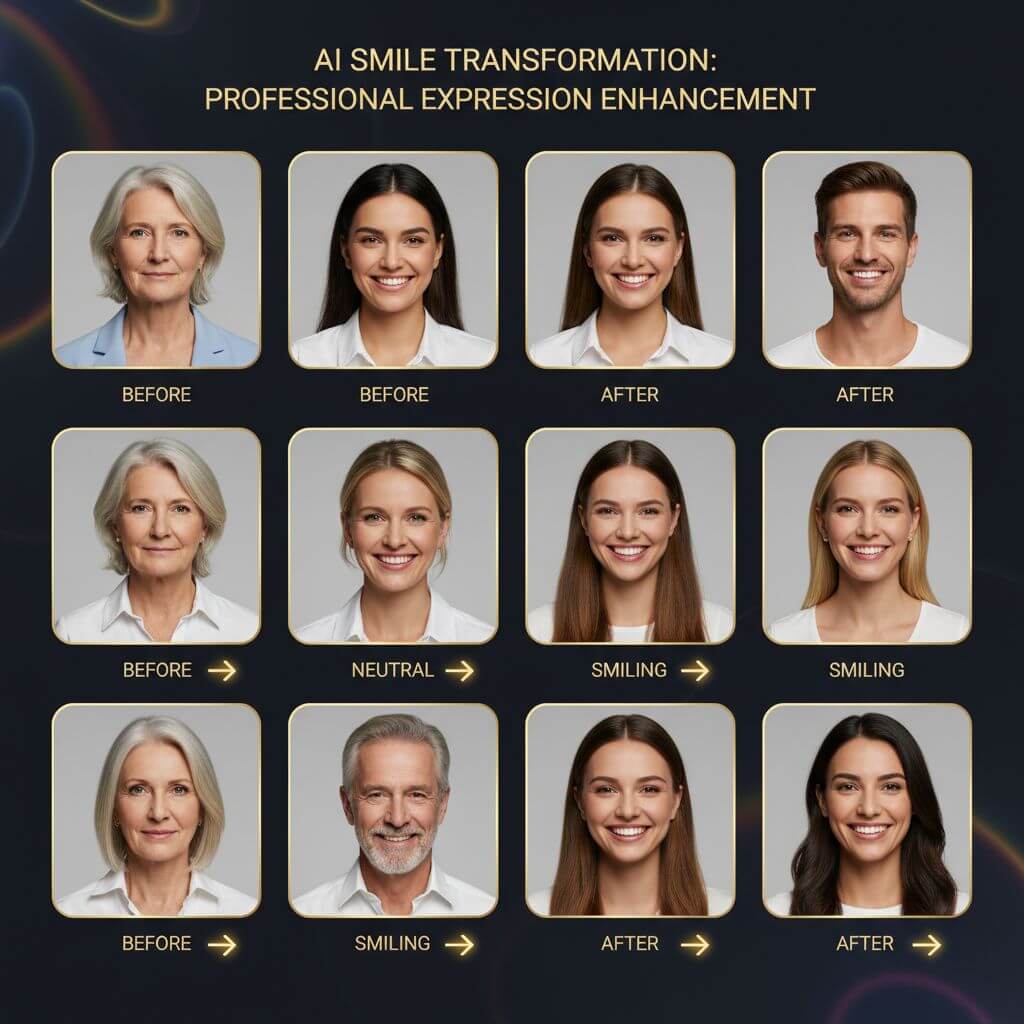
↑ Example result. Try it yourself!
Why Our AI Smile Filter is the Best Choice
Discover how our AI smile filter revolutionizes photo enhancement. Add genuine smiles to any portrait while maintaining natural appearance with our advanced AI smile filter technology.
Natural AI Smile Filter Technology
Our AI smile filter uses advanced facial recognition to add smiles that look completely natural. The AI smile filter analyzes facial structure and creates authentic expressions with proper muscle movement, eye crinkles, and cheek positioning.
Instant Smile Enhancement
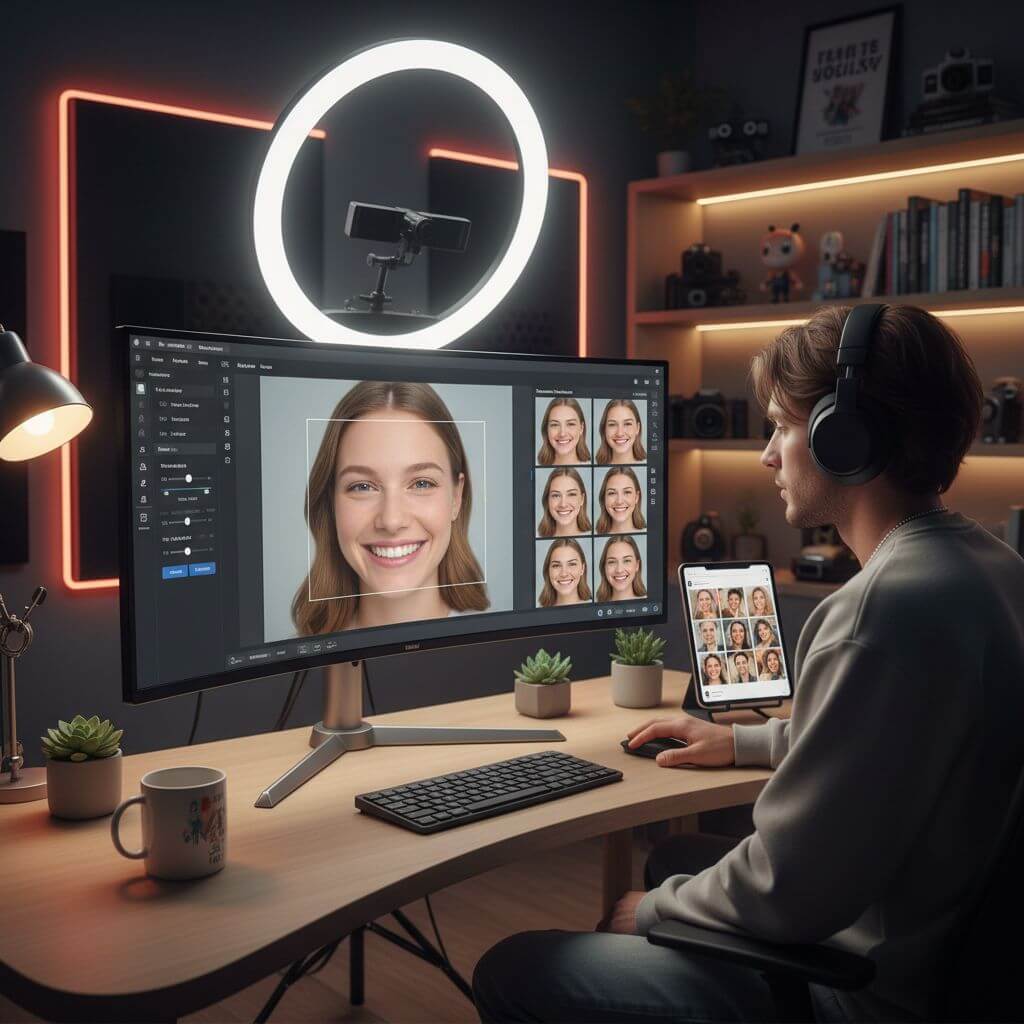
Upload your photo and watch our AI smile filter transform expressions in seconds. No complex editing required—our AI smile filter automatically adds beautiful smiles while keeping every other detail perfectly intact.
Identity-Preserving AI Smile Filter
Unlike other smile filters, our AI smile filter maintains your unique facial features. The AI smile filter ensures that while adding a smile, your face shape, skin tone, and distinctive features remain completely recognizable.
Professional Portrait Enhancement
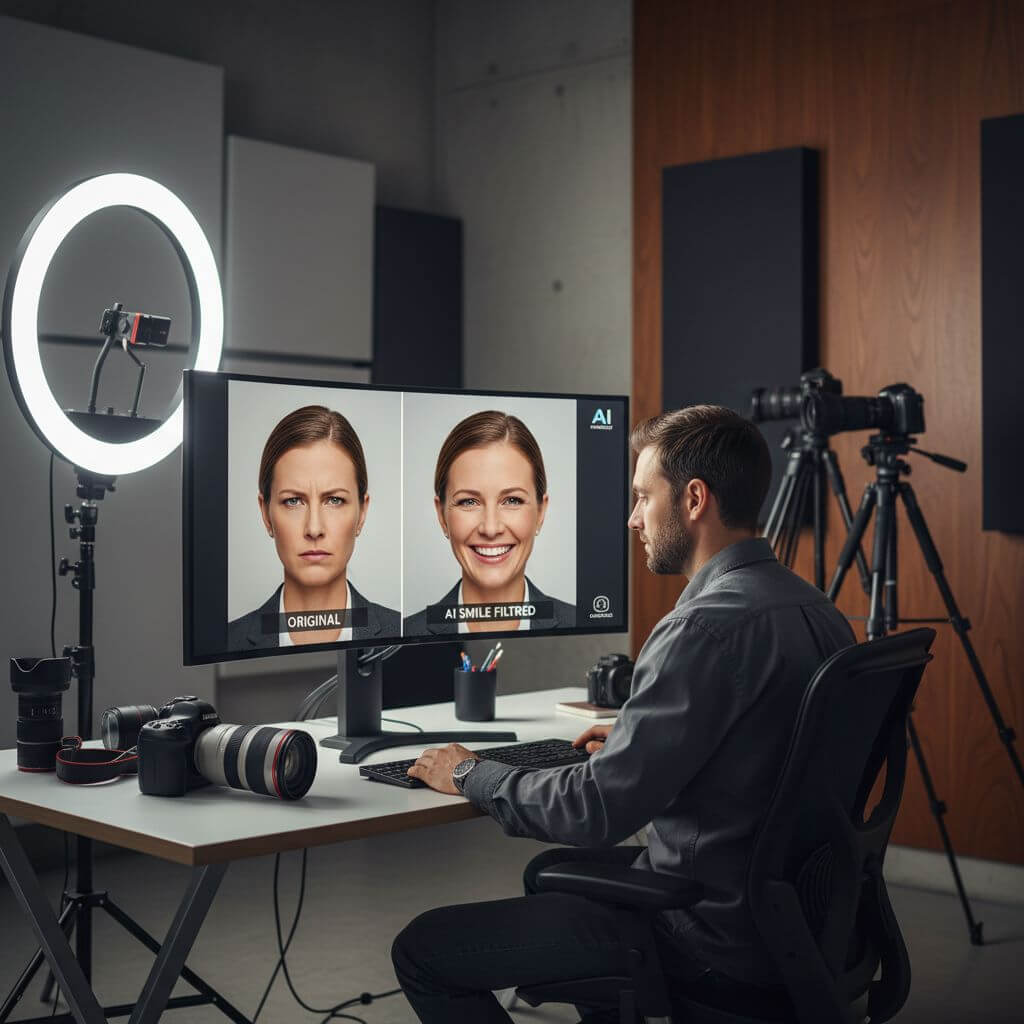
Photographers and professionals trust our AI smile filter for headshots and portraits. Create welcoming, approachable images with our AI smile filter that add warmth without looking artificial or edited.
Realistic Expression Results
Our AI smile filter creates smiles with proper eye involvement and natural muscle movement. The AI smile filter understands facial anatomy to produce genuine-looking expressions that pass as real smiles.
Safe and Private Processing
Your photos are processed securely with our AI smile filter. We prioritize privacy—the AI smile filter processes your images safely and doesn't store them after processing is complete.
Real-World Applications for AI Smile Filter
See how people across different fields use our AI smile filter to add natural smiles and create more engaging, welcoming photos.

Professional Headshots & LinkedIn Photos
Professionals use our AI smile filter to transform serious headshots into warm, approachable portraits. Add natural smiles to corporate photos, LinkedIn profiles, and business cards with our AI smile filter for better first impressions.

Family Photos & Memories
Parents and families use our AI smile filter to perfect group photos where someone wasn't smiling. Transform holiday photos, wedding pictures, and family portraits with natural smiles using our AI smile filter.

Social Media & Content Creation
Content creators and influencers leverage our AI smile filter to enhance selfies and portraits for social media. Add genuine smiles to create more engaging, relatable content with our AI smile filter.
How to Add Smiles with AI Smile Filter
Transform any portrait in three simple steps using our intuitive AI smile filter. Start adding natural smiles now!
- 1
Upload Your Photo
Drag and drop your portrait or click to upload. Sign up to access our AI smile filter and get free credits to add smiles to multiple photos.
- 2
Let AI Smile Filter Work
Our AI smile filter automatically analyzes facial features and adds a natural, warm smile. The AI smile filter ensures proper expression while maintaining your unique facial identity.
- 3
Download Your Enhanced Photo
Preview your new smiling portrait and download in high resolution. Our AI smile filter delivers professional quality results every time you enhance expressions.
Pro Tips for Using AI Smile Filter
Clear Face Visibility:
For best results with our AI smile filter, use photos where the face is clearly visible and well-lit. This helps the AI smile filter accurately map facial features and add natural smiles.
Front-Facing Photos:
Our AI smile filter works best with front-facing or slightly angled portraits. This allows the AI smile filter to properly analyze facial structure and create realistic smile expressions.
Natural Starting Expression:
Photos with neutral expressions yield the best results. Our AI smile filter can transform any expression, but starting with a relaxed face helps create the most natural-looking smile.
Loved by 150,000+ Users Who Add Smiles Daily
"This AI smile filter is amazing! I use it to add smiles to professional headshots when clients look too serious. The results are so natural, no one can tell the smile was added. Best smile filter I've found!"
"As a social media manager, I needed an AI smile filter that could enhance team photos naturally. This tool exceeds expectations. I can add smiles to group photos in seconds while keeping everyone recognizable."
"Our family photos always have someone not smiling. This AI smile filter saved our holiday cards! It adds such natural smiles that even my picky mother couldn't tell they were enhanced."
"I was skeptical about AI smile filters, but this one proved me wrong. It adds smiles so naturally, with proper eye crinkles and everything. Highly recommend for anyone needing better expressions in photos!"
AI Smile Filter: Frequently Asked Questions
Everything you need to know about using our AI smile filter to add natural smiles to your photos
An AI smile filter is an intelligent tool that uses artificial intelligence to add natural-looking smiles to photos. Our AI smile filter analyzes facial features, understands muscle structure, and generates authentic smile expressions while preserving your unique facial identity and all other image details.
No! Our AI smile filter is specifically designed to create natural-looking smiles. The AI smile filter adds proper eye crinkles (crow's feet), natural cheek movement, and realistic muscle engagement. This attention to detail ensures smiles look genuine, not forced or digitally altered.
Absolutely! Identity preservation is a core feature of our AI smile filter. While adding a beautiful smile, the AI smile filter maintains your exact face shape, skin tone, unique features, and distinctive characteristics. You'll still look completely like yourself, just happier!
We offer a free trial of our AI smile filter that includes complimentary credits so you can add smiles to multiple photos. This lets you experience the full power of our AI smile filter before deciding to upgrade. Sign up to start using our AI smile filter for free today!
Our AI smile filter works best with clear, well-lit portraits where the face is visible. Front-facing or slightly angled photos yield the best results. The AI smile filter can handle various expressions, but neutral faces typically produce the most natural-looking smiles.
Yes! Our AI smile filter can detect and enhance multiple faces in a single photo. Whether it's a family portrait or team photo, the AI smile filter adds natural smiles to each person while maintaining their individual facial identities and the overall image composition.