
AI Black and White Image Generator for Portrait Photos
Transform your photos into stunning black and white portraits with this AI tool. Create timeless monochrome portraits with professional lighting effects, dramatic shadows, and artistic styles. Start with free trial credits.
Upload Image
Upload an image file to get started with your AI conversion
Scroll for more
Nano Banana is ready for this Tool input mode.
Preview
View your AI-transformed result and compare with the original
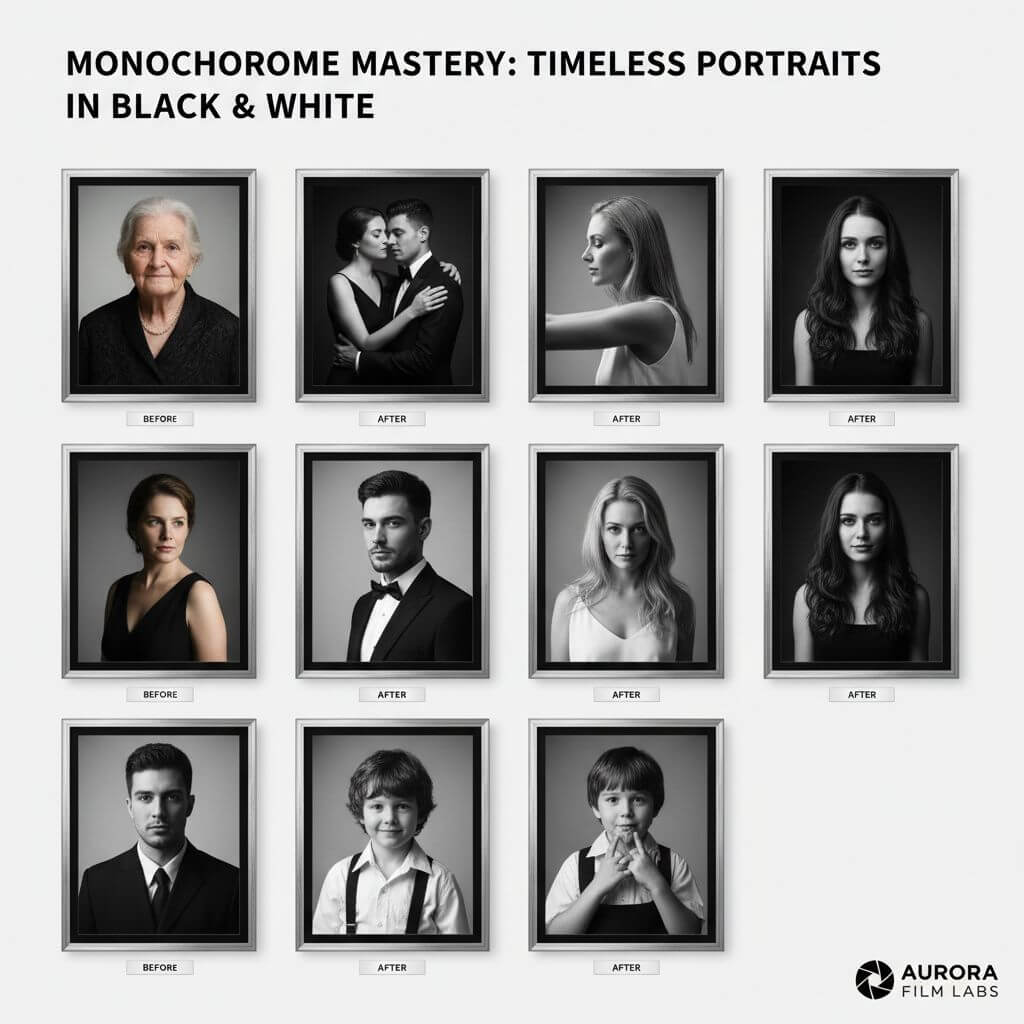
↑ Example result. Try it yourself!
B&W Portrait Features and Black and White Photo Prompt Examples
Create stunning monochrome portraits with this AI tool
AI-Powered Black and White Portrait Generation
This AI tool transforms your color photos into stunning monochrome portraits with professional-grade lighting and tonal range
Multiple Black and White Portrait Styles
Choose from 9 distinct black and white portrait styles including Classic Noir, Fine Art, High Contrast, and Vintage Film for your perfect monochrome portrait
Preserve Facial Identity
This tool maintains your facial features, expression, and identity while applying beautiful monochrome artistic effects
Professional Quality Output
Generate high-resolution black and white portraits perfect for printing, social media profiles, and professional portfolios
Free Trial Available
Start creating black and white portraits with free trial credits. No software downloads or complex editing skills required
Instant Black and White Portrait Creation
Transform your photos into stunning black and white portraits in seconds with our fast AI processing technology
Which Photos Work Best?
Portrait photos with a clearly visible face and good lighting work best. This tool is optimized for people and facial features; results with other photos are not guaranteed. Upload a photo to use the styles below.
Classic Noir — Photo Prompt Example
Cinematic lighting gives portraits a classic noir mood. Prompt summary: “Transform this photo into a classic film noir portrait with deep shadows, sharp highlights, and dramatic high contrast lighting. Keep the original person’s facial structure, identity, and expression; render in black and white.”
Soft Focus — Photo Prompt Example
Soft diffused lighting creates a dreamy portrait. Prompt summary: “Transform this photo into a soft focus portrait with gentle gradients, subtle tonal transitions, and a romantic vintage aesthetic. Keep the original person’s facial structure, identity, and expression; render in black and white.”
High Contrast — Photo Prompt Example
Bold shadows create a graphic portrait. Prompt summary: “Transform this photo into a high contrast portrait with pure black and white tones, minimal mid-tones, and strong directional lighting. Keep the original person’s facial structure, identity, and expression; render in black and white.”
Fine Art — Photo Prompt Example
Rich tones and subtle textures give portraits a fine art feel. Prompt summary: “Transform this photo into a fine art portrait with a rich tonal range, subtle textures, and expressive light and shadow. Keep the original person’s facial structure, identity, and expression; render in black and white.”
Street Documentary — Photo Prompt Example
Natural lighting and grain give portraits a documentary feel. Prompt summary: “Transform this photo into a street documentary portrait with authentic grain texture, natural environmental lighting, and candid composition. Keep the original person’s facial structure, identity, and expression; render in black and white.”
Vintage Film — Photo Prompt Example
Film grain evokes a classic analog portrait. Prompt summary: “Transform this photo into a vintage film portrait with authentic film grain, silver gelatin tones, and a 1960s analog photography aesthetic. Keep the original person’s facial structure, identity, and expression; render in black and white.”
Minimalist — Photo Prompt Example
Simple composition gives the portrait room to breathe. Prompt summary: “Transform this photo into a minimalist portrait with generous negative space, subtle tonal variations, and clean composition. Keep the original person’s facial structure, identity, and expression; render in black and white.”
Dramatic Shadow — Photo Prompt Example
Sculptural shadows create a theatrical portrait. Prompt summary: “Transform this photo into a dramatic shadow portrait with Rembrandt lighting, a dark atmosphere, sculptural depth, and chiaroscuro. Keep the original person’s facial structure, identity, and expression; render in black and white.”
Editorial — Photo Prompt Example
Polished lighting gives portraits a fashion editorial feel. Prompt summary: “Transform this photo into an editorial portrait with polished professional lighting, refined skin tones, and a fashion magazine aesthetic. Keep the original person’s facial structure, identity, and expression; render in black and white.”
Black and White Portrait Use Cases
Discover how photographers, artists, and professionals use this AI tool to create timeless monochrome portraits.
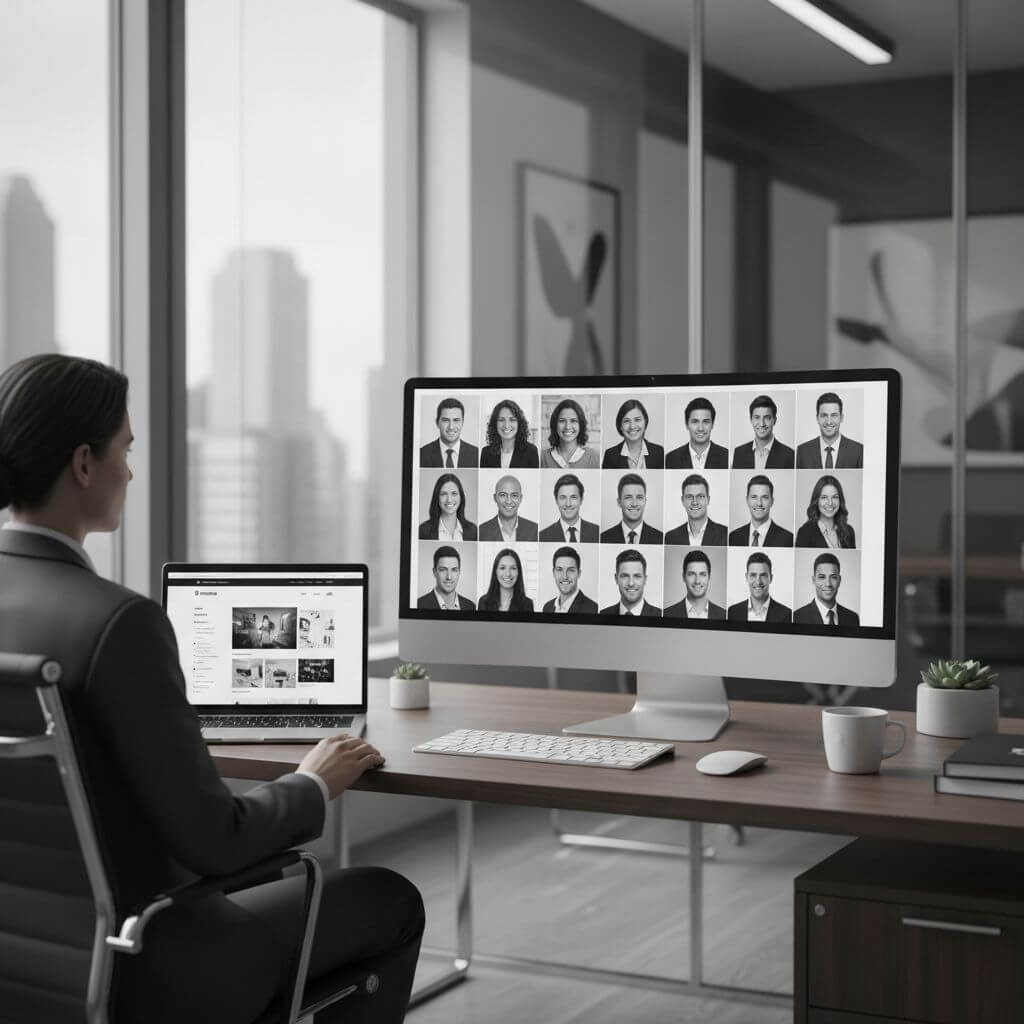
Professional Headshots
Business professionals and executives use this tool to create timeless, elegant headshots for LinkedIn profiles, corporate websites, and business cards. Black and white portraits convey sophistication and professionalism.
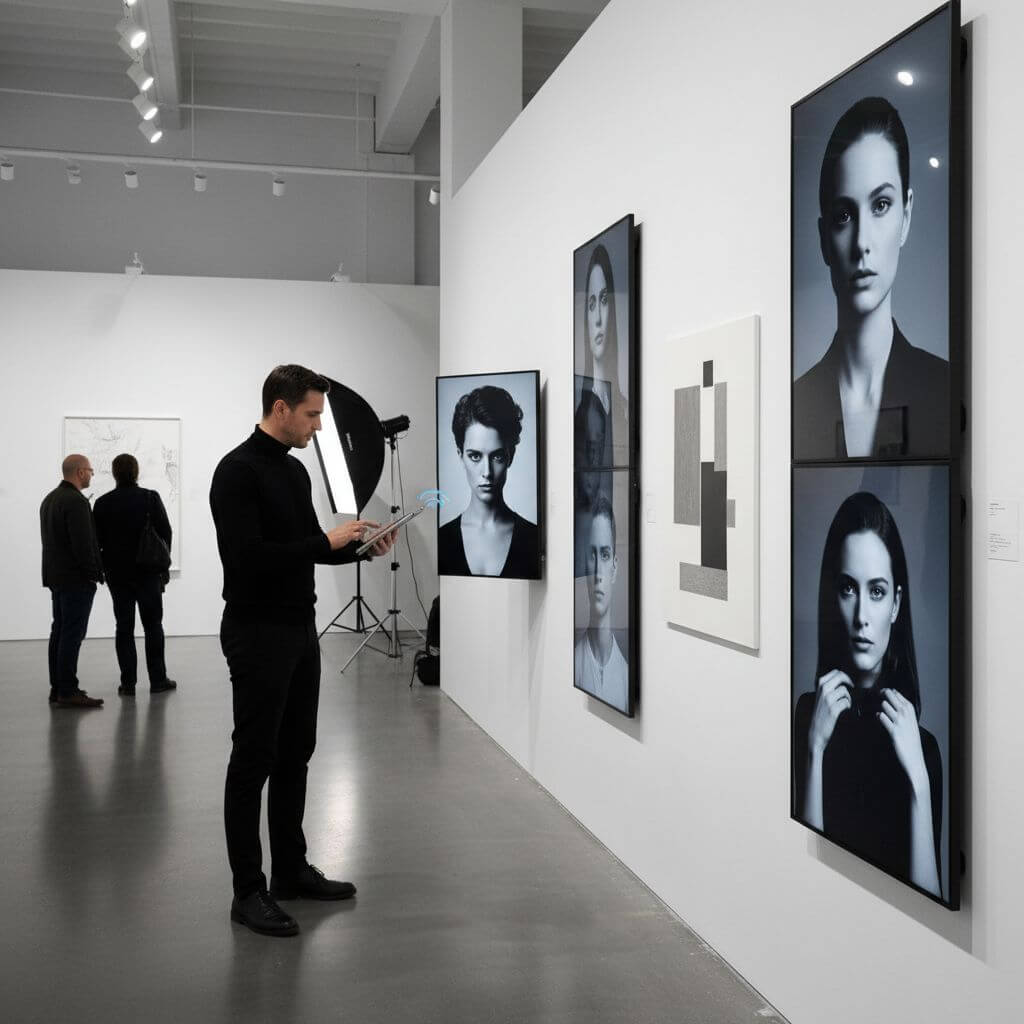
Artistic Photography
Photographers and artists use this tool to transform portraits into gallery-worthy fine art. Create dramatic noir portraits, vintage film aesthetics, and museum-quality monochrome artwork instantly.
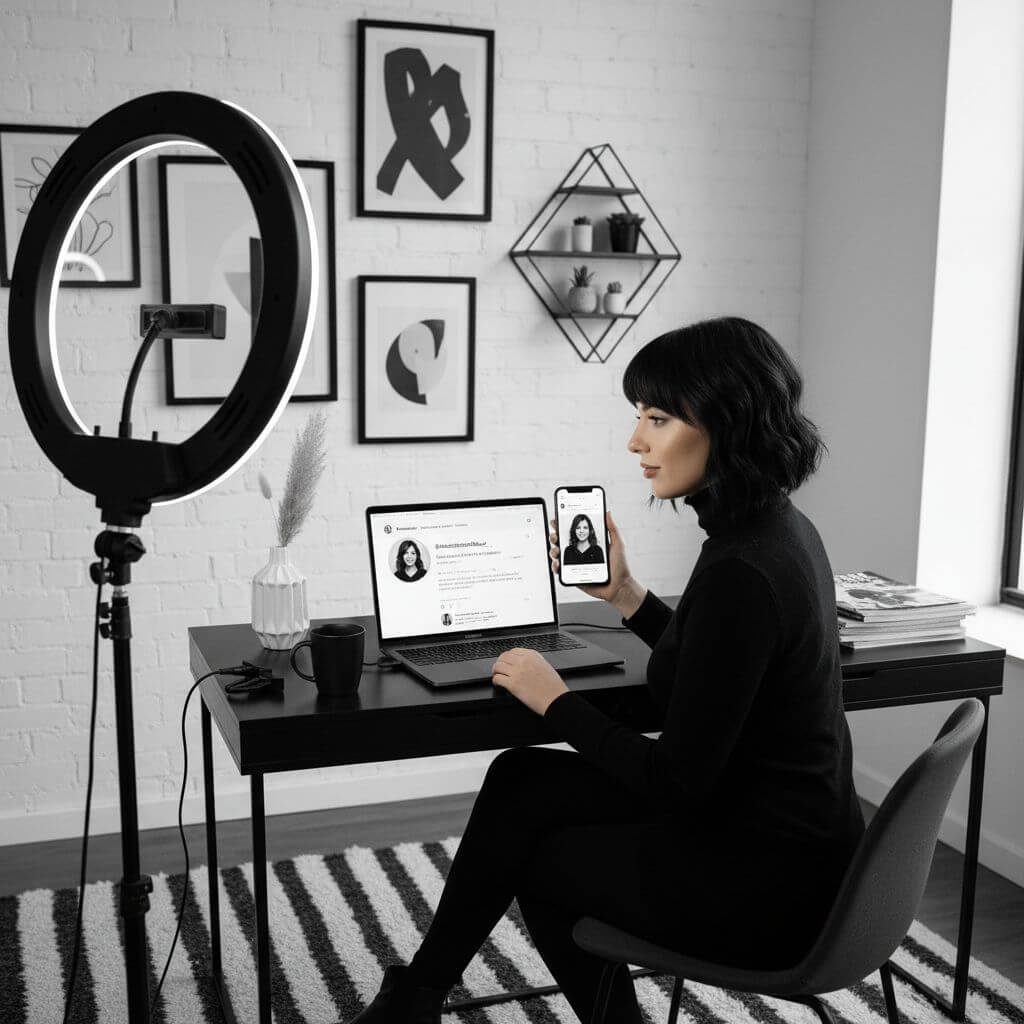
Social Media Profiles
Content creators and influencers use this tool to create distinctive profile pictures that stand out. Timeless black and white portraits add elegance and sophistication to any social media presence.
How to Create Black and White Portraits
Generate stunning monochrome portraits in just 3 simple steps
- 1
Upload Your Photo
Select and upload the photo you want to convert into a black and white portrait. This AI tool works best with clear portrait photos
- 2
Choose Your Black and White Style
Select from 9 professional black and white portrait styles including Classic Noir, Soft Focus, High Contrast, Fine Art, and more
- 3
Download Your Portrait
Click generate and download your stunning black and white portrait in seconds. Share your timeless monochrome portrait instantly
Tips for Best Black and White Portrait Results
Photo Quality:
Use high-resolution photos with good lighting for the best black and white portrait conversion results.
Portrait Composition:
Photos with clear facial features and good contrast work exceptionally well with this tool.
Style Selection:
Experiment with different black and white portrait styles to find the perfect monochrome aesthetic for your photo.
Frequently Asked Questions
Everything you need to know about this AI tool
Yes! New users receive free trial credits to try this AI tool. Our standard model uses 1 credit per black and white portrait conversion. We also offer professional AI models for enhanced quality.
This tool works best with clear portrait photos that have good lighting and defined facial features. Both professional headshots and casual photos can be transformed into stunning monochrome portraits.
Absolutely! This AI tool preserves your facial structure, expression, and identity while applying beautiful monochrome effects. Your black and white portrait will still look like you.
This AI tool creates stunning monochrome portraits in just 10-15 seconds. The fast processing lets you experiment with different black and white styles quickly.
Yes, you can use black and white portraits generated by our tool for both personal and commercial purposes. This includes professional headshots, marketing materials, and artistic projects without any licensing restrictions.
This tool offers 9 professional styles: Classic Noir (dramatic Hollywood style), Soft Focus (dreamy romantic), High Contrast (bold graphic), Fine Art (gallery quality), Street Documentary, Vintage Film, Minimalist, Dramatic Shadow, and Editorial (fashion magazine style).
This tool is optimized for portraits, especially photos with clear facial features and good lighting. Results with non-portrait photos are not guaranteed. The prompt examples describe styles applied to an uploaded photo; they are not a standalone text-to-image or prompt generator.
More Tools
Explore more AI-powered image tools to enhance your creative workflow
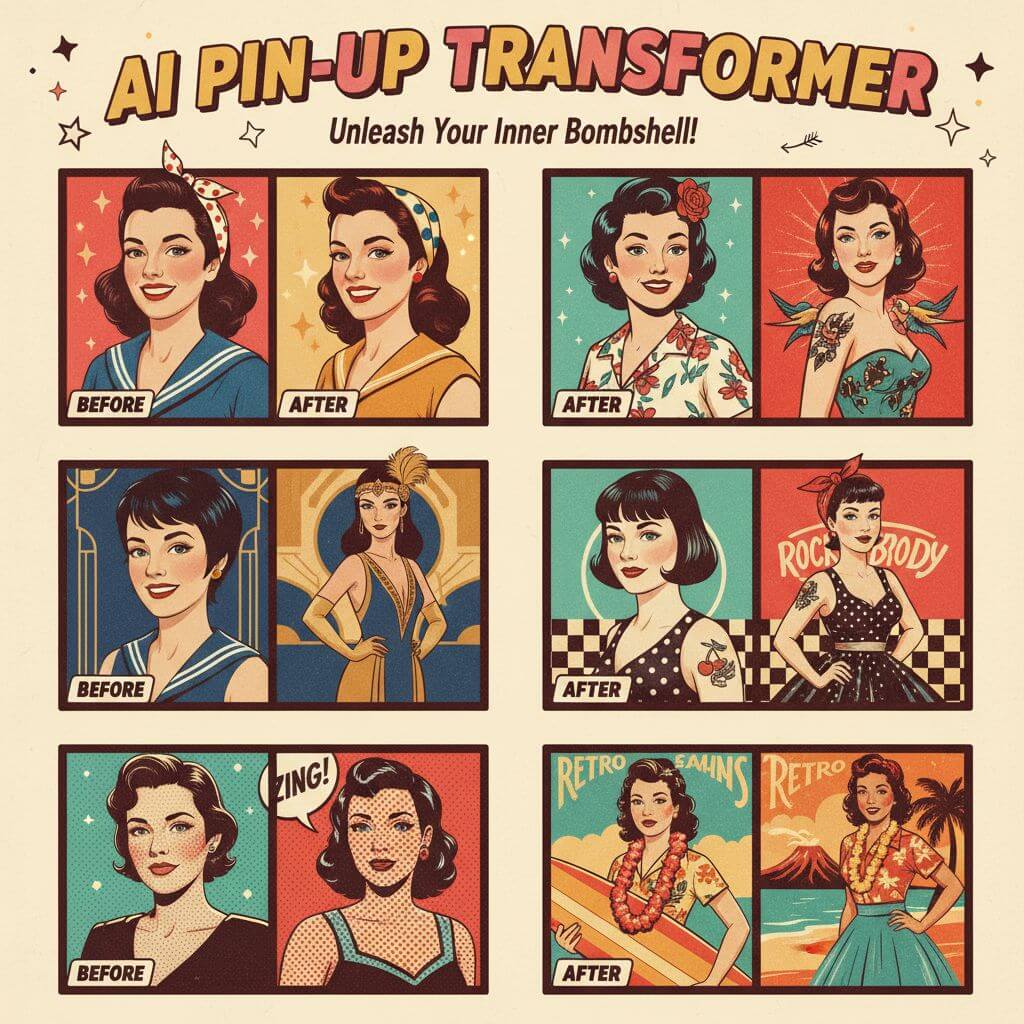
Pin-Up Girl Art Generator
Upload a photo and turn it into vintage pin-up style artwork with AI in seconds.
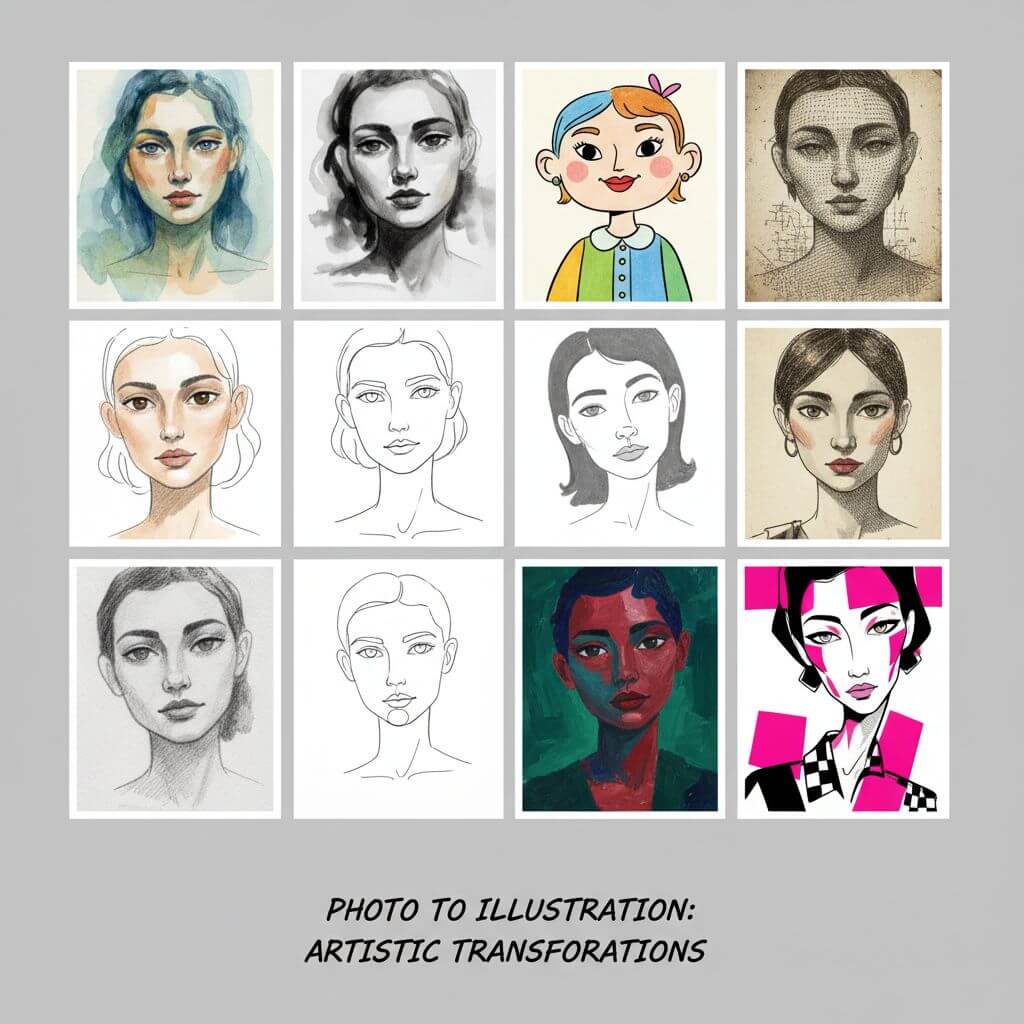
Hand Drawn Illustration Generator
Transform photos into beautiful hand-drawn illustrations with our free AI illustration generator.
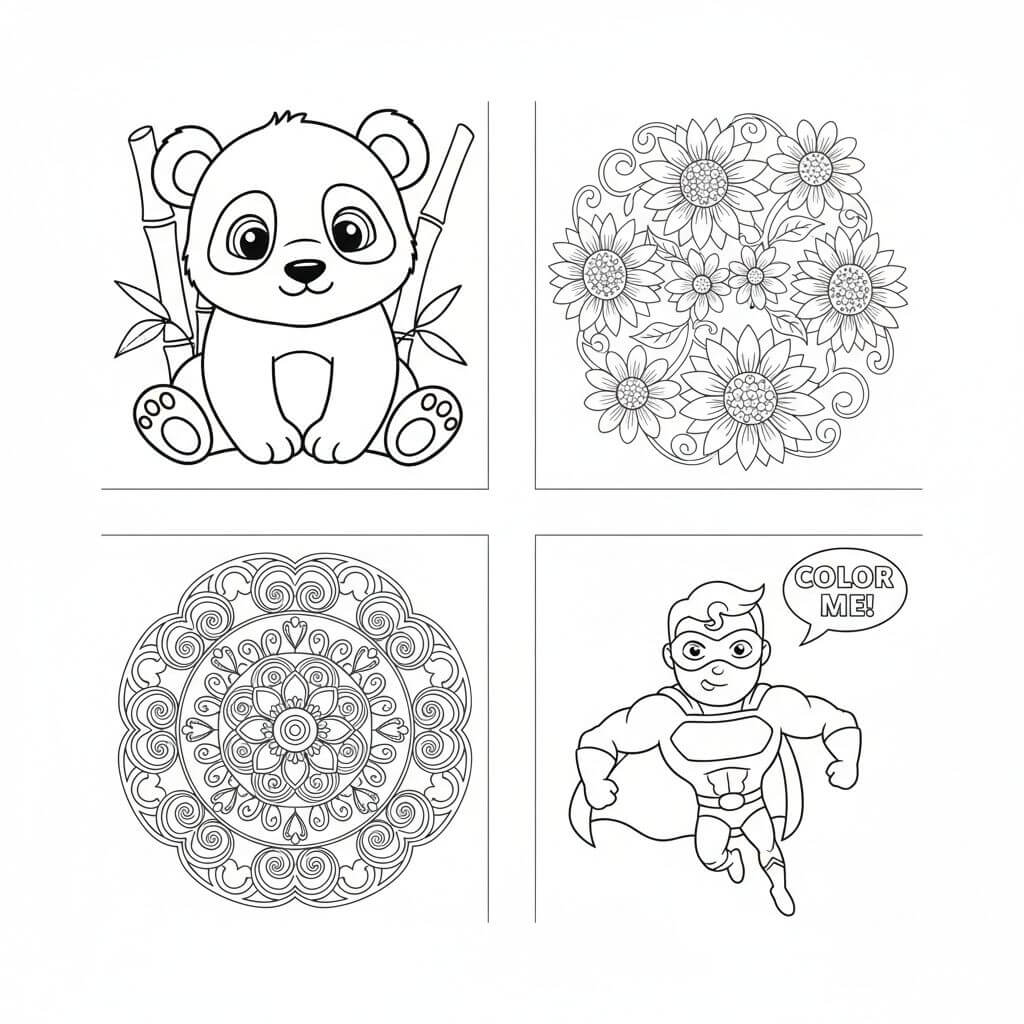
Drawings for Coloring Generator
Create beautiful drawings for coloring with our free AI drawings for coloring generator.
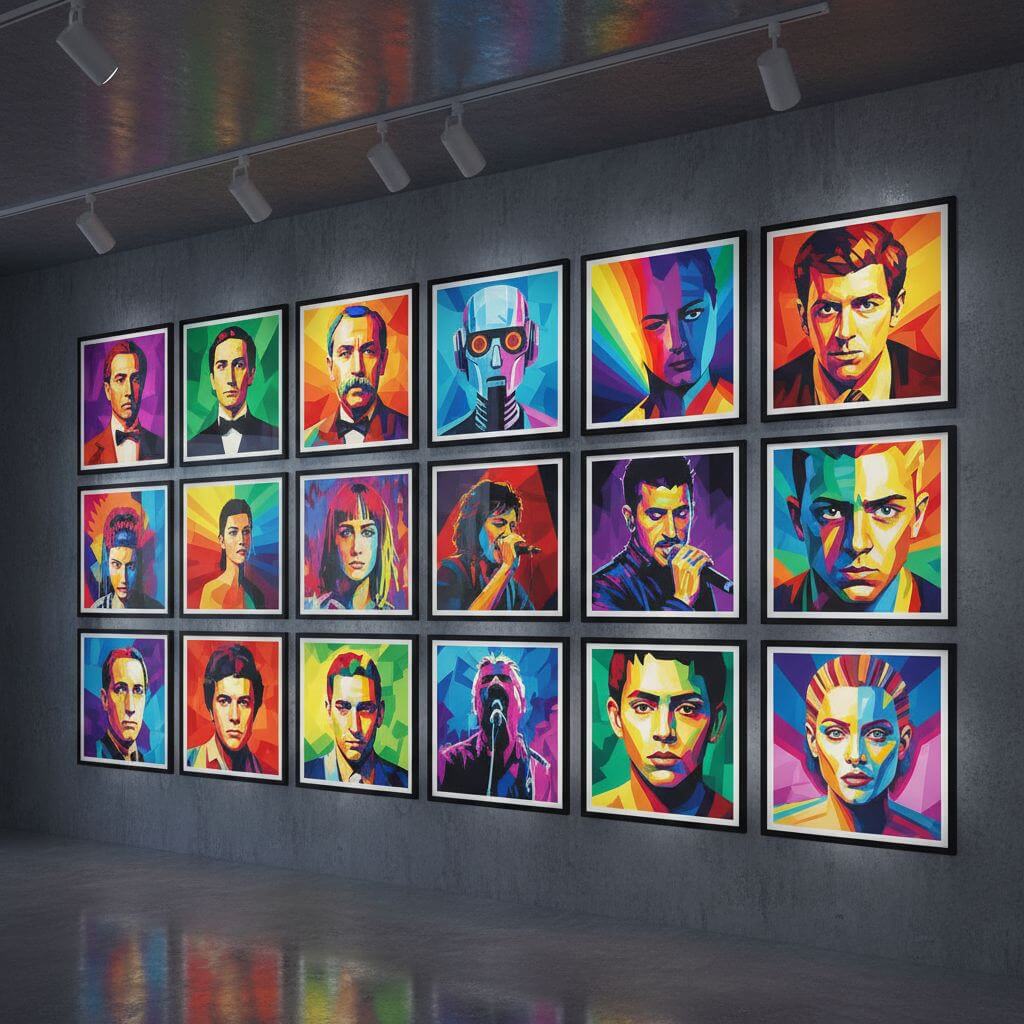
WPAP Pop Art Generator
Transform photos into stunning WPAP pop art with vibrant geometric portrait styles.