Bubble Text Effect Generator: Turn Any Word into Playful Puffy Letters

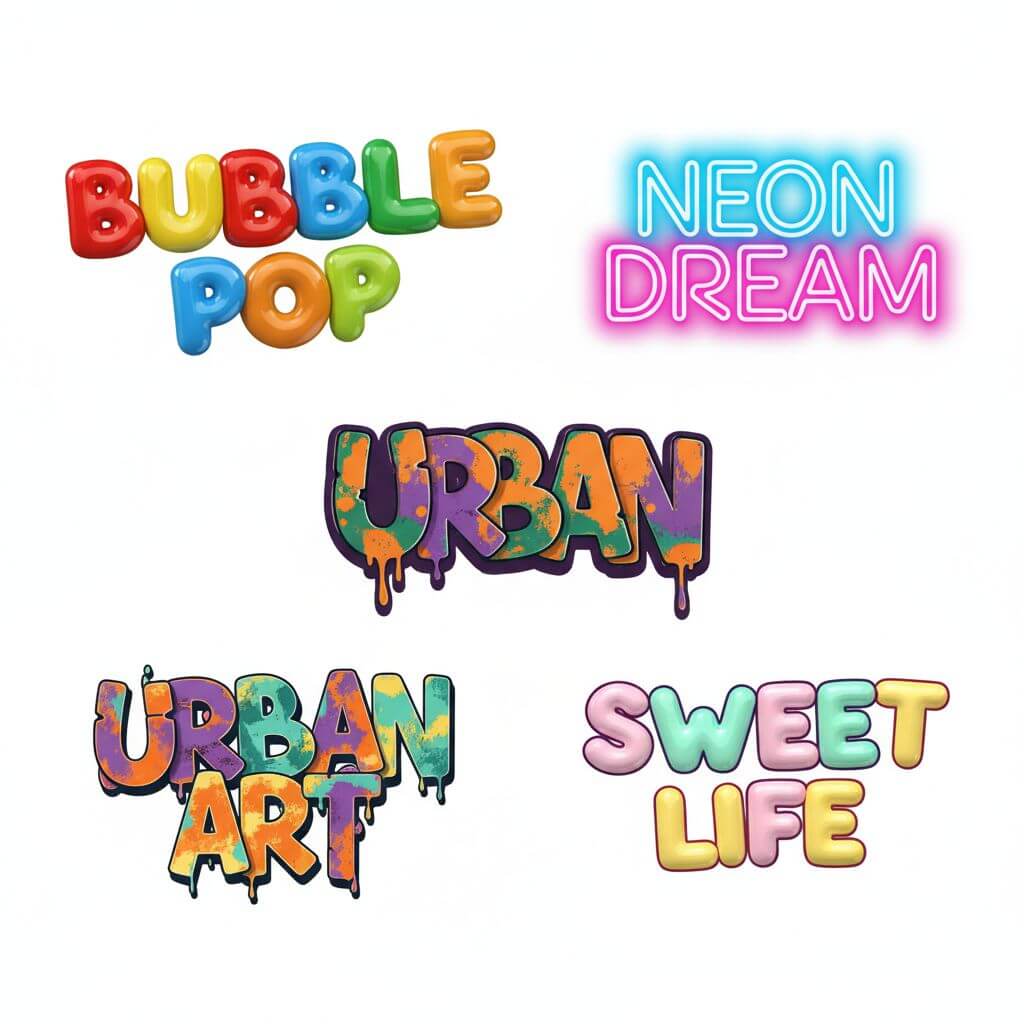
Type a word, pick a style, and watch our AI render inflated 3D lettering in seconds. Nine distinct looks — from glossy candy to gritty graffiti — all generated at 1024 x 1024 px and ready to download for social posts, party banners, or print projects.

Enter Your Text

Type the text you want to transform with AI

0/100

Maximum quality with the best detail and accuracy

Preview

View your AI-transformed result and compare with the original

Example result

↑ Example result. Try it yourself!

What Makes This Bubble Text Effect Generator Different

Bubble lettering traces back to 1970s New York graffiti culture, pioneered by writers like Phase 2 and Seen. Our AI brings that tradition into a one-click tool — no Illustrator skills required.

  • AI-Powered Rendering Engine

    The generator analyzes each character's anatomy — bowls, stems, and counters — then inflates them with physically plausible curves. Subsurface scattering simulates the glossy, translucent look of real balloon letters, while ray-traced reflections add convincing depth to the 3D style.

  • 9 Distinct Visual Styles

    Choose classic puffy, glossy, neon glow, graffiti wildstyle, candy stripe, 3D extruded, metallic chrome, rainbow gradient, or cartoon outline. Each style uses a different shading pipeline — for example, the graffiti option applies halftone shading and spray-paint texturing inspired by NYC subway art.

  • Vibrant, Customizable Colors

    Every style ships with an optimized palette, but you can override hues via the custom prompt. Gradients, highlights, and drop shadows are baked into each render so colors pop on both light and dark backgrounds.

  • Results in Under 10 Seconds

    Unlike FontSpace or CoolText generators that rasterize static fonts, our AI creates each image from scratch. Despite that, typical generation time is 6-8 seconds — faster than opening Photoshop.

  • 1024 x 1024 px Output

    Every download is a high-resolution PNG on a clean background. That is large enough for Instagram posts, YouTube thumbnails, A4 print flyers, and Etsy product mockups without upscaling artifacts.

  • Easy Sharing and Export

    One-click download saves the PNG locally. From there, drag it into Canva, Figma, Google Slides, or any editor. No watermark is added to paid generations.

Popular Ways People Use Bubble Text Effects

From quick social posts to professional print work, here is how creators put these designs to use.

Social Media Content
Content Creators

Social Media Content

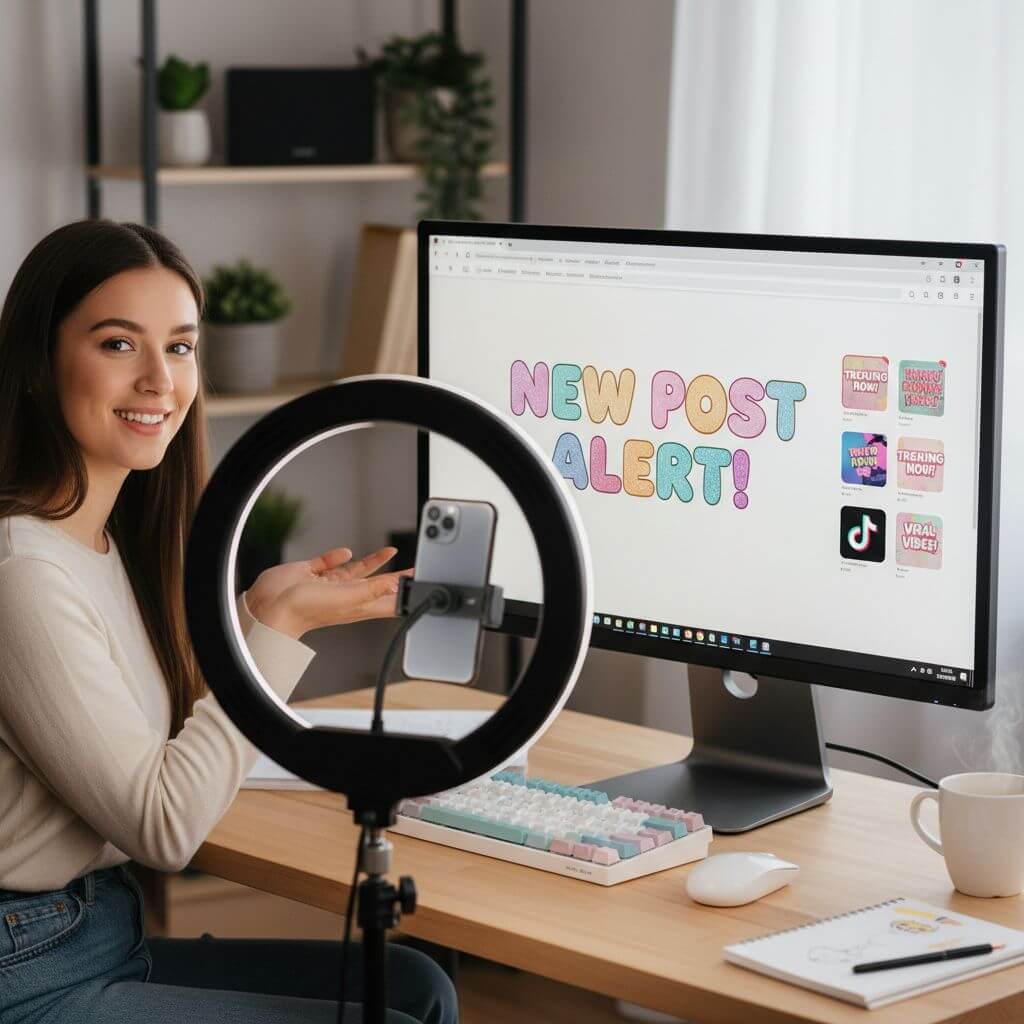
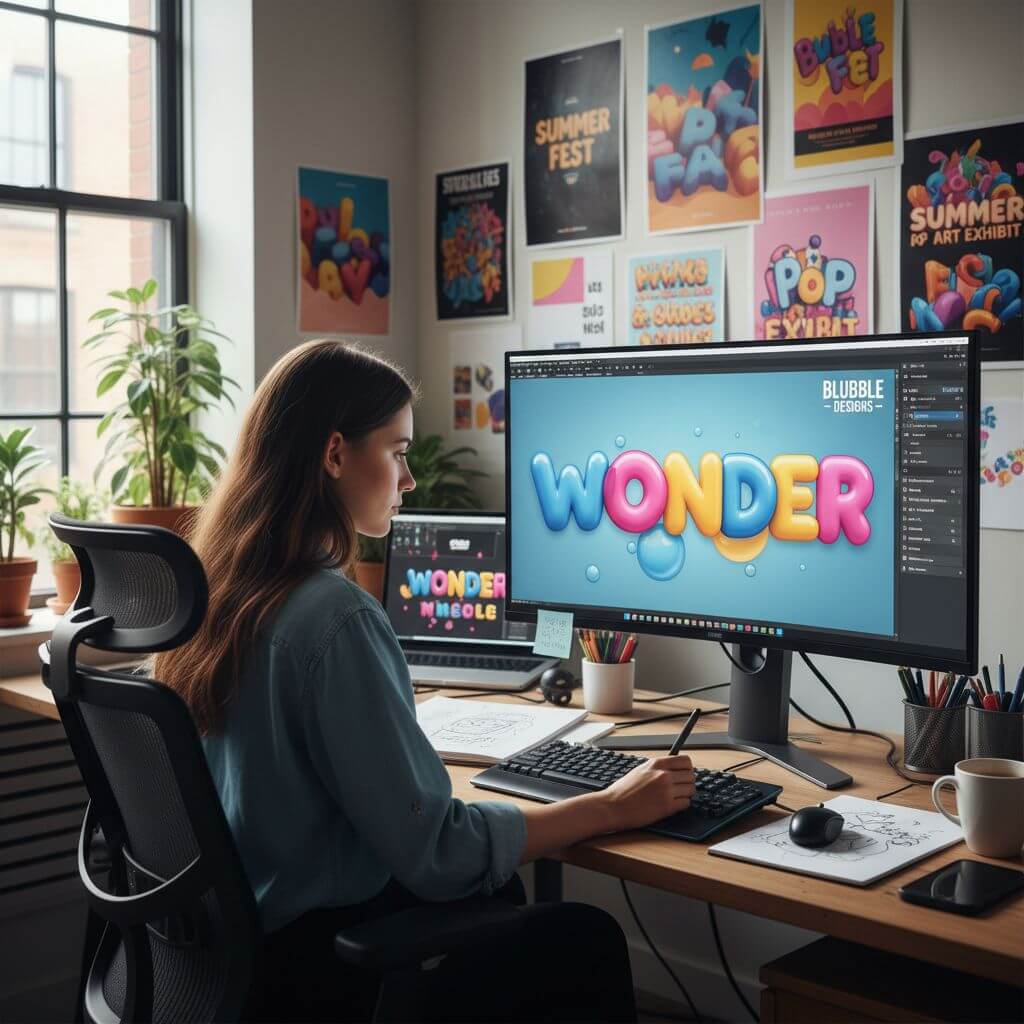
Content creators drop bubble text into Instagram Stories, TikTok thumbnails, and YouTube intros. The bold, puffy letterforms stand out in crowded feeds far better than flat system fonts, helping boost click-through rates on cover images.

Graphic Design Projects
Graphic Designers

Graphic Design Projects

Designers use the bubble letter output as a base layer for posters, event flyers, and merchandise mockups. Because the AI handles the difficult inflation and shading work, designers can focus on layout and composition instead of manual vector tweaking.

Party and Classroom Decorations
Teachers & Parents

Party and Classroom Decorations

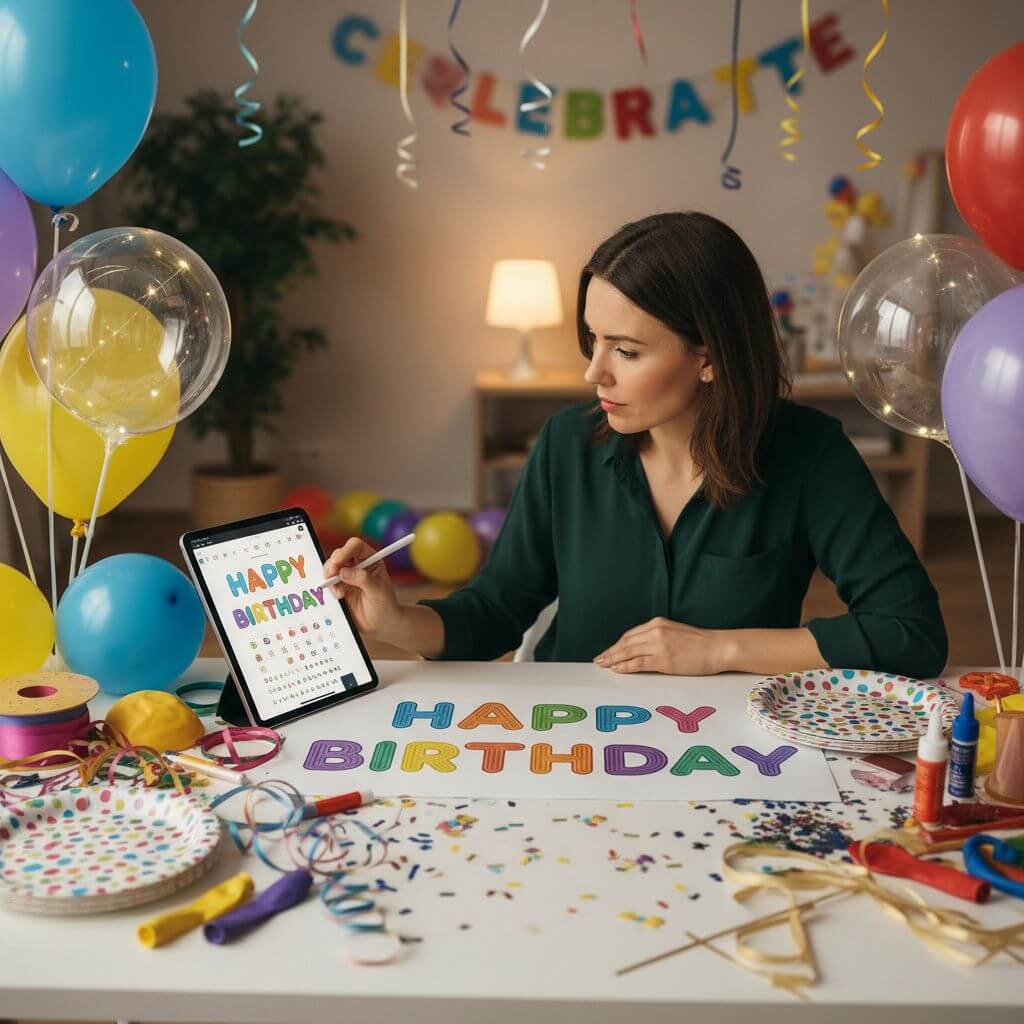
Teachers print colorful headers for bulletin boards, and parents create personalized banners for birthdays or baby showers. The high-resolution output prints cleanly up to A3 size without pixelation, making it a practical alternative to pre-made party supplies.

How to Create Bubble Text Effect in 3 Easy Steps

The whole process takes less than a minute — no account required for your first generation.

  • 1

    Enter Your Text

    Type up to 20 characters into the input field. Short words like names, slogans, or single letters produce the crispest results. Sign up to receive free credits for multiple generations.

  • 2

    Pick a Style

    Browse the nine presets or switch to the Custom tab to write your own prompt. Want neon pink letters on a dark brick wall? Just describe it and the AI will follow your direction.

  • 3

    Download Your Image

    Preview the result, then hit Download to save a 1024 x 1024 PNG. Need a different look? Regenerate with another style — each attempt costs one credit.

Pro Tips for Better Results

Keep It Short:

One to three words render with the most detail. Longer phrases force smaller letter sizes, which can reduce the puffy, inflated look.

Use Uppercase:

Capital letters have simpler geometry, so the AI produces cleaner curves and more consistent inflation across the word.

Experiment with Custom Prompts:

Add context like 'on a chalkboard background' or 'with gold metallic sheen' to push the output beyond the default presets. The AI responds well to material and lighting descriptions.

Pricing

Transform your images with AI. Choose the plan that fits your needs.

MonthlyAnnuallyCredit Packs

Basic

$7.99$9.99/mo

Perfect for personal use and casual creators.

2400 credits (≈ 1200 images / year)

Includes

  • Own your creations
  • Access to Standard Generation
  • Image history saved
  • Standard Quality Download

Billed annually · Save $24/year

Cancel anytime. No lock-in contract.
Pro

Best Value · 4x More
Most Popular
$15.99$19.99/mo

For power users and professionals.

9600 credits (≈ 4800 images / year)

Everything in Basic, plus

  • Commercial License Included
  • Priority Support
  • 4x More Credits
  • Priority email support

Billed annually · 75% cheaper per image

Cancel anytime. No lock-in contract.
What Creators Are Saying

"I run a small Etsy shop selling printable party decorations. Before this tool, I spent 30-40 minutes per title in Illustrator adjusting bezier curves. Now I type the birthday kid's name, pick the candy style, and have a finished PNG in seconds. It paid for itself on the first order."
Jessica T.
Etsy Shop Owner
"I redesign my classroom bulletin board every month. The cartoon style is perfect for headers — my third-graders get excited when they see their spelling words in big, colorful letters. Way faster than cutting letters out of construction paper."
Michael R.
Elementary Teacher
"The graffiti style nails the Phase 2 wildstyle vibe I was going for on a streetwear drop. I used the output as a reference layer in Procreate and finished the final design in half the time. Solid starting point for anyone doing urban-inspired graphics."
Alex K.
Freelance Illustrator
"I needed a birthday banner for my daughter's party and didn't want to wrestle with Canva text effects. Typed her name, chose the glossy style, printed it at Staples on a 24x36 poster — it looked amazing. The whole process took maybe two minutes."
Rachel S.
Parent & DIY Crafter

Frequently Asked Questions

Quick answers about how the bubble text effect tool works, what it costs, and how to get the best bubble lettering output.

It is a typographic style where each letter is rendered to look inflated and three-dimensional, like a balloon. The style originated in 1970s New York graffiti — writers like Phase 2 popularized rounded, puffy letterforms on subway cars, and the aesthetic has since spread to graphic design, signage, and digital media.

Nine: Classic, Glossy, Neon, Graffiti, Candy, 3D, Metallic, Rainbow, and Cartoon. You can also write a fully custom prompt if none of the presets match your vision.

New accounts receive complimentary credits, enough for several generations. After that, additional credits can be purchased. Each generation costs one credit.

One to three uppercase words produce the sharpest results. The maximum input is 20 characters. Longer text still works but letters become smaller and lose some of the puffy detail.

Yes. All generated images are yours to use in personal and commercial projects — social media, merchandise, marketing materials, printed goods, and more.

Images are generated at 1024 x 1024 pixels in PNG format. That is suitable for web use, social media posts, and print items up to roughly A4 size at 150 DPI.