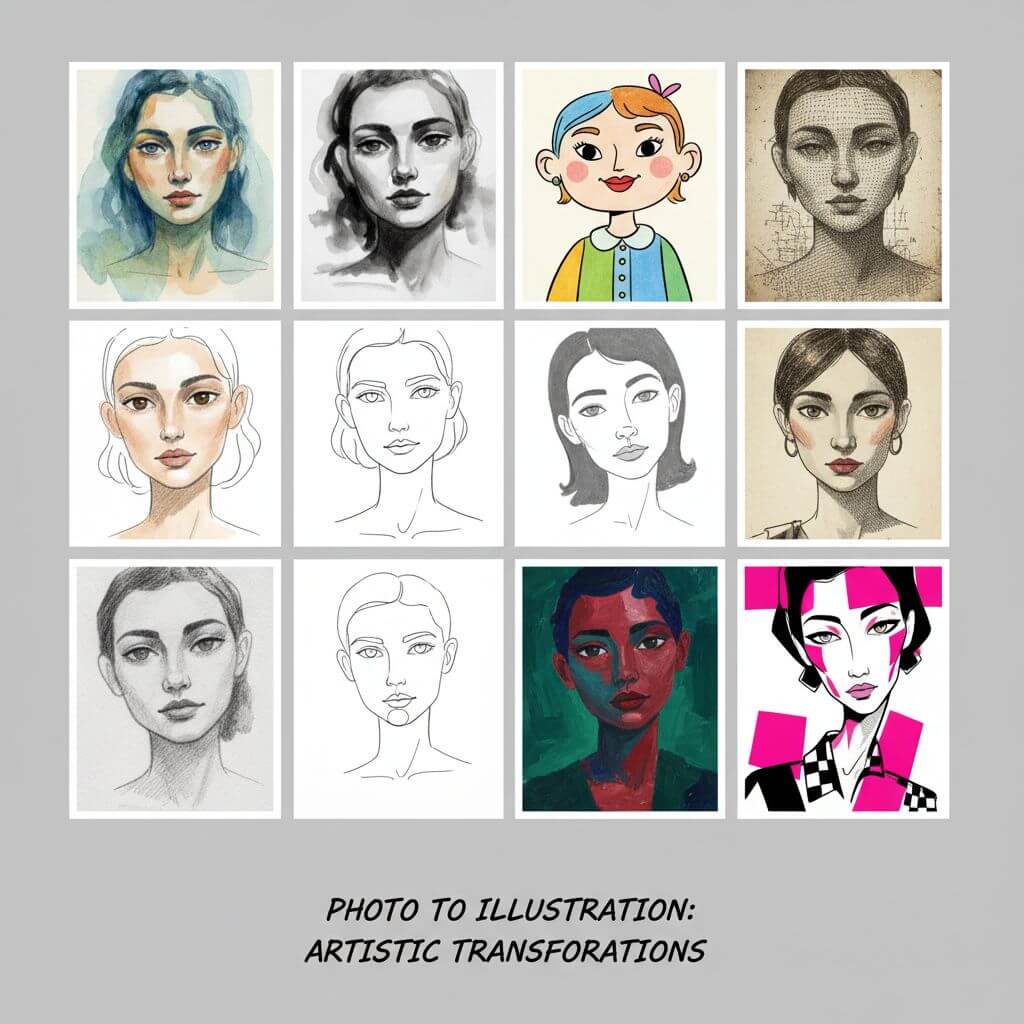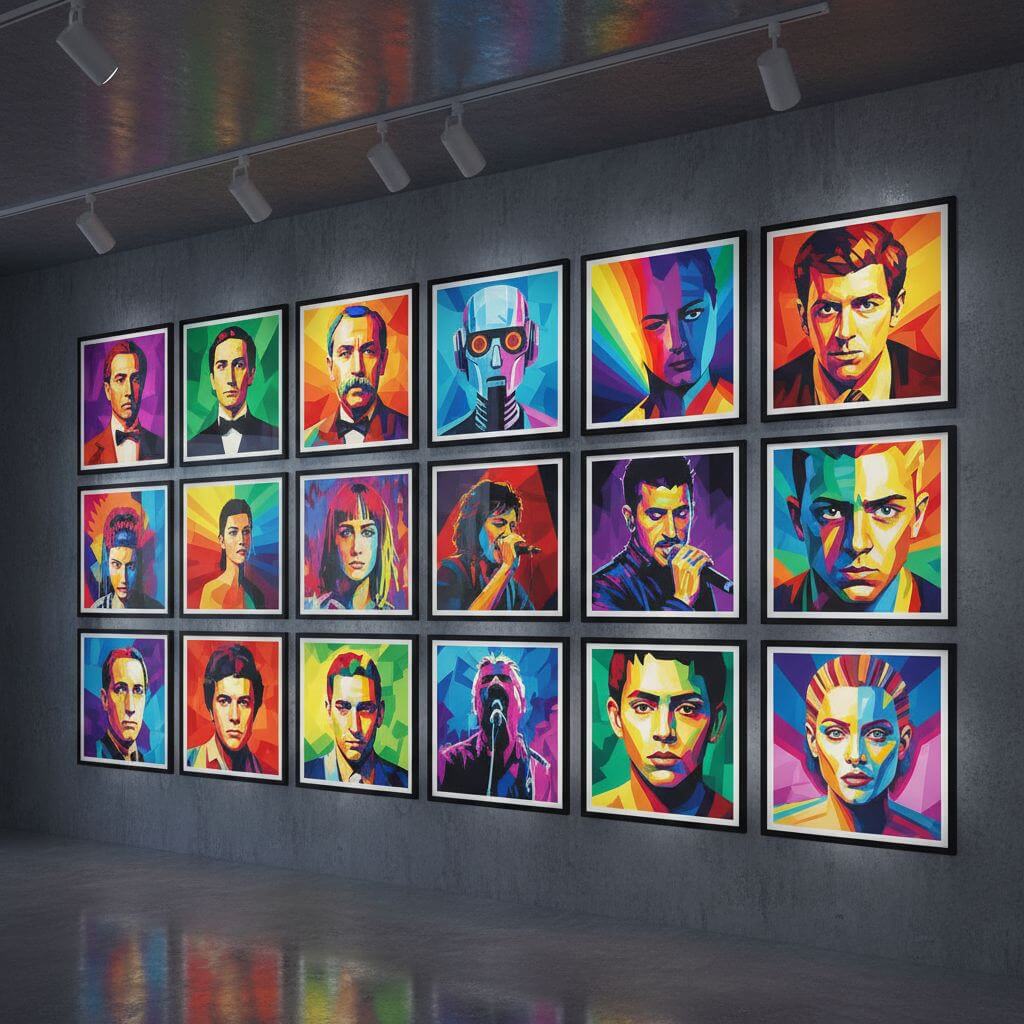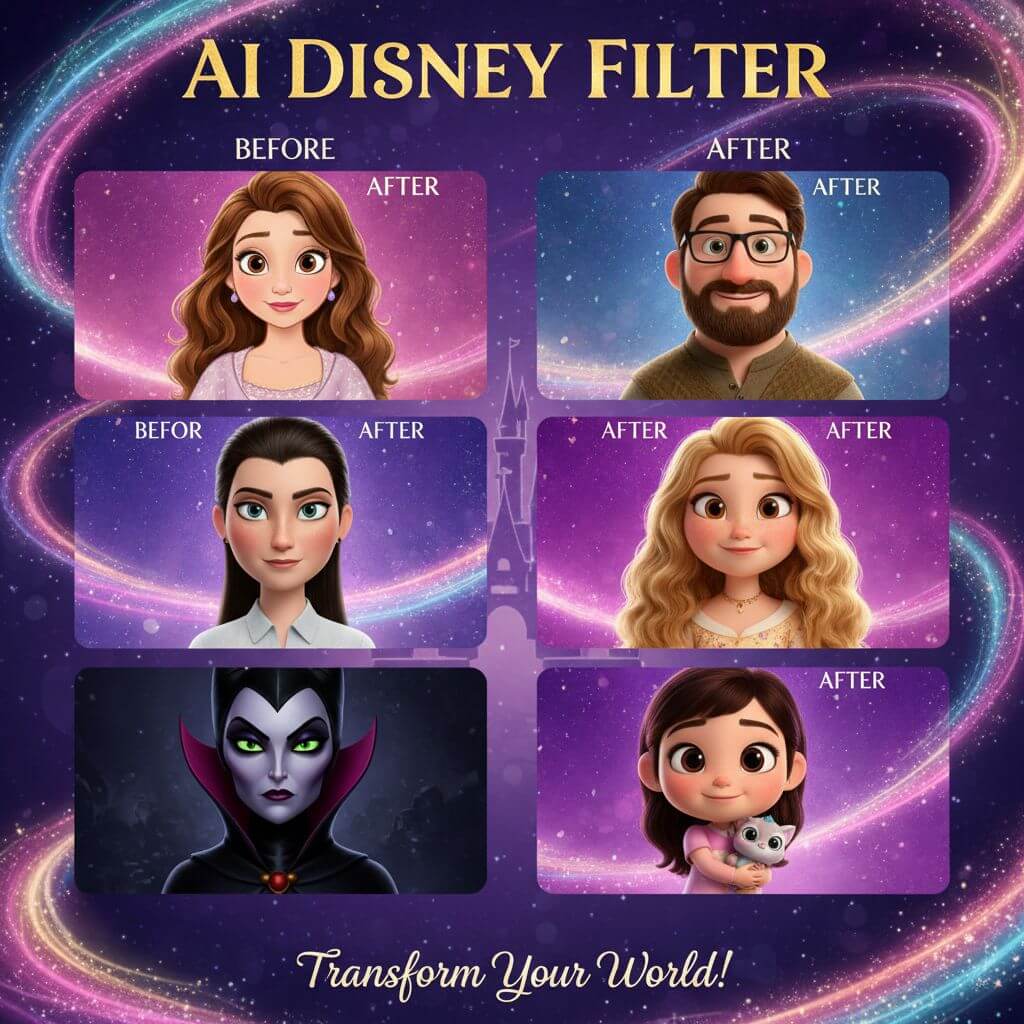
Turn Photos into Disney-Style Characters
Transform any portrait into a classic hand-drawn princess, a Pixar 3D hero, or an enchanted fairytale figure in seconds. Our AI disney filter preserves your unique facial features while applying the animation aesthetics that have captivated audiences since Snow White debuted in 1937.
Upload Image
Upload an image file to get started with your AI conversion
Click or drop your image here
Max 5MB
Maximum quality with the best detail and accuracy
Preview
View your AI-transformed result and compare with the original

↑ Example result. Try it yourself!
What Makes Our Disney Animation Tool Different
Powered by models trained on decades of animation history — from the hand-drawn Golden Age through the 1989-1999 Renaissance to today's Pixar-era 3D rendering — the tool delivers authentic results that capture what makes each era special.
Authentic Animation Aesthetics
Our AI understands the visual language of classic animation: the oversized expressive eyes, soft gradient shading, and clean ink outlines of the hand-drawn era (1937-2004), plus the subsurface scattering and volumetric lighting that define modern Pixar 3D renders.
9 Distinct Style Presets
Each preset captures a specific animation era. Classic Princess recreates the soft hand-drawn linework of the 1950s. Pixar 3D uses the rounded, tactile look of modern CG films. 90s Renaissance channels the bold, Broadway-influenced aesthetic of The Little Mermaid through Tarzan.
Your Face, Faithfully Preserved
Unlike Snapchat or TikTok cartoon filters that paste a generic template over your face, our AI analyzes your bone structure, eye spacing, and unique features to build a character that is unmistakably you — just reimagined in animation style.
Results in Seconds
Upload a photo, pick a style, and get your transformation almost instantly. No waiting in queues, no desktop software to install. The entire process runs in your browser on any device.
High-Resolution Downloads
Every result is generated at print-ready resolution. Use it as a social media profile picture, print it as a poster, or add it to a custom phone case — the quality holds up at any size.
Works with Any Portrait
The tool handles individuals, couples, family shots, and even pet photos. Try different presets on everyone in your household and create a matching set of animated character portraits.
Creative Ways to Use Disney-Style Portraits
From social media content to personalized gifts, see how people are using their animated character portraits in real projects.

Social Media Profile Upgrades
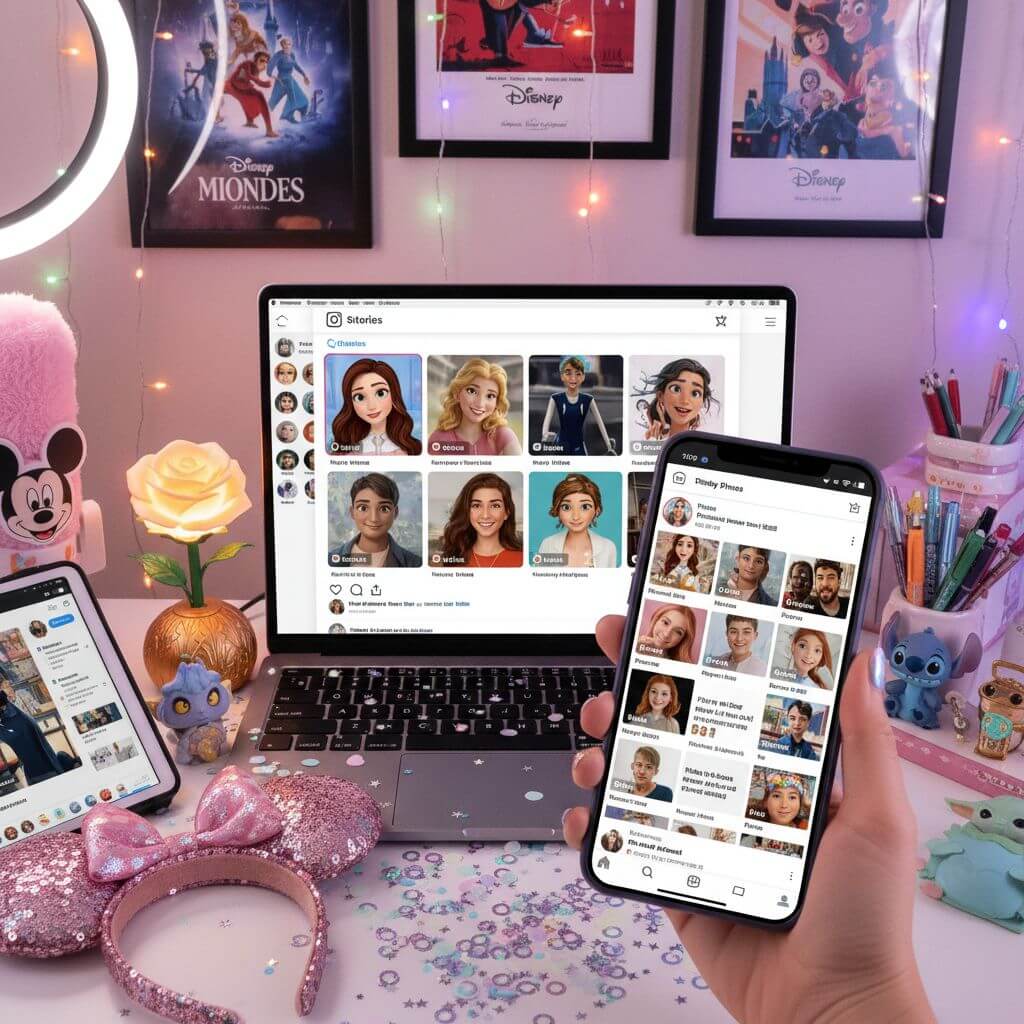
Stand out in crowded feeds with an animated character version of yourself. Post a before-and-after carousel on Instagram, create a TikTok transformation reel, or surprise your LinkedIn connections with a playful new headshot.

Family Portrait Collections
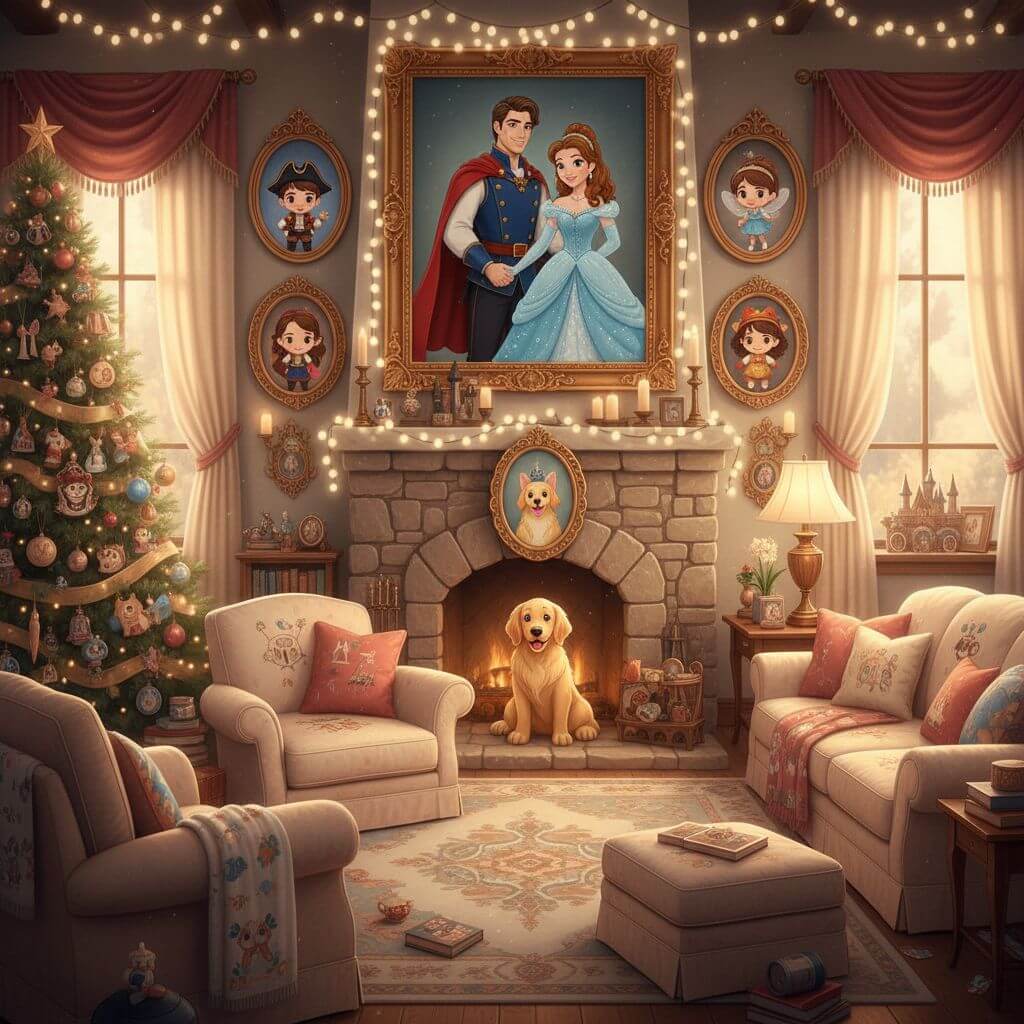
Transform every family member — including pets — into matching animated characters. Use the portraits for holiday greeting cards, party invitations, custom mugs, or a framed gallery wall that guests will talk about for years.

Art and Design Inspiration
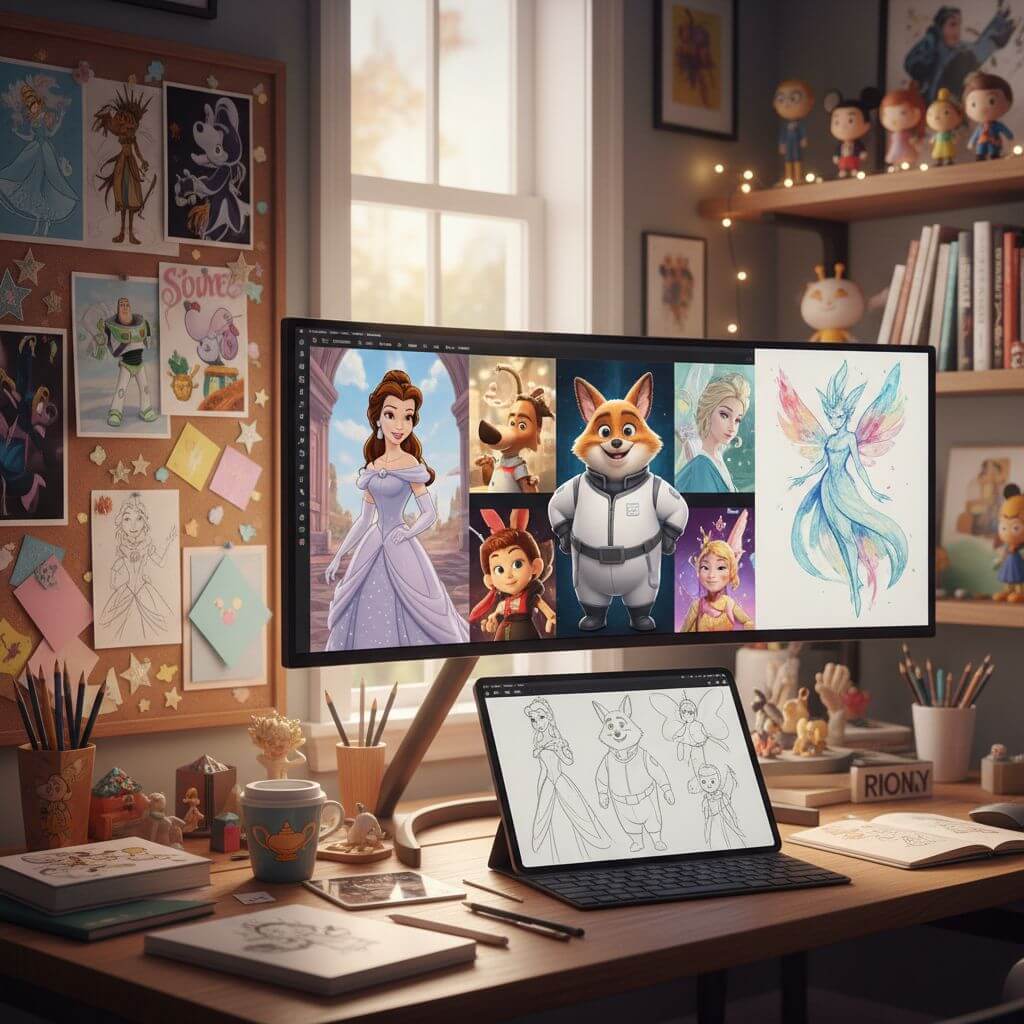
Illustrators use the tool to quickly generate Disney character reference sheets. Gift designers create personalized cartoon portrait prints and merchandise. Cosplayers compare Pixar 3D and Disney Princess presets to plan their next costume based on which animation era suits their features best.
How to Use the Disney Filter Online
Three simple steps to see yourself as an animated character. No design skills required — just upload, choose, and download.
- 1
Upload Your Photo
Choose a clear, front-facing portrait. Sign up for free credits so you can experiment with multiple style presets and find the look you love.
- 2
Pick a Style
Browse all 9 presets — from the soft watercolor look of early concept art to the polished 3D rendering of modern Pixar films. You can also write a custom prompt describing exactly the animation style you want.
- 3
Download and Share
Preview your transformation, then download the high-resolution image. Share it on Instagram, set it as your profile picture, or send it to friends who will immediately want to try it themselves.
Pro Tips for Best Results
Lighting Matters:
Use a well-lit, evenly exposed photo where your face is clearly visible. Harsh shadows or backlighting can confuse the AI and produce less accurate facial mapping.
Explore Every Era:
Each preset captures a different animation period. The Classic Princess style feels like a 1950s cel-painted frame, while Pixar 3D gives you the rounded, glossy look of post-2006 CG films. Try them all — the variety is half the fun.
Share the Fun:
These portraits make great conversation starters on social media. Post a side-by-side comparison of your real photo and animated version — people love guessing which style was used.
Pricing
Transform your images with AI. Choose the plan that fits your needs.
Basic
Perfect for personal use and casual creators.
Includes
- Own your creations
- Access to Standard Generation
- Image history saved
- Standard Quality Download
Billed annually · Save $24/year
Cancel anytime. No lock-in contract.
Pro
Best Value · 4x MoreFor power users and professionals.
Everything in Basic, plus
- Commercial License Included
- Priority Support
- 4x More Credits
- Priority email support
Billed annually · 75% cheaper per image
Cancel anytime. No lock-in contract.
What Our Users Are Saying
"I tried the Classic Princess preset on a whim and my seven-year-old daughter gasped and said 'Mommy, you're in a movie!' We ended up doing the whole family and printing them as holiday cards."
"The Pixar 3D result blew me away — it genuinely looks like a still from a Pixar film. I swapped it in as my Twitch profile picture and my chat went wild trying to figure out how I made it."
"I've used Snapchat and TikTok cartoon effects before, but those always looked like stickers pasted on my face. This actually captured my bone structure and the result felt personal, not generic."
"Ran each family member through the Chibi Cute preset and turned them into a set of fridge magnets. My kids bring them to show-and-tell every chance they get. Absolute hit at home."
Frequently Asked Questions
Everything you need to know about turning your photos into animated characters
It uses AI trained on animation art styles to redraw your portrait as an animated character. Upload a photo, pick a preset (or write a custom prompt), and the model generates a new image that keeps your facial identity while applying the chosen animation aesthetic.
There are 9 presets: Classic Princess (hand-drawn soft lines), Pixar 3D (modern CG rendering), Disney Villain, Chibi Cute, 90s Renaissance (bold Broadway-era aesthetic), Fairytale Magic, Disney Hero, Watercolor Art, and Modern Disney. You can also describe any custom style via the prompt input.
Yes. The AI maps your bone structure, eye spacing, and expression before applying the animation style. The result looks like you — not a generic cartoon face with a wig. This is a key difference from Snapchat or TikTok overlay filters.
New accounts receive complimentary credits, enough to try several presets. After that, additional credits are available through our pricing plans.
A clear, well-lit, front-facing portrait with no sunglasses or heavy makeup filters. Even smartphone selfies work great as long as your face is fully visible and the lighting is decent.
The AI performs best on individual portraits. For group shots, run each person through separately for the most accurate results. Pet photos work well too — the tool creates charming animated animal characters.