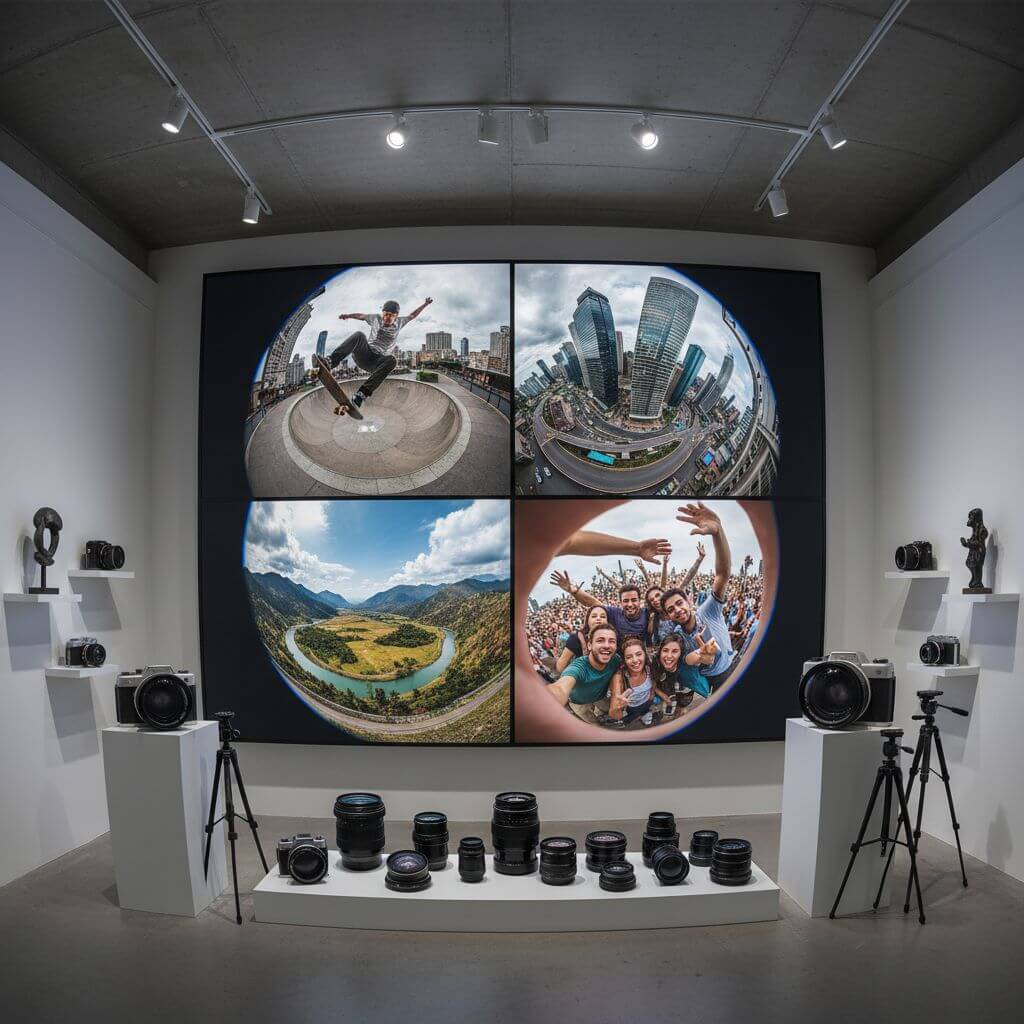
Fisheye Photo Effect: Transform Your Photos Instantly

Create stunning images with our fisheye photo effect tool. Whether you want to add a creative fisheye lens effect to portraits, landscapes, or action shots, our fisheye photo effect generator delivers professional wide-angle distortion results in seconds.

Settings

Upload an image file to get started with your AI conversion

AI Model
355/3000

Maximum quality with the best detail and accuracy

Preview

View your AI-transformed result and compare with the original

Example result

↑ Example result. Try it yourself!

Why Our Fisheye Photo Effect Tool Stands Out

Discover how our fisheye photo effect revolutionizes the way you transform ordinary photos into dynamic, eye-catching images. Say goodbye to expensive fisheye lenses and hello to instant fisheye photo effect results.

  • Authentic Fisheye Photo Effect Technology

    Our fisheye photo effect uses advanced AI to replicate the exact barrel distortion of real fisheye lenses. The fisheye photo effect creates that iconic spherical curvature with natural-looking edge distortion and seamless transitions.

  • Instant Fisheye Effect in Seconds

    Upload your image and apply the fisheye photo effect instantly. No complex editing required—our fisheye photo effect tool automatically applies the perfect amount of wide-angle distortion for stunning results every time.

  • Professional Fisheye Lens Quality

    Photographers and creators rely on our fisheye photo effect to achieve the look of expensive fisheye lenses without the cost. Create consistent, professional fisheye photo effect imagery for any project.

  • Customizable Fisheye Photo Effect

    From subtle wide-angle curves to extreme fisheye distortion, our fisheye photo effect tool lets you control the intensity. Experiment with different fisheye photo effect strengths to match your creative vision.

  • Action Sports Fisheye Effect

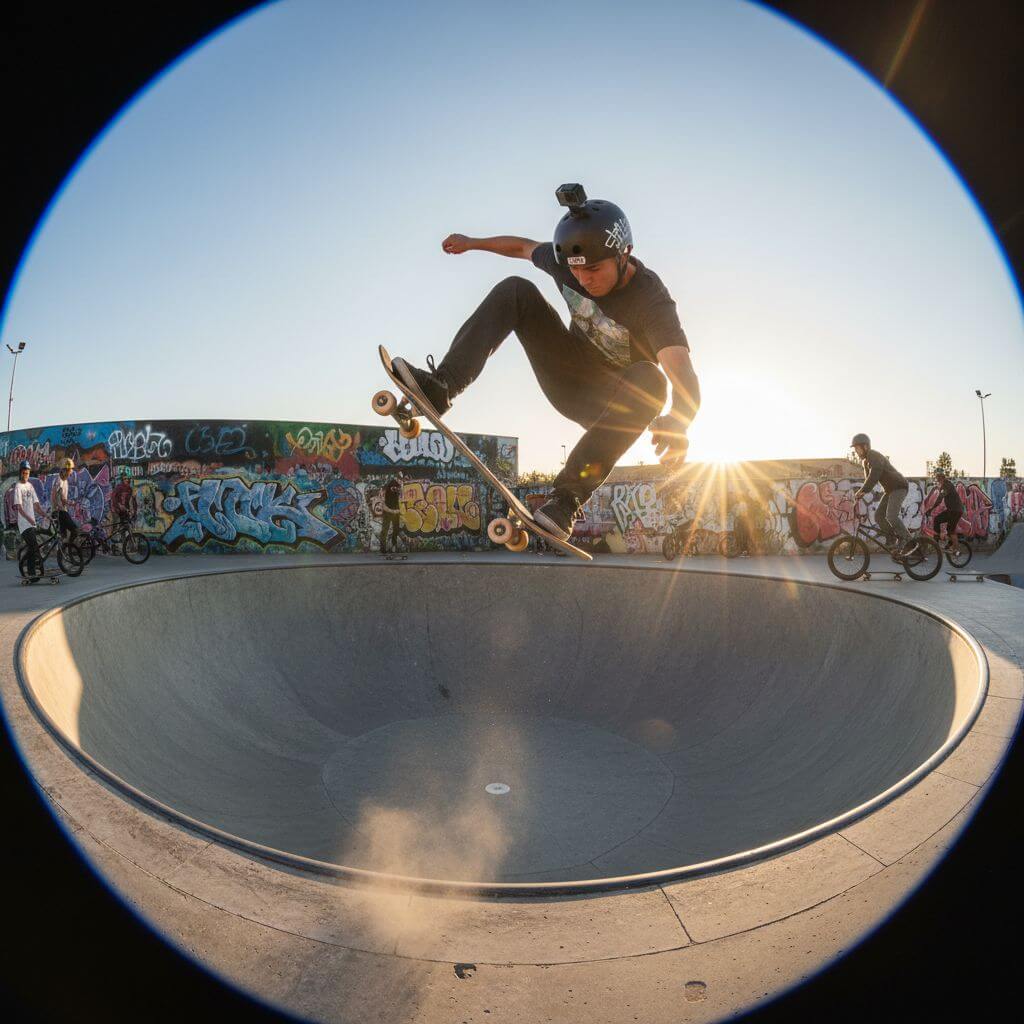
    Skateboarders, surfers, and extreme sports enthusiasts use our fisheye photo effect to capture that iconic action cam aesthetic. Our fisheye photo effect adds dynamic energy to every shot.

  • Seamless Fisheye Distortion

    Our fisheye photo effect ensures smooth, realistic distortion across your entire image. Advanced algorithms in our fisheye photo effect maintain image quality while creating that signature curved perspective.

Real-World Applications for Fisheye Photo Effect

See how photographers and creators across industries use our fisheye photo effect to create stunning, dynamic visuals effortlessly.

Action Sports & Extreme Photography
Sports Photographers & Athletes

Action Sports & Extreme Photography

Skateboarders, surfers, and BMX riders use our fisheye photo effect to capture that iconic action sports aesthetic. The fisheye effect adds dynamic energy and immersive perspective to every trick and wave, creating images that feel like you're right in the action.

Architecture & Real Estate
Real Estate & Architecture

Architecture & Real Estate

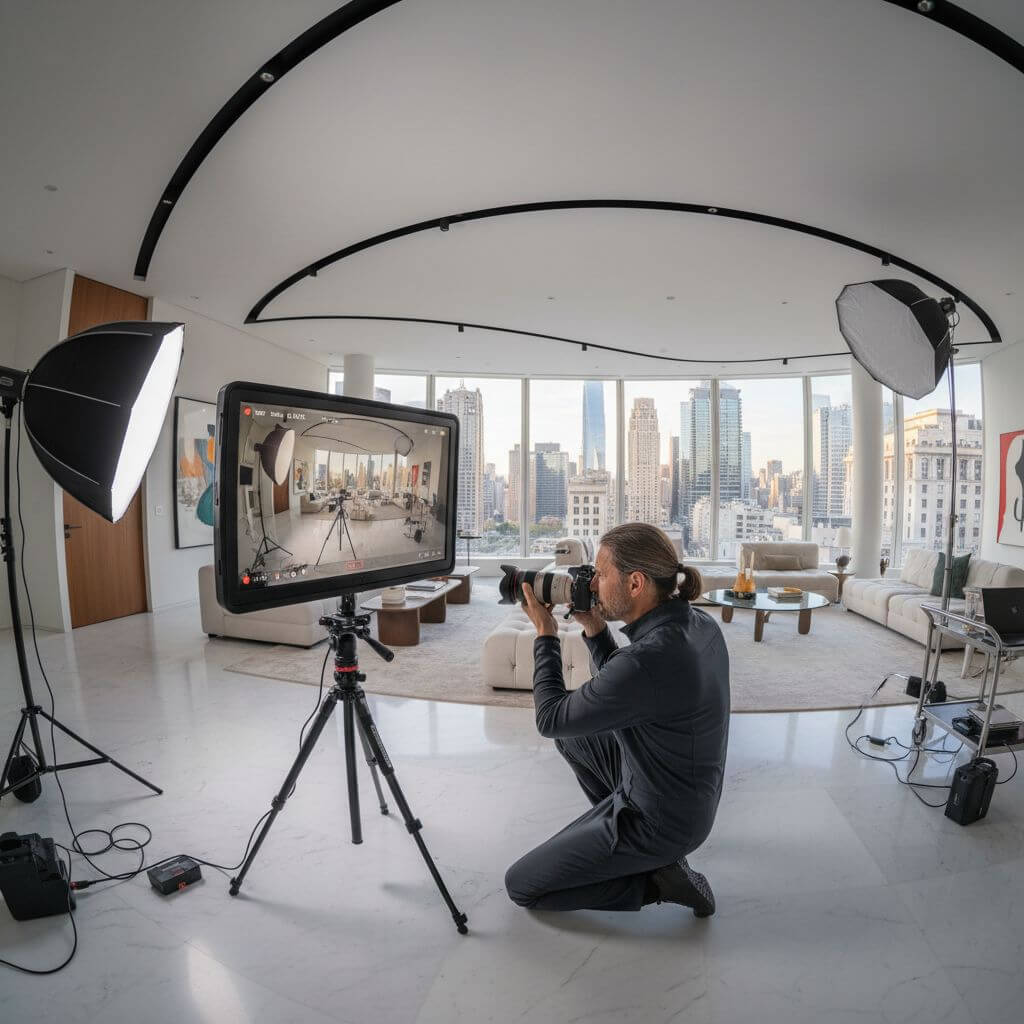
Real estate agents and architects leverage our fisheye photo effect to showcase interior spaces and building exteriors. The fisheye lens effect makes rooms appear more spacious while capturing the full scope of architectural designs in a single dramatic shot.

Creative Content & Social Media
Creators & Influencers

Creative Content & Social Media

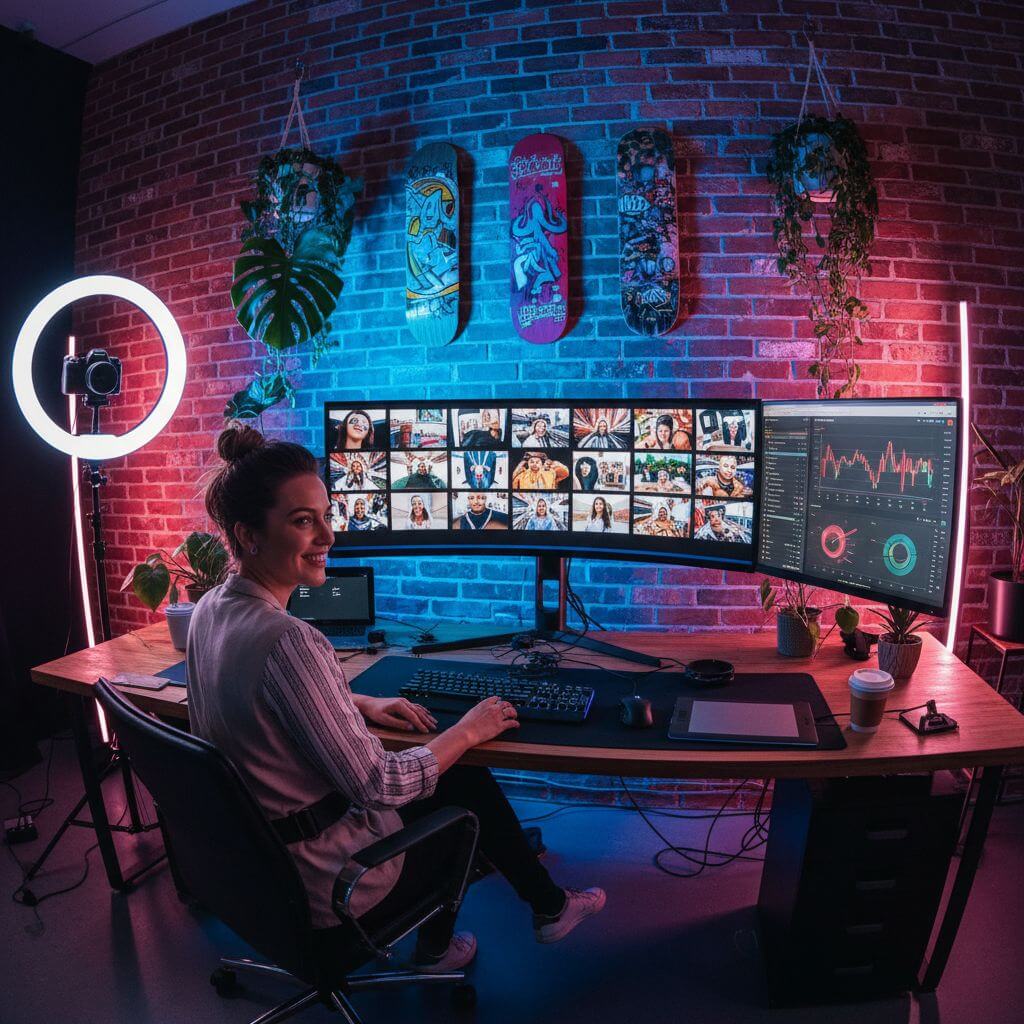
Content creators use our fisheye photo effect to stand out on social media with unique, eye-catching visuals. The fisheye effect transforms ordinary photos into dynamic, scroll-stopping content that captures audience attention and boosts engagement.

How to Create Fisheye Photo Effect

Transform your photos with stunning fisheye effects in three simple steps. Start creating fisheye photo effect images now!

  • 1

    Upload Your Photo

    Drag and drop your image or click to upload. Sign up to access our fisheye photo effect tool and get free credits to apply fisheye lens effects to multiple photos.

  • 2

    Apply Fisheye Photo Effect

    Our AI automatically applies the fisheye photo effect to your image. The fisheye effect creates authentic barrel distortion while preserving your subject's details and colors.

  • 3

    Download Your Fisheye Image

    Preview your photo with the fisheye effect applied and download in high resolution. Our fisheye photo effect tool delivers professional quality wide-angle distortion every time.

Pro Tips for Fisheye Photo Effect

Subject Placement:

For the best fisheye photo effect results, position your main subject near the center of the image. This helps the fisheye effect create dramatic curvature around the subject while keeping them recognizable.

Scene Selection:

The fisheye photo effect works best with scenes that have interesting environments and backgrounds. Architecture, landscapes, and action shots benefit most from the fisheye lens distortion effect.

Creative Applications:

Experiment with different image types to maximize your fisheye photo effect results. Our fisheye effect tool transforms cityscapes, interiors, and group photos into dynamic, immersive visuals.

Trusted by 150,000+ Users Creating Fisheye Photo Effects

"This fisheye photo effect tool is amazing! I use it for all my skateboarding photos. The fisheye effect looks exactly like shots from a real fisheye lens. Best fisheye photo effect generator I've found!"
Jake T.
Action Sports Photographer
"As a real estate photographer, I needed a fisheye photo effect that could make interiors look more spacious. This fisheye effect tool exceeded expectations. I can create stunning wide-angle shots in seconds."
Sarah M.
Real Estate Photographer
"Our creative agency uses this fisheye photo effect daily for social media content. The fisheye lens effect adds such a unique look to our posts. Fast, reliable, and the fisheye distortion quality is excellent."
Marcus L.
Creative Director
"I was skeptical about AI fisheye photo effects, but this tool proved me wrong. The fisheye effect looks incredibly natural and professional. Highly recommend for anyone wanting the fisheye lens look!"
Emily R.
Content Creator

Fisheye Photo Effect: Frequently Asked Questions

Everything you need to know about using our fisheye photo effect tool to create stunning wide-angle images

A fisheye photo effect replicates the distinctive barrel distortion created by ultra-wide fisheye lenses. Our fisheye photo effect tool uses AI to apply spherical distortion that curves from the center outward, creating that iconic bulging, immersive look while maintaining image quality and subject details.

Our fisheye photo effect is designed for speed and efficiency. You can apply the fisheye effect to most images within 10-15 seconds. Simply upload your photo and our fisheye photo effect tool will process and apply the wide-angle distortion instantly, delivering professional results in seconds.

Yes! Our fisheye photo effect works on virtually any image type. Whether you want to apply fisheye distortion to portraits, landscapes, action shots, or architecture photos, our fisheye photo effect tool handles them all. The effect is particularly stunning for outdoor scenes, interiors, and action photography.

We offer a free trial of our fisheye photo effect tool that includes complimentary credits so you can apply the fisheye effect to multiple images. This lets you experience the full power of our fisheye photo effect before deciding to upgrade. Sign up to start creating fisheye effects for free today!

Our AI fisheye photo effect is designed to replicate the exact barrel distortion characteristics of premium fisheye lenses. The fisheye photo effect creates authentic spherical curvature, edge distortion, and that signature ultra-wide perspective—all without the need for expensive photography equipment.

Absolutely! Our fisheye photo effect is built to maintain or even enhance image quality. The fisheye effect tool preserves resolution and color accuracy while applying distortion. When you use our fisheye photo effect, the final result looks professionally shot with no quality loss.