Halloween Wallpaper Generator: Your Photo, Spooky-Season Ready

Download galleries hand everyone the same wallpapers. Upload one photo and SketchTo re-renders it as a personalized Halloween wallpaper — nine styles from cute ghosts and pumpkin patches to haunted manors and gothic dark, with an editable prompt and a download ready for your phone or desktop. Renders cost 2 credits, shown before you generate.

Halloween Wallpaper Generator

Upload an image file to get started with your AI conversion

Upload Image

Scroll for more

Nano Banana is ready for this Tool input mode.

Preview

View your AI-transformed result and compare with the original

Example result

↑ Example result. Try it yourself!

What this Halloween wallpaper generator does differently

Gallery sites hand you the same wallpapers everyone else downloads. This one generates yours from your photo.

  • Your photo becomes the wallpaper

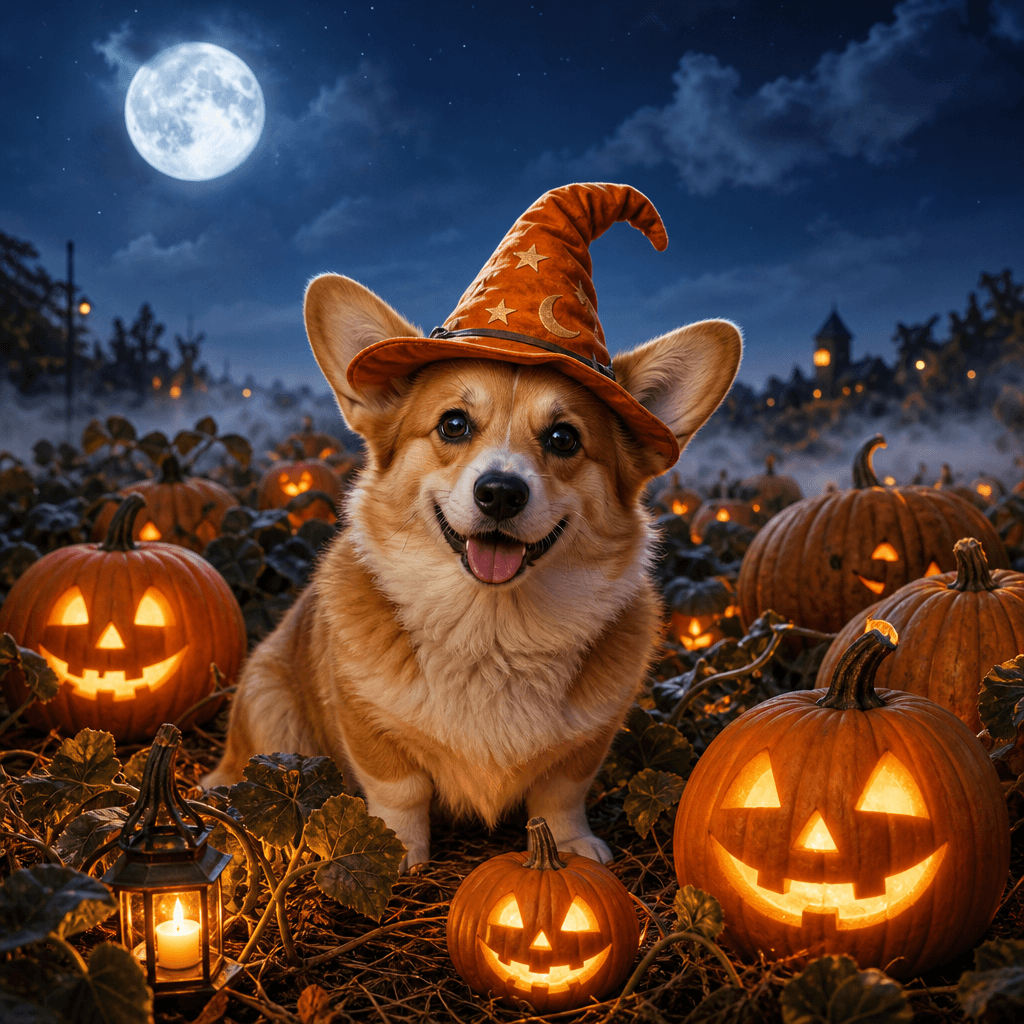
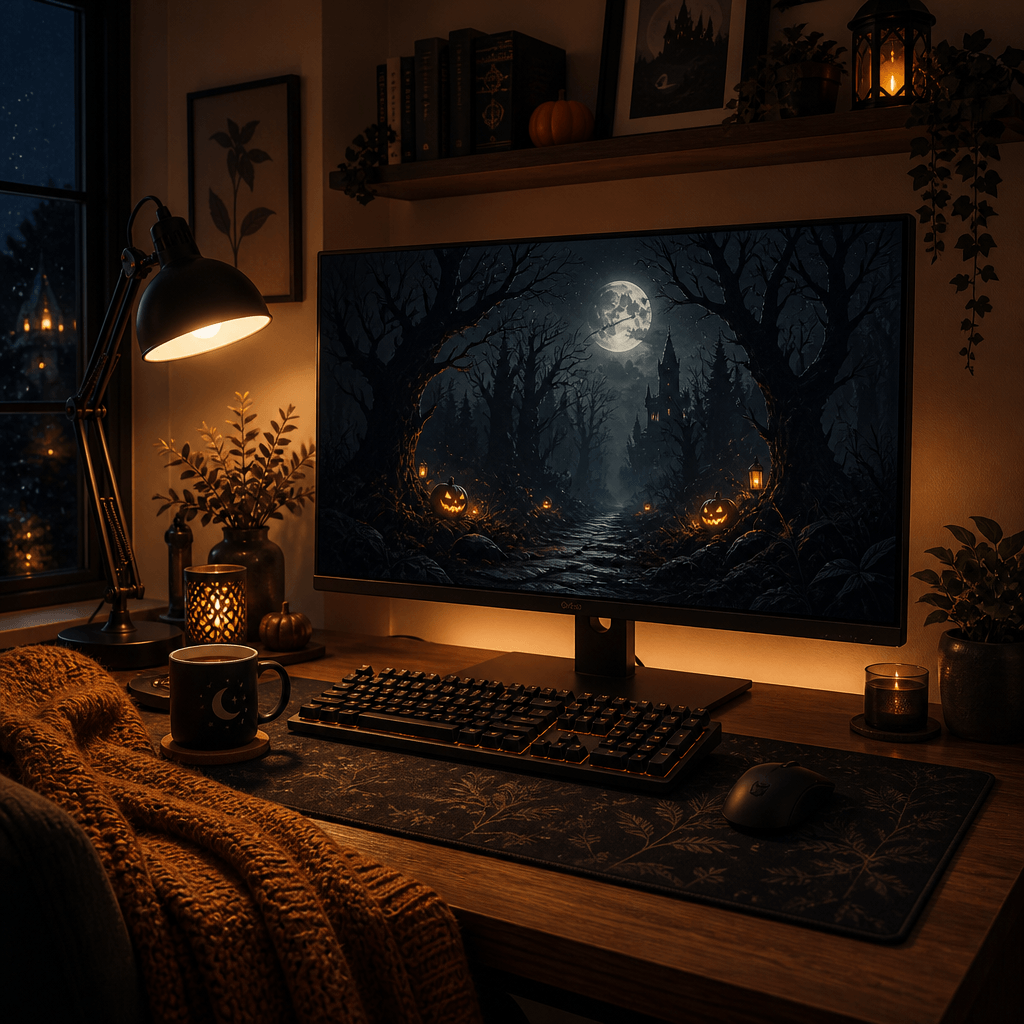
    Upload a pet portrait, selfie, family photo, or desk setup. The AI rebuilds the scene around your subject in full Halloween dressing — pumpkins, fog, candlelight, moonlit skies.

  • Nine styles from cute to creepy

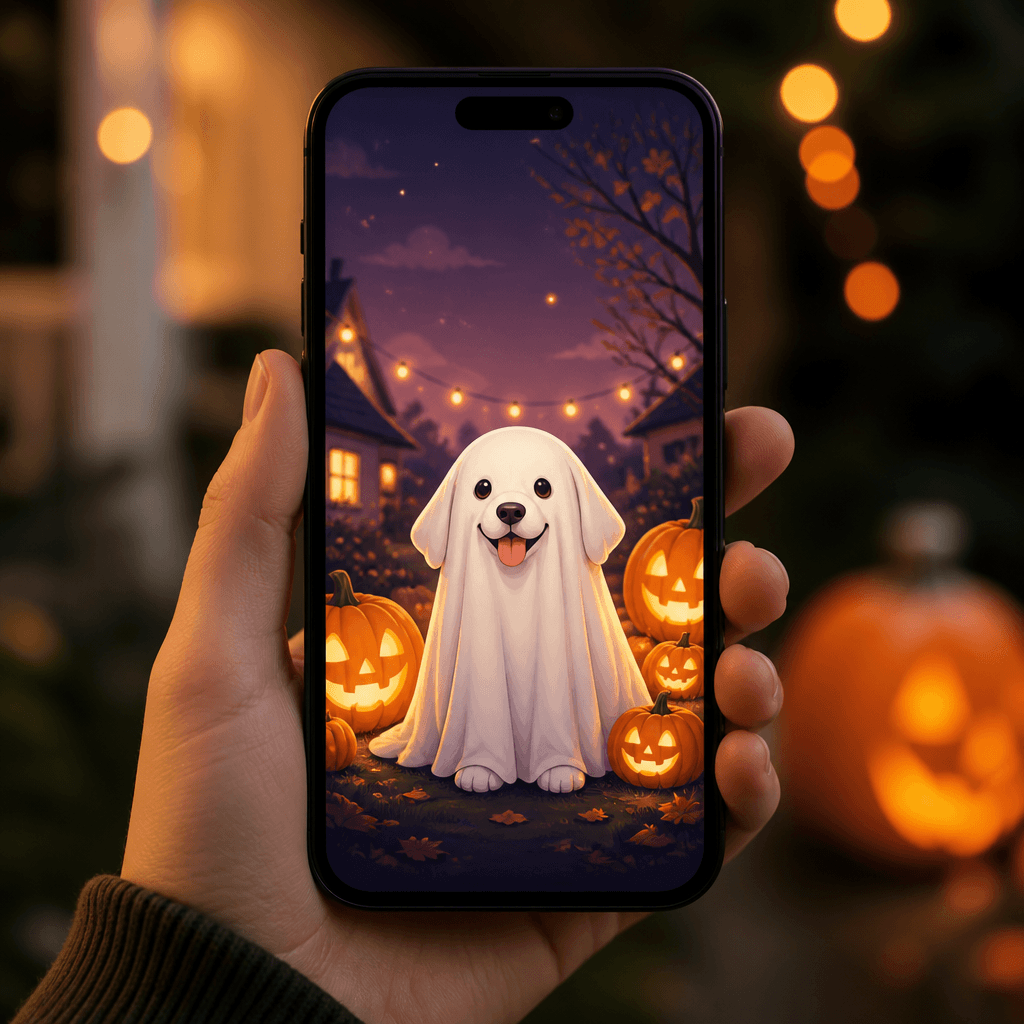
    Presets span the season: friendly ghosts and pumpkin patches on the cute end; haunted manors, gothic noir, and misty forests on the spooky end. One click switches the mood.

  • The prompt is yours to steer

    Every style prefills an editable instruction. Move the moon, add falling leaves, swap candlelight for neon — describe it and regenerate.

  • Written like art direction, not vibes

    Styles are authored as concrete art prompts — light direction, palette, composition — so Cute Ghost yields pastel charm, not a random horror render.

  • Know the cost before you render

    Nano Banana renders cost 2 credits, shown before you generate. New accounts start with 4 free credits.

  • Your wallpapers stay in your History

    Every render is saved to your History: download, share, or delete it. Set it as a lock screen or desktop background anytime.

Three ways to use an AI Halloween wallpaper

Dress up your own screens, or make seasonal visuals for a class, a party, or a feed.

A lock screen that matches the season
Everyone

A lock screen that matches the season

Swap the stock background for something personal: your dog as a friendly ghost, your cat haunting a pumpkin patch. Cute, zero horror.

Desktop backgrounds for the spooky month
Remote workers & students

Desktop backgrounds for the spooky month

Give your setup a seasonal refresh — a gothic-noir or misty-forest take on a favorite photo sets the October mood.

Posters and invites for Halloween events
Party hosts & teachers

Posters and invites for Halloween events

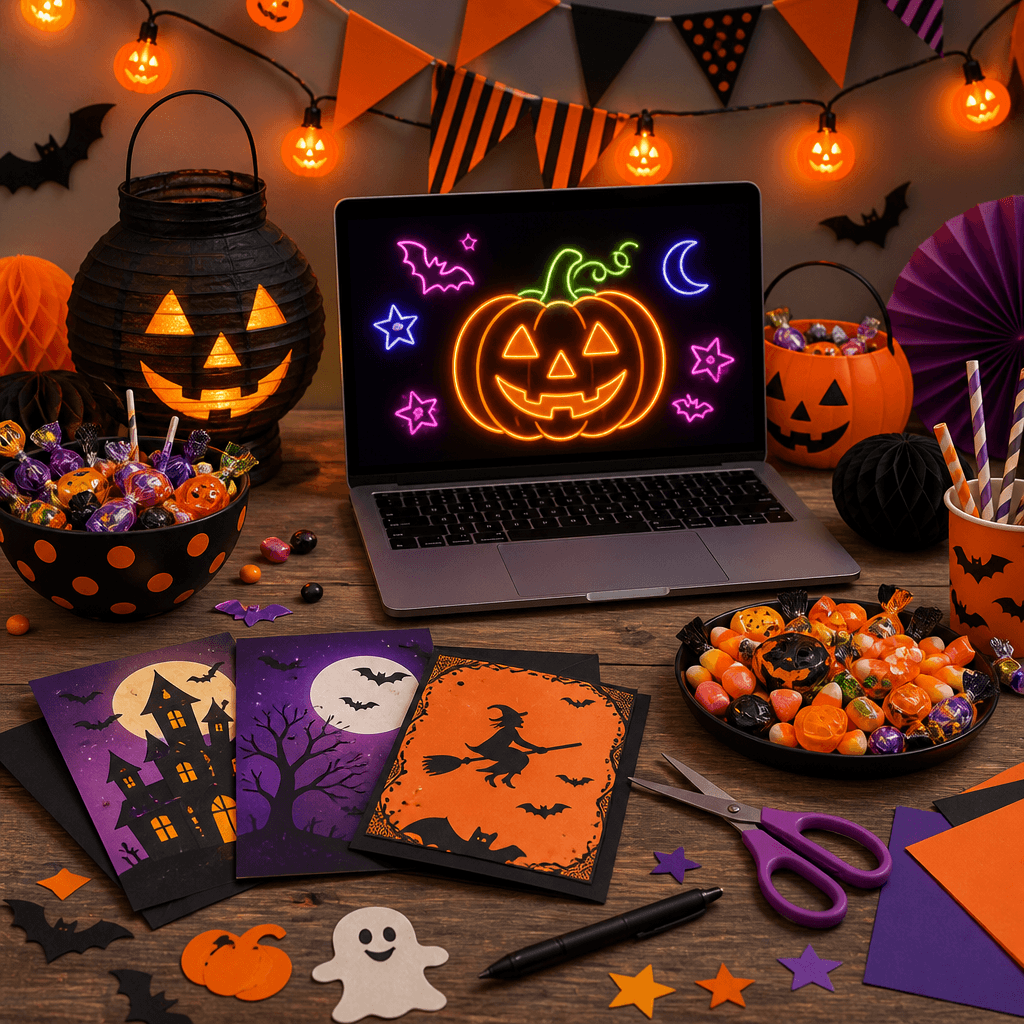
Render a venue, classroom, or group photo in Retro or Neon Halloween style for invites, slides, and posts. Personal posting is fine on any plan; Pro covers commercial use.

How to make a Halloween wallpaper from your photo

Upload, pick a style, refine, generate — four steps to a wallpaper nobody else has.

  • 1

    Upload one photo

    A clear subject works best: pet, portrait, couple, car, room. Image input is required — this tool re-renders your photo; it doesn't invent one from text alone.

  • 2

    Pick a Halloween style

    Nine presets run from Cute Ghost and Pumpkin Patch to Haunted Manor and Gothic Noir. Each one loads a complete art-direction prompt.

  • 3

    Refine the instruction

    Edit the prompt to fit your screen and mood — "vertical phone composition with space at the top for the clock", "warm candle glow", "misty moonlight".

  • 4

    Generate, download, set it

    Each render costs 2 credits on the default model and lands in your History. Download and set it as your lock screen or desktop.

Three tips for a better Halloween wallpaper

Pick a photo with a clear subject

A centered subject with open background re-renders cleanly — the model needs room to build the scene around it.

Name the light, not just the mood

"Moonlight through fog" or "candlelit porch glow" beats "make it spooky" — light direction makes seasonal art feel intentional.

Tell it which screen you're dressing

Mention "vertical phone wallpaper" or "wide desktop background" to steer the composition toward how you'll use it.

Pricing

Transform your images with AI. Choose the plan that fits your needs.

Basic

$95.88/year

Perfect for personal use and casual creators.

2400 credits (≈ 1200 images / year)

Includes

  • Own your creations
  • Access to Standard Generation
  • Image history saved
  • Standard Quality Download

Equivalent to $7.99/month · Save $24/year

Cancel anytime. No lock-in contract.
Best Value · 4x MoreMost Popular

Pro

$191.88/year

For power users and professionals.

9600 credits (≈ 4800 images / year)

Everything in Basic, plus

  • Commercial License Included
  • Priority Support
  • 4x More Credits
  • Priority email support

Equivalent to $15.99/month · 75% cheaper per image

Cancel anytime. No lock-in contract.
Frequently Asked Questions

Everything you need to know about our pricing plans

Do unused credits roll over?+

To ensure we can offer the most competitive pricing and generous credit allowances each month, your credits reset at the start of each billing cycle. This model allows us to provide you with the best possible value in every billing period.

Can I use the generated images commercially?+

Yes, commercial use is a key feature of our Pro plan. Pro subscribers own the rights to their creations and can use them for any commercial purpose, including marketing, advertising, and resale. Images generated under the Basic plan are licensed for personal use only.

What happens if I run out of credits?+

Don't let your creativity stop! You can purchase a Credit Pack for an instant one-time top-up, or wait for your next billing cycle when subscription credits refresh. To switch subscription plans, cancel the current plan and select a new one after the paid period ends.

What are Credit Packs?+

Credit Packs are one-time purchases that give you credits instantly without a subscription. They do not auto-renew, so you only pay when you need more. Purchased credits are valid for 1 year from the date of purchase. You can buy multiple packs at any time to top up your balance.

How do I cancel my subscription?+

We believe in flexibility. You can cancel your subscription at any time with just a few clicks in your account settings. No questions asked. After canceling, you'll continue to have access to your plan's features and credits until the end of your current billing period.

What payment methods do you accept?+

We accept major credit cards through Stripe and PayPal. All transactions are handled securely by the selected payment provider.

What counts as one credit?+

Typically, generating one image uses 2 credits. However, certain advanced features or higher resolutions might consume more. You will always see the credit cost before you generate an image, so there are no surprises.

Do you offer a free trial?+

Yes! Every new user gets 4 free credits upon signing up to experience the power of our AI. No credit card required. If you love it and need more, you can subscribe to one of our plans anytime.

What's the difference between Basic and Pro plans?+

Basic plan is perfect for personal use and casual creators, offering 200 credits (~100 images) per month. Pro plan is designed for power users and professionals, with commercial license, priority support, and 800 credits (~400 images) — that's 4x more images for just $10 more!

Halloween wallpaper questions, answered

What it makes, what it costs, and how it differs from the download galleries.

It re-renders an uploaded photo as a Halloween-themed wallpaper — nine styles from cute ghost to gothic noir, plus an editable prompt. You get a finished still image for your phone or desktop background.

Yes. It works image-to-image: one uploaded photo is required. For pure text-to-image Halloween art, SketchTo's other generator pages do that.

No — those serve the same fixed images to everyone. This generates a wallpaper from your own photo, so the result is one nobody else has. That's why it costs credits instead of being a free gallery.

The default Nano Banana render costs 2 credits; the cost for your selected model is shown before you generate. New accounts start with 4 credits — monthly credits renew every 30 days, pack credits last a year.

No. This tool produces still images. "Halloween GIF wallpaper" is a different format — here you get a high-quality still for your lock screen or background.

Results land in your History to download or share; personal use is fine on any plan, and Pro includes commercial use. The editor also switches among nine AI models — Flux, GPT Image, Seedream, Qwen — with the cost shown for your pick.