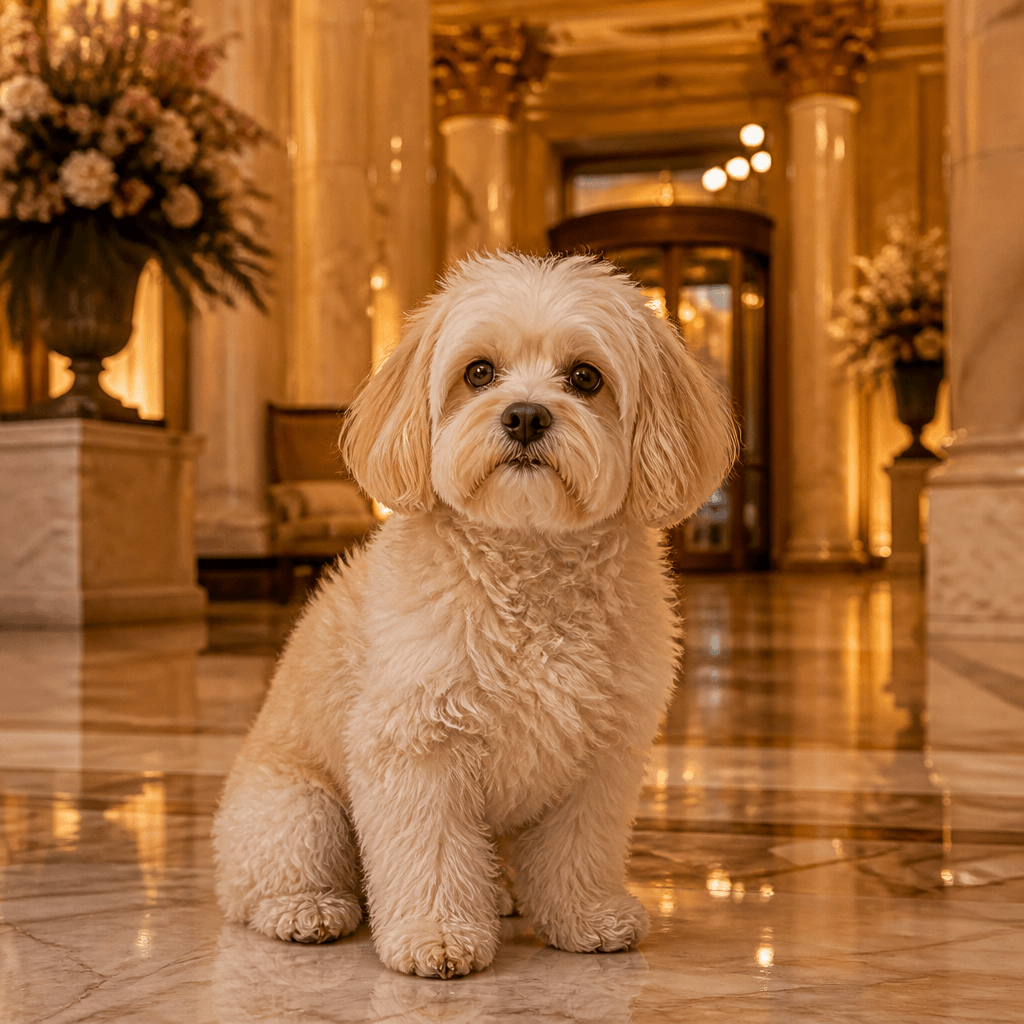
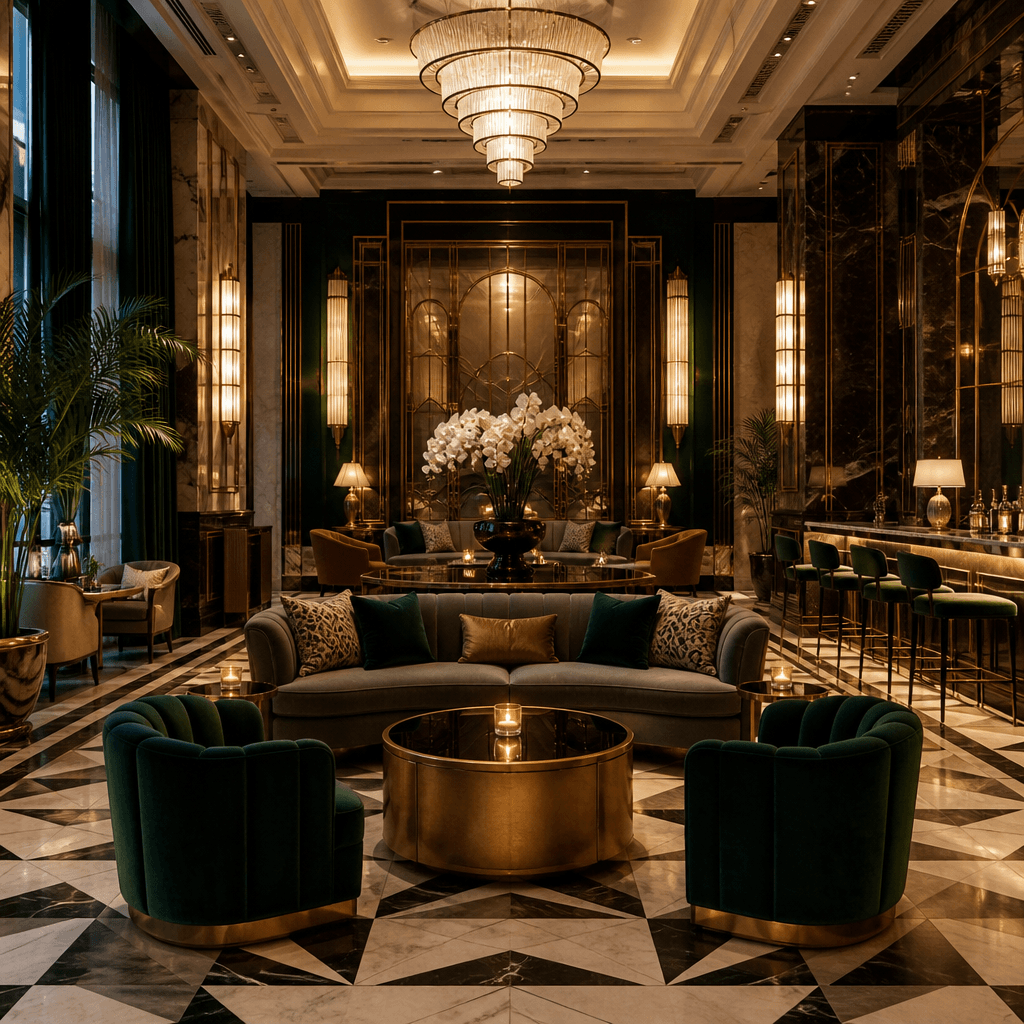
Hotel Lobby AI: Your Photo in a Five-Star Lobby

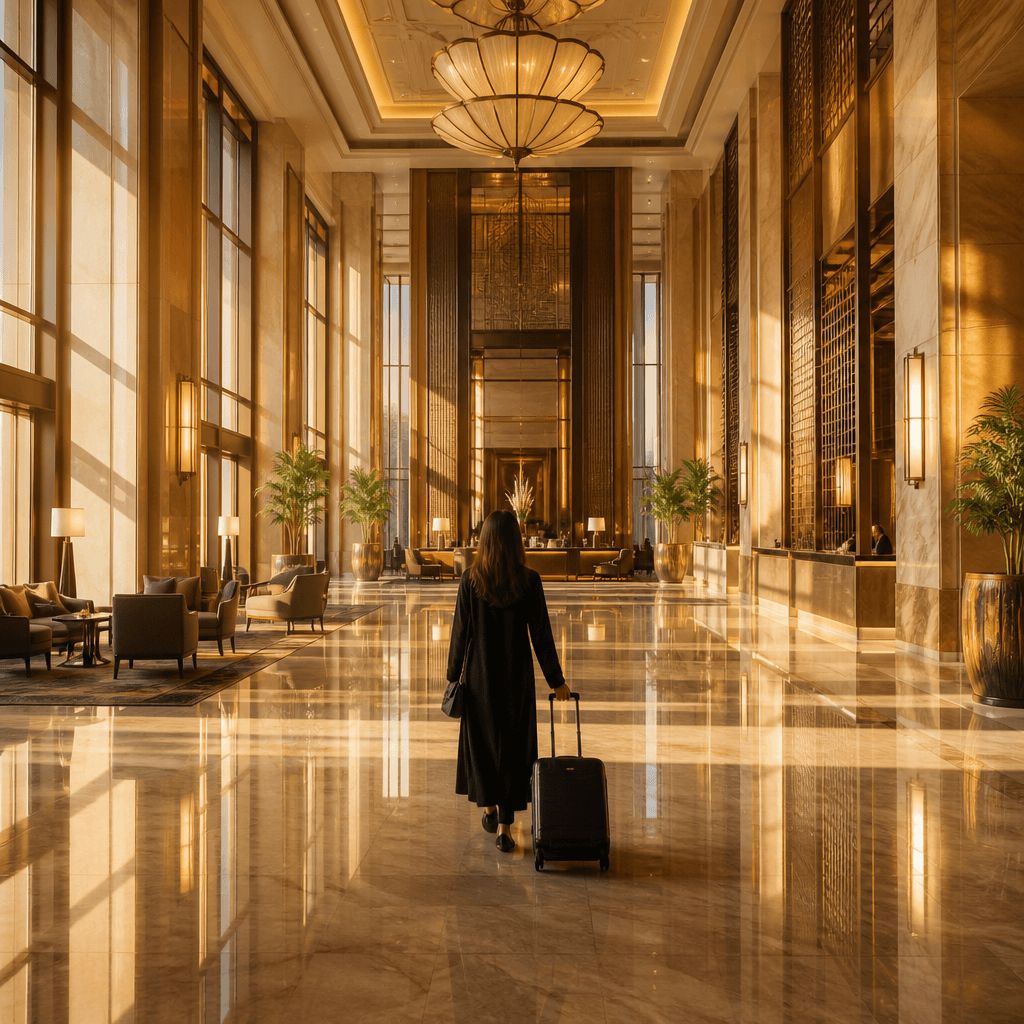
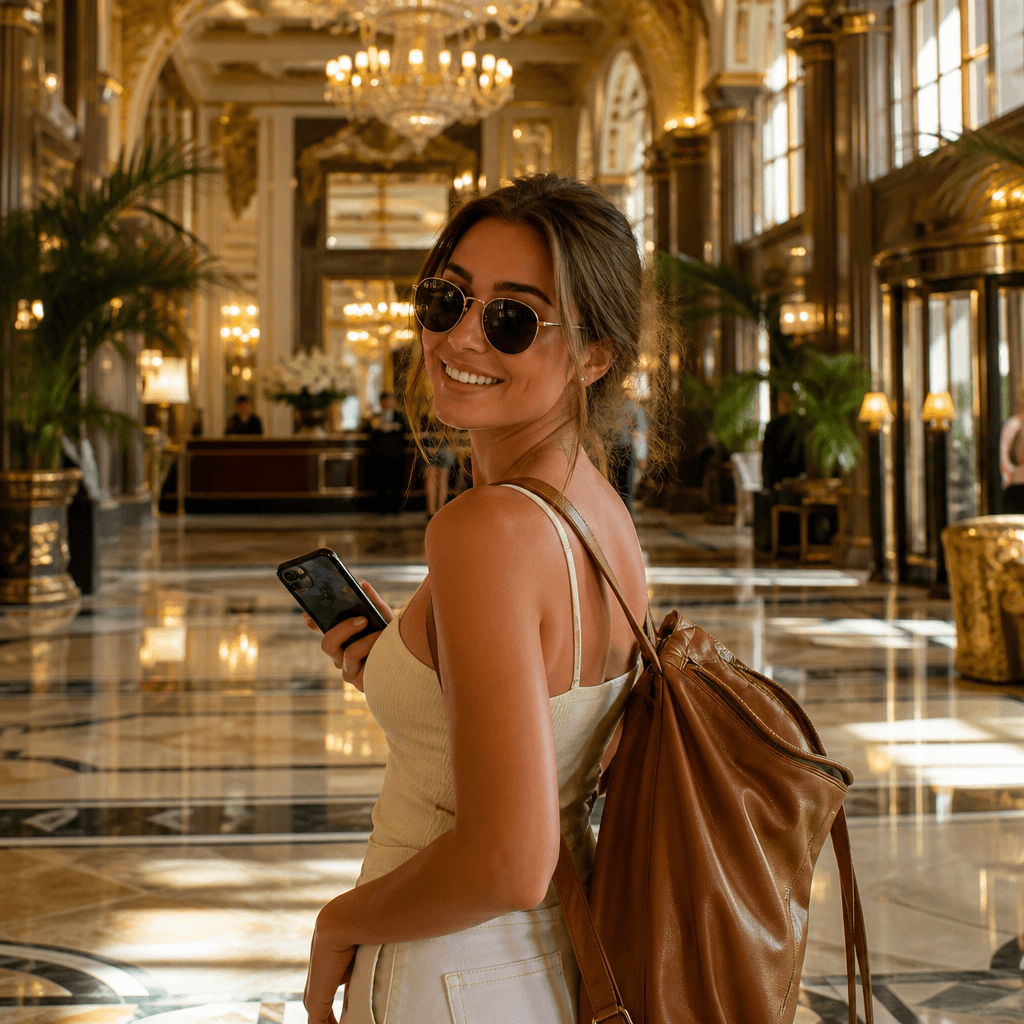
The hotel lobby AI trend fills social feeds — as videos. SketchTo makes the still version: upload one photo, pick a lobby style, and Nano Banana re-renders it as a cinematic golden-lit marble scene with tall windows and symmetric framing. Nine lobby moods, an editable prompt, 2 credits per render.

Hotel Lobby AI

Upload an image file to get started with your AI conversion

Upload Image

Scroll for more

Nano Banana is ready for this Tool input mode.

Preview

View your AI-transformed result and compare with the original

Example result

↑ Example result. Try it yourself!

What this hotel lobby AI tool does differently

Trend tools swap faces into a meme video; this one renders your photo into the lobby aesthetic itself — a finished image you control.

  • One photo in, one lobby scene out

    Upload a selfie, couple shot, pet, or product photo. The AI rebuilds the scene around your subject: golden light, polished marble, tall windows, symmetric composition.

  • Nine lobby moods, one click each

    Nine lobby moods run from golden-hour marble to penthouse dusk — same photo, nine five-star addresses.

  • The prompt is yours to steer

    Every style prefills an editable instruction. Change the hour, the camera angle, or the mood — "backlit by sunset windows", "one-point perspective down the atrium" — and regenerate.

  • Written like a photography brief

    Styles are authored as photography prompts — light direction, lens feel, palette, symmetry cues — not a vague "make it luxury". Specificity keeps output consistent.

  • Know the cost before you render

    The default Nano Banana render costs 2 credits, and SketchTo shows the price before you generate. New accounts start with 4 free credits.

  • Your renders stay in your History

    Every result is saved to your History: download, share, or delete it anytime.

Three ways to use a hotel lobby AI image

Join the trend in stills, dress up your feed, or set a mood for a project — all from one photo.

Join the hotel lobby trend without a video editor
Trend posters

Join the hotel lobby trend without a video editor

The lobby meme runs on video tools, but a still of you in a grand golden lobby hits the same aesthetic with one photo, no editing. Illustrative — results depend on your photo and wording.

A five-star backdrop for anything you shoot
Content creators

A five-star backdrop for anything you shoot

Turn a product shot, pet portrait, or outfit photo into a luxury-hotel scene for your feed — no location scout, no studio.

Mood frames for events, hotels, and concepts
Designers & planners

Mood frames for events, hotels, and concepts

Draft a space before it exists: render a venue photo as chandelier atrium, zen mineral, or art-deco brass to align a team on mood boards and event concepts.

How to make a hotel lobby AI image

Upload one photo, pick a lobby style, refine the wording, generate — four steps to a postable scene.

  • 1

    Upload one photo

    A well-lit picture with a clear subject works best: portrait, couple, pet, or product. The image input is required — this tool re-renders your photo; it doesn't invent one from text.

  • 2

    Pick a lobby style

    Nine presets run from classic golden marble through art-deco brass to a moody midnight lobby, each with a full photography-style instruction.

  • 3

    Refine the instruction

    Edit the prompt to move the light or framing — "backlit by floor-to-ceiling windows at dusk", "one-point perspective down the atrium".

  • 4

    Generate, then post

    Each render costs 2 credits and lands in your History. Download and post — or rerun the same photo in another style for a different lobby.

Three tips for a better lobby scene

Give the AI room to build the scene

A subject with some open background converts best — the model needs space to build the lobby around them. Tight headshots limit the scene.

Direct the light, not just the mood

"Golden-hour light through tall windows" beats "make it luxury". Naming the light source, direction, and color gets closer to the trend's look.

Keep the composition symmetric

The tool keeps your subject and rebuilds the environment, so a centered pose lands naturally in the symmetric framing the trend images use.

Pricing

Transform your images with AI. Choose the plan that fits your needs.

Basic

$95.88/year

Perfect for personal use and casual creators.

2400 credits (≈ 1200 images / year)

Includes

  • Own your creations
  • Access to Standard Generation
  • Image history saved
  • Standard Quality Download

Equivalent to $7.99/month · Save $24/year

Cancel anytime. No lock-in contract.
Best Value · 4x MoreMost Popular

Pro

$191.88/year

For power users and professionals.

9600 credits (≈ 4800 images / year)

Everything in Basic, plus

  • Commercial License Included
  • Priority Support
  • 4x More Credits
  • Priority email support

Equivalent to $15.99/month · 75% cheaper per image

Cancel anytime. No lock-in contract.
Frequently Asked Questions

Everything you need to know about our pricing plans

Do unused credits roll over?+

To ensure we can offer the most competitive pricing and generous credit allowances each month, your credits reset at the start of each billing cycle. This model allows us to provide you with the best possible value in every billing period.

Can I use the generated images commercially?+

Yes, commercial use is a key feature of our Pro plan. Pro subscribers own the rights to their creations and can use them for any commercial purpose, including marketing, advertising, and resale. Images generated under the Basic plan are licensed for personal use only.

What happens if I run out of credits?+

Don't let your creativity stop! You can purchase a Credit Pack for an instant one-time top-up, or wait for your next billing cycle when subscription credits refresh. To switch subscription plans, cancel the current plan and select a new one after the paid period ends.

What are Credit Packs?+

Credit Packs are one-time purchases that give you credits instantly without a subscription. They do not auto-renew, so you only pay when you need more. Purchased credits are valid for 1 year from the date of purchase. You can buy multiple packs at any time to top up your balance.

How do I cancel my subscription?+

We believe in flexibility. You can cancel your subscription at any time with just a few clicks in your account settings. No questions asked. After canceling, you'll continue to have access to your plan's features and credits until the end of your current billing period.

What payment methods do you accept?+

We accept major credit cards through Stripe and PayPal. All transactions are handled securely by the selected payment provider.

What counts as one credit?+

Typically, generating one image uses 2 credits. However, certain advanced features or higher resolutions might consume more. You will always see the credit cost before you generate an image, so there are no surprises.

Do you offer a free trial?+

Yes! Every new user gets 4 free credits upon signing up to experience the power of our AI. No credit card required. If you love it and need more, you can subscribe to one of our plans anytime.

What's the difference between Basic and Pro plans?+

Basic plan is perfect for personal use and casual creators, offering 200 credits (~100 images) per month. Pro plan is designed for power users and professionals, with commercial license, priority support, and 800 credits (~400 images) — that's 4x more images for just $10 more!

Hotel lobby AI questions, answered

What it does, what it costs, and how it differs from the video trend.

It re-renders your uploaded photo as a luxury hotel-lobby scene — golden light, marble, tall windows, symmetrical framing by default — with nine presets and an editable prompt. You get a still image, not a video.

Yes. It works image-to-image: one uploaded photo — portrait, pet, product, any base picture — is required. Pure text-to-image lives on SketchTo's other tool pages.

Social posts that drop people into a grand hotel-lobby booth scene, served today mostly by video and face-swap tools. This page is the still-image take: one photo in, one cinematic lobby image out.

The default Nano Banana render costs 2 credits; the exact cost for your selected model is shown before you generate. New accounts start with 4 credits — monthly credits renew every 30 days, pack credits last a year.

Yes. Results land in your History to download or share. Personal posting is fine on any plan; commercial use of generated images is included with the Pro plan.

The tool ships with Nano Banana; the editor switches among nine runtime profiles — Flux, GPT Image, Seedream, and Qwen included. The cost shown before generation reflects your pick.