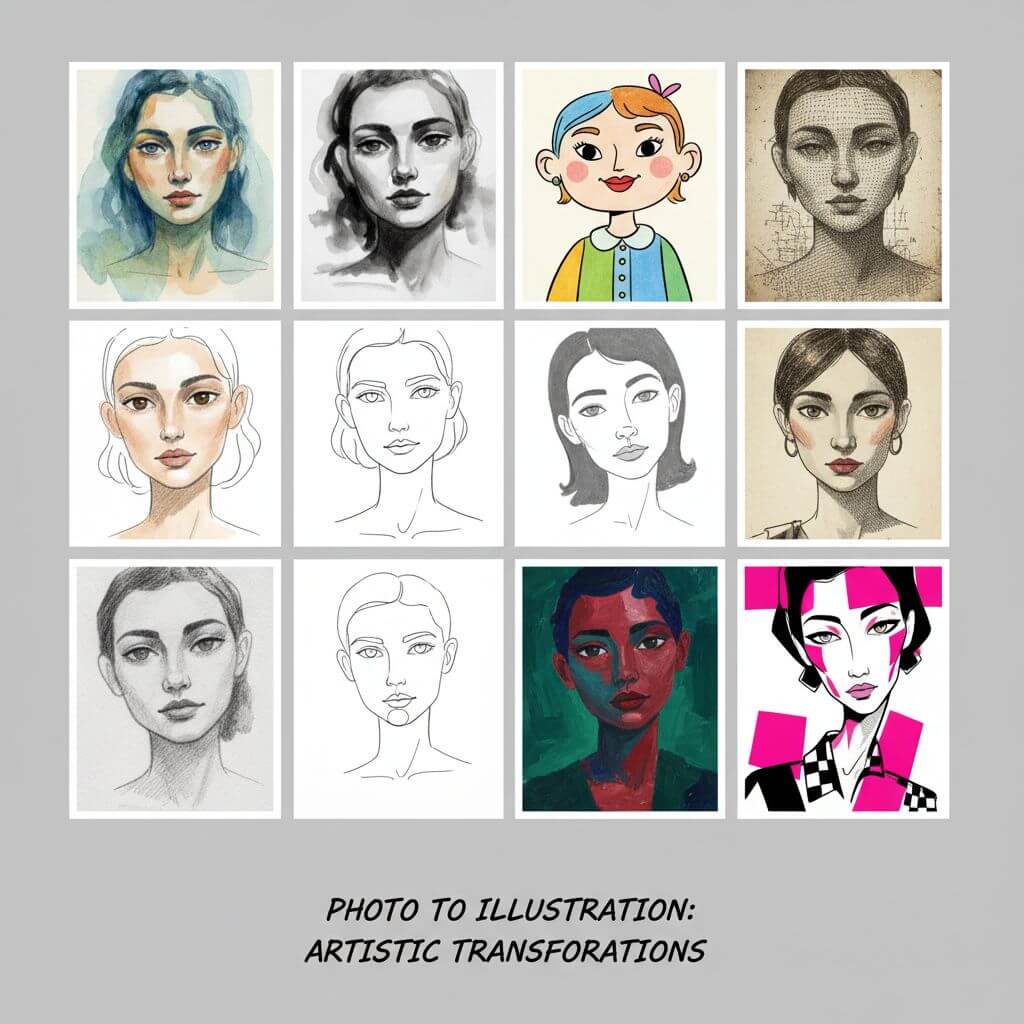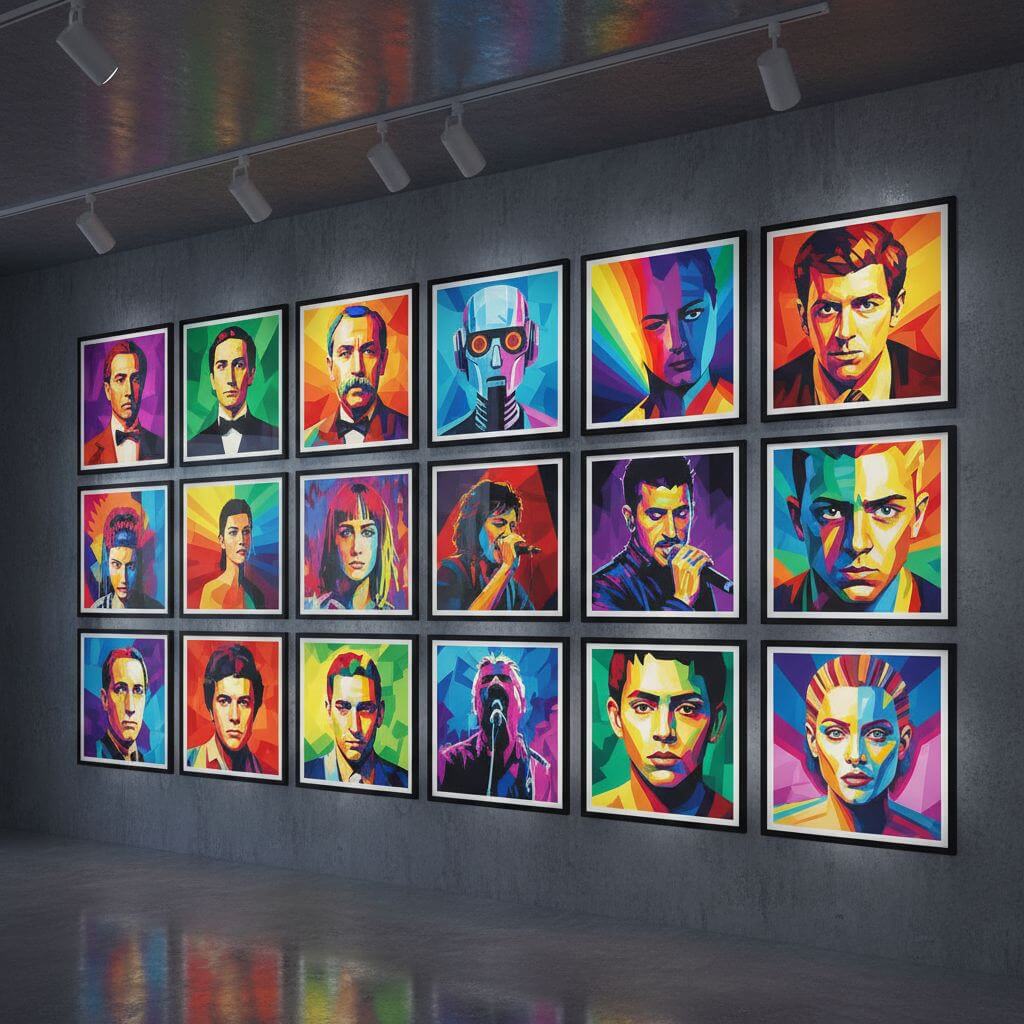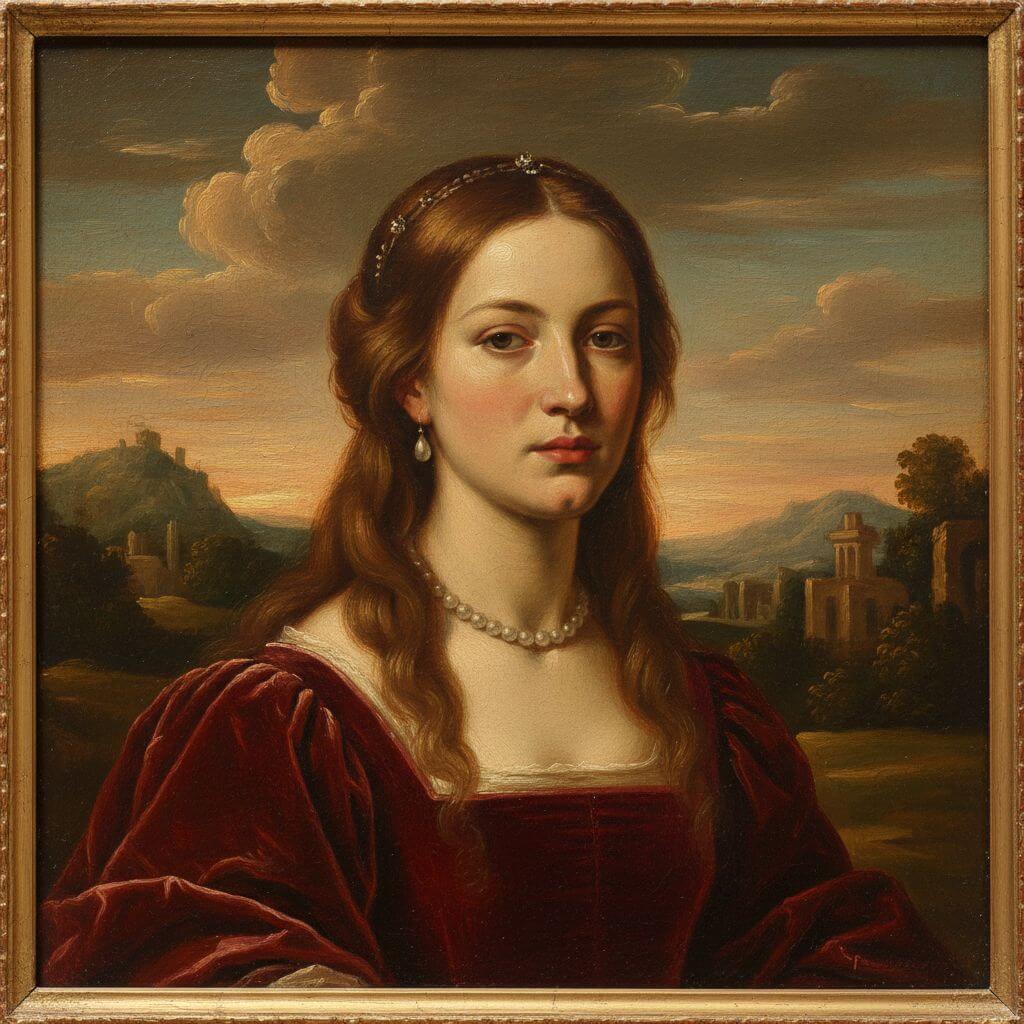
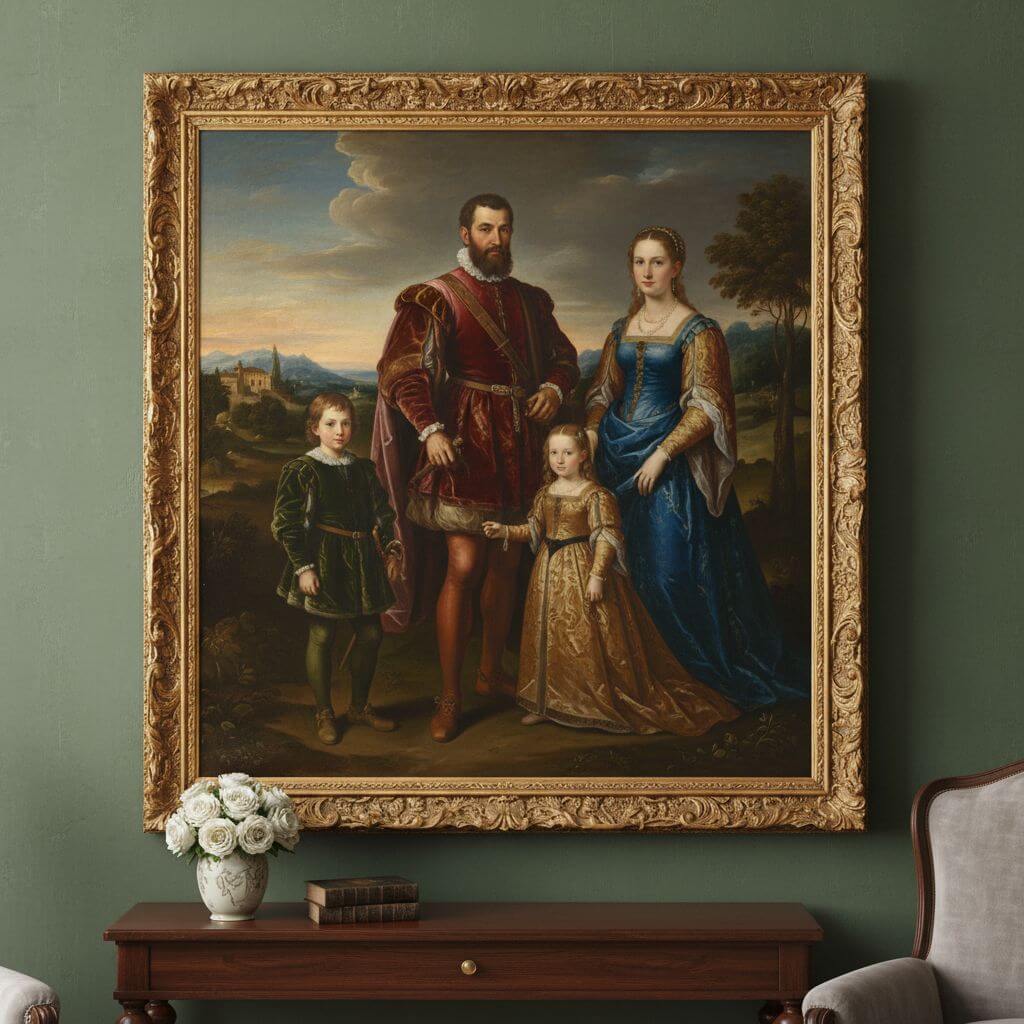
Turn Photos into Oil Painting Masterpieces

Create stunning oil painting art from your photos with our AI oil painting filter. Transform any portrait into a classic Renaissance oil painting, Impressionist masterpiece, or dramatic Baroque portrait in seconds. Our AI oil painting tool preserves your unique facial features while applying authentic oil painting textures and brushstrokes.

AI Oil Painting

Upload an image file to get started with your AI conversion

Upload Image

Scroll for more

Nano Banana is ready for this Tool input mode.

Preview

View your AI-transformed result and compare with the original

Example result

↑ Example result. Try it yourself!

Why Choose Our AI Oil Painting Filter

Our AI oil painting filter transforms your photos into museum-quality oil painting masterpieces with incredible realism. See yourself rendered in classic oil painting styles from Renaissance to Impressionism with our powerful AI oil painting technology.

  • Authentic Oil Painting Transformation

    Our AI oil painting filter uses advanced AI to transform your photos into realistic oil painting artworks. Every oil painting result features genuine brushstroke textures, layered paint depth, and rich color mixing that defines true oil painting craftsmanship.

  • 9 Oil Painting Styles to Explore

    Choose from 9 unique AI oil painting styles including Classic Renaissance, Impressionist, Baroque Portrait, Expressionist, Dutch Golden Age, and more. Our oil painting filter collection spans centuries of oil painting tradition and artistic mastery.

  • Preserves Your Unique Identity

    Our AI oil painting filter transforms your visual style while keeping your facial identity recognizable. The oil painting result looks unmistakably like you, just reimagined as a timeless oil painting portrait with your own features preserved.

  • Instant Oil Painting Results

    Get your AI oil painting transformation in seconds. Simply upload a photo, choose your oil painting style, and watch as our AI transforms you into a stunning oil painting masterpiece with authentic artistic quality.

  • High Resolution Oil Painting Output

    Every AI oil painting result is generated in high resolution with gallery-worthy quality. Download your oil painting transformation and print it as wall art, share on social media, or use it as a unique personalized gift.

  • Perfect for Any Portrait

    Our AI oil painting filter works beautifully with any portrait photo—individuals, couples, families, and even pets. Try different oil painting styles to create a stunning art collection worthy of any gallery wall.

Creative Ways to Use the AI Oil Painting Filter

See how people use our AI oil painting filter to create stunning oil painting masterpieces for different occasions and creative projects.

Personalized Oil Painting Wall Art
Home Decorators

Personalized Oil Painting Wall Art

Use our AI oil painting filter to create museum-quality oil painting portraits for your home. Transform family photos into classic oil painting masterpieces and print them on canvas for stunning personalized wall art and decorations.

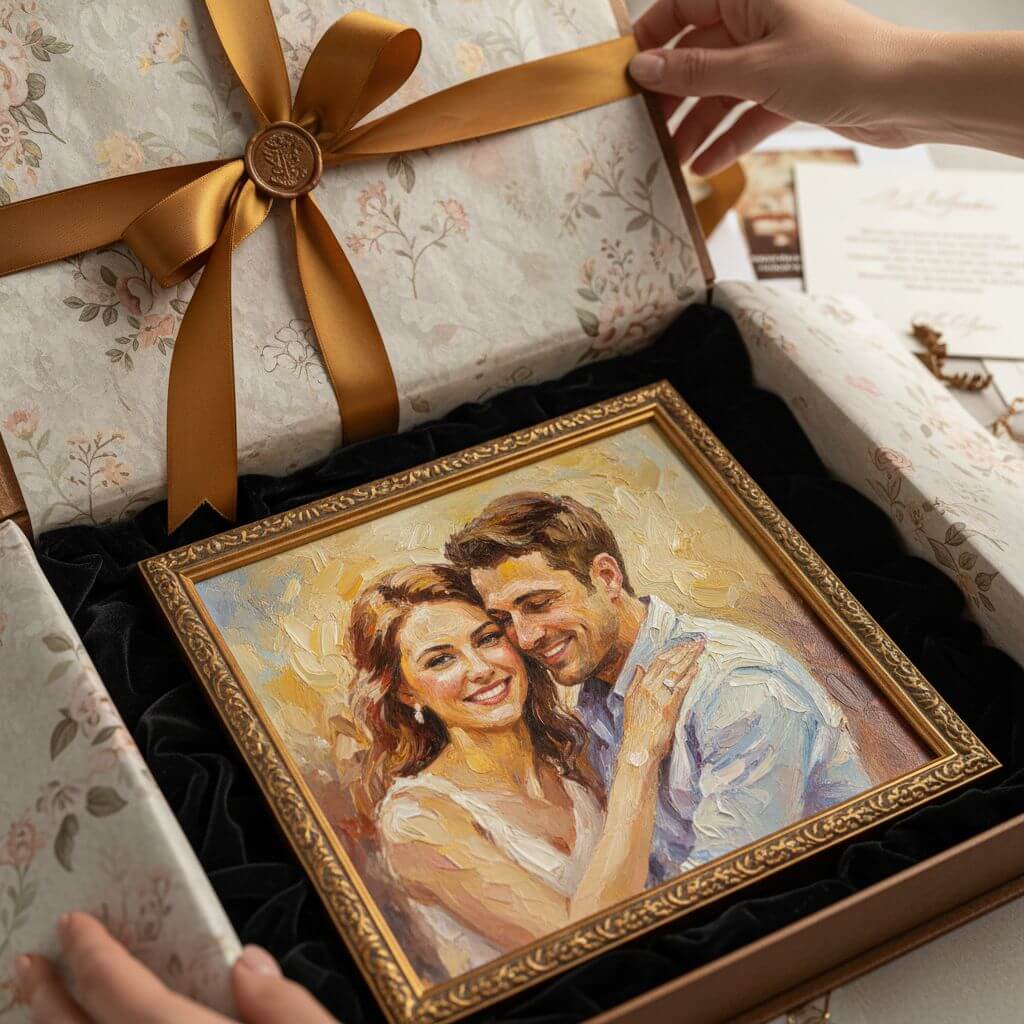
Unique Oil Painting Gift Ideas
Gift Givers

Unique Oil Painting Gift Ideas

Transform photos of loved ones into beautiful oil painting portraits using our AI oil painting filter. Create personalized oil painting gifts for birthdays, anniversaries, weddings, and holidays that look like real commissioned artworks.

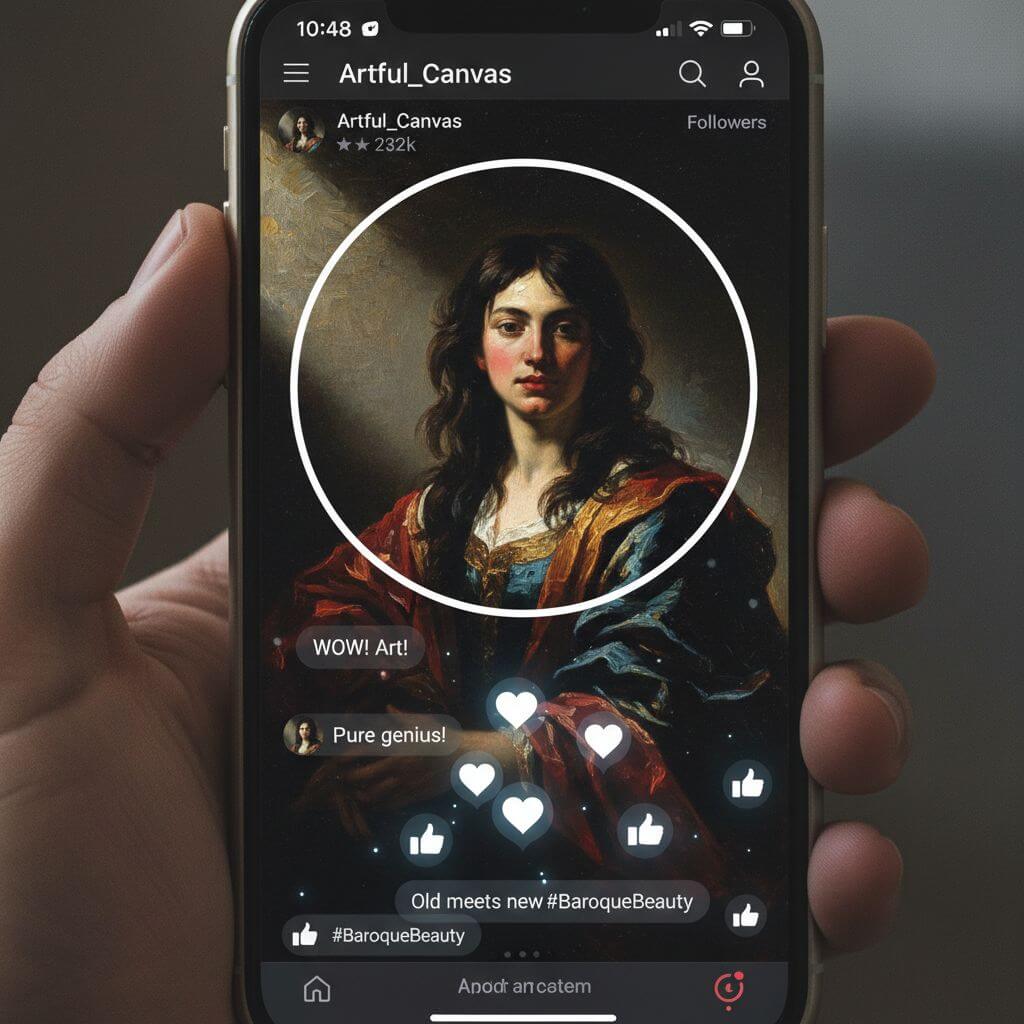
Social Media Oil Painting Content
Content Creators

Social Media Oil Painting Content

Artists and creators use our AI oil painting filter for eye-catching social media content. Generate stunning oil painting versions of portraits, create oil painting themed collections, or design unique oil painting style profile pictures.

How to Use the AI Oil Painting Filter Online

Transform your photos into beautiful oil painting masterpieces in three simple steps with our AI oil painting filter. Discover your portrait as timeless fine art!

  • 1

    Upload Your Photo

    Upload a clear front-facing photo. Sign up to access our AI oil painting filter and get free credits to try multiple oil painting style transformations.

  • 2

    Choose an Oil Painting Style

    Browse 9 different AI oil painting styles including Classic Renaissance, Impressionist, Baroque Portrait, and more. Select your favorite oil painting style or write a custom description for your perfect oil painting look.

  • 3

    Download Your Oil Painting

    See your oil painting transformation and download the high-resolution result. Print your oil painting portrait as wall art, share on social media, or send as a unique personalized gift.

Pro Tips for Best Oil Painting Results

Clear Portrait Photo:

Use a well-lit, front-facing photo with your face clearly visible. This helps our AI oil painting filter capture your features accurately and create the most realistic oil painting portrait transformation.

Try All Oil Painting Styles:

Experiment with different AI oil painting variations. Each oil painting style creates a unique artistic effect—from soft Renaissance sfumato to bold Van Gogh brushstrokes. Compare them all to find your perfect oil painting match.

Print as Wall Art:

Download your favorite oil painting results in high resolution and print them as canvas wall art. AI oil painting portraits make stunning personalized decorations and thoughtful gifts for friends and family.

Pricing

Transform your images with AI. Choose the plan that fits your needs.

Basic

$95.88/year

Perfect for personal use and casual creators.

2400 credits (≈ 1200 images / year)

Includes

  • Own your creations
  • Access to Standard Generation
  • Image history saved
  • Standard Quality Download

Equivalent to $7.99/month · Save $24/year

Cancel anytime. No lock-in contract.
Best Value · 4x MoreMost Popular

Pro

$191.88/year

For power users and professionals.

9600 credits (≈ 4800 images / year)

Everything in Basic, plus

  • Commercial License Included
  • Priority Support
  • 4x More Credits
  • Priority email support

Equivalent to $15.99/month · 75% cheaper per image

Cancel anytime. No lock-in contract.
Frequently Asked Questions

Everything you need to know about our pricing plans

Do unused credits roll over?+

To ensure we can offer the most competitive pricing and generous credit allowances each month, your credits reset at the start of each billing cycle. This model allows us to provide you with the best possible value in every billing period.

Can I use the generated images commercially?+

Yes, commercial use is a key feature of our Pro plan. Pro subscribers own the rights to their creations and can use them for any commercial purpose, including marketing, advertising, and resale. Images generated under the Basic plan are licensed for personal use only.

What happens if I run out of credits?+

Don't let your creativity stop! You can purchase a Credit Pack for an instant one-time top-up, or wait for your next billing cycle when subscription credits refresh. To switch subscription plans, cancel the current plan and select a new one after the paid period ends.

What are Credit Packs?+

Credit Packs are one-time purchases that give you credits instantly without a subscription. They do not auto-renew, so you only pay when you need more. Purchased credits are valid for 1 year from the date of purchase. You can buy multiple packs at any time to top up your balance.

How do I cancel my subscription?+

We believe in flexibility. You can cancel your subscription at any time with just a few clicks in your account settings. No questions asked. After canceling, you'll continue to have access to your plan's features and credits until the end of your current billing period.

What payment methods do you accept?+

We accept major credit cards through Stripe and PayPal. All transactions are handled securely by the selected payment provider.

What counts as one credit?+

Typically, generating one image uses 2 credits. However, certain advanced features or higher resolutions might consume more. You will always see the credit cost before you generate an image, so there are no surprises.

Do you offer a free trial?+

Yes! Every new user gets 4 free credits upon signing up to experience the power of our AI. No credit card required. If you love it and need more, you can subscribe to one of our plans anytime.

What's the difference between Basic and Pro plans?+

Basic plan is perfect for personal use and casual creators, offering 200 credits (~100 images) per month. Pro plan is designed for power users and professionals, with commercial license, priority support, and 800 credits (~400 images) — that's 4x more images for just $10 more!

Loved by 100,000+ Users of Our Oil Painting Filter

"The oil painting filter turned my selfie into something that looks like it belongs in a museum! The Renaissance oil painting style captured my features perfectly while adding beautiful brushstroke textures."
Sarah M.
Art Enthusiast
"I printed my Impressionist oil painting portrait and hung it on my wall. Everyone asks if I commissioned a real oil painting! The AI oil painting quality is absolutely stunning and gallery-worthy."
James L.
Interior Designer
"As an artist, I'm impressed by how realistic the oil painting textures look. The Baroque oil painting style has incredible chiaroscuro lighting and depth. This oil painting filter truly understands classical art techniques."
Emily W.
Fine Artist
"I created oil painting portraits of my entire family as Christmas gifts. The Dutch Golden Age oil painting style was a huge hit! Everyone thought they were real commissioned oil paintings."
David K.
Photographer

Oil Painting Filter: Frequently Asked Questions

Everything you need to know about using our AI oil painting filter to turn photos into stunning oil painting masterpieces

The AI oil painting filter uses artificial intelligence to transform your photos into realistic oil painting artworks. Upload your photo, select an oil painting style, and our AI instantly converts your portrait into a stunning oil painting masterpiece while preserving your unique facial features, expression, and identity.

Our AI oil painting filter offers 9 unique styles: Classic Renaissance, Impressionist, Baroque Portrait, Expressionist, Dutch Golden Age, Romantic, Post-Impressionist, Palette Knife, and Academic Realism. You can also describe any custom oil painting style using the custom prompt feature.

Yes! Our AI oil painting filter is designed to keep your facial identity recognizable. The oil painting filter transforms your visual style into an oil painting aesthetic while preserving your face shape, features, and expression so the result looks unmistakably like you as an oil painting portrait.

We offer a free trial of our AI oil painting filter with complimentary credits so you can try multiple oil painting style transformations. Sign up to access the oil painting filter and start creating your oil painting portrait for free today!

Absolutely! Our AI oil painting filter generates high-resolution results that are perfect for printing. Download your oil painting portrait and print it on canvas, photo paper, or fine art paper for stunning wall art that looks like a real hand-painted oil painting.

For the best AI oil painting results, use a clear, well-lit, front-facing photo where your face is clearly visible. Avoid photos with heavy filters, sunglasses, or extreme angles for the most accurate and beautiful oil painting portrait transformation.