Turn Any Photo into a Perler Bead Pattern — Free Trial

Upload a photo and get a printable bead pattern in seconds. Our AI perler bead pattern maker handles color matching, grid sizing, and bead count automatically. Works with Perler, Hama, Artkal, and Nabbi fuse beads.

Perler Bead Pattern Maker

Upload an image file to get started with your AI conversion

Upload Image

Scroll for more

Nano Banana is ready for this Tool input mode.

Preview

View your AI-transformed result and compare with the original

Example result

↑ Example result. Try it yourself!

What Makes This Bead Pattern Maker Different

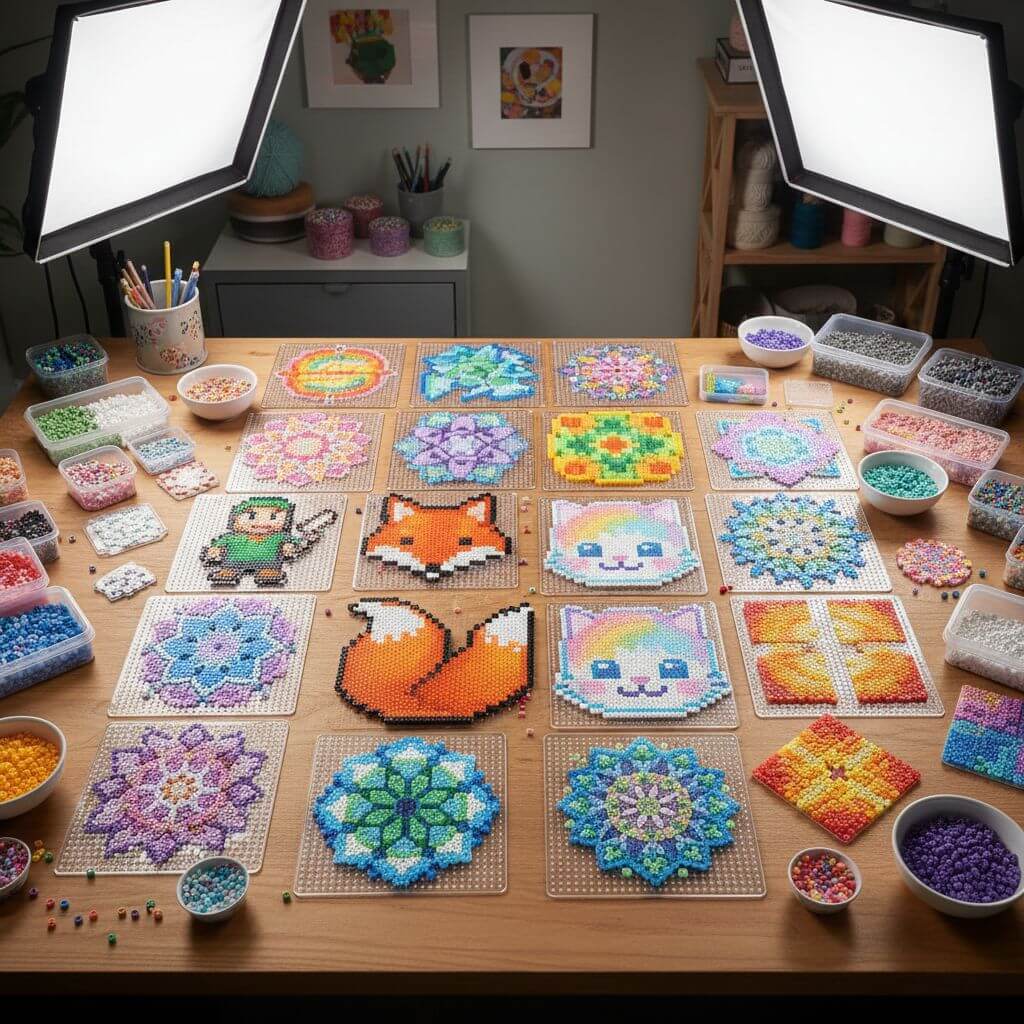
Built for real crafters — not just pixel conversion. From accurate color matching to print-ready templates, every feature is designed to save you time at the pegboard.

  • AI Color Matching to Real Bead Colors

    The AI doesn't just pixelate your image — it maps each pixel to actual bead colors available from Perler, Hama, and Artkal. The result is a pattern you can follow without guessing which bead to use.

  • Pattern Ready in Under 15 Seconds

    Upload your photo, pick a style, and the pattern generates in 10–15 seconds. No manual grid drawing, no color-by-number math — just a clean template ready to print or follow on screen.

  • Mini, Standard & Jumbo Bead Sizes

    Choose the bead size that fits your project. Mini beads (2.6mm) capture fine details for portraits. Standard beads (5mm) are the classic choice. Jumbo beads (10mm) are great for kids and quick projects.

  • 9 Color Palettes for Every Style

    Pick from Rainbow Vibrant, Pastel Soft, Monochrome, Neon Glow, and 5 more palette options. Each palette is tuned to produce patterns that look great as finished bead art — not just on screen.

  • Print-Ready PDF with Bead Guide

    Download your pattern as a high-resolution image with clear grid lines and color labels. Print it out and place it next to your pegboard — each bead position is easy to identify at a glance.

  • Works with All Fuse Bead Brands

    Compatible with Perler, Hama, Artkal, Nabbi, and generic melty beads. The universal grid layout means your pattern works regardless of which brand you have on hand.

What Crafters Are Making

From personalized gifts to classroom activities — see how people use bead patterns in real projects.

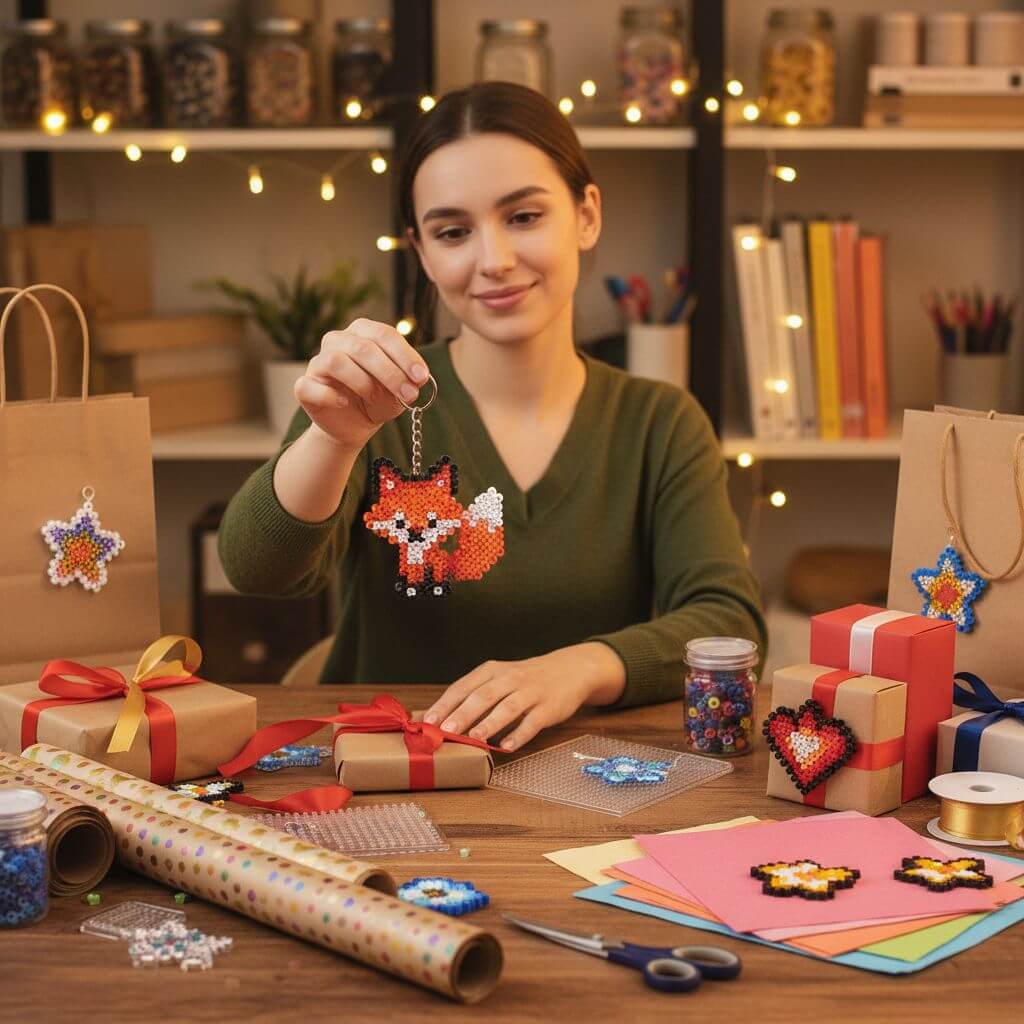
Personalized Gifts & Keychains
Gift Makers

Personalized Gifts & Keychains

Turn a photo of a pet, a friend's face, or a favorite game character into a one-of-a-kind bead keychain or ornament. Great for birthdays, holidays, and handmade gifts that actually mean something.

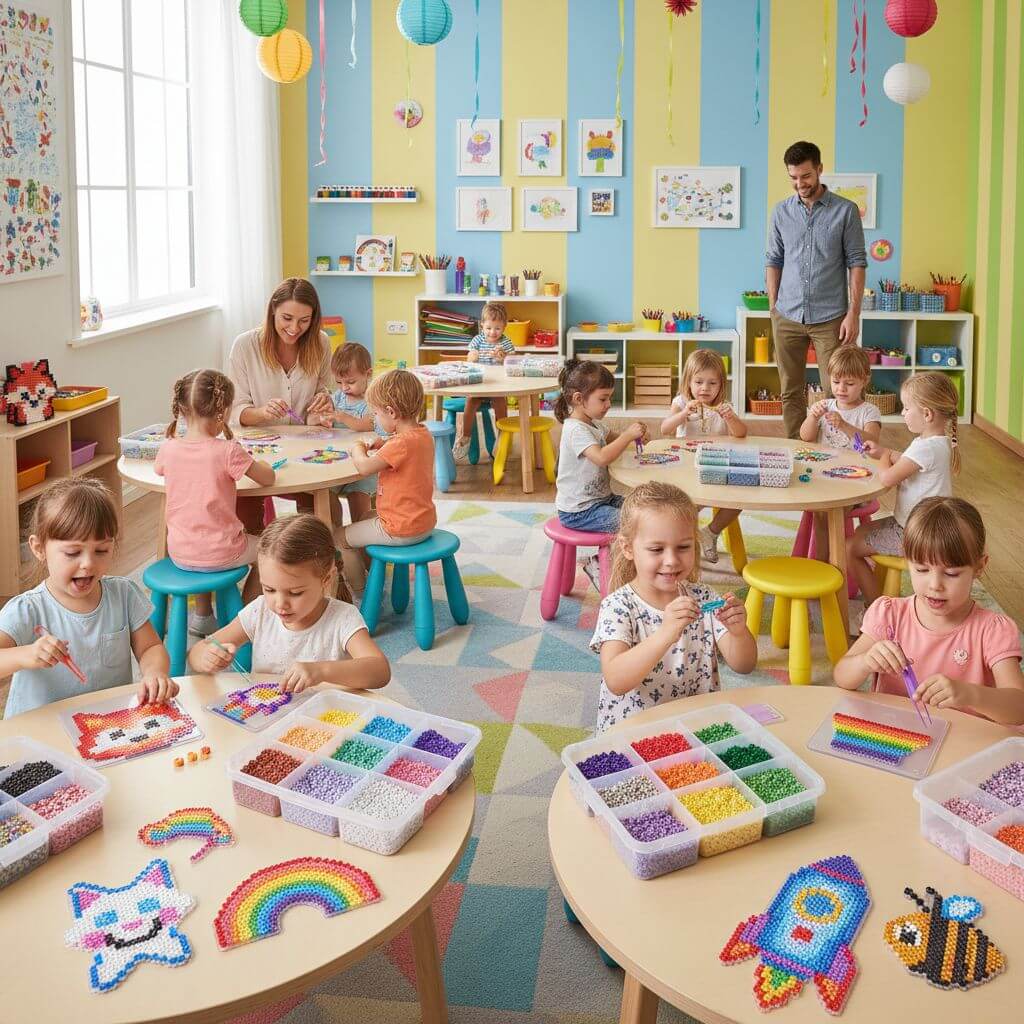
Kids Craft Activities & Classroom Projects
Parents & Educators

Kids Craft Activities & Classroom Projects

Teachers and parents use generated patterns as structured craft activities. Kids develop fine motor skills while following the color grid — no freehand drawing required. Works for ages 5 and up with jumbo beads.

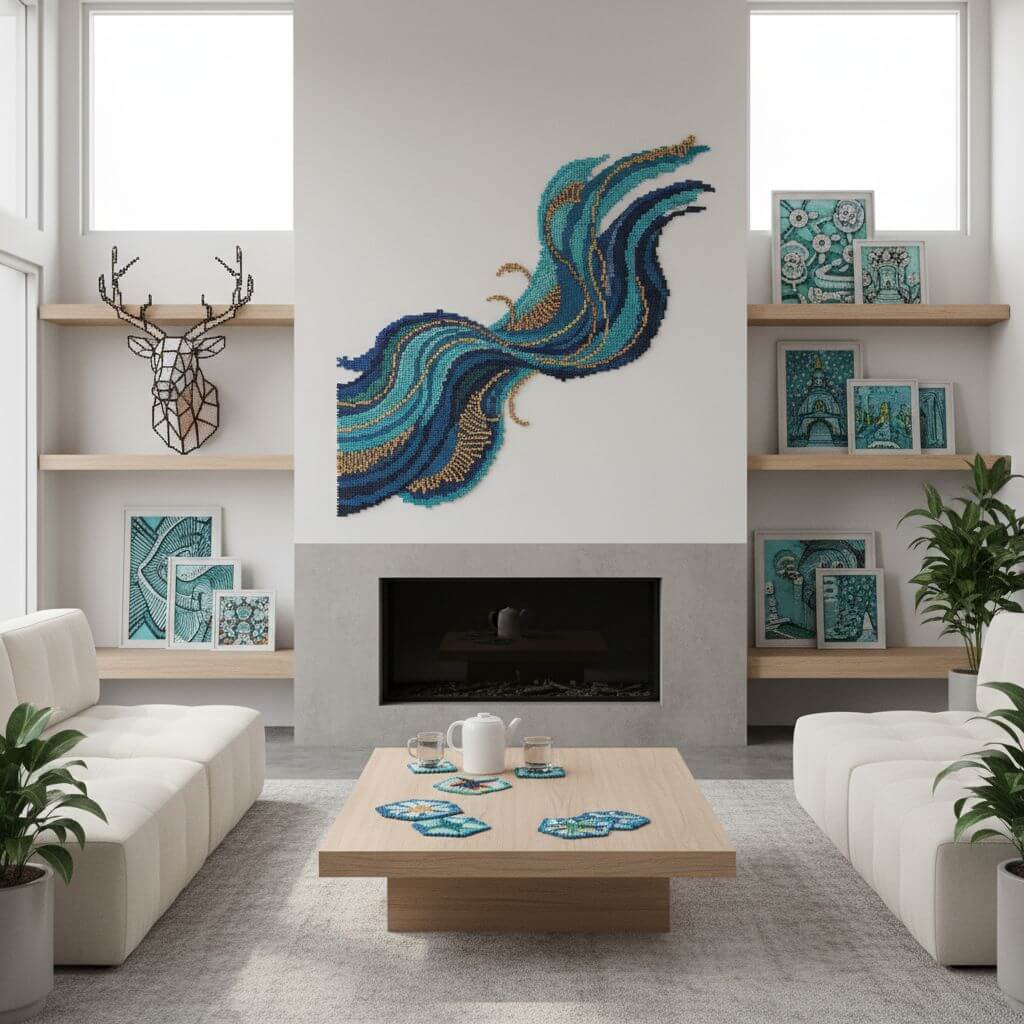
Home Decor: Coasters, Wall Art & More
Home Decorators

Home Decor: Coasters, Wall Art & More

Design matching coaster sets, pixel art wall decorations, or themed holiday ornaments. The consistent grid output makes it easy to create a series with a unified look.

How to Create a Bead Pattern in 3 Steps

No design skills needed. Upload, customize, and download — your pattern is ready to craft in under a minute.

  • 1

    Upload Your Photo

    Drag and drop any image — pet photos, cartoon characters, logos, or portraits all work well. Sign up to get free trial credits for generating multiple patterns.

  • 2

    Pick Bead Size & Color Palette

    Select mini, standard, or jumbo beads, then choose a color palette. The AI optimizes your pattern based on these settings, adjusting detail level and color mapping automatically.

  • 3

    Download & Start Crafting

    Preview the generated pattern, then download in high resolution. The output includes clear grid lines and color references — ready to print and follow at your pegboard.

Pro Tips for Better Patterns

Use Simple Images:

Photos with a clear subject and minimal background clutter produce the cleanest patterns. Crop tightly around your subject before uploading.

Start Small If You're New:

A 29×29 pegboard pattern uses about 841 beads — manageable for beginners. Larger patterns (58×58) need 3,000+ beads and multiple boards.

Check Your Bead Inventory:

Before starting a project, count your beads by color. The pattern shows which colors are needed most, so you can stock up before you're halfway through.

Pricing

Transform your images with AI. Choose the plan that fits your needs.

Basic

$95.88/year

Perfect for personal use and casual creators.

2400 credits (≈ 1200 images / year)

Includes

  • Own your creations
  • Access to Standard Generation
  • Image history saved
  • Standard Quality Download

Equivalent to $7.99/month · Save $24/year

Cancel anytime. No lock-in contract.
Best Value · 4x MoreMost Popular

Pro

$191.88/year

For power users and professionals.

9600 credits (≈ 4800 images / year)

Everything in Basic, plus

  • Commercial License Included
  • Priority Support
  • 4x More Credits
  • Priority email support

Equivalent to $15.99/month · 75% cheaper per image

Cancel anytime. No lock-in contract.
Frequently Asked Questions

Everything you need to know about our pricing plans

Do unused credits roll over?+

To ensure we can offer the most competitive pricing and generous credit allowances each month, your credits reset at the start of each billing cycle. This model allows us to provide you with the best possible value in every billing period.

Can I use the generated images commercially?+

Yes, commercial use is a key feature of our Pro plan. Pro subscribers own the rights to their creations and can use them for any commercial purpose, including marketing, advertising, and resale. Images generated under the Basic plan are licensed for personal use only.

What happens if I run out of credits?+

Don't let your creativity stop! You can purchase a Credit Pack for an instant one-time top-up, or wait for your next billing cycle when subscription credits refresh. To switch subscription plans, cancel the current plan and select a new one after the paid period ends.

What are Credit Packs?+

Credit Packs are one-time purchases that give you credits instantly without a subscription. They do not auto-renew, so you only pay when you need more. Purchased credits are valid for 1 year from the date of purchase. You can buy multiple packs at any time to top up your balance.

How do I cancel my subscription?+

We believe in flexibility. You can cancel your subscription at any time with just a few clicks in your account settings. No questions asked. After canceling, you'll continue to have access to your plan's features and credits until the end of your current billing period.

What payment methods do you accept?+

We accept major credit cards through Stripe and PayPal. All transactions are handled securely by the selected payment provider.

What counts as one credit?+

Typically, generating one image uses 2 credits. However, certain advanced features or higher resolutions might consume more. You will always see the credit cost before you generate an image, so there are no surprises.

Do you offer a free trial?+

Yes! Every new user gets 4 free credits upon signing up to experience the power of our AI. No credit card required. If you love it and need more, you can subscribe to one of our plans anytime.

What's the difference between Basic and Pro plans?+

Basic plan is perfect for personal use and casual creators, offering 200 credits (~100 images) per month. Pro plan is designed for power users and professionals, with commercial license, priority support, and 800 credits (~400 images) — that's 4x more images for just $10 more!

Loved by Crafters Worldwide

"I've tried pixel-beads.net and beadographer before, but this is the first tool where the colors actually match my Perler bead collection. Saves so much guesswork."
Jessica M.
Craft Mom
"I use this for my after-school craft class. The kids pick a character, I generate the pattern, and they follow along. Clean grids, easy colors — no confusion."
Sarah K.
Art Teacher
"I sell custom bead art on Etsy. This tool cut my pattern creation time from 30 minutes to under 1 minute. The print-ready output is a huge plus."
Mike T.
Etsy Seller
"The jumbo bead option is perfect for my 5-year-old. Big beads, simple patterns, and she can follow the grid by herself. We make one every weekend now."
Emily R.
Parent & Crafter

Frequently Asked Questions

Common questions about creating bead patterns with our tool

Upload any image and the AI analyzes it, converts it to a pixel grid at your chosen bead size, and maps each pixel to the closest real bead color from brands like Perler, Hama, or Artkal. The output is a printable pattern with clear grid lines and color labels.

Most patterns are ready in 10–15 seconds. Upload, pick your settings, and the pattern appears almost instantly. No waiting, no queues.

The tool supports all major brands: Perler, Hama, Artkal, Nabbi, and generic melty beads. The grid layout is universal — your pattern works with whichever brand you prefer.

New users get free trial credits to generate multiple patterns. This gives you full access to all features — bead sizes, color palettes, and high-res downloads. You can purchase more credits anytime if you need additional patterns.

Simple, high-contrast images produce the best results: cartoon characters, logos, pet photos with plain backgrounds, and pixel art. Avoid busy scenes with lots of small details — they don't translate well to bead grids.

Yes. Every pattern is generated in high resolution with clear grid lines, designed specifically for printing. Place the printout next to your pegboard and follow along bead by bead.