Photo to Pixel Art: Turn Any Picture into Retro Pixel Art Instantly
Drop in a picture and watch our photo to pixel art converter rebuild it as crisp pixel art in seconds. Pick from 1-bit pixel sketch, 8x8 retro, Game Boy green, or 16-bit classic styles — perfect for game avatars, retro posters, and social posts. The smartest photo to pixel art generator for nostalgic creators.
Upload Image
Upload an image file to get started with your AI conversion
Click or drop your image here
Max 5MB
Maximum quality with the best detail and accuracy
Preview
View your AI-transformed result and compare with the original
↑ Example result. Try it yourself!
Why Creators Choose Our Photo to Pixel Art Converter
From 1-bit pixel sketch to 8x8 retro arcade looks, our photo to pixel art converter handles every classic palette. Skip pixel-by-pixel grunt work and get a clean retro pixel converter result the first time.
AI-Tuned Photo to Pixel Art Engine
Our photo to pixel art converter is tuned to read faces, scenery, and product shots, then translate them into faithful pixel grids. The photo to pixel art generator preserves the subject's identity while applying real retro palettes, not generic blur filters.
1-Bit Pixel Sketch in One Click
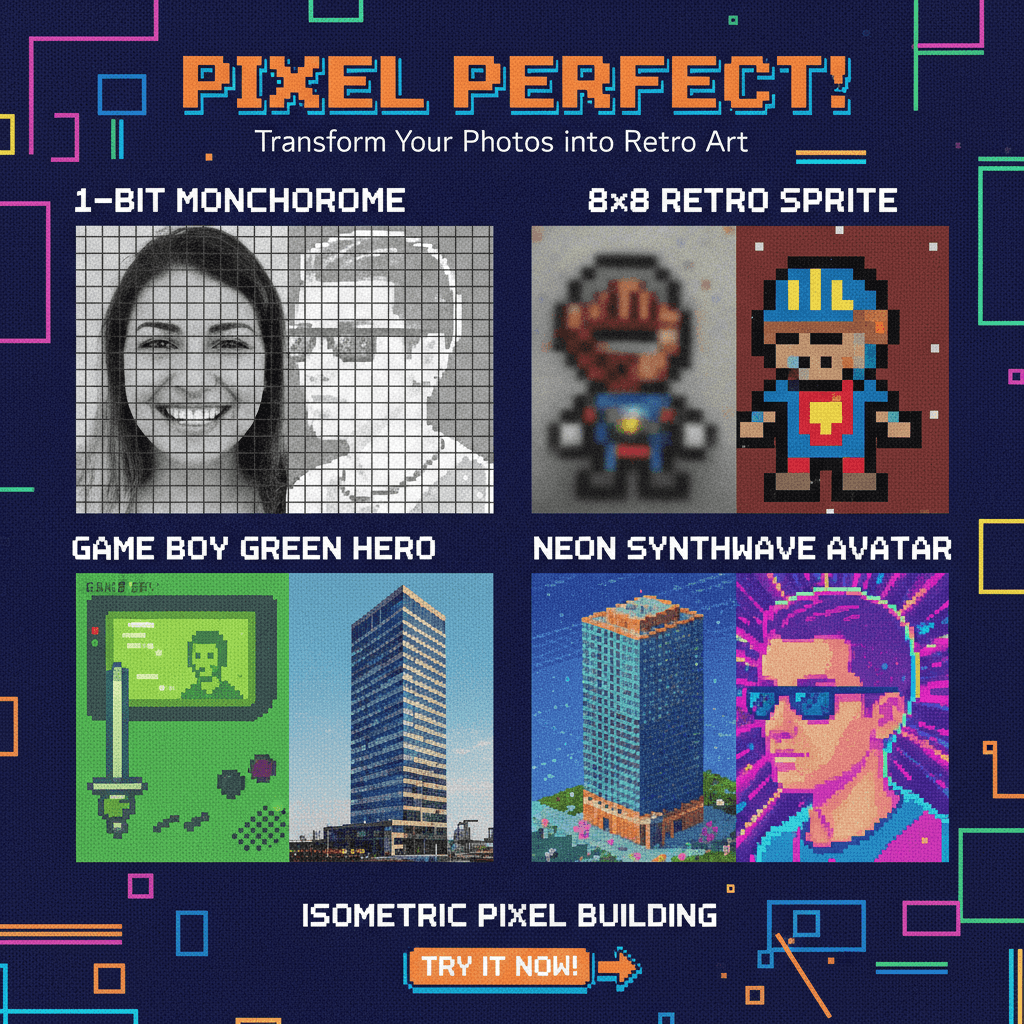
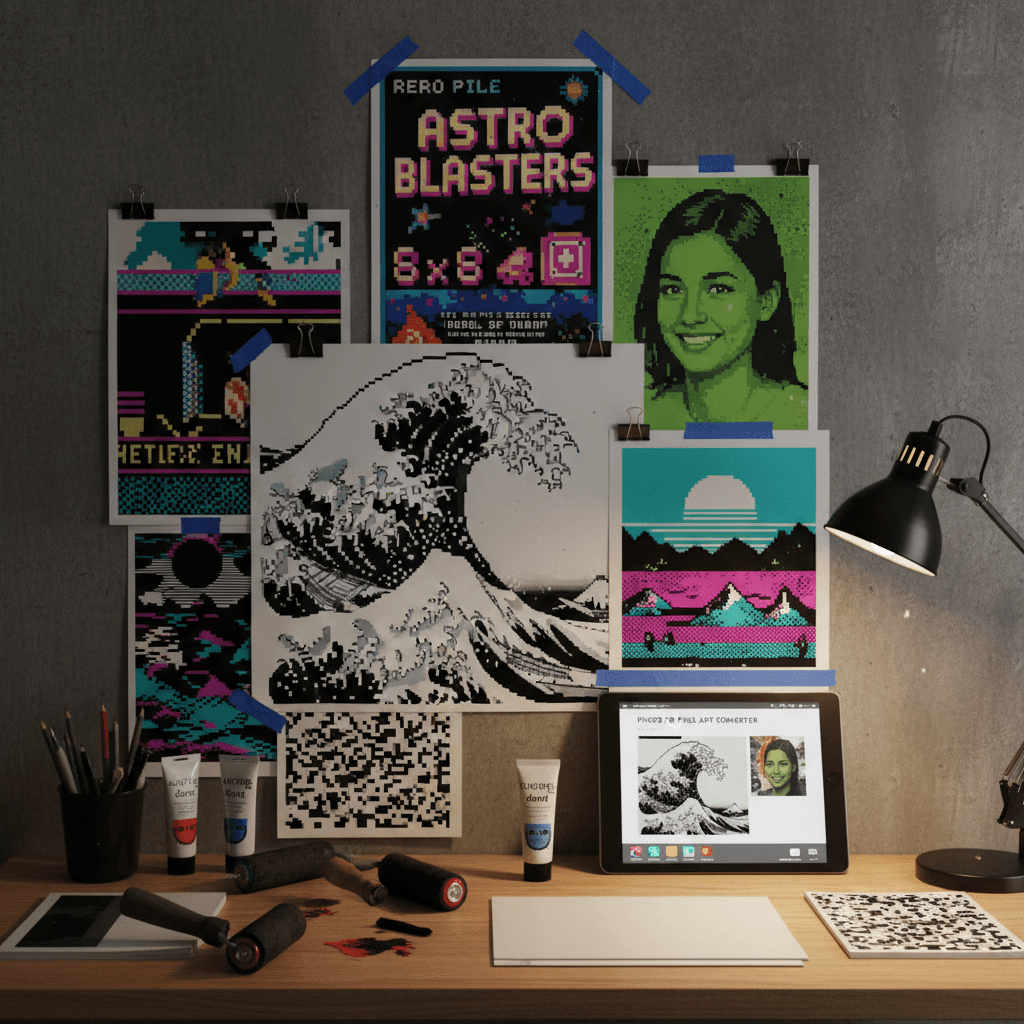
Looking for a 1-bit pixel sketch like the viral 1-bit Hokusai wave? Our photo to pixel art tool ships with a dedicated 1-bit monochrome style that mimics classic Mac and Game Boy art with crisp dithering.
8x8 Pixel Art Generator Modes
Pick the 8x8 pixel art generator mode for chunky NES-era sprites, or step up to 16-bit classic for SNES-grade detail. The photo to pixel art converter scales pixel density to match the era you want.
Retro Pixel Converter for Every Palette
From 4-color CGA to neon synthwave and Game Boy green, this retro pixel converter covers every classic palette. Switch styles in one tap and re-run the photo to pixel art conversion without re-uploading your image.
Identity-Preserving Pixel Output
Most pixel art tools melt faces into mush. Our photo to pixel art converter keeps facial structure, hair shape, and pose recognizable, so portraits still look like you after the pixel art transformation.
High-Resolution Pixel Art Downloads
Download your pixel art in print-ready resolution with crisp visible pixels. Our photo to pixel art generator outputs files clean enough for game sprites, sticker packs, posters, and Twitch overlays.
Real Ways People Use the Photo to Pixel Art Converter
See how indie devs, streamers, and creators turn everyday photos into pixel art with our photo to pixel art generator.
Game Avatars & Sprite Concepts
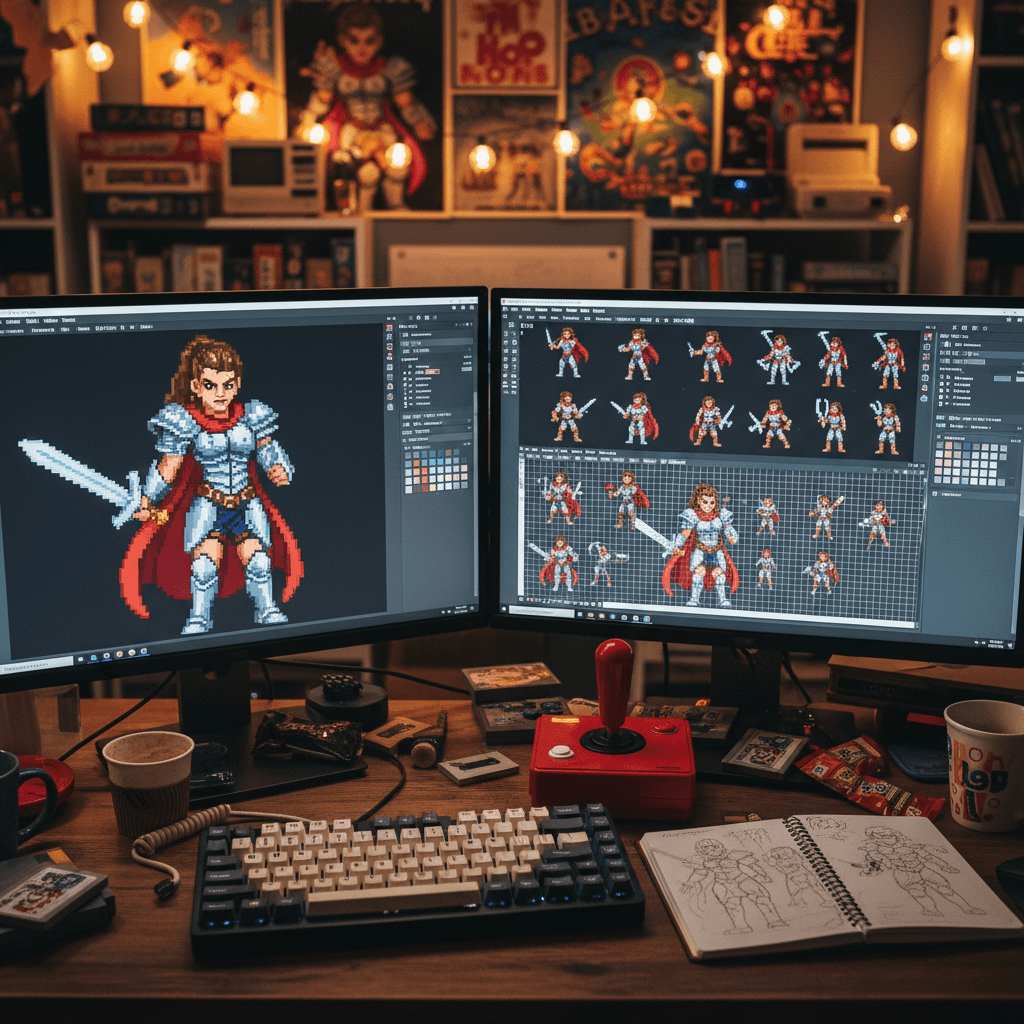
Indie developers use the photo to pixel art converter to spin up character avatars, NPC sprites, and concept art. The 8x8 pixel art generator and 16-bit classic presets give a faithful retro game feel without hand-pixelating every frame.
Retro Posters & 1-Bit Prints
Designers run portraits and landscapes through the 1-bit pixel sketch style to make Hokusai-style prints, gig posters, and zine covers. This retro pixel converter is the fastest way to nail a viral 1-bit aesthetic.
Stream Overlays & Social Posts
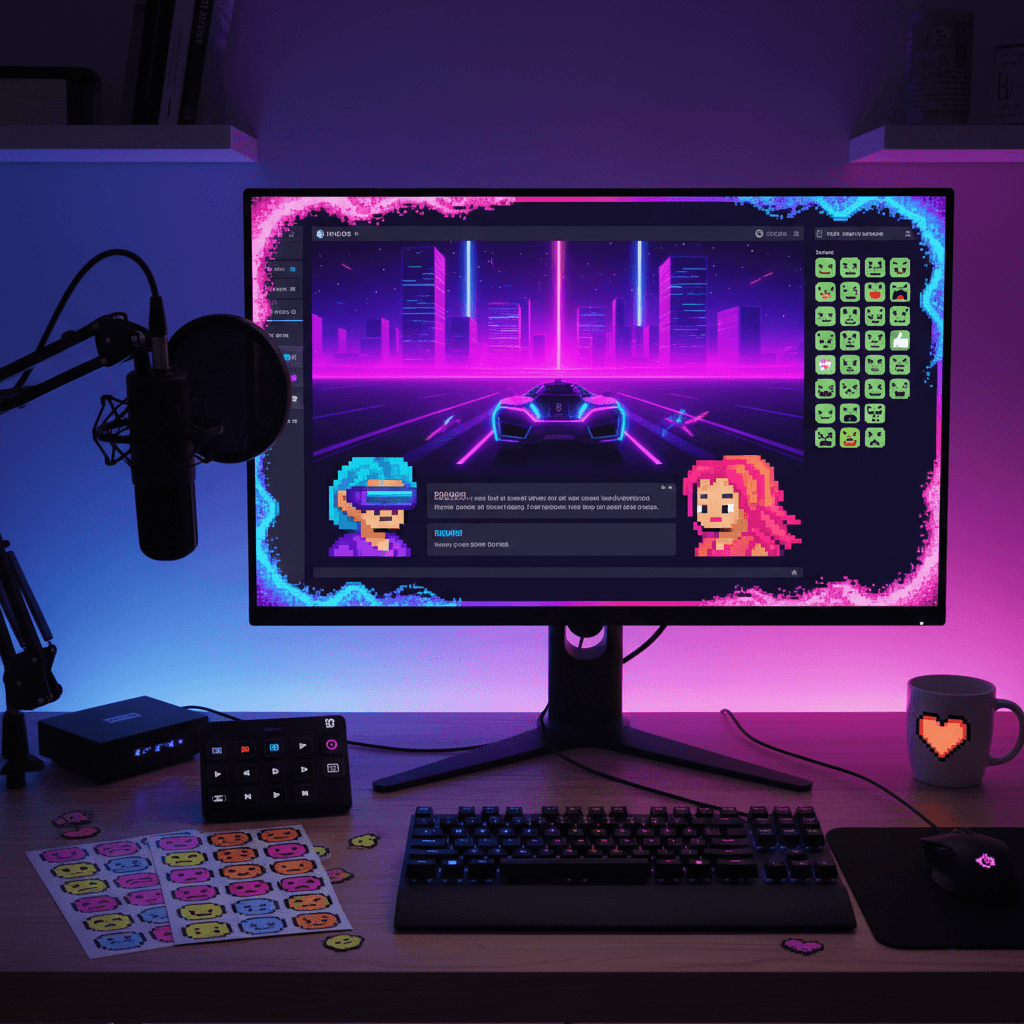
Streamers and creators use the photo to pixel art converter for Twitch overlays, sticker packs, and TikTok thumbnails. Game Boy green and neon synthwave styles instantly add nostalgia and stop the scroll on busy feeds.
How to Convert Photo to Pixel Art in 3 Steps
Use our photo to pixel art converter in three quick steps. No Photoshop, no manual pixel pushing — the photo to pixel art generator handles the heavy lifting.
- 1
Upload Your Photo
Drop in any portrait, landscape, or product photo. Our photo to pixel art converter accepts JPG and PNG, and free credits let you try the photo to pixel art tool with multiple images right away.
- 2
Pick a Pixel Art Style
Choose 1-bit pixel sketch, 8x8 retro, Game Boy green, isometric, or neon synthwave. Each preset rewires the photo to pixel art conversion for a different retro era.
- 3
Download Your Pixel Art
Preview the pixel art result, tweak the style if needed, and download in high resolution. Our photo to pixel art converter delivers clean pixel grids you can post or print straight away.
Pro Tips for Better Photo to Pixel Art Results
Use Clear Subjects:
Sharp, well-lit photos give the photo to pixel art converter more to work with. Crop tightly around the subject before running the photo to pixel art generator for better pixel definition.
Match Style to Subject:
Portraits look great in 1-bit pixel sketch and 16-bit classic. Use 8x8 pixel art generator mode for game-style icons, and isometric for buildings, rooms, or product shots.
Try Multiple Styles:
Re-run the retro pixel converter across two or three styles per photo. The photo to pixel art tool keeps your image cached, so each new style only takes seconds.
Pricing
Transform your images with AI. Choose the plan that fits your needs.
Basic
Perfect for personal use and casual creators.
Includes
- Own your creations
- Access to Standard Generation
- Image history saved
- Standard Quality Download
Billed annually · Save $24/year
Cancel anytime. No lock-in contract.
Pro
Best Value · 4x MoreFor power users and professionals.
Everything in Basic, plus
- Commercial License Included
- Priority Support
- 4x More Credits
- Priority email support
Billed annually · 75% cheaper per image
Cancel anytime. No lock-in contract.
Loved by Indie Devs, Streamers, and Retro Art Fans
"I was hand-pixelating sprites for my indie game and it was killing my timeline. This photo to pixel art converter gave me clean 16-bit references in seconds. Best photo to pixel art generator I've used."
"The 1-bit pixel sketch style is gorgeous. I dropped in a photo of my cat and got back a Hokusai-tier 1-bit print. This retro pixel converter is now part of my zine workflow."
"I use the 8x8 pixel art generator preset for stream emotes. The photo to pixel art converter keeps faces recognizable even at chunky resolutions, which other tools never get right."
"Made a Game Boy green portrait of my whole team in five minutes. This photo to pixel art tool has the cleanest dithering I've seen and the export quality is print ready."
Photo to Pixel Art: Frequently Asked Questions
Everything you need to know about turning photos into pixel art with our photo to pixel art converter.
A photo to pixel art converter is an AI tool that rebuilds your photo as a grid of pixels using a chosen retro palette. Our photo to pixel art generator analyzes the subject, maps colors to a limited pixel art palette like 1-bit, CGA, or Game Boy green, and renders the result with crisp visible pixel edges so it looks like a real retro game sprite or print.
Most images finish in 10-15 seconds. Upload a photo, pick a style like 1-bit pixel sketch or 8x8 retro, and the photo to pixel art converter returns a high-resolution pixel art image immediately, ready to download or share.
Yes. The 1-bit pixel sketch preset in our photo to pixel art tool turns any portrait, landscape, or object photo into a pure black-and-white pixel image with classic Mac-style dithering. It's the same look that powered viral pieces like the 1-bit Hokusai wave.
Absolutely. Pick the 8x8 retro style and the photo to pixel art converter renders your image as chunky 8x8 sprites with an NES-era palette. It's the cleanest 8x8 pixel art generator path for game icons, emotes, and avatars.
We give every new account free credits so you can try the photo to pixel art generator with multiple images and styles before upgrading. Sign up to convert photo to pixel art free and explore every retro pixel converter preset.
Yes. Unlike basic pixelize filters, our photo to pixel art converter preserves identity-defining details like facial structure, hair, pose, and scene composition. The pixel art output stays recognizable while picking up the chosen retro pixel converter aesthetic.