Realistic Brewstew Generator: Turn Cartoon Frames into Brewstew IRL Images

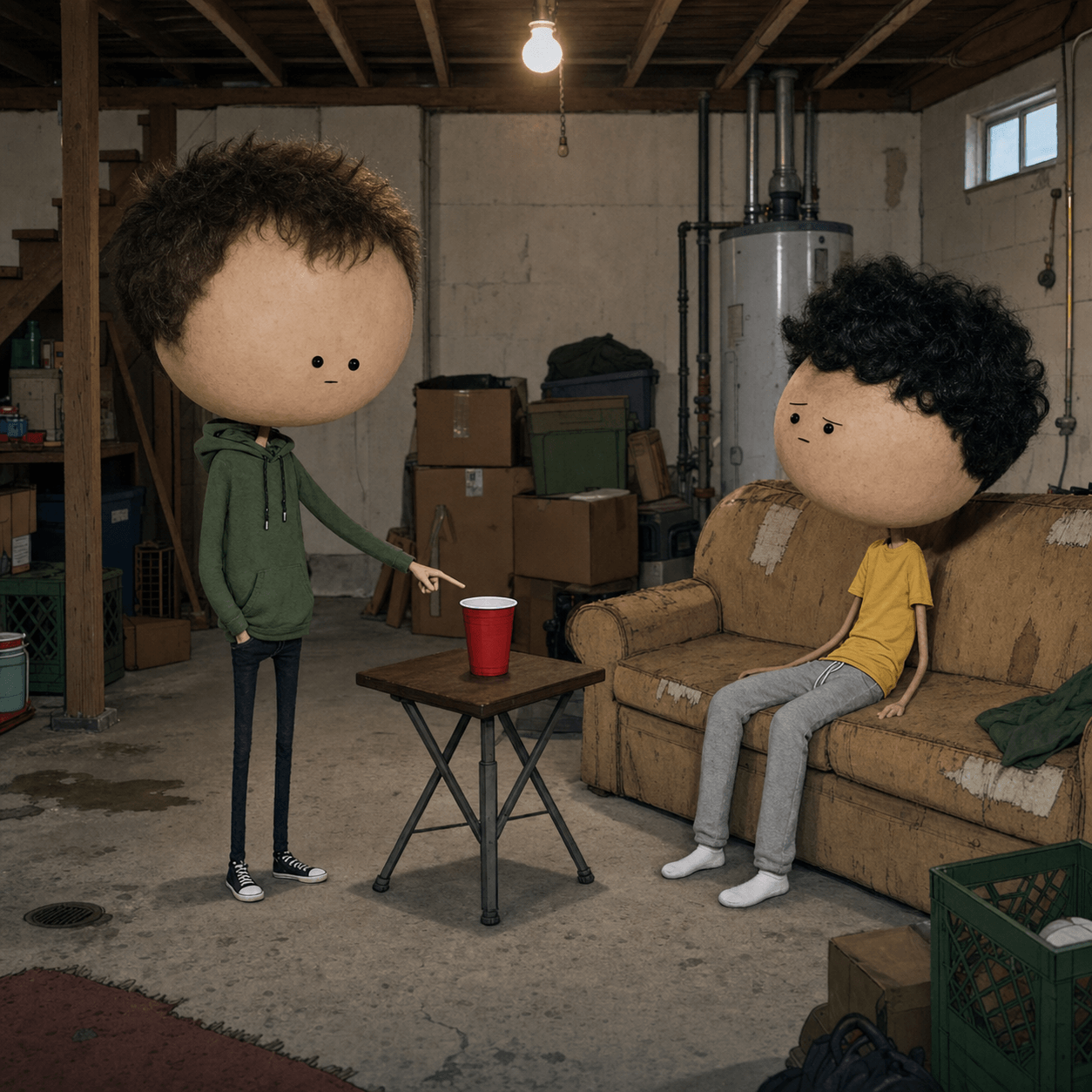
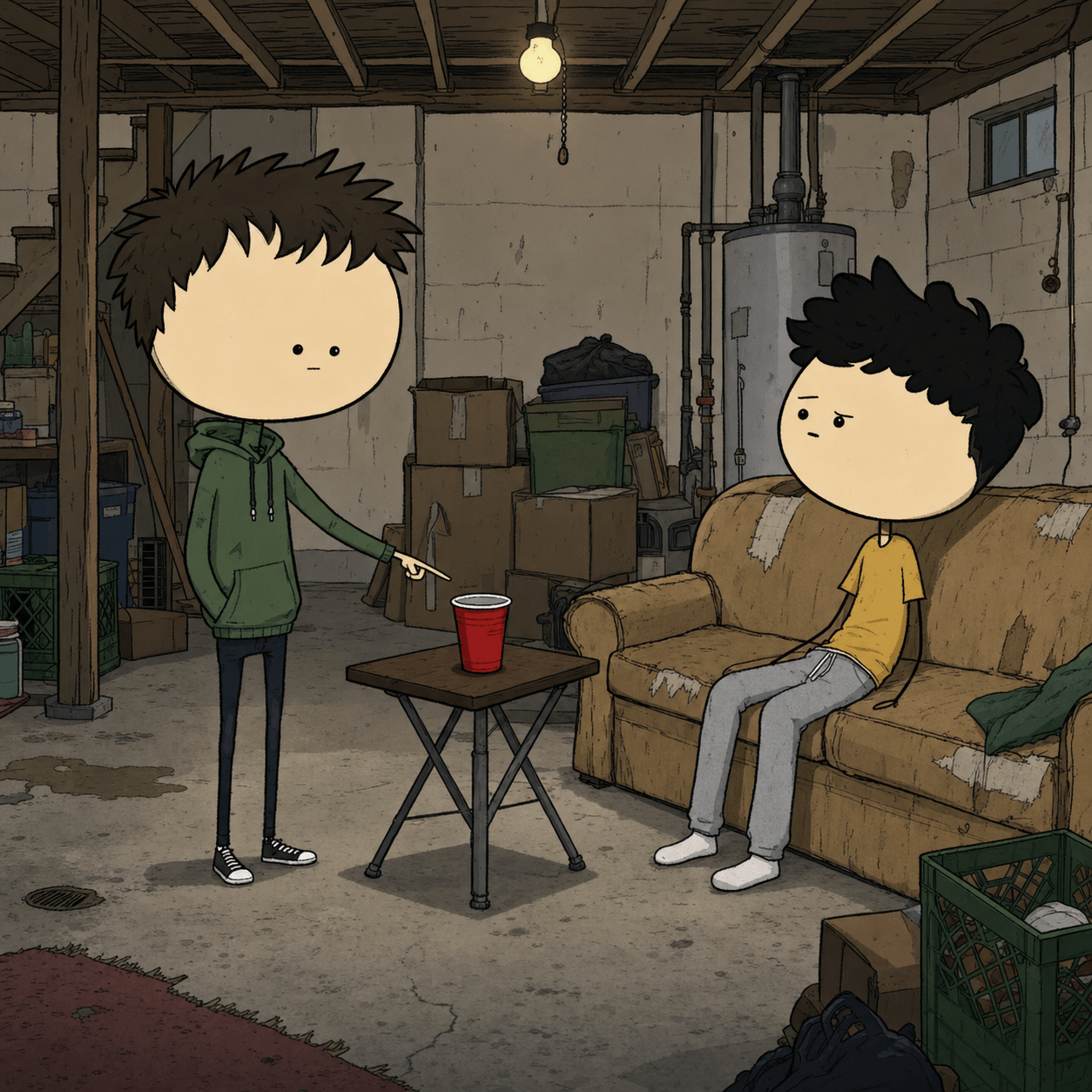
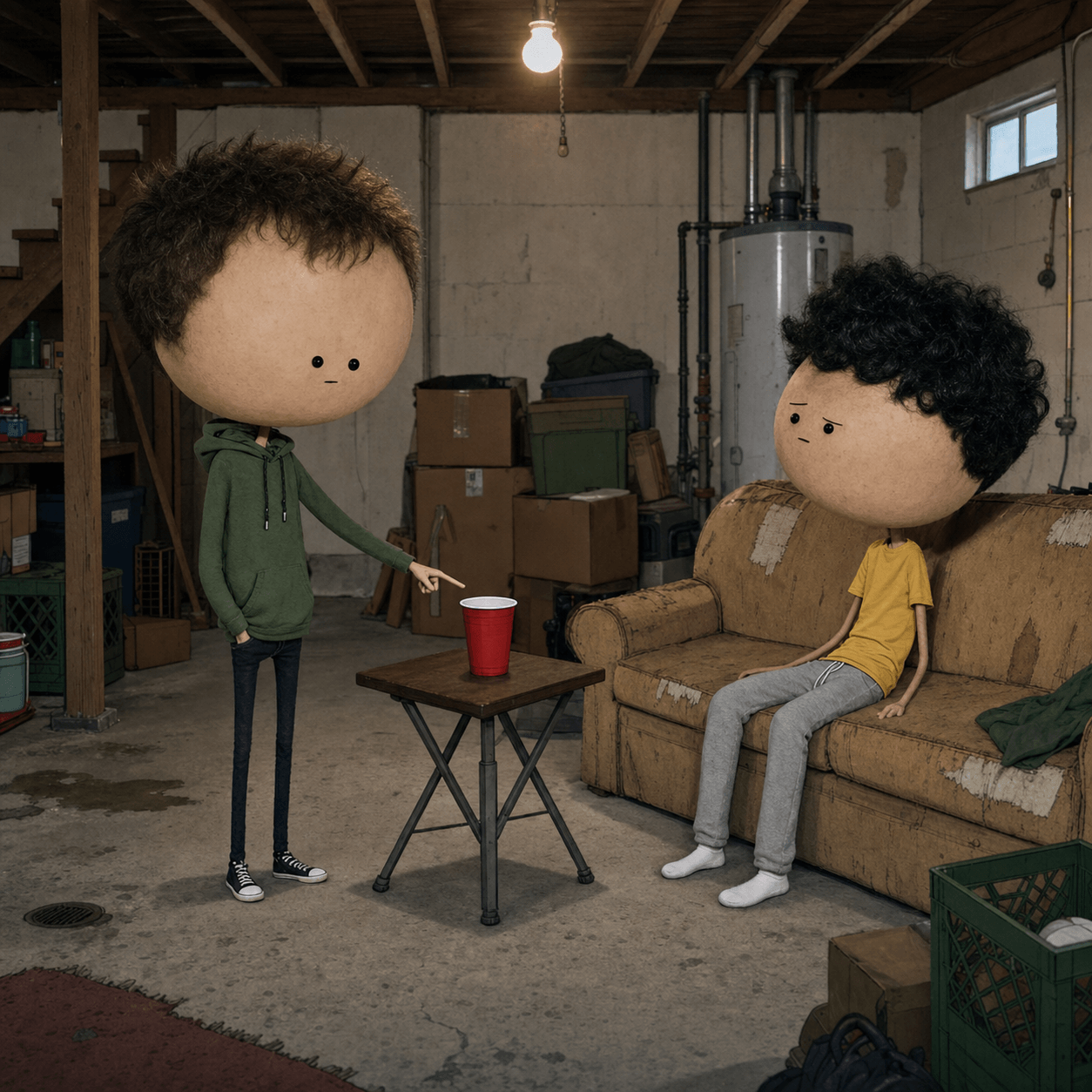
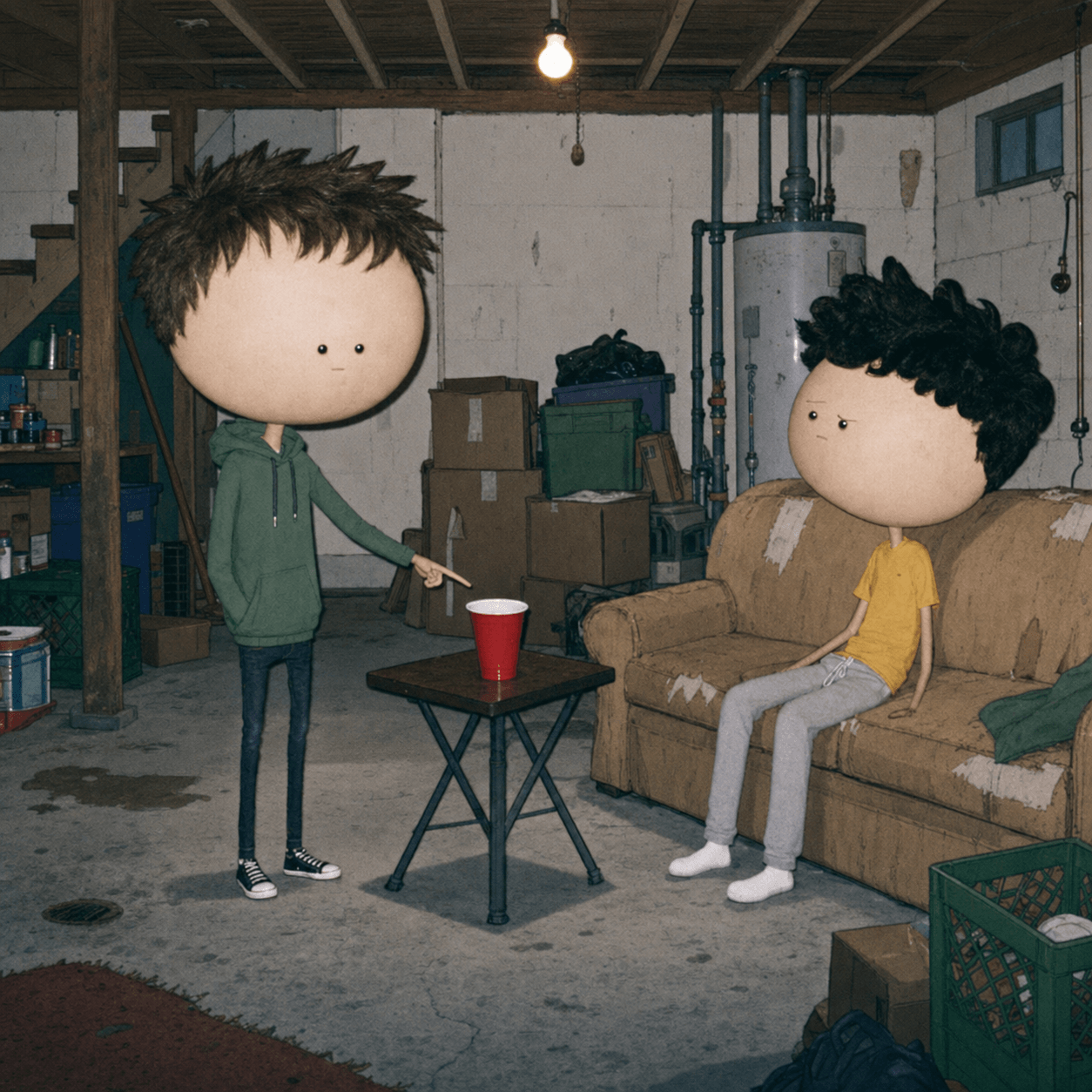
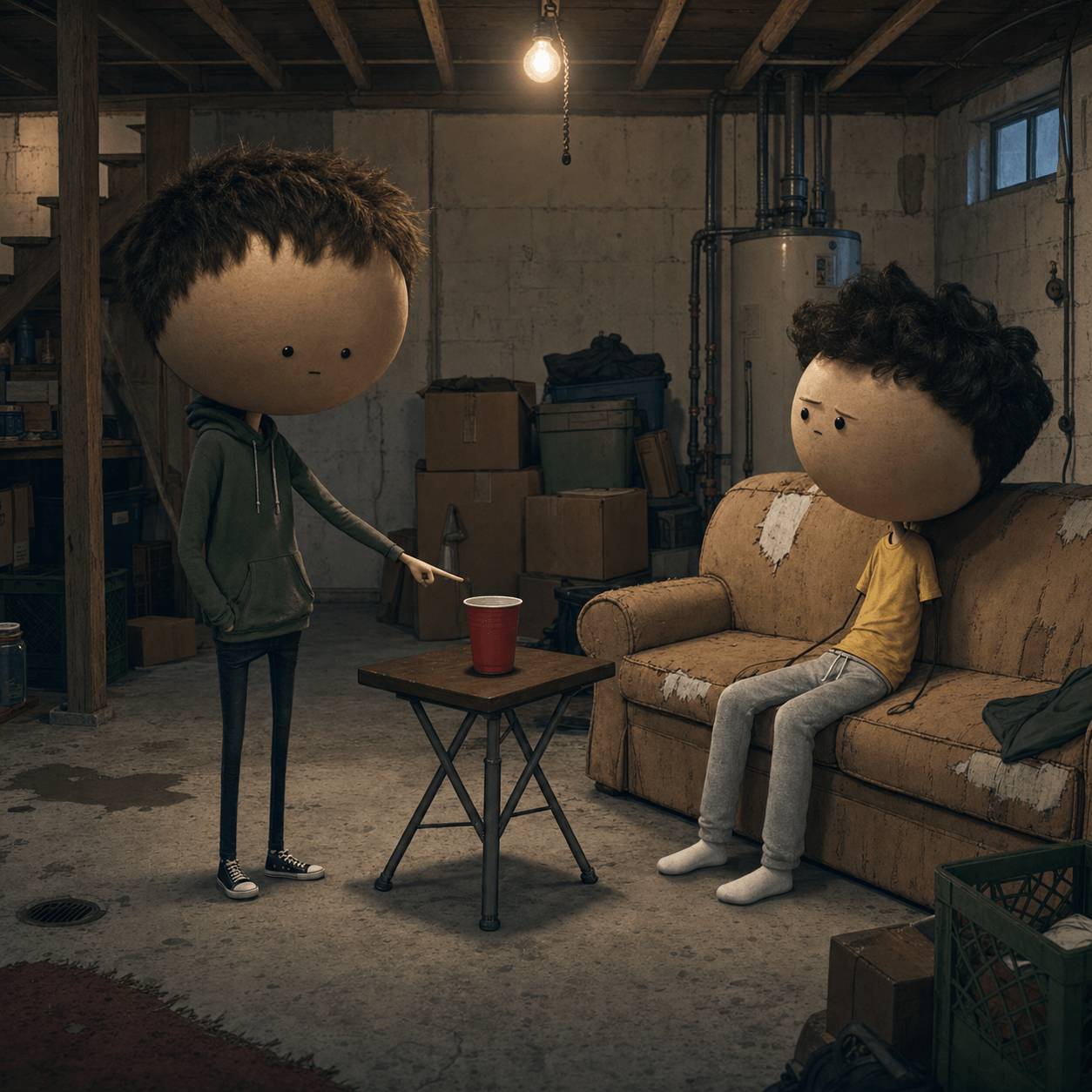
Upload a cartoon screenshot and use the Realistic Brewstew generator to rebuild it as an uncanny live-action image. The AI keeps the characters, pose, scene, and exaggerated big-head proportions while adding believable skin, clothing, lighting, and real-world texture. This is an independent fan-made tool and is not affiliated with or endorsed by Brewstew Films.

Upload Image

Upload an image file to get started with your AI conversion

Click or drop your image here

Max 5MB

Maximum quality with the best detail and accuracy

Preview

View your AI-transformed result and compare with the original

↑ Drag to compare. Try it yourself!

A Realistic Brewstew Generator Built for Faithful Frame Remakes

The effect works when the result still reads like the original frame. Sketchto focuses on composition preservation first, then adds the strange photorealism that makes Brewstew IRL images funny.

  • Preserves the Original Composition

    The Realistic Brewstew generator keeps the character count, positions, pose, camera angle, and scene layout instead of inventing a different image.

  • Keeps the Big-Head Proportions

    Oversized heads, tiny bodies, and thin limbs remain visible after the live-action transformation, preserving the format's deliberately awkward silhouette.

  • One Upload, Four Focused Looks

    Choose Classic IRL, Uncanny Realism, 90s Flash Photo, or Cinematic Live Action without learning prompt engineering.

  • Made for Cartoon Screenshots

    Upload a clean cartoon frame or thumbnail. The generator reads flat shapes, simple faces, clothing colors, and background cues before rebuilding the scene.

  • Custom Prompt Control

    Switch to Custom Prompt when you want to specify a camera treatment, lighting setup, texture, or mood while keeping the source frame recognizable.

  • Original Fan-Made Workflow

    Sketchto supplies the transformation workflow and original demonstrations, not copied Brewstew screenshots, character packs, or official assets.

What Creators Make with the Realistic Brewstew Generator

Use the same preserved-frame workflow for meme remakes, short-form transitions, and visual experiments.

Cartoon Thumbnail Remakes
Meme Editors

Cartoon Thumbnail Remakes

Rebuild a simple cartoon thumbnail as a realistic image while keeping every character, prop, and visual punchline in place.

Before-and-After Video Edits
Short-Form Creators

Before-and-After Video Edits

Use the original frame and its AI remake as two beats in a TikTok, Reel, or Shorts transformation sequence.

Alternative Live-Action Treatments
AI Image Experimenters

Alternative Live-Action Treatments

Compare flash-photo, uncanny, and cinematic interpretations of the same cartoon scene without rebuilding the composition manually.

How to Make a Realistic Brewstew Image

Recreate a cartoon frame as Brewstew IRL in three steps. No manual masking or prompt setup is required.

  • 1

    Upload a Cartoon Frame

    Choose a clear screenshot with the full characters and important background details visible. Only upload material you have permission to use.

  • 2

    Choose an IRL Style

    Start with Classic IRL for the recognizable trend look, or select Uncanny, 90s Flash, or Cinematic for a different photographic treatment.

  • 3

    Generate and Download

    Generate the realistic remake, compare it with the source, and download the result for your personal meme edit or social post.

Tips for Better Brewstew IRL Results

Keep the Whole Frame:

Avoid tight crops. Visible limbs, clothing, props, and background geometry give the AI enough structure to preserve the joke.

Use a Clean Source:

Frames without subtitles, playback controls, or overlapping stickers produce cleaner faces and fewer unwanted artifacts.

Try One Variable at a Time:

If you use Custom Prompt, change the camera or lighting first while keeping the characters and composition explicitly locked.

Pricing

Transform your images with AI. Choose the plan that fits your needs.

MonthlyAnnuallyCredit Packs

Basic

$7.99$9.99/mo

Perfect for personal use and casual creators.

2400 credits (≈ 1200 images / year)

Includes

  • Own your creations
  • Access to Standard Generation
  • Image history saved
  • Standard Quality Download

Billed annually · Save $24/year

Cancel anytime. No lock-in contract.
Pro

Best Value · 4x More
Most Popular
$15.99$19.99/mo

For power users and professionals.

9600 credits (≈ 4800 images / year)

Everything in Basic, plus

  • Commercial License Included
  • Priority Support
  • 4x More Credits
  • Priority email support

Billed annually · 75% cheaper per image

Cancel anytime. No lock-in contract.
Realistic Brewstew Generator FAQ

Answers about the Brewstew IRL workflow, source images, styles, and ownership

It is an AI image transformation tool that turns an uploaded cartoon frame into a photorealistic live-action scene while preserving the original composition and exaggerated character proportions.

Upload a clear cartoon screenshot, select Classic IRL or another preset, and generate. Sketchto supplies the composition-preserving prompt automatically.

Only upload images you have the right or permission to use. Sketchto does not provide an official screenshot library or copyrighted character pack.

No. This is an independent fan-made AI workflow and is not affiliated with, sponsored by, or endorsed by Brewstew Films.

Classic IRL is the closest match to the viral format. Uncanny Realism exaggerates the awkward proportions, 90s Flash Photo looks like an old snapshot, and Cinematic Live Action produces a polished movie-still treatment.

Yes. Open the Custom tab to describe a camera, lighting, or texture treatment. For reliable results, keep the character count, poses, proportions, and composition explicitly unchanged.