AI Renaissance Pet Portrait Generator

Upload one photo of your dog or cat, pick a renaissance or royal style, and generate a painted-style portrait of your own pet — then download and share it. Nine classical styles, an editable prompt, and the credit cost shown before each render.

Renaissance Pet Portrait Generator

Upload an image file to get started with your AI conversion

Upload Image

Scroll for more

Nano Banana is ready for this Tool input mode.

Preview

View your AI-transformed result and compare with the original

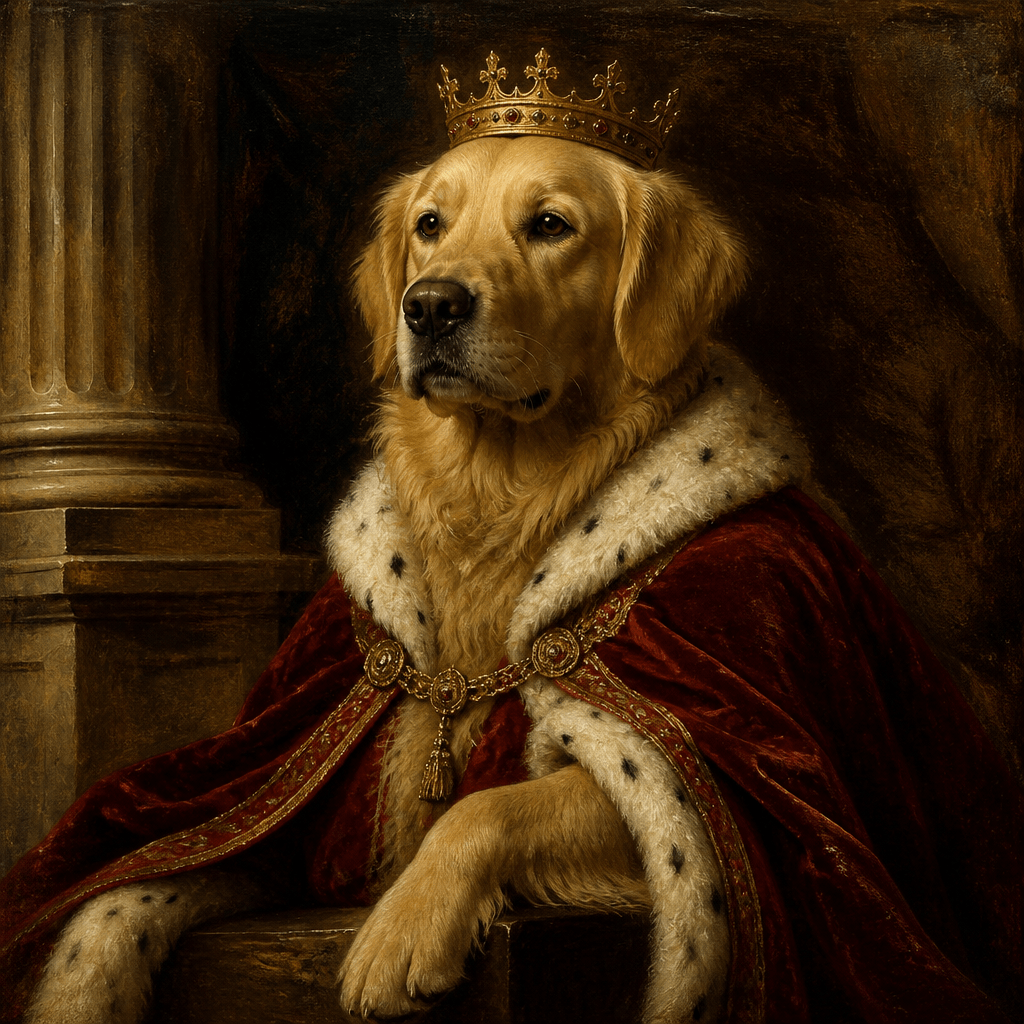
Example result

↑ Example result. Try it yourself!

What this renaissance pet portrait generator does

It is not a face-in-a-hole template: the generator re-renders your actual pet photo as a painted composition, in the same preset-style editor family as our Wool Felt Doll and Funko Pop generators.

  • One photo in, a painted portrait out

    Upload a single clear photo of your dog or cat (max 5MB). Image input is required — the portrait is re-rendered from your picture, not invented from a text prompt alone.

  • Nine renaissance and royal styles

    Classic Renaissance, Royal Throne, Baroque Drama, Noble Court, Renaissance Lady, Dutch Golden Age, Rococo Elegance, Museum Masterpiece, and Imperial Regal — each style is a full painted direction, not a color filter.

  • Your pet stays the subject

    The generator rebuilds the scene around your animal in a classical painting style. Think of it as an artistic rendering of your pet — the breed, coloring, and pose guide the painting rather than a stock animal standing in.

  • See the cost before you generate

    Every render is priced up front: the Nano Banana default generates from 2 credits, while premium models like Nano Banana Pro cost 8. New accounts start with 4 free credits — enough for a first base portrait.

  • Pick the model that fits the look

    Nine AI models are selectable per render, from Nano Banana and FLUX 2 Pro at 2 credits up to Nano Banana Pro at 8. The same royal style reads differently on each model, and switching models never costs extra by itself.

  • Download, share, keep

    Finished portraits land in your private History with download and share on demand, so the digital file is yours to print, frame, or post anywhere.

Three ways to use an AI renaissance pet portrait

One good photo covers gifts, group chats, and the hallway wall.

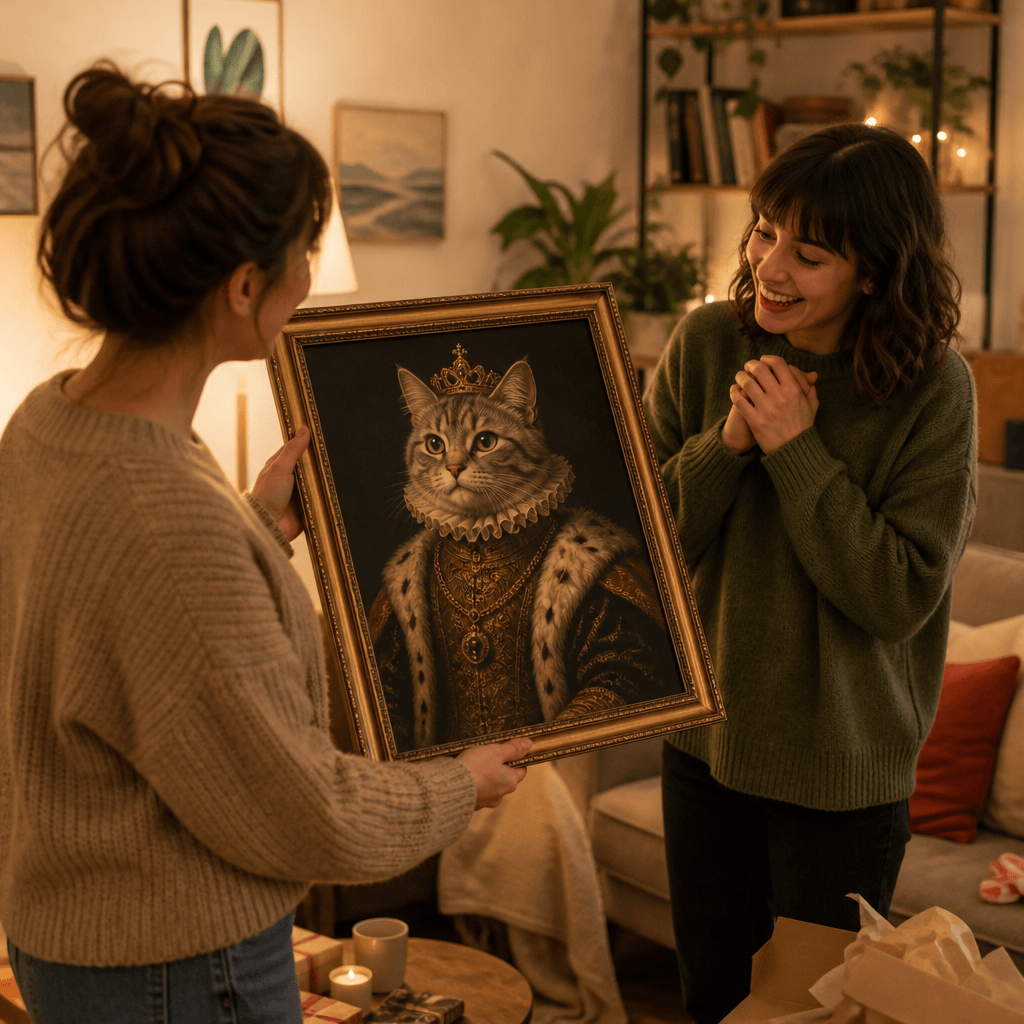
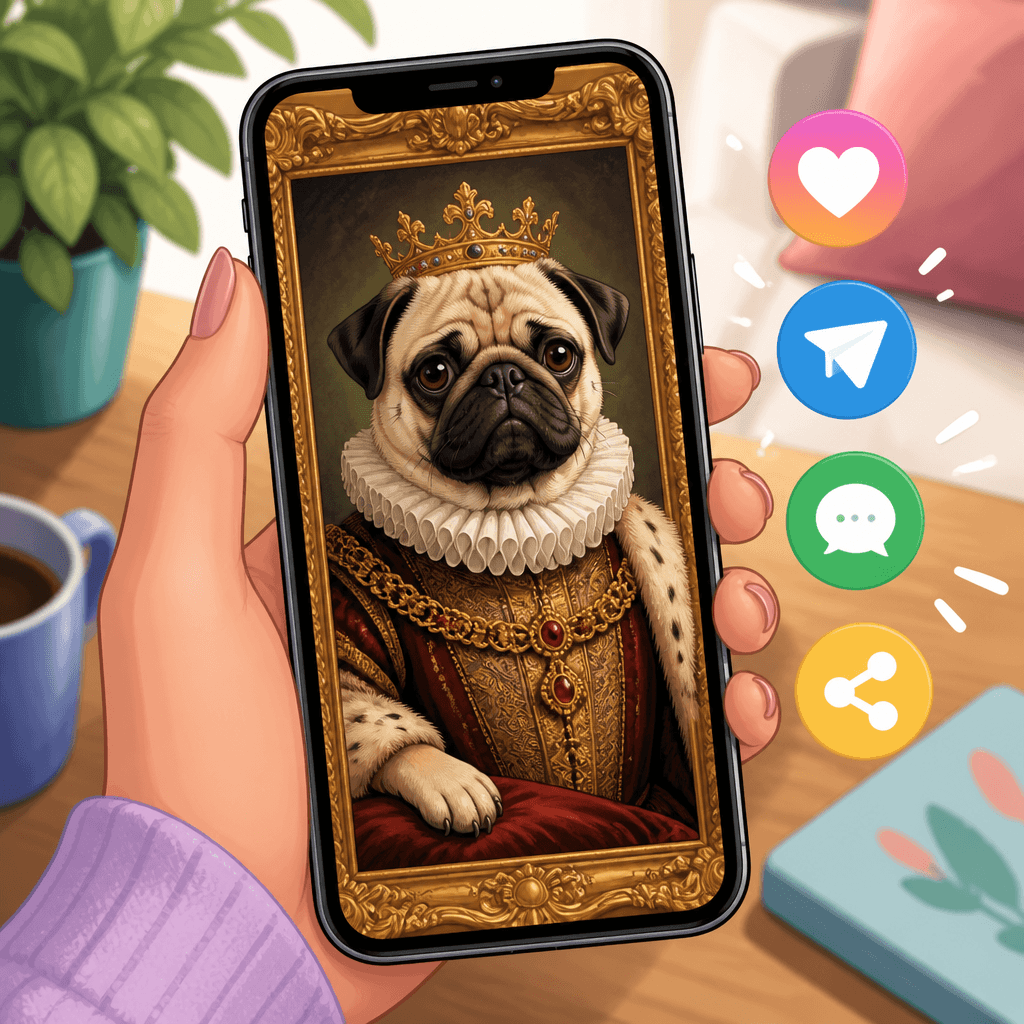
A regal gift for pet people
Gift givers

A regal gift for pet people

Turn the year's best pet photo into a royal portrait and gift the digital file — the pet parent in your life gets a personalized artwork without waiting on print shipping.

Group-chat and profile material
Social sharers

Group-chat and profile material

A renaissance dog painting has built-in meme energy. Generate one of your cat as a duchess and swap it in as a profile picture or send it to the family chat.

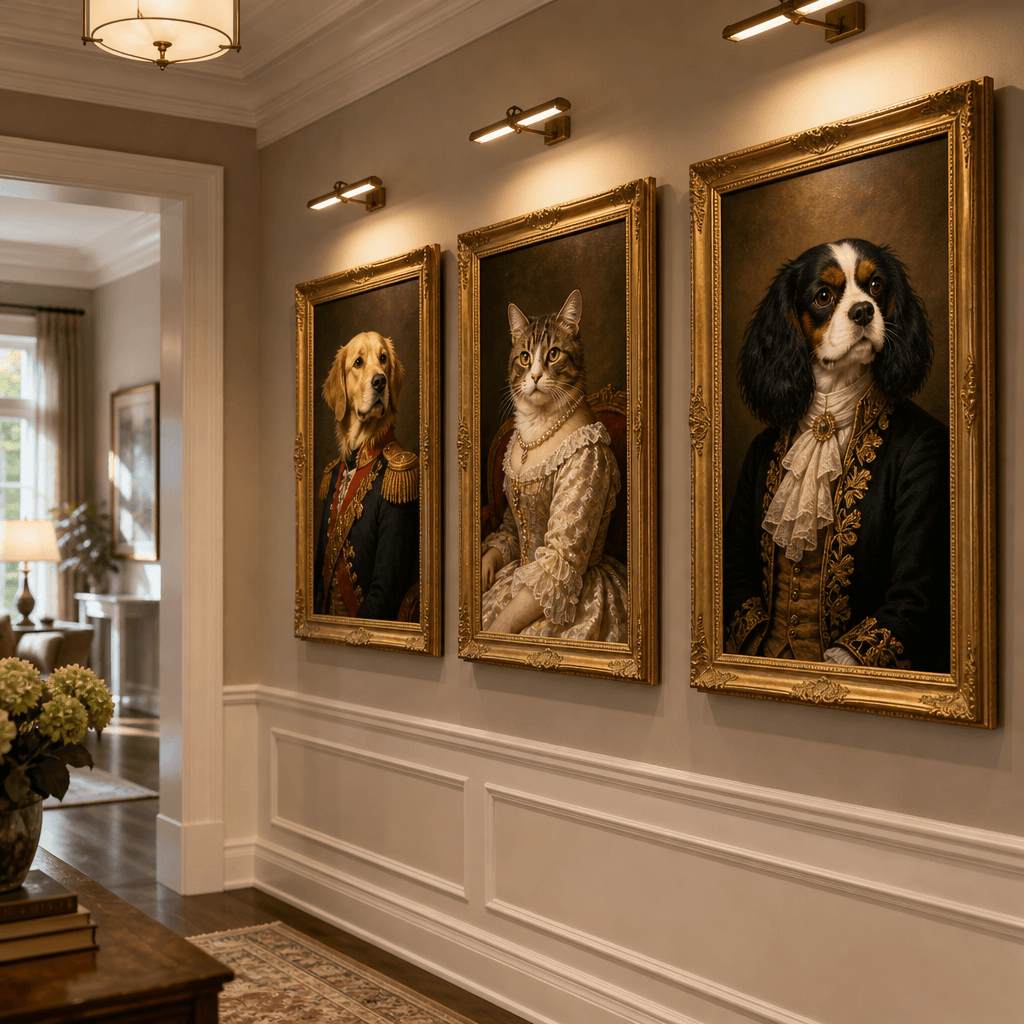
Wall art from the family pet
Home decorators

Wall art from the family pet

Download the finished file and print it at any size your wall needs — the museum-masterpiece styling is composed to hold up as framed art.

How to turn your pet into a royal portrait

Upload, pick a style, generate — three steps to a renaissance portrait of your dog or cat.

  • 1

    Upload one clear pet photo

    A well-lit photo with your pet's face visible works best. Image input is required (max 5MB) — the painting is generated from your photo.

  • 2

    Pick a royal style and a model

    Choose one of the nine renaissance presets, or open Custom to write your own prompt. Nano Banana is the 2-credit default model; the cost is always shown before you generate.

  • 3

    Generate, then download or share

    Spend the shown credits to render the portrait, then download the digital image or share it straight from your History.

Three tips for a better pet portrait

Start with the eyes

Sharp, well-lit eyes carry a painted portrait; blurry or dark face photos give the model less to work with.

Keep the background simple

A plain background translates more cleanly into dramatic palace or studio backdrops than a cluttered room.

Regenerate in a second style

The same photo renders differently as Baroque Drama versus Rococo Elegance — trying a second preset costs only another generation's credits.

Pricing

Transform your images with AI. Choose the plan that fits your needs.

Basic

$95.88/year

Perfect for personal use and casual creators.

2400 credits (≈ 1200 images / year)

Includes

  • Own your creations
  • Access to Standard Generation
  • Image history saved
  • Standard Quality Download

Equivalent to $7.99/month · Save $24/year

Cancel anytime. No lock-in contract.
Best Value · 4x MoreMost Popular

Pro

$191.88/year

For power users and professionals.

9600 credits (≈ 4800 images / year)

Everything in Basic, plus

  • Commercial License Included
  • Priority Support
  • 4x More Credits
  • Priority email support

Equivalent to $15.99/month · 75% cheaper per image

Cancel anytime. No lock-in contract.
Frequently Asked Questions

Everything you need to know about our pricing plans

Do unused credits roll over?+

To ensure we can offer the most competitive pricing and generous credit allowances each month, your credits reset at the start of each billing cycle. This model allows us to provide you with the best possible value in every billing period.

Can I use the generated images commercially?+

Yes, commercial use is a key feature of our Pro plan. Pro subscribers own the rights to their creations and can use them for any commercial purpose, including marketing, advertising, and resale. Images generated under the Basic plan are licensed for personal use only.

What happens if I run out of credits?+

Don't let your creativity stop! You can purchase a Credit Pack for an instant one-time top-up, or wait for your next billing cycle when subscription credits refresh. To switch subscription plans, cancel the current plan and select a new one after the paid period ends.

What are Credit Packs?+

Credit Packs are one-time purchases that give you credits instantly without a subscription. They do not auto-renew, so you only pay when you need more. Purchased credits are valid for 1 year from the date of purchase. You can buy multiple packs at any time to top up your balance.

How do I cancel my subscription?+

We believe in flexibility. You can cancel your subscription at any time with just a few clicks in your account settings. No questions asked. After canceling, you'll continue to have access to your plan's features and credits until the end of your current billing period.

What payment methods do you accept?+

We accept major credit cards through Stripe and PayPal. All transactions are handled securely by the selected payment provider.

What counts as one credit?+

Typically, generating one image uses 2 credits. However, certain advanced features or higher resolutions might consume more. You will always see the credit cost before you generate an image, so there are no surprises.

Do you offer a free trial?+

Yes! Every new user gets 4 free credits upon signing up to experience the power of our AI. No credit card required. If you love it and need more, you can subscribe to one of our plans anytime.

What's the difference between Basic and Pro plans?+

Basic plan is perfect for personal use and casual creators, offering 200 credits (~100 images) per month. Pro plan is designed for power users and professionals, with commercial license, priority support, and 800 credits (~400 images) — that's 4x more images for just $10 more!

Renaissance pet portrait questions, answered

What the generator makes, what it costs, and how close it stays to your pet.

It re-renders one uploaded dog or cat photo as a stylized classical painting — nine renaissance and royal presets plus an editable prompt — and gives you a digital portrait file to download, print, or share.

Yes. New SketchTo accounts start with 4 free credits valid for 365 days, and the base Nano Banana model generates from 2 credits, so your first portrait costs nothing. The editor always shows the credit cost before you generate.

Treat it as an artistic rendering, not a photo filter. The generator works from your photo — breed, coloring, and pose guide the painting — but fine facial detail varies by model and photo quality, and no AI portrait tool can guarantee an exact likeness. Expect a painted interpretation of your pet.

One clear photo where your pet's face is visible, well lit, and set against a simple background. Uploads are capped at 5MB and one image per generation, and single-pet photos convert most reliably.

Nine models are selectable per render: Nano Banana (2 credits, default), FLUX 2 Pro (2), Qwen Image Edit (3), GPT Image 2 (3), Seedream 5 Lite (3), Seedream 4.5 (4), Nano Banana 2 (4), FLUX 2 Flex (6), and Nano Banana Pro (8).

This page is tuned for dogs and cats. For people-subject vintage styling, SketchTo's AI Vintage Portrait Generator is the closer fit, and the Oil Painting tool converts any photo into a generic painted style. For a fluffy photo look rather than a classical painting, try the Fluffy Cat Generator or Fluffy Dog Generator.

Print shops sell physical canvas, blankets, and ornaments at commerce prices. This generator gives you the digital portrait file immediately after a credit-based render — you print or share it wherever you like, and you can regenerate as many variants as your credits allow.

SketchTo's Basic plan covers personal use; Pro plans include commercial use. Every generation stays in your private History for re-download, and results rendered from your own pet photo are yours to keep.