Turn Photo into Coloring Page: Your Picture, Ready to Color

Upload one photo, pick one of nine line-art styles, and generate a black-and-white coloring page you can print at home — crisp outlines for crayons, no app to install. Nano Banana redraws your picture in clean line art for 2 credits, and the prompt is editable, so you can ask for thicker lines or fewer details and regenerate until it's right. Bright, well-lit photos of a single subject convert best.

Turn Photo into Coloring Page

Upload an image file to get started with your AI conversion

Upload Image

Scroll for more

Nano Banana is ready for this Tool input mode.

Preview

View your AI-transformed result and compare with the original

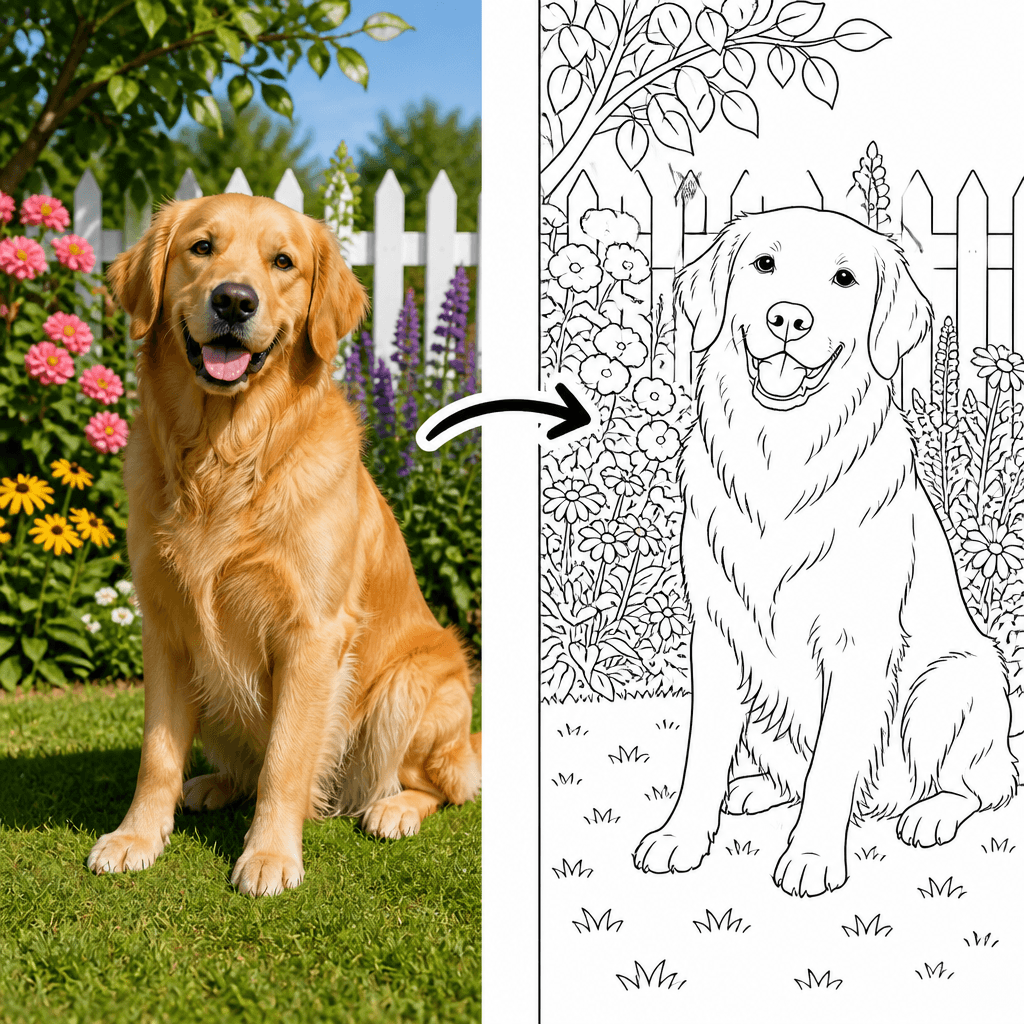
Example result

↑ Example result. Try it yourself!

What this photo-to-coloring-page tool does differently

Sketch filters blur your picture into a gray pencil effect, and app-store tools lock the good styles behind in-app purchases. Here the nine presets are tuned for coloring pages — closed, colorable regions and black lines on white — and every run is re-adjustable right in the browser.

  • One photo in, one coloring page out

    Upload a selfie, your kid, the family dog, or the new house. The AI redraws it as black outline art on a white background — a page you can print on standard paper at home.

  • Nine styles, ages three to adult

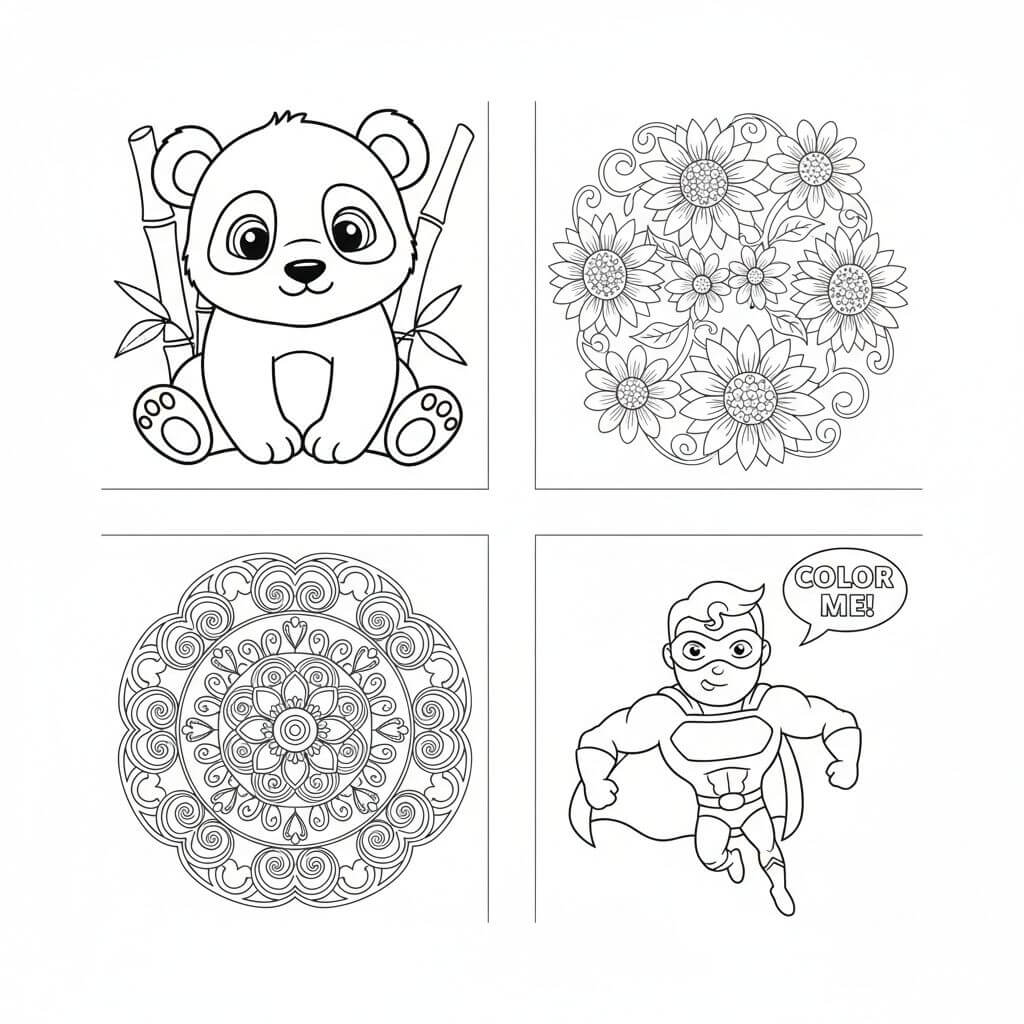
    Bold & Simple keeps huge open areas for toddler crayons; Intricate Adult weaves fine patterns into the same photo. Comic Ink, Kawaii, Geometric, Full Scene, and Stencil sit in between.

  • Built for coloring, not just sketching

    The presets instruct closed regions and zero gray shading, so crayons and markers get clear areas to fill — unlike a pencil-sketch filter that leaves the page muddy and hard to color.

  • Adjust and regenerate until it works

    The instruction is editable text: ask for thicker outlines, fewer details, or a simpler background and run it again. Every attempt lands in History, so you can compare and pick a favorite.

  • Clear cost, nothing hidden

    The editor shows the price before you generate: 2 credits per coloring page. New accounts start with 4 free credits; keep going later with subscriptions or one-time credit packs.

  • Browser tool, no install

    Works on desktop and mobile without an app-store download, in English and Chinese. Sign in with Google or GitHub and every page you generate is saved for download and sharing.

What people turn into coloring pages

Birthday parties, classrooms, pets, and quiet afternoons — three uses the nine styles cover.

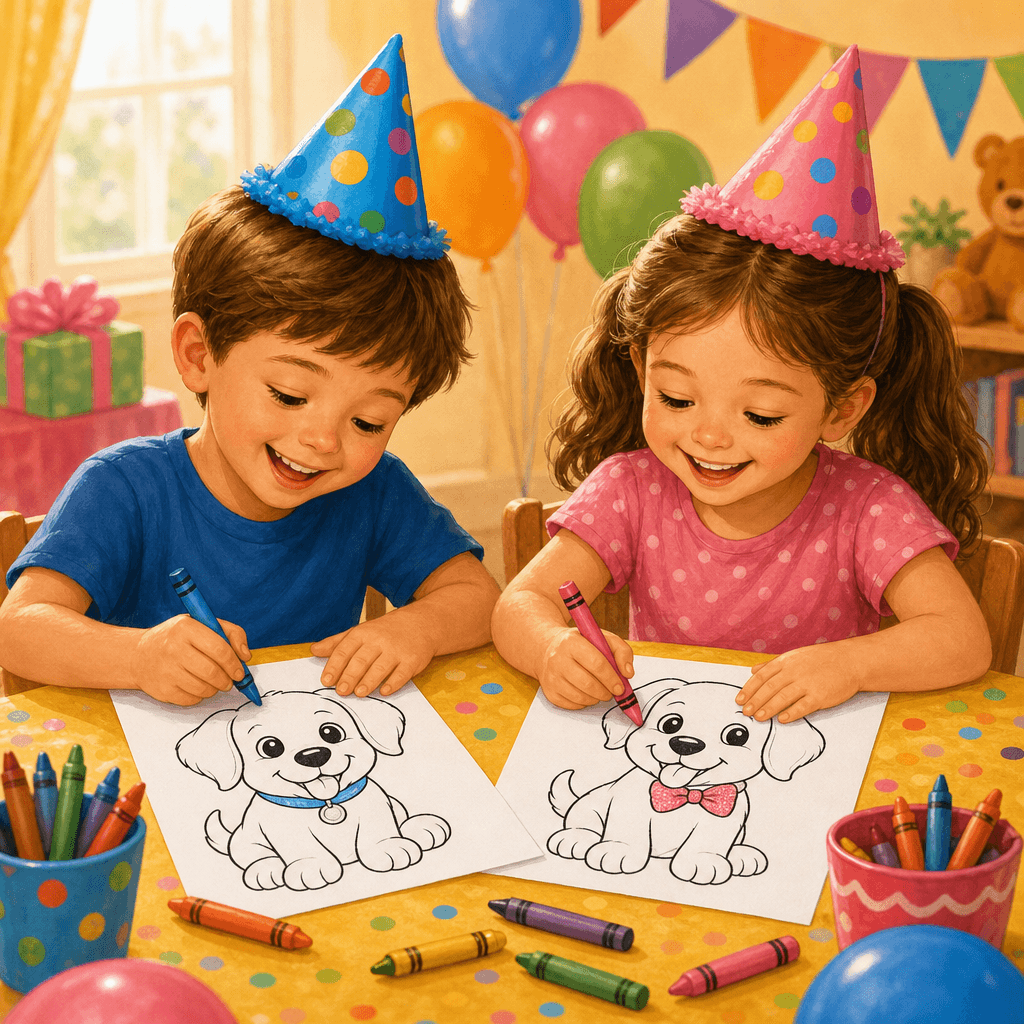
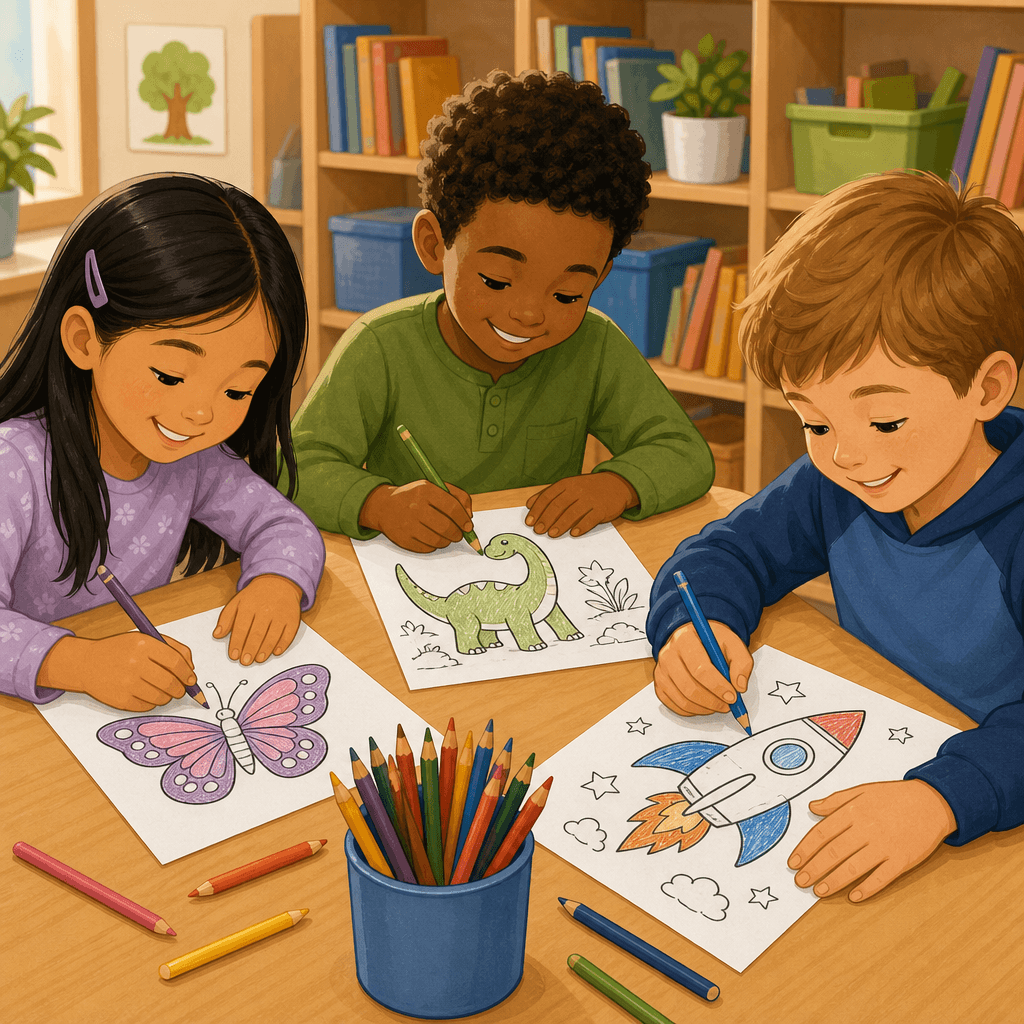
A birthday-party activity starring the birthday kid
Parents

A birthday-party activity starring the birthday kid

Turn the guest of honor into a stack of printable pages: kids color the birthday child, the cake, or the family pet while grown-ups set up. Illustrative example — results depend on your photo and wording.

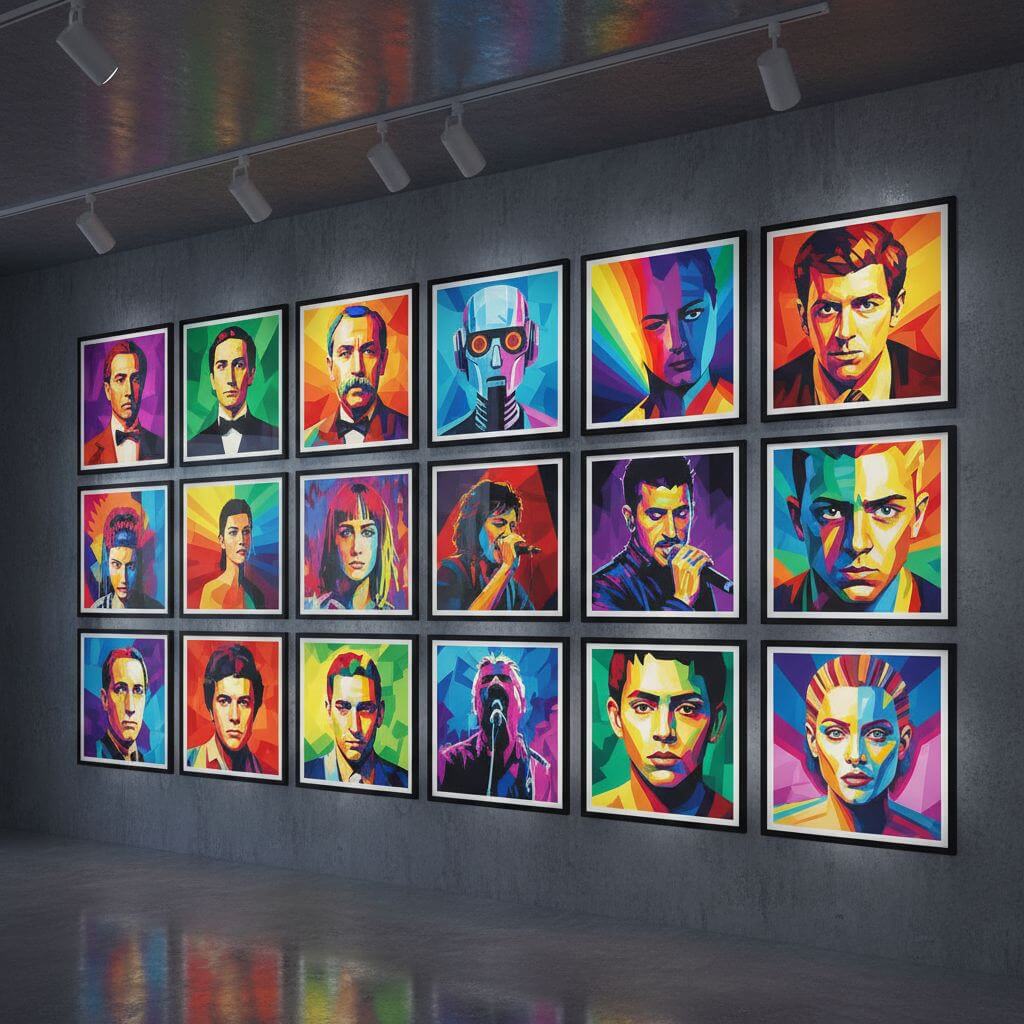
Classroom sheets from the things you're teaching
Teachers

Classroom sheets from the things you're teaching

A class pet, the school building, a field-trip snapshot — convert once and print a set for the whole table. Bold styles keep young students inside the lines. Illustrative example — results depend on your photo and wording.

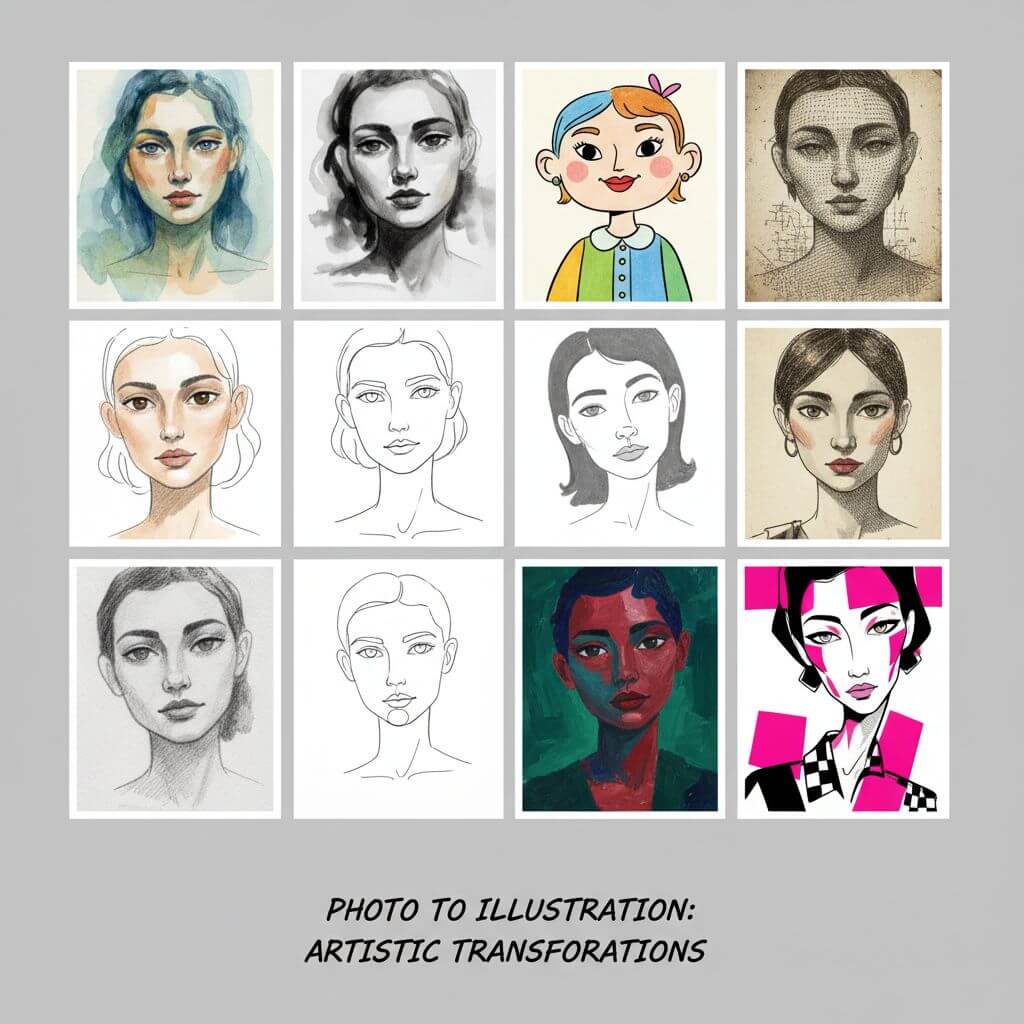
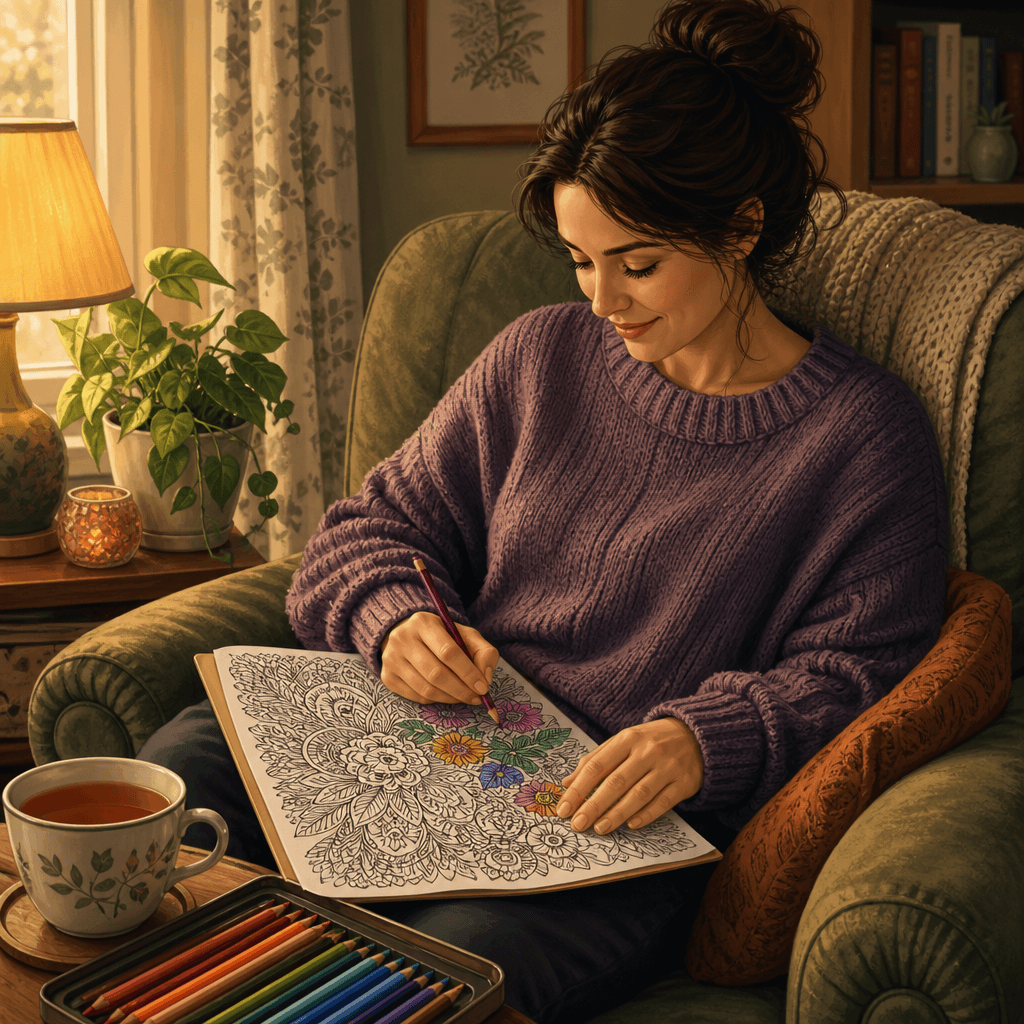
Adult coloring from a portrait you love
Adult colorists

Adult coloring from a portrait you love

A favorite selfie, a wedding photo, or your cat's best angle becomes an intricate line design — print it, or import the PNG into a digital coloring app. Illustrative example — results depend on your photo and wording.

How to turn a photo into a coloring page

Upload, pick a line style, tweak the instruction if you like, generate — four steps to a printable page.

  • 1

    Upload one photo

    Add a bright, well-lit picture with a clear subject — a face, a pet, a toy, a house. One image per run; the largest, sharpest photo you have gives the cleanest lines.

  • 2

    Pick a line style

    Bold & Simple for young kids, Intricate Adult for grown-up coloring sessions, or start with Classic Coloring Page and branch out from there.

  • 3

    Tune the instruction (optional)

    The prompt is editable text. Ask for thicker outlines, a simpler background, or bigger shapes — wording you keep makes your next page consistent.

  • 4

    Generate and print

    Run it for 2 credits, check the outlines, and download the PNG from History. Regular printer paper works; black-and-white print mode keeps the lines crisp.

Three tips for better coloring pages

Start with a simple photo

One clear subject on an uncluttered background converts far better than a busy group shot. Strong contrast between subject and background helps the AI find the edges.

Match the style to the colorer

Under-sixes need Bold & Simple — wide spaces, few details. School-age kids do well with Classic or Full Scene; adult colorists can handle Intricate or Geometric.

Regenerate before you print

If lines came out faint or patchy, rerun with "thicker, darker outlines" added to the prompt. Printing in high-contrast black-and-white mode helps too.

Pricing

Transform your images with AI. Choose the plan that fits your needs.

Basic

$95.88/year

Perfect for personal use and casual creators.

2400 credits (≈ 1200 images / year)

Includes

  • Own your creations
  • Access to Standard Generation
  • Image history saved
  • Standard Quality Download

Equivalent to $7.99/month · Save $24/year

Cancel anytime. No lock-in contract.
Best Value · 4x MoreMost Popular

Pro

$191.88/year

For power users and professionals.

9600 credits (≈ 4800 images / year)

Everything in Basic, plus

  • Commercial License Included
  • Priority Support
  • 4x More Credits
  • Priority email support

Equivalent to $15.99/month · 75% cheaper per image

Cancel anytime. No lock-in contract.
Frequently Asked Questions

Everything you need to know about our pricing plans

Do unused credits roll over?+

To ensure we can offer the most competitive pricing and generous credit allowances each month, your credits reset at the start of each billing cycle. This model allows us to provide you with the best possible value in every billing period.

Can I use the generated images commercially?+

Yes, commercial use is a key feature of our Pro plan. Pro subscribers own the rights to their creations and can use them for any commercial purpose, including marketing, advertising, and resale. Images generated under the Basic plan are licensed for personal use only.

What happens if I run out of credits?+

Don't let your creativity stop! You can purchase a Credit Pack for an instant one-time top-up, or wait for your next billing cycle when subscription credits refresh. To switch subscription plans, cancel the current plan and select a new one after the paid period ends.

What are Credit Packs?+

Credit Packs are one-time purchases that give you credits instantly without a subscription. They do not auto-renew, so you only pay when you need more. Purchased credits are valid for 1 year from the date of purchase. You can buy multiple packs at any time to top up your balance.

How do I cancel my subscription?+

We believe in flexibility. You can cancel your subscription at any time with just a few clicks in your account settings. No questions asked. After canceling, you'll continue to have access to your plan's features and credits until the end of your current billing period.

What payment methods do you accept?+

We accept major credit cards through Stripe and PayPal. All transactions are handled securely by the selected payment provider.

What counts as one credit?+

Typically, generating one image uses 2 credits. However, certain advanced features or higher resolutions might consume more. You will always see the credit cost before you generate an image, so there are no surprises.

Do you offer a free trial?+

Yes! Every new user gets 4 free credits upon signing up to experience the power of our AI. No credit card required. If you love it and need more, you can subscribe to one of our plans anytime.

What's the difference between Basic and Pro plans?+

Basic plan is perfect for personal use and casual creators, offering 200 credits (~100 images) per month. Pro plan is designed for power users and professionals, with commercial license, priority support, and 800 credits (~400 images) — that's 4x more images for just $10 more!

Photo-to-coloring-page questions, answered

What it does, what it costs, and where the limits are.

It redraws your uploaded photo as a black-and-white line drawing meant for coloring: closed outline regions on a white background, no gray shading. You pick one of nine line styles, and the AI generates a fresh page from your picture on each run.

New accounts get 4 free credits, and one coloring page costs 2 credits — so your first two pages are covered. After that you can top up through subscriptions or one-time credit packs. The editor always shows the cost before you generate.

Bright, sharp photos with one clear subject and a simple background. The output is a raster image, so a small or blurry source photo makes a fuzzy coloring page — use the largest, cleanest picture you have.

Yes. Every page downloads as a PNG from your History — black outlines on white, ready for a standard home printer on regular paper. For crisper lines, print at high quality in black-and-white mode.

Two ways: the nine presets set the baseline from Bold & Simple to Intricate Adult, and the prompt is editable text — ask for thicker lines, fewer details, or a simpler background, then regenerate. Each attempt is saved so you can compare.

The line-art generator targets artists who want stylized line output. This page is tuned for coloring pages: kid-friendly bold presets, adult patterns, closed regions that hold crayon, and print-first framing. If you want coloring pages from an idea instead of a photo, the drawings-for-coloring generator handles that.