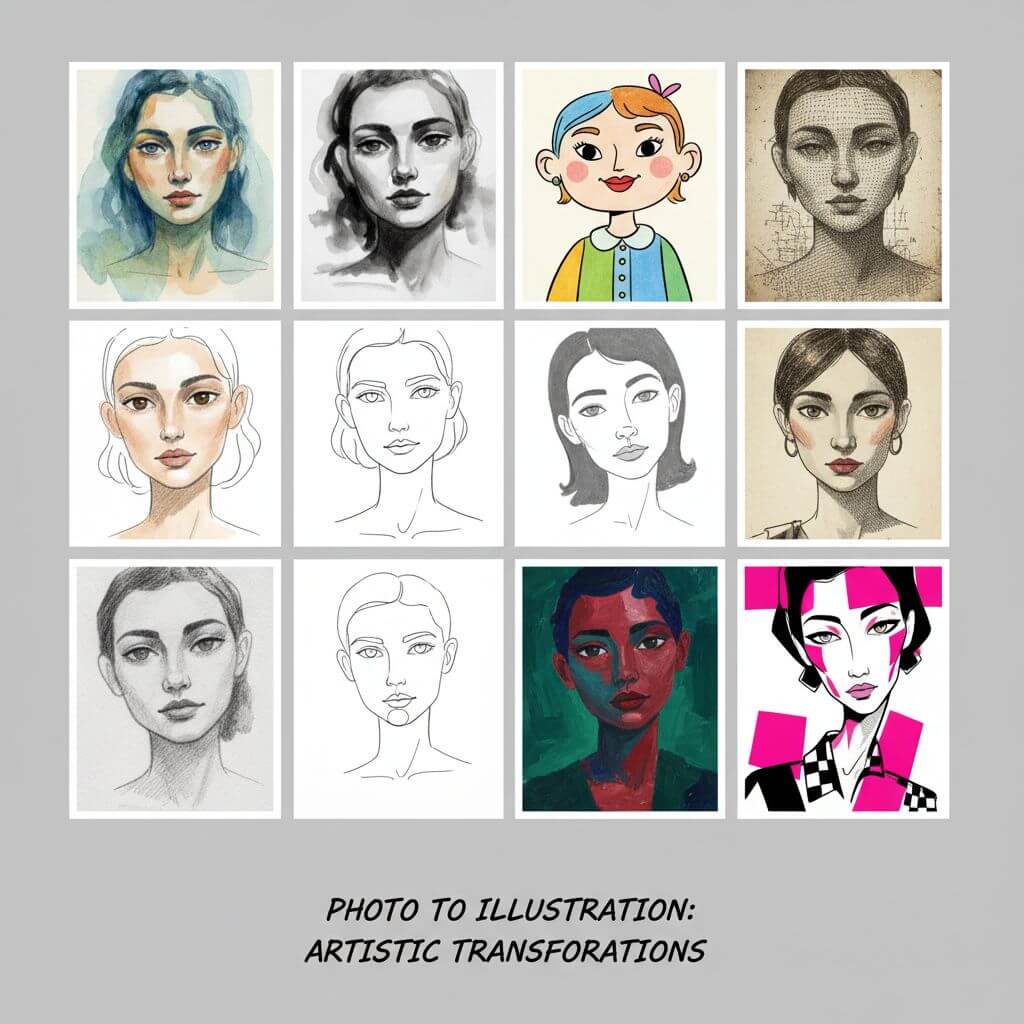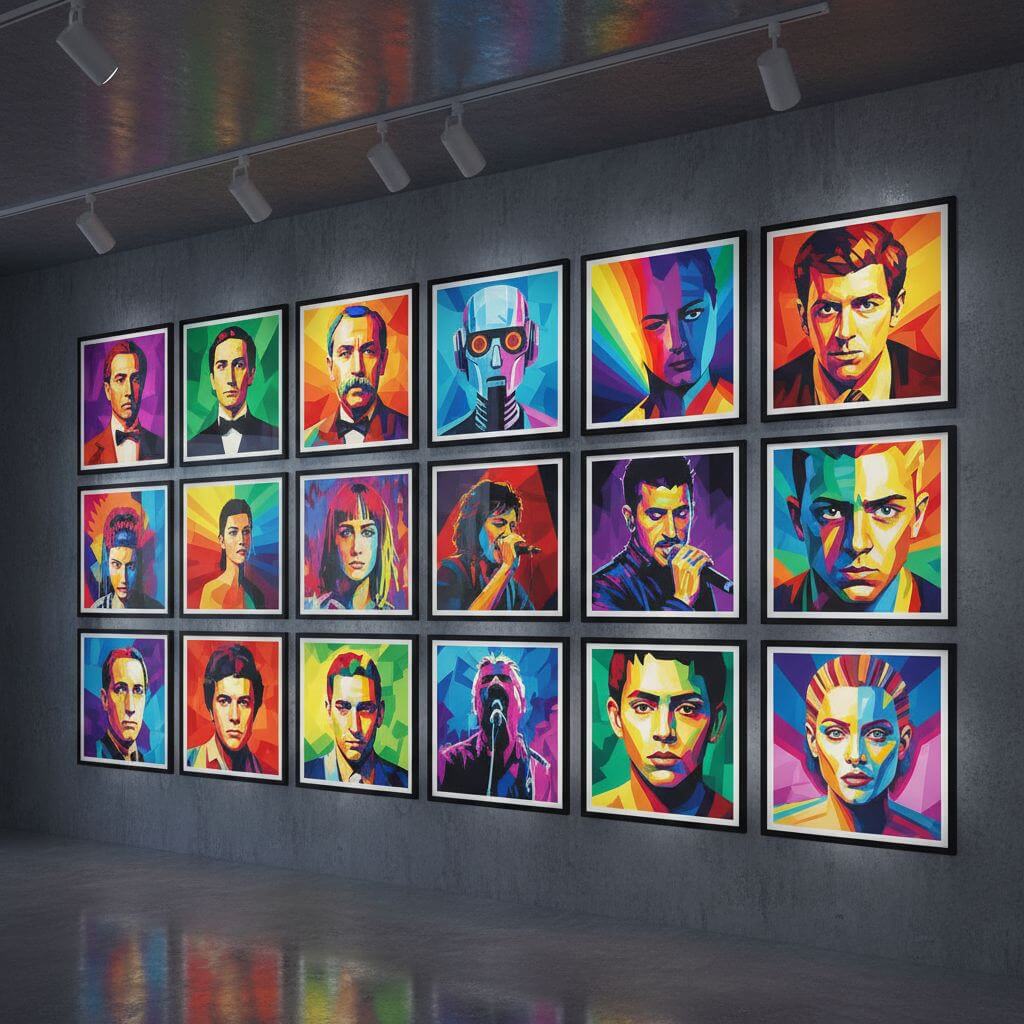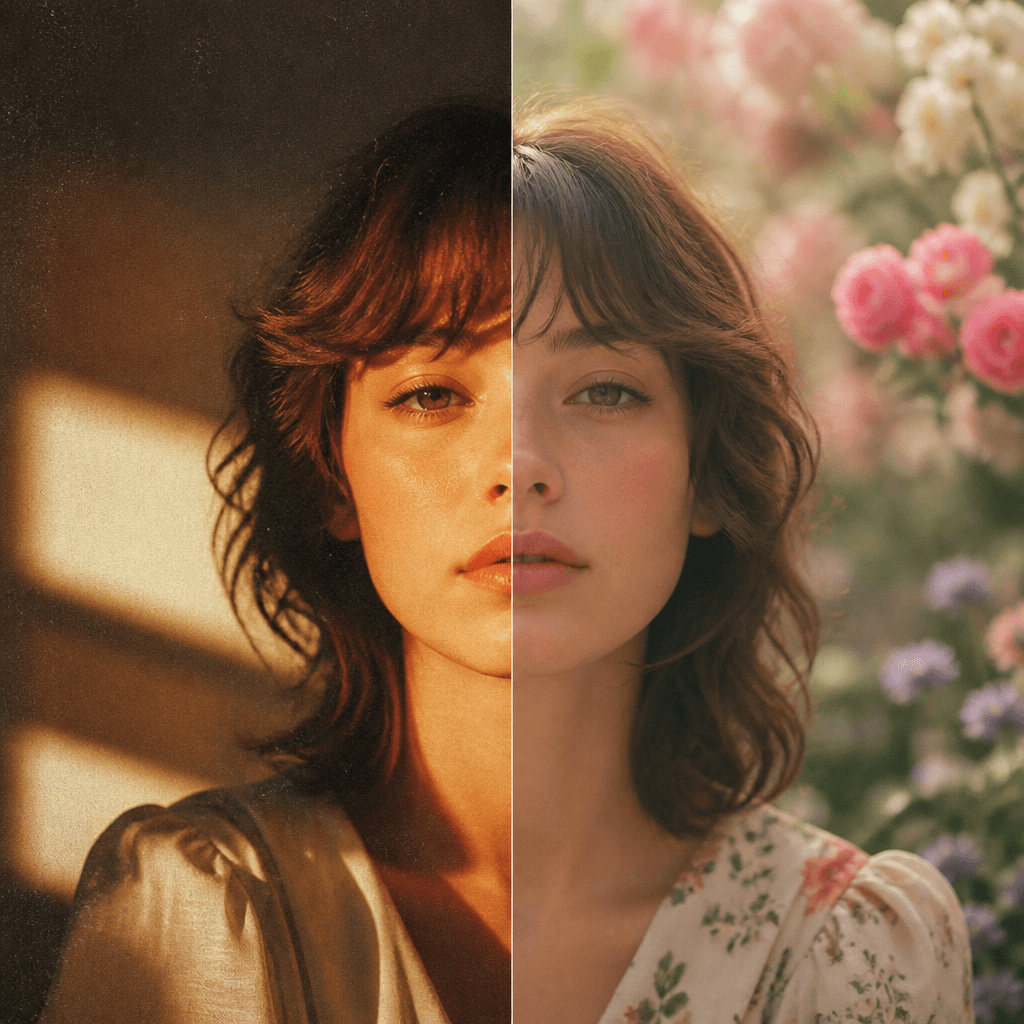
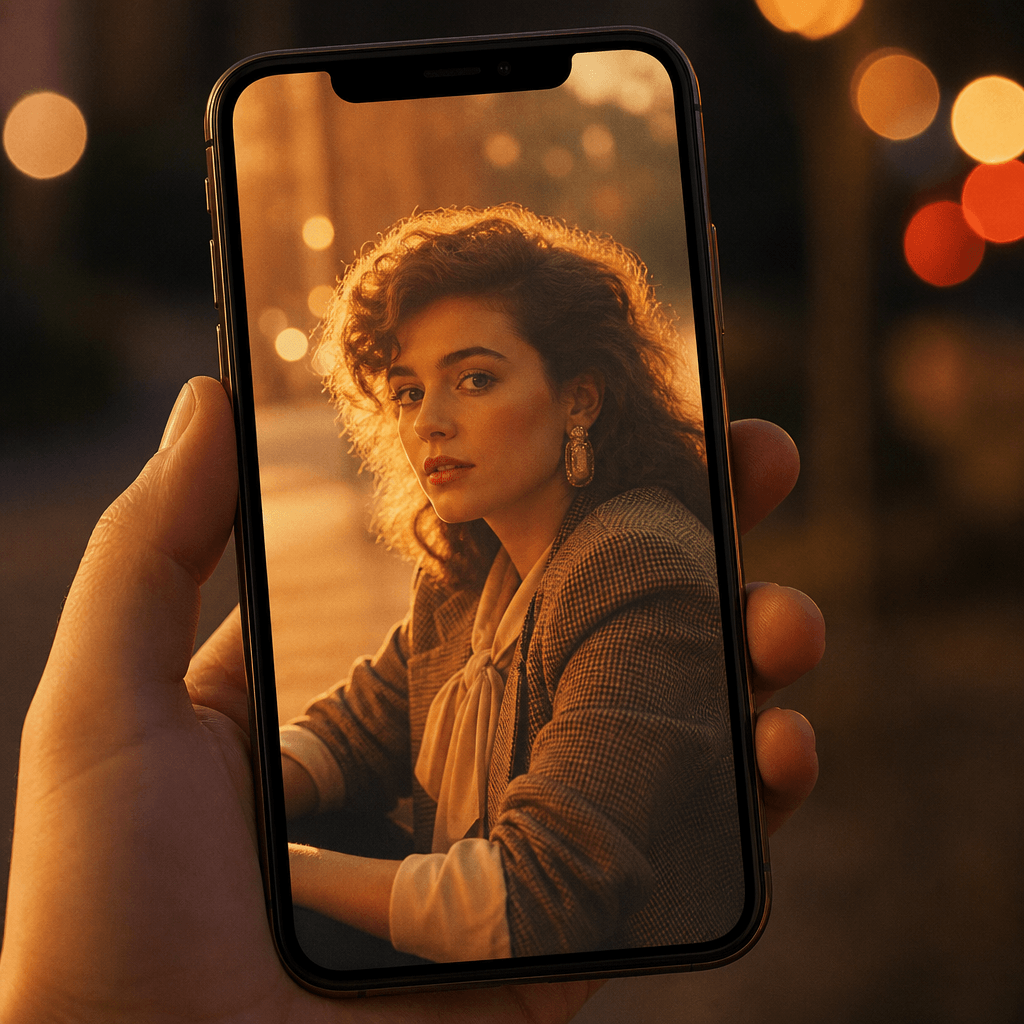
VM Editor Prompts, Ready to Run on Your Photo

VM Editor made its name publishing viral AI photo prompts you copy into a chatbot. This page skips the copy-paste: the VM Editor AI photo prompts trending right now — 80s retro vintage, floral backdrops, cinematic bandage, couple wallpapers and more — are built in as one-click presets. Upload one photo, pick a style, and the full art-direction prompt prefills, ready to run or edit. Every render costs 2 credits, shown before you generate.

VM Editor Prompt Studio

Upload an image file to get started with your AI conversion

Upload Image

Scroll for more

Nano Banana is ready for this Tool input mode.

Preview

View your AI-transformed result and compare with the original

Example result

↑ Example result. Try it yourself!

Why run VM Editor prompts here instead of a chatbot

The tutorial route works, but every retry means a chat window, a photo upload, and manual re-typing. This page folds all three into one editor.

  • Nine trending VM Editor prompts, one click

    The photo trends behind VM Editor AI photo prompts — 80s retro vintage, floral backdrops, bandage cinematic, couple wallpapers, candlelight noir and more — are wired in as presets. No hunting through posts for the latest prompt.

  • Full prompts, prefilled and editable

    Every style loads a complete art-direction instruction in the identity-preserving convention these trends rely on. Swap wardrobe, lighting, or aspect ratio — edit any line and regenerate.

  • Your photo stays the reference

    This is image-to-image: one photo is required, and every prompt is written to preserve your face and identity rather than invent a lookalike stranger.

  • Cost before you commit

    A render costs 2 credits on the default Nano Banana model, and the editor shows the price before you generate. Selectable models are priced separately and disclosed the same way.

  • History keeps every render

    Each result lands in your History with download, share, and delete — nothing lost between retries.

  • Four free credits to start

    New accounts get 4 credits valid for a year — enough to try two styles first. Sign in with Google, Google One Tap, or GitHub.

Three ways people use these trending styles

Feed posts, phone wallpapers, story covers — the formats VM Editor prompts were born in.

A feed post that looks like film
Instagram creators

A feed post that looks like film

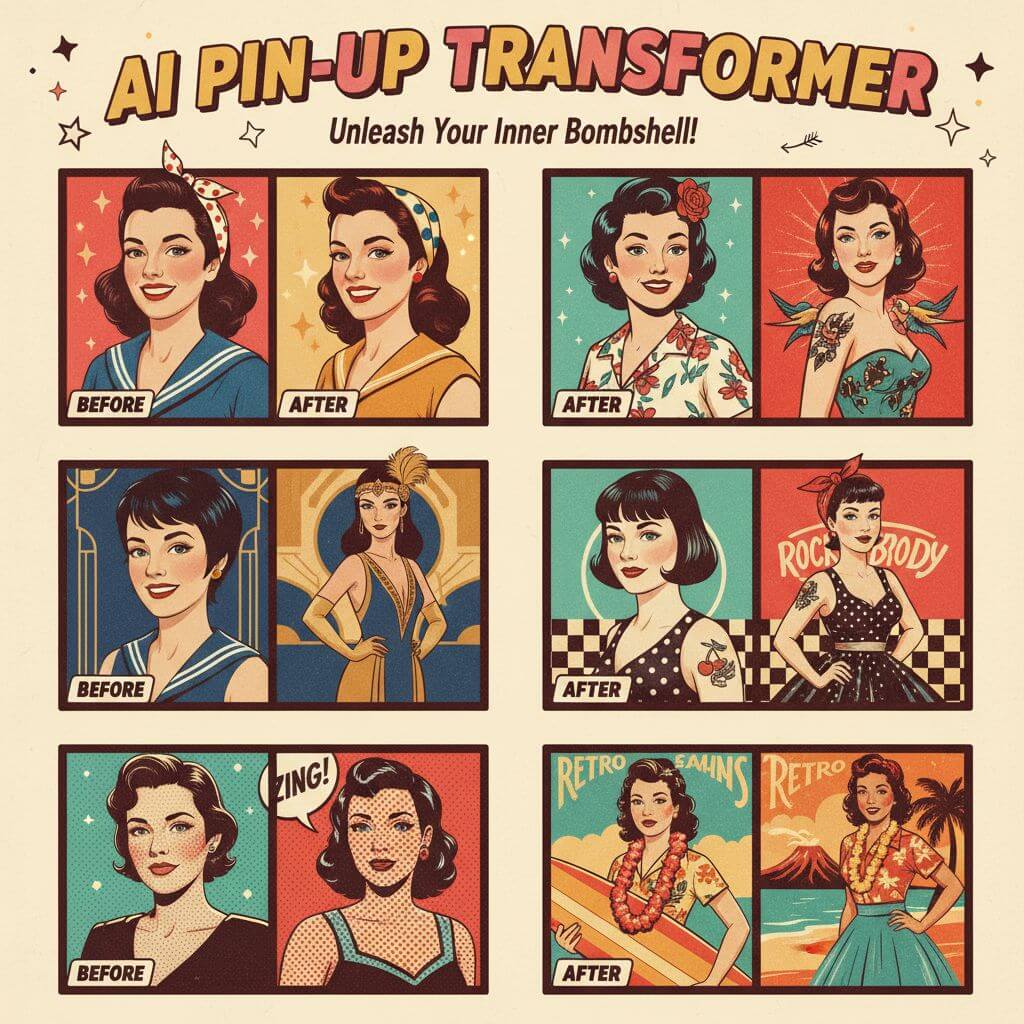
The 80s Retro Vintage style turns an ordinary photo into a parents'-era analog portrait — grain, golden light, vintage wardrobe — the exact look VM Editor's retro tutorials chase.

Aesthetic wallpapers for two
Couples

Aesthetic wallpapers for two

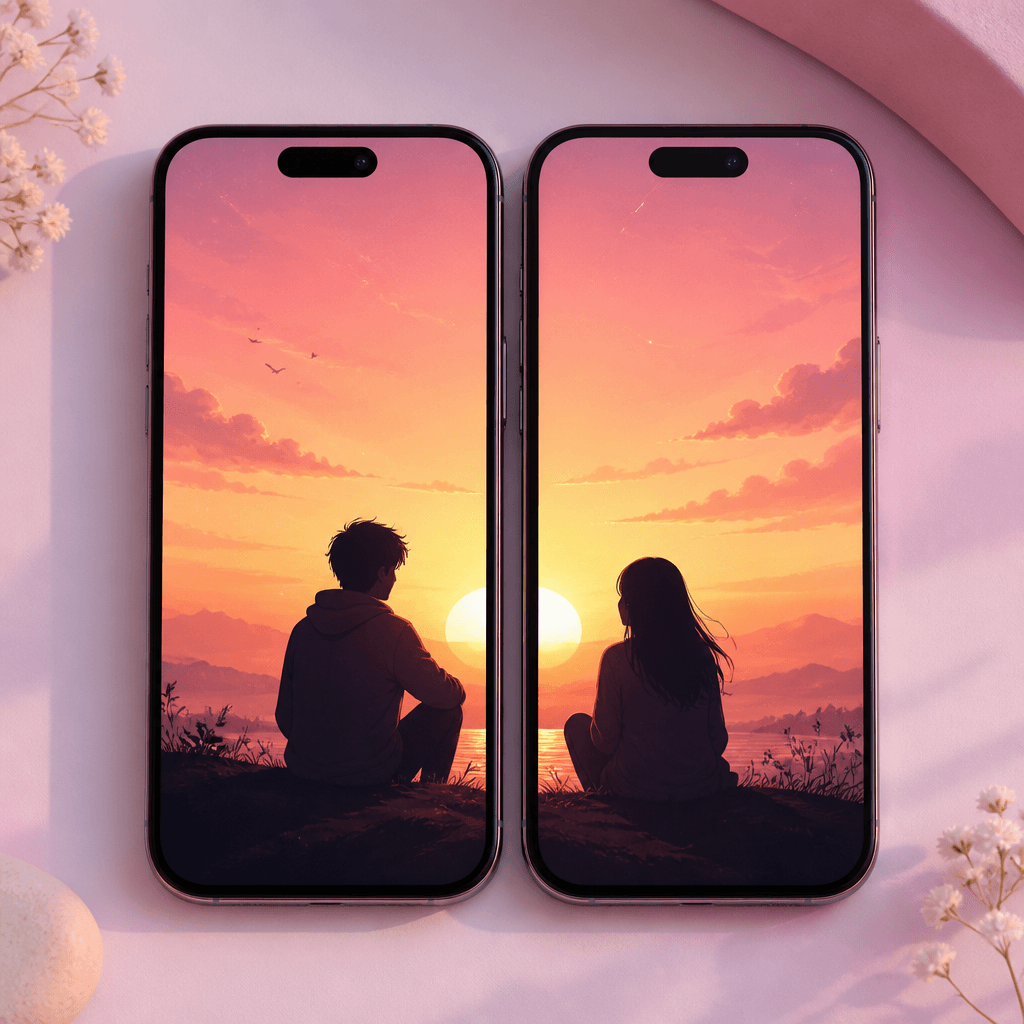
The Couple Wallpaper and Couple Portrait styles render matched aesthetic wallpapers with both faces kept recognizable — the face-preservation concern the wallpaper-trend tutorial calls out directly.

Story and reel covers with mood
Reels creators

Story and reel covers with mood

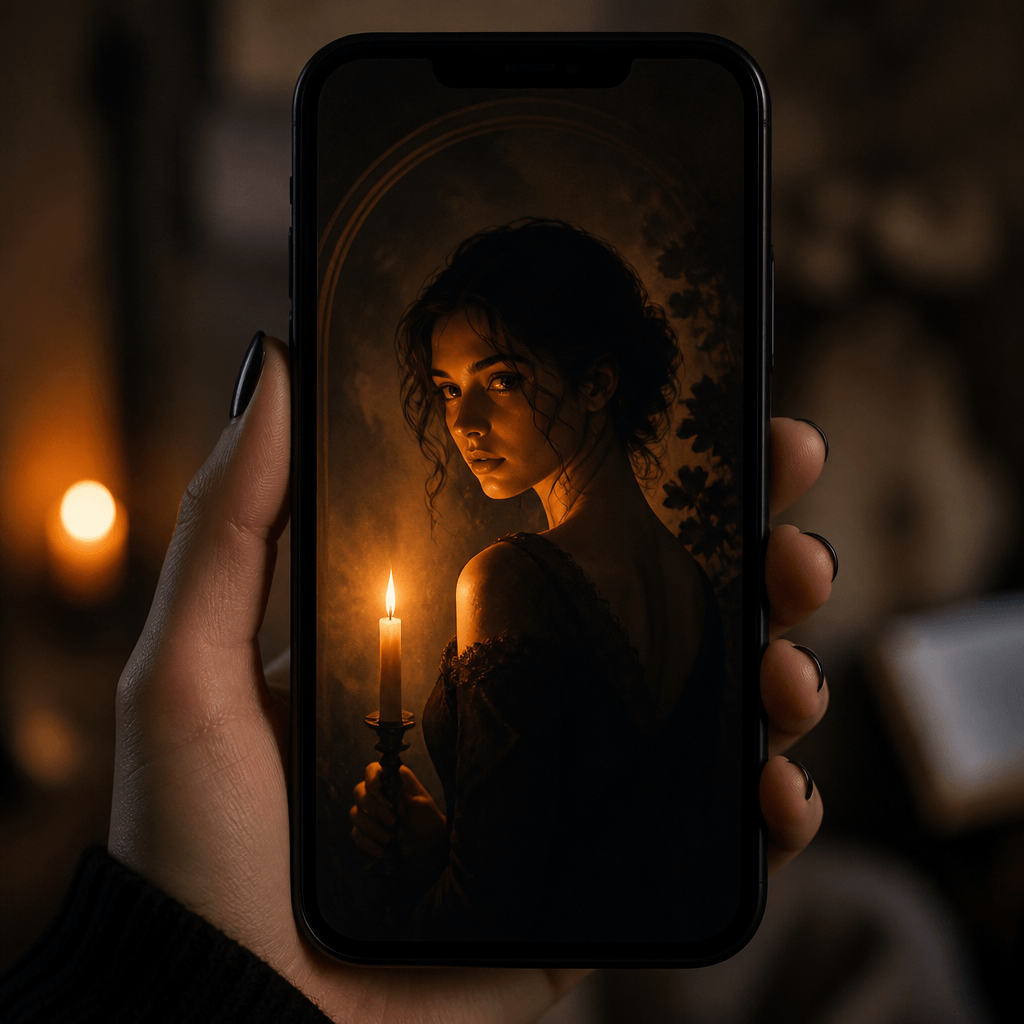
Candlelight Noir and Bandage Cinematic produce the moody, high-contrast frames that read as scroll-stopping reel covers, framed 9:16.

How to make a VM Editor-style photo here

Upload, pick a style, generate — three steps instead of copy-paste gymnastics.

  • 1

    Upload one photo

    A clear, well-lit face or subject works best. Image input is required — this tool re-renders your photo; it doesn't invent one from text alone.

  • 2

    Pick a trending style

    Nine presets mirror the VM Editor prompts trending in its photo-editing collection, from 80s Retro Vintage to Candlelight Noir — each prefills a complete, editable prompt.

  • 3

    Tweak the prompt if you want

    Change the wardrobe, backdrop, lighting, or aspect ratio in plain language — the same way VM Editor's tutorials customize their prompts, but without retyping the whole thing.

  • 4

    Generate, download, post

    Each render costs 2 credits on the default model and lands in your History. Download the version you like and post it.

Three tips for a better render

Keep the identity line

When editing a prompt, keep the 'preserve my face and identity' instruction — it's the convention that stops the model from replacing you with a lookalike.

Match the frame to the platform

4:5 suits feed posts, 9:16 suits stories and reel covers, 1:1 suits cover art. Say so in the prompt; each preset already declares one.

Change one thing at a time

Swap the lighting or the backdrop, not both. Single-variable edits make it obvious what improved the render.

Pricing

Transform your images with AI. Choose the plan that fits your needs.

Basic

$95.88/year

Perfect for personal use and casual creators.

2400 credits (≈ 1200 images / year)

Includes

  • Own your creations
  • Access to Standard Generation
  • Image history saved
  • Standard Quality Download

Equivalent to $7.99/month · Save $24/year

Cancel anytime. No lock-in contract.
Best Value · 4x MoreMost Popular

Pro

$191.88/year

For power users and professionals.

9600 credits (≈ 4800 images / year)

Everything in Basic, plus

  • Commercial License Included
  • Priority Support
  • 4x More Credits
  • Priority email support

Equivalent to $15.99/month · 75% cheaper per image

Cancel anytime. No lock-in contract.
Frequently Asked Questions

Everything you need to know about our pricing plans

Do unused credits roll over?+

To ensure we can offer the most competitive pricing and generous credit allowances each month, your credits reset at the start of each billing cycle. This model allows us to provide you with the best possible value in every billing period.

Can I use the generated images commercially?+

Yes, commercial use is a key feature of our Pro plan. Pro subscribers own the rights to their creations and can use them for any commercial purpose, including marketing, advertising, and resale. Images generated under the Basic plan are licensed for personal use only.

What happens if I run out of credits?+

Don't let your creativity stop! You can purchase a Credit Pack for an instant one-time top-up, or wait for your next billing cycle when subscription credits refresh. To switch subscription plans, cancel the current plan and select a new one after the paid period ends.

What are Credit Packs?+

Credit Packs are one-time purchases that give you credits instantly without a subscription. They do not auto-renew, so you only pay when you need more. Purchased credits are valid for 1 year from the date of purchase. You can buy multiple packs at any time to top up your balance.

How do I cancel my subscription?+

We believe in flexibility. You can cancel your subscription at any time with just a few clicks in your account settings. No questions asked. After canceling, you'll continue to have access to your plan's features and credits until the end of your current billing period.

What payment methods do you accept?+

We accept major credit cards through Stripe and PayPal. All transactions are handled securely by the selected payment provider.

What counts as one credit?+

Typically, generating one image uses 2 credits. However, certain advanced features or higher resolutions might consume more. You will always see the credit cost before you generate an image, so there are no surprises.

Do you offer a free trial?+

Yes! Every new user gets 4 free credits upon signing up to experience the power of our AI. No credit card required. If you love it and need more, you can subscribe to one of our plans anytime.

What's the difference between Basic and Pro plans?+

Basic plan is perfect for personal use and casual creators, offering 200 credits (~100 images) per month. Pro plan is designed for power users and professionals, with commercial license, priority support, and 800 credits (~400 images) — that's 4x more images for just $10 more!

VM Editor questions, answered

What it is, what it costs, and how this page relates to the apps with similar names.

VM Editor (vmeditor.com) is a blog publishing viral AI photo- and video-editing prompt tutorials — 'Photo Prompt & All Video Editing Tips'. Its posts hand you a prompt to copy into an AI tool along with your photo. This page ports those trending styles into SketchTo's editor: pick a style, skip the copy-paste.

No — and there is no single official app behind the search results. Microsoft's 'VM - Video Editor' is a Windows video app; 'VM Editor / Slideshow Maker' on Google Play is a slideshow app; both are unrelated to the photo-prompt trend. This page is not affiliated with vmeditor.com or either app.

Yes. The editor works image-to-image with exactly one photo — which is also what keeps your face recognizable, the same identity-preservation rule VM Editor prompts follow.

2 credits on the default Nano Banana model, shown before you generate; other models are priced separately and disclosed the same way. New accounts start with 4 credits valid for a year.

Yes — that's the point. Each style prefills a complete VM Editor-style prompt, and you can rewrite any part in plain language before generating.

Every render is saved to your SketchTo History — download, share, or delete. Nothing goes public unless you post it.