Free Y2K Collage Portrait Generator Online
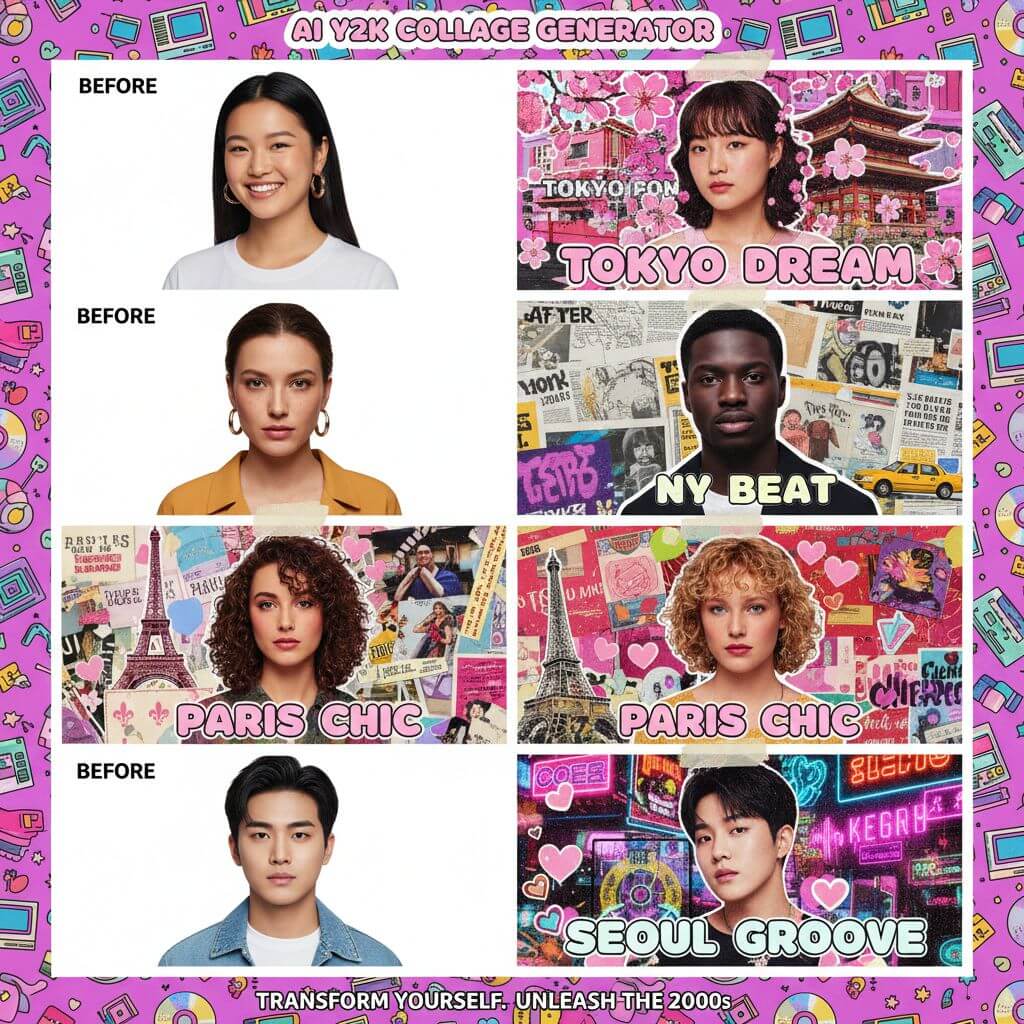
Turn any photo into a hand-crafted editorial portrait inspired by late-1990s and early-2000s magazine culture. Our AI Y2K collage portrait generator recreates the paper-cut layering, halftone printing, and bold typography found in publications like i-D and Dazed & Confused—themed around nine world cities, ready in seconds.
Upload Image
Upload an image file to get started with your AI conversion
Click or drop your image here
Max 5MB
Maximum quality with the best detail and accuracy
Preview
View your AI-transformed result and compare with the original

↑ Example result. Try it yourself!
Why This Tool Delivers Authentic Y2K Collage Art
From real halftone dot patterns printed at 85 lpi to torn-edge paper masking, the generator faithfully reproduces analog editorial techniques that defined millennium-era fashion magazines.
True-to-Era Editorial AI
The engine is trained on the visual language of late-'90s editorial spreads—halftone screens, CMYK color shifts, and layered paper textures. Each output feels like a page torn from a Y2K fashion magazine rather than a digital filter overlay.
Paper-Cut Collage Techniques
Every portrait uses authentic analog collage methods: torn-edge masking, layered paper strips at varying opacities, sticker cutouts with visible adhesive borders, and tactile kraft-paper backgrounds. The result rivals hand-assembled editorial boards.
Dynamic Poses & Expressions
The AI reinterprets your photo as a confident half-body editorial shot with natural, playful energy. It applies trendy layered fashion styling—think cropped jackets over mesh tops—while keeping your facial identity intact.
Magazine-Grade Layout Design
Each output includes bold uppercase city-name headlines, editorial footer blocks, and layered strip typography. The composition follows real magazine grid systems used by art directors in publications like The Face and Arena.
9 Distinct City Aesthetics
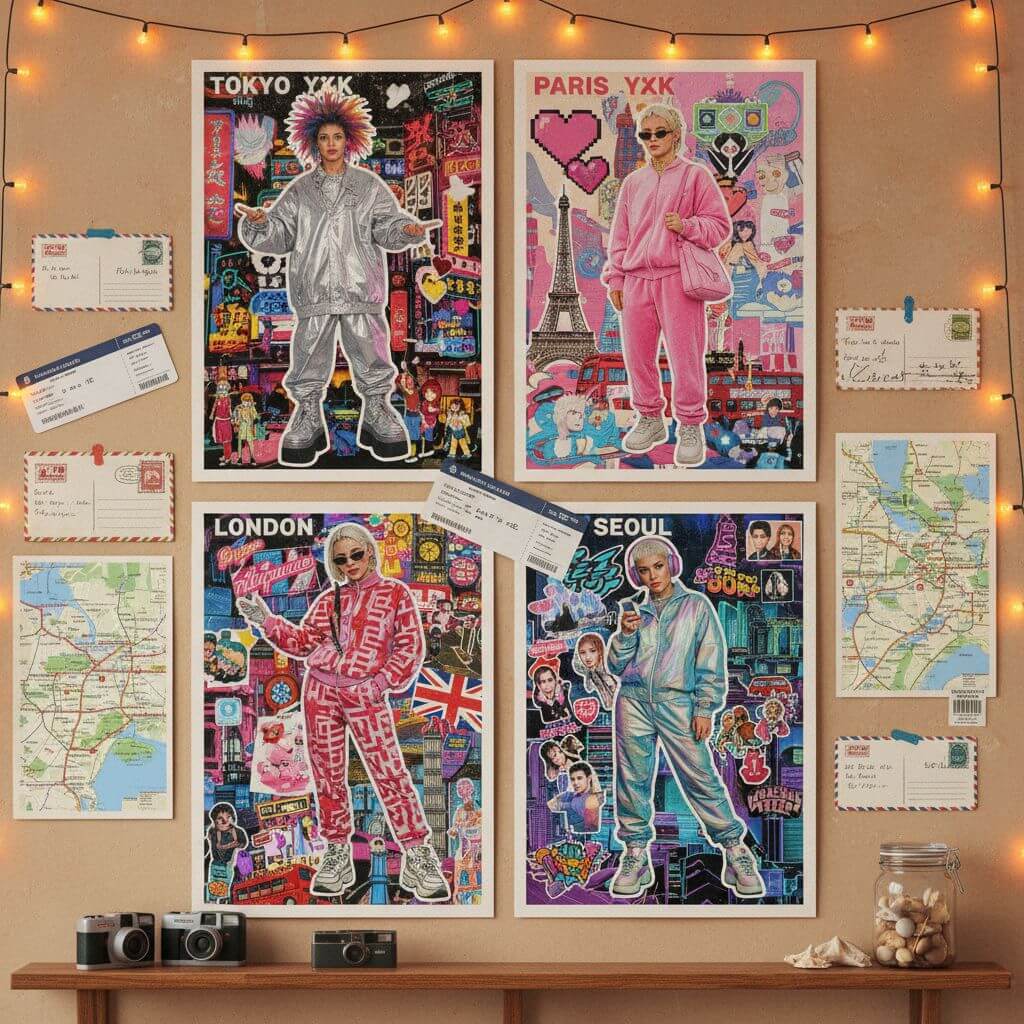
Tokyo channels Harajuku street fashion with kawaii stickers and neon signage. Paris leans into haute couture elegance. Seoul reflects K-pop idol styling. Berlin brings techno-underground grit. Each city delivers a completely different editorial mood.
High-Resolution Output
Download print-ready portraits suitable for social media posts, physical prints, or portfolio pieces. Unlike Canva collage templates or PicsArt sticker packs, every element is AI-composed into a cohesive editorial design—not a drag-and-drop assembly.
Creative Ways to Use Your Collage Portraits
From social media content to physical prints, see how creators and brands put city-themed editorial portraits to work.

Social Media & Content Creation
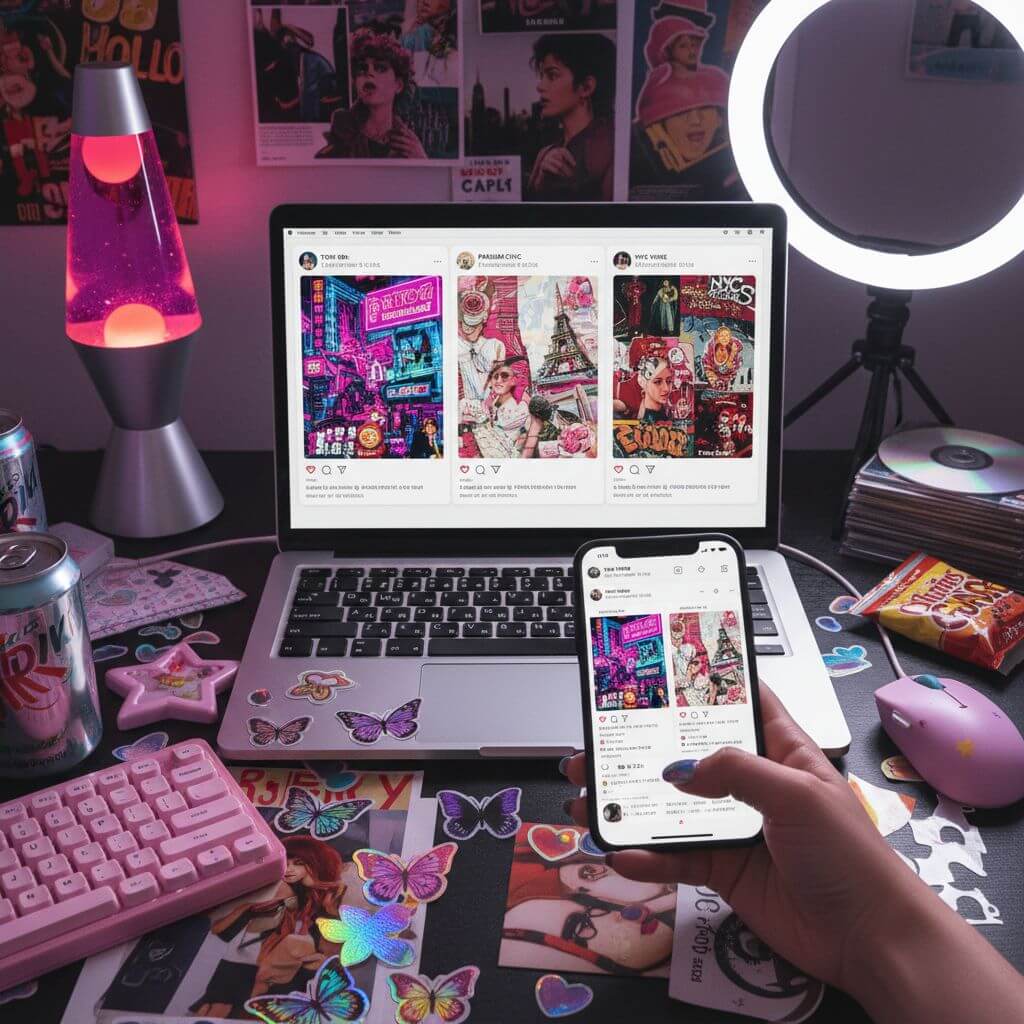
Post eye-catching editorial portraits on Instagram, TikTok, or Pinterest. The Y2K aesthetic is one of the fastest-growing visual trends on social platforms, and the collage format stands out in crowded feeds far better than standard photo filters.

Travel Memories & City Art
Transform travel photos into themed keepsakes that combine your portrait with iconic city design elements. Print them as postcards, add them to a scrapbook, or build a gallery wall of every destination you have visited.

Personal Branding & Portfolio Pieces
Use the editorial collage style for profile images, media kits, or portfolio covers. The magazine-grade layouts convey creative professionalism without requiring design software skills—unlike Canva templates that demand manual assembly.
How to Create Your City-Themed Collage Portrait
Three steps from photo upload to a finished editorial portrait with authentic paper-collage textures and city-specific design elements.
- 1
Upload Your Photo
Choose a clear, well-lit portrait photo. The AI works best with visible facial features and waist-up framing. Natural lighting and a simple background help produce the sharpest editorial results.
- 2
Choose Your City Theme
Pick from nine world cities. Each theme applies location-specific stickers, urban backgrounds, and cultural design cues—Tokyo's Harajuku neon, New York's subway grit, Paris's couture elegance, or any of the other six distinct aesthetics.
- 3
Download & Share
Preview the finished collage portrait, then download in high resolution. The output is optimized for Instagram feeds, Pinterest boards, and print-at-home posters.
Pro Tips for Better Results
Clear Portraits Work Best:
Good lighting and visible facial features help the AI preserve your identity while applying editorial styling. Avoid heavy filters or sunglasses that obscure key features.
Try Different Cities:
Each city creates a completely different mood. Tokyo feels playful and colorful; Berlin is raw and underground; Seoul is sleek and idol-inspired. Experiment to find your favorite aesthetic.
Custom Prompts:
Switch to the custom tab to specify fashion styles, background details, or sticker themes. You can request specific magazine layout elements or color palettes to match your creative vision.
Pricing
Transform your images with AI. Choose the plan that fits your needs.
Basic
Perfect for personal use and casual creators.
Includes
- Own your creations
- Access to Standard Generation
- Image history saved
- Standard Quality Download
Billed annually · Save $24/year
Cancel anytime. No lock-in contract.
Pro
Best Value · 4x MoreFor power users and professionals.
Everything in Basic, plus
- Commercial License Included
- Priority Support
- 4x More Credits
- Priority email support
Billed annually · 75% cheaper per image
Cancel anytime. No lock-in contract.
What Creators Are Saying
"I used the Tokyo theme for my latest Instagram Reel and the paper textures looked incredible on camera. The halftone dots and torn edges gave it that authentic editorial feel I could never achieve with PicsArt stickers."
"Made portraits for every city I visited last summer and turned them into a Pinterest board. The Paris one with the couture styling is my favorite—friends keep asking if I hired a graphic designer."
"We needed retro editorial visuals for a brand campaign and this tool saved us hours of manual collage work. The magazine-style layouts look professional enough for client presentations."
"Generated all nine city themes for my friend group as birthday gifts. The Berlin underground aesthetic and the Seoul K-pop styling were huge hits—everyone wanted to know how I made them."
Y2K Collage Portrait Generator: Frequently Asked Questions
Quick answers about city themes, output quality, and customization options
It is an AI tool that transforms your photo into an editorial portrait styled after late-1990s and early-2000s magazine culture. The output features paper-cut layering, halftone dot screens, torn-edge masking, bold city headlines, and magazine-style footer blocks—all composed automatically from a single upload.
Nine cities are included: Tokyo (Harajuku street fashion), New York (urban grit), Paris (haute couture), Seoul (K-pop idol aesthetic), London (mod culture), Miami (pastel deco), Los Angeles (sun-washed retro), Hong Kong (neon density), and Berlin (techno underground). Each applies distinct stickers, backgrounds, and cultural design cues.
Yes. The AI keeps your facial structure, face shape, and identity intact while applying editorial styling, fashion overlays, and dynamic posing. The result is recognizably you.
New users receive complimentary credits upon sign-up, enough to generate several portraits and explore different city themes. Additional credits are available through paid plans.
Yes. Switch to the custom prompt tab to describe specific fashion styles, background elements, sticker themes, or color palettes. The AI follows your instructions to create a personalized editorial piece.
Clear, well-lit portraits from the waist up work best. Avoid group shots, heavy filters, or sunglasses. Natural lighting and visible facial features help the AI generate the most accurate editorial portrait.