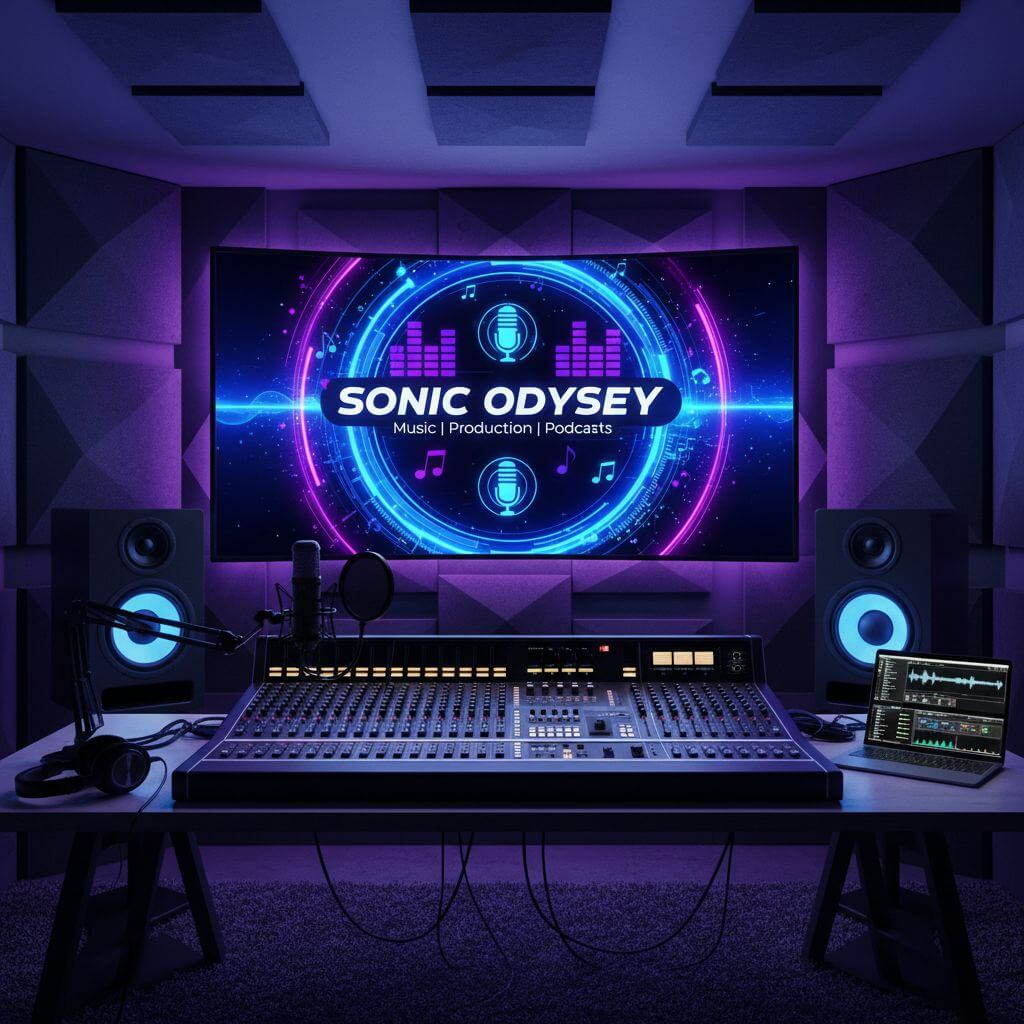
YouTube Banner Maker for Custom Channel Art

Use our YouTube banner maker to create original channel art from a description and optional reference images. Set the theme, colors, subject, and visual style, then generate and download artwork from one browser-based editor.

YouTube Banner Maker

Upload an image file to get started with your AI conversion

Upload Image (Optional)0/3

Nano Banana is ready for this Tool input mode.

Preview

View your AI-transformed result and compare with the original

Example result

↑ Example result. Try it yourself!

Why Use This YouTube Banner Maker?

Explore channel-art ideas without building every visual element by hand. The editor combines prompting, optional references, model selection, preview, and download.

  • AI-Powered YouTube Banner Maker

    Describe your channel theme, subject, colors, typography space, and mood. The selected image model turns those directions into a new visual concept.

  • Create YouTube Banner in Seconds

    Start from a text prompt or add reference images when you want the generated artwork to follow an existing visual direction.

  • Perfect YouTube Banner Dimensions

    Generate the artwork here, then crop or resize the downloaded image to YouTube's current channel-art dimensions and safe area before publishing.

  • Customizable YouTube Banner Templates

    Prompt for gaming, education, music, travel, technology, or another niche, and specify the composition that fits your channel.

  • High-Resolution YouTube Banner Export

    Review the generated result in the preview area and download the selected image for final sizing or text adjustments.

  • Brand-Consistent YouTube Banner Design

    Mention recurring brand colors, visual motifs, and open space for a channel name so new concepts follow a consistent direction.

YouTube Banner Maker for Every Creator

Adapt the same prompting workflow to the visual language of different channel categories.

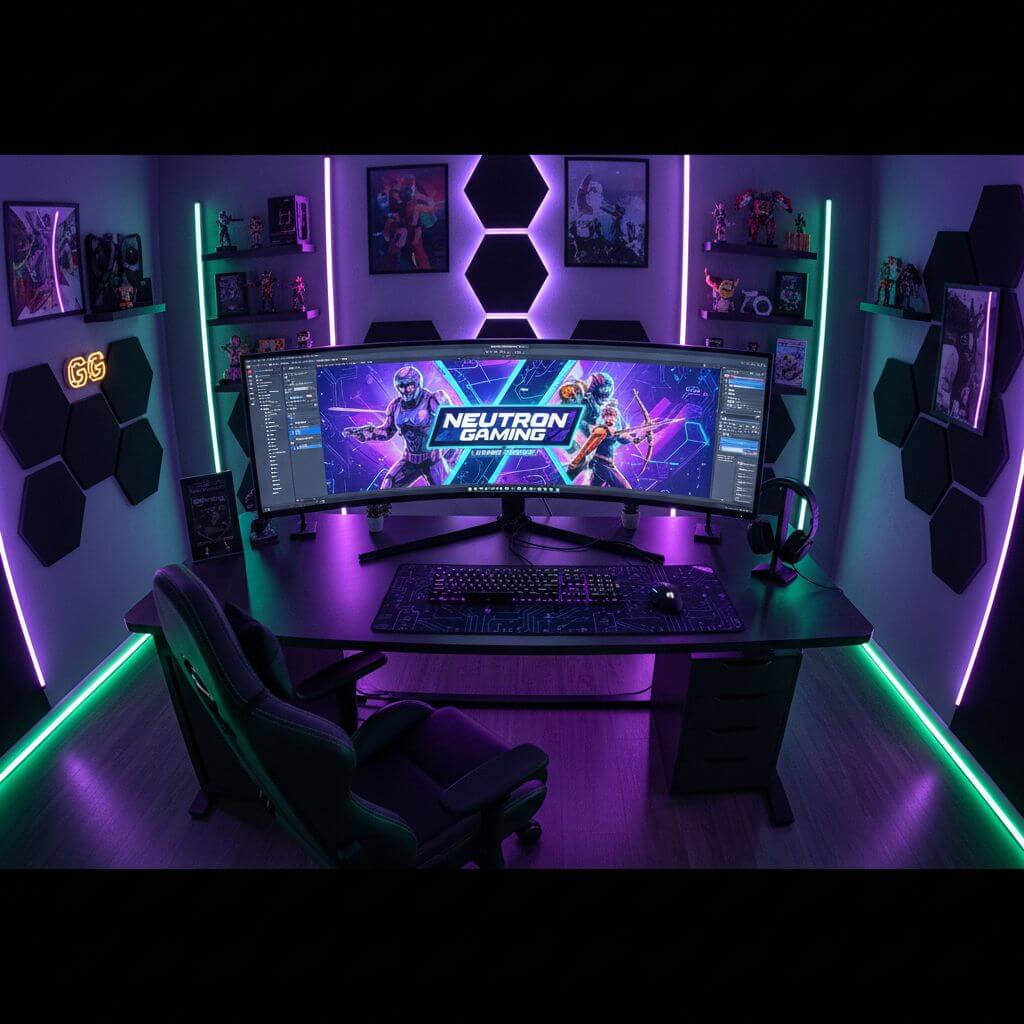
YouTube Banner Maker for Gaming Channels
Gaming Content Creators

YouTube Banner Maker for Gaming Channels

Prompt for original characters, energetic lighting, bold colors, and space for a channel title without copying protected game artwork.

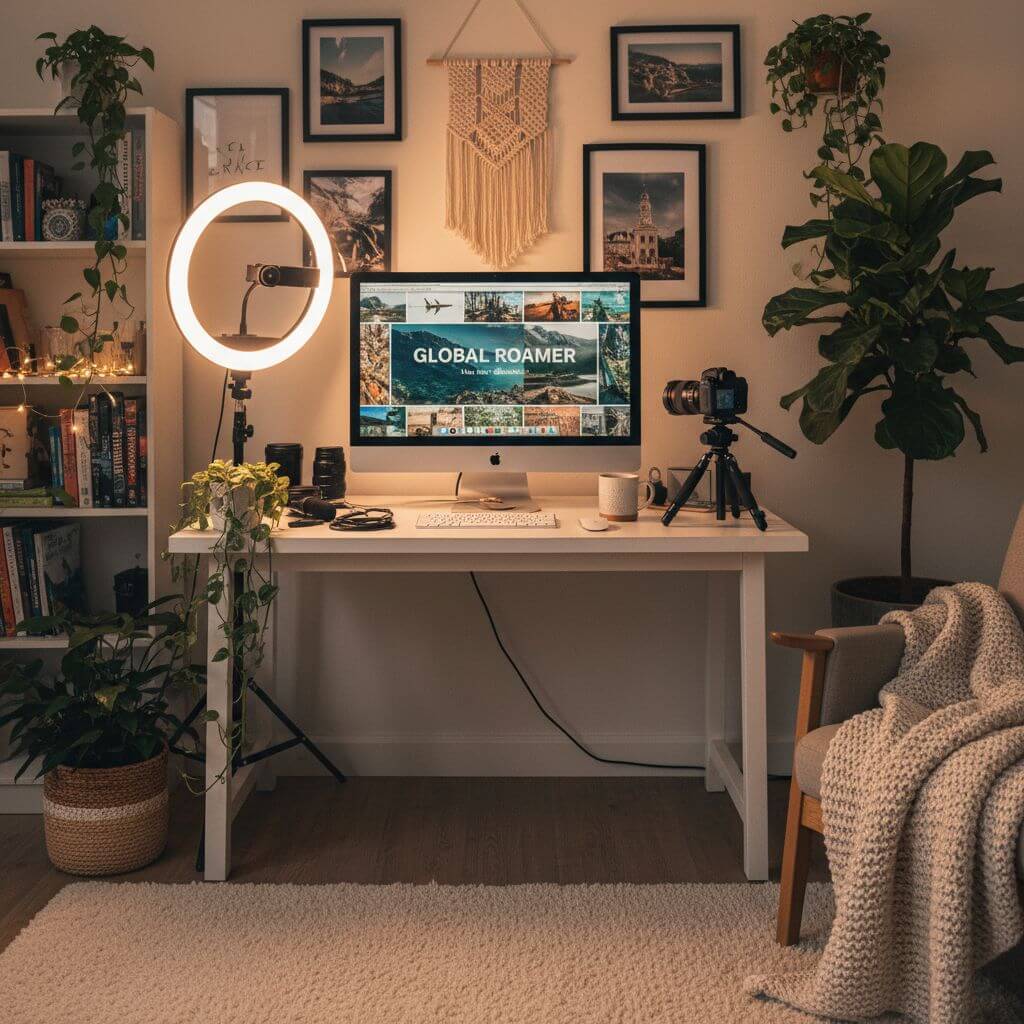
YouTube Banner Maker for Vloggers
Vloggers & Lifestyle Creators

YouTube Banner Maker for Vloggers

Combine destinations, everyday scenes, portraits, and a consistent color palette to explore a personal channel identity.

YouTube Banner Maker for Music & Podcasts
Musicians & Podcasters

YouTube Banner Maker for Music & Podcasts

Describe the genre, atmosphere, instruments, studio setting, or podcast topic, and reserve uncluttered areas for later typography.

How to Create YouTube Banner with Our Maker

Move from a channel-art brief to a downloadable image in three straightforward steps.

  • 1

    Describe Your YouTube Banner

    Describe the channel topic, composition, colors, mood, and any space you want reserved for later text. Add reference images if they help communicate the direction.

  • 2

    Generate Your Channel Art

    Choose an available model and generate the artwork. Review the result and refine the prompt when the composition needs another pass.

  • 3

    Download Your YouTube Banner

    Download the result, then crop or resize it to YouTube's current upload specifications and check the safe area on each target device.

Pro Tips for Using YouTube Banner Maker

Be Specific with Descriptions:

Include the channel niche, main subject, palette, lighting, and desired empty space instead of relying on a one-line generic prompt.

Consider Your Niche:

Name the niche—such as gaming, technology, lifestyle, music, or education—so the visual language fits the audience.

Match Your Brand:

Repeat a small set of brand colors and motifs across prompt variations to keep the channel art direction consistent.

Pricing

Transform your images with AI. Choose the plan that fits your needs.

Basic

$95.88/year

Perfect for personal use and casual creators.

2400 credits (≈ 1200 images / year)

Includes

  • Own your creations
  • Access to Standard Generation
  • Image history saved
  • Standard Quality Download

Equivalent to $7.99/month · Save $24/year

Cancel anytime. No lock-in contract.
Best Value · 4x MoreMost Popular

Pro

$191.88/year

For power users and professionals.

9600 credits (≈ 4800 images / year)

Everything in Basic, plus

  • Commercial License Included
  • Priority Support
  • 4x More Credits
  • Priority email support

Equivalent to $15.99/month · 75% cheaper per image

Cancel anytime. No lock-in contract.
Frequently Asked Questions

Everything you need to know about our pricing plans

Do unused credits roll over?+

To ensure we can offer the most competitive pricing and generous credit allowances each month, your credits reset at the start of each billing cycle. This model allows us to provide you with the best possible value in every billing period.

Can I use the generated images commercially?+

Yes, commercial use is a key feature of our Pro plan. Pro subscribers own the rights to their creations and can use them for any commercial purpose, including marketing, advertising, and resale. Images generated under the Basic plan are licensed for personal use only.

What happens if I run out of credits?+

Don't let your creativity stop! You can purchase a Credit Pack for an instant one-time top-up, or wait for your next billing cycle when subscription credits refresh. To switch subscription plans, cancel the current plan and select a new one after the paid period ends.

What are Credit Packs?+

Credit Packs are one-time purchases that give you credits instantly without a subscription. They do not auto-renew, so you only pay when you need more. Purchased credits are valid for 1 year from the date of purchase. You can buy multiple packs at any time to top up your balance.

How do I cancel my subscription?+

We believe in flexibility. You can cancel your subscription at any time with just a few clicks in your account settings. No questions asked. After canceling, you'll continue to have access to your plan's features and credits until the end of your current billing period.

What payment methods do you accept?+

We accept major credit cards through Stripe and PayPal. All transactions are handled securely by the selected payment provider.

What counts as one credit?+

Typically, generating one image uses 2 credits. However, certain advanced features or higher resolutions might consume more. You will always see the credit cost before you generate an image, so there are no surprises.

Do you offer a free trial?+

Yes! Every new user gets 4 free credits upon signing up to experience the power of our AI. No credit card required. If you love it and need more, you can subscribe to one of our plans anytime.

What's the difference between Basic and Pro plans?+

Basic plan is perfect for personal use and casual creators, offering 200 credits (~100 images) per month. Pro plan is designed for power users and professionals, with commercial license, priority support, and 800 credits (~400 images) — that's 4x more images for just $10 more!

YouTube Banner Maker: Frequently Asked Questions

Practical answers about generating artwork and preparing it for a YouTube channel.

A YouTube banner maker helps create artwork for a channel header. This page generates a visual from your description and optional references; you can then download it and prepare the final dimensions in your preferred image editor.

YouTube currently recommends 2560 × 1440 pixels, but platform specifications can change. Check YouTube's latest channel-art guidance, resize the generated image if needed, and keep important content inside the documented safe area.

New accounts receive trial credits for an initial generation. The editor shows the credit cost for each available model, and additional credits are available from the pricing section.

Yes. You can add reference images when using the editor. Only upload material you have permission to use, and describe how the references should influence the new composition.

Generation time varies by the selected model and provider load. The page shows task status and places the completed image in the preview area when it is ready.

The generated artwork is a starting point, not an automatic device-safe export. Before uploading, crop it to YouTube's current specification and verify that important subjects and text remain inside the safe area.