
Reve 2.0 Alternative: Sketch-to-Image Layout Control
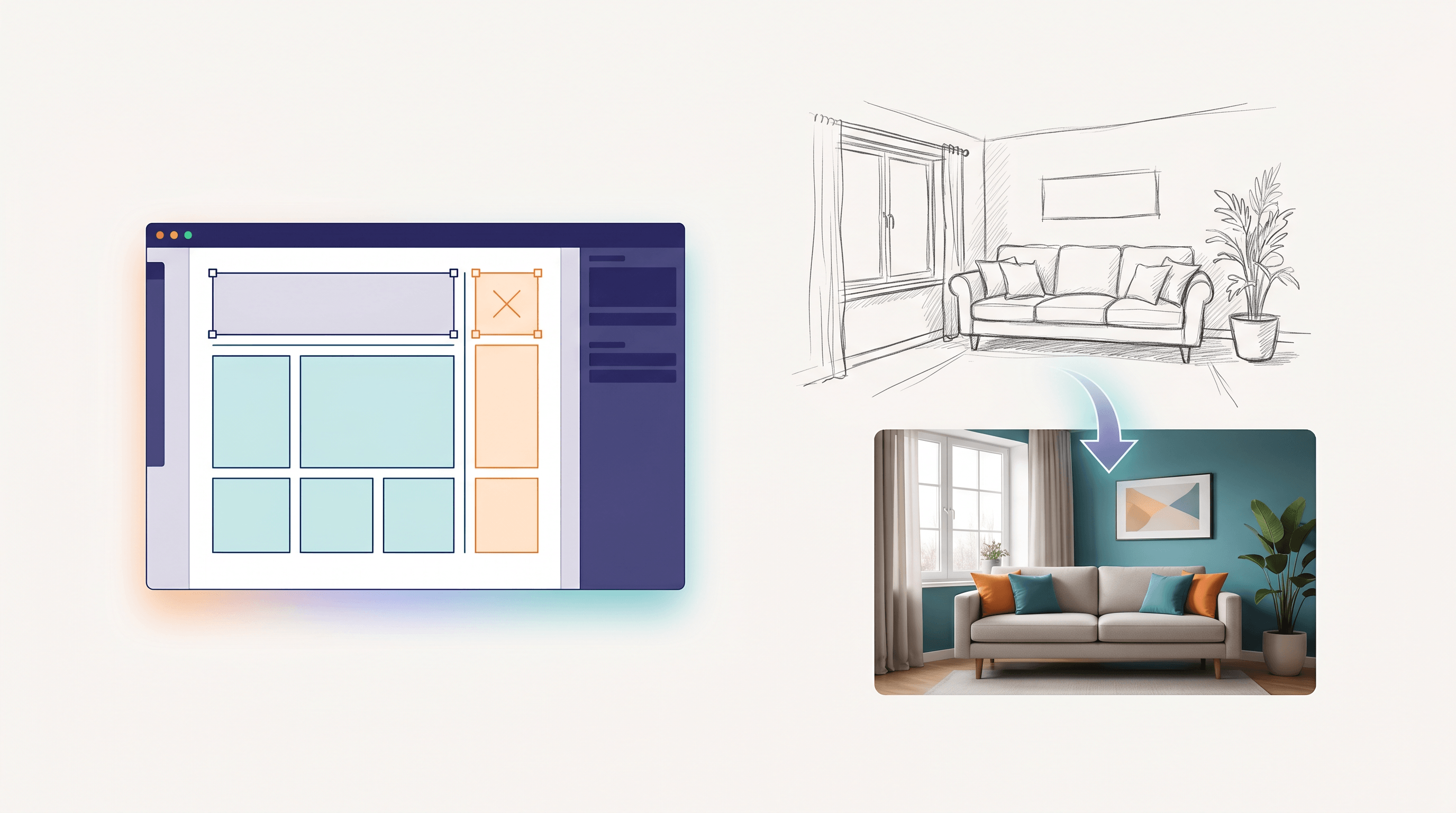
You sketched a rough room layout on paper — couch here, window there, a plant in the corner — and now you want a photo-real render, not another random text-to-image guess that ignores your composition. Closing that gap is exactly what Reve 2.0 set out to do.
On June 10, 2026, Reve 2.0 trended on Product Hunt with a sharp pitch: "Generate and edit 4K images through layout-based control." You place and resize elements on a canvas, then it renders high-resolution images that respect that arrangement. Impressive — but it is not the only way to get layout-faithful results, and for many creators a hand sketch is the faster on-ramp.
This guide compares the best Reve 2.0 alternative options for layout and composition control, explains when layout-based tools win, and shows when a sketch to image AI like Sketch To is the simpler path.
Last updated: June 2026
Table of Contents
- What Is Layout-Based Image Control?
- Why Look for a Reve 2.0 Alternative?
- 6 Reve 2.0 Alternatives Compared
- Feature Comparison Table
- How to Choose the Right Tool
- How to Turn a Sketch Into a Realistic Image
- FAQ
What Is Layout-Based Image Control?
Layout-based image control means you define where things go before the AI decides how they look. Instead of hoping a text prompt lands the composition, you give the model a spatial map — bounding boxes, a reference image, or a hand-drawn sketch — and it generates inside that structure. That spatial map is what makes Reve 2.0 and its alternatives feel predictable instead of random.
There are three common control methods:
- Region/box layout (Reve 2.0, Recraft): drag elements onto a canvas; each region can get its own prompt.
- Structure reference (Adobe Firefly, Krea): upload an image and the AI keeps its composition while restyling it.
- Sketch-to-image (Sketch To, ControlNet scribble): draw rough lines and the AI renders a realistic image that follows them.
All three solve the same problem: plain text prompts are bad at spatial precision. A layout based AI image generator fixes the "the AI ignored my composition" frustration that plagues ordinary text-to-image. The difference between the tools is mostly what you start from — boxes, a reference image, or a drawing.
Why Look for a Reve 2.0 Alternative?
Reve 2.0 is strong at 4K output and region-level editing, but it is not the right fit for everyone. The most common reasons creators search for a Reve 2.0 alternative are input style, pricing, photo-realism from rough input, and how the tool plugs into an existing workflow.
In our testing, the friction points cluster into four buckets:
- Sketch input feels more natural. Drawing a quick scene is often faster than placing and resizing boxes — especially for illustrators and product designers who already think in lines.
- Photo-realism from rough input. Some tools render cleaner, more believable textures from loose lines than others.
- Budget. Frequent 4K generation can add up fast; lighter tools cover most everyday needs at a lower cost.
- Workflow fit. Designers in Adobe, developers in code, and hobbyists on the web each want a different entry point.
If any of these match you, one of the alternatives below will likely fit better than Reve 2.0 on its own.
6 Reve 2.0 Alternatives Compared
Below are six tools that deliver layout or composition control, each with honest strengths and limits. We include Reve 2.0 itself as the baseline so you can see the trade-offs directly rather than in the abstract.
1. Reve 2.0 (the baseline)
Reve 2.0 generates and edits 4K images through layout-based control, letting you arrange elements on a canvas and re-render specific regions. It shines when you need high-resolution output and granular, box-level edits.
- Best for: High-res 4K work, precise region editing, designers who think in canvases.
- Not ideal for: Hand-drawn sketch input, tight budgets, quick one-off web edits.
2. Sketch To
Sketch To is a sketch to image AI that turns rough sketches and rough layouts into realistic images — plus the reverse, image to sketch. You draw or upload a sketch, pick a model, and it renders a photo-real result in seconds, with no canvas-box setup required.
- Best for: Turning hand drawings or rough layouts into realistic images, illustrators, product mockups.
- Not ideal for: Building a scene from a blank text prompt, multi-region prompt-per-box editing.
Its Professional Model targets world-class realism and detail, which is why it holds up well when your input is a loose sketch rather than a precise box layout.
3. Adobe Firefly
Firefly's Structure Reference keeps the composition of an uploaded image while restyling it, and its outputs are commercially safe for brand work. It is the natural pick if you already live in Creative Cloud.
- Best for: Creative Cloud users, commercially safe assets, structure-reference restyling.
- Not ideal for: Pixel-faithful sketch following, users outside the Adobe ecosystem.
4. Krea AI
Krea offers real-time image-to-image and a live canvas, so you watch the render update as you tweak. It is great for fast iteration and mood exploration before you commit.
- Best for: Real-time iteration, image-to-image restyling, concept exploration.
- Not ideal for: Strict 4K batch output, precise per-region prompts.
5. Recraft
Recraft is design-first, with layout control, vector output, and brand-style consistency. Designers reach for it when building icons, illustrations, and on-brand asset sets.
- Best for: Designers, vector and brand assets, consistent styles.
- Not ideal for: Photo-realistic renders from a rough sketch.
6. ControlNet (Stable Diffusion)
ControlNet adds scribble, canny, and depth conditioning to Stable Diffusion, giving developers full open-source layout control for free. The trade-off is local setup and a steeper learning curve.
- Best for: Developers, full control, free local generation, scribble-to-image.
- Not ideal for: Non-technical users who want a no-setup web workflow.
Feature Comparison Table
This table summarizes how each Reve 2.0 alternative handles its control method, input, resolution, and pricing. Pricing is approximate as of June 2026 — check each vendor for current rates.
| Tool | Control method | Main input | Max resolution | Free option | Best for |
|---|---|---|---|---|---|
| Reve 2.0 | Region/box layout | Text + canvas layout | 4K | Free credits | 4K + region editing |
| Sketch To | Sketch-to-image | Hand sketch / rough layout | High-res render | Free trial credits | Sketch → realistic image |
| Adobe Firefly | Structure reference | Reference image | ~2K and up | Limited free | Creative Cloud users |
| Krea AI | Real-time img2img | Reference image | Up to 4K (upscale) | Limited free | Live iteration |
| Recraft | Layout + vector | Text / layout | Vector + raster | Free tier | Designers, brand assets |
| ControlNet | Scribble / canny / depth | Sketch + image | GPU-dependent | Free (open source) | Developers, full control |
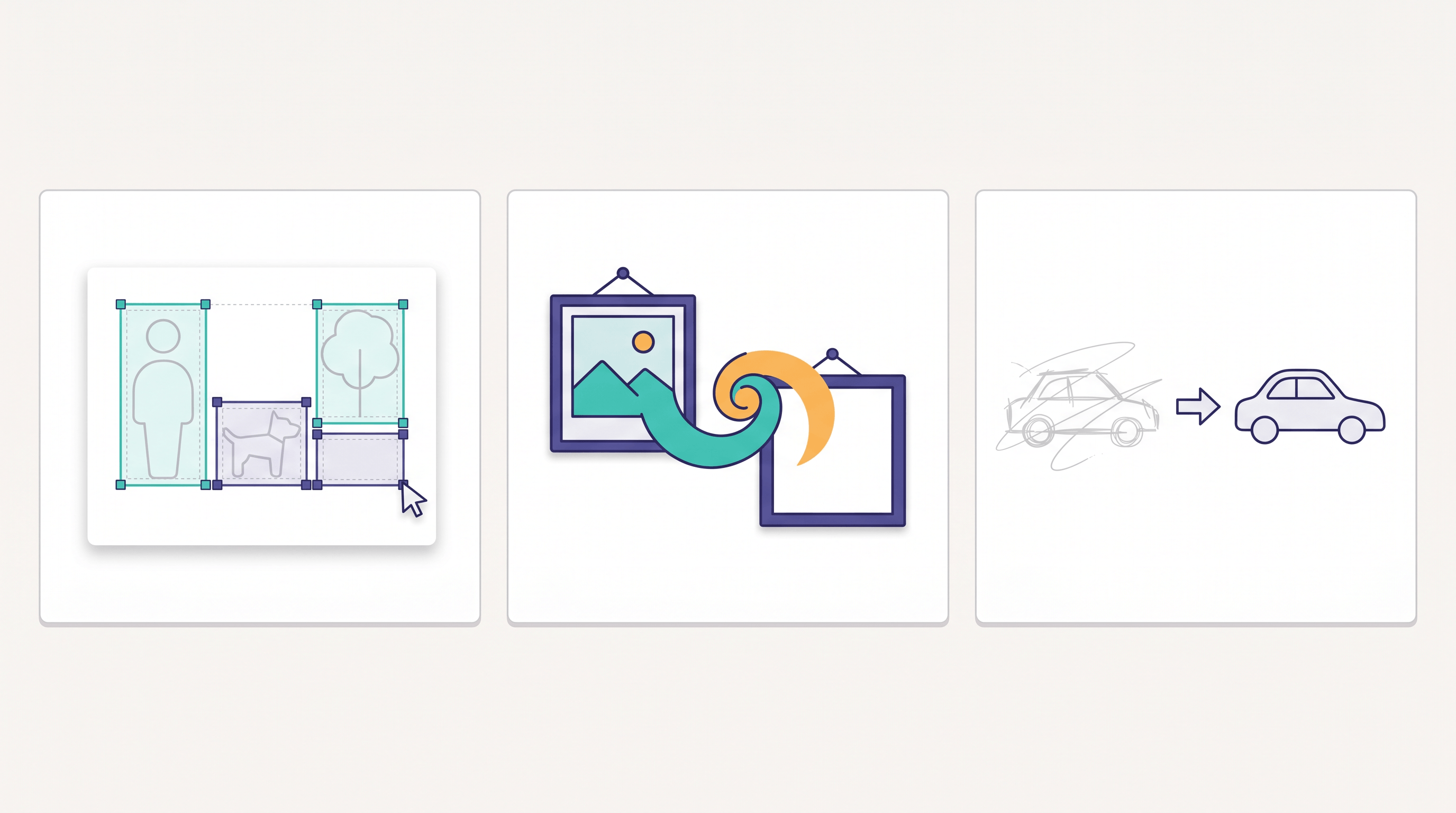
A practical read of this table: if your starting point is a drawing, Sketch To or ControlNet map most directly to your input. If it is a box layout or text prompt, Reve 2.0 and Recraft fit. If it is an existing image to restyle, Firefly or Krea win.
How to Choose the Right Tool
Pick by your starting input and your skill level, not by hype. The fastest way to decide: name what you are starting from — a sketch, a box layout, or a reference image — then match it to the tool built for that input.
- You have a hand-drawn sketch or rough layout → Sketch To. A sketch to image AI follows your lines without canvas setup. See our sketch to image AI layout control guide for the full workflow.
- You need precise 4K and region-by-region edits → Reve 2.0.
- You live in Adobe and need commercial safety → Adobe Firefly.
- You want live, real-time iteration → Krea AI.
- You design brand assets and vectors → Recraft.
- You are a developer who wants free, full control → ControlNet.
For a wider look at composition-control tools beyond Reve, see our scene-control alternatives comparison.
How to Turn a Sketch Into a Realistic Image
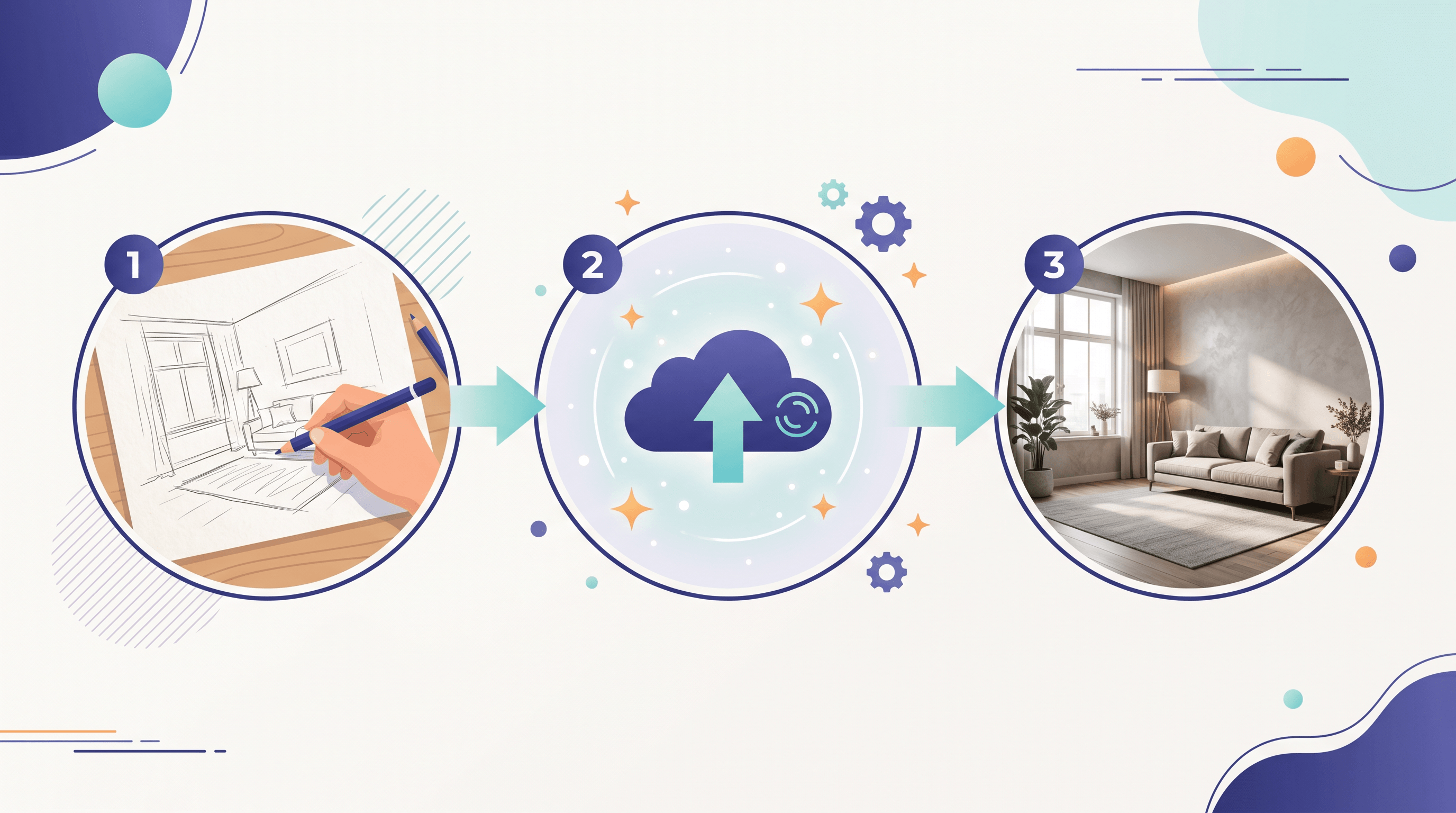
If your input is a sketch, you can get a layout-faithful, realistic image in three steps — no 4K canvas setup needed. This is the fastest path when you already have a drawing or a rough composition on paper.
- Upload your sketch. Go to Sketch To and drop in your hand-drawn or rough layout. Clear outlines give the cleanest results.
- Pick a model. Choose the Professional Model for photo-real detail, or the Standard Model for quick everyday drafts — new users get free trial credits to start.
- Generate and refine. Sketch To renders a realistic image that follows your composition in about 10 seconds. Adjust the sketch lines and re-run if you want a different framing.
Because the AI follows the structure of your drawing, you keep the layout control that makes Reve 2.0 appealing — without learning a canvas-box editor. Upload your sketch to Sketch To, select the Professional Model, and it renders photo-realistic results in seconds.
FAQ
What is the best Reve 2.0 alternative for sketch input?
For turning hand-drawn sketches or rough layouts into realistic images, Sketch To is the most direct alternative — it is a sketch to image AI, so it follows your drawn lines instead of asking you to build a box layout. ControlNet's scribble mode is a free, developer-focused option.
Is there a free Reve 2.0 alternative?
Yes. Sketch To offers free trial credits for new users, Recraft and Krea have limited free tiers, and ControlNet on Stable Diffusion is fully free and open source if you have a GPU to run it.
Can a sketch to image AI match Reve 2.0's layout control?
For composition fidelity, yes. A sketch defines spatial layout directly through your lines, which gives strong, predictable layout control. Reve 2.0 still leads on native 4K output and region-by-region prompt editing.
Do I really need 4K images?
Usually not. 4K matters for large prints and detailed retouching, but most web, social, and mockup uses look great at standard high resolution. Reach for a dedicated 4K AI image generator only when your output size truly requires it.
Which tool is best for designers?
Recraft for vectors and brand assets, Adobe Firefly for Creative Cloud workflows, and Sketch To when you want to convert rough sketches into realistic visuals quickly.
Ready to turn your sketches into stunning, layout-faithful photos? Try Sketch To free → — AI-powered sketch-to-image conversion with free trial credits, no design skills or canvas setup needed.
Transform Your Images with AI
Turn sketches into stunning images, remove backgrounds, swap faces, and more — all powered by AI.
Try Sketch To FreeShare
Sketch To
Tech writer covering AI tools, image processing, and creative workflows.
Related Articles
Google Pics vs Independent AI Image Tools: Which One Fits Your Work?
Google Pics brings Nano Banana image editing into Slides, Docs, and Drive. See how it compares with independent AI image platforms — and which one fits your workflow.
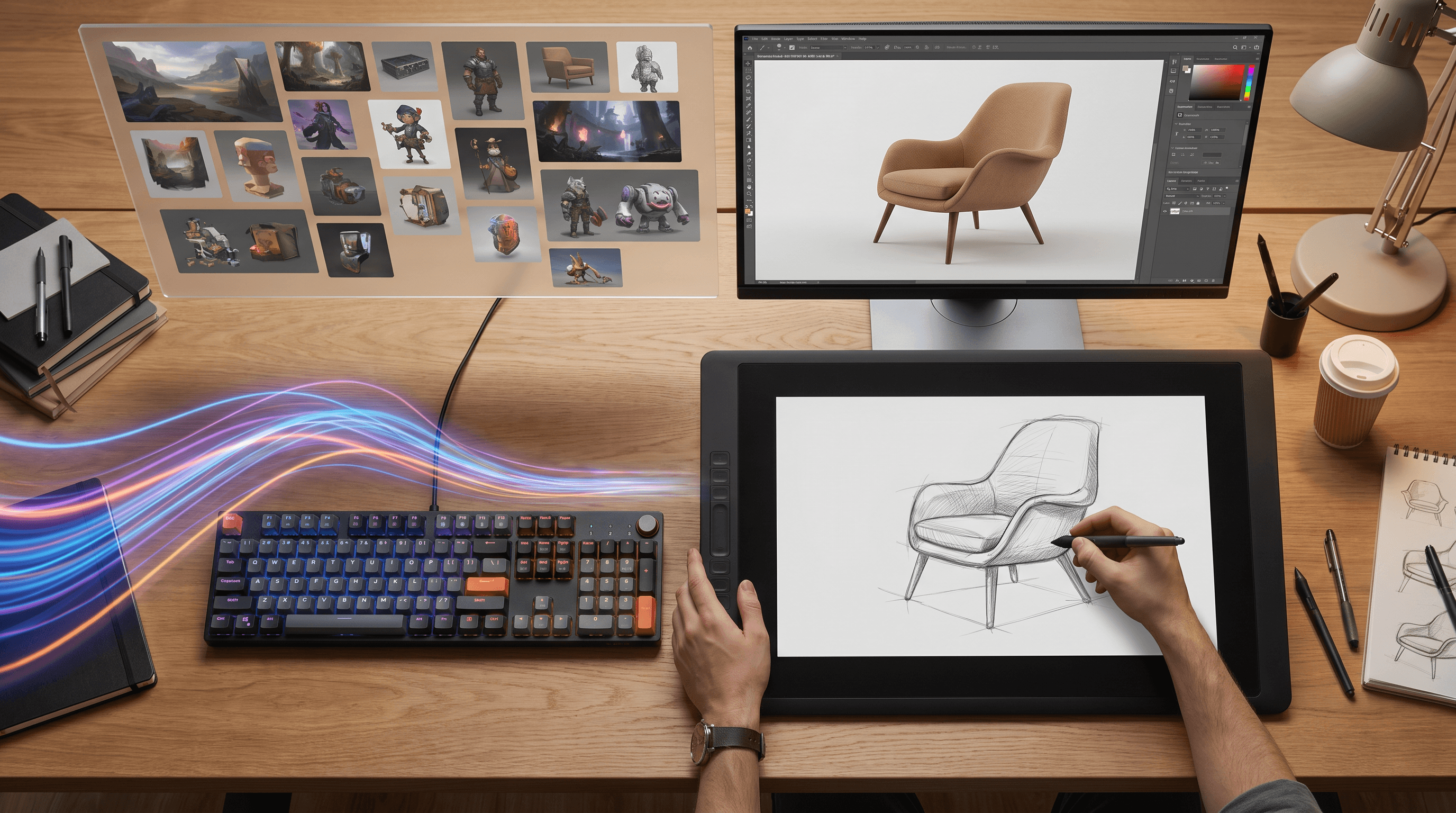
Text to Image vs Sketch to Image: Krea 2 Lessons
Compare text to image vs sketch to image after Krea 2, and learn when prompts, sketches, or both fit concept art and design work.
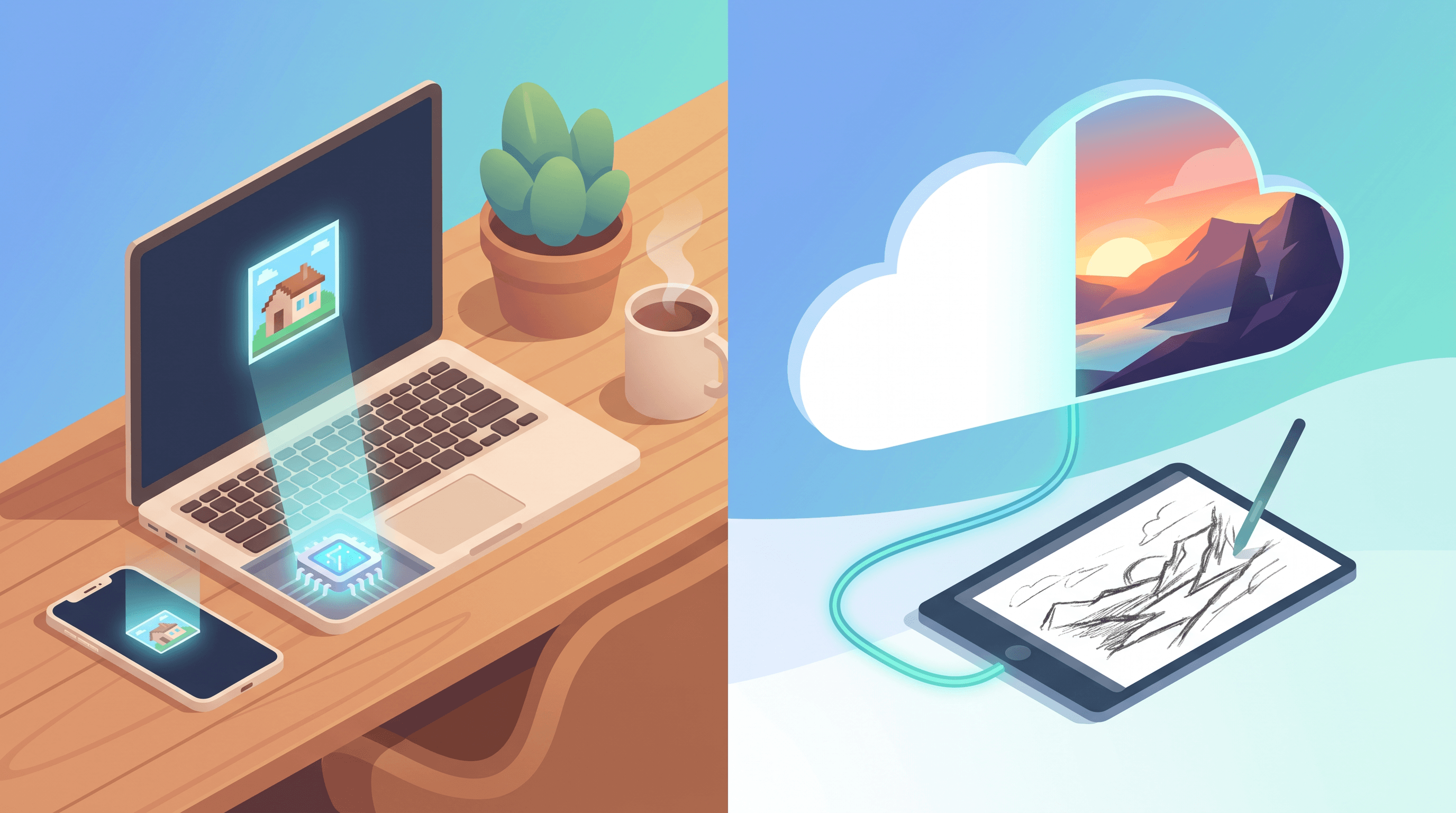
Local AI Image Generator vs Online Sketch Tools
A local AI image generator gives you privacy and offline use; online sketch to image AI tools win on speed and polish. Full 2026 comparison.