
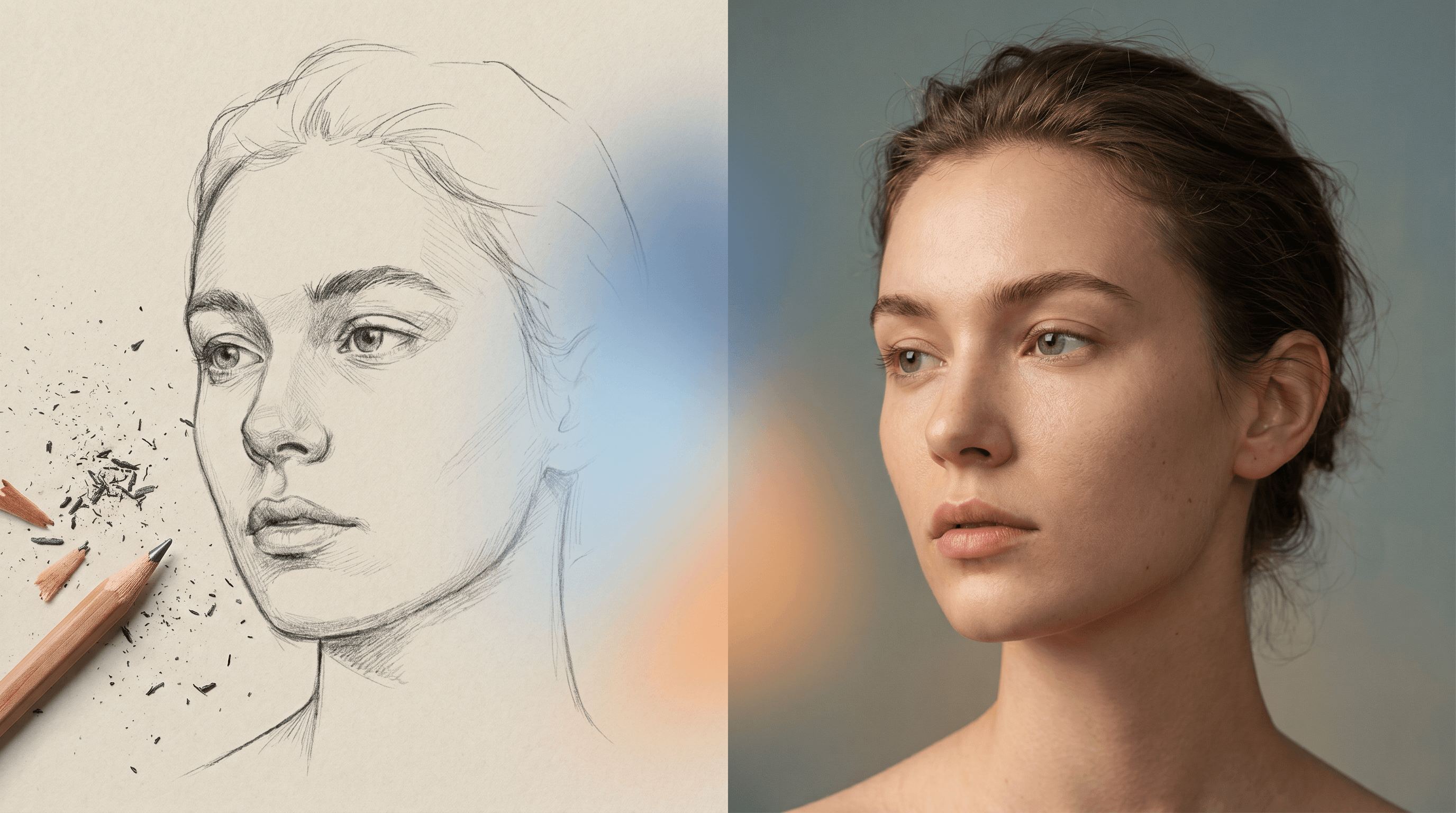
Top 5 Sketch to Real Photo AI Tools in 2026 (Compared)
Sketch-to-photo conversion has shifted from "novelty filter" to "actual workflow" in 2026. Designers prototype packaging from rough thumbnails. Comic artists test panels in photoreal mode before committing ink. Parents drop kids' crayon drawings into AI and turn them into framed Polaroid-style prints. The demand spike shows up in GitHub trends too — Open-Generative-AI sits at #5 trending this week with 15.1K stars and +703 in a single day, pulling Flux, Midjourney, and other photo-grade models into the spotlight.
But "turn my sketch into a real photo" is not one job — it's at least three: photoreal portraits, product mockups, and stylized concept art. Different tools win different lanes. We spent a week running the same five reference sketches (a portrait, a product, a building, an animal, and a kid's drawing) through five tools — Sketch To, Midjourney v7, Adobe Firefly, DALL-E 3, and a Stable Diffusion (Flux) + ControlNet workflow — and scored them on four dimensions: realism, speed, price, and commercial license clarity.
This is the comparison you'd want if you're picking a sketch to real photo AI today.
Evaluation criteria (1–5 scale):
- Realism / detail — how close the output looks to a real photograph
- Speed — from sketch upload to first usable result
- Price / free credits — what you pay, what you get free
- Commercial license — how clear and friendly the rights are for paid use
Last updated: May 2026
Table of Contents
- What Is Sketch-to-Photo AI?
- Quick Comparison Table
- Sketch To
- Midjourney v7
- Adobe Firefly
- DALL-E 3
- Stable Diffusion (Flux) Workflow
- How to Choose: Decision Matrix
- How to Turn a Sketch into a Real Photo — Step-by-Step
- FAQ
What Is Sketch-to-Photo AI?
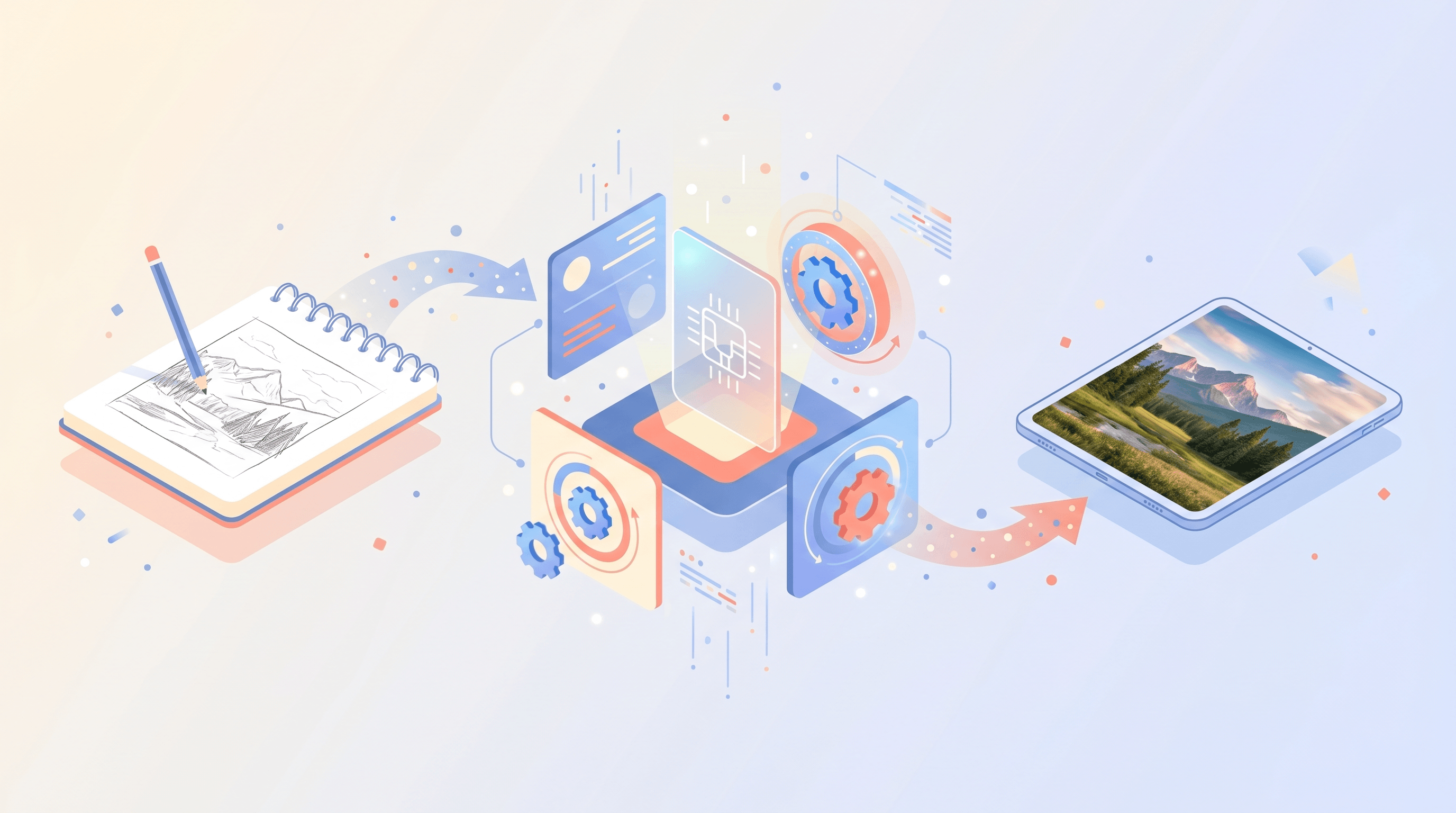
Sketch-to-photo AI takes a line drawing — pencil, ink, or digital sketch — and renders it as a photograph-style image. The tool reads structure (edges, shapes, composition) from the input and synthesizes texture, lighting, and material detail on top of it. The category covers three common sub-tasks:
- Faithful conversion — keep composition, just add realism. Best for product mockups and architectural concepts.
- Stylized photography — preserve subject, restyle as a specific photo genre (cinematic, documentary, studio).
- Creative reinterpretation — use the sketch as loose guidance, generate a richly detailed scene around it.
The five tools below each lean toward a different sub-task. None of them is universally best.
Quick Comparison Table
| Tool | Realism | Speed | Price (entry) | Commercial license | Best for |
|---|---|---|---|---|---|
| Sketch To (Professional Model) | 5/5 | 4/5 (~10s) | $8/mo, free trial credits | ✅ Included in paid plans | Photoreal output from any sketch |
| Midjourney v7 | 5/5 | 3/5 (~30–60s) | $10/mo (no free tier) | ✅ Paid plans only | Cinematic, artistic interpretation |
| Adobe Firefly | 4/5 | 4/5 (~10–15s) | Free tier (25 credits/mo), then $9.99 | ✅ Trained on licensed Adobe Stock | Commercial-safe assets, brand work |
| DALL-E 3 | 3/5 | 4/5 (~15s) | ChatGPT Plus $20/mo | ✅ Per OpenAI terms | Quick illustrative concepts |
| Stable Diffusion (Flux) | 5/5 | 2/5 (local setup) | Free (self-host) or ~$0.04/img | ⚠️ Depends on Flux license tier | Maximum control, batch jobs |
Sources: official pricing pages and license terms as of May 2026.
1. Sketch To — Built specifically for sketch-to-photo
In our testing, Sketch To was the most predictable tool of the five. You upload a sketch, pick the Standard or Professional Model, and 10 seconds later you get a photo-style output that respects your composition. The Professional Model is the standout — it renders skin texture, material reflection, and natural lighting that competitors typically need a careful prompt to coax out.
- Realism: 5/5 — Professional Model is the strongest in this set for portrait and product sketches
- Speed: 4/5 — ~10s per image, no queue
- Price: Basic $8/mo (~480 images/year), Pro $16/mo (~3,000 images/year), free trial credits for new users
- Commercial license: ✅ Included in both Basic and Pro plans
Best for: Creators who want a single-purpose tool with consistent photoreal output and no prompt engineering tax.
Not ideal for: Heavy artistic restyling or video — Sketch To is focused on still images.
2. Midjourney v7 — Cinematic interpretation
Midjourney v7 (released March 2026) added stronger image-to-image grounding via --cref and --sref. Drop a sketch in, tell it to render as a photograph, and the output is gorgeous — but it's Midjourney-gorgeous, meaning slightly stylized, cinematic lighting, often with creative liberties on details you did not ask to change. If you wanted faithful structure, expect to iterate.
- Realism: 5/5 — quality is exceptional, but visually distinct (cinematic, not documentary)
- Speed: 3/5 — 30–60s in Standard mode, slower in Relax
- Price: $10/mo Basic (200 fast hours), $30/mo Standard, no free tier since 2023
- Commercial license: ✅ Granted to paid subscribers only (free trial outputs are non-commercial)
Best for: Marketing visuals, cover art, mood boards where artistic interpretation is a feature.
Not ideal for: Exact-replica jobs (e.g. converting a product sketch for an e-commerce listing).
3. Adobe Firefly — Commercial-safe by design
Firefly Image 4 (announced April 2026) supports a "Reference image" mode that accepts sketches. The output is solid — slightly less photoreal than Sketch To or Flux, but Adobe's pitch is the legal safety net: Firefly is trained on Adobe Stock and public-domain content with indemnification for paid Creative Cloud users. If a client legal team is in the loop, that matters more than the last 5% of realism.
- Realism: 4/5 — clean and usable, occasional plasticky textures on close-ups
- Speed: 4/5 — 10–15s
- Price: Free tier 25 generative credits/month; Firefly Standard $9.99/mo for 2,000 credits
- Commercial license: ✅ Indemnified for Creative Cloud paid plans
Best for: Agency and in-house designers who need rights-clean output for brand work.
Not ideal for: Maximum realism portraits or anything outside Adobe's stylistic comfort zone (e.g. anime/concept art).
4. DALL-E 3 — Familiar interface, weaker realism
DALL-E 3 inside ChatGPT remains the easiest "describe in plain English, get an image" experience, and it accepts image references. But pushed for photo-grade output from a sketch, it tends to drift toward illustration. Skin looks airbrushed, materials lose grit, and small detail edits sometimes regenerate the whole scene. OpenAI has not shipped a step-change upgrade to DALL-E 3 in 2026; the photoreal lane belongs to others.
- Realism: 3/5 — pleasant but visibly illustrative
- Speed: 4/5 — ~15s
- Price: Bundled with ChatGPT Plus at $20/mo, or $0.04–$0.12 per image via API
- Commercial license: ✅ Allowed per OpenAI usage terms
Best for: Quick concepts when you are already in ChatGPT and do not need photo-grade fidelity.
Not ideal for: Final renders, hero images, or any job where the deliverable must look like a real photograph.
5. Stable Diffusion (Flux) Workflow — Maximum control, minimum convenience
The technically strongest output in our test came from a Flux 1.1 Pro setup driven through ComfyUI with a Canny ControlNet locked to the sketch. Skin pores, fabric thread, environmental light bounce — Flux Pro nails it. The cost is real, though: a local install needs a 16GB+ GPU, hours of node-graph tuning, and ongoing model housekeeping. Cloud APIs (fal.ai, Replicate) skip the install but reintroduce per-image cost.
- Realism: 5/5 — Flux Pro is at or above Midjourney for photoreal output
- Speed: 2/5 — local install: hours to set up, ~5–20s per image once running; cloud: ~5–10s
- Price: Free if self-hosted; ~$0.04 per Flux 1.1 Pro image on fal.ai
- Commercial license: ⚠️ Mixed — Flux 1 [schnell] is Apache 2.0, Flux 1 [dev] is research-only, Flux 1.1 [pro] requires a paid commercial license. Check before commercial use.
Best for: Studios with technical staff, batch jobs (1,000+ images), or anyone needing pixel-level control.
Not ideal for: Anyone who wants to "just upload and get a photo" — the activation energy is high.
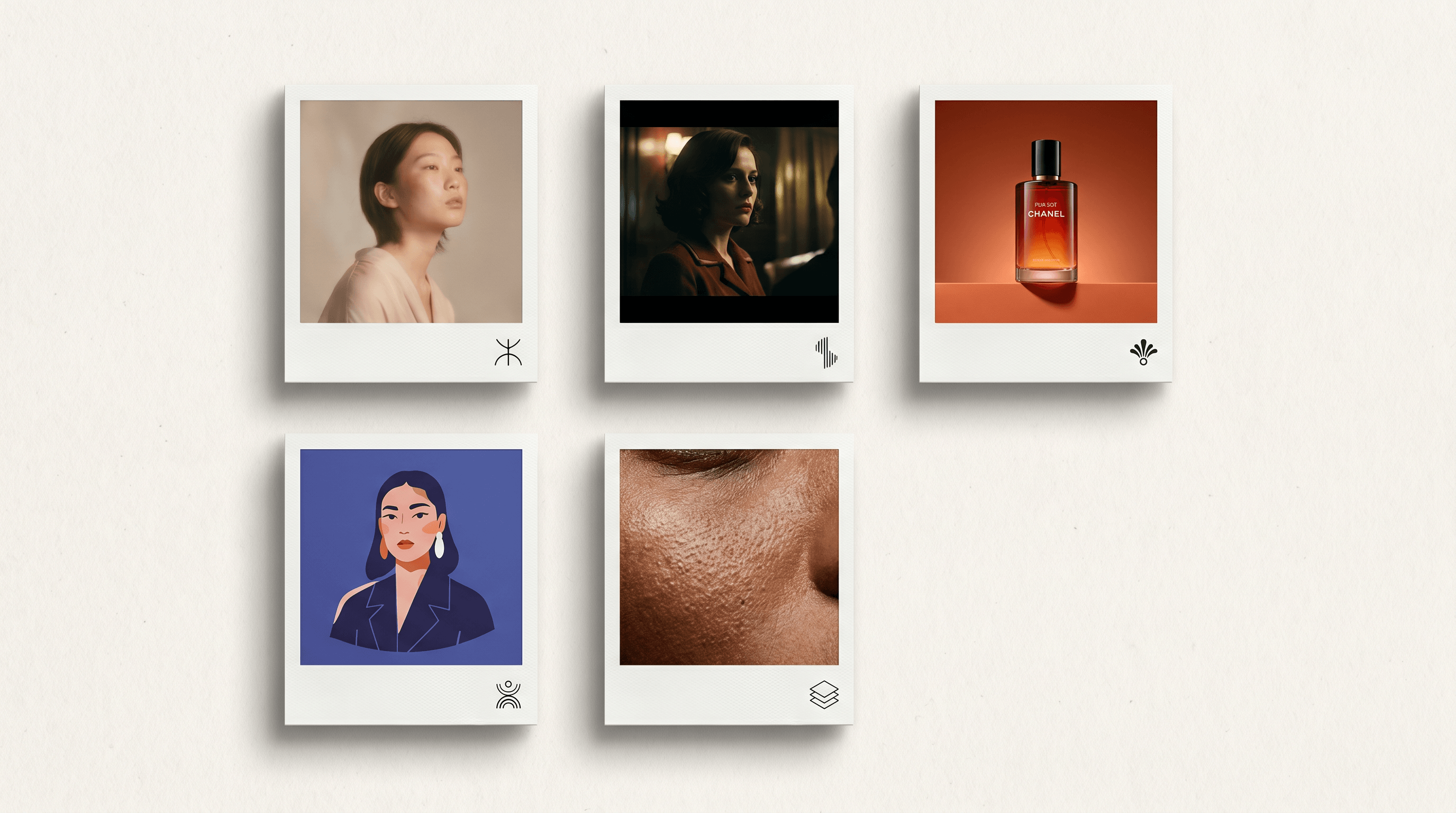
How to Choose: Decision Matrix
| Your goal | Pick this |
|---|---|
| Cheapest reliable photoreal output | Sketch To Basic ($8/mo) |
| Most realistic single result, prompt-free | Sketch To Professional Model |
| Cinematic / marketing visuals | Midjourney v7 |
| Legally safe brand assets | Adobe Firefly |
| Plain-English chat workflow | DALL-E 3 in ChatGPT |
| Bulk processing (500+ images) | Flux 1.1 Pro via cloud API |
| Open-source / on-prem only | Flux 1 [schnell] self-hosted |
Two practical notes from our testing:
- Prompt sensitivity differs sharply. Sketch To and Firefly produce a usable result on first try ~80% of the time. Midjourney and DALL-E need 2–4 iterations on prompts to lock the structure. Flux sits between, depending on ControlNet weight.
- Subject matters. Portraits favor Sketch To and Flux. Product shots favor Firefly. Concept and landscape favor Midjourney. Test with your actual sketches before committing.
How to Turn a Sketch into a Real Photo — Step-by-Step
We will use Sketch To here because it is the lowest-friction option in the comparison. The flow is the same for the other tools, just with extra prompt-tuning steps.
- Prepare the sketch. A clean line drawing on a light background works best. JPEG or PNG, ≥1024px on the long edge.
- Open the converter. Upload your sketch to Sketch To and pick the Professional Model for photo-grade output — it renders portrait-quality results in about 10 seconds.
- Set the style hint (optional). Add a short style note like "soft studio lighting, 50mm portrait" if you have one. Skip it for default photoreal.
- Generate. Click convert. The system returns a single high-resolution image.
- Refine if needed. Re-run with a slightly different sketch crop or style hint. Pro tier includes Background Remover and Image Upscaler if you need them for final delivery.
- Download and use. Output is yours to use commercially under your plan.
FAQ
Can AI really turn a pencil sketch into a real photo?
Yes. Modern image models (Flux 1.1 Pro, Sketch To's Professional Model, Midjourney v7) can take a line drawing and synthesize photorealistic texture, lighting, and material detail on top of it. Quality depends on the input — clean line drawings on a light background produce the most predictable results.
What is the best free tool to convert a sketch to a real photo?
Three paths work without paying upfront:
- Adobe Firefly's free tier — 25 generative credits per month, commercial-safe.
- Sketch To's free trial credits — issued to new accounts, no card required.
- Stable Diffusion (Flux 1 schnell) self-hosted — unlimited free if you have a 16GB+ GPU.
Midjourney and DALL-E 3 no longer have meaningful free tiers as of 2026.
How long does sketch-to-photo conversion take?
10–60 seconds per image for cloud tools. Sketch To and Adobe Firefly are the fastest at ~10–15s. Midjourney sits at 30–60s in standard mode. Local Flux installs run 5–20s once set up, but setup itself can take 1–3 hours.
Can I use the output for commercial work?
Yes for paid plans on all five tools, with caveats:
- Sketch To, Midjourney, DALL-E 3 — commercial rights bundled with paid subscriptions.
- Adobe Firefly — commercial rights plus IP indemnification on Creative Cloud paid plans, which is the strictest legal cover in this group.
- Flux — license depends on which Flux model: schnell (Apache 2.0, commercial OK), dev (research only), 1.1 pro (paid commercial license required).
Always check the current terms before publishing — license details change.
Which AI tool gives the most realistic results for portrait sketches?
In our testing, Sketch To's Professional Model and Flux 1.1 Pro tied for the most realistic portrait output from a sketch input. Sketch To wins on convenience (one click, ~10s). Flux wins on pixel-level control if you have the technical setup.
Do I need to know how to write prompts to use these tools?
It depends on the tool:
- No prompt needed: Sketch To — upload sketch, pick model, get photo
- Light prompting: Adobe Firefly — a short style note helps
- Heavy prompting: Midjourney, DALL-E 3, Flux — output quality scales sharply with prompt skill
If you are new to AI image generation, start with Sketch To or Firefly to learn what "good" output looks like, then move to Midjourney or Flux if you need their specific strengths.
Ready to try it yourself?
The fastest way to see whether AI sketch-to-photo fits your workflow is to test it with a sketch you actually need to convert. Try Sketch To free → — upload your sketch, switch to the Professional Model, and get a photoreal result in about 10 seconds. No prompt engineering required.
Transform Your Images with AI
Turn sketches into stunning images, remove backgrounds, swap faces, and more — all powered by AI.
Try Sketch To FreeShare
Sketch To
Tech writer covering AI tools, image processing, and creative workflows.
Related Articles
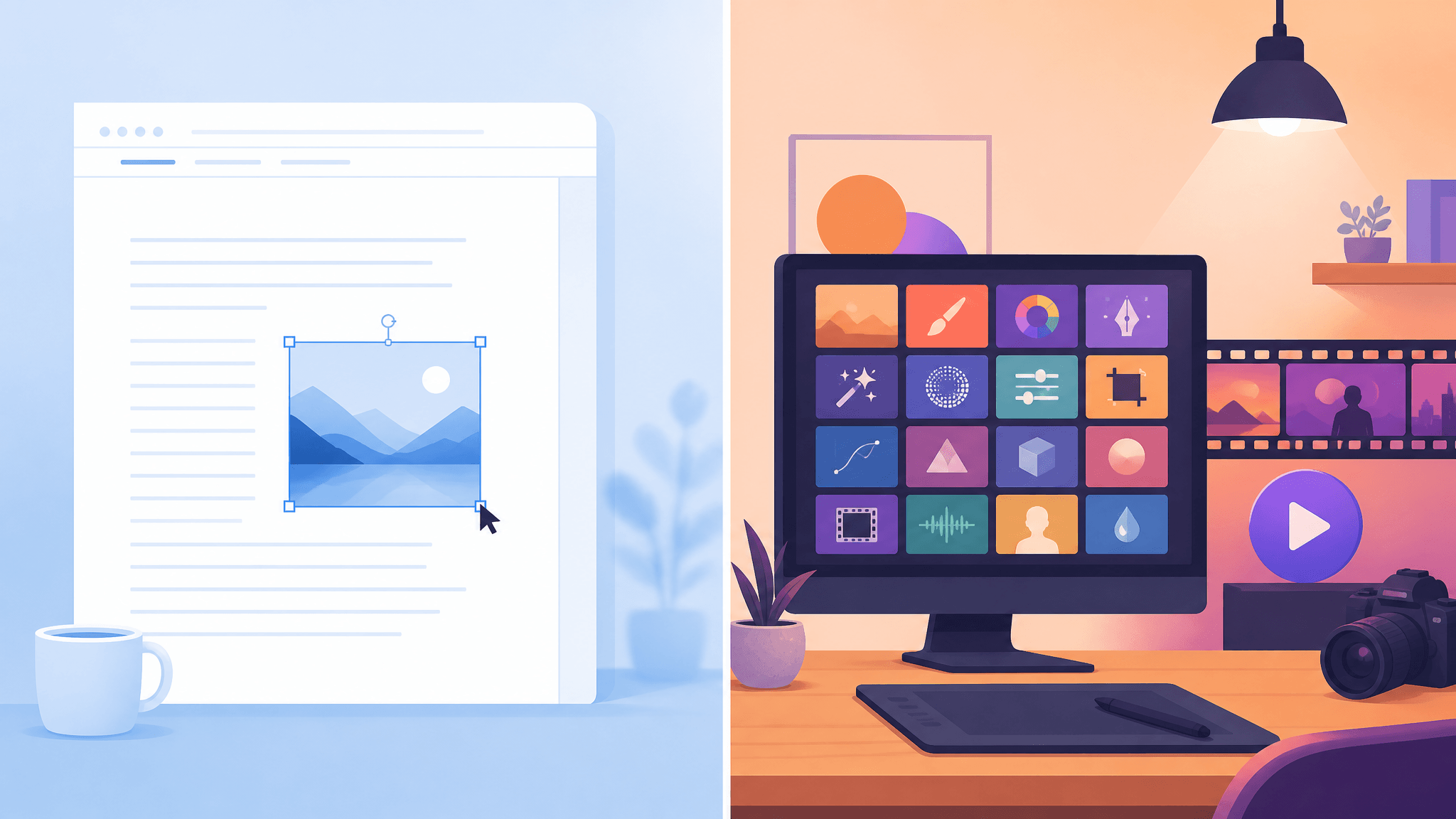
Google Pics vs Independent AI Image Tools: Which One Fits Your Work?
Google Pics brings Nano Banana image editing into Slides, Docs, and Drive. See how it compares with independent AI image platforms — and which one fits your workflow.
Text to Image vs Sketch to Image: Krea 2 Lessons
Compare text to image vs sketch to image after Krea 2, and learn when prompts, sketches, or both fit concept art and design work.
Local AI Image Generator vs Online Sketch Tools
A local AI image generator gives you privacy and offline use; online sketch to image AI tools win on speed and polish. Full 2026 comparison.