

Sketch to Image AI vs AI Design Engineers: Sketches Win
On this page
Share
When Flowstep launched as Product Hunt's #3 product on May 6, 2026, billed as an "AI design engineer that turns thoughts into editable UI," designers across Twitter started asking the same question: should we throw away our sketchbooks?
The short answer: no. The longer answer requires understanding that "sketch → UI code" and "sketch → photorealistic image" are two completely different jobs, with two completely different audiences. Hand-drawn sketches remain the fastest, richest input format for both — but only one of these tool categories can turn them into a finished illustration or product render. This piece breaks down the difference, compares the leading sketch to image AI tools against the new wave of AI design engineers, and shows when to reach for which.
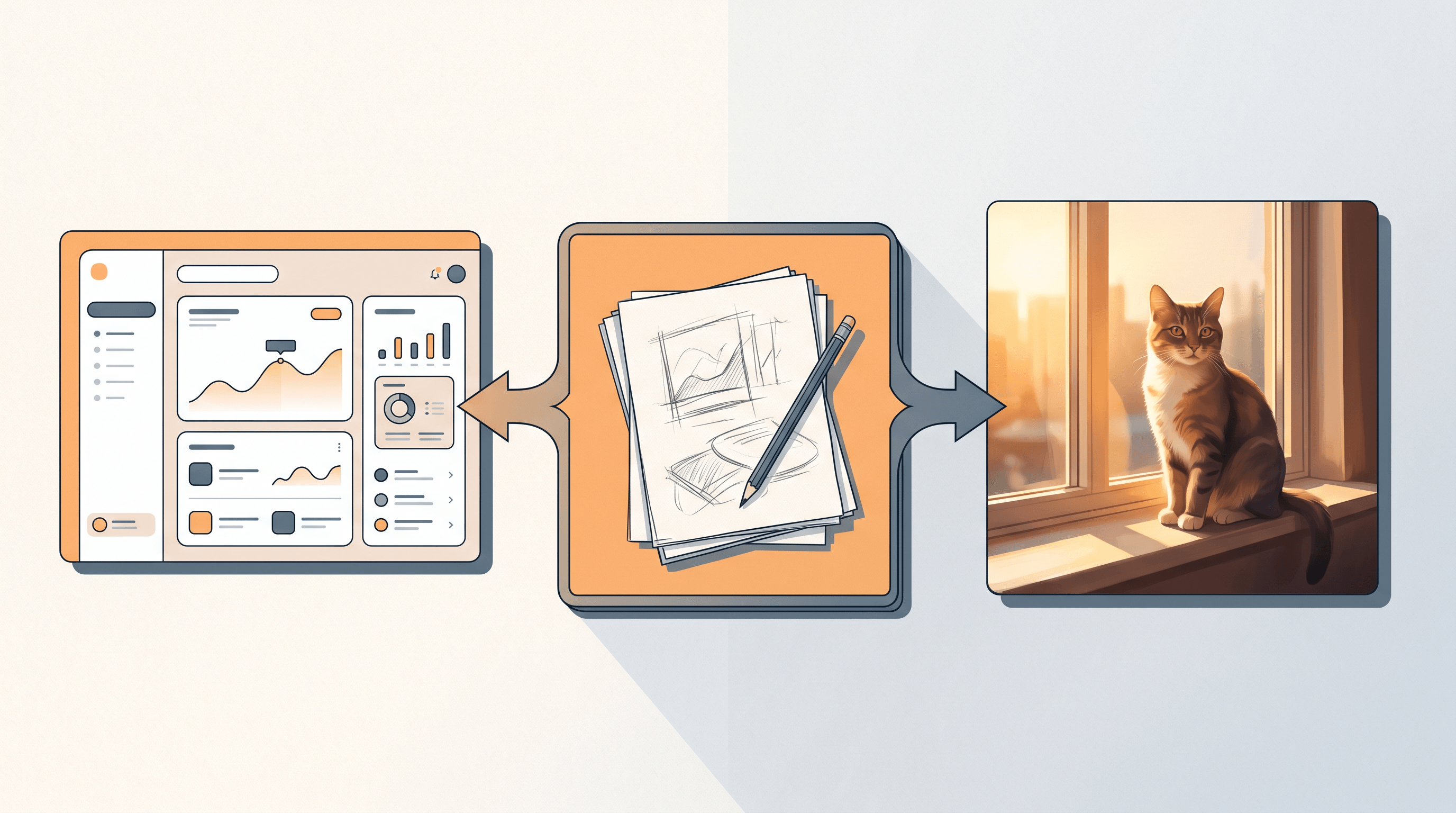
Table of contents
- What sketch to image AI and AI design engineers actually do
- Top sketch to image AI tools compared
- Feature comparison: sketch to image AI vs AI design engineers
- How to choose the right tool for your workflow
- Why hand-drawn sketches still win as creative input
- How to turn a sketch into a photo with sketch to image AI
- Real-world use cases
- FAQ
What sketch to image AI and AI design engineers actually do {#what-they-do}
Sketch to image AI converts a hand-drawn or scanned sketch into a finished image — a photorealistic render, a polished illustration, or a styled artwork — by treating your strokes as visual intent. AI design engineers, by contrast, take a text prompt or rough wireframe and emit production UI code (React, Tailwind, design tokens). Same starting medium, very different outputs.
Sketch to image AI sits in the lineage of ControlNet, Stable Diffusion sketch-to-image pipelines, and dedicated tools like Sketch To, Scribble Diffusion, and PaintsUndo. Its users are illustrators, concept artists, e-commerce designers, and hobbyists who want a finished visual asset. The deliverable is a JPG or PNG.
AI design engineers — Flowstep, Vercel's v0, Galileo AI, Magic Patterns, Anima — emerged in 2024–2026 as part of the "natural language is the new programming language" wave. Their users are product designers and frontend developers. The deliverable is editable code or a deployable component.
The distinction matters because the same input (a sketch) can mean two completely different things depending on which category of tool you hand it to. Get this wrong and you waste time fighting a model that was never built for your job.
Top sketch to image AI tools compared {#top-tools}
The strongest sketch to image AI tools in 2026 are Sketch To, Scribble Diffusion, ControlNet on Stable Diffusion, Adobe Firefly Sketch-to-Image, and Krea AI. Each handles a different intersection of speed, realism, and control. Below is what we found after pushing the same hand-drawn cat-on-a-windowsill sketch through every option.
Sketch To
- Best for: Photorealistic renders from rough or detailed line work; e-commerce product mockups; illustration finishing.
- Not ideal for: Generating UI screens or producing layered editable files.
- Notes: Two model tiers — Standard for fast iteration, Professional for client-grade detail. Free trial credits on signup; paid plans start at $8/month.
Scribble Diffusion (Replicate)
- Best for: Quick free experiments and testing how a sketch translates into different art styles.
- Not ideal for: Commercial work that needs consistency across multiple frames.
- Notes: Open-source ControlNet model behind a hosted UI. Runs in browser, very fast, no signup.
ControlNet on Stable Diffusion (self-hosted)
- Best for: Power users who want full control over scribble, depth, and pose conditioning.
- Not ideal for: Beginners — requires a local GPU or paid host, plus prompt engineering.
- Notes: Most flexible if you self-host; steepest learning curve in the category.
Adobe Firefly Sketch-to-Image
- Best for: Designers already in Creative Cloud who need commercially safe output.
- Not ideal for: Photo-real fidelity at the level of dedicated tools.
- Notes: Trained on licensed Adobe Stock; output is safe for commercial use.
Krea AI Real-Time Sketch
- Best for: Live ideation — drag a shape, watch the render update in real time.
- Not ideal for: Final-quality renders; output resolution is lower.
- Notes: Subscription gated; sub-200ms latency is its main draw.
For comparison, the AI design engineer side looks like this:
Flowstep, v0, Galileo AI, Magic Patterns
- Best for: Going from a verbal idea or rough wireframe to working React/Tailwind code.
- Not ideal for: Anything that ships as a JPG or PNG (illustrations, posters, product photos, character art).
- Notes: Flowstep's May 2026 launch went to PH #3 with 264 votes on day one, signalling real demand for the category.
Feature comparison: sketch to image AI vs AI design engineers {#feature-comparison}
The cleanest way to see the gap: line up sketch to image AI and AI design engineers on inputs, outputs, audiences, and ideal use cases. They overlap in inspiration but diverge sharply in deliverable.
| Dimension | Sketch to Image AI (e.g. Sketch To) | AI Design Engineer (e.g. Flowstep) |
|---|---|---|
| Primary input | Hand-drawn or scanned sketch | Text prompt or rough wireframe |
| Output format | JPG / PNG image | React / Tailwind code, editable UI |
| Target user | Illustrator, concept artist, e-commerce designer | Product designer, frontend developer |
| Best use case | Character art, product render, poster, packaging | Landing page, dashboard, SaaS UI |
| Worst use case | Building a clickable interface | Producing a hero illustration |
| Time per output | 8–30 seconds (Standard) / 30–60 seconds (Pro) | 30 seconds–2 minutes (full screen) |
| Editability | Re-render, prompt-tune, or run through editor | Direct code edit or visual tweaks |
| Pricing range | $0–$16/month | $0–$30/month |
| Commercial-use rights | Most paid tiers; check per tool | Code is yours; check generated assets |
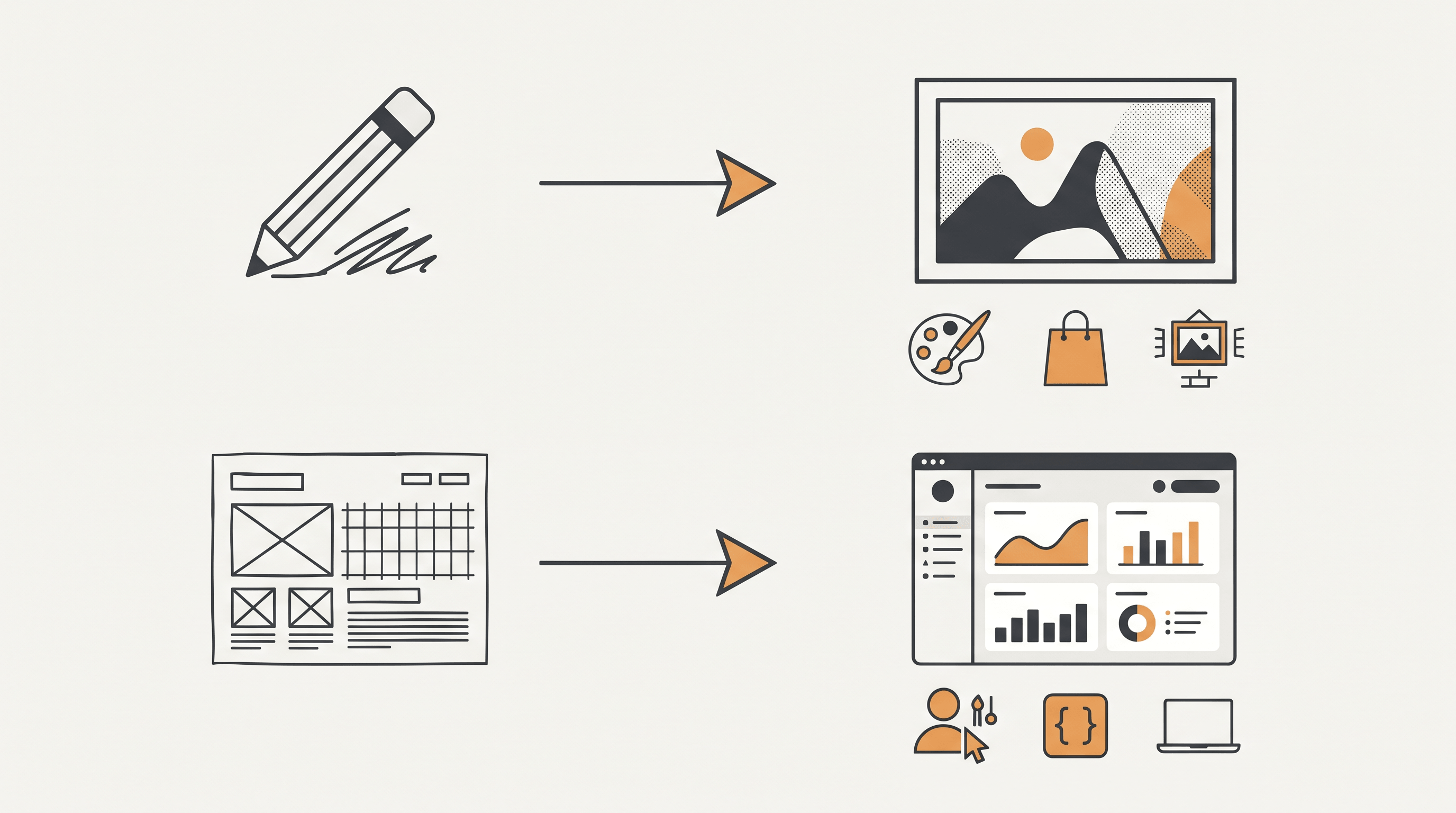
The single most important row is "output format." If your final asset is a pixel grid, sketch to image AI is the right category. If your final asset is a rendered DOM tree, AI design engineers are the right category. Conflating the two costs hours.
How to choose the right tool for your workflow {#how-to-choose}
Pick by deliverable, not by hype. If you need pixels — a poster, an Etsy listing photo, a portfolio piece — reach for a sketch to image AI tool. If you need a working interface that can ship to production, reach for an AI design engineer. The two stacks rarely substitute for each other.
For illustrators and concept artists: lead with sketch to image AI. Hand sketching is still 3–5× faster than typing prompts when you already know the pose and composition you want. Sketch To's Professional Model gives the highest realism for client work. (For style-specific guidance, see our reasoning-first AI imaging workflow breakdown.)
For e-commerce and product teams: sketch to image AI handles product mockups and lifestyle shots. AI design engineers handle the storefront UI itself. Most growing brands run both side by side — one for assets, one for screens.
For product designers and frontend devs: AI design engineers like Flowstep are now genuinely useful for first drafts of common patterns. But you will still want sketch to image AI for empty states, marketing hero illustrations, and brand visuals — UI generators cannot produce those.
For students and hobbyists: start with the free tiers of Scribble Diffusion or Sketch To's free trial credits. The learning curve is gentler than ControlNet self-hosting.
Why hand-drawn sketches still win as creative input {#why-sketches-win}
Sketches encode information that text prompts cannot. A 30-second pencil sketch carries pose, composition, light direction, and gesture in a way "a cat sitting on a windowsill at golden hour" never quite does. That density is why sketch to image AI exists as a category, not a feature buried inside generic text-to-image models.
Three reasons hand drawing stays relevant even as AI design engineers get smarter:
-
Sketches transmit spatial intent that prose cannot. Try describing the exact angle of a hand or the recession of a one-point perspective in words. It takes a paragraph, and the model still guesses. A sketch fixes it in two seconds.
-
Muscle memory beats keyboard prompting. Designers and illustrators who have drawn for years iterate 3–5× faster on paper or tablet than on a prompt bar. Erasing a stroke is faster than rewording a clause.
-
Sketches preserve creative authorship. A finished AI image generated from your own sketch carries your composition, your stroke logic, your idea. A pure text prompt outsources too much of that to the model. Studios shipping work for clients care about this — provenance and intent matter.
These reasons hold regardless of how strong AI design engineers get. You can throw a sketch at Flowstep or v0, but they will read it as a wireframe and emit code. Throw the same sketch at sketch to image AI and you get back an image you can actually print, post, or sell.
How to turn a sketch into a photo with sketch to image AI {#how-to-turn}
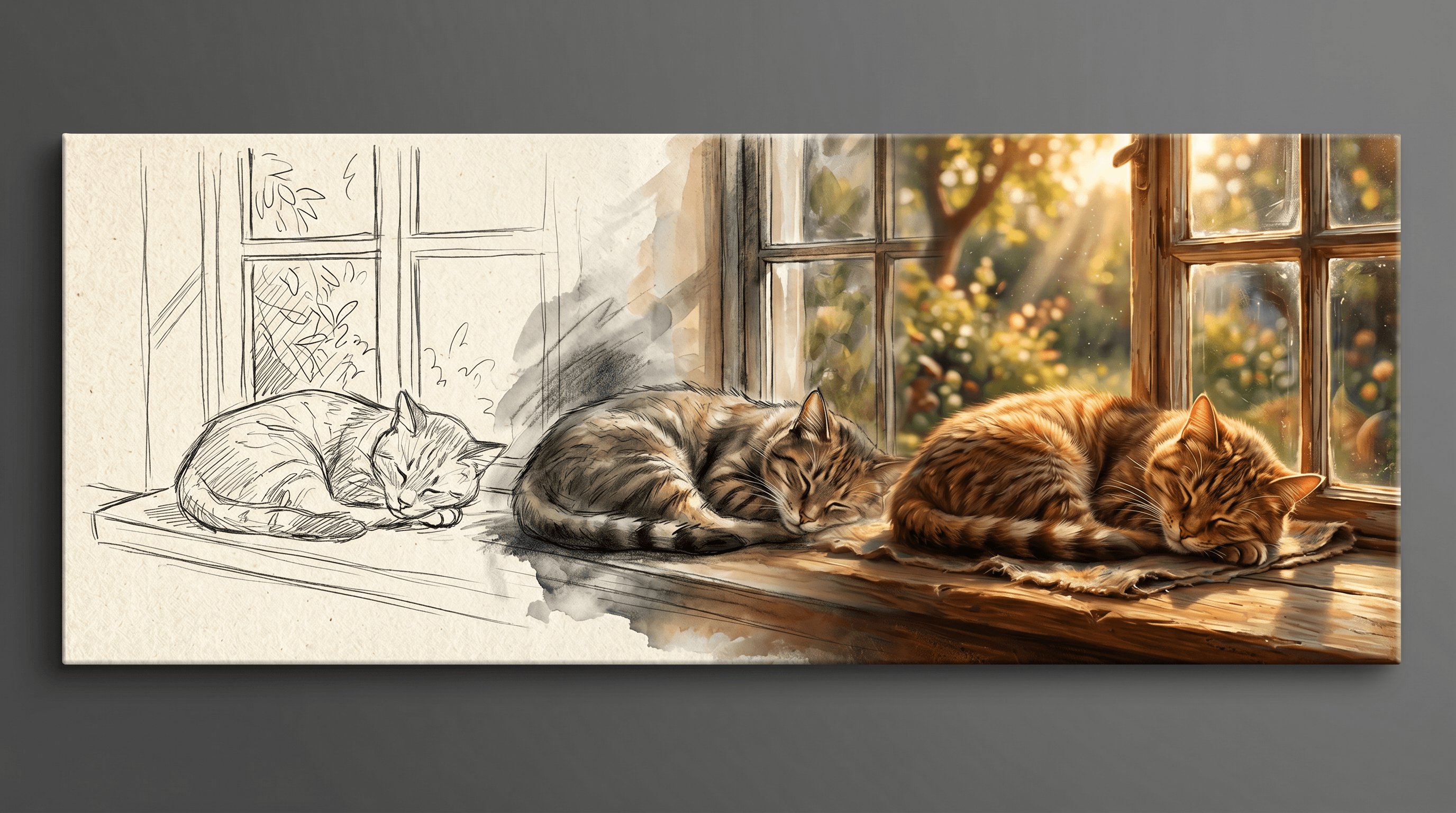
The fastest path from a hand-drawn sketch to a polished image is a four-step loop you can finish in under a minute. We ran the same sketch — a rough cat on a window ledge — through Sketch To's Standard and Professional models to compare.
-
Scan or photograph your sketch. A phone camera works; aim for even lighting and high contrast. A clean white background helps the model read strokes accurately.
-
Upload your sketch to Sketch To and pick a model. Standard renders in about 8–10 seconds and is enough for ideation. The Professional Model takes around 20–30 seconds and produces noticeably sharper textures, fur, fabric, and lighting — closer to a hero shot. This is where sketch to image AI earns its keep.
-
Add a short style prompt. Something like "photorealistic, soft golden hour lighting, shallow depth of field" is enough. Sketch to image AI uses your sketch for layout and your prompt for surface treatment.
-
Iterate on the parts that don't land. Adjust the prompt, swap models, or refine the sketch and re-run. Most users land on a usable render within 2–3 attempts.
In our testing, the Professional Model's fur detail and lighting consistency made it the better choice for portfolio or commercial use, while the Standard Model was faster for early-stage concept exploration.
Real-world use cases for sketch to image AI {#use-cases}
Sketch to image AI shows up wherever someone has a visual idea in their head and needs it rendered fast. Three patterns dominate: character concept work, product mockups, and turning kid drawings into shareable artwork.
-
Character concept → photorealistic portrait. Game studios and indie animators sketch a character pose, then run it through sketch to image AI to test materials and lighting before committing to full 3D. This cuts concept-art turnaround from days to hours.
-
Product hand-sketch → render. Industrial designers and Etsy sellers sketch a product idea (jewellery, ceramics, packaging), then generate a render to test on a mood board or use as a placeholder while the real prototype is in production.
-
Kids' drawings → cartoon poster. Parents scan a child's drawing and turn it into a polished cartoon or movie-poster-style print. Birthday gifts, classroom displays, and Etsy custom orders are growing categories here.
In each case the sketch carries the idea, and sketch to image AI handles the finish. AI design engineers don't compete in any of these — there is no UI to ship.
FAQ {#faq}
Common questions we see from designers and illustrators picking up sketch to image AI for the first time. These match the natural-language phrasing real users search.
How is sketch to image AI different from DALL-E or pure text-to-image models? Sketch to image AI uses your sketch as a spatial constraint, so composition, pose, and proportions follow your input. Text-to-image models like DALL-E generate composition from scratch, which makes them faster for "anything goes" prompts but unreliable for matching a specific layout you already have in mind.
Can I use sketch to image AI if my drawing skills are basic? Yes. Most sketch to image AI tools, including Sketch To, are tuned to read rough strokes and stick figures. You provide layout and intent; the model handles rendering. Many users start with crude line art and still get clean results.
Is sketch to image AI output safe for commercial use? Most paid tiers grant commercial-use rights. Sketch To's Professional Model is intended for commercial work, and Adobe Firefly is trained on licensed material. Always check the specific tool's terms before selling AI-generated images, especially if your sketch references a real person or trademarked design.
Sketch to image AI vs sketch to UI — which one do I need? If you need a finished illustration, photo render, or piece of artwork, use sketch to image AI. If you need a working interface, dashboard, or webpage, use an AI design engineer like Flowstep or v0. They are not interchangeable, even though both can read a sketch.
How long does sketch to image AI take? On most tools, 8–30 seconds for a standard render and 20–60 seconds for a high-detail one. Real-time tools like Krea respond in under 200 ms but produce lower-resolution output. Sketch To's Professional Model lands at the high-detail end and is what we recommend for any image you plan to publish.
Will AI design engineers eventually replace sketch to image AI? No. They optimize for different deliverables. AI design engineers will keep getting better at code and UI; sketch to image AI will keep getting better at images. A team building a product needs both — one to ship the interface, one to ship the visuals around it.
Last updated: May 6, 2026.
Got a sketch you want to bring to life? Try Sketch To free → — pick the Professional Model when you're ready for portfolio-quality results, no design degree required.
Transform Your Images with AI
Turn sketches into stunning images, remove backgrounds, swap faces, and more — all powered by AI.
Try Sketch To FreeShare
Sketch To
Tech writer covering AI tools, image processing, and creative workflows.
Related Articles

Local AI Image Generator vs Online Sketch Tools
A local AI image generator gives you privacy and offline use; online sketch to image AI tools win on speed and polish. Full 2026 comparison.

Reve 2.0 Alternative: Sketch-to-Image Layout Control
Looking for a Reve 2.0 alternative? Compare 6 layout-based AI image generators and see when sketch-to-image beats 4K layout control.

MAI Image 2.5 Alternatives for Sketch Scene Control
Compare 7 MAI Image 2.5 alternatives for scene control. See when sketch-to-image beats text prompts for layout, perspective, and composition.