
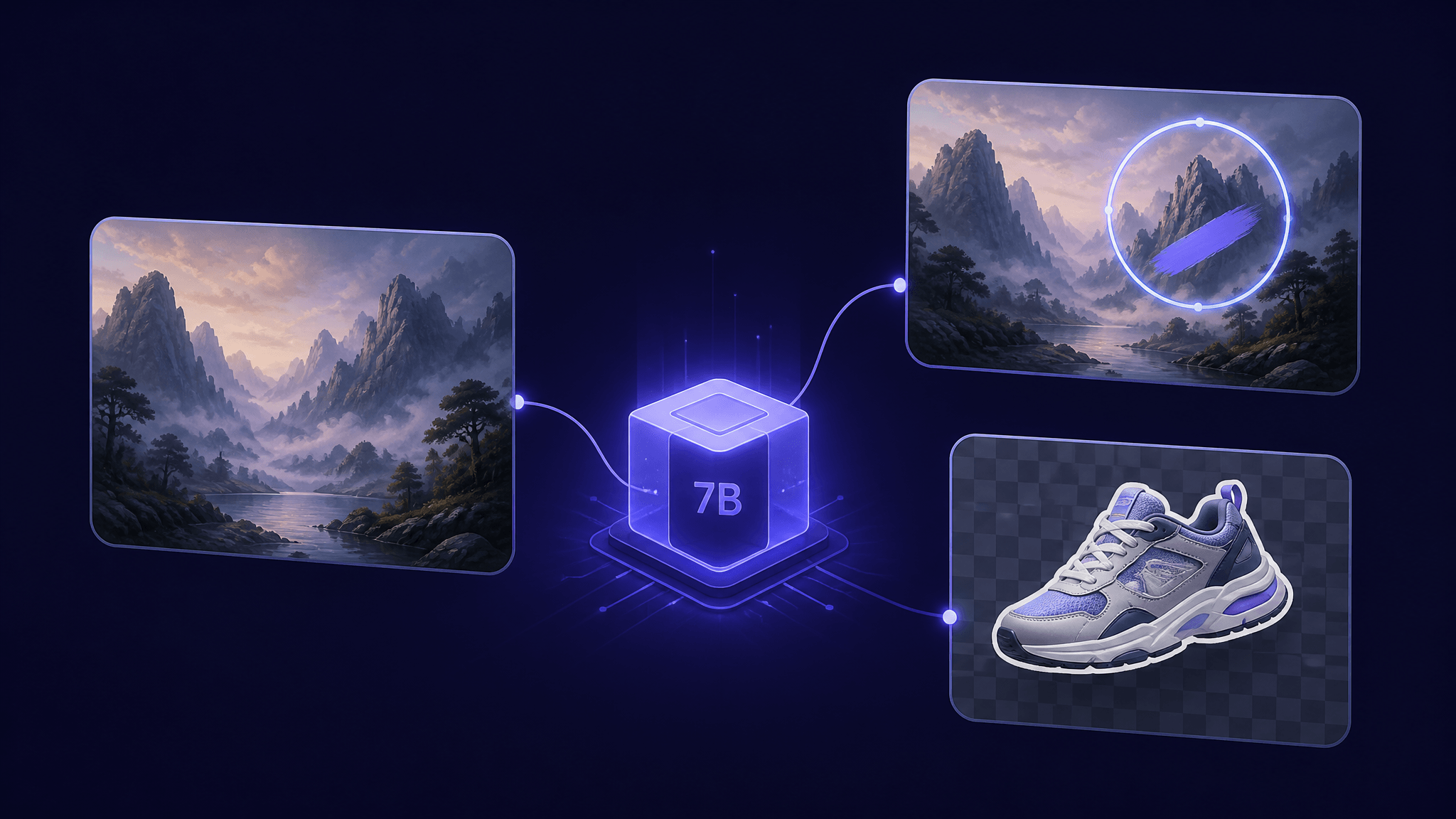
Qwen-Image-2.1: One 7B Open-Weight Model for Image Generation, Editing, and Transparent Assets
On September 20, 2026, Alibaba's Qwen team open-weighted Qwen-Image-2.1, and the headline is consolidation: one model with a 7B-parameter visual generation core now handles text-to-image generation, instruction-based image editing, and — for the first time in the mainline Qwen-Image series — native transparent (RGBA) image creation and editing. The previous Qwen lineup needed separate models for generation, editing, and transparency work; 2.1 merges all three into a single checkpoint that ComfyUI already runs natively.
There is one catch worth knowing before you get excited: the weights ship under the Qwen Research License, which permits non-commercial use by default. If you're a researcher, a ComfyUI hobbyist, or a designer experimenting with sticker and asset workflows, that's fine. If you plan to build a product on it, you'll need a separate commercial license from Qwen.
Here's what the release actually contains, how the new capabilities work, and the three documented ways to run it today.
Key takeaways
- Unified model: Qwen-Image-2.1 does text-to-image and image editing in one model, with a 7B-parameter visual generation part built from 32 Single-Stream DiT layers.
- Native transparency: it can generate images with alpha channels directly from a prompt, edit the contents of transparent layers, and cut subjects out of normal photos into RGBA cutouts — absorbing the capability of the separate Qwen-Image-Layered model released in December 2025.
- Richer editing controls: up to 10 reference images in one job, plus region edits specified by drawing circles, painting over areas, or supplying an independent mask.
- Runs today, three ways: an official hosted demo, a native ComfyUI workflow with 2K output and alpha support, or the diffusers
QwenImage21Pipeline. - License limits: open weights are not unrestricted weights — commercial use requires a separate agreement with Qwen.
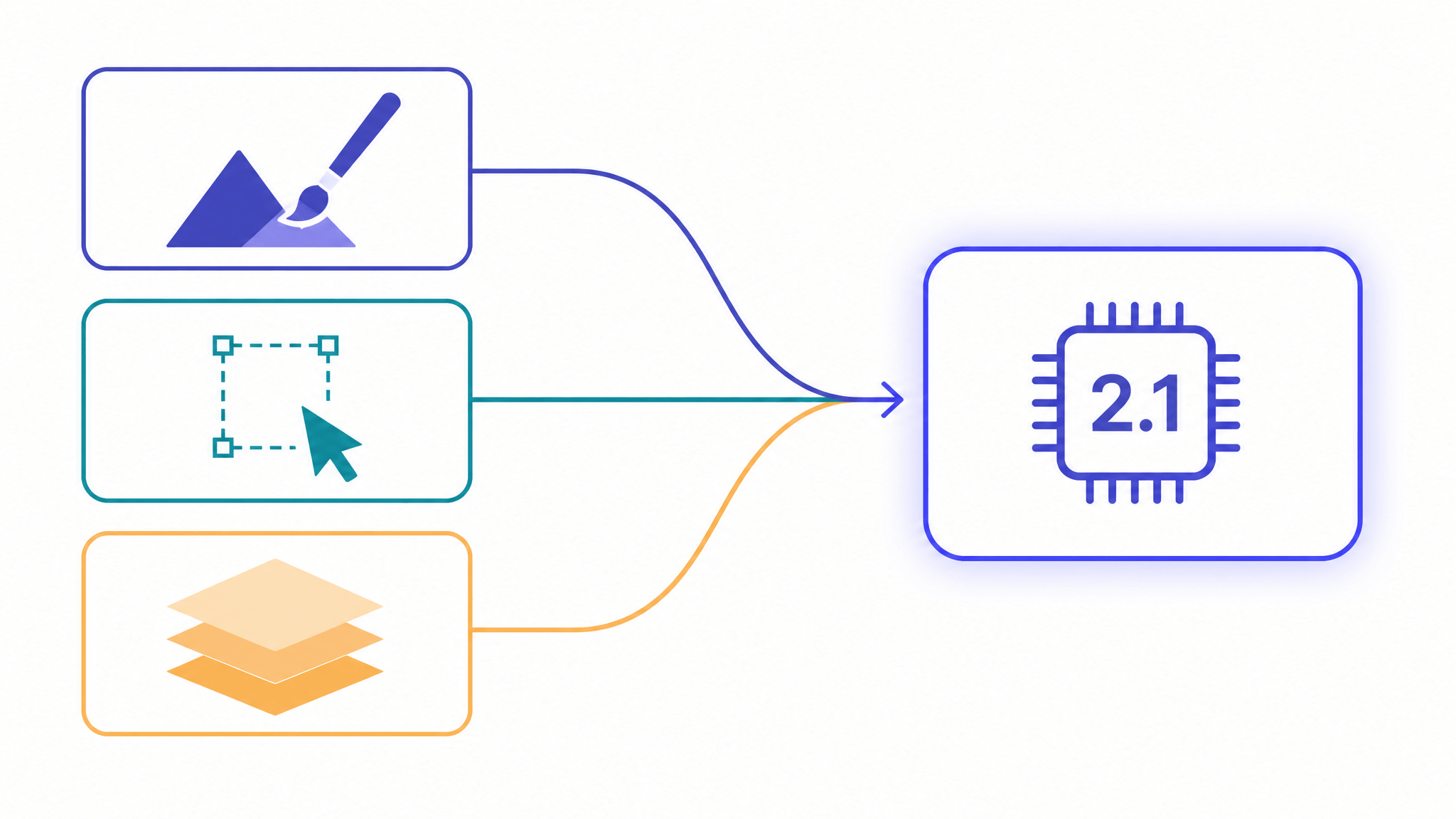
Qwen-Image-2.1 folds generation, editing, and the December 2025 Layered transparency capability into one 7B checkpoint.
What Qwen-Image-2.1 actually is
Qwen-Image-2.1 is the newest release in Alibaba's Qwen-Image series. Its visual generation component is deliberately compact: 7B parameters arranged in a 32-layer Single-Stream DiT (diffusion transformer) architecture. In the announcement, Qwen positions the model as the series' best balance of generation quality, inference efficiency, and cost.
The structural change is the unification. Until now, Qwen's image stack split work across specialized models: Qwen-Image for text-to-image, Qwen-Image-Edit for editing, and Qwen-Image-Layered — released in December 2025 — for transparent image generation. Version 2.1 folds editing and transparency into the same weights used for generation. The practical consequence, as the official ComfyUI documentation puts it, is that a workflow no longer needs to swap checkpoints when you move from generating an image to editing it.
The model also decides output mode from your prompt: describe a normal scene and you get a regular image; describe a transparent asset and you get one with an alpha channel. There's no separate "transparency model" to invoke.
Why a 7B model can keep up: the efficiency design
Small models usually lose on quality or speed. Qwen-Image-2.1's efficiency argument rests on two mechanisms described in the announcement:
- Mixed-granularity attention. Text tokens (system prefix and edit instructions) are processed with token-level causal masks, while image content is processed in chunks with chunk-level masks. Different content types get different attention strategies instead of one uniform treatment.
- KV cache reuse. In editing jobs, the input image and the edit instruction are treated as a static prefix: computed once at the first step, cached, and reused across subsequent steps. This cuts recomputation and memory overhead — and per the ComfyUI documentation, the benefit is largest in multi-image input scenarios, which is exactly where reference-heavy editing lives.
For a practitioner, the takeaway is simpler than the mechanism: reference-heavy editing is the expensive part of most editing pipelines, and that's precisely the part this architecture optimizes.
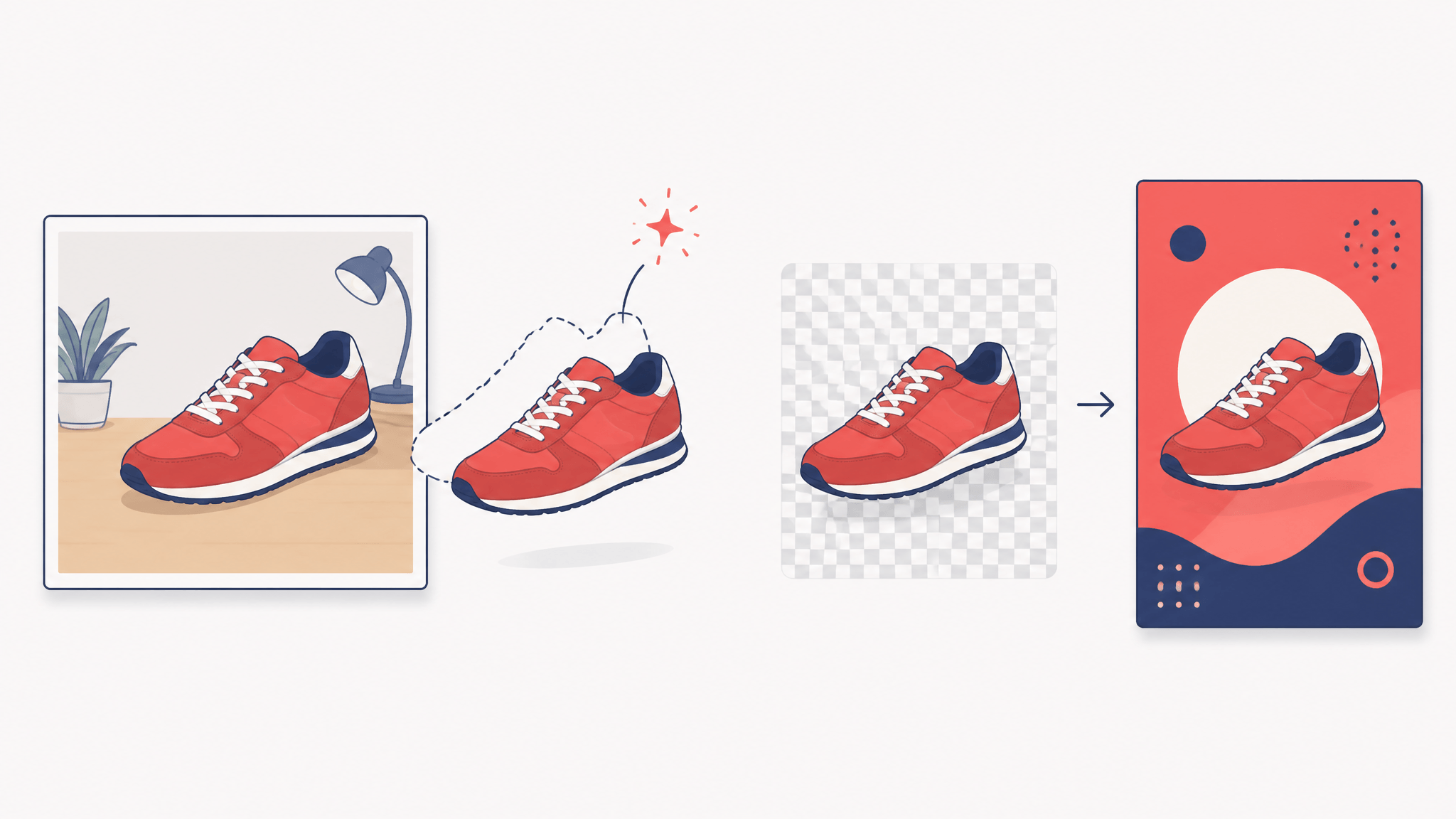
Transparency works in three directions: generate RGBA from a prompt, edit inside transparent layers, or extract subjects from normal photos.
Native transparency, end to end
Transparency is the release's most distinctive capability, and it works in three directions:
Generating transparent images from text. The model card recommends an explicit prompt format for RGBA output — essentially telling the model "This is an RGBA image with transparency" and describing the subject, e.g. a cartoon dragon sticker with a transparent background. This matters for sticker design, marketing assets, and any compositing workflow that used to require generating first and cutting out second.
Editing inside transparent layers. Because transparency is native rather than bolted on, you can edit what's inside an RGBA image while keeping the alpha channel intact — the official examples include changing a subject's expression and replacing text inside a transparent layer while the background stays transparent.
Extracting subjects from real photos. Give the model a normal RGB photograph and it can pull the subject out as an RGBA layer. That's a background-removal and asset-preparation workflow living inside the same checkpoint that generates and edits.
The editing toolkit: more references, tighter control
The editing improvements group into four areas the announcement labels 多 (more), 局 (local), 保 (preserve), and 全 (broad) — more references, local control, preservation, and broad task coverage.
Up to 10 reference images. The official examples compose six portraits into one group photo, combine five product shots into a single outfit image, and arrange a room from ten furniture photos. Multi-subject composition from many inputs is the headline use.
Three ways to mark edit regions. You can draw colored circles on the image and address them in the instruction (the demo removes a watch in the blue circle, changes hair color in the red one), paint over an area, or supply the original image plus an independent mask as two separate inputs — the mask route preserves the original pixels outside the edit region.
Preservation as a goal. The release specifically emphasizes keeping faces recognizable across edits (portrait identity) and keeping products consistent — text, texture, and shape — when placing them into new scenes. These are announced priorities from the official blog; how well they hold up in your domain is something to test with your own material.
Broad task coverage. The documented examples extend past standard editing: generating a 360°-style panorama from a single selfie, expanding a model photo into a dense infographic, and producing storyboards from a character three-view sheet.
Qwen also claims improvements in text rendering — typography, not just legibility — and in portrait lighting and detail. The announcement references a public Qwen-Image-Bench comparison against other open and closed models; we haven't independently verified those scores, so treat rankings as the vendor's presentation rather than settled fact.
How to run it today: three documented routes
1. No setup: the hosted demo. Qwen runs an official demo Space on Hugging Face where you can generate images or upload up to 10 pictures and modify them with a text prompt. It's the fastest way to probe whether the model handles your use case before installing anything.
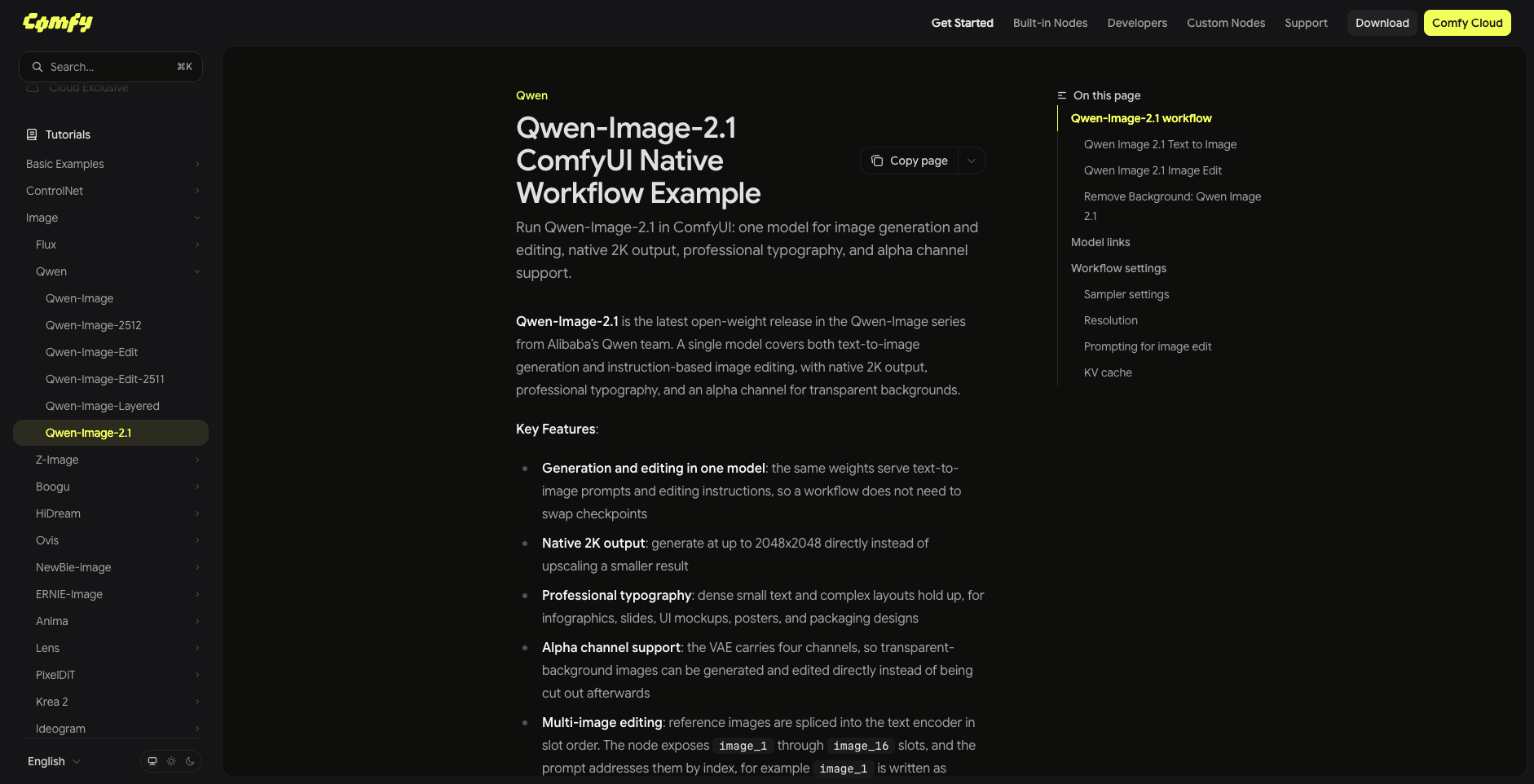
Source: ComfyUI official documentation (docs.comfy.org), accessed September 22, 2026.
2. Local workflows: ComfyUI. ComfyUI's official documentation ships a native Qwen-Image-2.1 workflow with three templates: text-to-image, image editing, and remove-background. The docs highlight native 2K output — generation at up to 2048×2048 directly rather than upscaling a smaller result — along with alpha channel support and KV cache notes for the edit workflow.
3. Code: diffusers. The model card provides a QwenImage21Pipeline for the diffusers library. The documented examples use bfloat16 and 40 inference steps, and enable_model_cpu_offload() is available if VRAM is tight. Supported aspect ratios per the model card:
| Aspect ratio | Resolution |
|---|---|
| 1:1 | 2048 × 2048 |
| 4:3 | 2400 × 1792 |
| 3:4 | 1792 × 2400 |
| 3:2 | 2528 × 1696 |
| 2:3 | 1696 × 2528 |
| 16:9 | 2752 × 1536 |
| 9:16 | 1536 × 2752 |
Note that these are native output resolutions — no separate upscaler required for 2K-class work.
The license catch: open weights, restricted use
This is the part launch coverage tends to skip. The weights are released under the Qwen Research License Agreement (dated September 20, 2026), and its terms matter for anyone planning real work:
- The license grants use, reproduction, distribution, and modification for non-commercial purposes only — research or evaluation.
- Commercial use requires a separate license obtained from Qwen.
- If you use the model or its outputs to train or improve another AI model that you distribute, you must prominently display "Built with Qwen" (or "Improved using Qwen") in the product documentation.
- You can't use "Qwen" as the primary name of a derivative product; descriptive use like "fine-tuned from Qwen Image" is allowed.
In practice: researchers, tinkerers, and designers testing workflows are clear to proceed. A startup wiring the weights into a paid product is not — not without a commercial agreement. "Open weights" and "free for any use" are different things, and for Qwen-Image-2.1 the difference is contractual, not theoretical.
Running local weights also means supplying your own GPU, environment, and maintenance. If your goal today is Qwen-powered image editing without that setup, SketchTo's Qwen Image Edit tool runs in the browser at 3 credits per edit — it's built on the 20B-class Qwen Image Edit model rather than 2.1, so you can work with Qwen editing now while the 2.1 ecosystem (and its licensing options) settles.
Who should adopt it now
Qwen-Image-2.1 is the first Qwen image model where generation, editing, and transparent-asset work share one small checkpoint. That combination is genuinely useful if you're a researcher studying unified image models, a ComfyUI user who wants transparency and editing without checkpoint juggling, or a designer whose sticker, e-commerce, or compositing workflows start and end with RGBA assets.
If you're building a commercial product on the weights, the license is the decision point — request the commercial terms before you commit architecture. And if you just need solid Qwen-powered editing in a browser today, you don't need to install anything at all.
Either way, the direction of travel is clear: the specialized-model era of image AI is consolidating into single, efficient checkpoints — and transparency, long a manual post-processing step, is becoming a generation-native feature.
Transform Your Images with AI
Turn sketches into stunning images, remove backgrounds, swap faces, and more — all powered by AI.
Try Sketch To FreeShare
SketchTo Team
Tech writer covering AI tools, image processing, and creative workflows.
Related Articles

Unlimited OCR 2: Performance, Local Deployment, and How It Compares
Baidu's open-source Unlimited OCR 2 parses hundred-page PDFs in one request: self-reported benchmarks, real local deployment requirements, and honest comparisons.
MOSS-Image: OpenMOSS's Open-Source Image Model Built for Text and Layout Control
MOSS-Image is OpenMOSS's open-source text-to-image model for accurate in-image text and JSON layout control. What it is, how it differs from other models, and three ways to try it.
AI Image Generation Cost Comparison: What 20 Models Actually Billed
OpenRouter ran one prompt through 20 image models and recorded every bill — $0.006 to $0.134 for the same 1:1 image. The real per-image costs, and how to pick a model your budget agrees with.