
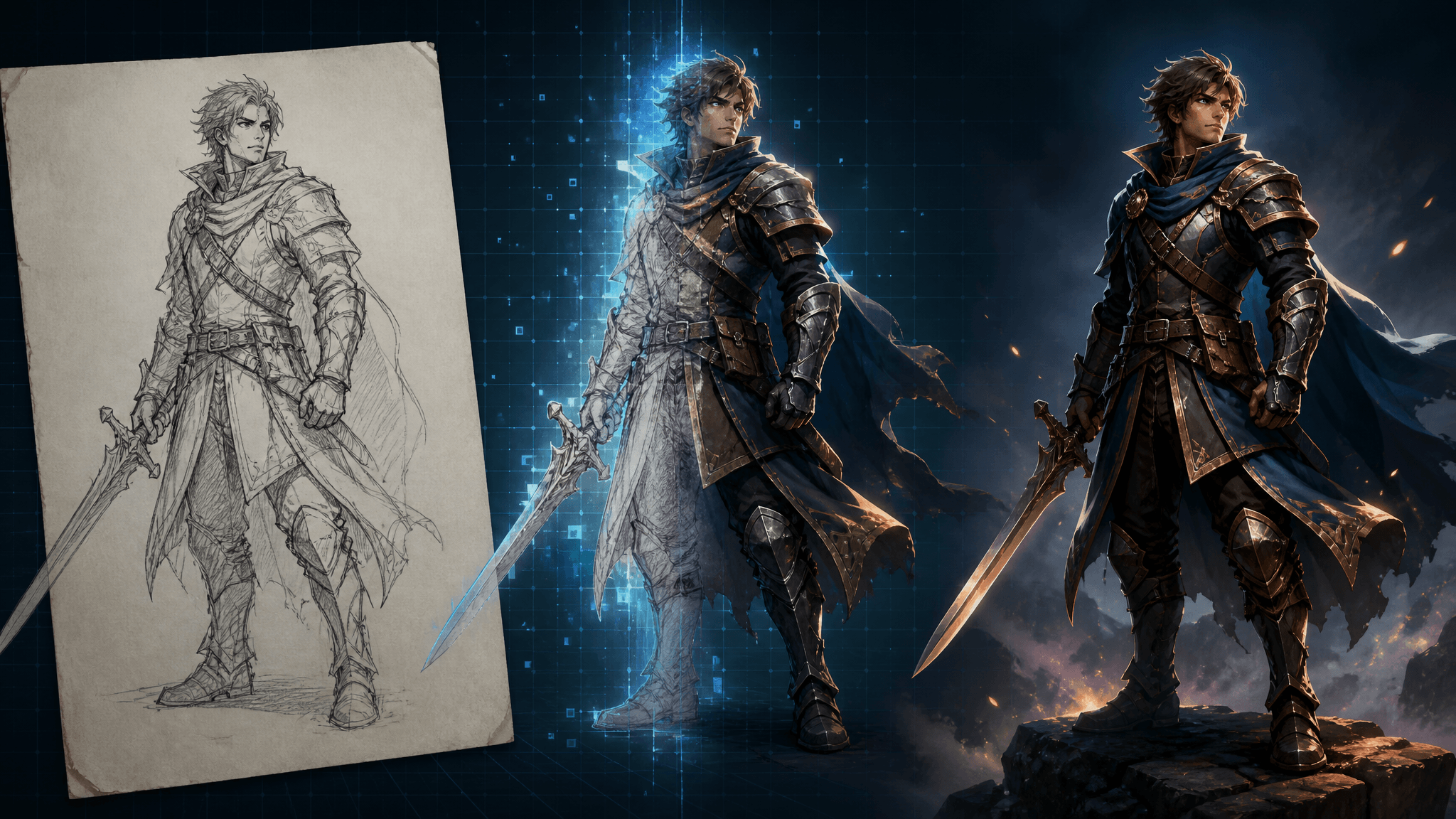
AI Game Art in 2026: What 85.8% Developer Adoption Actually Changes
AI game art has crossed from experiment to everyday practice. In September 2026, Japan's Computer Entertainment Supplier's Association (CESA) — the organization behind Tokyo Game Show — previewed its annual industry report with a striking figure: 85.8% of surveyed Japanese game developers now use generative AI in their work, up from 51% in the previous year's report.
But the headline number deserves a careful read. "Using AI" covers far more than making art — the same survey counts developers using ChatGPT and Copilot for everyday admin and programming. And at the company level, CESA's own member survey found only 12 companies using generative AI for visual assets.
So what is actually changing in game art production? This article walks through what the 2026 survey really measured, where AI image generation genuinely fits in a game art pipeline today, the governance rules studios report using, and a starter workflow you can run this week — even as a solo developer.
What the CESA survey actually found
The figures come from a survey of 1,349 developers conducted at CEDEC, Japan's game developers conference, and were previewed at Tokyo Game Show 2026 ahead of the full report due in December (Kotaku, Automaton West).
| Finding | Figure |
|---|---|
| Developers using generative AI | 85.8% (up from 51% a year earlier) |
| Daily use among those users | 63% |
| Occasional use | 22.8% |
| Cited "expanded creativity" | 837 respondents |
| Cited "lowered technical barriers" | 738 |
| Said it improved the end-user experience | 147 |
| Member companies with generative-AI policies | 74% |
| Member companies using it for visual assets | 12 |
Three caveats keep this number honest:
- The scope is broader than art. The usage figure spans asset generation and general-purpose tools like ChatGPT and Copilot for admin and programming work. It does not mean 85.8% of developers generate game images.
- Individuals are not companies. The developer survey counts people, so several respondents can share one studio policy. In CESA's separate member-company survey, use was roughly split — 26 companies using generative AI in some form versus 27 not — with only 12 applying it to visual assets.
- Perceived value sits in production, not players. Hundreds of respondents credited AI with expanding creativity (837) and lowering technical barriers (738), but only 147 said it improved the experience for players.
One more data point matters for anyone focused on art: in the 2025 edition of the same report, the single most common use of AI was the generation of visual assets and images, ahead of story/text generation and programming support. The game art connection is real — it is just narrower than the 2026 headline suggests.
Where AI image generation fits in game art production
Between "nobody ships AI art" and "AI replaces artists" lies the actual practice. Based on what the survey and industry reporting describe, AI image generation today does its best work early and around the edges of the pipeline:
- Concept exploration. Turning a rough sketch into rendered concept variants — same composition, different lighting, materials, or mood — before the team commits hours to a direction.
- Style alignment. Rendering one sketch across several styles gives a team something concrete to react to, instead of debating adjectives in a document.
- Store and marketing assets. Capsule art, banners, and logos are high-volume, brand-driven images where generated drafts speed up iteration.
- Stylized asset families. Pixel art items, avatars, and icon sets reward AI's consistency at small scales and simple palettes.
- Prototype placeholders. Generated art fills graybox scenes so playtests read as a game rather than a tech demo.
Where studios stay careful is the visible final product. The backlash is not hypothetical: Level-5 faced fan scrutiny over suspected AI-generated images in its presentations, and the reaction to Crazy Taxi: World Tour's AI-generated content showed how quickly sentiment can turn (Kotaku). Shipping raw generated output as final game art is the highest-risk move in the pipeline.
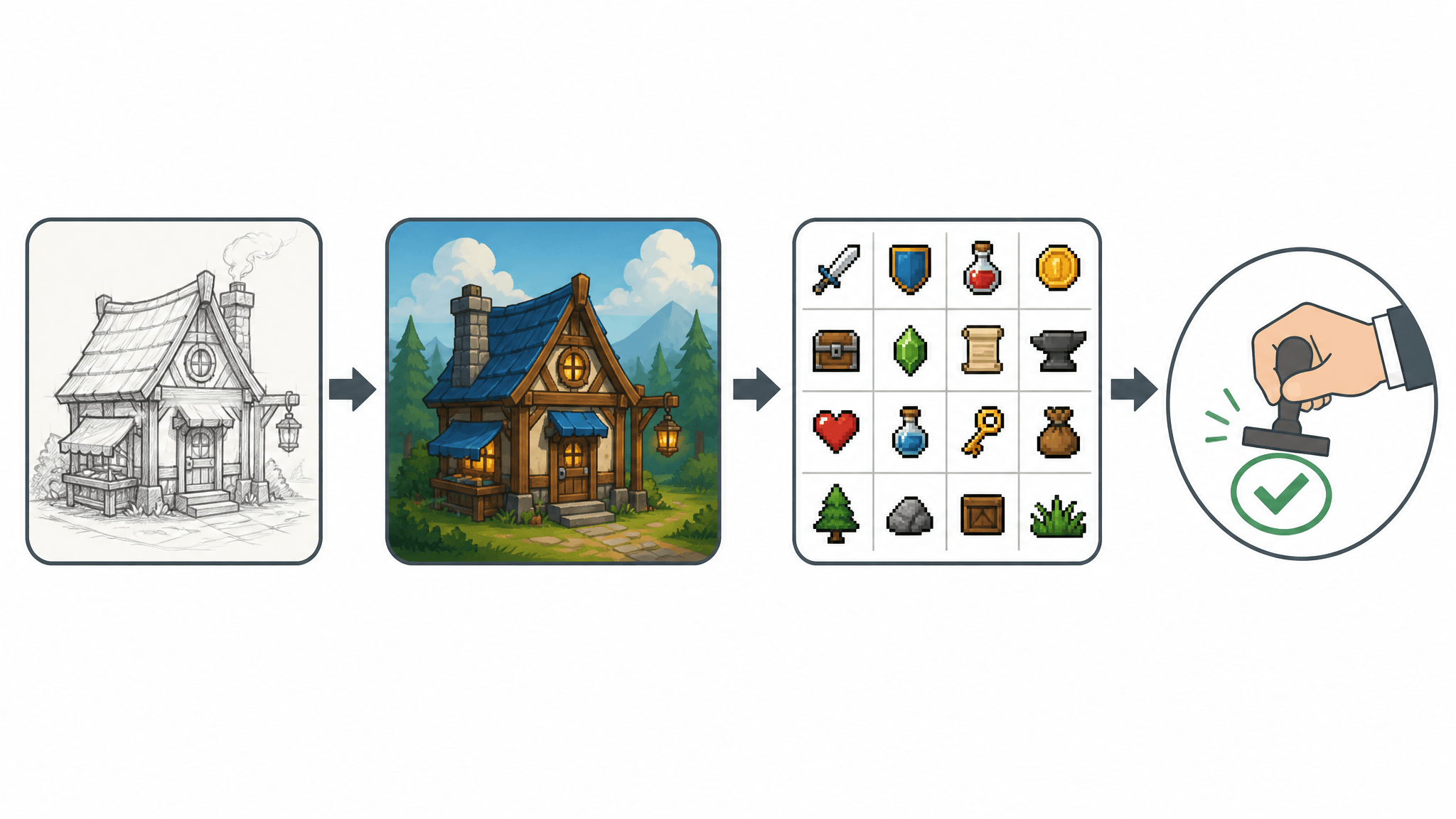
The studio playbook: three rules from the survey
When Automaton West summarized the 2026 preview, the safeguards developers reported were concrete, not abstract (Automaton West):
- Human verification, correction, and supervision. A commonly reported measure. Generated output gets reviewed and revised by a person before it goes anywhere.
- Specifying or restricting the tools used. Teams standardize on approved tools, which makes output predictable and records cleaner.
- Avoiding direct use of generated output. Generations serve as drafts, references, or inputs — not as ship-ready files.
If you are a solo developer or a small team, the translation is straightforward: keep a human pass on anything a player will see, keep a record of which tools and prompts produced which assets, and treat every generation as a draft step rather than a final one. These are the same habits larger studios report, scaled down.
A starter AI game art workflow you can run this week
This workflow is documentation-based — it follows the published behavior of widely available tools rather than our own benchmark tests. It takes one idea from sketch to a small, usable asset set:
- Sketch the idea first. Paper, a tablet, or any editor. Fix the composition, silhouette, and camera angle before touching an AI tool — generation amplifies whatever structure you give it.
- Render the sketch as game concept art. This is the step AI image tools handle best. SketchTo's Sketch to Render tool, for example, includes a Game Concept style built to preserve scene composition, character poses, and environmental layout from your sketch while applying a stylized render — you can try it at sketchto.com/tool/sketch-to-render.
- Iterate with the sketch locked. Re-run variations across styles and lighting while keeping the original drawing constant. Compare variants side by side; keep the direction, discard the rest.
- Extend into an asset family. Once a direction holds, produce supporting pieces in the same visual language — pixel art variants for items, a logo for your store page. SketchTo's catalog includes dedicated tools for these, such as the Pixel Art Generator and Gaming Logo Maker.
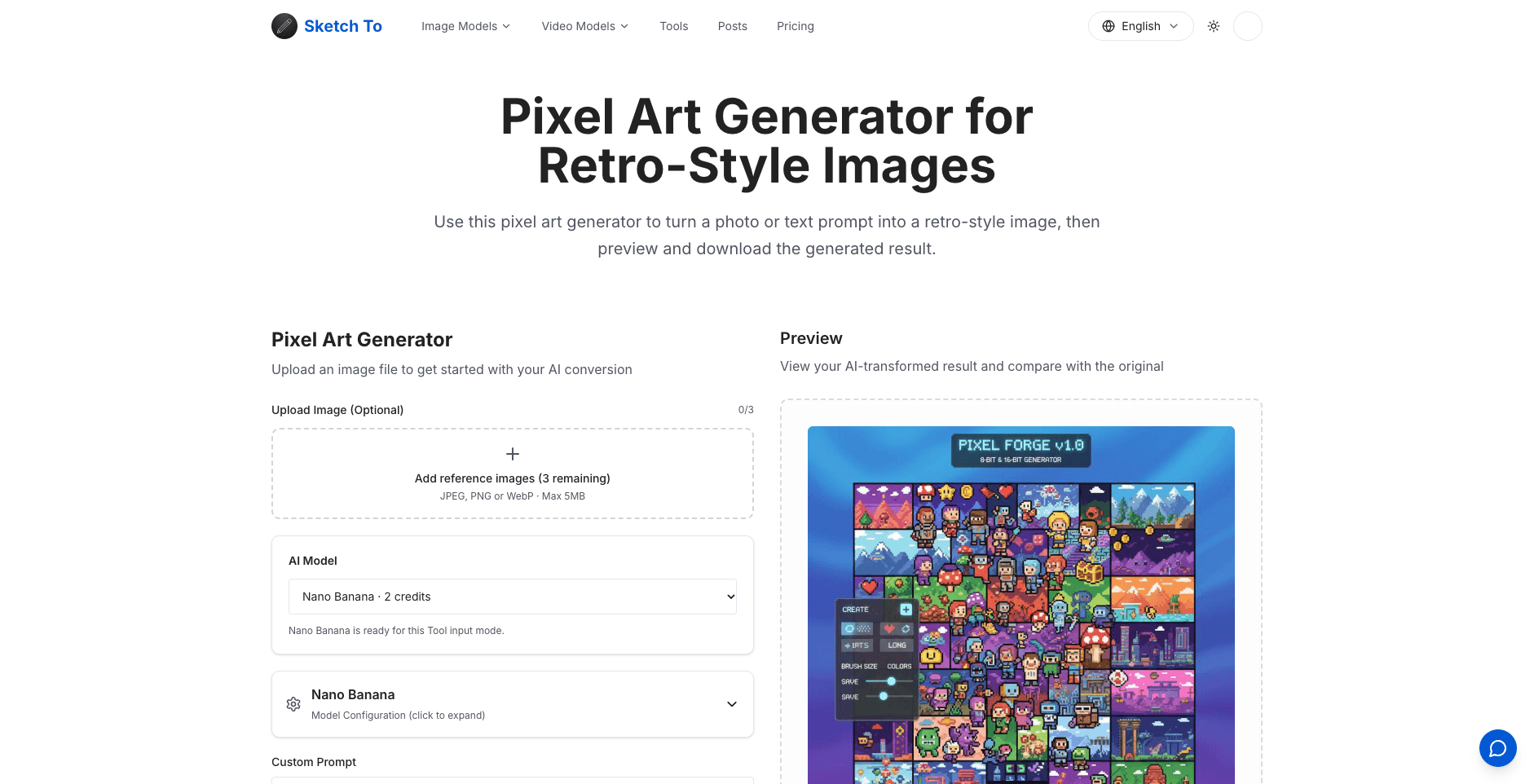
Screenshot: sketchto.com/tool/pixel-art-generator (accessed 2026-10-01). 5. Run the human pass. Correct details by hand, check consistency across the set, and note which tools and prompts produced each asset. This step is what the surveyed studios report doing — and it is what separates assisted art from AI slop.
Cost stays predictable along the way: SketchTo shows the credit cost before each generation, and new accounts start with free credits to test the workflow.
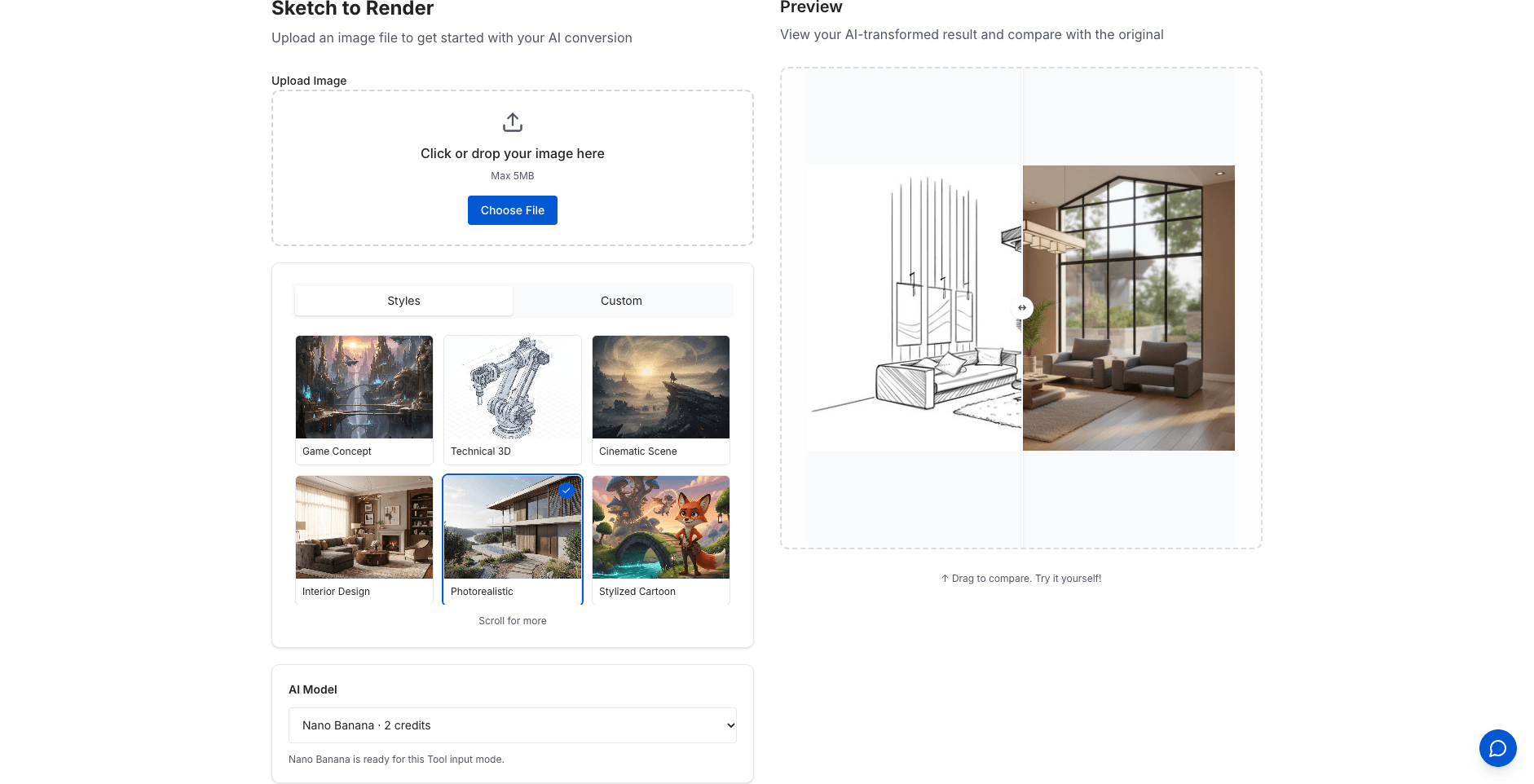
Screenshot: sketchto.com/tool/sketch-to-render (accessed 2026-10-01).
What the survey leaves unresolved
Honest adoption numbers come with open questions:
- The player-value gap. Only 147 respondents said generative AI improved the end-user experience, against hundreds citing production benefits. Closing that gap — or accepting it — is the industry's real test.
- Intellectual property. CESA executive director Tsutomu Masuda framed infringement concerns as a challenge the industry must address as adoption grows (Automaton West). Tool choice and record-keeping matter here.
- The full report lands in December. The preview does not break usage down by task. When it does, we will see how much of the 85.8% is genuinely art work versus admin and coding.
The takeaway
AI game art in 2026 is a production tool, not a replacement for artists. Adoption is wide — 85.8% and climbing — but deployment is narrower and more disciplined than the headline suggests: concentrated in concept work, prototypes, and marketing assets, wrapped in human review, and kept away from raw, unedited shipped output.
If you are making a game, that is good news. The winning move is not to avoid AI image generation or to lean on it fully, but to use it where it is strong — sketch to concept, style exploration, asset families — and keep a human pass on everything your players will see.
Transform Your Images with AI
Turn sketches into stunning images, remove backgrounds, swap faces, and more — all powered by AI.
Try Sketch To FreeShare
SketchTo Team
Tech writer covering AI tools, image processing, and creative workflows.
Related Articles
CadQuery vs OpenSCAD for AI-Generated Functional Parts
Both CadQuery and OpenSCAD turn AI-written code into printable parts — they just fail differently. A 2026 controlled benchmark shows where each wins, and how to verify the output.
Midjourney's V8.2 Edit Model: Which Editing Mode Should You Use?
Midjourney's V8.2 edit model unifies instruction edits, inpainting, outpainting, up-to-4-image reference, and moodboards in one place. Here's how to pick the right mode for each kind of edit.
From Sketch to Photoreal: FLUX.2 and the New AI Sketch Workflow
A deep guide to sketch↔image workflows with FLUX.2: multi-reference, 4MP editing, prompt control, evaluation, and practical recipes.