
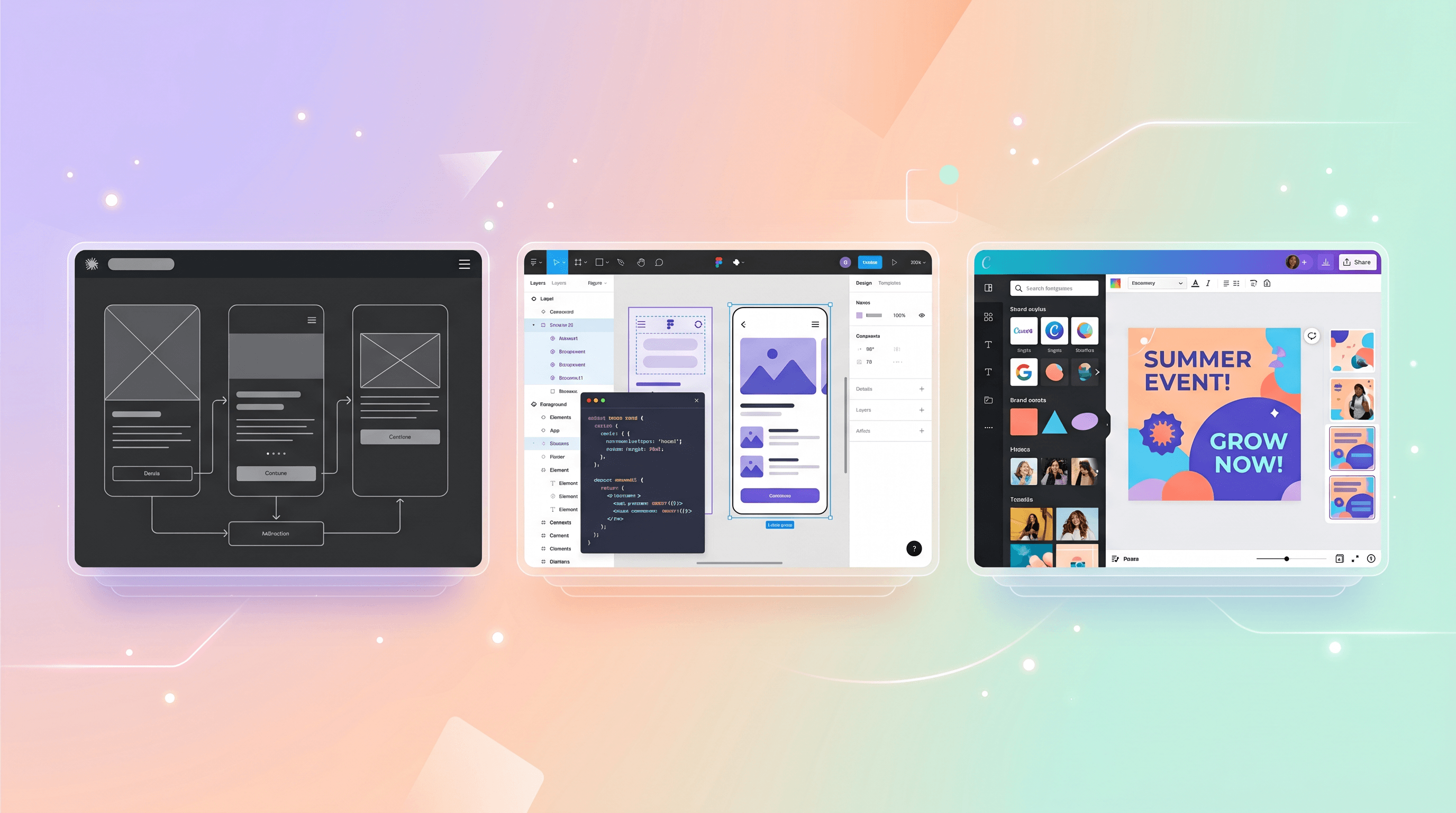
Claude Design vs Figma AI vs Canva AI 2.0: 2026 Review
The week of April 14, 2026 changed the AI design tool landscape three times. On April 16, Canva shipped Canva AI 2.0 with a foundation model built for layered, editable design. On April 17, Anthropic launched Claude Design, which hit #1 on Hacker News with 817 upvotes the same day. Figma, already the incumbent, had been quietly extending Figma AI into code generation for over a year. Google Trends shows the query "claude design" up more than 900% week-over-week.
For solo designers and indie developers, this is not just noise. It is the moment to pick a stack. This review compares the three tools from the perspective of someone shipping a product alone or in a tiny team — where pricing, export fidelity, and workflow friction matter more than enterprise features.
Last updated: April 18, 2026. Hands-on impressions based on public demos, the research previews available on launch day, and the active Hacker News and Product Hunt threads.
Table of Contents
- What AI design tools actually do in 2026
- Claude Design, Figma AI, Canva AI 2.0 compared
- Feature comparison table
- How to choose the right tool
- Step-by-step: UI → image → code workflow
- FAQ
What AI Design Tools Actually Do in 2026
AI design tools in 2026 fall into three loose categories: UI generators that turn prompts into app screens, visual generators that turn prompts into marketing assets, and agentic workflow tools that connect design output to the rest of your stack. A single tool may cover more than one category — Canva AI 2.0 spans all three; Claude Design leans toward UI and decks; Figma AI sits between UI generation and production-grade design system work.
Three shifts define the 2026 landscape:
- Layered, editable output replaced flat images. Canva AI 2.0 generates designs as individual objects rather than locked PNGs, so changing a headline or swapping one icon does not regenerate the whole canvas.
- Design systems are now input, not output. Claude Design reads your codebase and design files to apply your visual language automatically, per Anthropic's launch post.
- Export paths merged. Claude Design can send finished decks to Canva for editing; Figma's Dev Mode exports React and Tailwind; Canva Code 2.0 now imports HTML.
Claude Design, Figma AI, Canva AI 2.0 Compared
Each tool has a clear center of gravity. Below is a fair read on where each one wins and where it breaks down, based on the launch-day demos and reporting from TechCrunch, SiliconANGLE, and the Canva newsroom.
Claude Design
What it is. A conversational design product powered by Claude Opus 4.7, launched in research preview on April 17, 2026 for Claude Pro, Max, Team, and Enterprise subscribers. You describe a prototype, slide deck, one-pager, or mockup in natural language, and Claude returns a structured visual you can refine through follow-up prompts.
Best for. Founders, PMs, and engineers who need credible visuals fast without learning a design tool. The killer feature is feeding Claude your codebase or Figma file so every output matches your existing design system. Exports include PDF, shareable URL, PPTX, and a direct handoff to Canva.
Not ideal for. Pixel-level production work or brand assets that need to survive scrutiny from a design team. At launch it is a research preview, so expect rough edges on typography, image placement, and complex multi-screen flows.
Pricing. Bundled into existing Claude paid plans. Pro is $20/month, Max is $100–$200/month depending on usage tier. No standalone SKU.
Figma AI
What it is. The set of AI features woven into Figma since 2024 — Make Designs (text-to-UI), First Draft, layer auto-renaming, variant generation, background removal, and Dev Mode's code export to React, Vue, and Tailwind.
Best for. Designers and frontend developers who already live in Figma. The AI features accelerate existing workflows rather than replacing them, which is exactly what most product teams want. Dev Mode's code output remains the most reliable design-to-code path in the market, especially paired with auto-layout.
Not ideal for. Non-designers who want a finished artifact in 30 seconds. Figma's strength is its editable canvas, and that means a learning curve. If you have never used frames, constraints, or variants, Make Designs alone will not save you.
Pricing. Free tier includes basic AI usage. Professional is $15/editor/month. Organization is $45/editor/month. AI-specific credits will be metered starting later in 2026 per Figma's roadmap.
Canva AI 2.0
What it is. A reimagined Canva, launched April 16, 2026, built on the Canva Design Model — a foundation model trained specifically on design structure and hierarchy. It generates fully layered, editable designs from a single prompt and ships with six agentic workflows: connectors (Slack, Notion, Gmail, HubSpot, Google Drive, Zoom), scheduling, web research, brand intelligence, Sheets AI, and Canva Code 2.0 with HTML import.
Best for. Marketing campaigns, social content, newsletters, and internal docs where you need a polished result and do not want to touch a design tool's learning curve. The persistent memory learns your taste over time. Brand Intelligence applies your logo, colors, and fonts automatically.
Not ideal for. Building production app UIs or complex interactive prototypes. Canva Code 2.0 is useful for landing pages and simple web apps, but it is not trying to replace Figma or a proper frontend toolchain.
Pricing. Free tier with limits. Canva Pro is $15/month or $120/year. Canva Teams starts at $10/user/month. AI 2.0 is in research preview rolling out to the first one million users from the homepage.
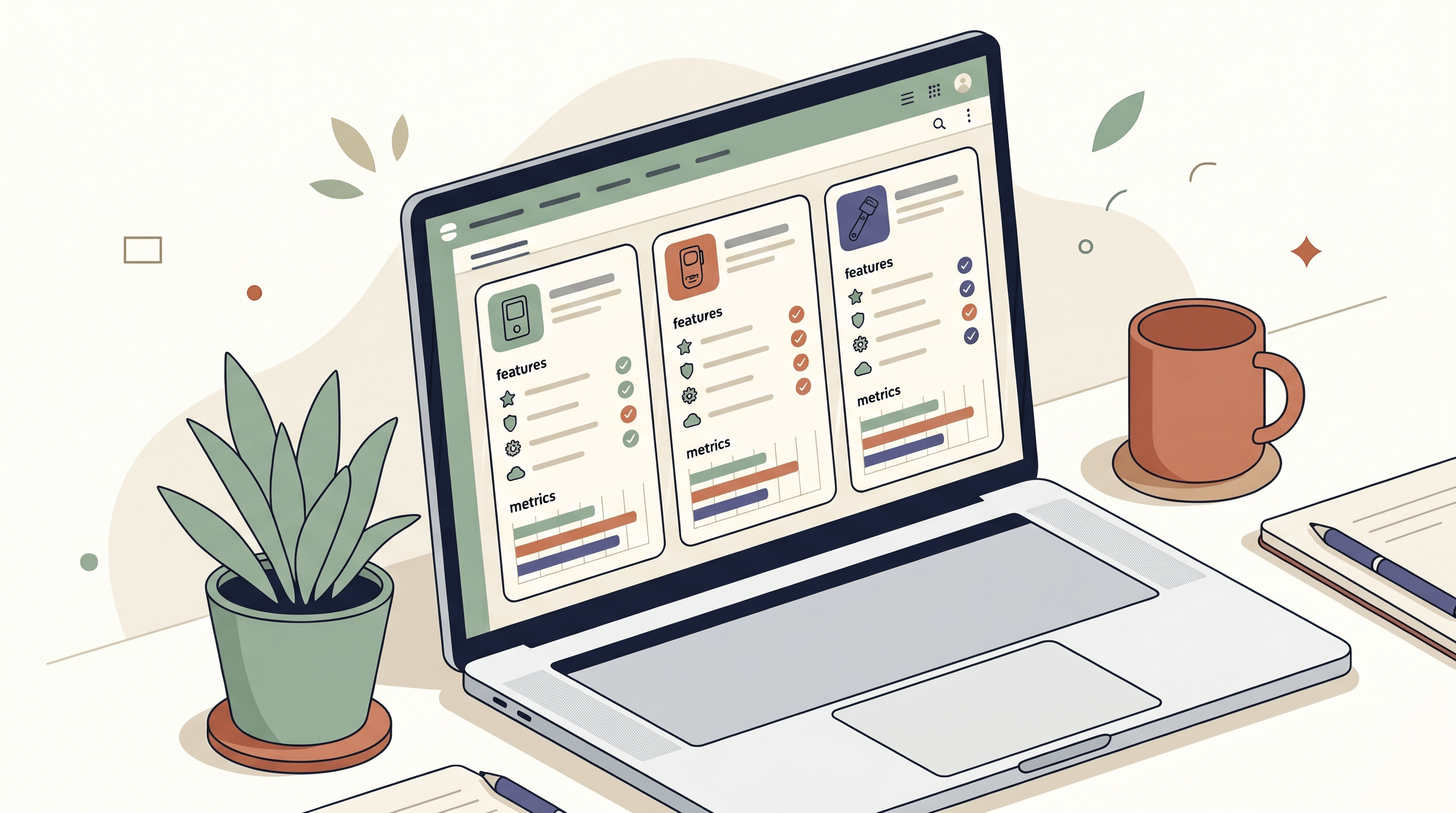
Feature Comparison Table
| Feature | Claude Design | Figma AI | Canva AI 2.0 |
|---|---|---|---|
| Launch date | Apr 17, 2026 | 2024, ongoing | Apr 16, 2026 |
| Underlying model | Claude Opus 4.7 | Multiple (proprietary + partners) | Canva Design Model (foundation) |
| UI generation | Strong (prototypes, mockups) | Strongest (native to Figma frames) | Good (Canva Code 2.0 for web) |
| Marketing visuals | Decent (decks, one-pagers) | Limited | Strongest (native use case) |
| Code export | Indirect via Figma handoff | React, Vue, Tailwind, CSS | HTML (Canva Code 2.0) |
| Design system input | Reads codebase + Figma files | Via libraries and components | Brand Intelligence (auto-apply) |
| Layered editable output | Yes | Yes (native) | Yes (Canva Design Model) |
| Persistent memory | Project-level context | Limited | Yes (personal style learning) |
| Third-party integrations | Exports to Canva, PDF, PPTX | Plugins ecosystem | Slack, Notion, Zoom, HubSpot, Gmail, GDrive |
| Free tier | No | Yes | Yes |
| Entry paid price | $20/mo (Claude Pro) | $15/editor/mo | $15/mo (Pro) |
| Learning curve | Low (conversational) | High (full design tool) | Low to medium |
| Best audience | Founders, PMs, engineers | Designers, frontend devs | Marketers, content creators, SMBs |
How to Choose the Right Tool
There is no single winner. Match the tool to the job:
- You are a solo founder who needs a landing page and a pitch deck this week. Start with Claude Design if you already pay for Claude Pro. Export the deck to Canva for polish. Use Canva Code 2.0 to publish the landing page.
- You are a frontend developer shipping a real product. Stay in Figma AI. Dev Mode's code output and the auto-layout discipline will save you more time than a chat-to-UI generator. Use Claude Code alongside for logic.
- You are a marketer or content creator running a brand. Canva AI 2.0 is the clear pick. Brand Intelligence plus the six agentic workflows collapse a weekly content calendar into an afternoon.
- You are a designer evaluating which AI to trust. Use Figma AI for production, Claude Design for speculative exploration, and ignore Canva unless you are doing marketing.
- You need illustrations and imagery for any of the above. None of these three generates bespoke artwork well. A focused image tool fills the gap — see the workflow section below.
One honest note: Claude Design is one day old at the time of this review. The product will shift. Check Anthropic's release notes before committing.
Step-by-Step: A UI → Image → Code Workflow for Solo Builders
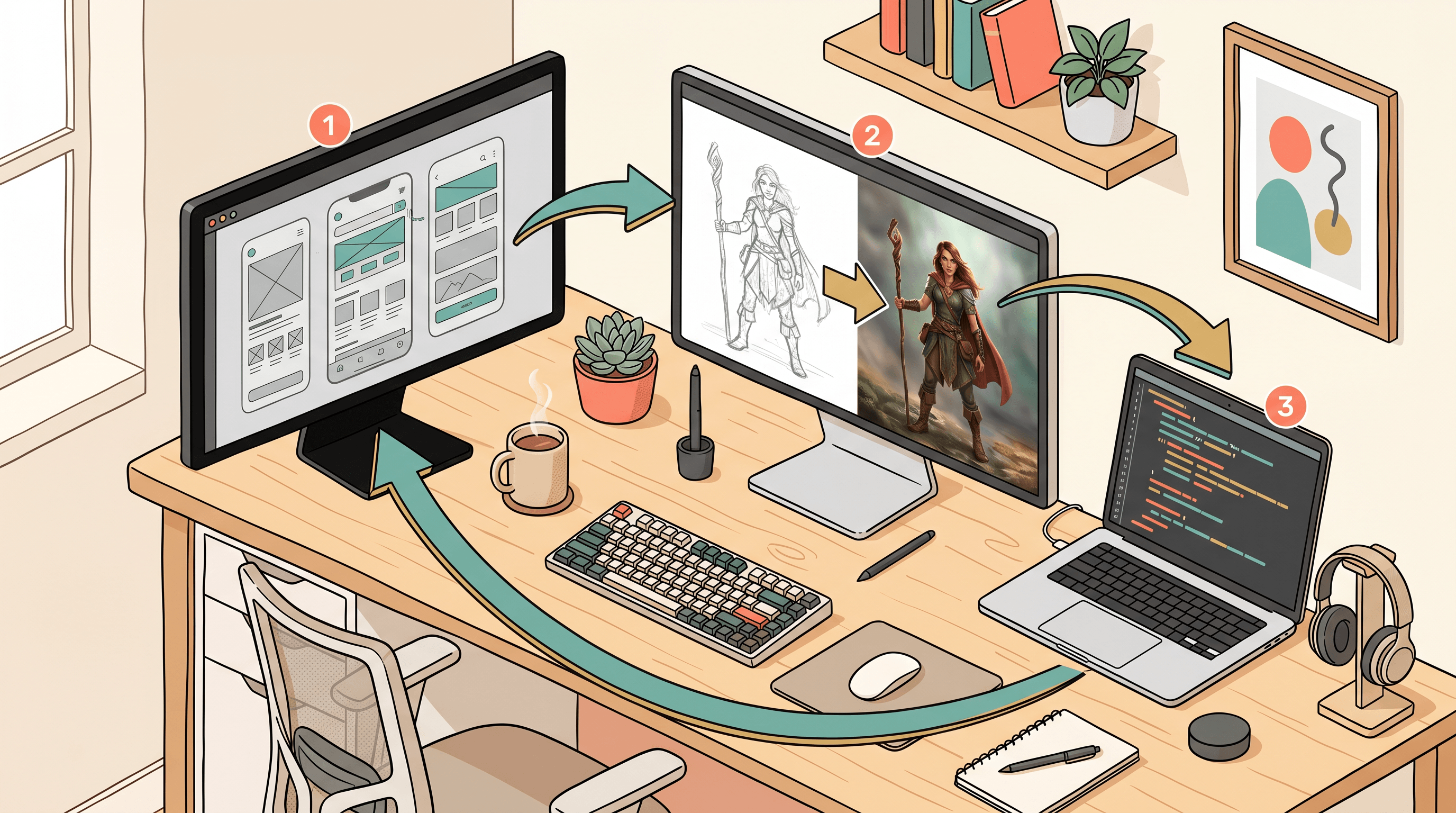
A common indie-dev stack is: design the UI in one tool, generate the imagery in a second tool, ship the code from a third. Here is a concrete flow that uses each of the three AI design tools for what they do best, plus a lightweight image step.
Step 1: Generate the UI concept in Claude Design or Figma AI
If you have no Figma skill, prompt Claude Design: "Design a three-section landing page for a SaaS that turns sketches into production photos. Hero, three-feature grid, pricing comparison. Use a clean editorial style inspired by Linear." Refine through conversation. Export the result to Figma for polish, or grab the URL to share.
If you already use Figma, start there instead. Use Make Designs to draft the hero, then use Figma AI to generate variants for the feature grid.
Step 2: Produce the supporting imagery
AI design tools are weak at bespoke illustrations. For indie projects, you often have a rough pencil sketch of what you want — a character, a product mockup, a concept scene. Run it through a focused sketch-to-image tool like Sketch To and select the Professional Model. A rough pencil concept returns as a photo-realistic render in about ten seconds, with no GPU, no prompt engineering, and no learning curve. This is where the UI → image → code chain usually breaks for solo builders, and swapping in a single-purpose tool keeps you moving.
If you need the reverse — turning a photo into a clean line-art asset for a hero illustration — the same tool runs Image to Sketch. Background Remover and Image Upscaler fill in the rest of the asset pipeline.
Step 3: Bring it back into the design tool
Drop the generated image into your Figma frame or Canva design. Canva AI 2.0 will preserve layered editability, so you can keep tweaking headline text without regenerating the whole asset. Claude Design will reference the image if you paste it into the conversation.
Step 4: Export to code
For a marketing landing page, use Canva Code 2.0's HTML export or Figma Dev Mode's React + Tailwind output. For a product UI, stay in Figma and hand the design off to a code agent (Claude Code, Cursor) that can read the Figma file directly. Claude Design's export to Figma closes the loop.
Step 5: Iterate with the tool that suits the change
Copy edits in Canva. Component changes in Figma. Whole-screen rethinks in Claude Design. Image swaps in Sketch To. The point is not to centralize — it is to pick the tool that makes each edit cheap.
Frequently Asked Questions
Is Claude Design better than Figma AI?
For quick prototypes and decks without opening a design tool, yes. For production UI work that ships to real users, no. Claude Design excels at conversational first drafts; Figma AI wins on editable, handoff-ready design files and Dev Mode's code export. Most solo builders use both.
Can Claude Design export to code?
Not directly at launch. Current export options are PDF, shareable URL, PPTX, and a handoff to Canva. You can route the design through Figma Dev Mode for React or Tailwind, or through Canva Code 2.0 for HTML, but there is no native Claude-to-code path as of April 18, 2026.
Is Canva AI 2.0 free?
The research preview is rolling out from the homepage to the first one million users, including free-tier accounts. Ongoing usage will require Canva Pro at $15/month or Canva Teams at $10/user/month once the preview closes. Brand Intelligence and some connectors are Pro-only features.
Which tool is best for indie developers?
Figma AI for production UI, Claude Design for speculative exploration and decks, and a focused image tool like Sketch To for supporting art. Canva AI 2.0 only enters the picture if you also handle your own marketing.
Do these tools replace designers?
No. They compress the first draft. A solo founder can now ship a credible v1 without a designer. A seasoned designer can now skip the mechanical work of wireframing ten variants. The creative judgment — layout, rhythm, brand voice — still comes from a human. The Register's coverage of the Claude Design launch made the same point, and the Hacker News comments on the #1 post agreed.
How do I feed my design system into Claude Design?
Point Claude Design at your codebase or Figma library. It reads component names, color tokens, and spacing conventions, then applies them to new outputs. Anthropic showed this in the launch demo. Quality depends on how well-documented your system is — messy tokens produce messy results.
Will these tools work together?
Yes, and 2026 is the year the handoffs finally hold. Claude Design exports to Canva. Canva Code 2.0 imports HTML. Figma Dev Mode exports React and Tailwind. Pick a primary tool, chain the others in when a specific job needs them.
Ready to finish your designs with the right imagery? Try Sketch To free → — turn any rough sketch into a photo-realistic asset in about ten seconds, or flip a photo into clean line art for your hero section. It is the image step most AI design tools skip.
Transform Your Images with AI
Turn sketches into stunning images, remove backgrounds, swap faces, and more — all powered by AI.
Try Sketch To FreeShare
Sketch To
Tech writer covering AI tools, image processing, and creative workflows.
Related Articles
Best Art Craft Apps: AI Tools for Craft and Design Ideas
A task-by-task guide to art and craft apps: what the trending ArtCraft open-source suite actually is, plus the AI converters — bead patterns, stencils, coloring pages, sketch-to-render — that help real craft projects.
PhotoCraft vs Photoshop: Is the Open-Source Photoshop Alternative Worth Downloading?
PhotoCraft is a free, open-source Photoshop alternative built in Rust. See what v0.7.0 can and can't do against Photoshop, whether it's safe to download, and how to install it.
Google Pics vs Independent AI Image Tools: Which One Fits Your Work?
Google Pics brings Nano Banana image editing into Slides, Docs, and Drive. See how it compares with independent AI image platforms — and which one fits your workflow.