
Google Pics vs Independent AI Image Tools: Which One Fits Your Work?
Google just put an AI image editor inside the tools where millions of people already spend their workday. Google Pics — Workspace's new image creation and editing tool — started rolling out on September 1, 2026 to Google AI Pro and Ultra subscribers and most Workspace business customers, and it will sit directly inside Slides, Docs, and (soon) Drive. If you already pay for a separate AI image platform, the obvious question is whether you still need it.
Short answer: Google Pics wins on convenience for people who live inside Google Workspace — zero tab-switching, collaboration on shared images, and no extra bill beyond a subscription many teams already have. Independent AI image platforms still win when you need task-specific depth, a broad catalog of models and tools, or image and video generation under one account. Everything depends on where you work and how wide your creative range is.
This guide compares the two on positioning, not on a feature-by-feature scoreboard — Pics is still rolling out, its standalone pricing isn't public yet, and most feature details beyond the announcement are unverified. You'll get what's confirmed, what each model genuinely offers, and explicit criteria for choosing between them.
What Google Pics actually is
Google Pics is image creation and editing built on Google's Nano Banana model, announced September 1, 2026. It's two things at once: a standalone product you can try at pics.new, and an embedded feature inside Google Workspace apps. The integration is live in Slides and Docs today, with Drive coming in the next few weeks — so you can generate or edit an image without copying files between tabs.
The rollout covers all Google AI Pro and Ultra subscribers and most Workspace business customers over the coming weeks. Google says millions of users interact with billions of images across Workspace products every month, which is the market it's aiming at: everyday workplace visuals, not specialist pipelines.
The announced feature set focuses on controlled editing rather than raw generation:
- Object segmentation — isolate an object and transform it without touching the rest of the image, leave text comments on specific areas to request targeted changes, and run multiple edits at once.
- In-image text editing and translation — modify or translate text inside an image without disrupting the design or changing the font. (Poster localization is the obvious use.)
- Collaboration — share a creation so friends or teammates can edit the same image together.
- Multiple generations — every prompt returns several options to pick from.
Google positions Pics for designing posters, producing social media posts, and editing digital illustrations — office-adjacent creative work.
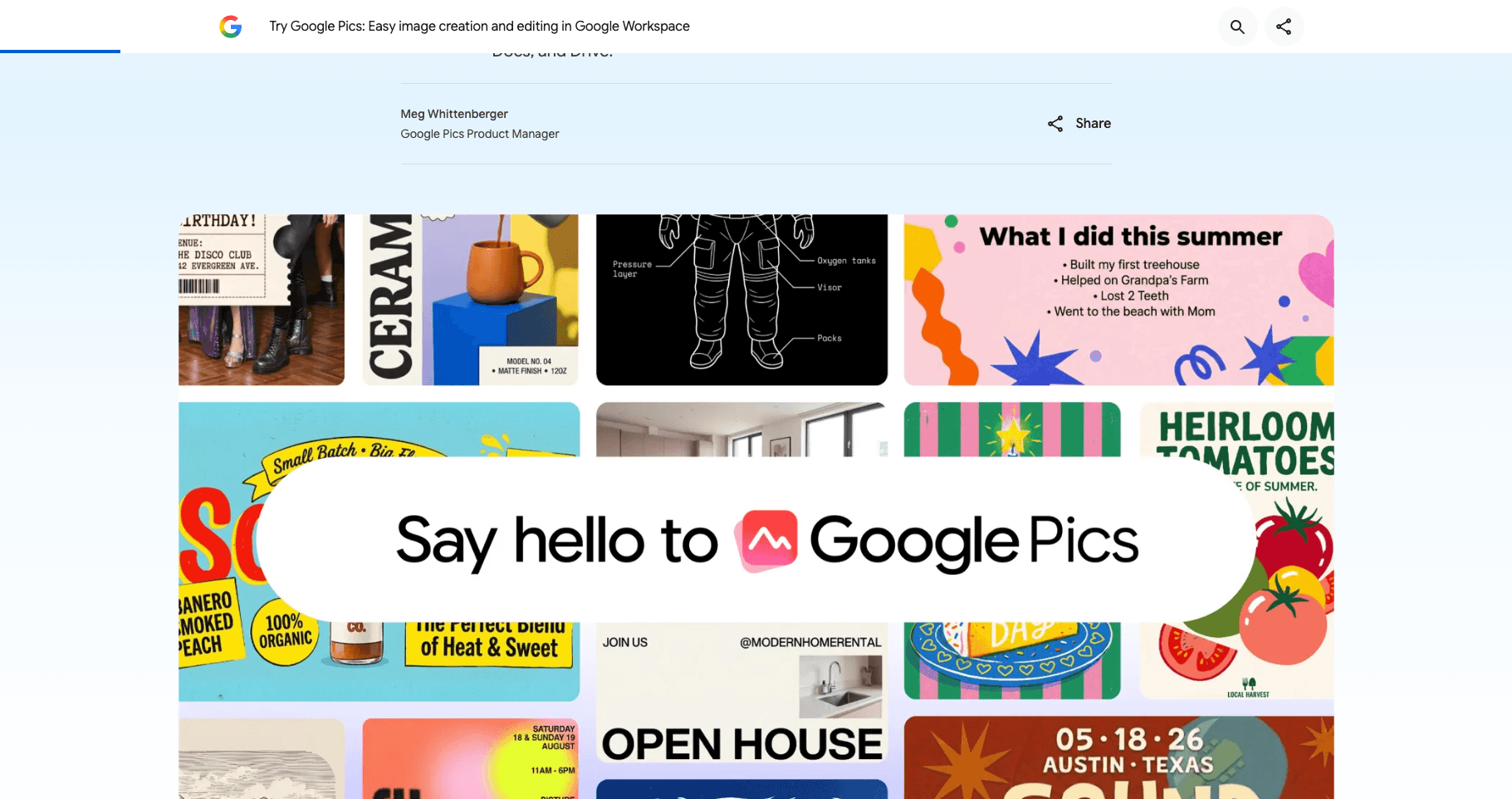
Source: Google Blog — Try Google Pics, September 1, 2026. Screenshot taken September 3, 2026.
What "independent AI image platform" means
An independent platform is the other delivery model: a standalone web product whose entire job is AI creation, not one feature inside an office suite. Instead of anchoring you to one company's document ecosystem, it aggregates many task-specific tools behind one account.
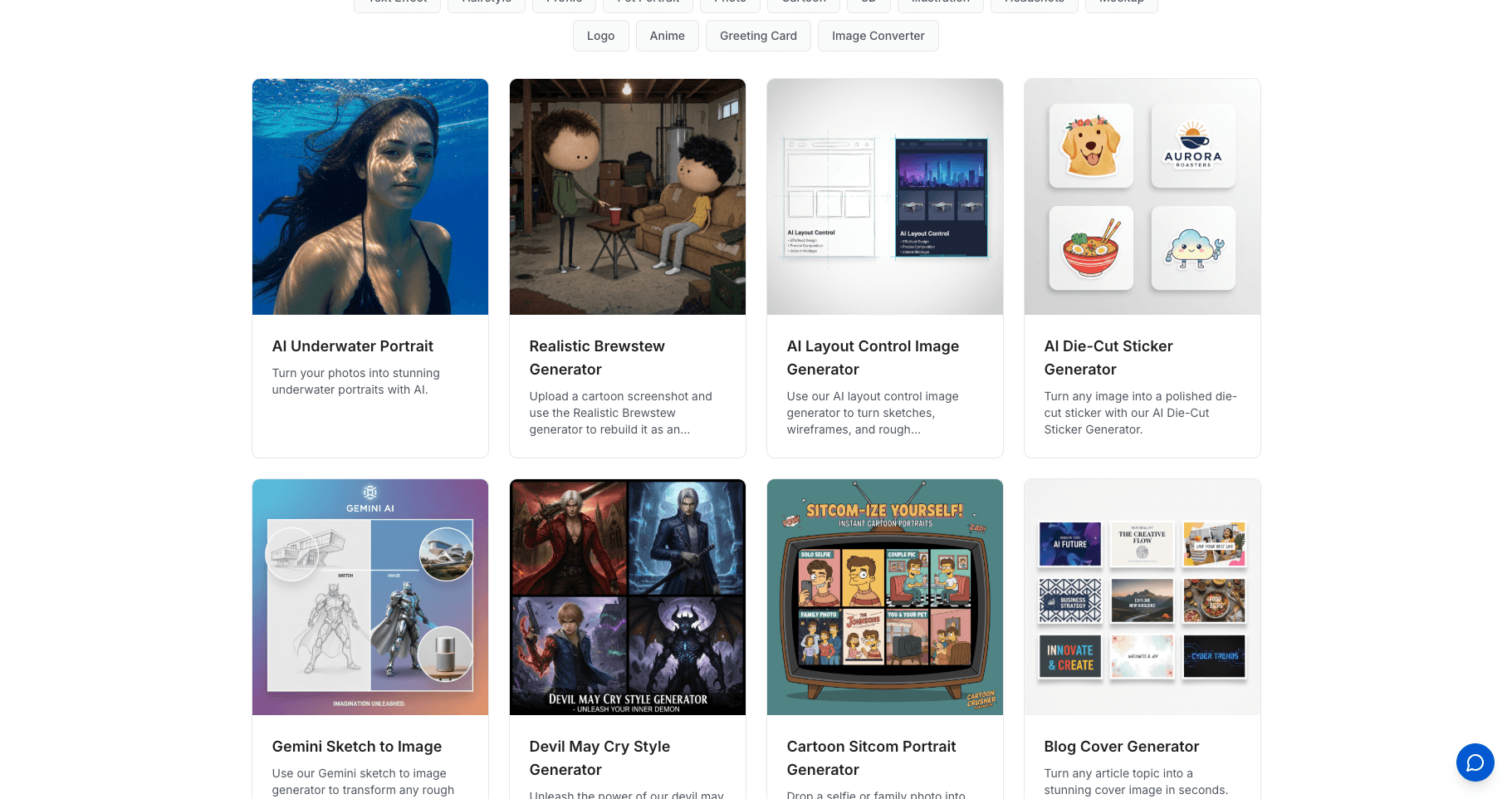
SketchTo — where this article is published — is one example, so you can see the model concretely: it offers more than one hundred focused tool and model entry points covering both image and video generation, bilingual English/Chinese interfaces, and a credit system with disclosed per-generation costs alongside subscription and credit-pack purchases. Every generation lands in a durable history you can revisit, download, or share later. Other independent platforms (Midjourney, Krea, Freepik's AI suite, and many single-task tools) follow variations of the same pattern: specialist depth first, ecosystem second.
The difference isn't quality — it's what the product optimizes for. Workspace embeds creation into documents; independent platforms make creation the product.
If you want a deeper look at the model behind Pics, we published a separate Nano Banana explainer.
The five differences that actually drive the decision
| Dimension | Google Pics | Independent platform (e.g., SketchTo) |
|---|---|---|
| Where it lives | Inside Slides, Docs, Drive (rolling out) + standalone at pics.new | A separate web app you open on its own |
| How you pay | Bundled with Google AI Pro/Ultra or Workspace business plans; standalone pricing not yet announced | Free credits to start, then credit packs or subscriptions with disclosed per-image costs |
| Scope | Image creation and editing only (at launch) | Image plus video generation across many task-specific tools |
| Model breadth | Built on Google's Nano Banana model | Many models and tools across providers in one catalog |
| Collaboration | Co-edit the same shared image with teammates | Per-user history; share, download, or reuse finished work |
Where you work. If your deliverables are born in Docs and Slides, embedded editing removes the entire export-import loop. If your work is creative output — artwork, video content, campaign assets — you're leaving the document anyway, and a dedicated tool adds capability instead of convenience.
How you pay. Pics rides on subscriptions many teams and individuals already hold, which makes it effectively free at the margin for Workspace-centric users. Credits make costs proportional to actual usage and keep commercial experimentation tool-agnostic — but they're a separate line item. Neither model is cheaper in absolute terms yet, because Pics's standalone pricing doesn't exist publicly.
Scope. Pics launches as an image tool. The moment your task list includes video, you're back to juggling separate services — or using an independent platform that already covers both under one account and one history.
Model breadth. One model means one aesthetic and one editing philosophy, however strong. Task-specific catalogs exist precisely because sketch-to-render, background removal, style transfer, and photo restoration behave differently — breadth is the independent platform's core argument.
Collaboration style. Pics's shared co-editing fits team workflows where several people refine one visual — a genuine gap in most independent platforms. Independent tools optimize the single creator's loop: generate, compare versions, download, reuse.
Choose Google Pics if…
- Your visual work happens inside Google Docs, Slides, or Drive — memos, pitch decks, classroom materials, internal announcements.
- You (or your company) already hold a Google AI Pro/Ultra or eligible Workspace business plan, and you don't want another vendor relationship.
- Your edits are office-adjacent: object cleanups, in-image text fixes and translations, poster and social-post variants.
- Several colleagues iterate on the same image and you want native co-editing.
Choose an independent platform if…
- You need range: sketch-to-render, restoration, upscaling, style work — or video alongside images — rather than one general-purpose editor.
- You want model choice instead of a single vendor's model roadmap.
- You prefer usage-based credits with visible per-generation costs over another subscription.
- Your output lives outside Google's ecosystem — client work, e-commerce listings, social channels, print.
- You work bilingually; some independent platforms serve English and Chinese natively, while Pics's language availability beyond the announcement isn't specified yet.
Many people will legitimately use both: Pics for the deck that's due tomorrow, an independent platform for everything that has to look like it wasn't made in a deck.
What's still unknown
Pics is days into a multi-week rollout, so three things remain genuinely open. First, standalone pricing — access is currently framed around AI Pro/Ultra and Workspace business plans, and nothing public says what Pics costs (or whether it's offered) outside them. Second, non-subscriber availability — the announcement doesn't specify when or whether free Google accounts get access. Third, real-world editing quality — the feature list is official, but no independent benchmarking exists yet, and this article deliberately doesn't pretend otherwise. If you're evaluating tools for a team, it's worth re-checking these points once the rollout completes.
Bottom line
Google Pics makes AI image editing a default part of Workspace rather than a separate destination — the right call for document-centric users who want capable, collaborative editing without adding a vendor. Independent AI image platforms remain the stronger choice when breadth, model selection, video, or usage-based pricing matter more than embedding. Decide by where your work lives: inside documents, pick Pics; across formats and ecosystems, keep an independent platform in your toolkit.
Transform Your Images with AI
Turn sketches into stunning images, remove backgrounds, swap faces, and more — all powered by AI.
Try Sketch To FreeShare
SketchTo Team
Tech writer covering AI tools, image processing, and creative workflows.
Related Articles
Best Art Craft Apps: AI Tools for Craft and Design Ideas
A task-by-task guide to art and craft apps: what the trending ArtCraft open-source suite actually is, plus the AI converters — bead patterns, stencils, coloring pages, sketch-to-render — that help real craft projects.
PhotoCraft vs Photoshop: Is the Open-Source Photoshop Alternative Worth Downloading?
PhotoCraft is a free, open-source Photoshop alternative built in Rust. See what v0.7.0 can and can't do against Photoshop, whether it's safe to download, and how to install it.
Text to Image vs Sketch to Image: Krea 2 Lessons
Compare text to image vs sketch to image after Krea 2, and learn when prompts, sketches, or both fit concept art and design work.