
Best Art Craft Apps: AI Tools for Craft and Design Ideas
Search "art craft apps" today and you get two very different answers stacked on top of each other. On one side is ArtCraft, the open-source creative suite that launched into the tech news cycle in October 2026 and now owns the top of the results page. On the other side is the category crafters have always meant: apps that support real craft work — sketching an idea, turning a photo into a bead pattern, cutting a stencil, printing a coloring page.
This guide covers both, organized by the task in front of you rather than by app-store category. Every app mentioned here either publishes the facts we cite on its own site or is a live tool on SketchTo; where something is still in development, we say so.
Quick picks by task
| Your task | What to look for | Covered below |
|---|---|---|
| Sketch an idea before committing materials | A drawing app with pressure support, or a sketch-to-render AI bridge | Procreate, Sketch To Render |
| Turn a photo into a pattern you can work from | Bead-grid or seamless-repeat generators with printable output | Perler bead patterns, PatternedAI, Canva, AI Pattern Generator |
| Make stencils or coloring pages | Line-art converters with print-friendly output | Stencil Maker, Turn Photo Into Coloring Page |
| Test colors and styles cheaply | Recoloring and stylize filters | Recolor Image, watercolor and felted-doll previews |
| Keep inspiration organized | Boards, stash trackers, calculators | The classics — still worth keeping |
First, the ArtCraft everyone is talking about
ArtCraft is a suite of thirteen open-source, Rust-based creative apps — image editing, vector illustration, video, photo development, PDFs, motion graphics, page layout and more — built by the ArtCraft team and free to download for macOS, Windows, and Linux getartcraft.com/apps. Its flagship PhotoCraft image editor is the "free Photoshop alternative" that drew a wave of launch coverage across tech news sites, Reddit threads, and Hacker News in October 2026, and it now sits at the top of the search results for this topic.
Should a crafter care? Possibly, with caveats. The project's own app listing marks PhotoCraft as early alpha, and several sibling apps — vector illustration, video editing, photo development — as in development getartcraft.com/apps. For crafters, the realistic near-term use is free photo editing and document layout for documenting and presenting finished work. What ArtCraft does not do is generate anything: it is a traditional editing suite, not an AI tool, and it will not turn your dog's photo into a cross-stitch chart.
We took a close, sourced look at PhotoCraft itself in PhotoCraft vs Photoshop: Is the Open-Source Photoshop Alternative Worth Downloading? — including the project's own warning that it is not yet a daily-professional-work replacement.
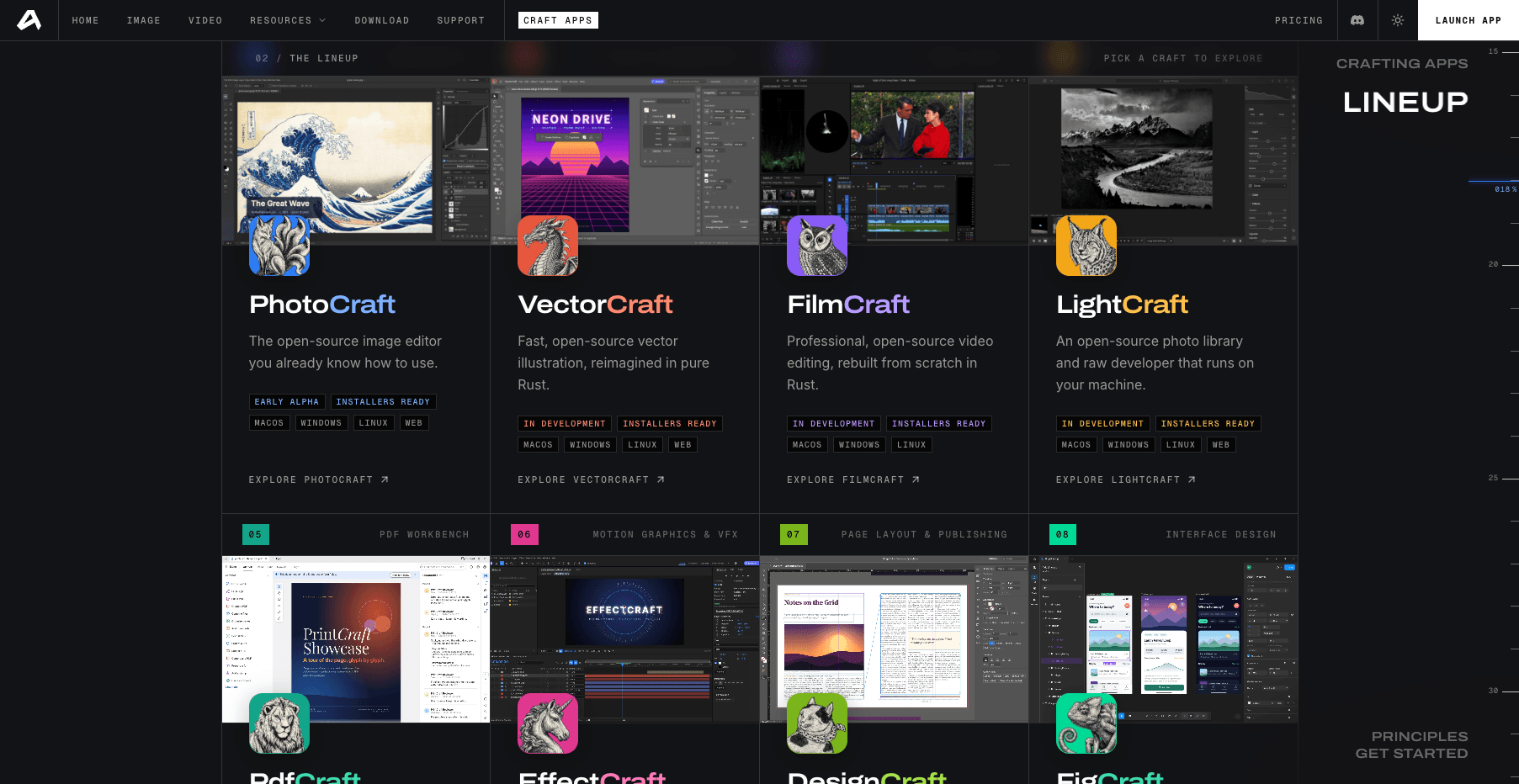
The ArtCraft lineup on getartcraft.com (accessed October 16, 2026): thirteen open-source apps; statuses are the project's own.
Sketch it first: from pencil line to picture
Most craft projects start analog. A pencil sketch decides the silhouette of a plush toy, the border of a wood sign, or the layout of a scrapbook page long before any app gets involved.
For digital sketching, Procreate remains the established paid option on iPad — the official site documents over 300 handcrafted brushes and a painting engine built for expressive sketch work procreate.com. It is a drawing app, not a generator: it amplifies your own line work.
The newer bridge is sketch-to-render AI. You photograph or import a rough sketch, and a model renders it as a finished image — useful for sanity-checking a color scheme or motif before you cut fabric or mix paint. SketchTo's Sketch to Render tool is one option that works directly from a photo of your drawing; render quality varies by sketch clarity, so treat results as a preview, not a final design.
Patterns you can actually work from
This is where AI tools have quietly become genuinely useful for crafters, because the output is no longer "an image" but a working document: a grid you can follow bead by bead, or a seamless repeat you can print.
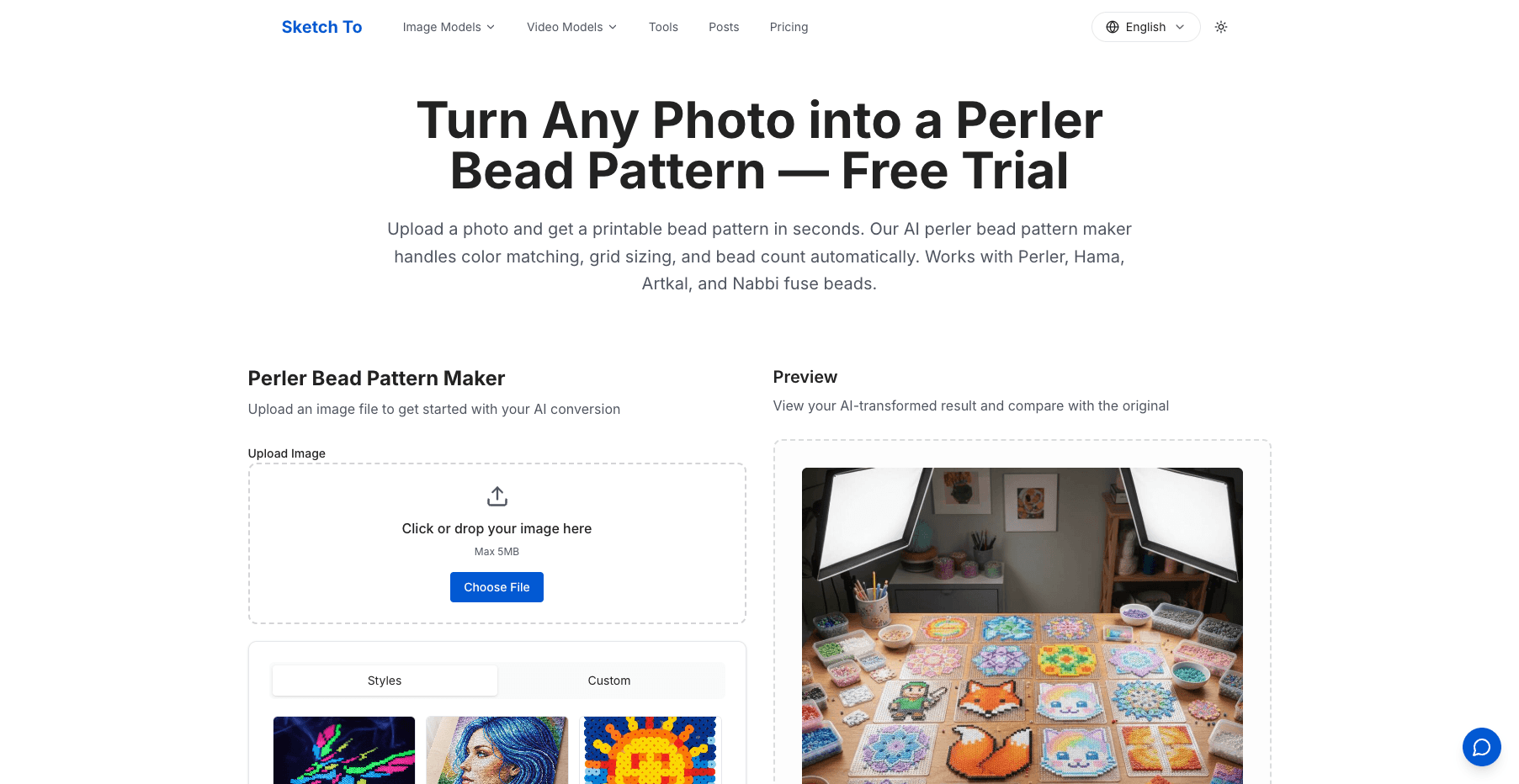
Perler and Hama bead patterns. Photo-to-bead-pattern converters map any image onto a pegboard grid with a color legend. SketchTo's Perler Bead Pattern tool supports Perler, Hama, Artkal, and Nabbi bead brands and produces a printable pattern — our photo-to-perler-bead tutorial walks through the full process from photo to finished board. If you want a personalized gift pattern from a pet photo or a kid's drawing, this two-step path (photo → grid → beads) is currently the most practical AI-assist in the craft room.
Seamless repeats for fabric and paper. Dedicated pattern generators produce tileable designs. PatternedAI, built specifically for textile and fashion work, generates and recolors print-ready seamless patterns patterned.ai; Canva offers a lighter-weight pattern generator inside its design editor. SketchTo's AI Pattern Generator creates seamless tile patterns the same way, and recoloring an existing pattern is a one-stop job for the Recolor Image tool.
Pixel-adjacent mosaics. If your craft lives near the pegboard world — fuse beads, cross-stitch, brick wall art — SketchTo's LEGO Mosaic Generator turns a photo into a brick-mosaic interpretation you can use as a reference image.
Stencils, coloring pages, and line art
A second family of tools converts photos into outlines — the raw material of stencil cutting, coloring books, and embroidery transfers.
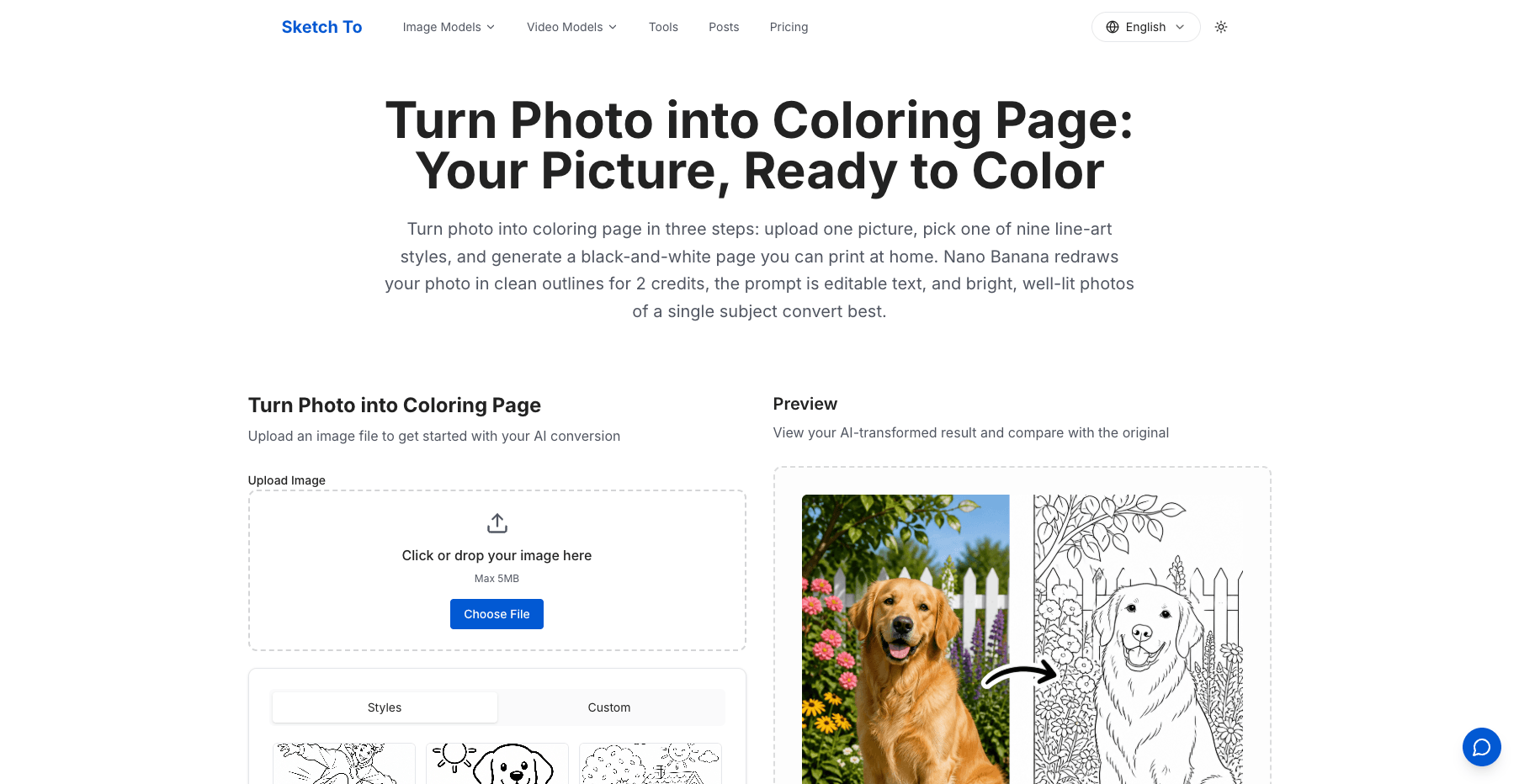
SketchTo's Stencil Maker turns an image into a printable stencil design — the classic use cases are wall art, wood burning, and pumpkin carving. For coloring pages, Turn Photo Into Coloring Page converts a photo into clean black-and-white line art with nine style options, and Drawings for Coloring generates fresh coloring sheets from a text description. Our coloring book tutorial covers how to take those pages from single prints to a bound book.
The same line-art logic powers craft-adjacent gifts: an AI tattoo generator or line art generator sketch provides reference drawings a tattoo artist or embroidery hooper can work from.
Test colors and styles before spending materials
The most underrated craft application of AI is the cheap experiment. Recoloring a pattern to check whether teal or mustard works better costs nothing compared with dyeing the wrong yarn. A watercolor filter preview can settle whether a painted style suits a nursery print before you buy paper. Concept tools go further: SketchTo's wool felt doll generator renders a needle-felted interpretation of a photo, which works as a planning reference for experienced felters — the render is a concept, not a substitute for the craft itself.
Old craft-photo archives benefit too: restoring faded photos of finished pieces for a portfolio or a family craft book is a one-afternoon job with AI restoration — see our old photo restoration guide.
The classics still earn their home screen
None of this replaces the apps long-time crafters already rely on: Pinterest boards for collecting references, marketplace apps for sourcing and selling, and the quiet utility apps sewists and quilters use for stash tracking and fabric math. AI generation tools add a step earlier in the process — the imagining step. The organizing, cutting, and making steps are still yours.
How to choose your art and craft apps: four questions
Does the output fit your craft? A generator that returns a screen-only image is useless for bead work; you need a printable grid with a legend. Check whether the tool prints, and whether grid sizes match the boards you own.
What does it cost to try? Prefer tools that let you test before paying. On SketchTo, new accounts include free credits, and every tool shows its credit cost before you generate — the coloring-page converter, for example, documents 2 credits per conversion. Subscription and pack pricing is on the pricing page.
Can you use the results commercially? If you sell at markets or on Etsy, check the license. SketchTo's Pro plan includes commercial use of generated results; other tools' terms vary, so read them before you sell anything made with a generated pattern.
What happens to your photos? Family photos are common inputs here. A tool that keeps your generations in a private history you can delete — rather than a public feed — is the safer default for personal images.
The short version
"Art craft apps" splits into two honest answers. ArtCraft is a promising free editing suite worth watching — in alpha today, and aimed at editing rather than generating. The apps that change craft work right now are the converters: photo to bead grid, photo to stencil, photo to coloring page, sketch to render. Pick the one task that is currently slowing you down, try it with a free-credit tool this week, and keep the classics for everything that comes after the imagining.
Transform Your Images with AI
Turn sketches into stunning images, remove backgrounds, swap faces, and more — all powered by AI.
Try Sketch To FreeShare
SketchTo Team
Tech writer covering AI tools, image processing, and creative workflows.
Related Articles
PhotoCraft vs Photoshop: Is the Open-Source Photoshop Alternative Worth Downloading?
PhotoCraft is a free, open-source Photoshop alternative built in Rust. See what v0.7.0 can and can't do against Photoshop, whether it's safe to download, and how to install it.
Google Pics vs Independent AI Image Tools: Which One Fits Your Work?
Google Pics brings Nano Banana image editing into Slides, Docs, and Drive. See how it compares with independent AI image platforms — and which one fits your workflow.
Text to Image vs Sketch to Image: Krea 2 Lessons
Compare text to image vs sketch to image after Krea 2, and learn when prompts, sketches, or both fit concept art and design work.