
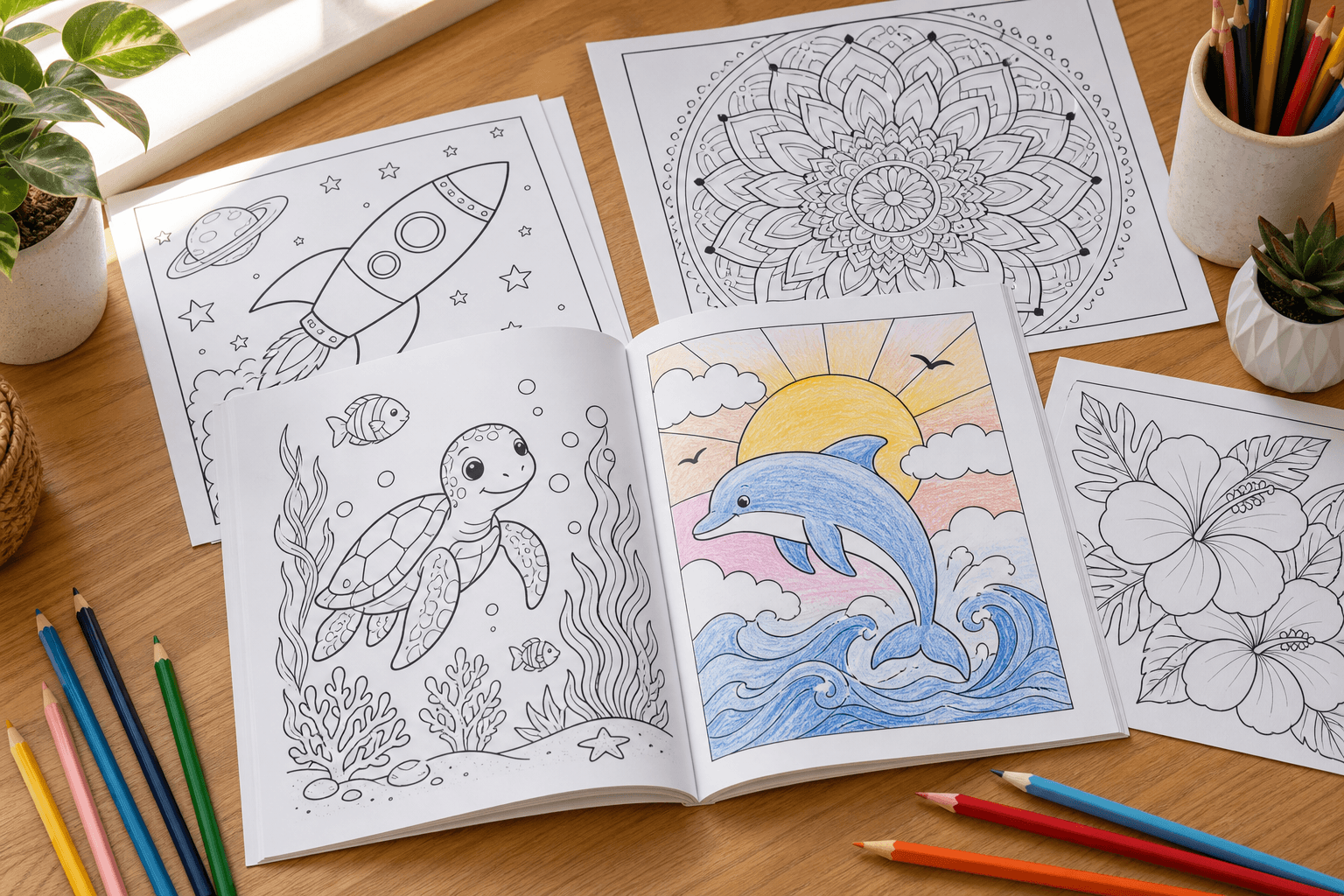
How to Make a Coloring Book: From Photos to a Print-Ready Book
A single converted page is a fun afternoon. A whole book — that's a birthday gift, a classroom activity, or your first product on Amazon. The gap between the two is not artistic talent; it is a short checklist: keep every page visually consistent, size the pages before you export, and know where the book will be printed before you lay it out.
This guide walks through the full workflow with SketchTo's drawings-for-coloring tool: plan a theme, generate a consistent set of coloring pages from your photos or from prompts, quality-check them, assemble a print-ready PDF, and then print it yourself or publish it — including the honest math on selling through Amazon KDP.
The workflow at a glance
- Plan the theme and page count.
- Generate consistent coloring pages (photos or prompts, one model and style for the whole book).
- Quality-check on paper before you commit to a full set.
- Assemble the pages into a correctly sized, margin-safe PDF.
- Print and bind — at home, at a print shop, or on demand through KDP.
None of these steps requires design software. Everything below uses the tool, a web browser, and any PDF utility.
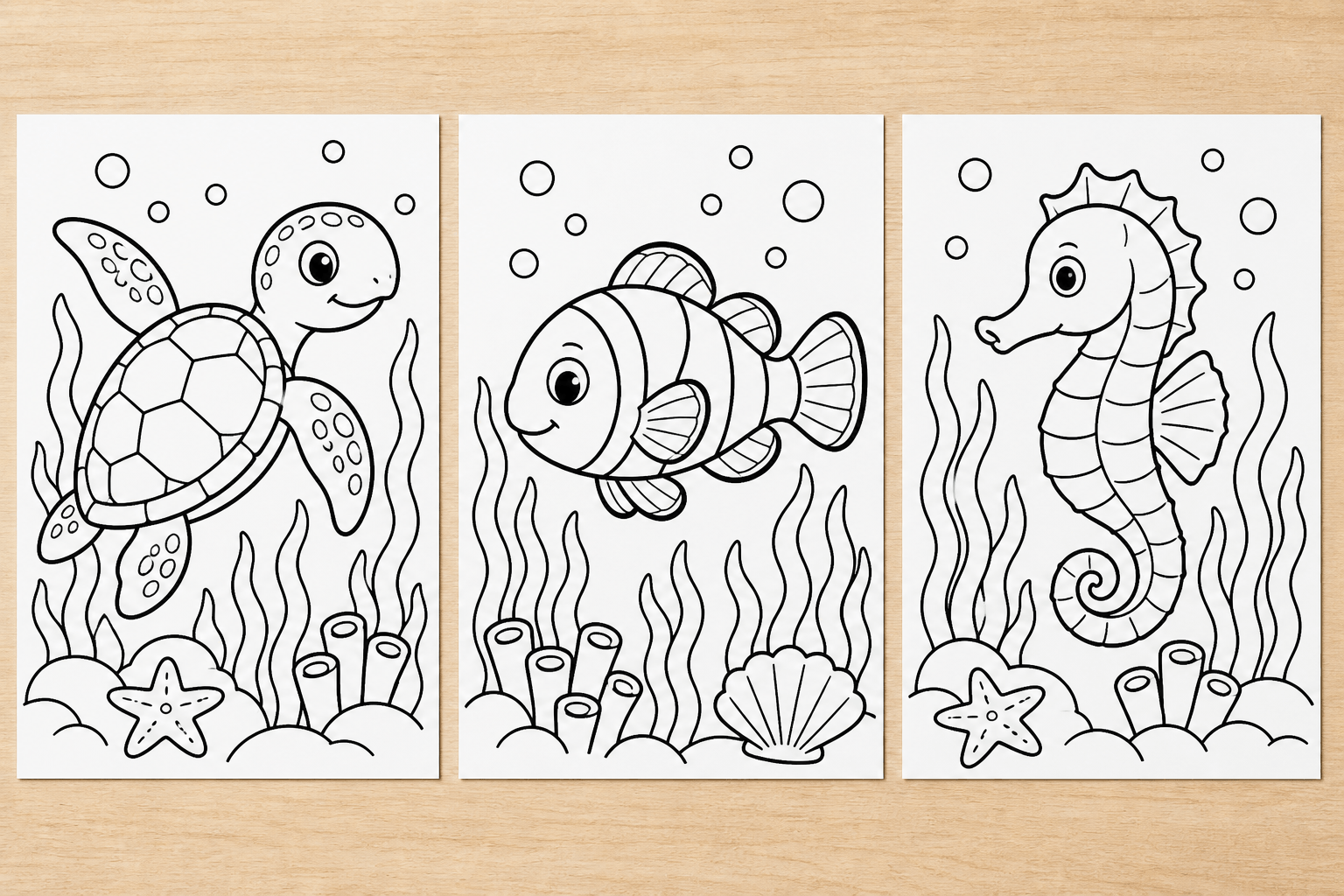
Concept illustration of the goal: every page in a book should share one style preset, one model, and one line weight.
Step 1: Plan the theme and page count first
Decide these two things before generating anything, because they shape every later decision:
- Audience. A book for kids wants thick, simple lines and familiar subjects; an adult book can handle dense patterns and fine detail. These are genuinely different settings, not just different topics.
- Page count. For a home-printed book, any count works. If KDP is in your future, note that its paperbacks start at 24 pages, and interior margin rules kick in by page-count band — 24 to 150 pages is the band most coloring books land in.
Then write your page list. A "backyard animals" book might be: rabbit, squirrel, robin, butterfly, vegetable garden, birdhouse — one line per page, plus a cover. Twelve to twenty-four subjects is a satisfying first book. This list becomes your generation queue, and it is what keeps the book feeling coherent instead of random.
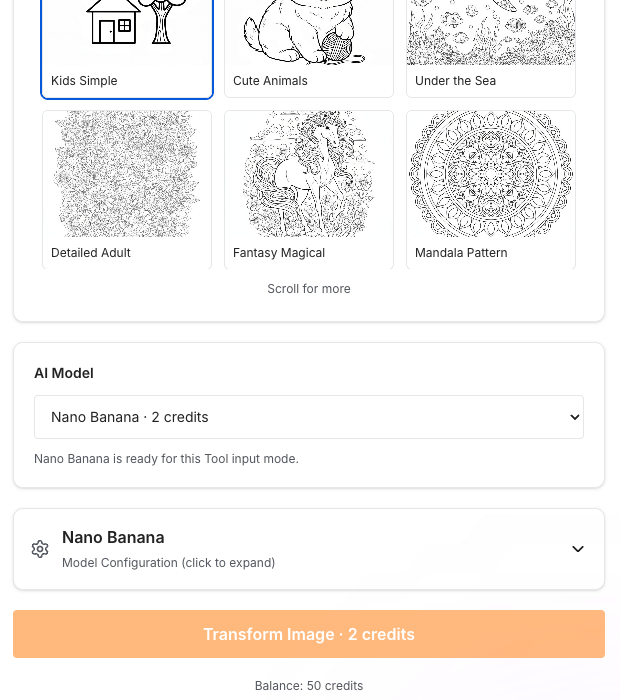
The live tool page (sketchto.com, accessed September 29, 2026): nine style presets plus Custom, with each model's credit cost shown before generation.
Step 2: Generate the pages — consistency is the whole game
SketchTo's drawings-for-coloring generator converts an uploaded photo or a written description into clean line art, and it offers nine style presets: Kids Simple, Cute Animals, Under the Sea, Detailed Adult, Fantasy Magical, Mandala Pattern, Holiday Seasonal, Nature Landscape, and Cartoon Character — plus a Custom option for your own prompt.
For a book, three habits matter more than any single setting:
One model and one style for the entire book. The tool exposes several image models with per-generation costs disclosed before you click — at the time of writing, from 2 credits (Nano Banana, FLUX 2 Pro) up to 8 credits (Nano Banana Pro) per page. A 24-page book at a 2-credit model costs about 48 credits; at the 8-credit model, about 192. Pick a model your budget survives 24 times over, then keep it for every page: line weight and detail level visibly change between models, and a book that mixes them looks assembled rather than authored.
Photos for personal pages, prompts for themed ones. Uploading a photo of your dog, your house, or your kid's drawing turns personal material into colorable outlines — the fastest way to make a book feel one-of-a-kind. For subjects you can't photograph, write a custom prompt and keep a consistent sentence pattern, changing only the subject: "simple black-and-white line drawing of a [subject], thick clean outlines, no shading, white background, coloring book style." Reusing one template sentence is what makes page 17 look like it belongs next to page 3.
Regeneration is normal — budget for it. Not every page comes out right the first time, and each transform spends credits again, so plan your page list with a few retries in mind. New accounts start with a small trial credit balance, and credits come from the Basic and Pro plans or credit packs, so the cost of a book is knowable before you start.
On testing, one honest note: the steps, style list, and prices above were verified directly on the live tool page, and SketchTo's upload → generate → download pipeline passed end-to-end first-party tests on its sibling tools; the workflow below reflects that pipeline, but treat your first generated page as your own test print before running a whole book.
Step 3: Quality-check before you commit
Print one page — just one, on the paper you intend to use — and check it with actual coloring tools:
- Line weight. Will the lines survive a crayon from a five-year-old, or a fine-tip marker from an adult?
- Closed shapes. Regions should be fully enclosed, or coloring "inside the lines" becomes impossible.
- Coverage. No large gray areas, no accidental shading — a photocopy test reveals this fast.
Regenerate the pages that fail. Every generation is kept in your SketchTo History, so nothing you liked gets lost between sessions — you can regenerate today and re-download last week's keepers when assembling.
Step 4: Assemble the print-ready book
Now the decisions that a single converted page never forces on you:
Pick the page size before exporting. For home printing, US Letter (8.5 × 11 in) is the safe default — it matches the paper already in your printer. For KDP, supported paperback trim widths run from 4 to 8.5 inches and heights from 6 to 11.69 inches, so 8.5 × 11 works there too (it counts as a "large trim size," which prints at a slightly higher per-page cost), and 6 × 9 in is KDP's most common US trim.
Respect margins. For a 24–150 page KDP paperback, the inside (gutter) margin must be at least 0.375 in, and outside margins at least 0.25 in — or 0.375 in if any art bleeds off the edge. "Bleed" means the artwork extends 0.125 in past the final trim so no white sliver appears after cutting; line-art coloring pages that keep a white border can simply stay inside the margins and skip bleed entirely. Simplest robust layout: place each image centered inside a 0.5 in margin on every side.
Order and extras. A cover page, a title page, then your coloring pages — optionally ending with a "This book belongs to ___" page, which kids' books almost always deserve.
Export a PDF. Place the downloaded PNGs in order in any PDF tool and export at full page size, one image per page, no scaling. The PDF is your single master file for every route below.
Step 5: Print and bind
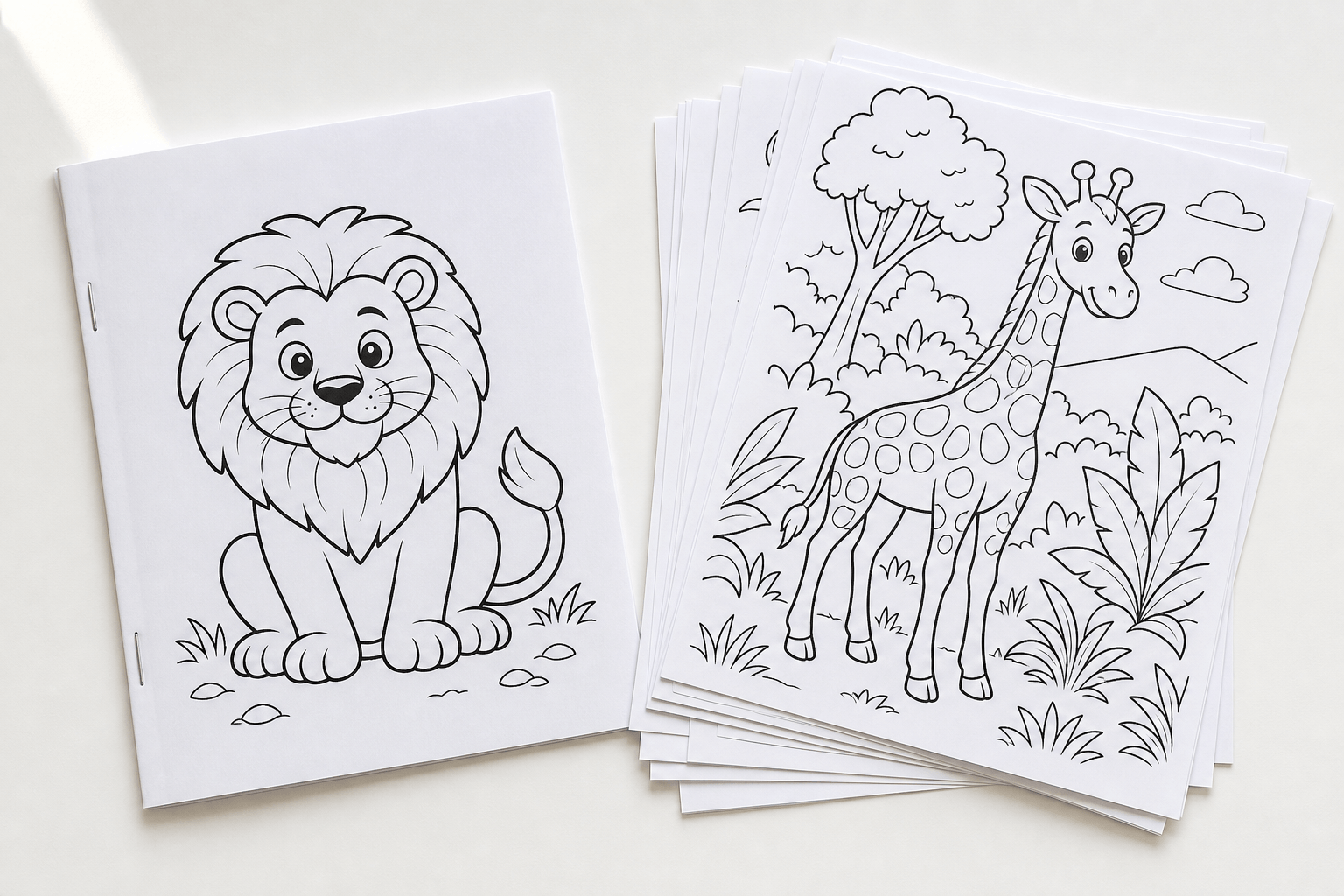
- At home: print single-sided — marker and gel pen bleed through, and double-sided printing ruins the page behind. Standard paper works with crayons and pencils; a heavier sheet (or cardstock cover) survives kids better. A long-reach stapler, a three-ring binder, or a report cover all make serviceable bindings.
- At a print shop: spiral or comb binding lets the book lie flat while coloring — worth it for adult books. Bring the PDF; ask for single-sided prints.
- Print on demand (KDP): you upload the PDF plus a cover, Amazon prints one copy per order, and no inventory exists. Minimum list prices apply because printing cost is deducted from your royalty.
Step 6: Selling options, honestly
This is where most guides oversell, so here is the current, source-checked picture (Amazon KDP help pages, accessed September 2026):
KDP paperback economics. Printing cost = fixed cost + (pages × per-page cost), and color interiors are the expensive category. On the US marketplace: premium-color paperbacks of 24–40 pages cost $3.60 to print (regular trim; $4.20 large trim); from 42 pages it's $1.00 plus $0.065 per page in premium color, or $1.00 plus $0.0255 per page in "standard color" (72–600 pages). Royalties are 50% or 60% of list price depending on marketplace and list price, minus printing cost. Worked example with those numbers: a 24-page premium-color regular-trim book listed at $12.99 that qualifies for the 60% rate earns about $4.19 per sale. KDP's own calculator shows the exact figures during setup — always check it before promising yourself anything.
The low-content trap. Blog folklore often files coloring books under "low-content books," but KDP's own help page says the opposite: low-content books are repetitive interiors filled in by the user (journals, planners, log books), and it explicitly lists coloring books under not generally low-content. Practically, that means you should plan for the standard publishing flow — including an ISBN, which KDP supplies free — and if you do tick the low-content box during setup, know that mis-categorized books can be rejected. One concrete layout rule from that page: KDP places a barcode in a 2 × 1.2 in white box in the lower-right of the back cover, so keep art and text out of that zone.
Rights before you sell. Selling means commercial use of the generated pages, and photos you upload should be ones you own or have permission to use — that includes not building a book around characters or properties you don't control. SketchTo's Pro plan includes a commercial license for generated images; the Basic plan is for personal use.
Alternatives worth considering. For gifts, classroom sets, or a first run of 20 copies, a local print shop is often cheaper per book than learning the KDP cover-and-margin workflow — and a digital PDF sold directly needs no printing at all. KDP's advantage is zero inventory and Amazon's shelf, not per-unit price.
FAQ
Can I make a coloring book from my own photos? Yes — upload each photo to the drawings-for-coloring tool, keep the same model and style across pages, and use photos you own. Close-up subjects with clear outlines (faces, pets, houses) convert best.
How many pages should a coloring book have? Whatever your theme supports: 12–20 works for home printing; KDP paperbacks start at 24 pages, which is a good default target if you might publish later.
What size should coloring pages be? US Letter (8.5 × 11 in) covers home printing and is a supported KDP trim; 6 × 9 in is KDP's most common paperback size if you want a smaller book.
Do I need an ISBN? For KDP paperbacks that aren't low-content — which coloring books generally aren't, per KDP — yes, and KDP assigns one free. You can also use your own ISBN if you have one.
Can I sell the pages I generate with AI? Commercial use on SketchTo requires the Pro plan, and you are responsible for the rights to uploaded photos and for avoiding third-party characters. KDP also applies its own content policies at review time.
The short version
Pick a theme, generate every page with the same model and style preset (photos for personal pages, one prompt pattern for themed ones), test-print before committing, assemble a full-size PDF with margins you've already checked, then choose your print route — home, print shop, or KDP with the real cost math. Start the set with the drawings-for-coloring tool, and your first book is an afternoon of generation plus one careful layout pass.
Transform Your Images with AI
Turn sketches into stunning images, remove backgrounds, swap faces, and more — all powered by AI.
Try Sketch To FreeShare
SketchTo Team
Tech writer covering AI tools, image processing, and creative workflows.
Related Articles

Qwen-Image-2.1 GGUF: Which Quant to Download and How to Run It in ComfyUI
All Qwen-Image-2.1 GGUF quants with real file sizes, which tier fits your VRAM, a working ComfyUI-GGUF setup, and the two errors everyone hits.
How to Make Your Own Funko Pop: 3 Real Routes and What They Cost
Official Funko customizer, handmade makers, or DIY — see real prices and lead times for a personalized Funko Pop, then preview your design free with AI before you pay.
How to Restore Old Photos With AI: Tested Prompts, Real Credit Costs
We restored a damaged old photo on SketchTo with three copy-paste AI prompts - repair, face-safe sharpening, optional colorization - and report real credit costs, before/after results, and honest limits.